
How to use the Bonus Credits
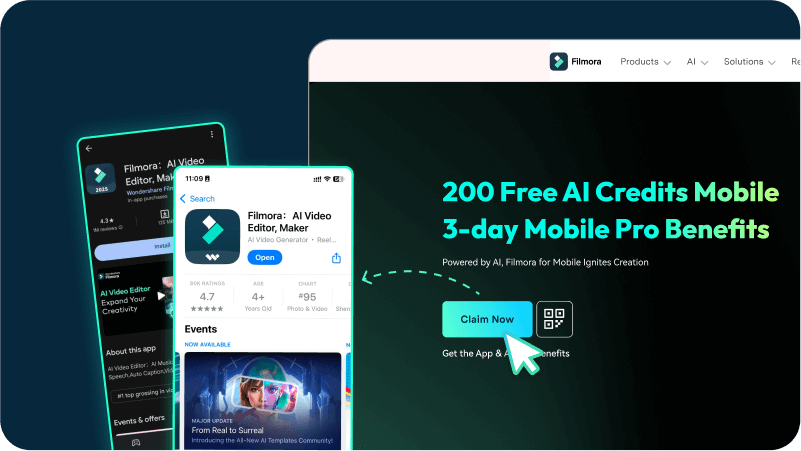
Scan or click the qr-code to download in App Store(Make sure you have got the credits)

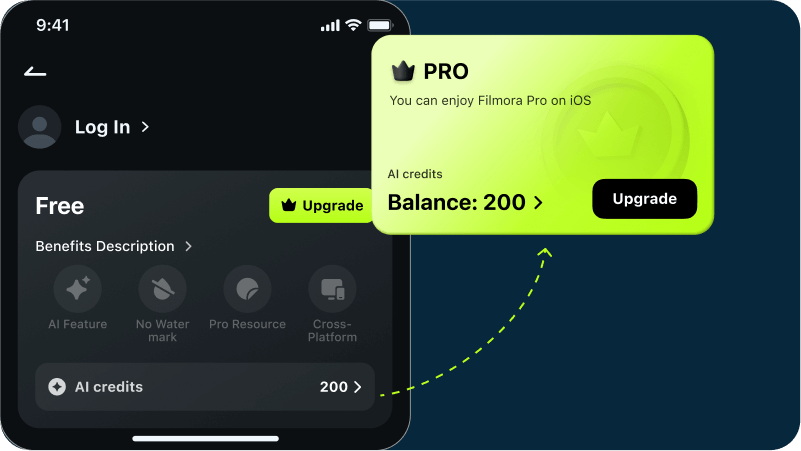
Log in your desktop account to check your Pro Benefits and AI credits(Mobile Only)
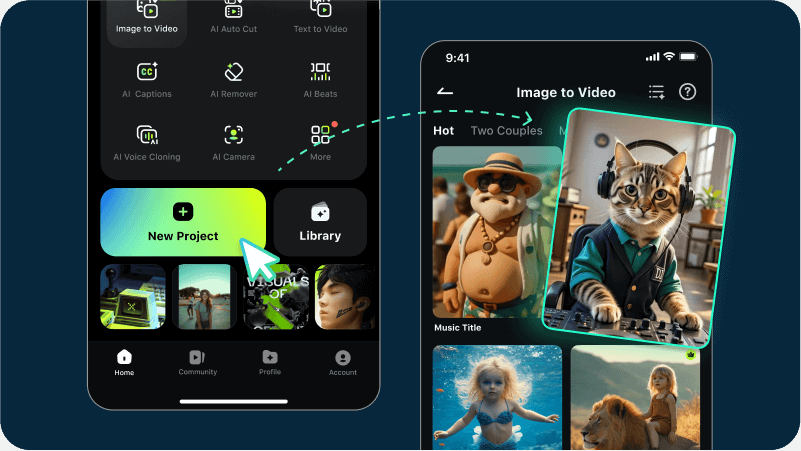
Try our AI templates to create amazing videos
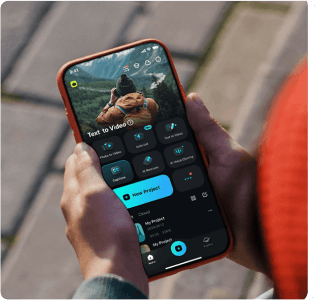
Finding more mobile editing possibilities
Trim your video with accuracy to remove unwanted portions easily.
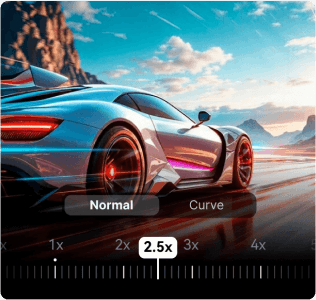
Speed up or slow down easily to make slow-motion or fast-forward videos.
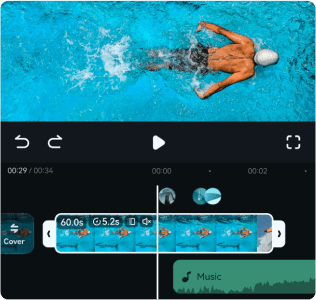
Modify your voice in real-time for hilarious gaming moments.
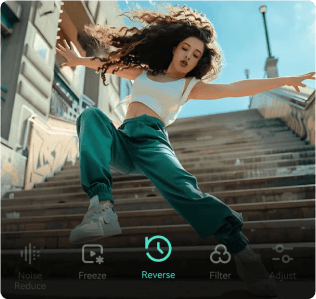
Reverse your clips in an instant for creative reverse playback.
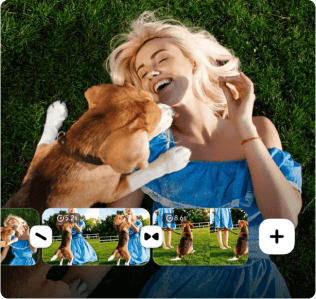
Flip your clips to any angle for perfect viewing orientation.
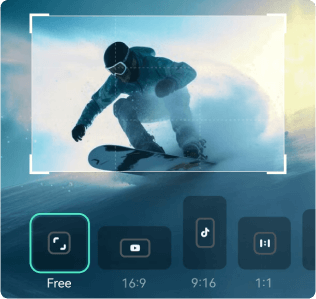
Brighten dark videos at once with exposure adjustment intelligence.
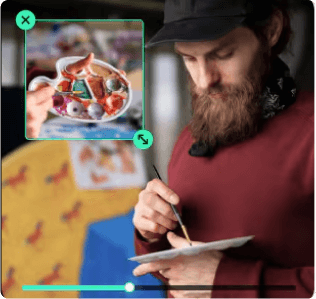
Easily create PIP videos, overlaying and customizing multiple clips on one screen for stunning results.
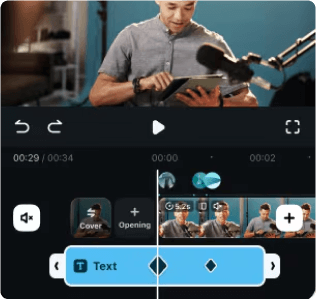
Using keyframes to precisely control position, scale, and opacity easily.
