
Filmora
Filmora - AI Video Editor
Edit Faster, Smarter and Easier!
OPEN

Filmora 16

Edit as an Expert with Filmora & AI.

Professional video editing made easier with AI.
Work faster, refine every detail, and stay in control.

Filmora awarded Best Video Editor across leading review platforms

rating icon
Shorty Awards
4.5 out of 5
rating icon
G2 Crowd
4.5 out of 5
rating icon
Get App
4.5 out of 5
rating icon
SoftwareHow
4.5 out of 5
rating icon
Capterra
4.5 out of 5
rating icon
Shorty Awards
4.5 out of 5
rating icon
G2 Crowd
4.5 out of 5
rating icon
Get App
4.5 out of 5
rating icon
SoftwareHow
4.5 out of 5
rating icon
Capterra
4.5 out of 5

From Footage to Final.
One Connected Workflow.

Organize your footage, shape the cut, refine picture and sound, add motion and creative detail,
then deliver the final video—all in one connected workflow.

Start & Organize

Know Your Footage Before You Cut.

Record or import your footage, then use AI Media Analysis to understand, organize,
and find the shots you need before editing begins.
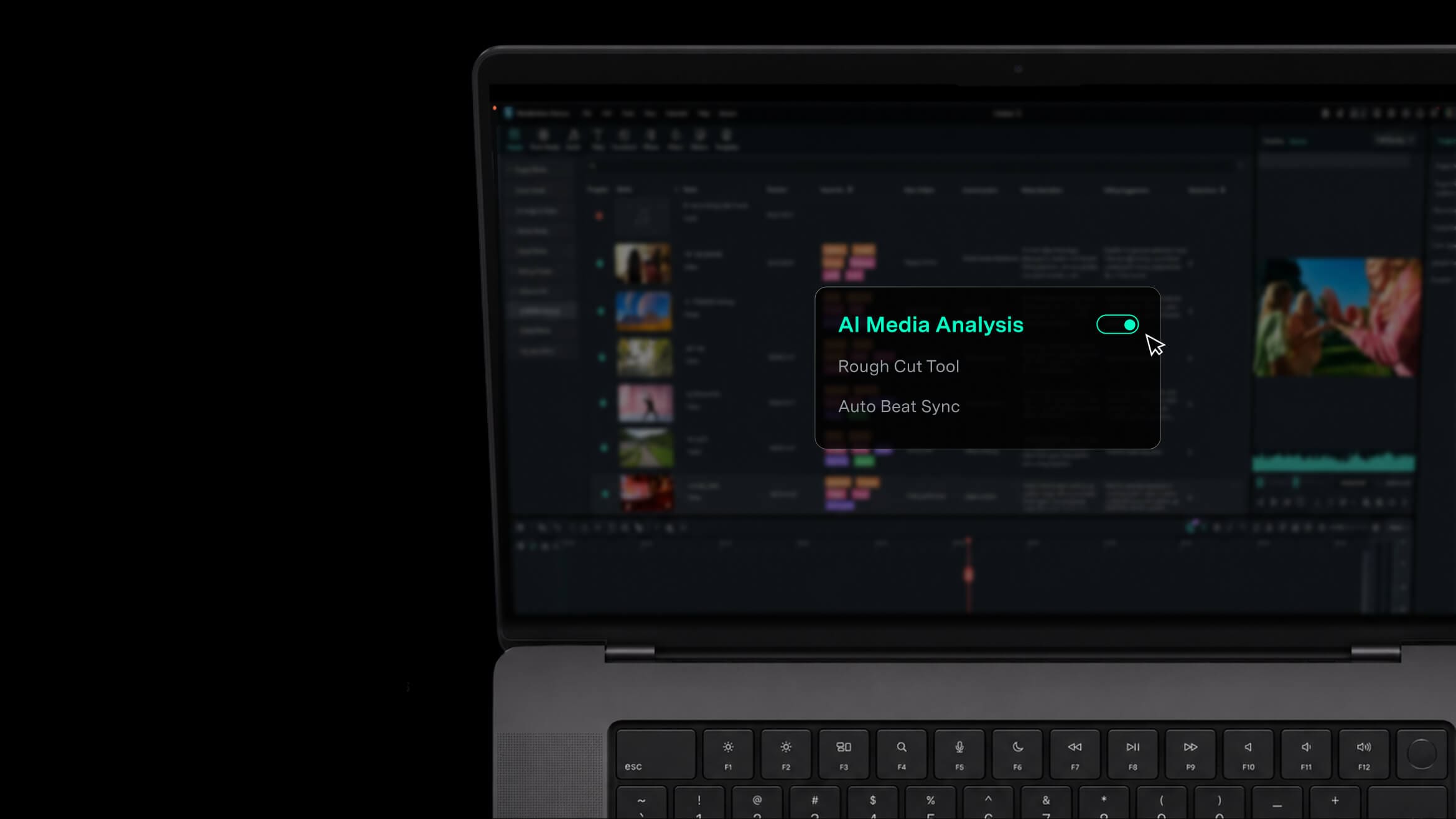
Filmora AI Video Analysis
AI MEDIA ANALYSIS NEW

Understand Your Footage. Find the Right Shot Faster.

AI Media Analysis identifies people, scenes, actions, speech, and key moments—then generates tags, summaries, and edit suggestions so you can find the right shots faster.

AI MEDIA ANALYSIS
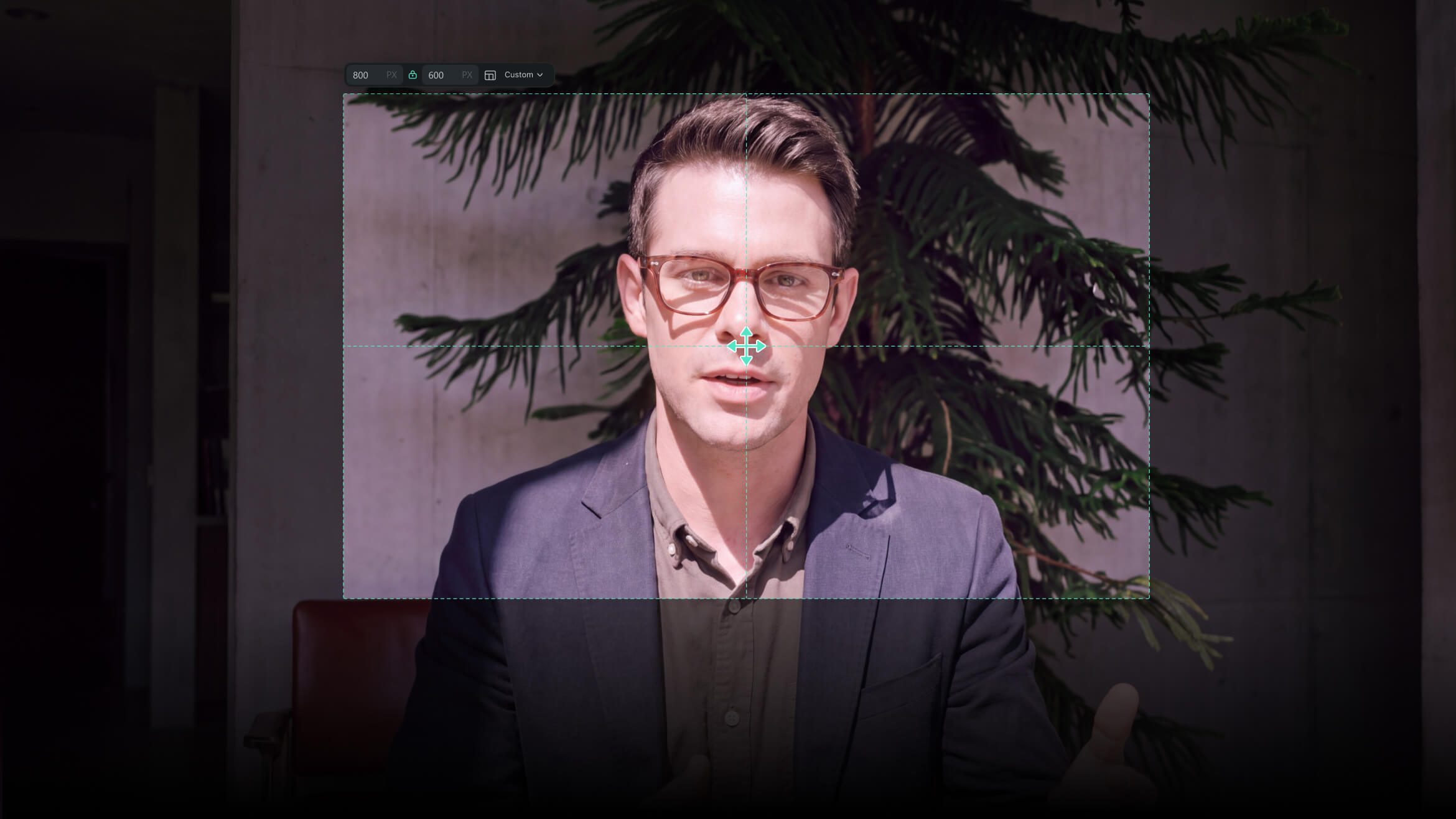
Filmora Screen Recorder
SCREEN RECORDER

Record Together. Edit Separately.

Capture your screen, camera, microphones, and system audio at the same time, with each source kept available for independent editing in Filmora.

SCREEN RECORDER
Cut & Edit

Shape the Story. Control Every Cut.

Filmora’s timeline editor brings fast rough-cut tools and precise motion controls into one workspace.
Build the story quickly, then fine-tune timing, movement, tracking, and more complex edits.

ROUGH CUT

Get to the Right Cut, Faster.

Remove pauses, edit from text, trim clips, and keep your timeline organized as you shape a cleaner first cut.

ADVANCED EDIT

Edit in Motion. Refine Every Detail.

Refine motion with keyframes and curves, track subjects with Camera Tracking, work across dual timelines, and draw custom motion paths with Pen Tool.

PICTURE CLEANUP & ENHANCEMENT

Fix Imperfect Footage
Without Leaving the Edit.

Enhance clarity, improve lighting, remove unwanted distractions, reduce shake, and
clean up noisy footage — all inside your editing workflow.

COLOR CORRECTION & GRADING

Start Fast.
Refine Exactly Where It Matters.

Start with fast color correction, then use Color Mask to refine faces, skies, backgrounds, and other areas with HSL, curves, and color wheels.

Refine Color & Picture

Polish Every Frame.

Move from quick color correction to precise grading, then enhance
footage in the same workspace.

PICTURE CLEANUP & ENHANCEMENT

Fix Imperfect Footage Without Leaving the Edit.

Enhance clarity, stabilize shaky shots, reduce noise, adjust lighting, and remove unwanted distractions as you refine the edit.

COLOR CORRECTION & GRADING

Start Fast. Refine Exactly Where It Matters.

Start with quick color correction, then use Color Mask to target faces, skies, backgrounds, and other areas with HSL, curves, and color wheels.

Sound & Captions

Make Every Word Clear.

Create voiceovers, clean and balance sound, then turn speech into captions
you can review, organize, and style.

VOICE & AUDIO

Create Clear Voiceovers. Keep the Mix in Your Hands.

Generate voiceovers from text, enhance speech clarity, reduce background noise, and balance your mix
with more control—all in one place.

SUBTITLE GENERATOR

From Speech to Polished Captions.

Transcribe dialogue, review suggested corrections, manage captions on dedicated subtitle tracks,
and apply dynamic caption styles with less manual cleanup.

VOICE & AUDIO
SUBTITLE GENERATOR
Create Beyond the Cut

Create What the Footage Can't.

Build motion, composite new looks, reframe immersive footage, generate or extend shots
as part of the same edit.

Filmora Timeline Video Editor
MOTION & COMPOSITING

Build More Into Every Frame.

Layer, mask, composite, and animate with more control to create richer visuals directly on the timeline.
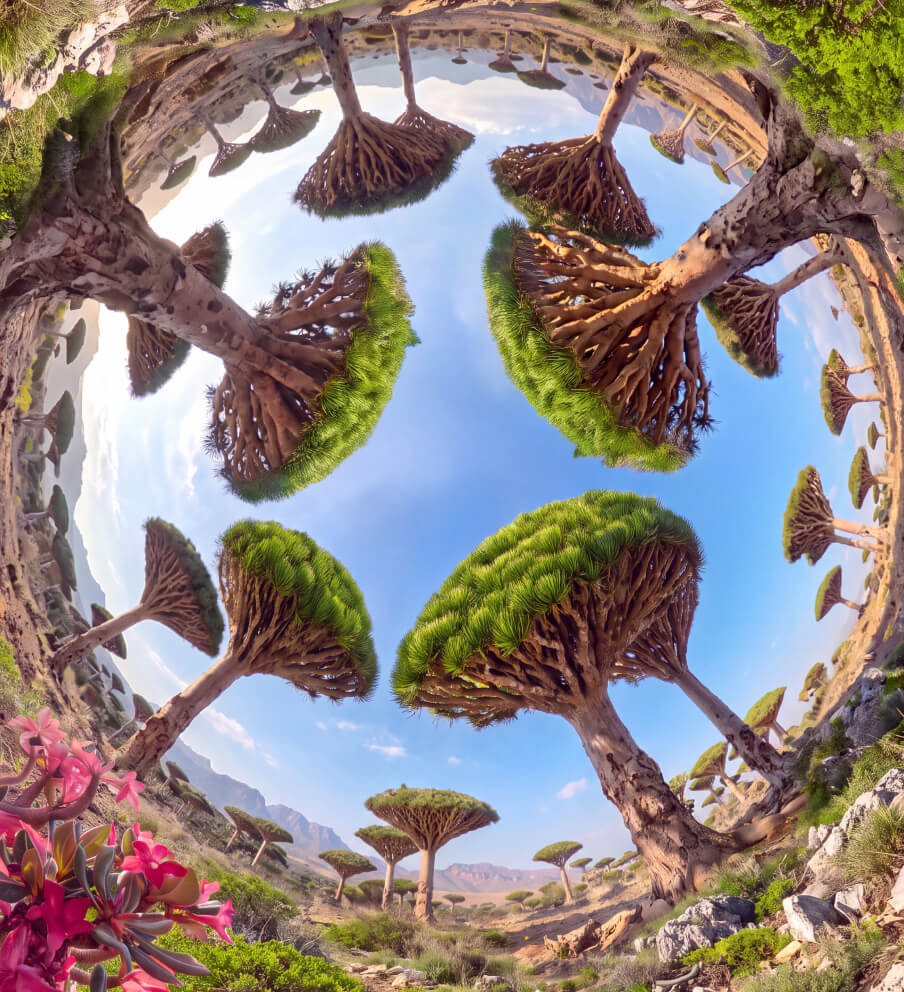
Filmora 360 Video Editor
360° VIDEO REFRAMING NEW

Shoot Everything. Frame It Later.

Reframe 360° footage, choose the viewing angle, and animate perspective with keyframes and motion presets.
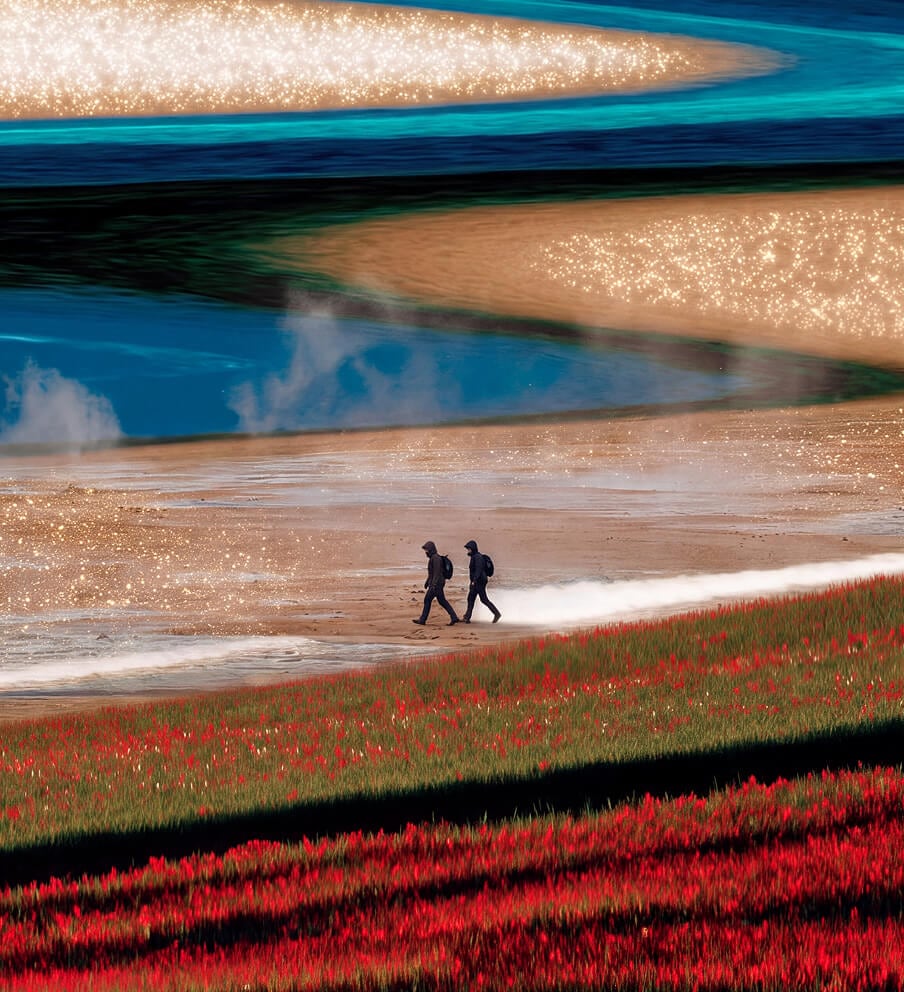
Filmora AI Video Editor
AI CREATION

Create the Shot You Don't Have.

Generate video from text, images, or audio, extend clips with AI Extend, and refine the results on the timeline.

Deliver & Connect

Finish and Deliver Faster.

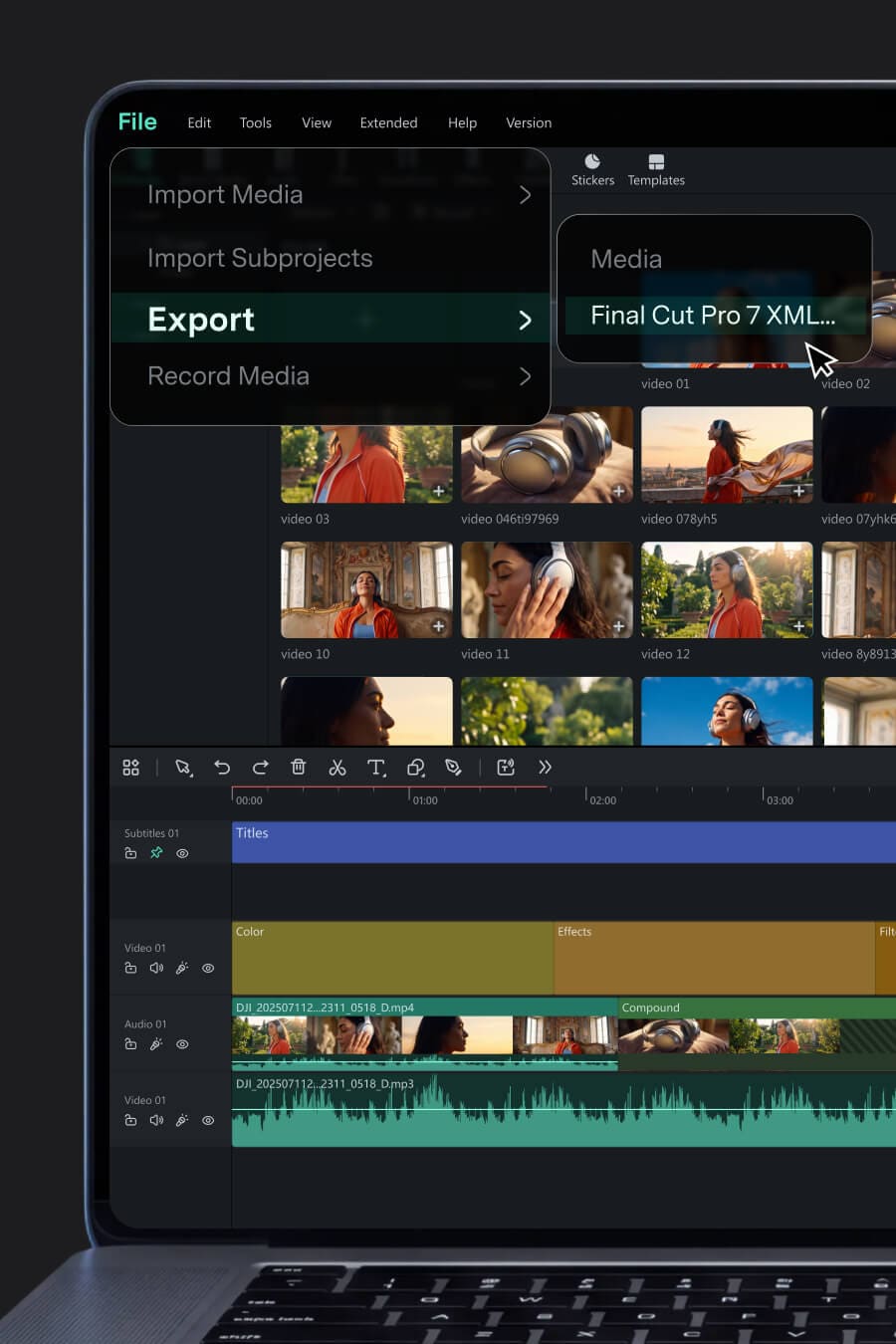
Adapt your edit for different formats and audiences, export multiple versions, and hand off projects
when they need to move into another editing environment.
MULTI-VERSION DELIVERY

One Edit. More Versions. Less Rework.

Reframe for different aspect ratios, translate for new audiences, and export different versions to multiple destinations at once—all from the same project.

Filmora Editing Workflow
CONNECTED WORKFLOW

Keep the Timeline Moving.

Import supported XML timelines into Filmora, or export your timeline as Final Cut Pro 7 XML when the project needs to continue in another editor.

Creative Assets
Find the Look. Make It Yours.

Explore video templates, video effects, titles, video transitions, music, stock media, filters, stickers, and plugins — ready to bring more style and variety to your videos.

Explore 2.9M+ Creative Assets >

Powered by Premium Content Partners

Filmora Creative Assets Partners
Made for Modern Creators

Built for the Way You Create.

From social content and brand videos to tutorials, training,
and AI-assisted stories, Filmora gives you one place to create, refine, and deliver.

Video Editor for YouTube Video Editor for YouTube

YouTube & Social

Create More. Keep Your Style.
Edit weekly videos, gameplay highlights, shorts, and social content without slowing down your creative rhythm.

YouTube & Social
Business Video Editor Business Video Editor

Business & Marketing

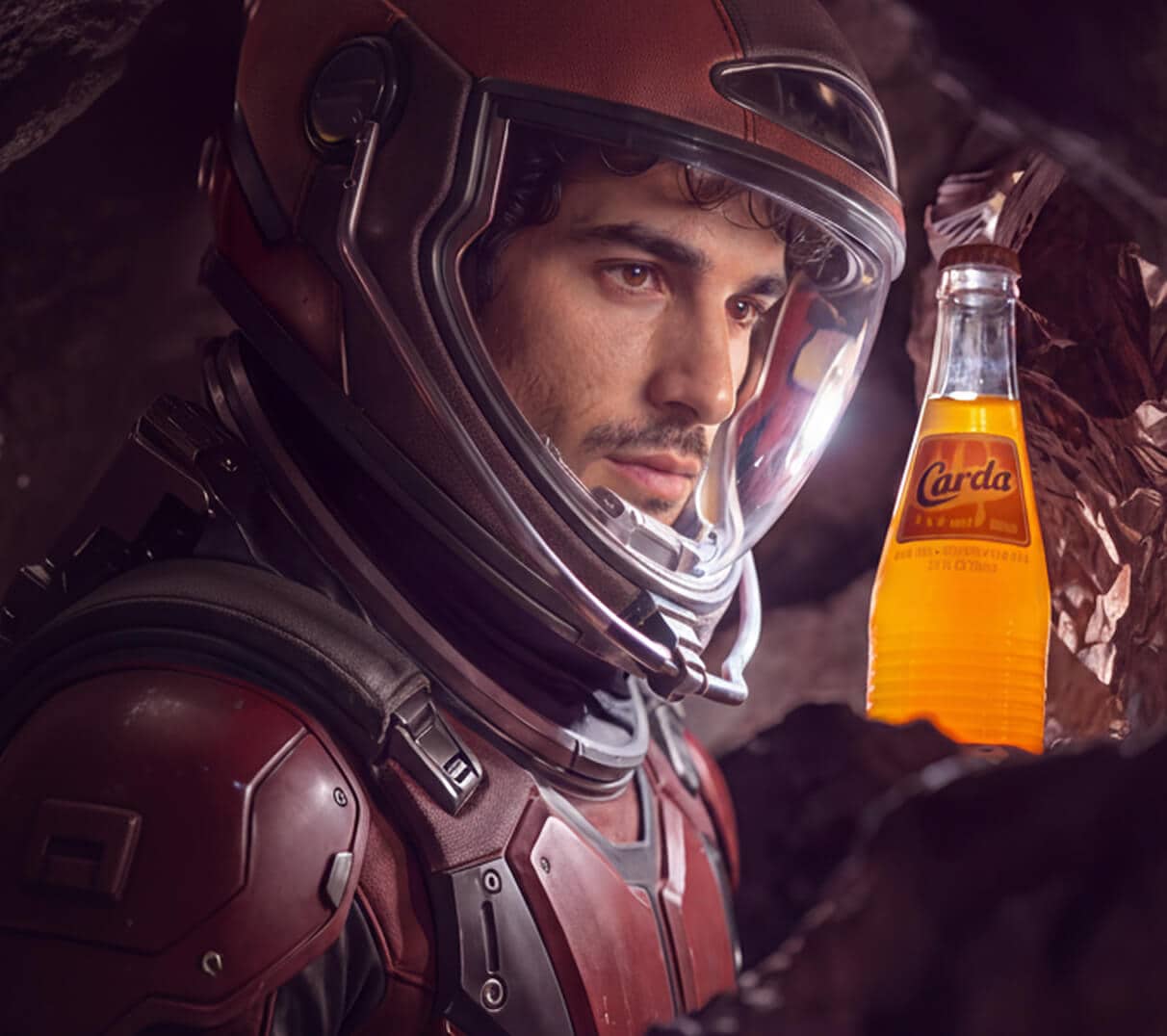
Make Every Brand Story Look Polished.
Create product videos, campaigns, presentations, and social content with less production overhead.

Business & Marketing
Education Video Editor Education Video Editor

Education & Training

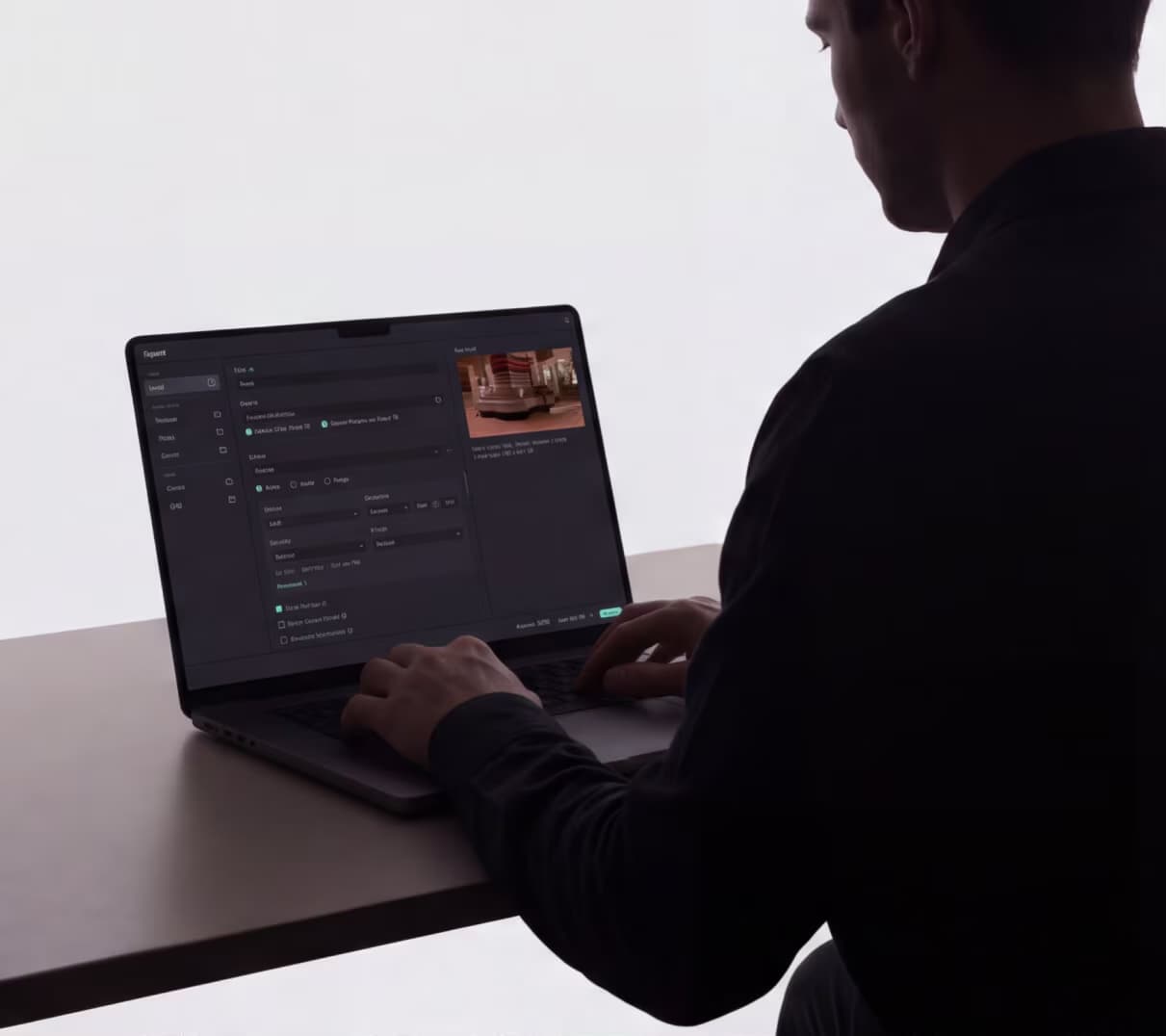
Explain More Clearly.
Record tutorials, build course content, and create training videos that are easy to follow and ready to share.

Education & Training

AI Video Creation AI Video Creation

AI Creation

Generate the Idea. Finish the Story.
Turn AI-generated ideas and media into videos you can keep shaping, refining, and publishing in Filmora.

AI Creation

Hear From Creators
Who Use Filmora.

See why creators and professionals choose Filmora for their video
editing and production workflows.

I really like how intuitive and beginner-friendly Wondershare Filmora is. The interface is clean, easy to navigate, and makes editing videos simple, even for those without prior experience. At the same time, it offers a wide range of advanced tools, effects, and templates that allow you to create professional-looking videos quickly. I also appreciate the frequent updates and the built-in library of music, transitions, and animations.
video editor for director
Victoria H.
UI/UX Designer
comment g2 icon
video editor for director
Kevin Stratvert
3.96M subscribers
comment youtube icon
Filmora is impressively packed with everything a video editor could need, and the best part is, you don't have to be a professional to use it. The interface is intuitive, and the tools are surprisingly powerful. One feature I especially love is the Beautify Face tool; I haven't seen anything like it in other programs. It delivers a polished, natural look in just a few clicks. The video enhancement feature also makes a noticeable difference in improving footage quality. It's a game-changer for my work. Highly recommended for creators who want professional results without a steep learning curve!
video editor for director
Esti B.
Children's Book Author
comment g2 icon
video editor for director
New to Edit
147K Subscribers
comment youtube icon
What I love most about Filmora is its perfect balance of professional power and ease of use. You don't need to be an editor to create studio-quality videos. The interface is clear, smooth, and intuitive, while the visual and audio effects are top-notch. I especially enjoy the drag-and-drop functionality, the variety of templates, transitions, and text effects, as well as automatic audio synchronization and seamless multi-layer editing. On top of that, the creative resource library, including music, stickers, and overlays, is an absolute treasure.
video editor for director
Manu O.
Communications Advisor
comment g2 icon
video editor for director
Salih Tutorials
40K Subscribers
comment youtube icon
Wondershare Filmora is incredibly easy to use, even for beginners. Its intuitive drag-and-drop interface, combined with a wide range of pre-built templates, transitions, and effects, makes video editing both smooth and efficient. I especially appreciate the extensive built-in library of music tracks and animated text effects, which not only saves time but also allows me to create professional-looking videos effortlessly. With Filmora, even complex editing tasks feel manageable, making it the perfect tool for creators who want high-quality results without a steep learning curve.
video editor for director
Kanhaiya Kumar B.
Content Creator
comment g2 icon
I really like how intuitive and beginner-friendly Wondershare Filmora is. The interface is clean, easy to navigate, and makes editing videos simple, even for those without prior experience. At the same time, it offers a wide range of advanced tools, effects, and templates that allow you to create professional-looking videos quickly. I also appreciate the frequent updates and the built-in library of music, transitions, and animations.
video editor for director
Victoria H.
UI/UX Designer
comment g2 icon
video editor for director
Kevin Stratvert
3.96M Subscribers
comment youtube icon
Filmora is impressively packed with everything a video editor could need, and the best part is, you don't have to be a professional to use it. The interface is intuitive, and the tools are surprisingly powerful. One feature I especially love is the Beautify Face tool; I haven't seen anything like it in other programs. It delivers a polished, natural look in just a few clicks. The video enhancement feature also makes a noticeable difference in improving footage quality. It's a game-changer for my work. Highly recommended for creators who want professional results without a steep learning curve!
video editor for director
Esti B.
Children's Book Author
comment g2 icon
video editor for director
New to Edit
147K Subscribers
comment youtube icon
What I love most about Filmora is its perfect balance of professional power and ease of use. You don't need to be an editor to create studio-quality videos. The interface is clear, smooth, and intuitive, while the visual and audio effects are top-notch. I especially enjoy the drag-and-drop functionality, the variety of templates, transitions, and text effects, as well as automatic audio synchronization and seamless multi-layer editing. On top of that, the creative resource library, including music, stickers, and overlays, is an absolute treasure.
video editor for director
Manu O.
Communications Advisor
comment g2 icon
video editor for director
Salih Tutorials
40K Subscribers
comment youtube icon
Wondershare Filmora is incredibly easy to use, even for beginners. Its intuitive drag-and-drop interface, combined with a wide range of pre-built templates, transitions, and effects, makes video editing both smooth and efficient. I especially appreciate the extensive built-in library of music tracks and animated text effects, which not only saves time but also allows me to create professional-looking videos effortlessly. With Filmora, even complex editing tasks feel manageable, making it the perfect tool for creators who want high-quality results without a steep learning curve.
video editor for director
Kanhaiya Kumar B.
Content Creator
comment g2 icon

Have Any Questions?

Wondershare Filmora is an AI-powered video editor and professional video editing software for creators who want a faster path from idea or footage to finished video. Filmora 16 combines timeline editing, AI video analysis, color grading, captions, audio tools, recording, AI generation, creative assets, and export in one desktop workflow.
Filmora editing software can be used to cut and trim footage, edit on a multi-track timeline, use camera tracking, grade color, clean audio, generate and style captions, create AI video from text or images, add effects and motion, record content, and export for different formats and platforms.
You can download Filmora for Windows or macOS directly from this page. You can try Filmora's editing tools for free; videos exported from the free version include a Filmora watermark. Paid plans remove the watermark.
Yes. Filmora AI video editing includes AI video analysis, text-based editing, caption generation, voice and picture enhancement, generative video tools, AI Extend, and other AI-assisted workflows that stay connected to the timeline.
Yes. Filmora is designed to make professional editing tools easier to use, with AI-assisted workflows, templates, guided controls, and a timeline that supports deeper editing as your skills grow.
Yes. Filmora desktop is available for Windows and macOS. Filmora apps are also available for iOS, iPadOS, and Android.
Millions of creators choose Filmora as their go-to video editor. It's not only easy to use but also offers over 2.9 million built-in stock media assets and a wide range of professional-level video effects to elevate your content.

Filmora provides a full suite of features designed for both professionals and enthusiasts. With custom templates, AI-powered automation, and one-click drag-and-drop editing, users can enjoy effortless editing solutions while creating stunning videos.

From organizing footage and refining picture and sound to adding creative elements and delivering the final video, Filmora brings the complete editing workflow together while keeping you in control of the result.
Yes. You can download and use Filmora for free to explore its editing tools and create your videos. Videos exported from the free version include a Filmora watermark. Upgrade to a paid plan to export without the watermark.
Filmora is available on Windows, macOS, Android, iOS, and iPadOS. For detailed system requirements and device compatibility, please check Filmora's Tech Specs.
The commercial usability of resources in Filmora falls into two categories: AI-generated and non-AI-generated. AI-generated resources labeled "Commercially available," such as AI Music, are suitable for commercial use. However, resources like AI image, stickers, text to video, and AI-generated sound effects are for non-commercial use due to uncertainties in the commercial status of their training materials.

Regarding non-AI resources, those labeled "commercially available" in Filmora (music, sound effects, transitions, effects, filters, stickers) are permissible for commercial purposes.

Yes, Filmora has an option to export videos directly to YouTube with an integrated "YouTube Upload" mode that compresses videos according to YouTube's recommended settings. Moreover, the Social Video Planner lets you schedule your video in advance, enabling consistent, timely distribution without needing to be online at the time of posting.
Filmora supports a variety of formats, including MP4, MOV, AVI, MKV, MPEG, and more. You can also export in specific formats optimized for social media platforms like YouTube, Vimeo, and TikTok.
