

AI Product Video Maker & Product Demo Video Maker
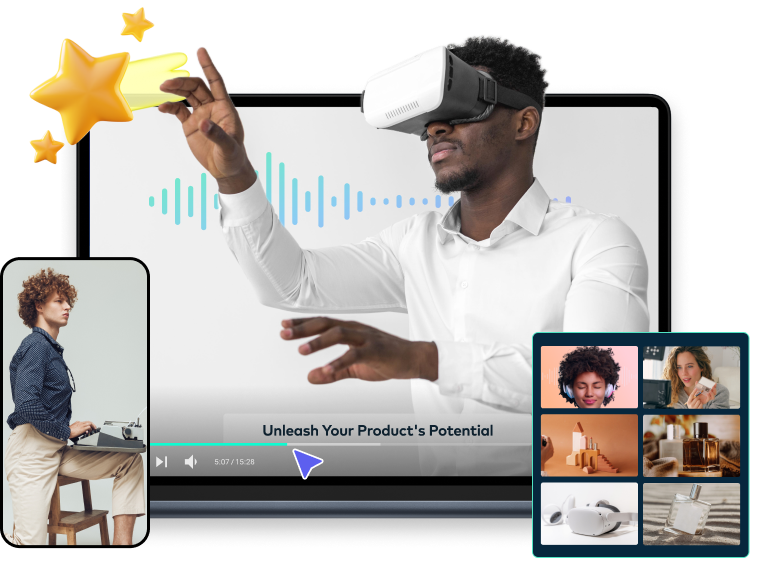
Create product promos and demos in minutes with Filmora—an AI-assisted product video generator with ready-made templates, smart editing tools, and one-click export for social, e-commerce, and sales.

G2 Crowd
2024 Summer Leader

Shorty Awards
Best in Photo and Video

GetApp
Video Editing Leaders
How to Create Product Videos with Filmora
Unlike pure text-to-video tools, Filmora gives you full creative control—use it as an AI product video maker for fast promos or a product demo video maker for feature walkthroughs, with templates, timeline editing, and brand customization built in.

Make a Product Video in 4 Simple Steps
Go from product photos or screen recordings to a publish-ready video—no studio, no agency. Pick a template, customize with AI, and export in minutes.
1. Import or Choose a Template
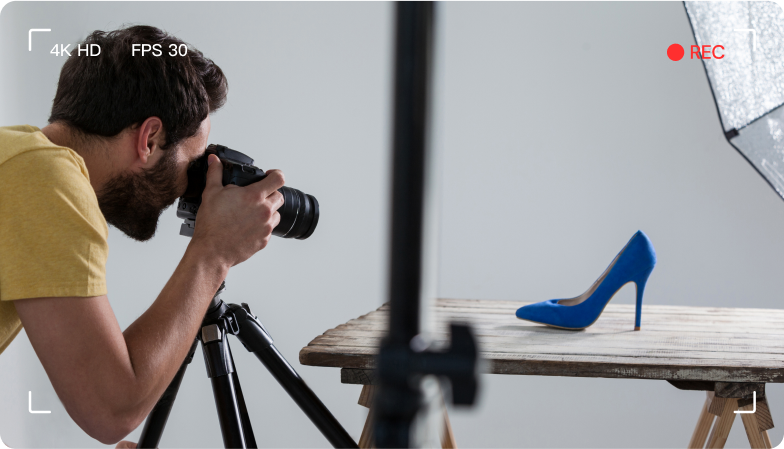
Upload product photos, clips, or screen recordings—or start from an industry-ready product video template for electronics, fashion, food, and more.
2. Customize with AI Tools
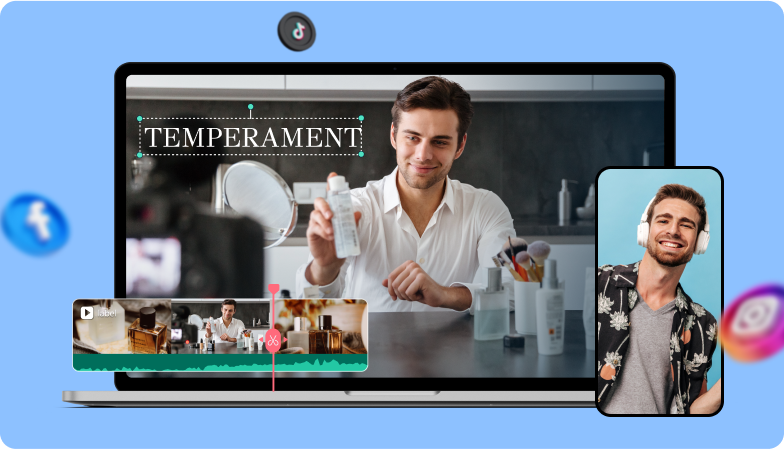
Apply smart transitions, motion effects, and auto-editing features. Turn static product shots into dynamic promos in just a few clicks.
3. Add Voiceover & Music
Record narration or use AI text-to-speech for product demo walkthroughs. Layer royalty-free music to match your brand tone.
4. Export for Every Channel
Export in 9:16, 1:1, or 16:9 for TikTok, Instagram, YouTube, and e-commerce listings—one project, every platform.
Why Filmora Matters
Easy Video Editing
Whether you're building promos with an AI product video maker or detailed tutorials with a product demo video maker, Filmora makes video editing effortless. The intuitive interface and easy-to-use editing tools turn video production into a smooth, enjoyable workflow.

Drag-and-Drop Interface
Filmora's user-friendly interface allows you to effortlessly arrange and edit your product video clips, saving time and effort in the editing process.

Trim and Split
Precisely trim and split video clips to showcase the best angles and highlight essential product features in your videos.
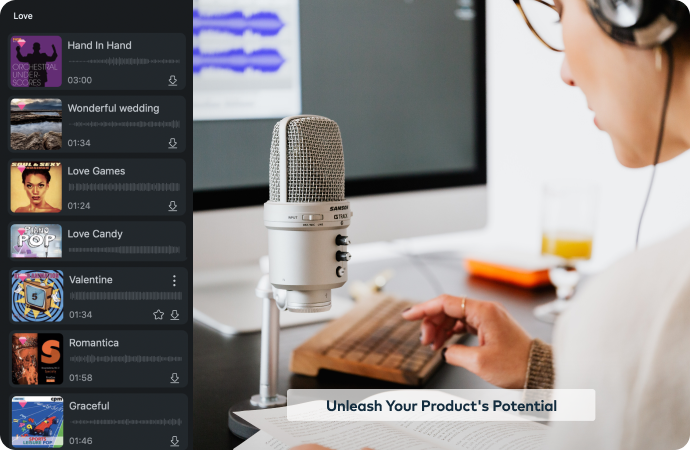
Audio Enhancement
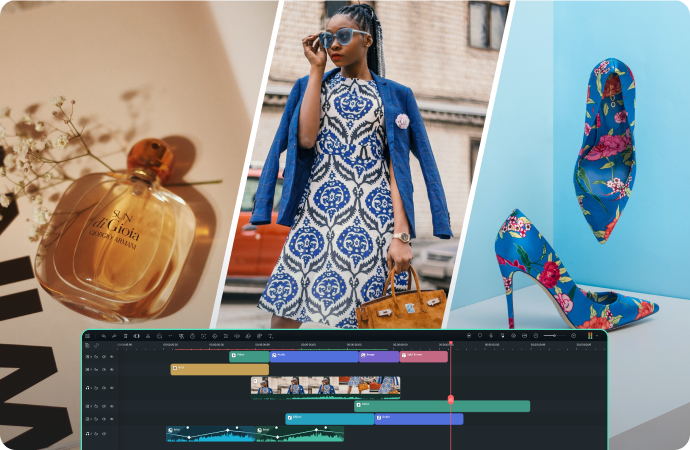
Filmora offers vast library of sound effects, precise audio editing tools, and options for adding voiceovers and background music.

Background Music Library
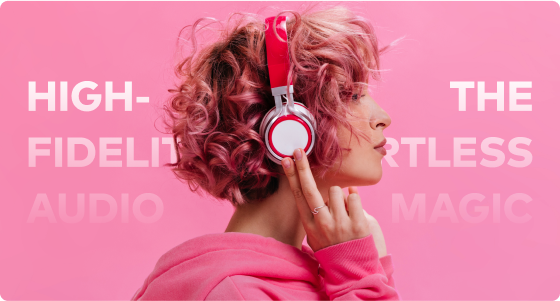
Access Filmora's extensive library of royalty-free music to find the perfect soundtrack that complements your product video and enhances the overall viewing experience.

Record and add professional voiceovers to your product videos, providing detailed explanations and building trust with your potential customers.
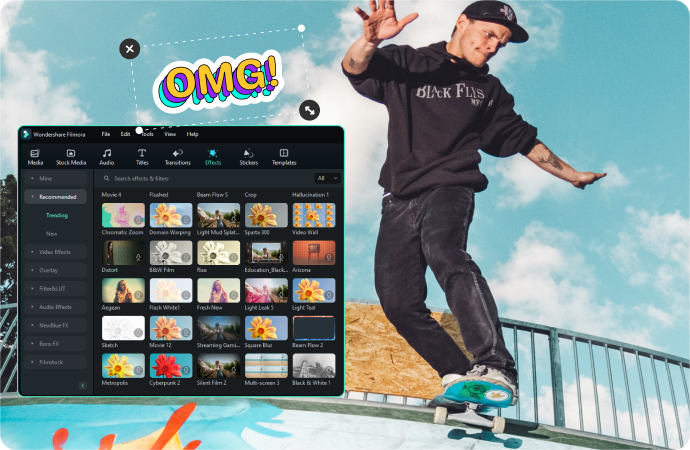
Dynamic Visual Effects
Elevate your product videos with seamless transitions, artistic filters and animated elements to create visually engaging content.

Transitions and Filters
Filmora offers a wide array of transitions and filters to create seamless sequences that keep your audience engaged.

Motion Elements
Add animated elements and graphics to your videos, making your product presentations more dynamic and captivating.
Branding and Customization
Personalize your product videos with custom motion graphics and color grading to maintain a consistent and professional brand identity.

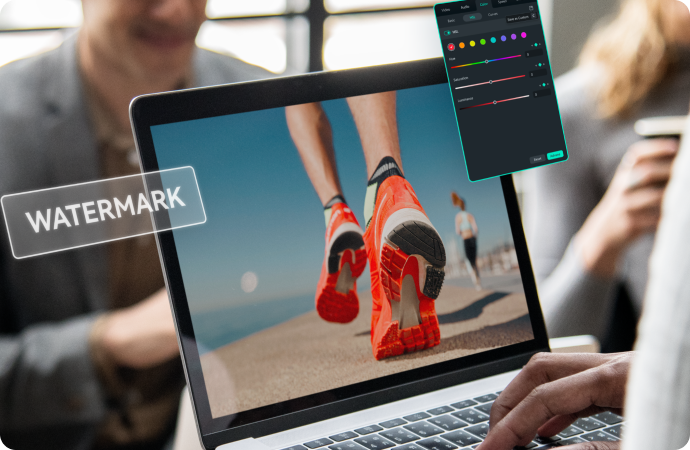
Logo and Watermark
Easily brand your product videos by adding your company logo and watermark, reinforcing your brand identity and professionalism.

Color Correction
Fine-tune the colors of your product videos to match your brand aesthetics, ensuring a cohesive and polished look throughout your marketing materials.
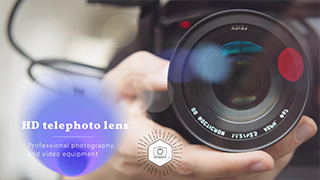
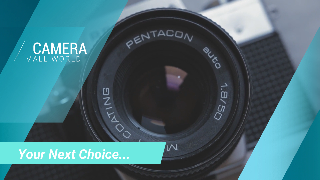
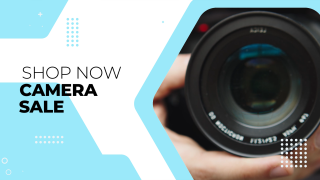
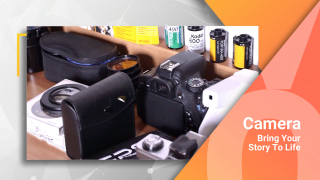
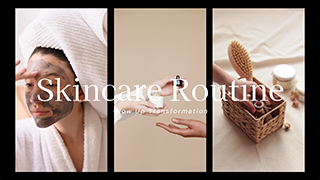
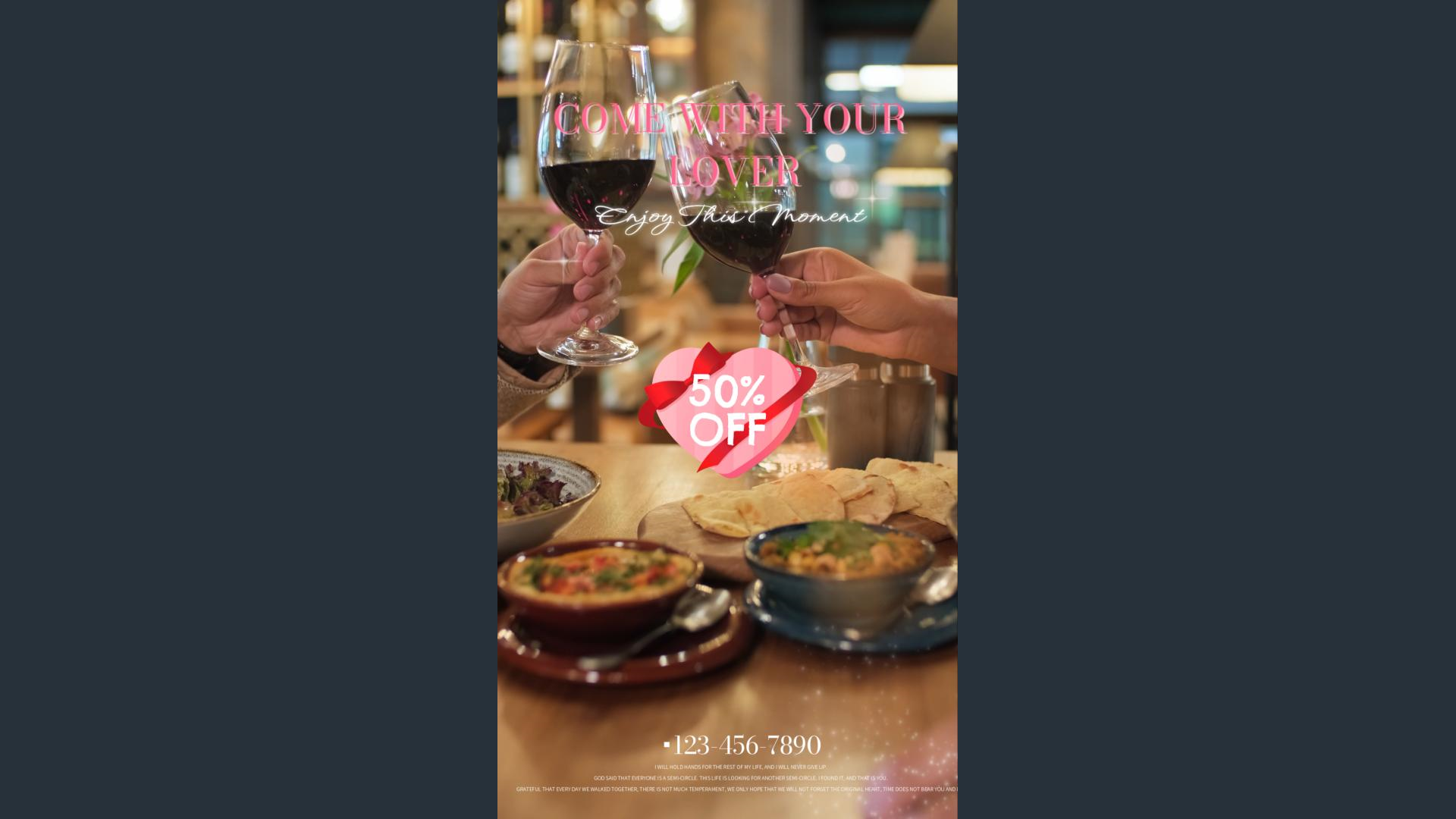
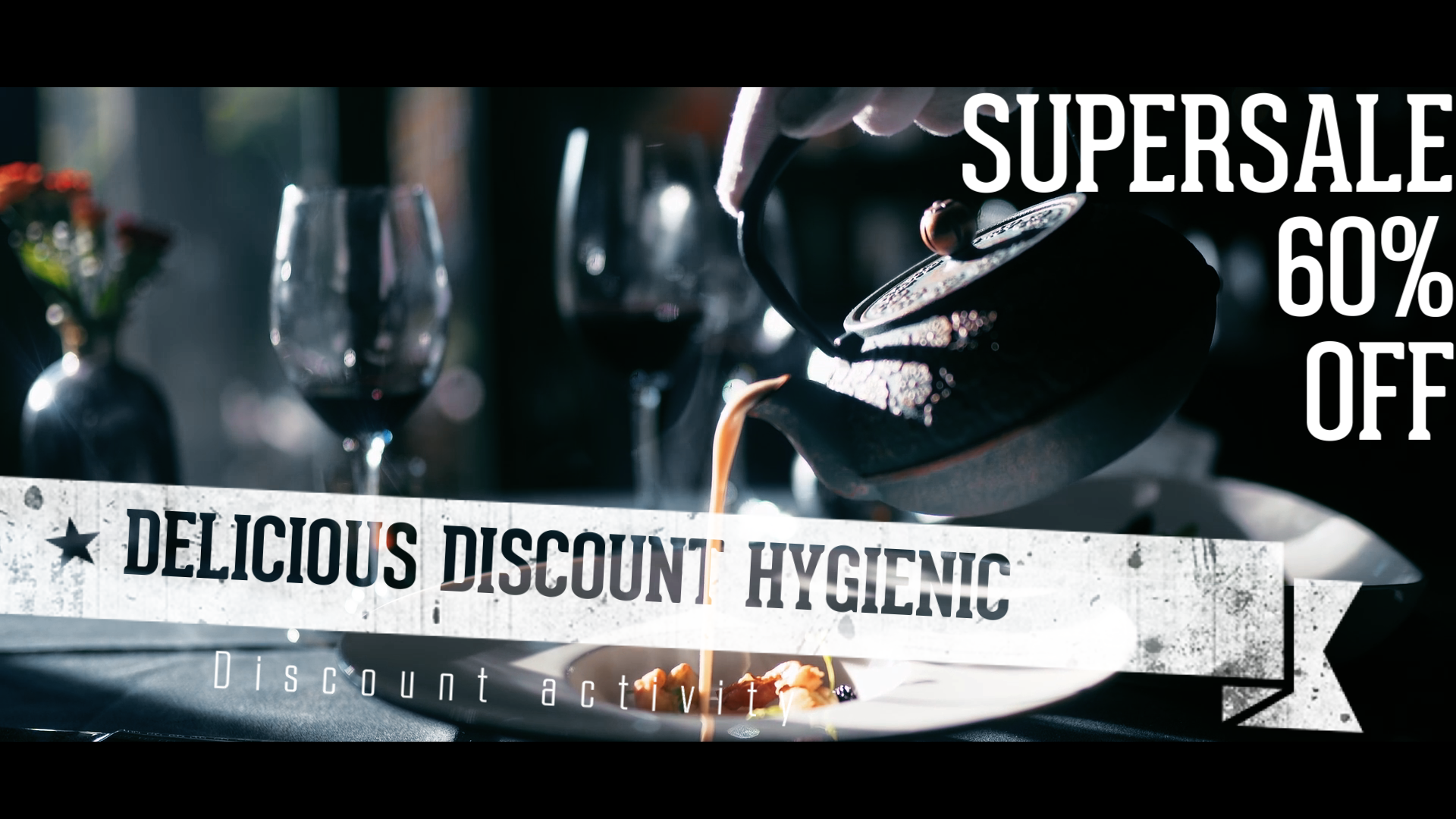
Product Video Templates for Every Industry
Whether you're launching a promo or a step-by-step demo, these templates help you work faster and ship professional-quality product videos.
Explore our collection and take your product video editing to the next level!












Advantages
Visually Stunning Product Videos
With Filmora's extensive visual effects library and AI-assisted editing, you can craft product videos that showcase your products in the best possible light.
Save Time and Effort in Video Editing
Filmora's user-friendly interface allows you to focus more on creating compelling content and less on technical complexities, saving time and effort.
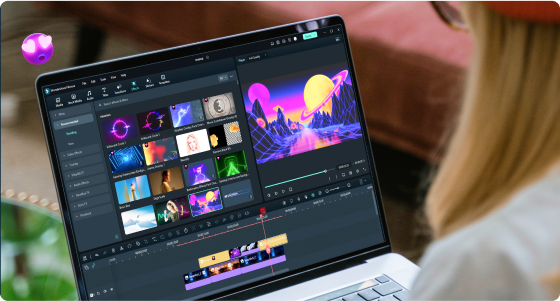
Enhance Brand Appeal and Professionalism
You can utilize Filmora's audio enhancement tools to elevate your brand's appeal and deliver a polished and professional message to your audience.
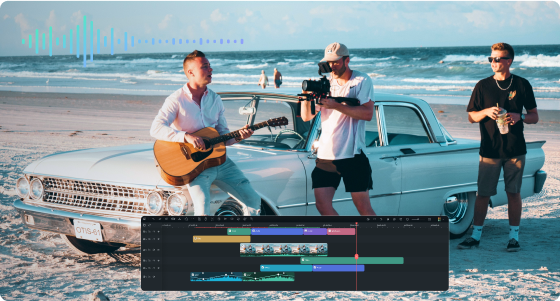
Benefits
Amplify Brand Presence
With Filmora's eye-catching transitions, filters, overlays, and animations, your videos will captivate audiences, strengthening brand recognition and engagement.
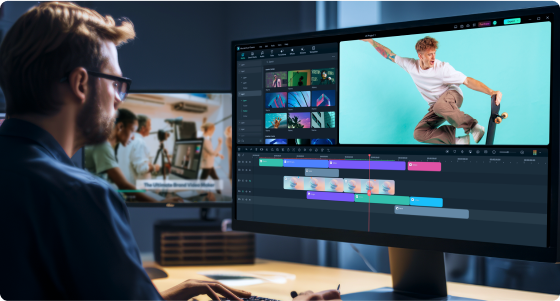
Accelerate Marketing Campaigns
Empower your marketing team with Filmora's intuitive interface. By streamlining the editing process, you can accelerate your marketing campaigns and seize new opportunities quickly.

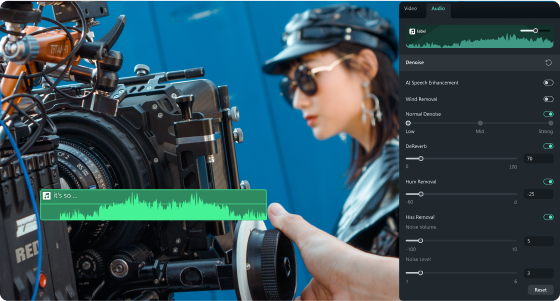
Establish a Distinctive Brand Voice
Utilize Filmora's powerful audio enhancement tools to incorporate custom sound effects, background music, and voiceovers to create a memorable audio identity.
How to Make Product Videos on YouTube with Filmora
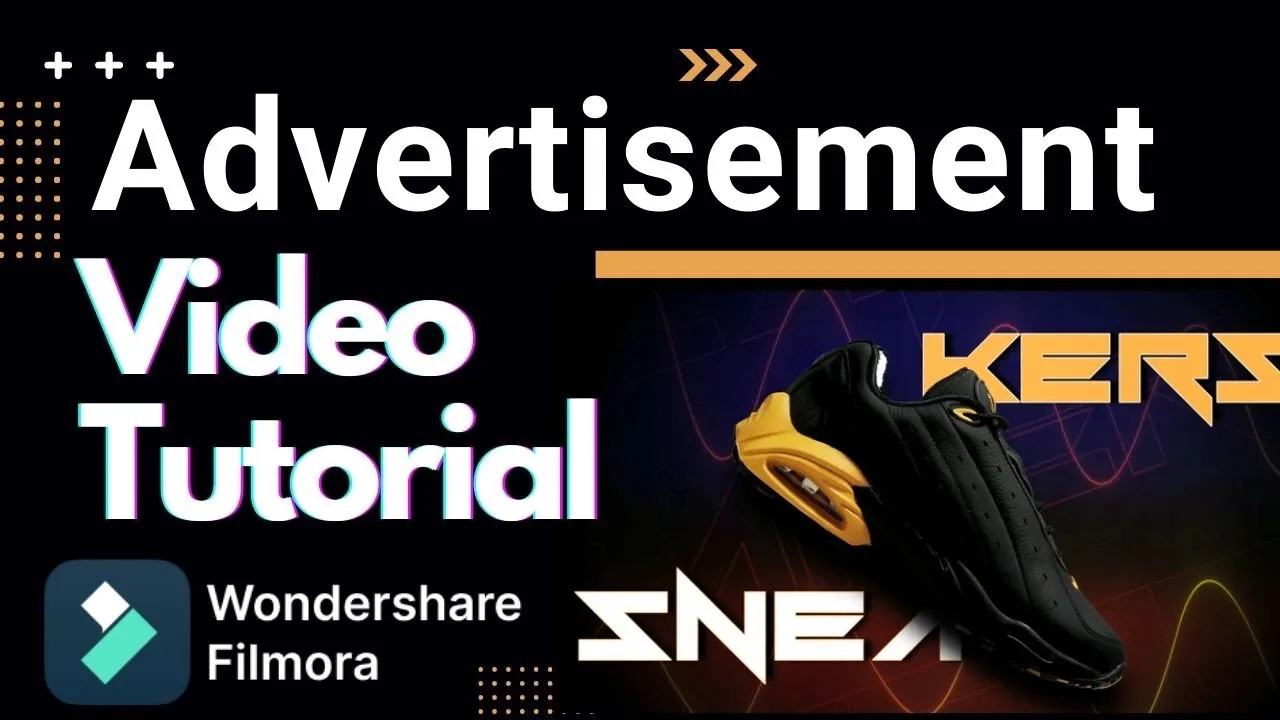
Advertisement Video Editing in Filmora

3D Motion Poster Tutorial
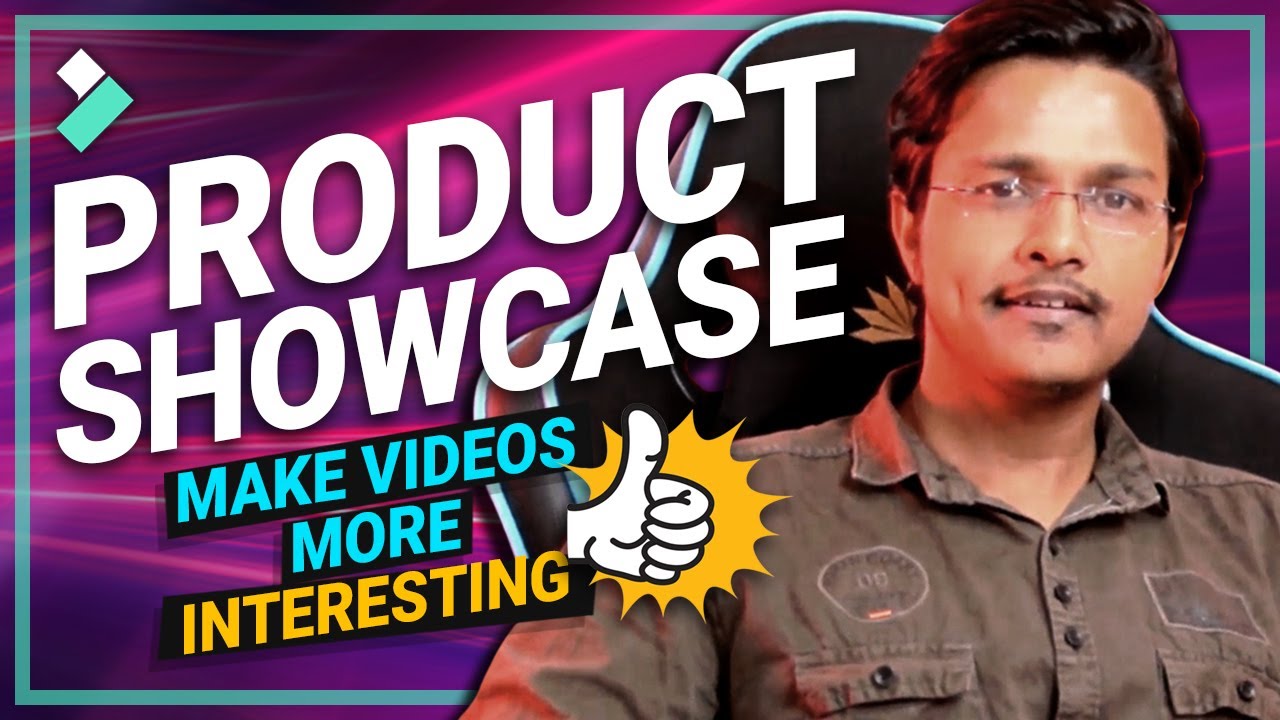
How to Create Your First Product Showcase Video

Business Set | Filmora Effects Store
To say Filmora is a game-changer is an enormous understatement. It has revolutionized how we craft compelling product videos. It serves as a powerful tool for storytelling, enabling us to expedite projects efficiently.

Ella Thompson
Marketing Director
Filmora has revolutionized my approach to monetization through visually stunning product videos. As a Product Designer and Etsy Seller, it's crucial for me to convey the uniqueness of my creations to potential customers. Filmora's array of effects, transitions, and overlays has empowered me to create product videos that not only showcase my designs but also tell a story.

Sophie Anderson
Product Designer
Filmora has been my go-to solution for creating impactful product videos that drive monetization. As a Product Manager at InnovateTech, effectively communicating product features and benefits is crucial for success. Filmora's versatile toolkit has allowed me to create videos that not only inform but also captivate and convince potential customers.

Michael Reynolds
Product Manager
Discover More Tips

Frequently Asked Questions
Q: Can Filmora generate product videos from photos automatically?
A: Yes. As an AI product video maker, Filmora can turn your product photos into polished videos automatically—apply smart transitions, motion effects, and background music in just a few clicks, with no advanced editing skills required.
Q: Can I create product demo videos with Filmora?
A: Certainly! As a powerful product demo video maker, Filmora's versatile editing features enable you to create engaging product demo videos that showcase your products in action.
Q: Does Filmora offer ready-made templates for product videos?
A: Yes. Filmora provides a wide range of product video templates across categories like electronics, fashion, real estate, and food. Pick a template, swap in your photos or clips, and publish a professional product demo video in minutes.
Q: Can I add voiceovers to product videos?
A: Absolutely! Filmora allows you to record and add professional voiceovers to narrate product videos and provide detailed explanations.
Q: Can I create branded intros and outros for product videos?
A: Yes, Filmora enables you to add custom intros and outros to product videos, reinforcing your brand identity and creating a professional look.
Unleash Your Creativity With Filmora
Start creating product videos today—free to try on Windows, Mac, iOS, and Android. No filming crew required.
