
Create Viral AI Videos with Seedance2 Templates
Creating high-quality videos used to take hours of editing. Now, with Seedance model templates in Filmora, everything from script to first cut can be automated. Whether you're producing a short cinematic story, social media reel, product showcase, or trend-based video, the Seedance model analyzes your content and builds a complete video with scene structure, motion, and rhythm already in place. Filmora combines Text-to-Video, image-to-video, and smart editing in one workflow—generate with Seedance 2.0, then tweak pacing, text, or music before you export. Enter your idea, and the AI handles the visuals, timing, and storytelling.
Loading more templates...
 Category:
 Duration:
 Aspect Ratio:
Create Stunning AI Videos with Smart Templates, Storyboards, and Auto Editing
Filmora is more than a template picker — it's a full AI video workflow. Audio-visual sync, storyboard-driven editing, and intelligent scene understanding turn your ideas into structured, cinematic videos from the first frame.
Seedance 2.0 is built into Filmora. Use text-to-video and image-to-video to generate full scenes from prompts or stills, then refine them with AI templates, auto-editing, and the full timeline when you want more control.
Sync Every Beat with AI-Powered Audio-Visual Editing
Sync Every Beat with AI-Powered Audio-Visual Editing
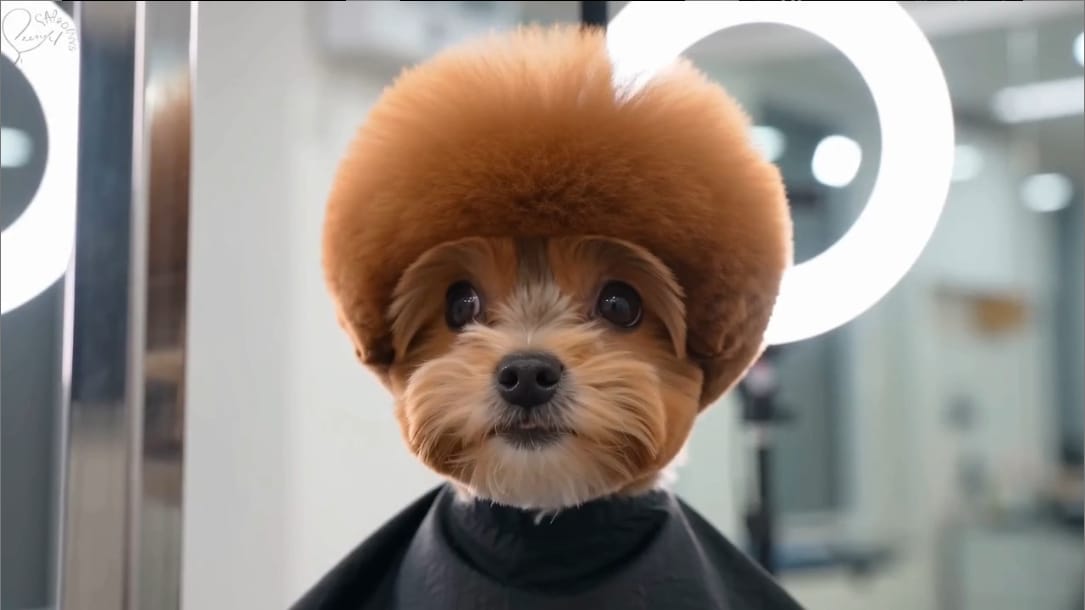
Great videos don't just look good — they feel right. With the Seedance model, audio and visuals stay in sync: every frame lines up with your sound. Instead of manually cutting clips to match music, the AI detects beats, rhythm changes, and emotional shifts in your audio, then generates visuals that move in sync. From fast-paced edits to smooth cinematic transitions, every moment is timed to perfection.
- Automatic Beat Detection — Identify drops, tempo changes, and rhythm patterns instantly.
- Beat-Sync Cuts & Effects — Transitions, motion, and effects align with the soundtrack automatically.
- Emotion-Based Timing — Visual pacing adapts to music intensity and mood changes.
Turn Ideas into Structured Videos with AI Storyboard Generation

Turn Ideas into Structured Videos with AI Storyboard Generation
You don't have to start on the timeline—storyboard-driven AI in Filmora turns your text, script, or concept into a complete visual structure. It plans scene order, shot composition, transitions, and emotional flow, so your video feels directed, not just edited.
- Auto Storyboard Generation — Convert text prompts into structured video scenes.
- Scene & Shot Planning — Intelligent camera angles, transitions, and pacing.
- Narrative Flow Optimization — AI refines story rhythm for better engagement.
Let AI Understand Your Content and Edit Like a Pro
Let AI Understand Your Content and Edit Like a Pro
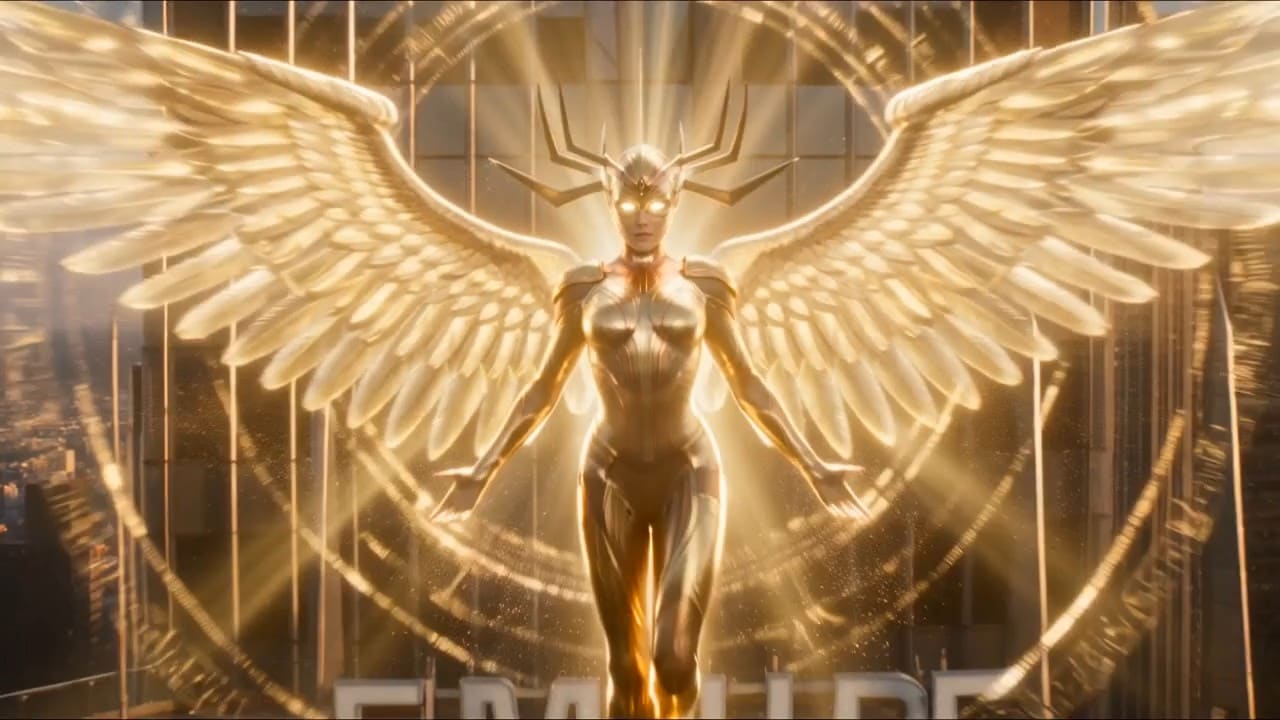
Beyond one-click templates, the system understands your footage. Advanced models analyze subjects, actions, environments, and motion, then pick visual style, transitions, and pacing. Whether you're making a social clip, AI-generated story, or marketing video, the result stays cohesive and intentional.
- Scene & Motion Recognition — Detect subjects, actions, and key visual moments.
- Smart Clip Matching — Automatically select and arrange the best shots.
- AI Visual Suggestions — Enhance scenes with effects, overlays, and cinematic styling.
FAQs About Seedance Model Video Templates
How to Create Cinematic AI Videos with Seedance Model Templates
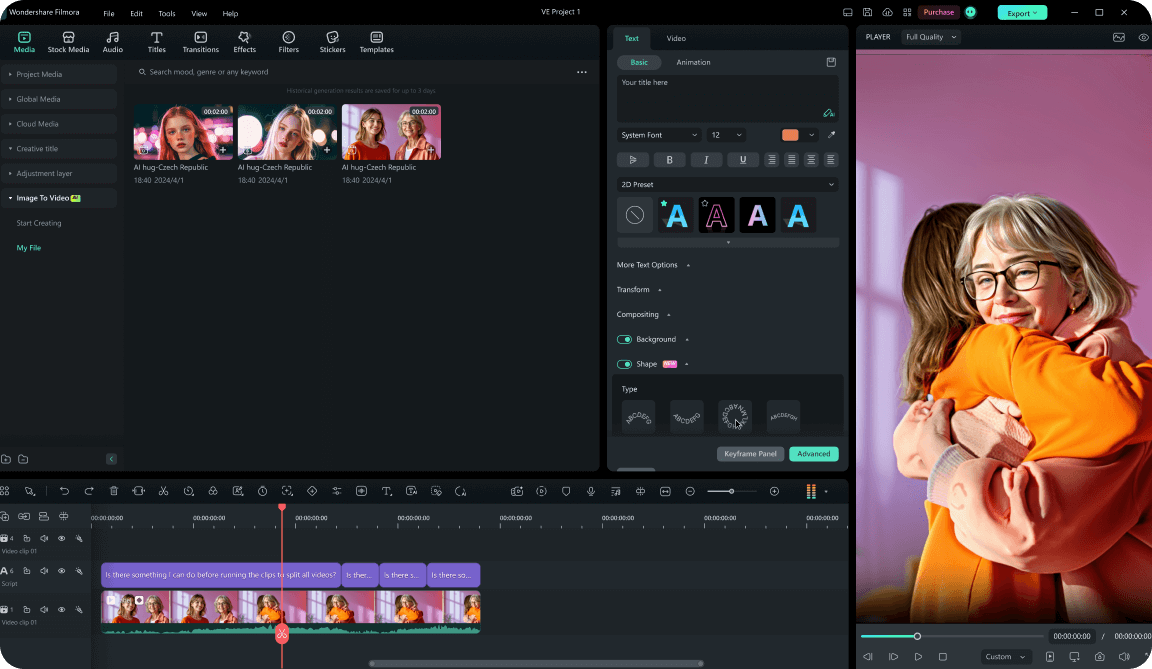
Turn your ideas into high-quality video in a few clicks. Use Filmora's Seedance model templates to generate viral-ready drafts, then open the timeline anytime for a full creative pass.
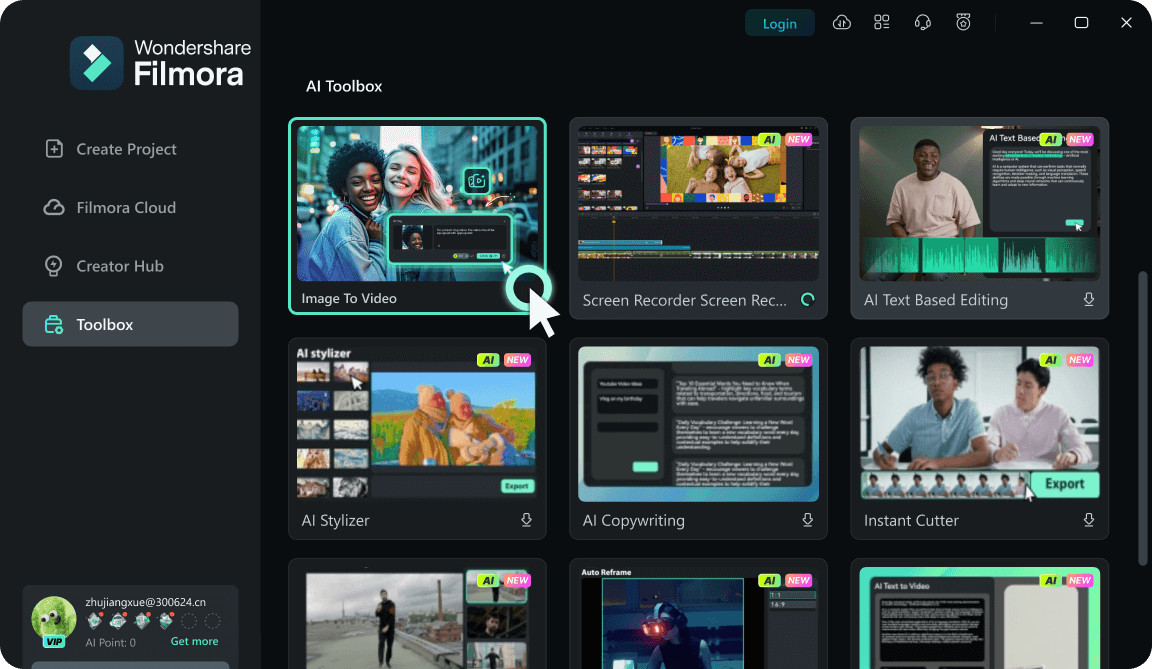
Step 1 Select Your Seedance Model Template
Step 2 Input Your Prompt or Assets
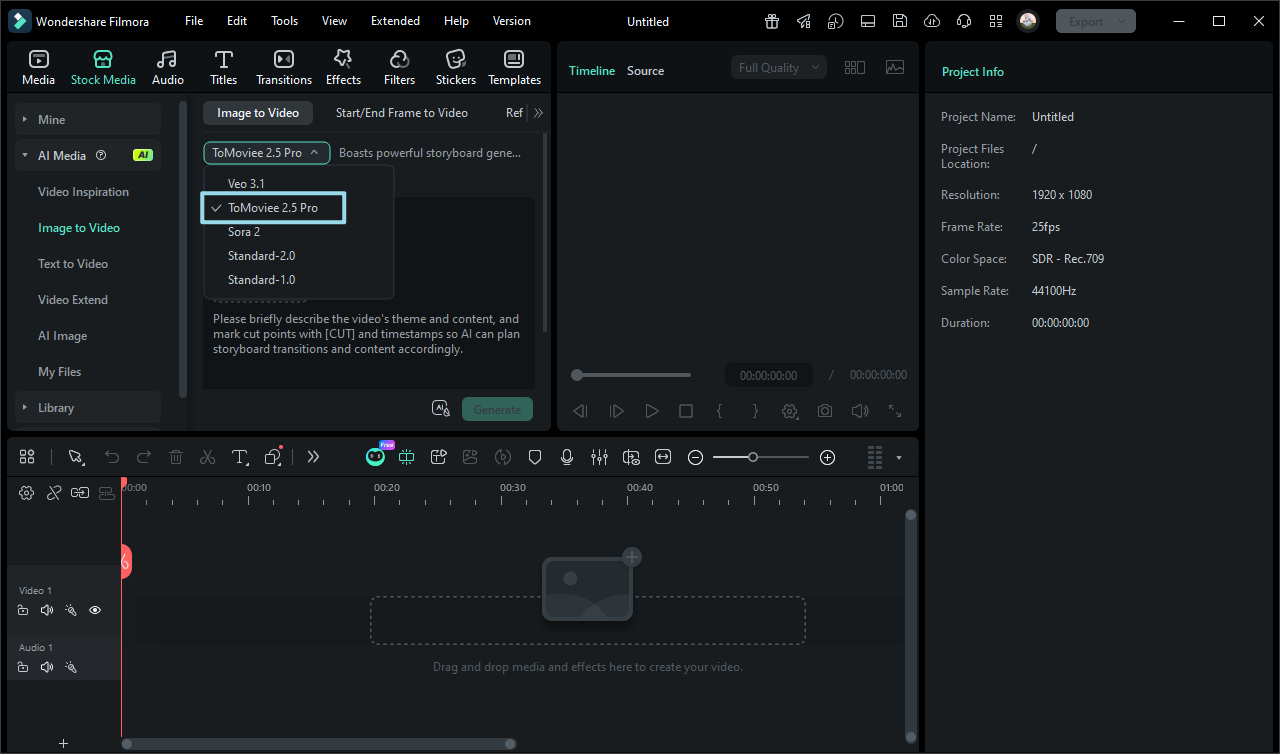
Step 3 Generate, Refine, and Export
-
1: Select Your Seedance Model Template
Start Filmora, open Templates, and pick a Seedance or AI video workflow that matches your cinematic style. -
2: Input Your Prompt or Assets
Provide your core idea via text or upload media files. The AI engine will instantly build a structured video with smart timing. -
3: Generate, Refine, and Export Your AI Video
Review the AI edit, refine details on the timeline if you like, and export in 4K or HD.
Explore More AI Video Templates and Creative Tools
From Seedance model templates to advanced AI generators, Filmora offers tools for creators who want to move fast and stand out. Whether you're building viral content, storytelling videos, or branded clips, you can turn ideas into scroll-stopping visuals in seconds.








