
Trending Meme Video Templates: Funny, Viral & YouTube Ready
From classic internet reactions to the latest trending social media formats, these best video meme templates are designed to capture attention and drive likes. When you need custom B-roll or a quick visual variation, generate clips in Filmora with Seedance 2.0 and fold them into the same meme workflow—templates stay the star, AI fills the gaps. Whether you need a meme template for video essays or a quick punchline for a story, our selection makes editing effortless. Download video meme templates now and start customizing your content for YouTube, TikTok, and beyond.
Loading more templates...
 Category:
 Duration:
 Aspect Ratio:
Create Viral Content Quickly
with Pro Meme Video Templates
Staying relevant on social media means moving fast. Filmora helps you stay ahead of the curve with a massive library of meme video templates that are ready to go—from AI-generated clips to punchy text overlays, you can go from idea to post in one place. Skip the hours of searching for the right clip or font; our pre-built video meme templates come with viral sound effects, trending layouts, and easy-to-edit text fields. Whether you want to make a reaction video, a gaming parody, or a corporate meme, we provide the tools to make it look professional in minutes.
Massive Library of Funny Meme Video Templates
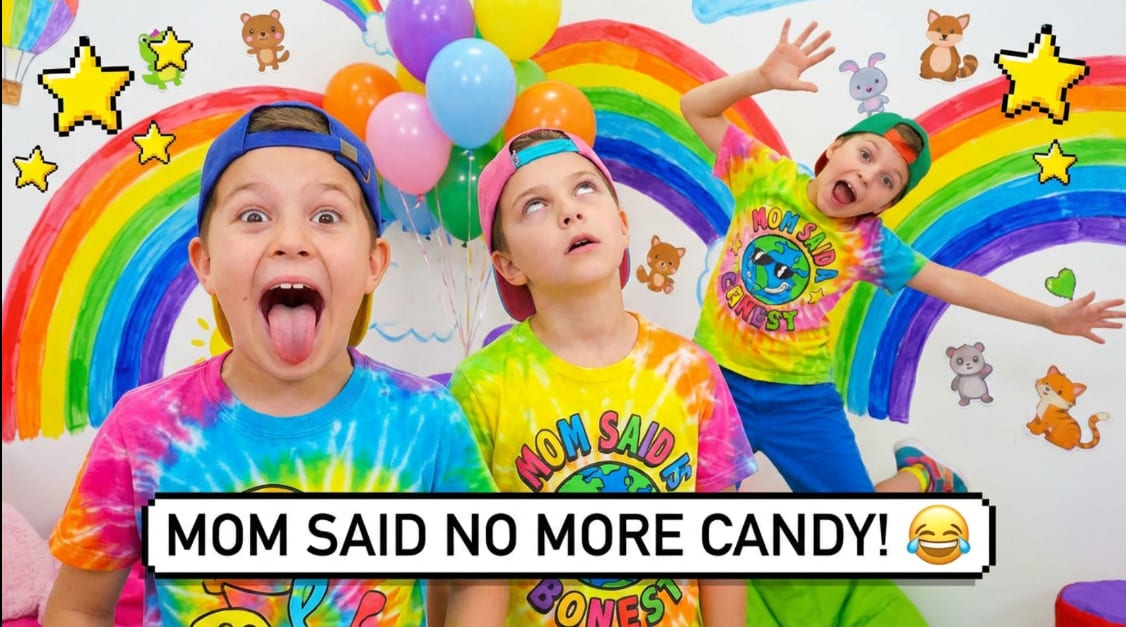
Massive Library of Funny Meme Video Templates
Never run out of inspiration with a library of creative assets that is constantly updated with the latest internet trends. From classic "Green Screen" reaction memes to complex multi-clip montages, our best meme video templates are curated to ensure your content always resonates with your audience.
- 🔥 Trending Reaction Clips – Instant access to the world's most popular reaction footage, perfectly timed for comedic effect.
- 🎵 Viral Sound Integration – Every template comes with built-in trending audio or sound effects that guarantee high engagement levels.
- ⚡ One-Click Application – Browse, click, and apply. Our templates handle the technical settings so you can focus on the humor.
Easy Customization for YouTube Meme Template Needs
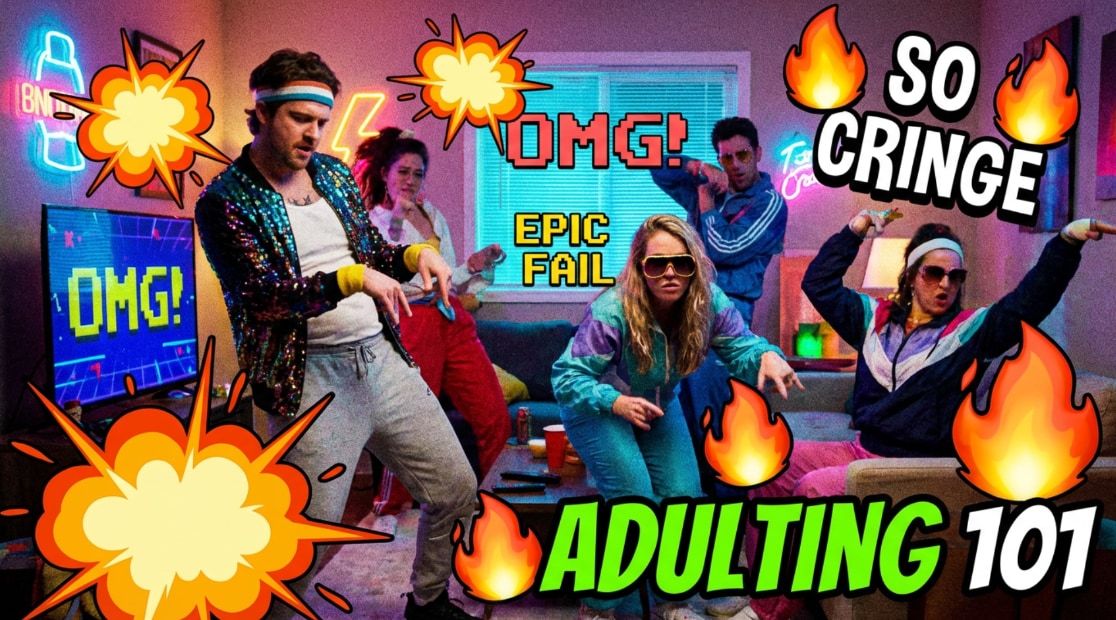
Easy Customization for YouTube Meme Template Needs
Personalizing a youtube video meme template has never been simpler. Footage from Seedance 2.0 or your own files gets the same treatment: use Filmora to add and edit titles in video, swap out backgrounds with AI Portrait Cutout, or even add 3D effects in video to make your creation truly stand out.
- 🖋️ Dynamic Text Styles – Choose from hundreds of fonts and preset text animations to give your meme that iconic "Impact" or "Modern" aesthetic.
- 🎨 Color Grading Presets – You can even add luts to video to give your memes a polished, cinematic, or retro look.
- 🛠️ Precise Timeline Control – Drag, drop, and trim with professional accuracy to ensure your punchlines land exactly when they should.
High-Quality Export and Instant Social Sharing
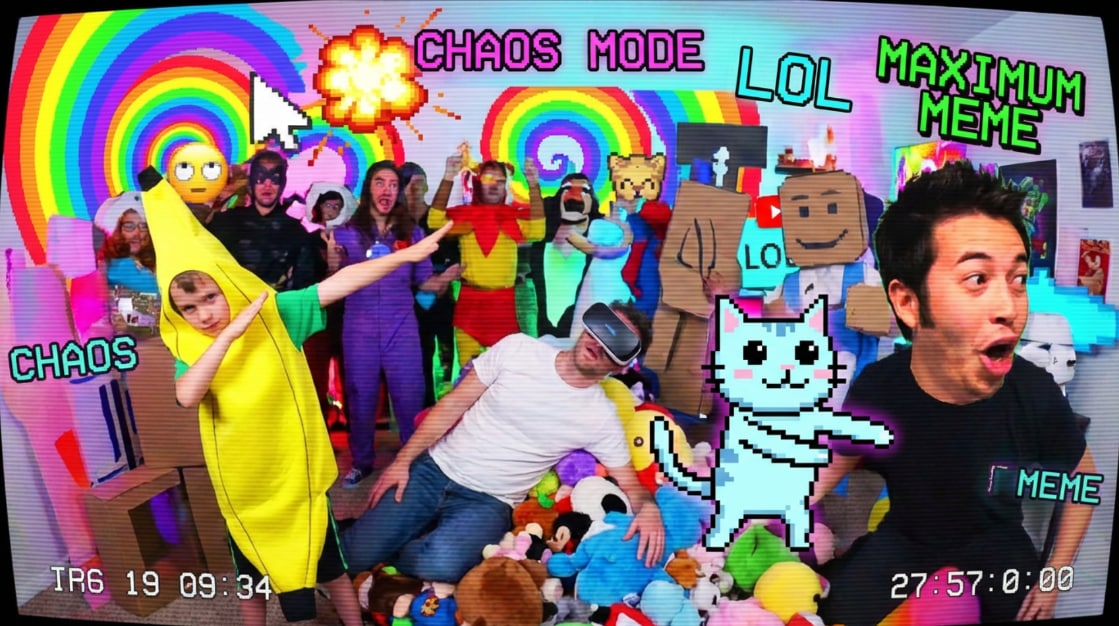
High-Quality Export and Instant Social Sharing
Once you download video meme templates and finish your edit, Filmora ensures your content is ready for prime time. Export in various aspect ratios and resolutions optimized for every major platform, from a vertical 9:16 for TikTok to a standard 16:9 for your YouTube subscribers.
- 📺 Platform-Specific Presets – One-click export options for YouTube, TikTok, and Instagram, ensuring your memes never lose quality.
- 🎞️ High-Resolution Support – Render your best video meme templates in 4K or 1080p for crisp, clear visuals that look great on any screen.
- 📤 Direct Upload Integration – Share your creations directly to your social media accounts from within the app to keep your posting schedule consistent.
FAQs About Meme Video Templates
How to Create a Meme Video Template with Filmora
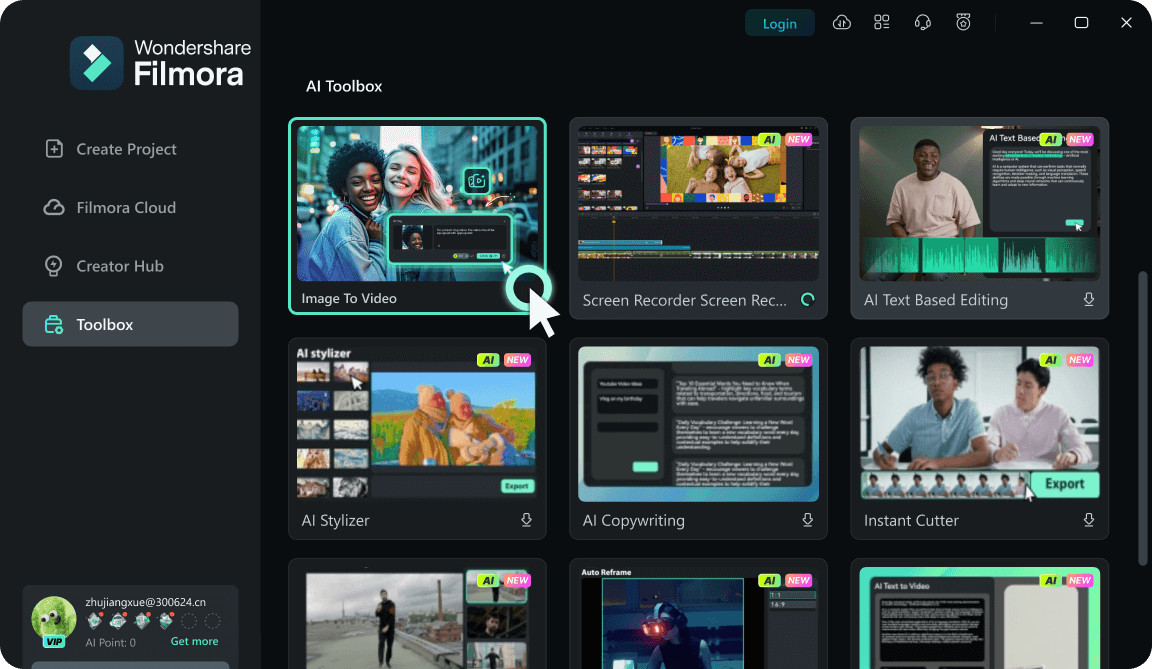
Make a reusable meme video template with Filmora's Image to Video tool—open the feature, upload your images, then pick a model and type your caption-style prompt. After generation, edit on the timeline like any other project so your meme stays on-brand.
Step 1 Open Toolbox & Enter "Image to Video"
Step 2 Upload Your Meme Image(s)
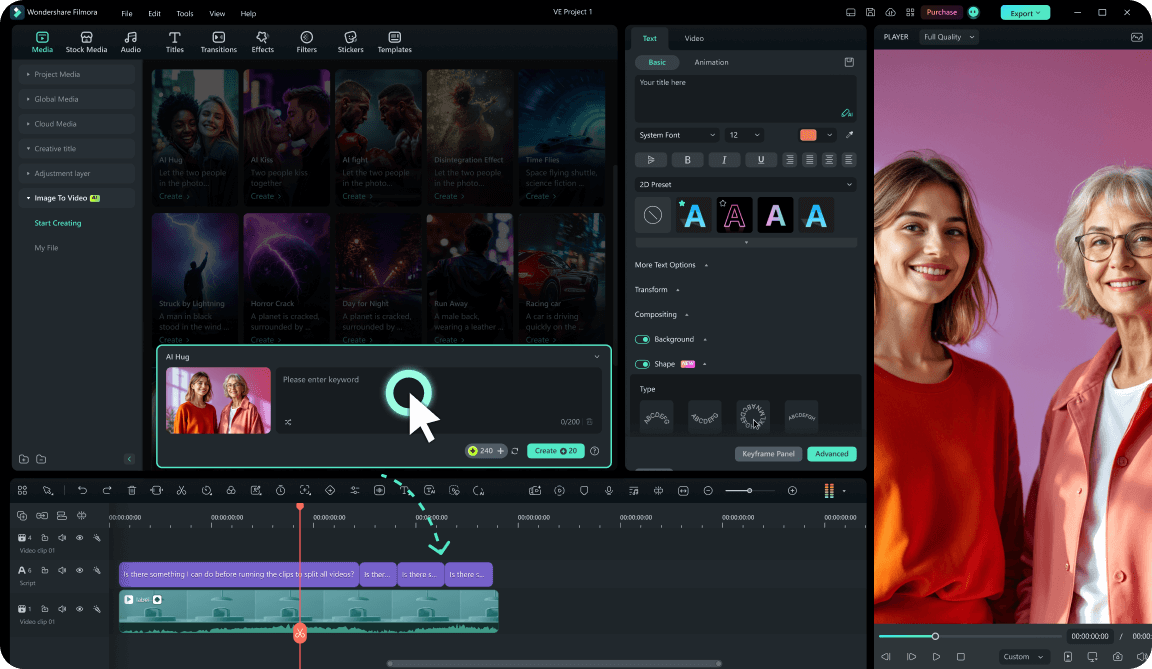
Step 3 Choose a Model, Write a Meme Prompt, and Generate
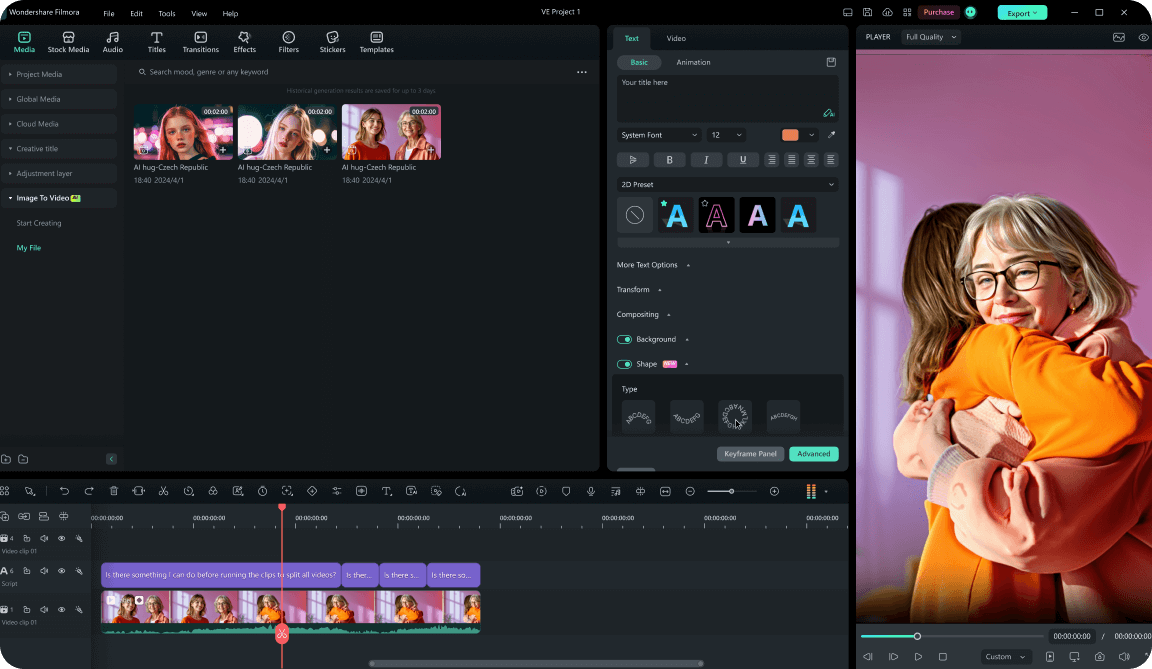
-
1:Open Toolbox & Enter "Image to Video"
Launch Filmora, go to Toolbox, and click Image to Video. This is where you'll generate a flexible meme video template from images. -
2:Upload Your Meme Image(s)
Upload a reaction photo, character image, screenshot, or product pic. Use clear visuals so the punchline reads instantly—great for reaction memes, "POV" jokes, and before/after gags. -
3:Choose a Model, Write a Meme Prompt, and Generate
Pick a model (for example, Seedance 2.0), then type a short prompt with your meme setup (caption text, vibe, pacing, and simple motion like zoom/shake). Click Generate to create your meme video template, refine it on the timeline, then reuse it by swapping images and captions anytime.
Take Your Social Media Strategy Beyond Memes
While funny meme video templates are great for engagement, a complete content strategy involves diverse visuals. You can create a image using AI, experiment with autumn color palettes to match seasonal trends, or add AI-generated video clips in Filmora and keep editing in one app. Explore our AI-driven tools to generate portraits, backgrounds, and more, making your channel a visual powerhouse that stands out from the competition and builds a loyal following.








