01 · Ready to use
Available in Filmora
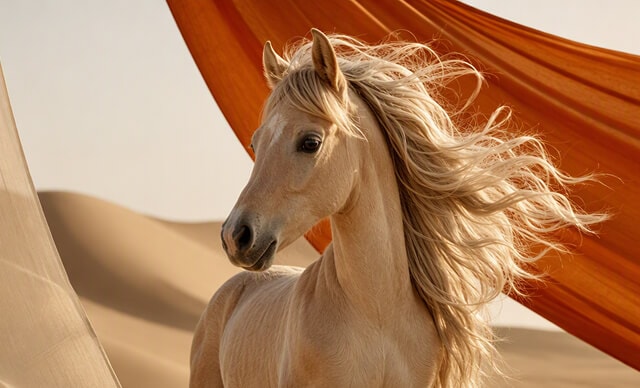

 Text-to-Video
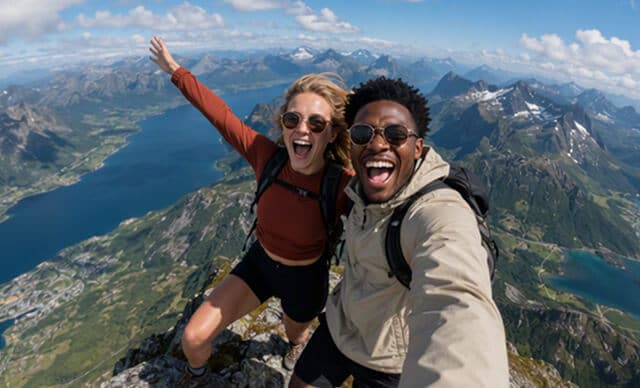

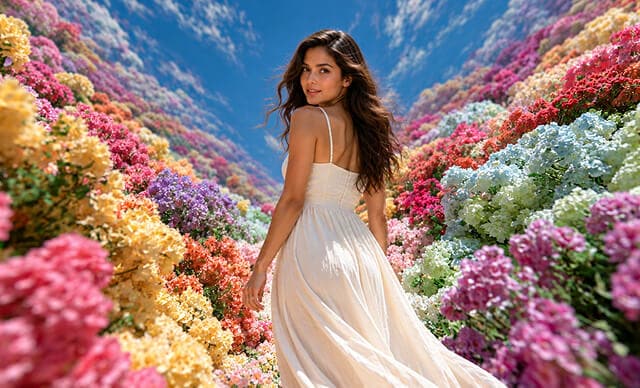

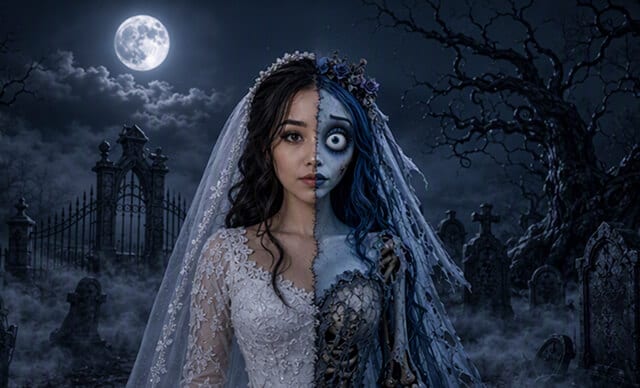

 Text-to-Image
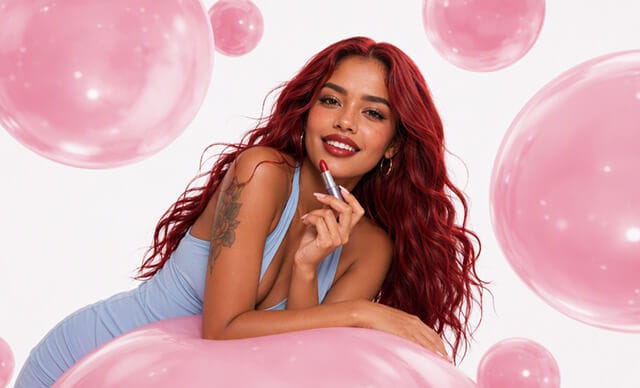

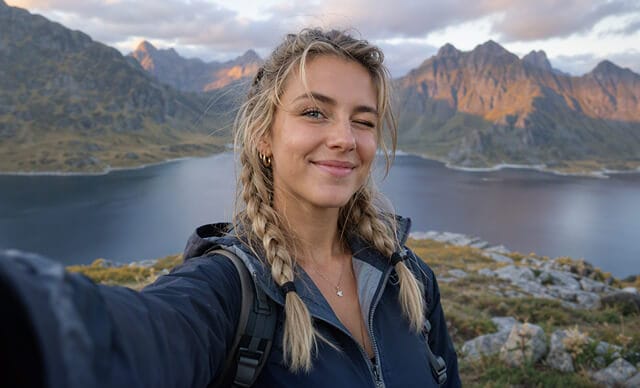

02 · On the Watchlist
More models to watch

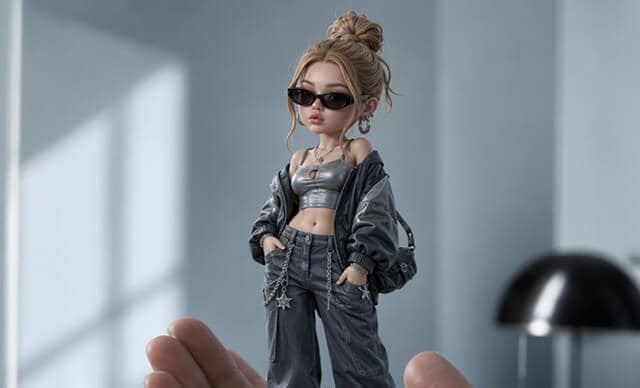



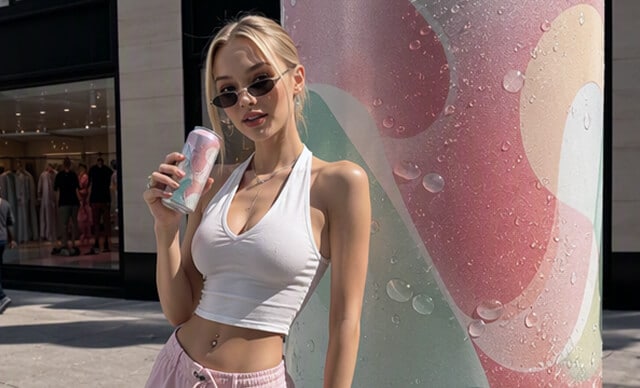

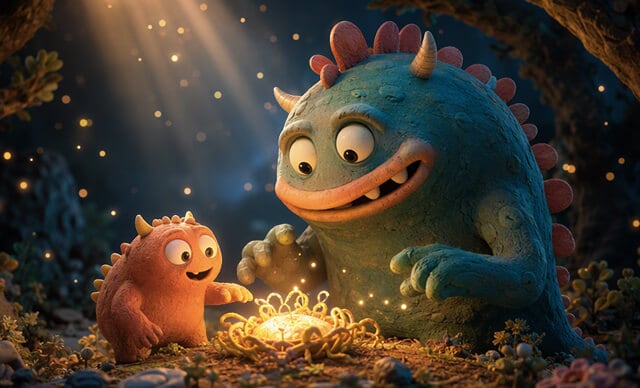

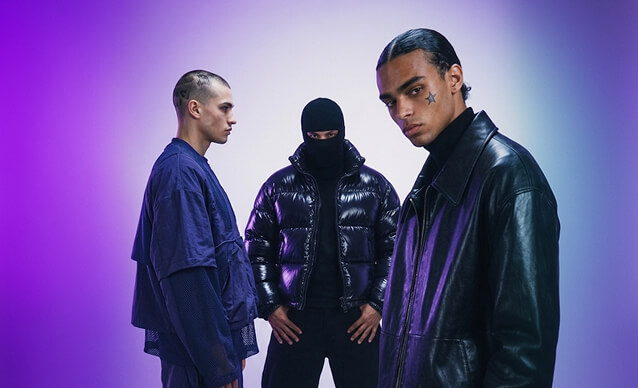









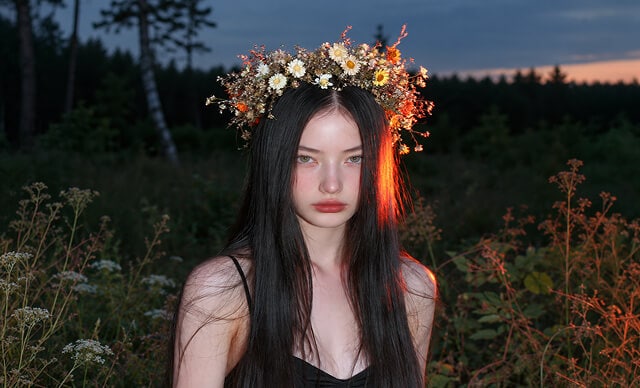





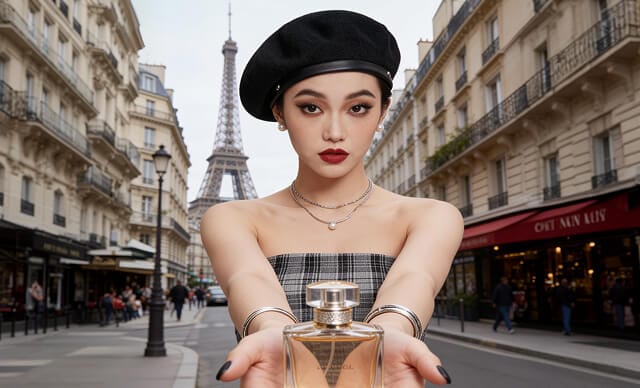

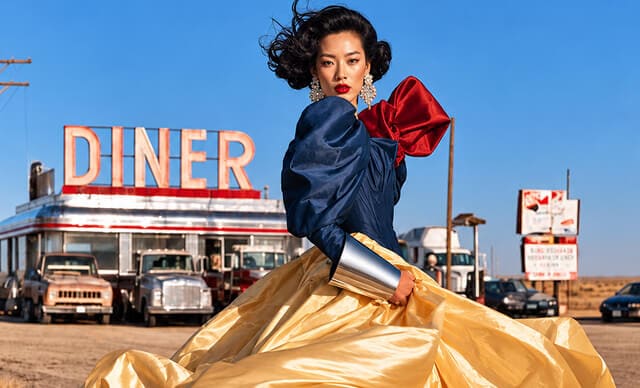

02 · Quick pick
Which model should you use?
| Scene | Recommended model | Status |
|---|---|---|
| Product shorts for e-commerceFast-paced product shots and UGC cuts | Seedance 2.0 | Available in FilmoraOpen model page → |
| Unboxing & event recapsQuick social cuts, clip extension, auto BGM | Tomovie | Available in FilmoraOpen model page → |
| Smooth motion b-rollStable camera moves with audio synced to the shot | Happyhorse AI | Available in FilmoraOpen model page → |
| Stickers & text graphicsAccurate in-image text rendering | GPT Image 2 | Available in FilmoraOpen model page → |
| Hero key visualsStyle control and consistency | Nano Banana Pro | Available in FilmoraOpen model page → |

03 · One workflow
One timeline for
every AI workflow.
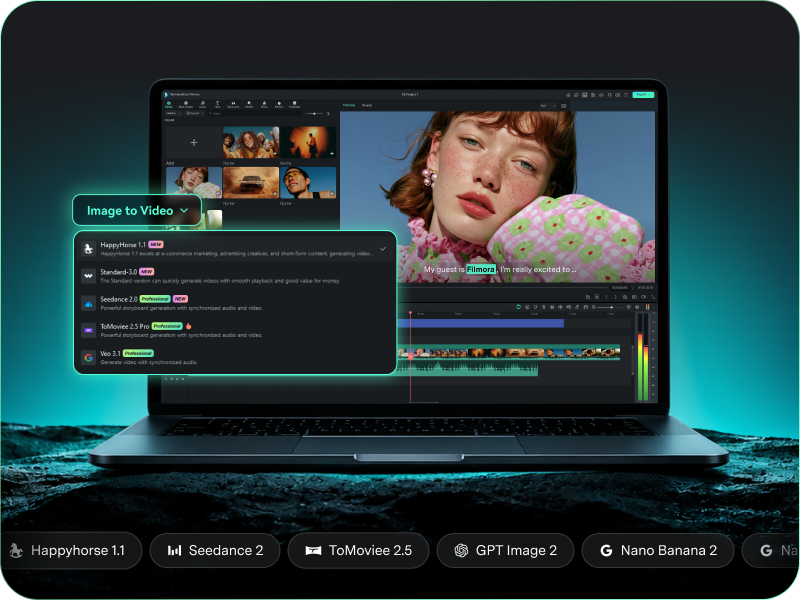
Filmora's built-in AI tools cover video, image, voice, and music — generate with AI, then edit, caption, and export on one timeline.
- One subscription — the full AI toolkit and the editor in a single app
- Generate with AI, then edit on the same timeline — no switching between tools
- Desktop and mobile — from first prompt to final export in one app
FAQs on Filmora's AI models
Which AI models are available in Filmora?
Six models are integrated today: Seedance 2.0, and ToMoviee for video, plus GPT Image 2, Nano Banana 2, and Nano Banana Pro for images. Stay tuned and this page updates with every integration.
What is the best AI video model?
It depends on the job — the quick-pick table above matches scenes to models. Seedance 2.0 for high-energy action and continuous long takes; ToMoviee 2.5 Pro when speed leads — quick social cuts, clip extension, auto-scored promos. The quick-pick table above matches your scene to a model in one glance.
Will Filmora add more models?
Yes — new models join as they clear our quality and workflow bar. When one goes live it appears in the lineup above with a full profile, and it's selectable in the model picker the same day — no update to install.
Can I use models not listed here?
If a model isn't profiled on this page yet, it isn't integrated — so prompts for it won't run in Filmora. The lineup above is the reliable list: pick any model on it and you're generating in minutes, with results that drop straight onto your timeline.
Do these AI models cost extra in Filmora?
No separate subscription or app is needed — the models run inside Filmora's AI features, and you can try them free before committing to anything.
Can I use AI-generated clips and images commercially?
Yes — content you generate is yours to use in your projects, including commercial ones, subject to Filmora's Terms of Service and the terms of the AI models you generate with. Avoid prompts featuring recognizable people, brands, or trademarked content without proper rights.

Edit as an Expert
with Filmora & AI.
Bring precise editing and AI-assisted tools together in a workflow optimized for Mac.