Explore New Year's Photo AI Prompts
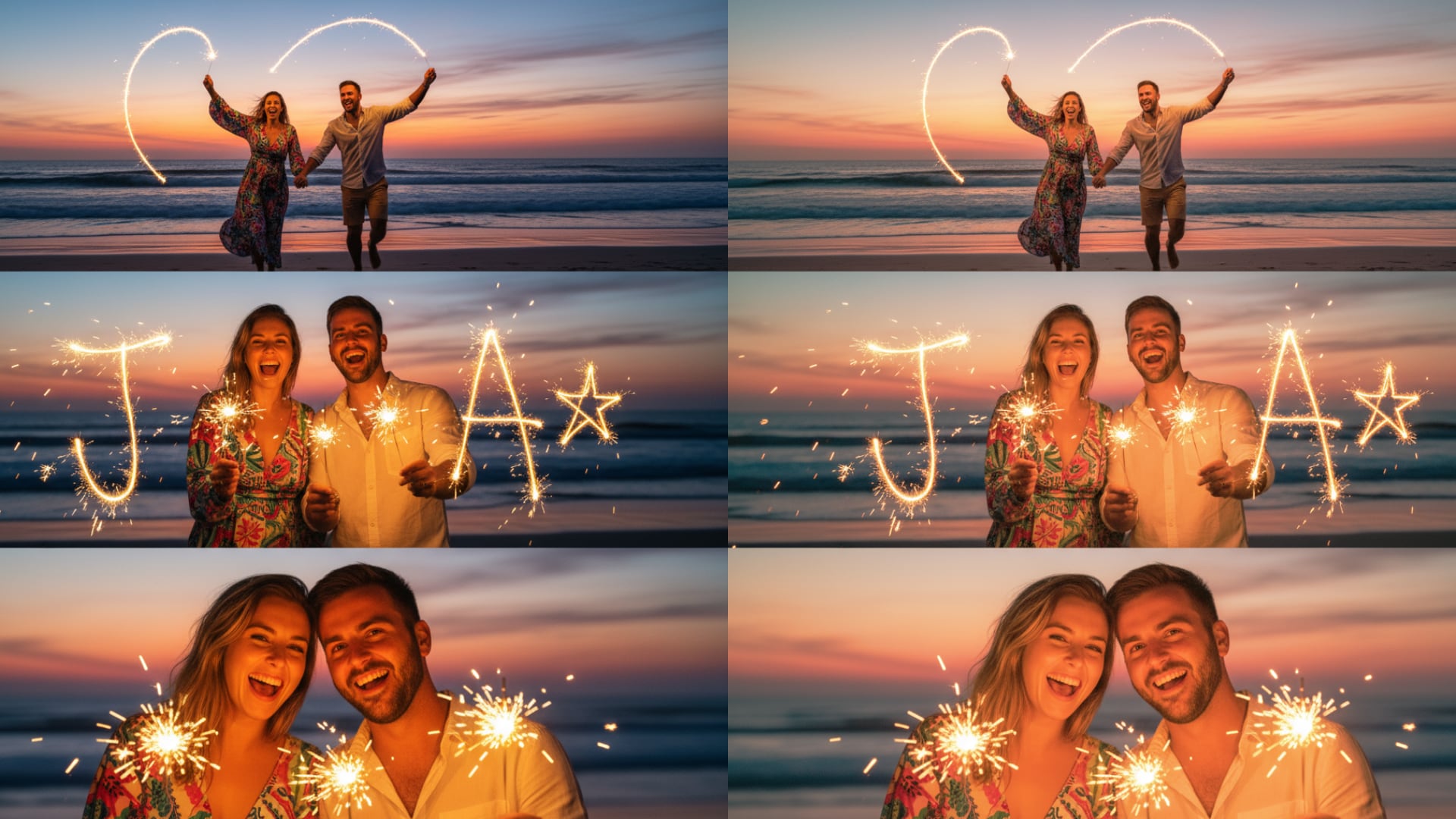
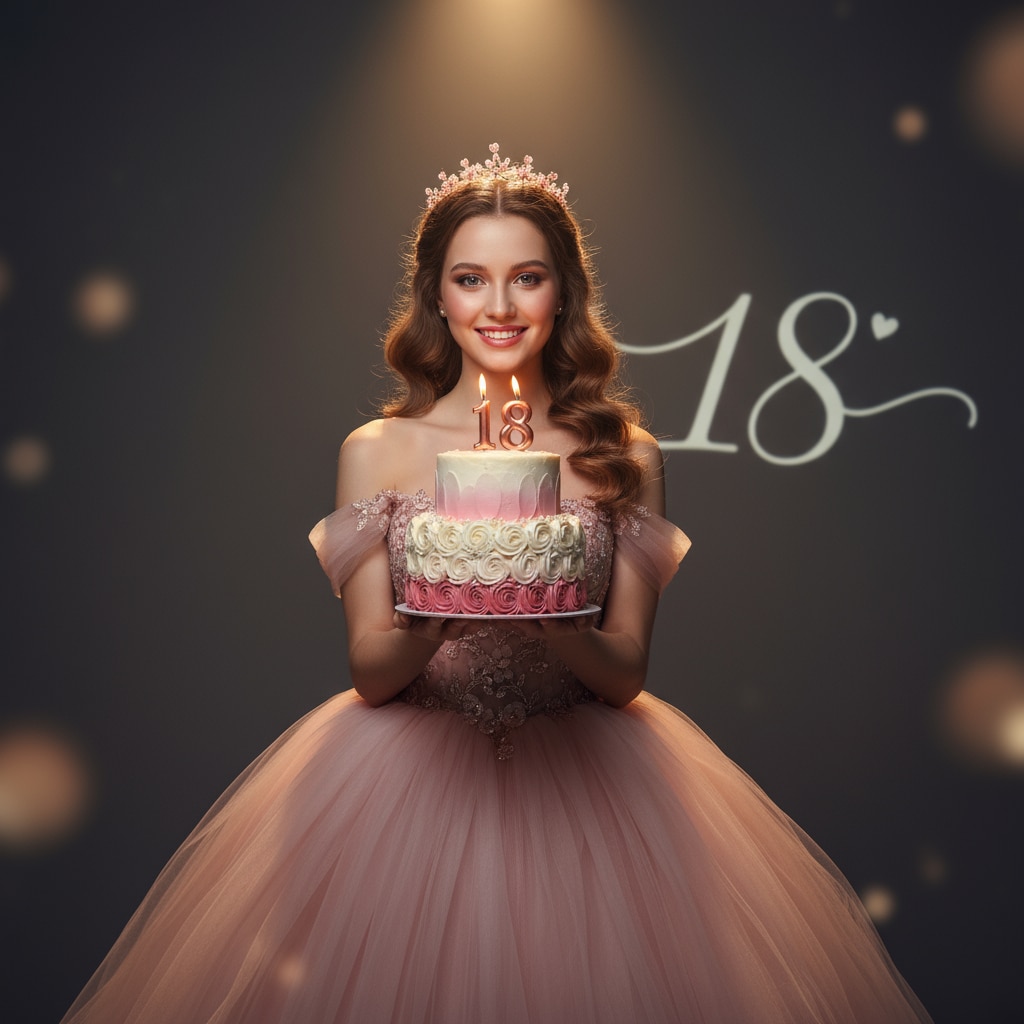
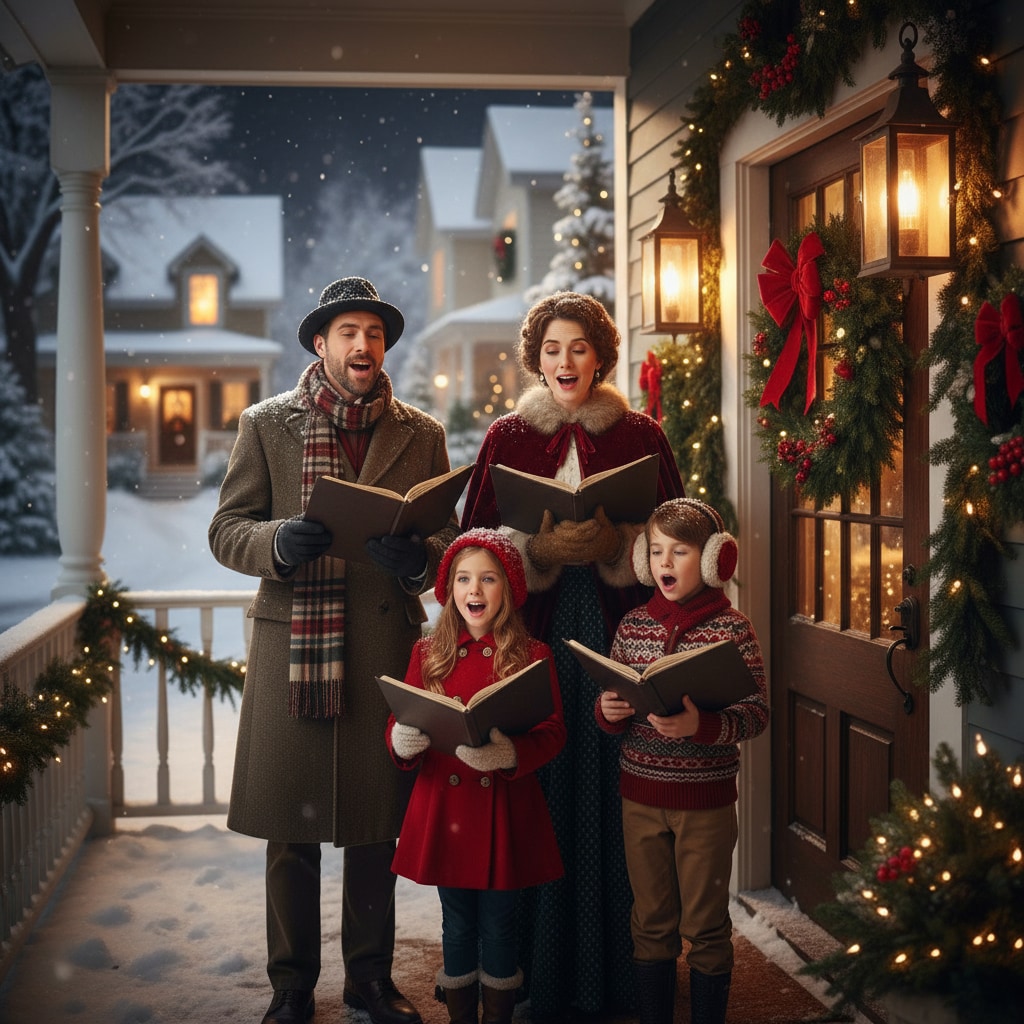
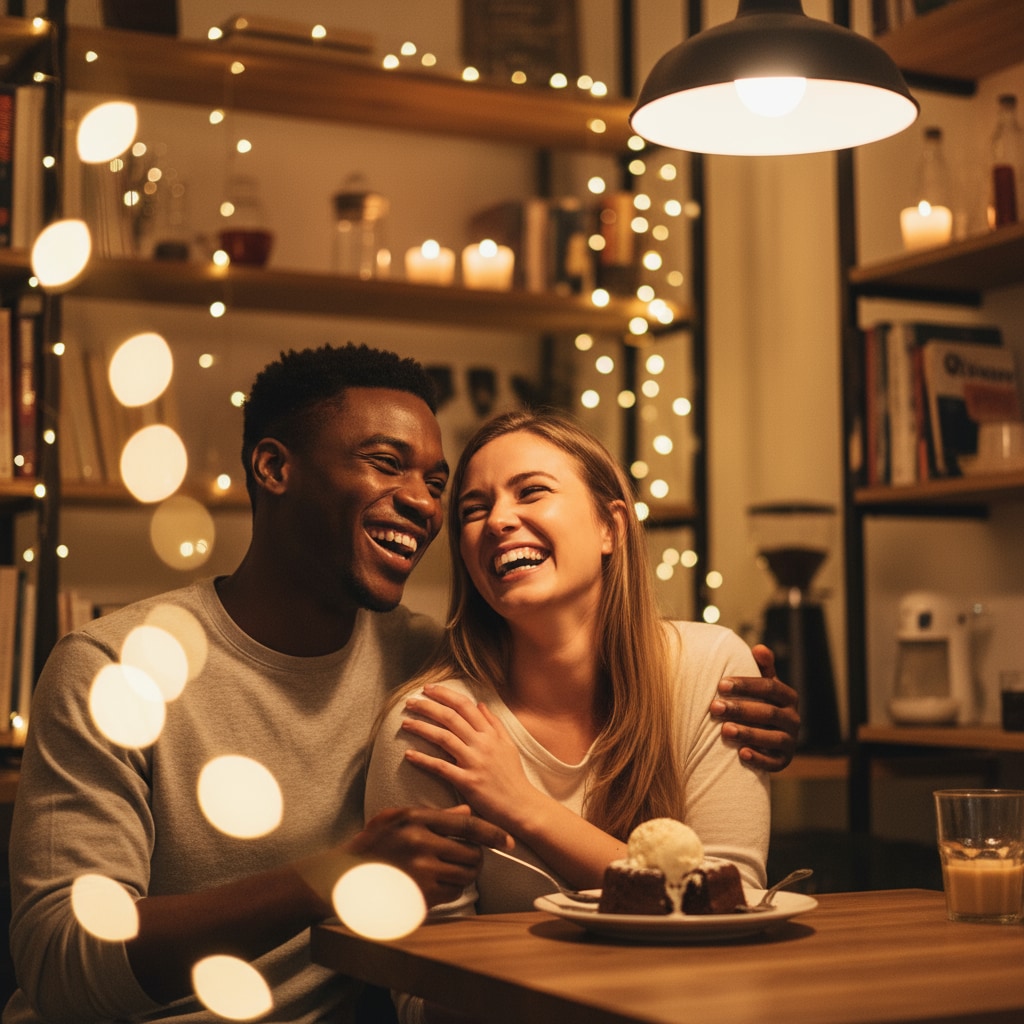
Browse chatgpt new year's photo prompts for countdown portraits, family celebrations, fireworks, evening outfits, winter scenes, champagne details, and greeting-ready New Year's photography. Use each idea for video templates, reels, social posts, covers, and export-ready visuals.
Loading more new year's photo prompts...
 Category:
 Duration:
 Aspect Ratio:
Why Create New Year's Photo Images With Filmora?
New Year's photo prompts become more convincing when they specify the celebration setting, wardrobe, practical light, emotional tone, and room for an accurate greeting. Filmora helps turn those images into cards, countdown reels, and shareable midnight stories.
Generate New Year's Photo With Filmora
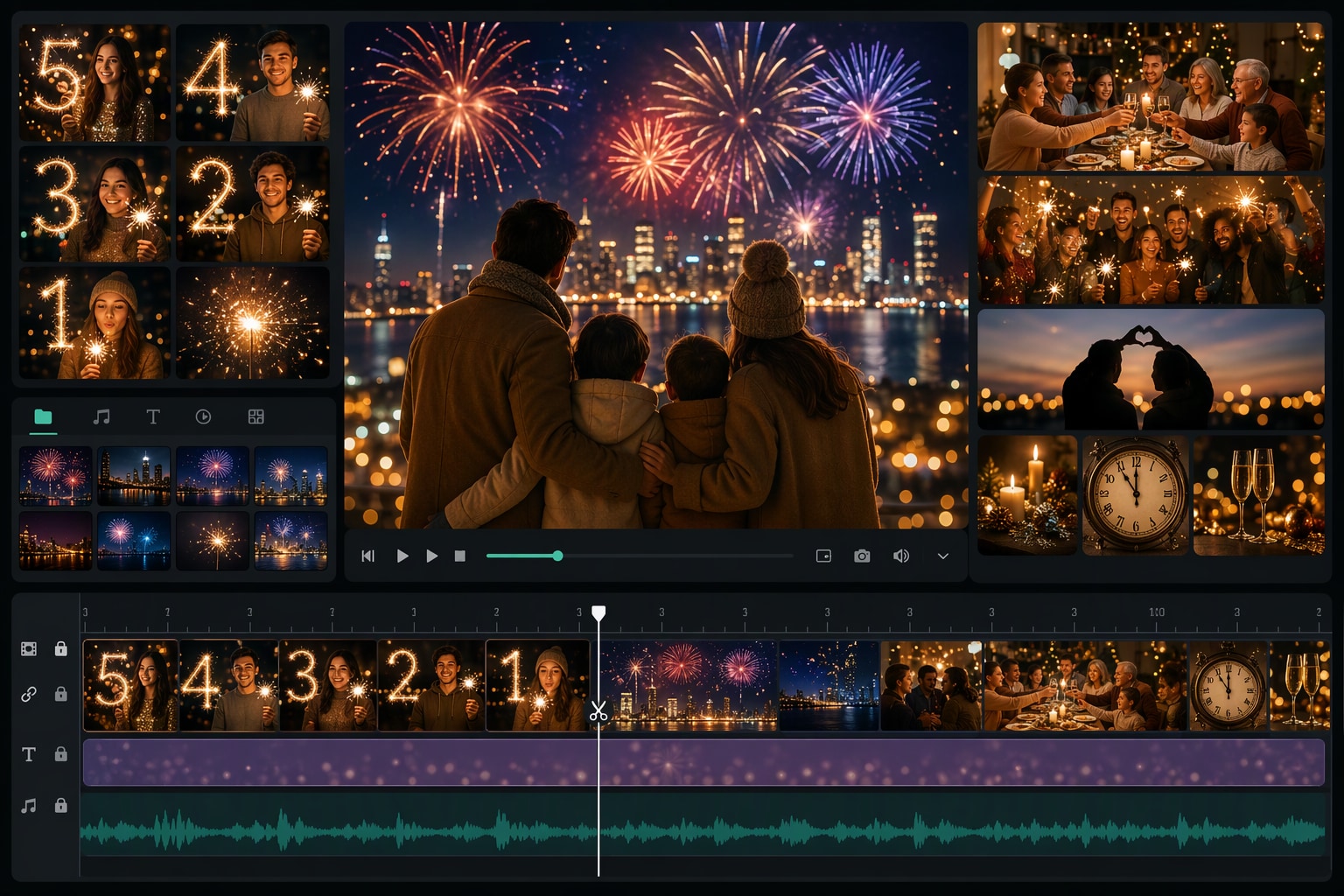
Generate New Year's Photo With Filmora
Start with a precise chatgpt new year's photo prompt, then use Filmora's AI image generator to turn countdown portraits, family celebrations, fireworks, evening outfits, winter scenes, champagne details, and greeting-ready New Year's photography into clean, edit-ready stills. Use it for countdown portraits, family celebrations, fireworks, evening outfits, winter scenes, champagne details, and greeting-ready New Year's photography, then refine crop, color, overlays, and motion in Filmora.
- Prompt to Image - Name the celebration setting, wardrobe, camera distance, year-end mood, and clean area reserved for a greeting.
- Clean Visual Structure - Filmora's AI Image Generator helps turn a New Year's photo idea into a polished visual for cards, posts, and reels.
- Fast Iteration - Compare fireworks, family, travel, portrait, and editorial directions before choosing the final celebration look.
Use GPT Image 2 for Controlled Composition and Detail
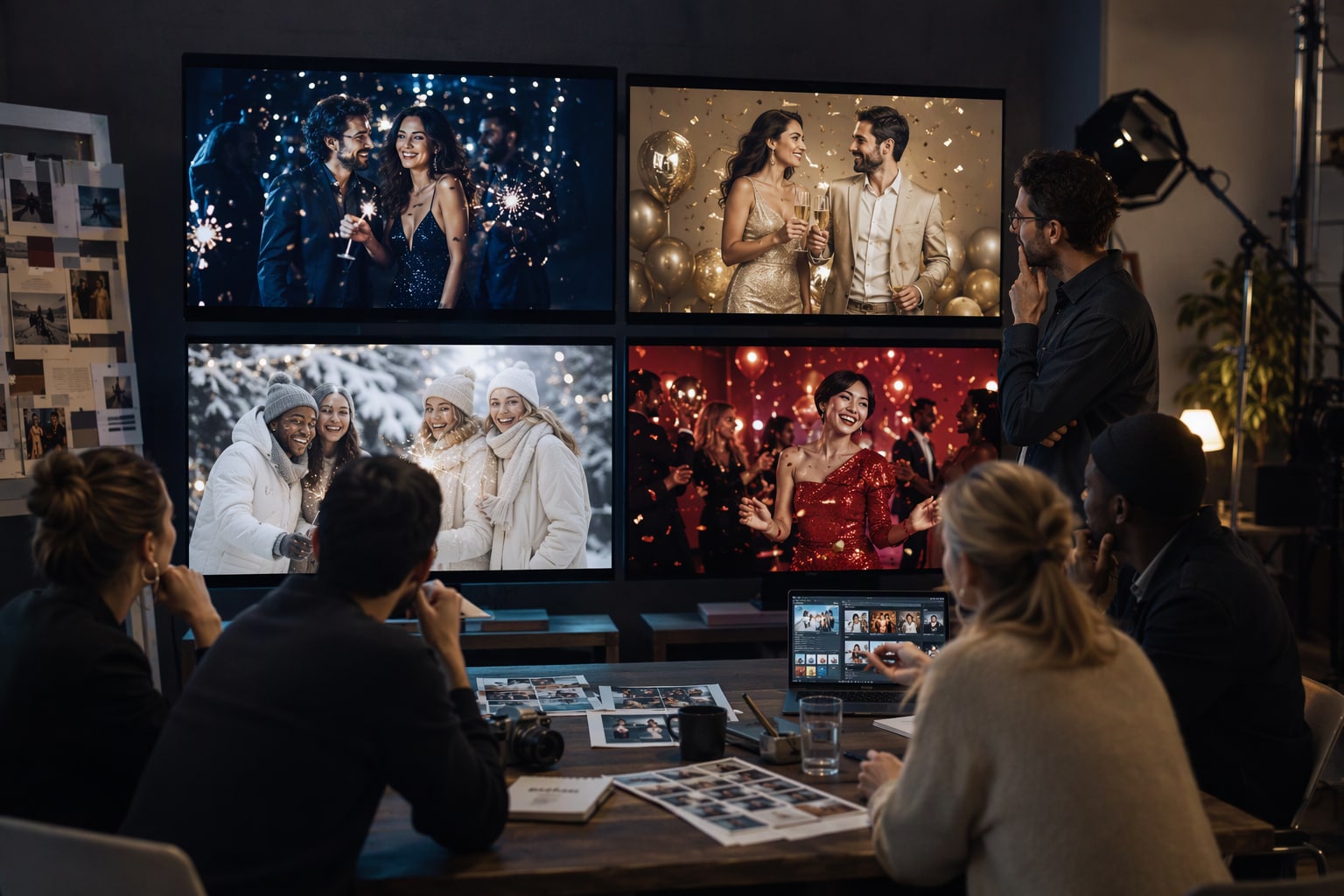
Use GPT Image 2 for Controlled Composition and Detail
When the scene needs dependable subject detail, texture, or background control, Filmora's GPT Image 2 helps follow a structured prompt. GPT Image 2 helps organize the subject, setting, lighting, materials, and clean space reserved for later design.
- Prompt Following - Specify skin tone, fabric, practical light, confetti density, lens feel, and where accurate lettering should be added later.
- Detail Control - GPT Image 2 helps preserve structured festive details while Filmora keeps the greeting, stickers, and timing editable.
- Edit-Ready Results - Keep generated numerals and slogans out of the image so the final New Year message stays crisp and correct.
Try Nano Banana for Fast Creative Variations
Try Nano Banana for Fast Creative Variations
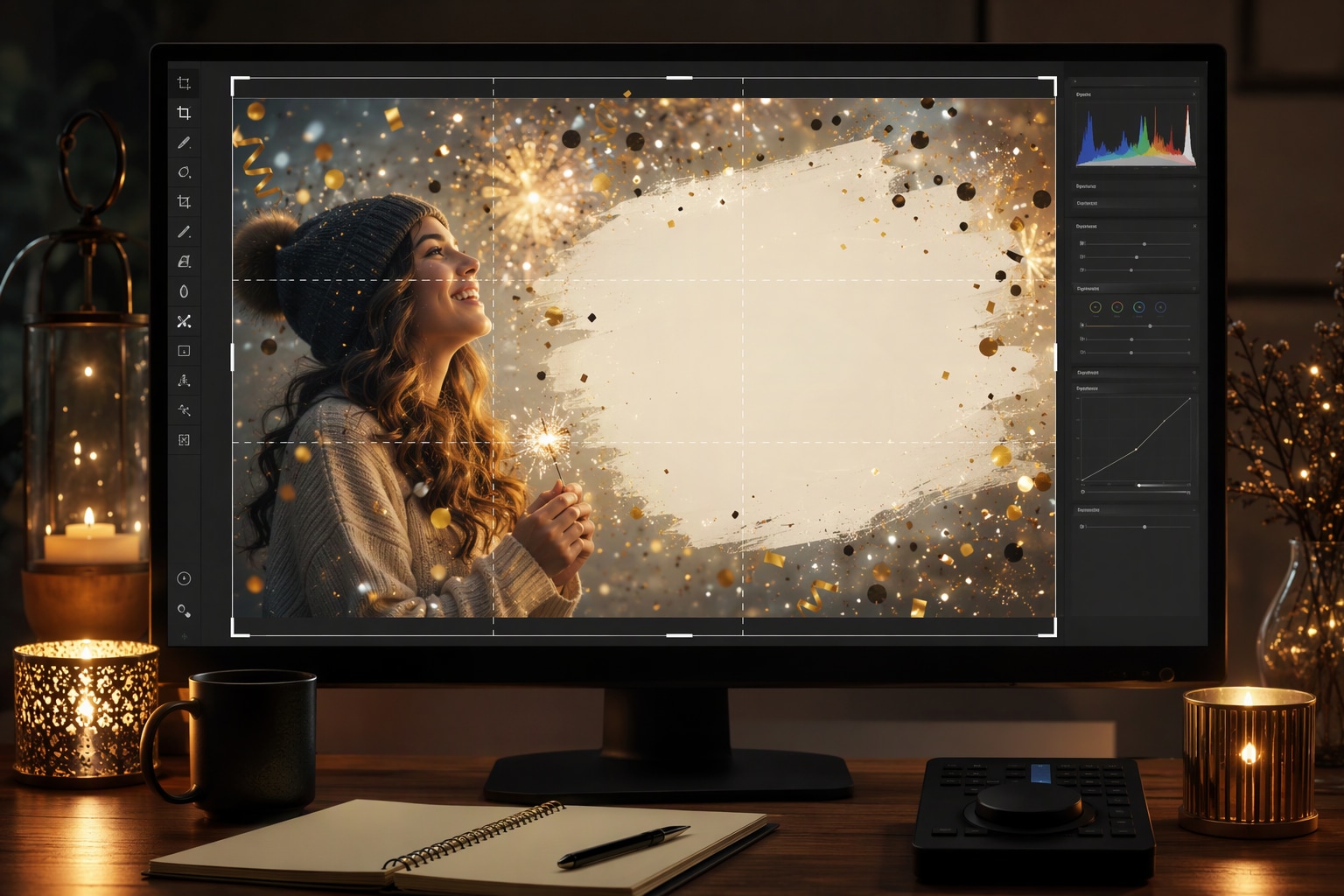
Use Filmora's Nano Banana when one idea needs another palette, mood, composition, or social treatment. Nano Banana helps test alternate palettes, props, backgrounds, and moods while retaining the main direction.
- Style Range - Try midnight blue, champagne gold, bright red, winter white, indoor warmth, or city-light variations from one brief.
- Variant Testing - Nano Banana makes fast creative revisions useful when a New Year's portrait needs a different season, outfit, or atmosphere.
- Creative Flow - Move from photo exploration to vertical crops, animated overlays, and platform-specific exports in one workflow.
Turn New Year's Photo Into Video
Turn New Year's Photo Into Video
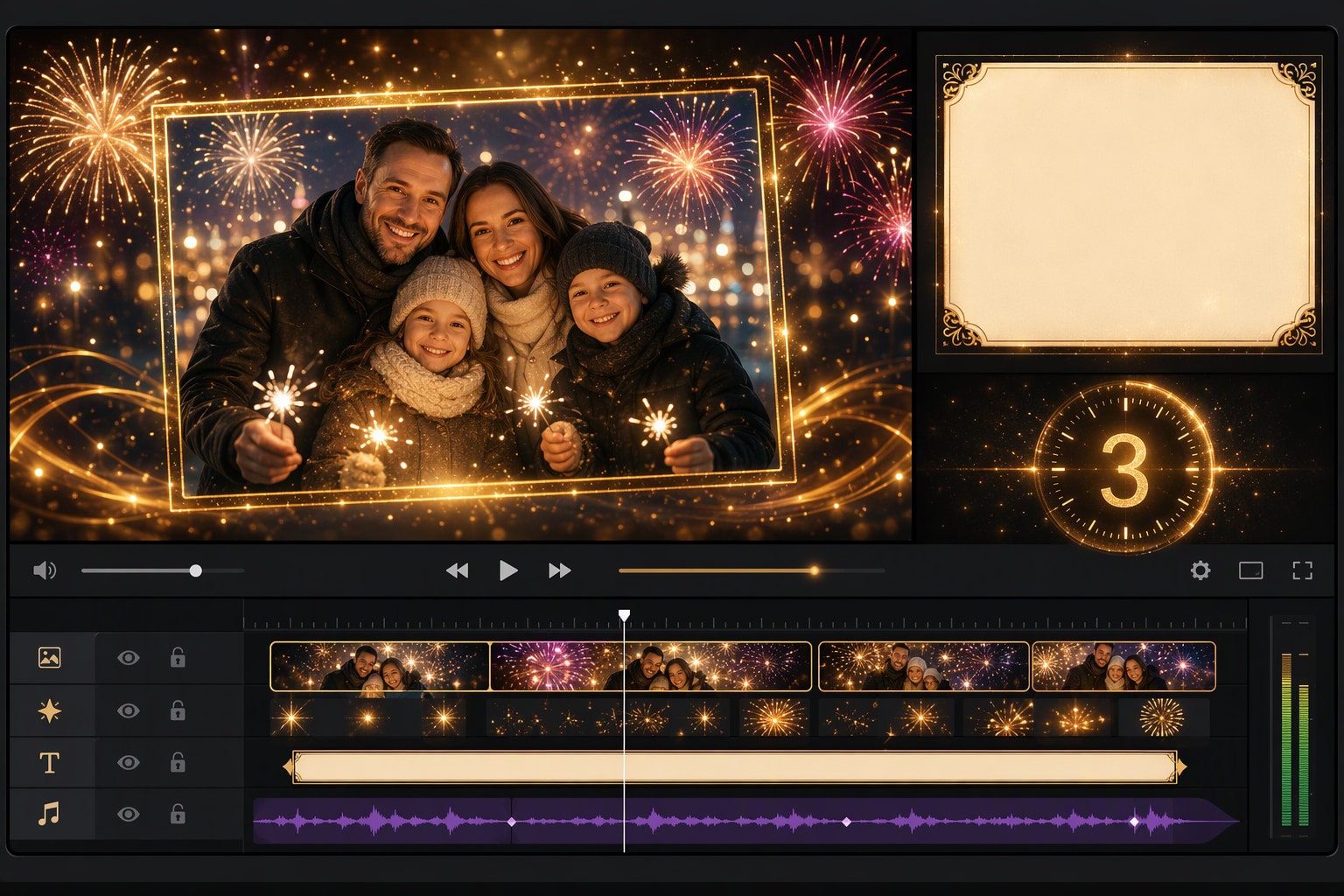
After generating the still, use Filmora's AI Image to Video workflow to add camera movement, overlays, effects, sound, and social-ready exports. Animate a camera move, light change, crowd motion, star trail, motion blur, or a restrained title reveal.
- Motion Ideas - Animate a countdown glow, falling confetti, fireworks bloom, candle flicker, camera push, or a gentle toast gesture.
- Social Formats - Filmora's AI Image to Video workflow turns a finished New Year's photo into motion-ready greeting content.
- Final Export - Finish with music, captions, transitions, and 16:9, 9:16, or square versions for every channel.
Frequently Asked Questions About New Year's Photo Prompts
How to Generate New Year's Photo Images With AI
Choose a new year's photo setup, define the visual mood, generate the still, then personalize or animate it in Filmora.
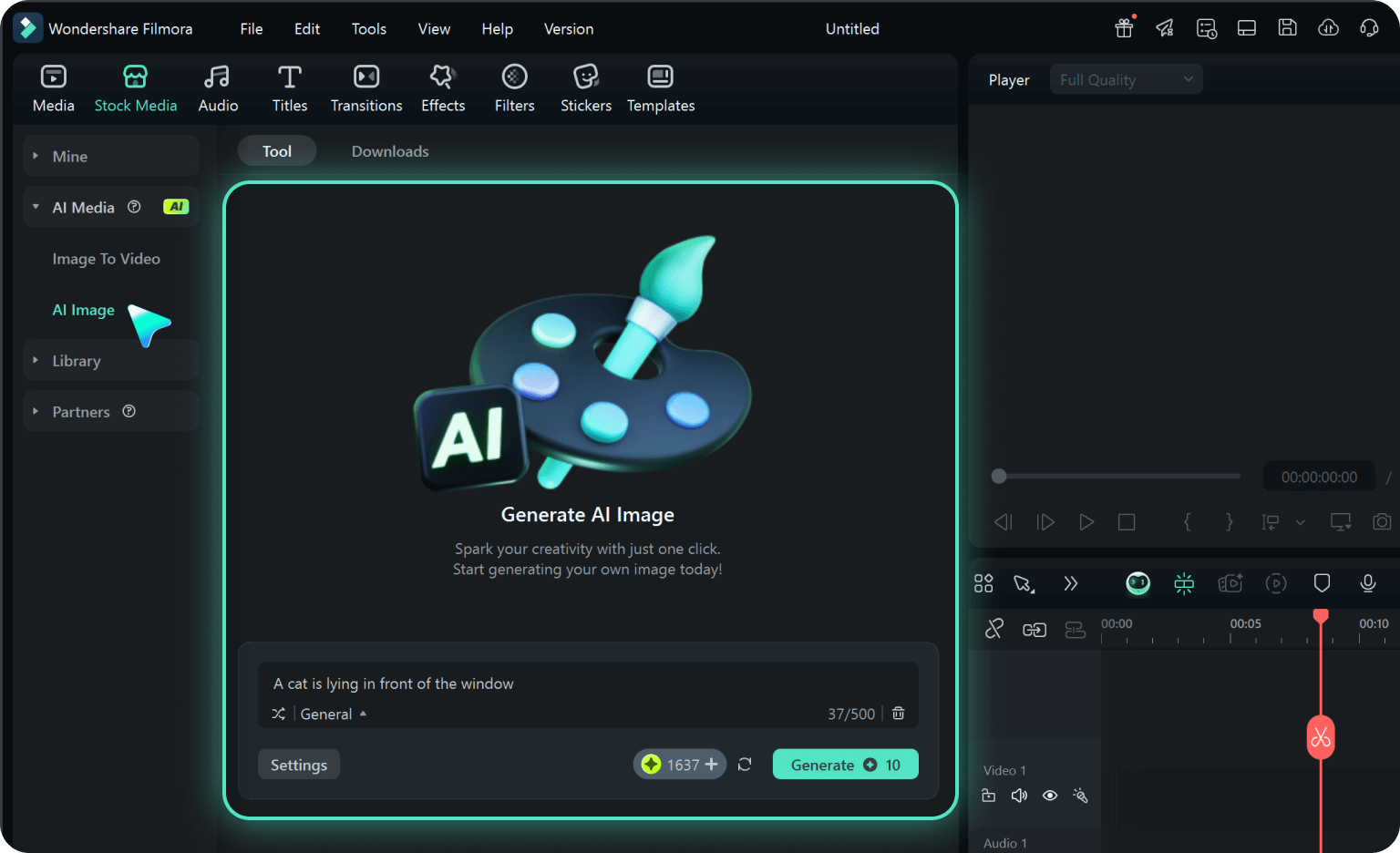
Step 1 Choose a New Year's Photo Prompt
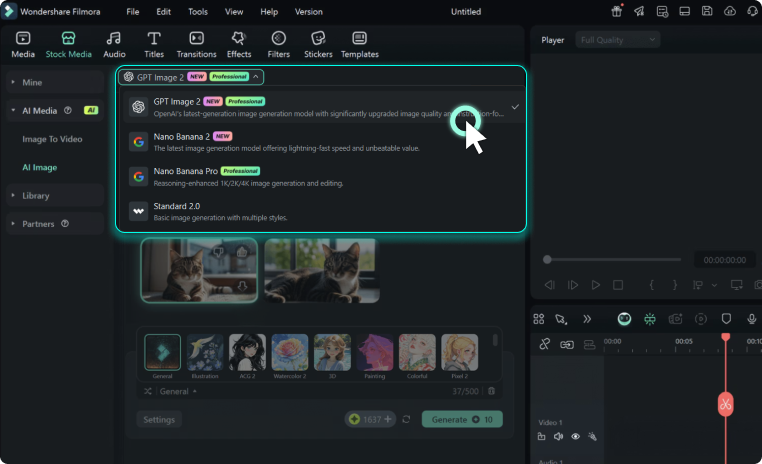
Step 2 Set Style, Model, and Ratio
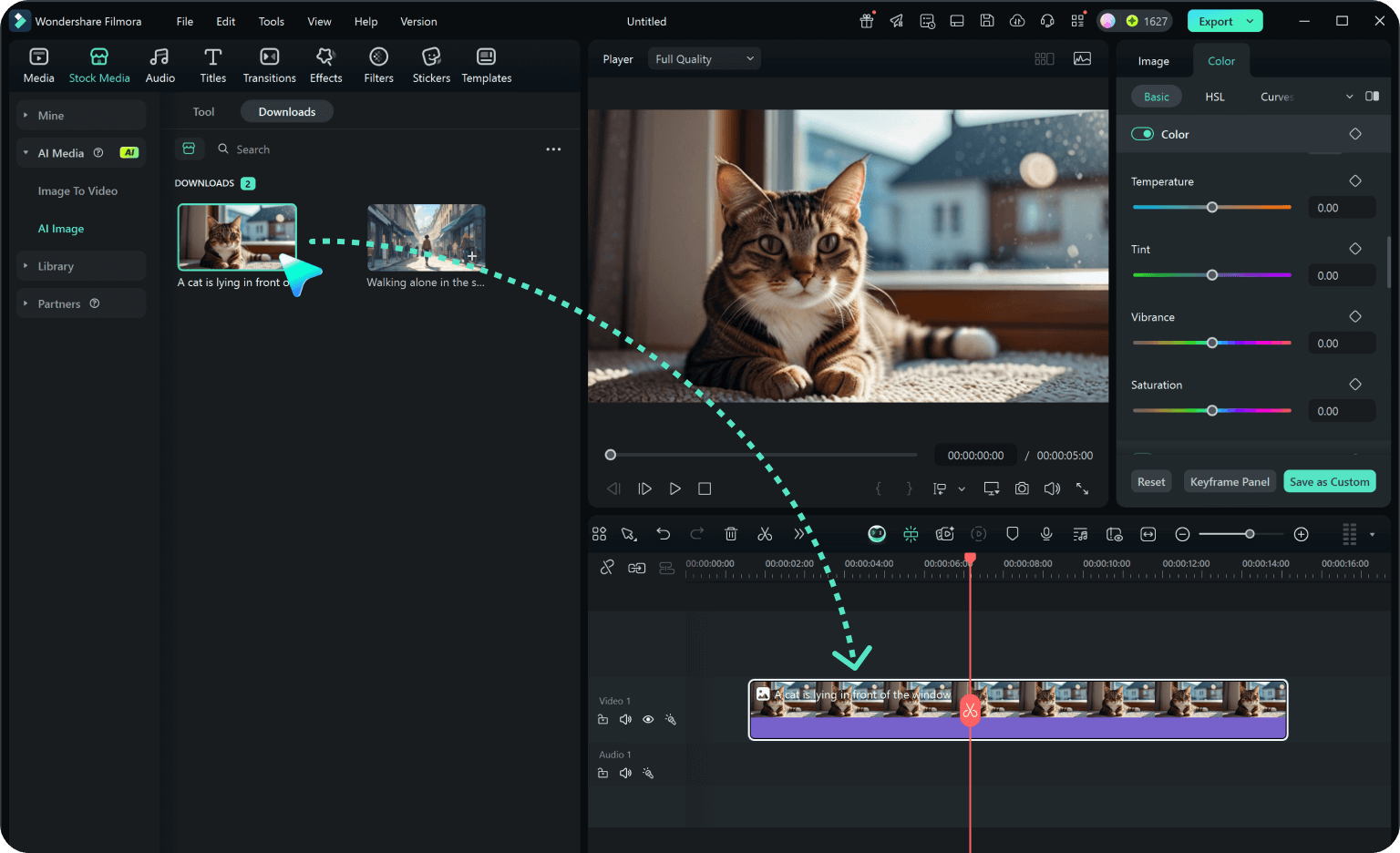
Step 3 Generate, Edit, and Export
-
1: Choose a New Year's Photo Prompt
Pick a new year's photo setup such as an adult portrait at midnight, a family countdown, a rooftop fireworks scene, or a still life with clean space for a greeting. -
2: Set Style, Model, and Ratio
Paste the prompt into Filmora's AI Image tool, choose GPT Image 2 or Nano Banana, select a ratio, and refine subject detail, lighting, and framing. -
3: Generate, Edit, and Export
Generate the still, adjust crop and color, add motion or overlays if needed, then export it for New Year's cards, party invitations, family albums, countdown reels, celebration posts, and festive video covers.