
Explore Bad Drawing & MS Paint Redraw Prompts
Dive into our curated collection of MS Paint redraw prompts designed to generate hilariously terrible illustrations. Whether you're looking for a deliberately poor illustration with wonky proportions or a naive art portrait with that authentic childlike charm, Filmora's built-in GPT image 2 integration brings your imperfect vision to life. Combine these generations with advanced video effects for the ultimate throwback! 💾
Loading more bad drawing examples...
 Category:
 Duration:
 Aspect Ratio:
Why the MS Paint Redraw & Bad Drawing Trend Is Going Viral
In a world of flawless AI-generated perfection, the deliberately poor illustration trend is a breath of fresh air. Audiences are craving authenticity, and nothing feels more human than a wonderfully wonky MS Paint redraw with crude outlines, uneven facial features, and that signature naive art charm. These prompts consistently go viral because they're relatable, funny, and refreshingly imperfect.
Authentic Imperfection That Connects
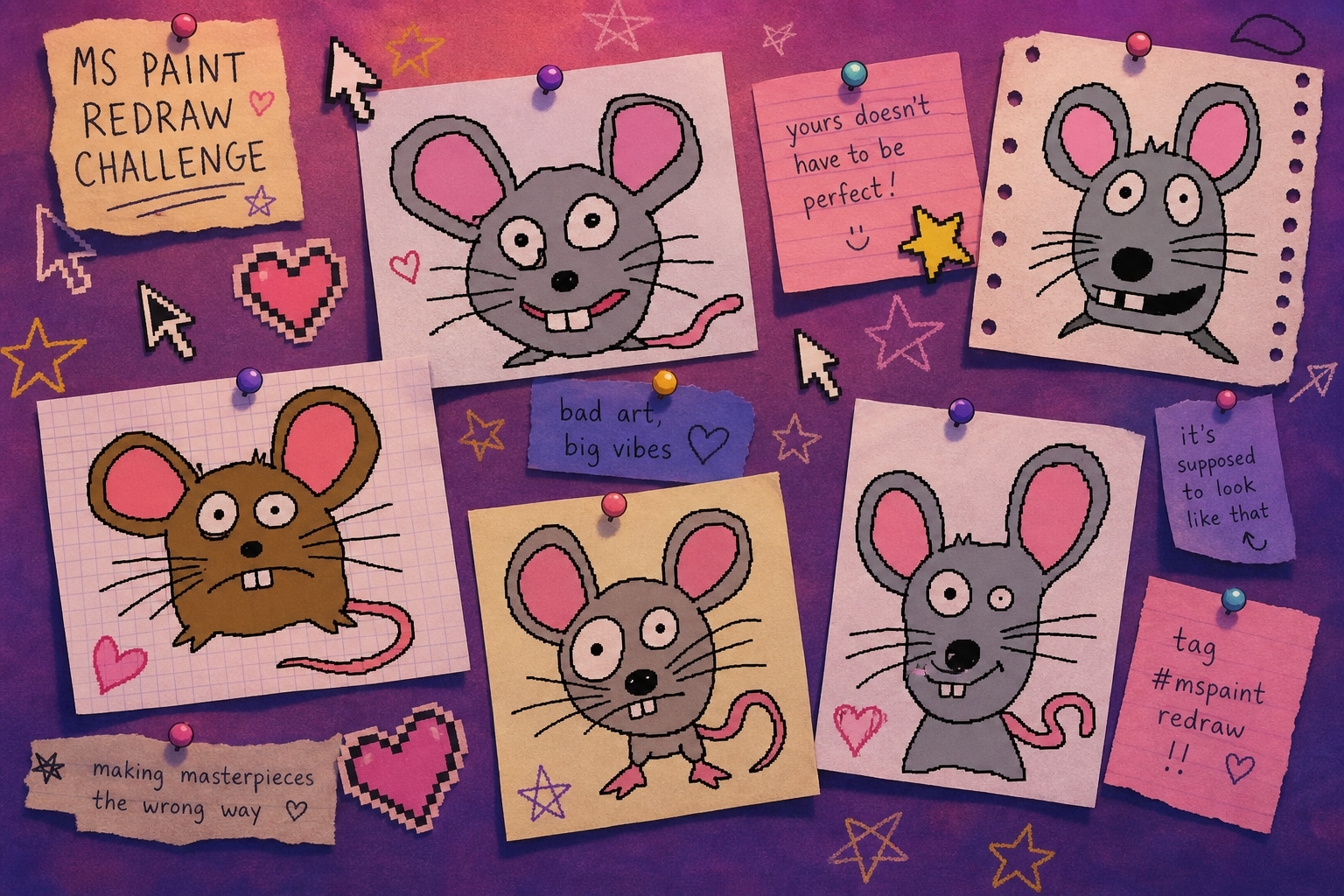
Authentic Imperfection That Connects
The MS Paint redraw trend taps into a deep desire for authentic, human-feeling content. By using specialized prompts, you can transform any photo into a deliberately poor illustration that feels like a child drew it during computer class — wonky proportions, thick black outlines, flat colors, and all. It's the perfect antidote to overly polished AI art.
- Viral Potential - Bad drawings are inherently shareable — they make people laugh and relate.
- Universal Appeal - Everyone has fond memories of MS Paint from their childhood.
- Community Building - Join the growing community of creators embracing intentional imperfection.
AI-Powered Imperfection at Scale
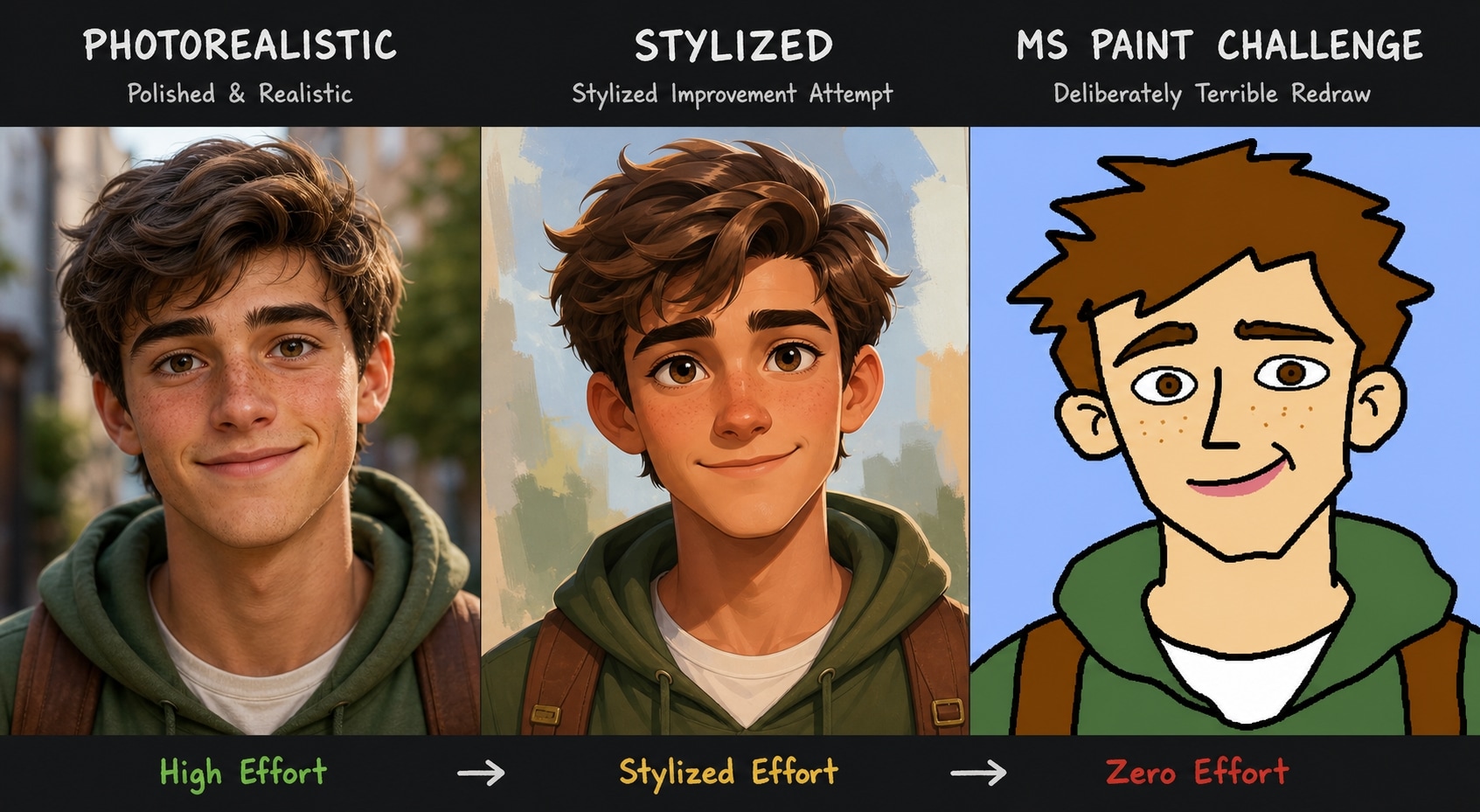
AI-Powered Imperfection at Scale
Creating a genuinely terrible MS Paint redraw by hand takes effort. But with Filmora's AI, you can generate naive art and deliberately poor illustrations in seconds. Simply paste your prompt into Filmora's AI Image Generator, choose from models like GPT image 2, Nano Banana 2, or Nano Banana Pro, and watch as AI perfectly recreates the charming clumsiness of human error.
- All-In-One Workspace - Generate, edit, and export without leaving Filmora.
- Multiple Engine Choices - Switch between GPT image 2, Nano Banana 2, and Nano Banana Pro for varied "bad art" styles.
- Instant Import - Send your wonky MS Paint redraw directly to your timeline.
From Bad Drawing to Retro Animation
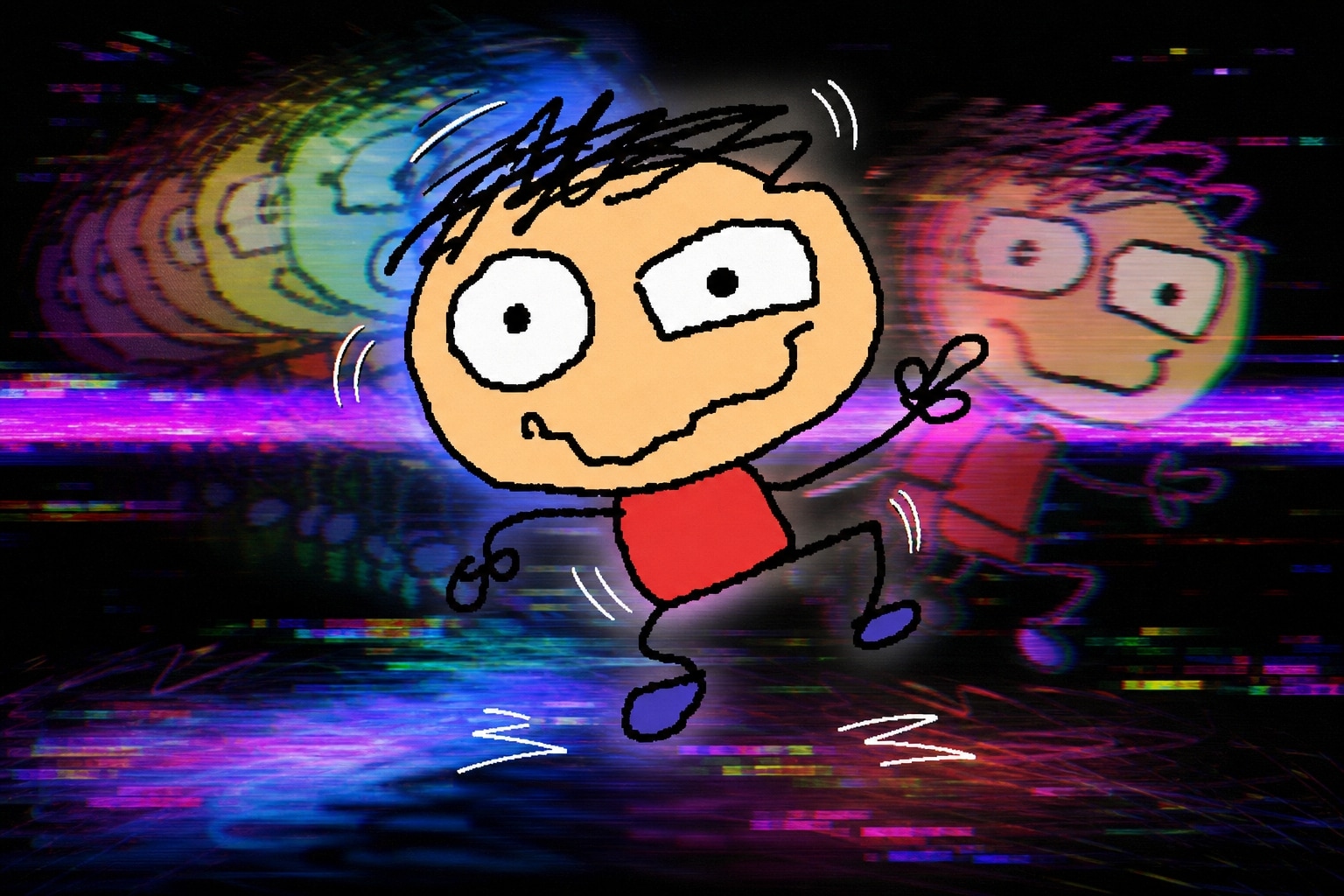
From Bad Drawing to Retro Animation
Take your MS Paint redraw to the next level. Once you've generated your deliberately poor illustration, use Filmora's AI image to video workflow to bring it to life. Add VHS glitches, retro transitions, or 8-bit music to create nostalgic animations that celebrate the beauty of imperfection.
- Animate Instantly - Give your static bad drawing dynamic motion.
- Enhance with Overlays - Add VHS distortions or glitch text layers.
- Audio Syncing - Pair with chiptune music for the full retro experience.
Stand Out With Naive Art Aesthetics
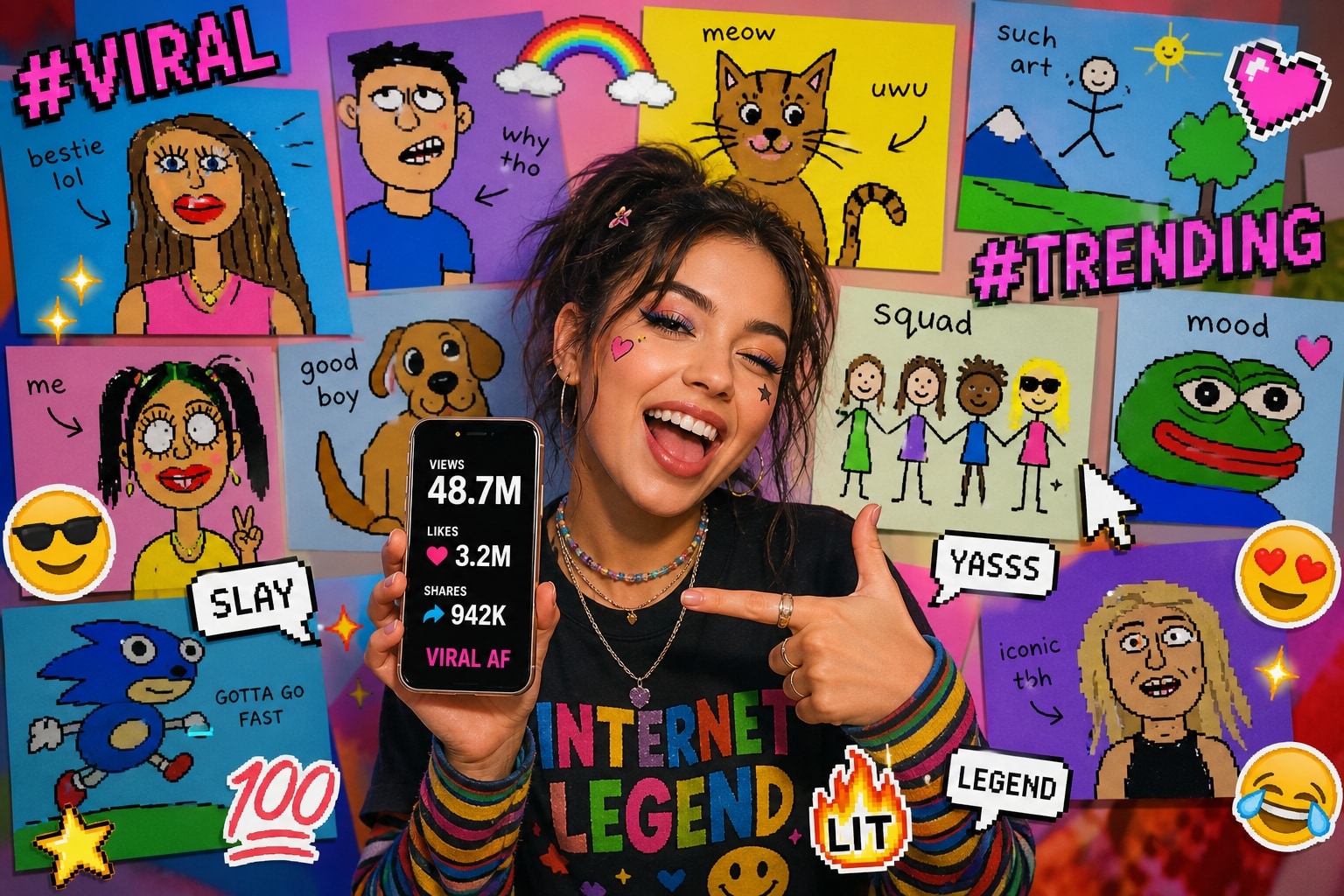
Stand Out With Naive Art Aesthetics
In a sea of hyper-realistic AI content, naive art and deliberately poor illustrations are the ultimate attention-grabbers. Pair your MS Paint redraw with Filmora's AI Stickers and AI Copywriting to create social media posts that stop thumbs mid-scroll. It's the perfect blend of nostalgia, humor, and visual intrigue.
- Smart Assets - Access AI-generated stickers to augment your bad drawings.
- Effortless Copywriting - Let Filmora's AI craft the perfect playful captions.
- Instant Export - Render and share directly to TikTok or Instagram in seconds.
Frequently Asked Questions
How to Generate MS Paint Redraws & Bad Drawings With AI
Transform your modern photos into delightfully terrible MS Paint redraws using Filmora's built-in AI models and the perfect deliberately poor illustration prompts. 🎨
Step 1 Choose a Bad Drawing Prompt

Step 2 Select Your AI Engine

Step 3 Generate and Animate

-
1: Choose a Bad Drawing Prompt
Browse our collection of MS Paint redraw prompts. Select one that captures the naive art or deliberately poor illustration style you want to create. 💾 -
2: Select Your AI Engine
Open Filmora and navigate to the AI Image Generator. Choose from integrated models like GPT image 2 or Nano Banana Pro to generate your deliberately poor illustration. 🤖 -
3: Generate and Animate
Paste your MS Paint redraw prompt, generate your naive art masterpiece, and drop it onto your timeline. Add retro effects and share! ✨
MS Paint Redraw Prompts: Turn Photos Into Deliberately Poor Illustrations
Looking for the perfect MS Paint redraw prompt for AI image generation? From thick black outlines and flat bucket-fill colors to uneven facial proportions and charmingly amateur mouse-drawn strokes — Filmora helps you transform your photos into wonderfully imperfect naive art masterpieces. Generate, edit, and enhance your deliberately poor illustrations all in one seamless workflow.




