
Explore Popular Night Flash Prompts
Dive into an extensive gallery of chatgpt image 2.0 night flash photography prompts designed to highlight bold nighttime aesthetics. From vintage party vibes to cinematic streetscapes, find the perfect text prompts for your next AI creation.
Loading more plain text examples...
 Category:
 Duration:
 Aspect Ratio:
Why Use ChatGPT Image 2.0 Nighttime Flash Prompts?
Generating realistic images using an AI image generator requires the right words. Mastering chatgpt nighttime flash prompts allows you to instantly produce striking, professional-grade imagery without an actual camera. 📸
Master the Gritty Aesthetic
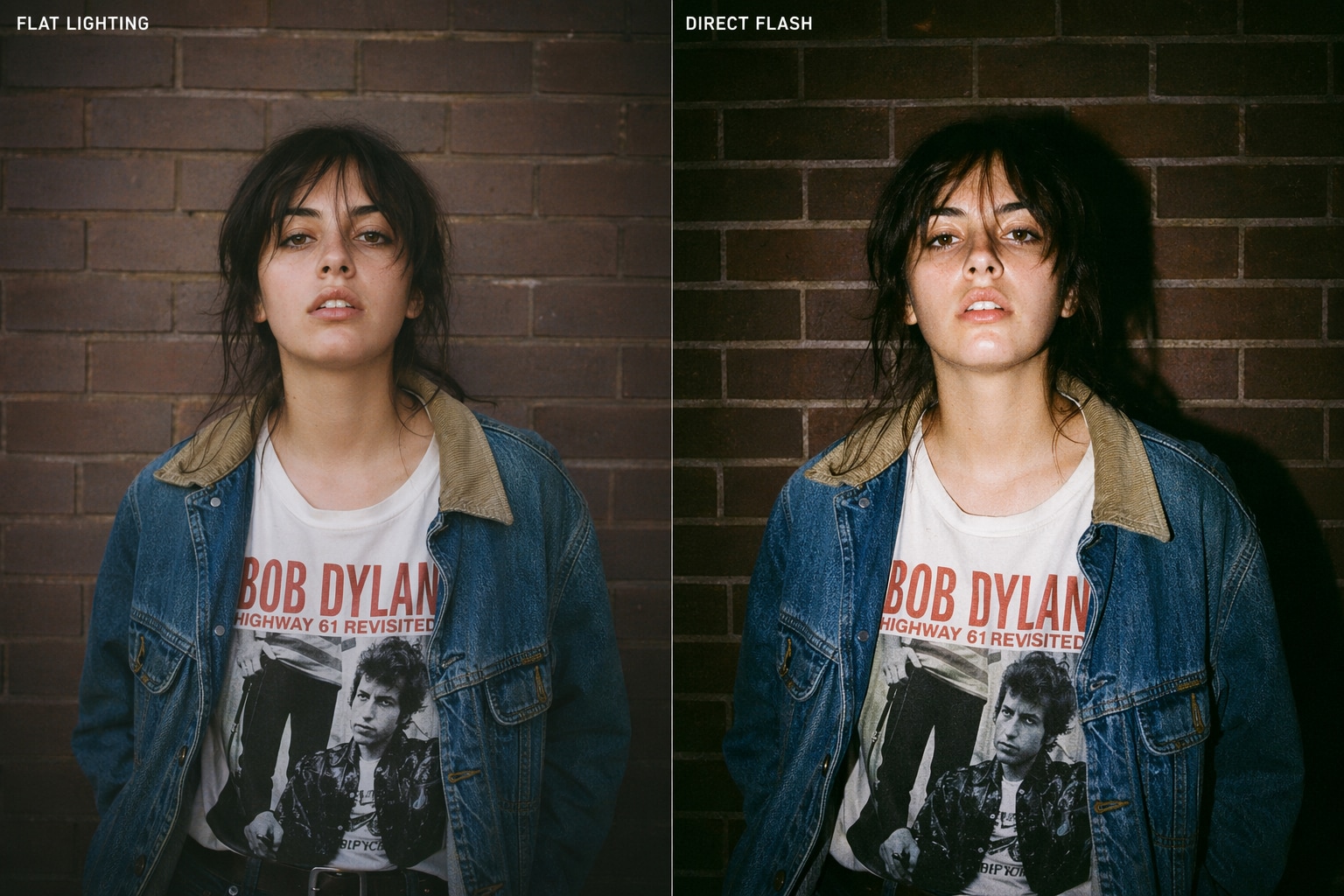
Master the Gritty Aesthetic
Ditch the flat lighting. By utilizing harsh flash night portrait prompts for chatgpt, you can easily recreate the sought-after 90s disposable camera look or high-fashion editorial style. 🌃
- High Contrast - Emphasize deep shadows and bright highlights effortlessly.
- Authentic Details - Add realistic skin textures and slight imperfections.
- Vintage Vibes - Mimic the nostalgic feel of film photography.
Perfect for Social Media Vibes
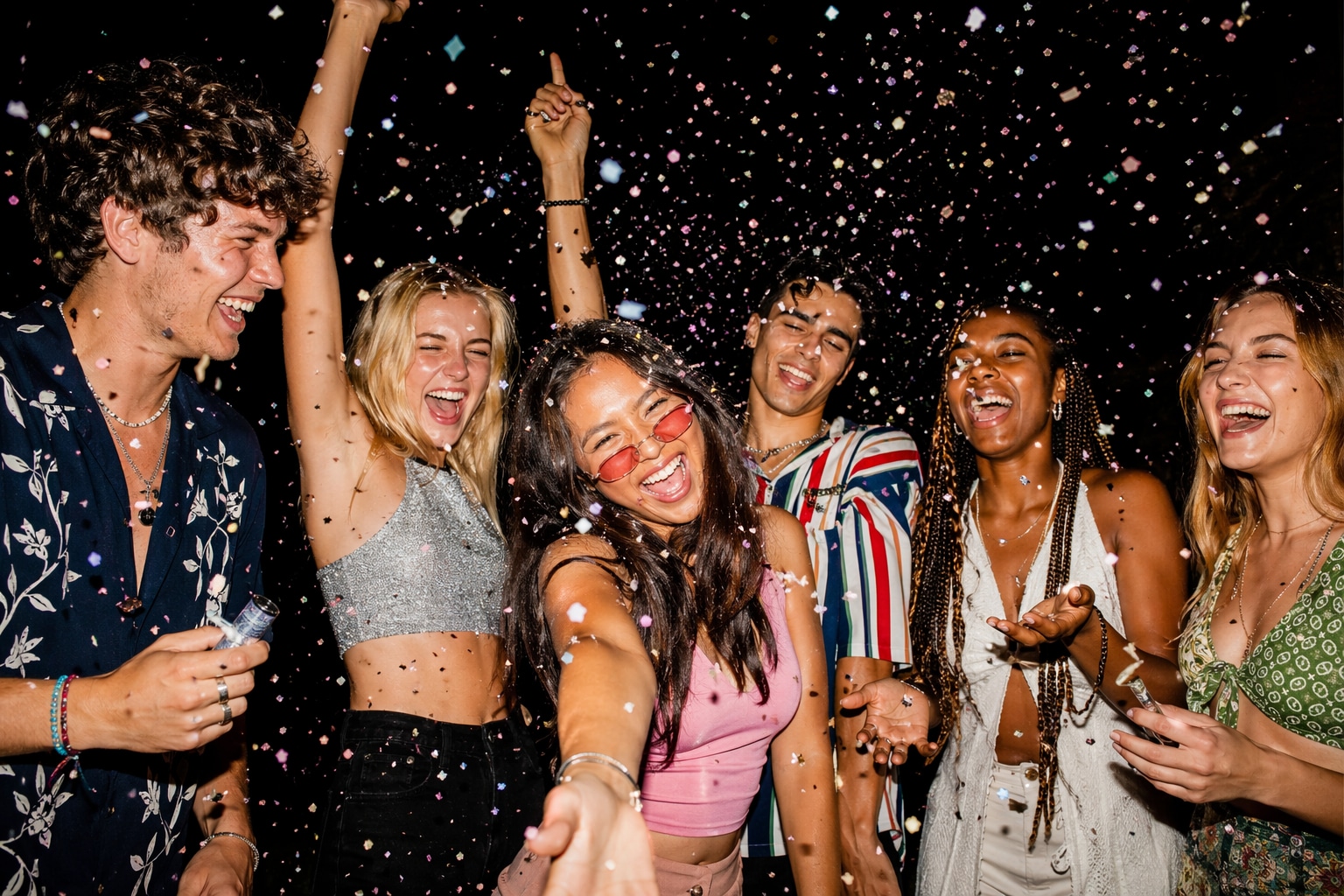
Perfect for Social Media Vibes
Stand out on your feed. Employing specific chatgpt flash night photo prompts ensures your AI-generated images look incredibly authentic, driving higher engagement and shares from your followers. ✨
- Stop the Scroll - High-impact lighting grabs attention instantly.
- Trend Alignment - Match current "party flash" aesthetics popular on TikTok.
- Consistent Style - Maintain a cohesive, edgy look across your profile.
Effortless Lighting Control
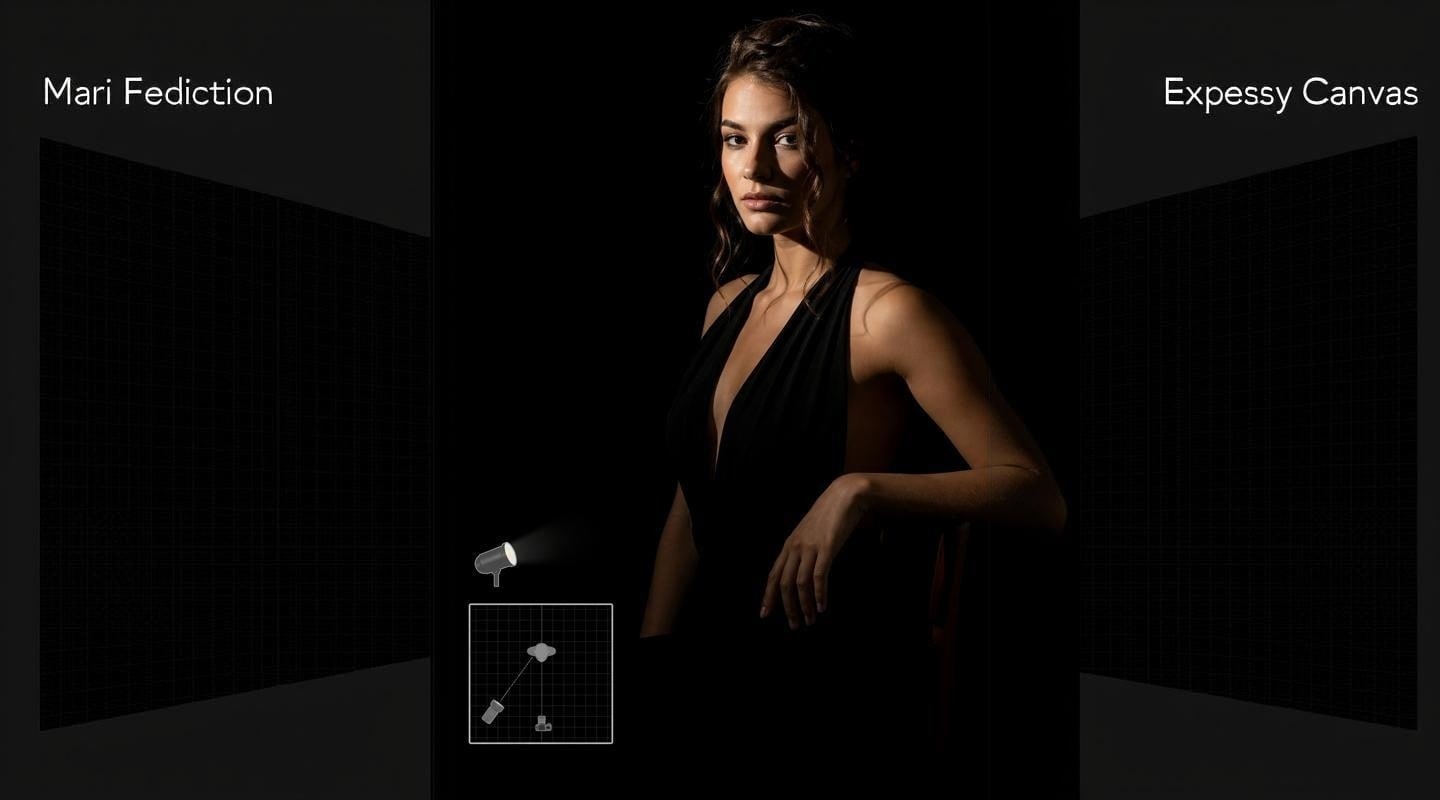
Effortless Lighting Control
You have total control over the environment. Exploring direct flash night photo prompts for chatgpt allows you to dictate exactly how the light interacts with your subject in an otherwise pitch-black scene. 🔦
- Precise Shadows - Command where the darkness falls for dramatic effect.
- Subject Isolation - Make your character pop vividly against dark backgrounds.
- Dynamic Angles - Simulate on-camera flash or off-camera strobes.
Expand Your AI Creativity
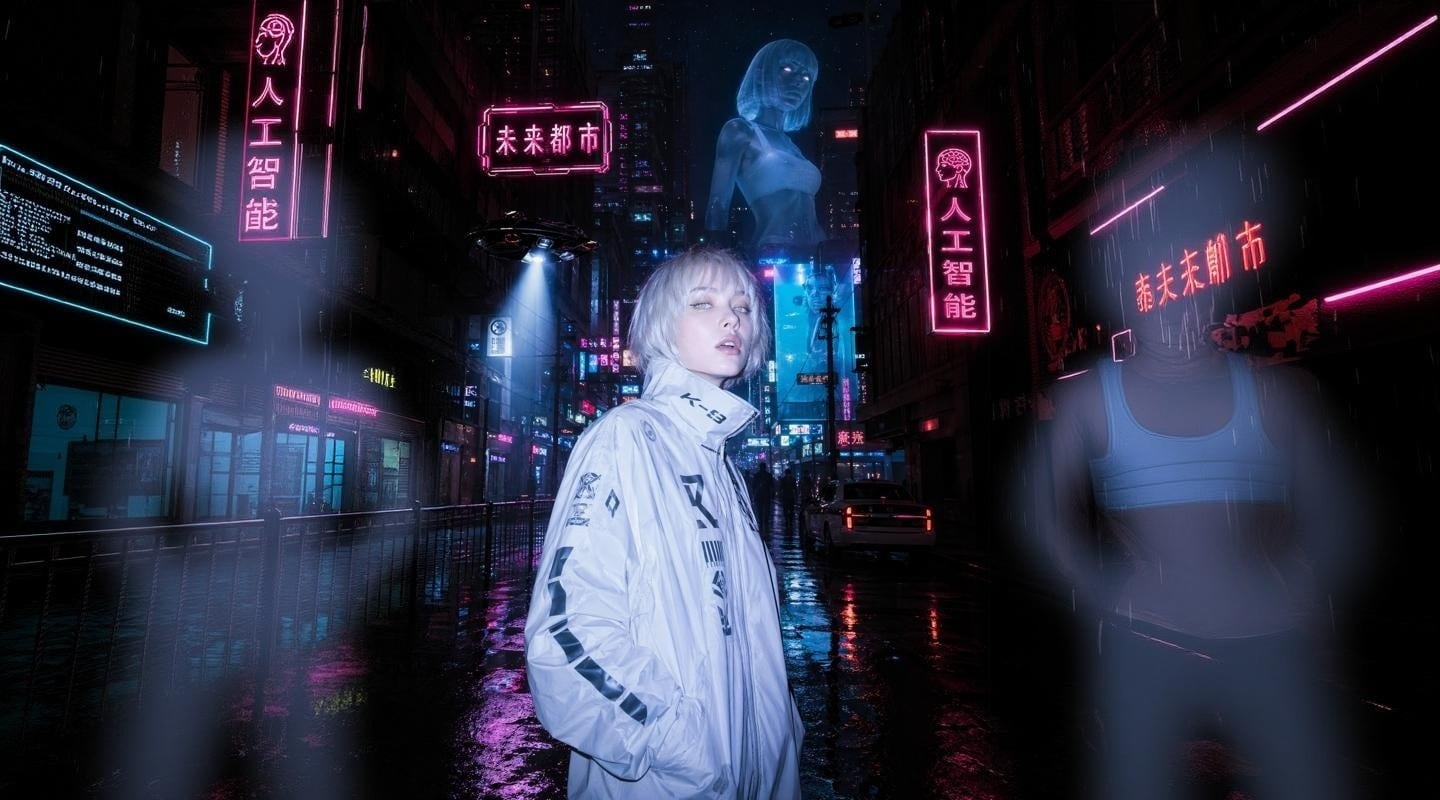
Expand Your AI Creativity
There are no limits to what you can visualize. Blending gritty night flash prompts for chatgpt with surreal or futuristic elements lets you create mind-bending art that defies traditional photography. 🎨
- Limitless Scenarios - Place your subjects in any nighttime environment imaginable.
- Sci-Fi & Cyberpunk - Combine harsh flash with neon cityscapes.
- Unique Subjects - Generate humans, animals, or objects with perfect flash exposure.
Frequently Asked Questions About Night Flash Prompts
How to Generate Night Flash Photos with Prompts
Transform simple text into stunning, high-contrast visuals using our chatgpt night flash photo prompts and your favorite AI tools. ⚡
Step 1 Choose a Flash Prompt

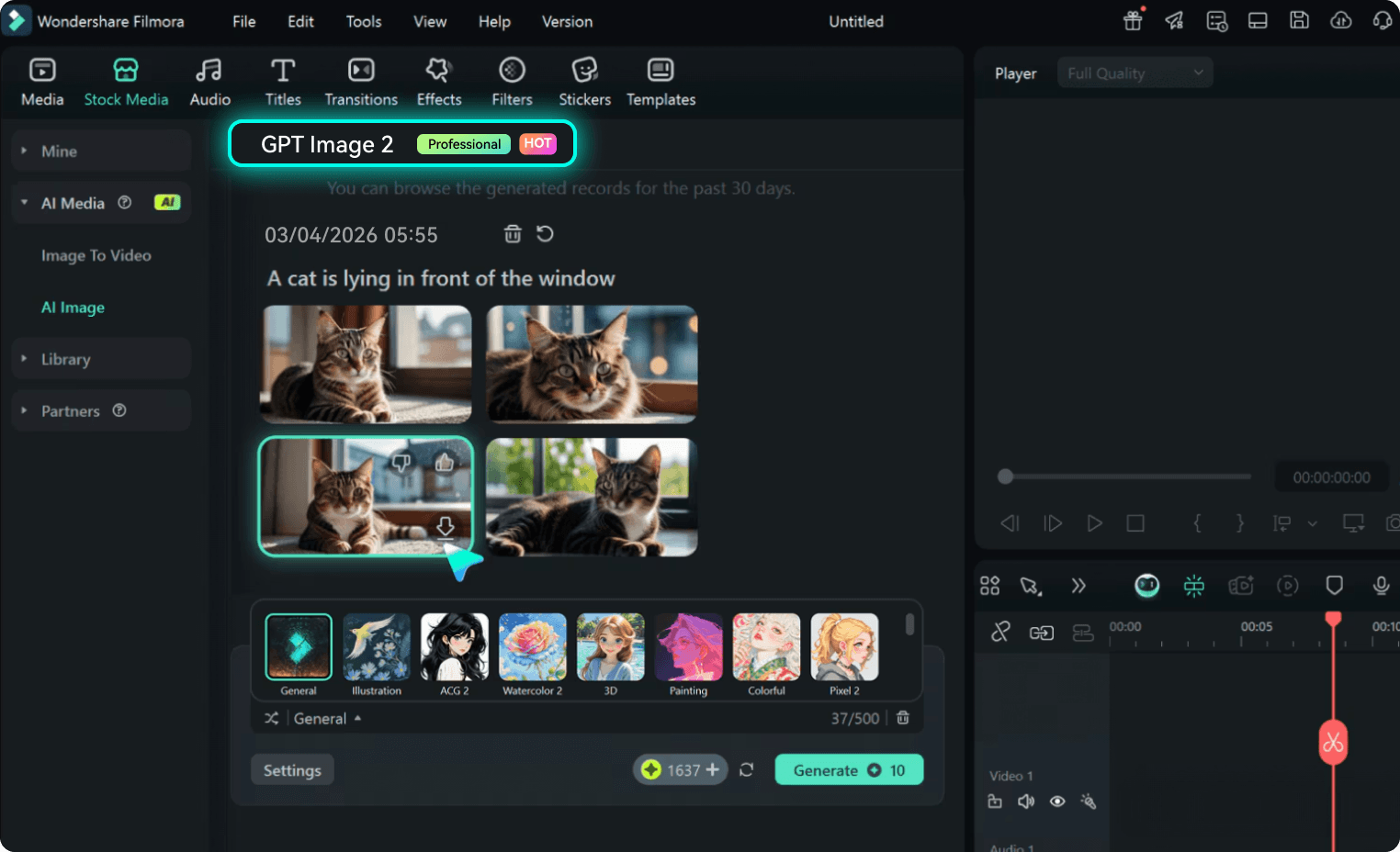
Step 2 Enter into ChatGPT or Filmora
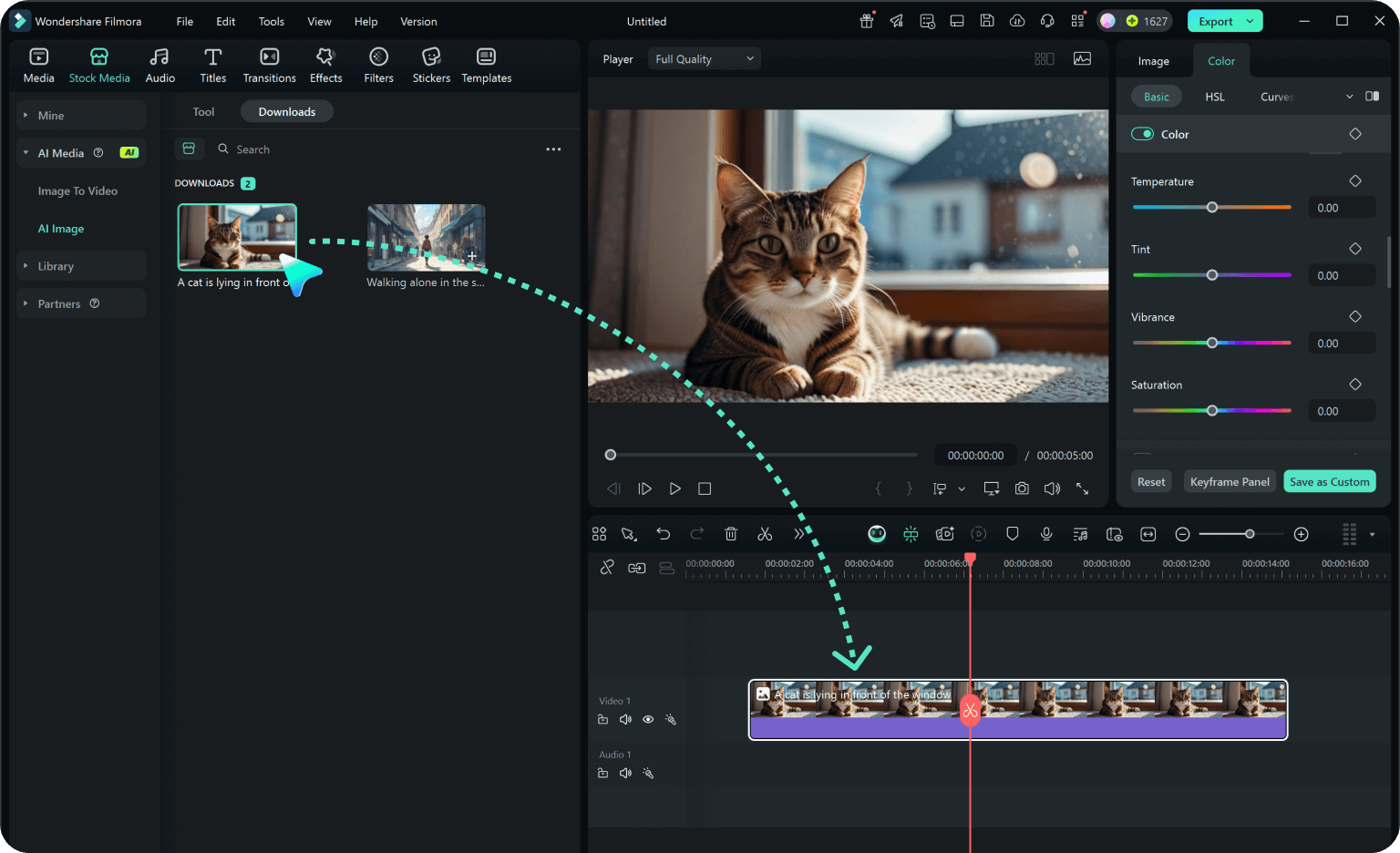
Step 3 Generate & Download
-
1: Choose a Flash Prompt
Browse our extensive library to find the perfect chatgpt night flash photography prompts. Select a style ranging from gritty street portraits to cinematic neon-lit night scenes. -
2: Enter into ChatGPT or Filmora
Paste your selected chatgpt night flash portrait prompts directly into ChatGPT or your preferred AI image generator, like Filmora's ai image (powered by GPT image 2). Modify the subject details as needed. -
3: Generate & Download
Hit generate to see your chatgpt flash night photo prompts come to life. Download your high-quality, high-contrast image and share it instantly on your social media feeds!
ChatGPT Night Flash Photo Prompts: Create Gritty, High-Contrast Night Portraits
Looking for the perfect ChatGPT night flash photo prompt? From harsh direct flash street portraits and dark urban alleyways to party flash aesthetics and dramatic nighttime editorial looks — Filmora helps you turn your night flash photo ideas into stunning AI-generated images. And that's not all — explore even more creative prompt categories below. Generate, edit, and enhance your gritty night visuals all in one seamless workflow.








