
Trending Gemini Holi Photo Prompts
Create Festival Magic Instantly
Want to make your own viral Happy Holi AI photo? Pick from realistic gulal powder effects, colorful celebration scenes, traditional festival looks, and vibrant color splash filters perfect for Instagram posts, WhatsApp status, or family greetings. Every AI Holi photo prompt works for selfies, couple shots, group pics, and kids' photos. Tap any template below to copy the Holi AI prompt—paste it into Gemini AI or Filmora and get bright, authentic festival results in seconds.
Loading more templates...
 Category:
 Duration:
 Aspect Ratio:
Create Happy Holi AI Photos with Gemini AI
Festival of Colors Made Easy
Transform ordinary photos into vibrant Happy Holi AI photos using Gemini's powerful image generator. Filmora's advanced AI image generator harnesses Google's Google's Nano Banana model to deliver stunning Holi festival AI images perfect for social media greetings and family celebrations. Use our AI Holi photo prompts to create colorful content with authentic gulal powder effects, traditional Indian attire, festive backgrounds, and joyful expressions that capture the spirit of Holi.
Whether you're looking to generate AI Holi photos for Instagram reels, WhatsApp greetings, or family group chats, our Holi AI prompt collection makes it easy. No design experience needed—just paste a Gemini Holi photo prompt, upload your photo, and watch the festival magic happen in seconds.
Instant Happy Holi AI Photo Generation
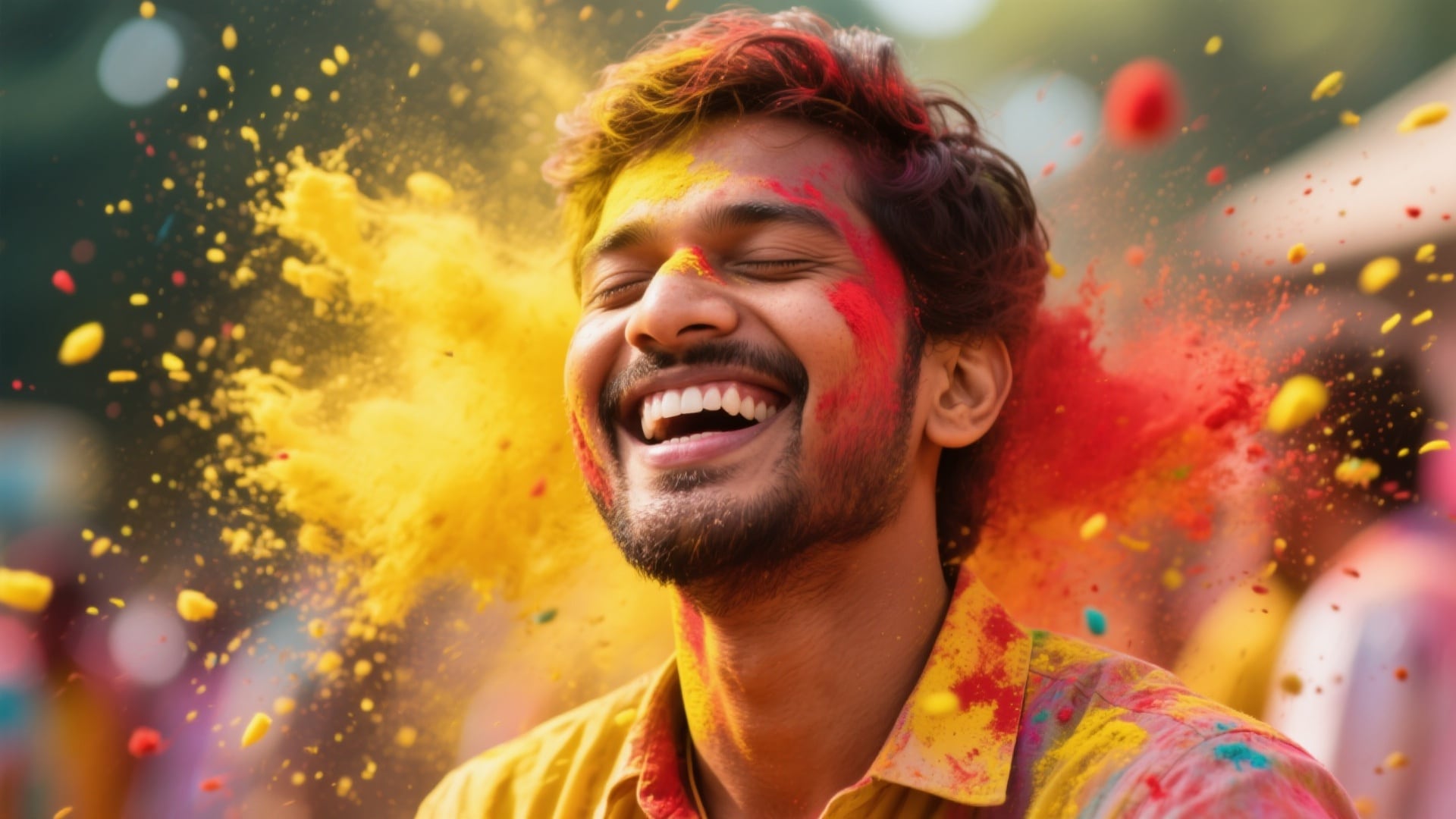
Instant Happy Holi AI Photo Generation
Create authentic Happy Holi AI photos in every trending style—from classic gulal-smeared selfies to joyful family celebrations, romantic couple portraits with color splashes, and playful kids enjoying water balloons. Explore our curated AI Holi photo prompt collection, choose your preferred festive vibe, and let Filmora's Gemini-powered generator produce stunning 4K festival visuals in seconds. Perfect for Holi greeting cards, WhatsApp status updates, and high-engagement social posts.
- 40+ Tested Holi Prompts - Ready-to-use Gemini AI prompts crafted for authentic Festival of Colors aesthetics.
- Multiple Holi Styles - Gulal selfies, family group moments, couple celebrations, traditional dance scenes, and vibrant color explosions.
- Reference Photo Support - Upload your portrait to preserve facial features while applying realistic Holi color effects.
- 4K Festival Output - High-resolution results ideal for Instagram greetings, WhatsApp sharing, print cards, and viral Holi content.
Turn AI Holi Photos Into Trending Reels & Videos
Turn AI Holi Photos Into Trending Reels & Videos
The Filmora mobile app transforms your Happy Holi AI photos into scroll-stopping video content in minutes. After generating your Holi image with Gemini, apply built-in animation templates, vibrant color burst transitions, and festive motion effects to turn static festival portraits into dynamic greeting videos. Create engaging Holi celebration clips designed to capture attention and boost social interaction instantly.
- Holi-Optimized Templates - Pre-designed video templates tailored for AI Holi photos, including color splash transitions, zoom animations, and particle overlays.
- One-Tap Animation - Instantly convert Gemini AI Holi photos into animated greeting videos with ai image to video & ai text to video.
- Social Media Ready - Export in ideal formats for Instagram Reels (9:16), WhatsApp Status, and YouTube Shorts with Holi 2026 trending visuals.
- Custom Text & Music - Add "Happy Holi" wishes, hindi captions, and traditional Bollywood-style Holi songs for personalized video greetings.
- Advanced Festival Effects - Enhance your video with color grading, particle effects, and cinematic vfx to amplify the vibrant Holi atmosphere.
Professional Holi Photo/Video Editing with Filmora's Advanced Tools
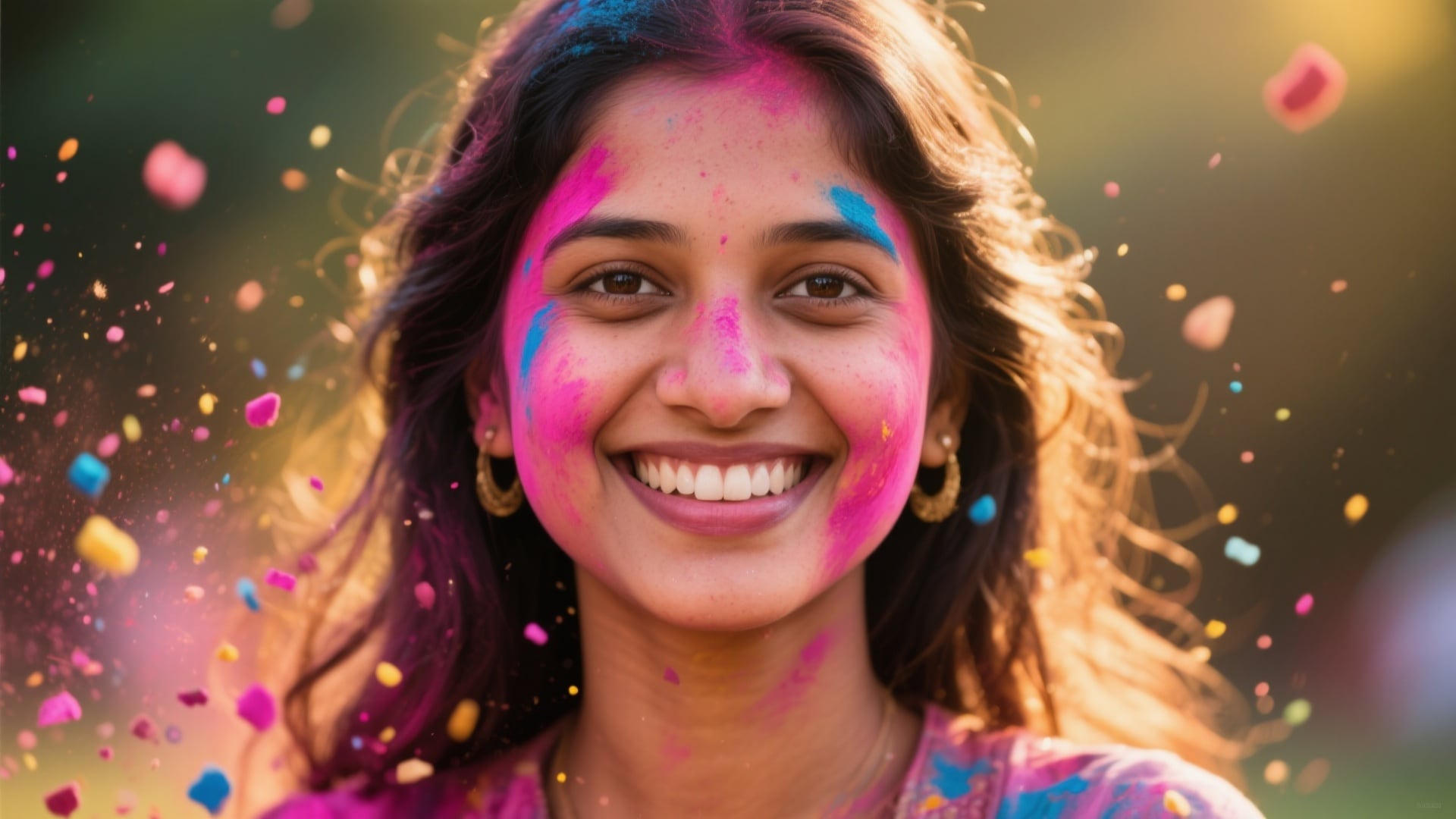
Professional Holi Photo/Video Editing with Filmora's Advanced Tools
Take your Happy Holi AI photos beyond basic generation with Filmora's full-featured editing suite. After creating your base image using Gemini Holi prompts, refine every detail with professional text overlays, authentic Indian festival graphics, and advanced visual effects. Perfect for creators who want polished, personalized Holi greeting images while preserving vibrant festival aesthetics.
- Festival Text Styles - Add authentic Hindi and English Holi greetings, decorative typography, and traditional rangoli-inspired borders to elevate your AI Holi photos.
- Advanced Color Grading - Fine-tune gulal tones, adjust saturation for realistic powder textures, and enhance festive lighting for a more cinematic look.
- Custom Graphics & VFX - Layer color splash effects, glowing particles, bokeh, and celebratory elements to enrich your Holi AI image quality.
- Precise Editing Controls - Adjust shadows, highlights, contrast, and color intensity to perfect your Gemini-generated Holi photo results.
FAQs About Holi Photo Creation and Effects
- Open your preferred Holi Photo editing app or website.
- Upload your photo or take a selfie.
- Select a Holi Photo effect or festival preset template.
- Adjust the intensity of colors, powder, and background as you like.
- Save or share your Holi Photo directly to social media or download for later.
How to Make a Holi Photo in Filmora
New to Happy Holi AI photos? Learn how to use Gemini AI Holi photo prompts with Filmora's integrated AI image generator. This tutorial shows you how to create, edit, and export trending Holi festival images for Instagram, WhatsApp Status, and family greetings using AI Holi prompts—all within Filmora's powerful editing platform. While Gemini.google.com offers standalone image generation, Filmora brings Holi photo creation directly into your video editing workflow with instant access to festive templates, enhancement tools, and video conversion features.
Step 1 Open Filmora and Choose AI Image Generator

Step 2 Add Holi Photo Prompt or Filter

Step 3 Download and Share Your Holi Photo

-
1:Open Filmora and Choose AI Image Generator
Launch the latest version of Filmora, start a project, and click "Stock Media". Select "AI Image" from the Media panel to start creating your Holi Photo. -
2:Add Holi Photo Prompt or Filter
Copy a Holi AI prompt from our templates above (e.g., "vibrant gulal colors, festive celebration"), upload your reference photo, and paste the Gemini Holi photo prompt to generate authentic festival effects. -
3:Download and Share Your Holi Photo
Once the AI finishes creating your AI Holi photo, preview the result, download it to your device, then share it on Instagram, WhatsApp Status, or send as Holi 2026 greeting cards to family and friends.
More Than Just a Holi Photo Creator
Filmora is not just for Holi Photo effects. You can also create a variety of festival photos, use trending AI filters, turn text into vibrant images or videos, and edit everything in one place—perfect for going viral on any platform.








