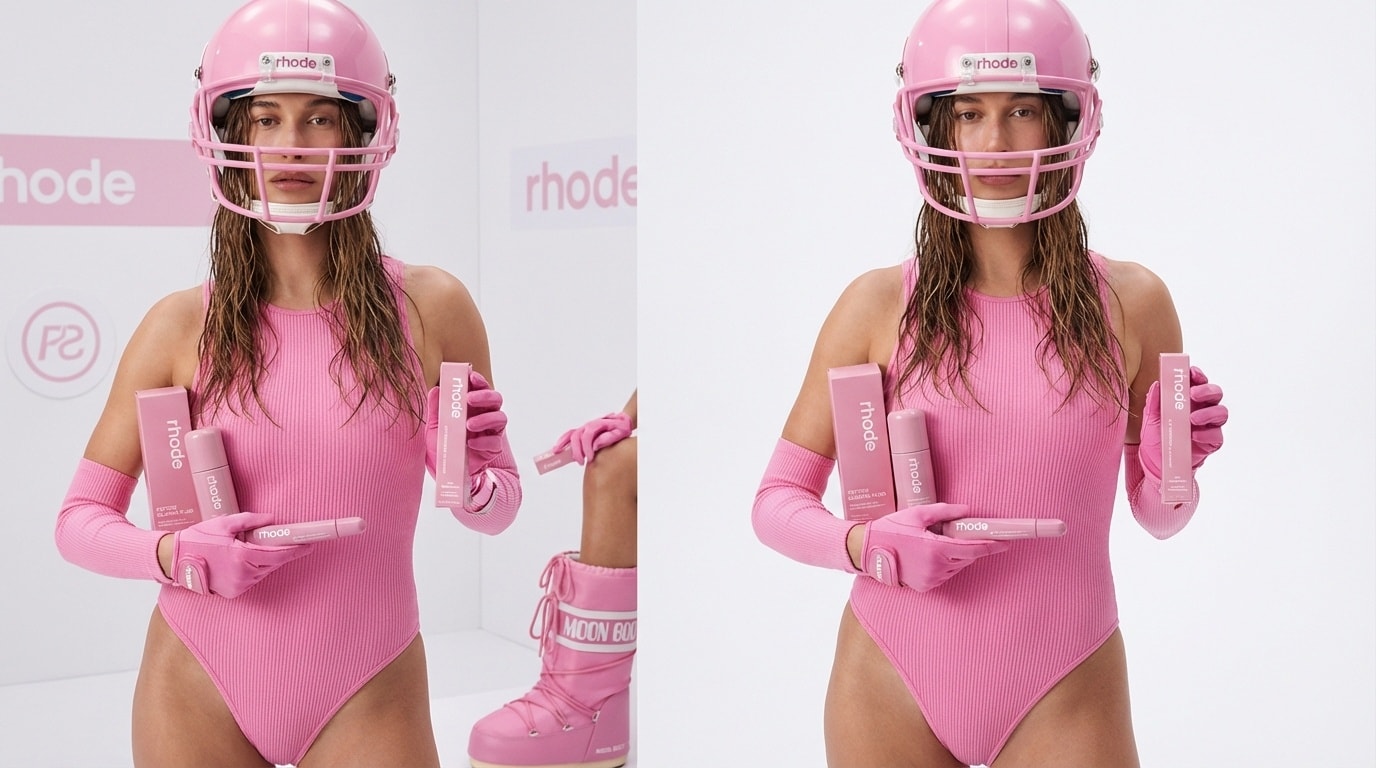
16+ Women's Day Photo Prompts:
Trendy Ideas for Captions, Effects & Poses
The IWD 2026 AI photo trend isn't just about aesthetics — it's about transformation storytelling. Unlike birthday filters or holiday stickers, a Women's Day AI portrait says something meaningful: I am worth a magazine cover. I am worth being seen. That emotional charge is exactly why these photos spread faster than any other March content on TikTok and Instagram. Search for `#GeminiAIWomensDay` on TikTok right now and you'll see creators generating thousands of shares with a single prompt. The formula is simple: personal photo + powerful AI prompt + IWD caption = viral moment.
Loading more templates...
 Category:
 Duration:
 Aspect Ratio:
Make Trending Women's Day Photos
with AI-Powered Prompts
Looking for the fastest way to create a beautiful Women's Day photo? Turn any selfie or group picture into a Women's Day celebration image using viral AI prompts in Filmora. Powered by AI image generator and Google's Nano Banana model, easily add flowers, quotes, banners, or festive backgrounds for International Women's Day.
Create and share inspiring Women's Day photos that look amazing on Instagram, WhatsApp, Facebook, or any social app—perfect for posts, stories, or digital greetings.
Get the Popular Women's Day Photo Look in Seconds

Get the Popular Women's Day Photo Look in Seconds
Choose from trending Women's Day AI photo styles—floral frames, empowering text overlays, group collages, and creative themes. Just type your effect in the prompt, and Filmora's AI instantly generates your personalized Women's Day photo—share-ready for social media, WhatsApp, and more.
- Copy-Paste Viral Prompts - Use ready-made Women's Day photo templates or write your own for unique looks.
- Multiple Styles - Elegant flowers, sparkles, quote cards, celebratory banners, and more.
- Reference Photo Upload - Keep your face or group shot in every Women's Day image you make.
Make Women's Day Photo Videos for Social Media

Make Women's Day Photo Videos for Social Media
The Filmora mobile app features AI tools with special Women's Day templates to turn your Women's Day photos into short, shareable videos—perfect for TikTok, Instagram Reels, and WhatsApp Status.
- Women's Day Video Templates - Match popular Women's Day video trends and effects instantly.
- No Prompt Needed - Pick a photo, choose the template, and generate a ready-to-share video in one tap.
- Customize As You Like - Edit prompts for your own messages, colors, and effects.
- Photo-to-Video Creation - Your Women's Day photo is animated for maximum impact.
- Music & Celebration Effects - Add trending music, stickers, and sound effects to every Women's Day video.
Add Women's Day Wishes, Frames & Effects

Add Women's Day Wishes, Frames & Effects
Personalize your Women's Day photo with custom wishes, stylish frames, and festival-inspired effects. Filmora's easy text tools let you add quotes like "Happy Women's Day!" in any font, color, or style—plus floral stickers, sparkle overlays, and festive backgrounds.
- 💬 Custom Messages - Add text captions like "Happy Women's Day", "You Are Amazing", or any personal message.
- 🌸 Decorative Frames & Stickers - Flowers, ribbons, hearts, sparkle overlays, and more festive styles.
- 🎨 Text & Effects Tools - Font selection, text color, shadow, animation, textured backgrounds—your style, your way.
FAQ: Women's Day AI Photo — Everything You Need to Know
How to Make a Women's Day Photo in Filmora
Looking for the easiest way to create a viral Women's Day Photo effect? Even beginners can generate trending Women's Day Photo edits for TikTok or Instagram. This quick guide shows you how to use Filmora to design, edit, and export a Women's Day Photo in just a minute.
Step 1 Open AI Photo Generator

Step 2 Choose Women's Day Photo Style

Step 3 Edit & Download Your Women's Day Photo

-
1:Open AI Photo Generator
Open the latest Filmora app, start a new project, and click "Stock Media", then select "AI Image" in the Media panel to start your Women's Day Photo. -
2:Choose Women's Day Photo Style
Pick your preferred Women's Day Photo template, effect, or style. Enter any text or message you want, then click "Generate" to create your AI-powered Women's Day Photo. -
3:Edit & Download Your Women's Day Photo
Preview your Women's Day Photo, download it, drag it to your editing timeline, or export it instantly for sharing on social media.