
20+ Caricature Portrait AI Templates:
Easy Copy, Paste & Create
Whether you want to craft exaggerated face portraits with big eyes and playful features, trendy cartoon-style selfies for Instagram stories, or humorous caricature artworks for your YouTube thumbnails — these Caricature Portrait AI templates make it effortless.
Simply browse all caricature portrait prompts, tap the template image, copy-and-paste to generate instantly, and get unique cartoon portraits in seconds.
Loading more templates...
 Category:
 Duration:
 Aspect Ratio:
Create Unique AI Caricature Portraits
With Nano Banana Pro Prompts
Looking to transform your photos into playful and bold caricature portraits? Use our proven Nano Banana Pro prompts to generate eye-catching caricature portraits with exaggerated features and artistic flair. Filmora's advanced AI image generator, powered by Google's Nano Banana model, allows you to create caricature portraits that stand out on TikTok, Instagram, Snapchat, and YouTube.
Experience instant caricature portrait creation that captures expressive detail and humorous style. Perfect for social media profiles, gifts, or creative fun, our AI ensures consistent character exaggeration and vibrant results.
Turn Any Photo Into a Lively Caricature Portrait
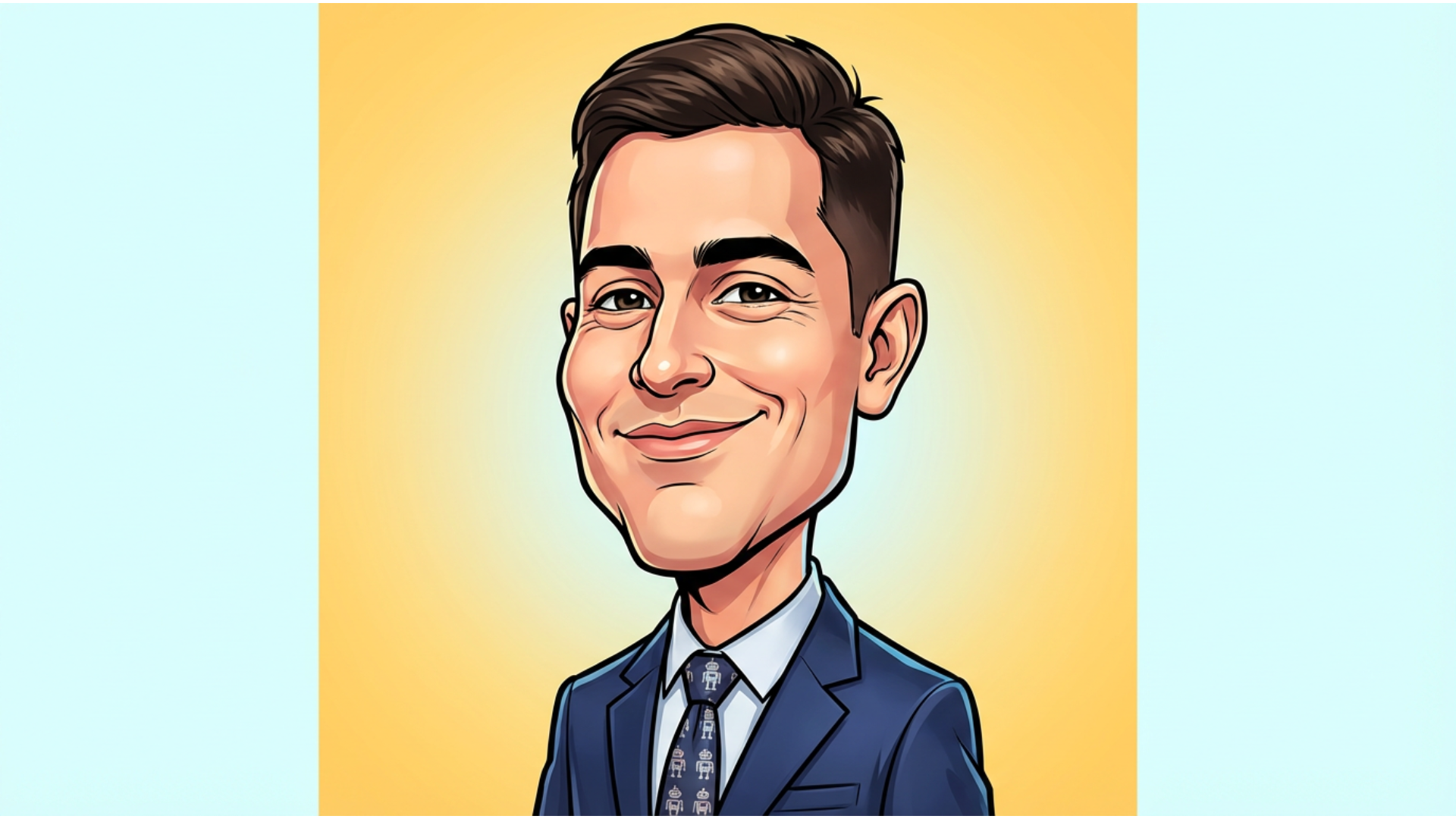
Turn Any Photo Into a Lively Caricature Portrait
Create caricature portraits with styles ranging from exaggerated cartoon humor to detailed artistic sketches. Simply include your style and features in the prompt, and Filmora's desktop AI Image Generator, powered by Google's Nano Banana model, creates professional-level caricature portraits with consistent facial exaggerations and vivid expressions.
- Easy Prompt Use - Copy and paste from 20+ creative caricature portrait prompts.
- Varied Artistic Styles - Comic, cartoon, sketch, digital painting, and more.
- Reference Image Support - Upload portraits or selfies for tailored caricature results.
Create Caricature Portrait Videos with Filmora's Nano Banana Pro Templates
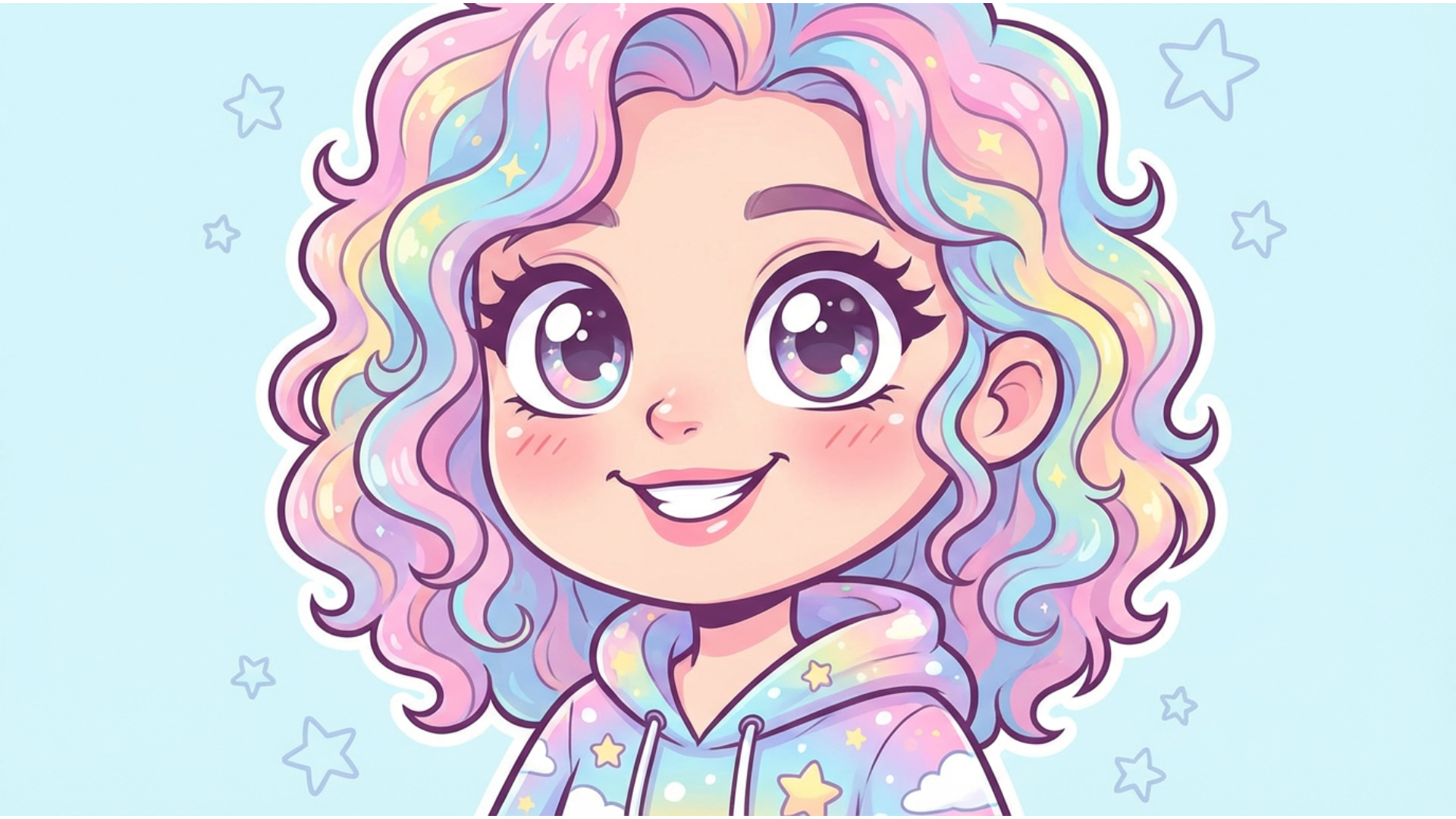
Create Caricature Portrait Videos with Filmora's Nano Banana Pro Templates
The Filmora mobile app integrates Nano Banana Pro with curated caricature portrait video templates that animate your caricature photos with fun effects—ideal for sharing on TikTok and Instagram.
- Ready-to-Use Caricature Templates - Choose from trending styles like exaggerated facial animation or pop art caricatures.
- No Complex Prompts Needed - Upload your photo, select a template, and generate instantly.
- Fully Customizable - Add your own text or prompts for unique effects.
- Automatic Animation - Turn static caricature portraits into lively video clips.
- Built-In Sound Effects & Music - Add comic-style sounds to enhance your videos.
Add Custom Lettering with Comic Typography Tools
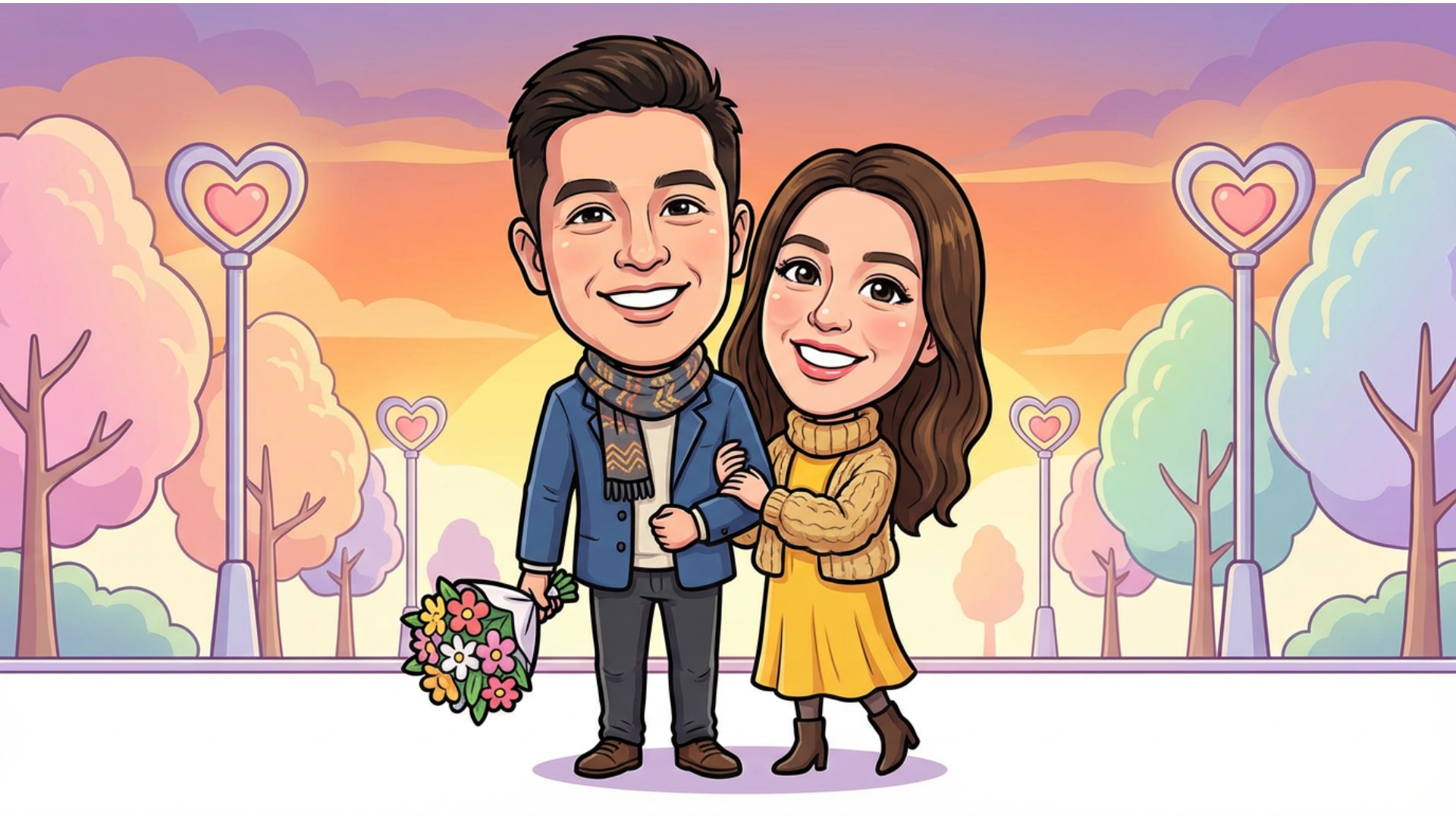
Add Custom Lettering with Comic Typography Tools
Enhance your caricature portraits with speech bubbles, captions, and comic-style lettering using Filmora's typography suite. Perfect to add personality and humor to your caricature creations.
- 🗨️ Speech Bubbles – Classic, jagged, thought bubbles, and caption boxes with customizable tails.
- 🔤 Comic Fonts – Bold action fonts, playful handwriting, sound effects (BOOM!), plus multi-language support.
- 🎨 Typography Features – Auto-sizing, text curves, shadows, color highlights, and halftone patterns.
FAQs About Caricature Portraits
- Choose a reliable AI caricature portrait generator tool or app.
- Upload a clear photo or selfie you want to transform.
- Customize any available options like exaggeration level or style.
- Click generate and wait a few seconds for your caricature portrait.
- Download or share your caricature portrait instantly on social media.
How to Use Caricature Portrait Effects in Filmora?
While Filmora doesn’t yet have a dedicated caricature portrait effect, you can create similar stylized images using integrated AI generators. This guide shows how to create and edit caricature portraits quickly for eye-catching videos on TikTok, Instagram, and YouTube.
Step 1 Open Filmora and Access AI Tools

Step 2 Generate Your Caricature Portrait

Step 3 Download and Use Your Caricature Portrait

-
1:Open Filmora and Access AI Tools
Launch Filmora and select "AI Image" from the Stock Media panel to start creating caricature portrait effects. -
2:Generate Your Caricature Portrait
Use the Nano Banana model with a “caricature portrait” prompt and click Generate to transform photos into fun, artistic portraits. -
3:Download and Use Your Caricature Portrait
Download the AI-generated caricature portrait and add it to your video project or export it for social media sharing.
More Than Just Caricature Portrait Creation
Filmora offers more than just caricature portrait generation. Create striking stylized photos, turn prompts or images into AI videos, and edit with powerful tools—all within one versatile platform.








