
Ghost shadow Photo Prompts:
Copy, Paste & Go Viral
Want to try the popular ghost shadow photo effect? Get instant access to the best ghost shadow photo prompts for TikTok and Instagram. Just browse all ghost shadow photo ideas below—tap an image, copy the description, paste it into your favorite app (like Filmora) and you’ll create ghost shadow photos and videos that look just like the trending edits you see online.
Loading more templates...
 Category:
 Duration:
 Aspect Ratio:
Make Viral Ghost Shadow Photo Effects
In Seconds with Nano Banana Pro
Looking for prompts that match what’s trending right now? This library blends classic “ghost shadow behind you” edits with the viral mask aesthetic using Gemini ghost face AI prompts. Tap any template to copy a prompt, then customize details like scene (mirror selfie, hallway, graveyard), lighting (neon, moonlight, flashlight), and texture (fog, smoke, film grain). Want the mask trend specifically? Try a Gemini Ghostface AI photo prompt for a cinematic horror still—then refine and animate it in Filmora for a scroll-stopping Reel.
Generate Ghost Shadow Photos That Look Like Real Movie Stills
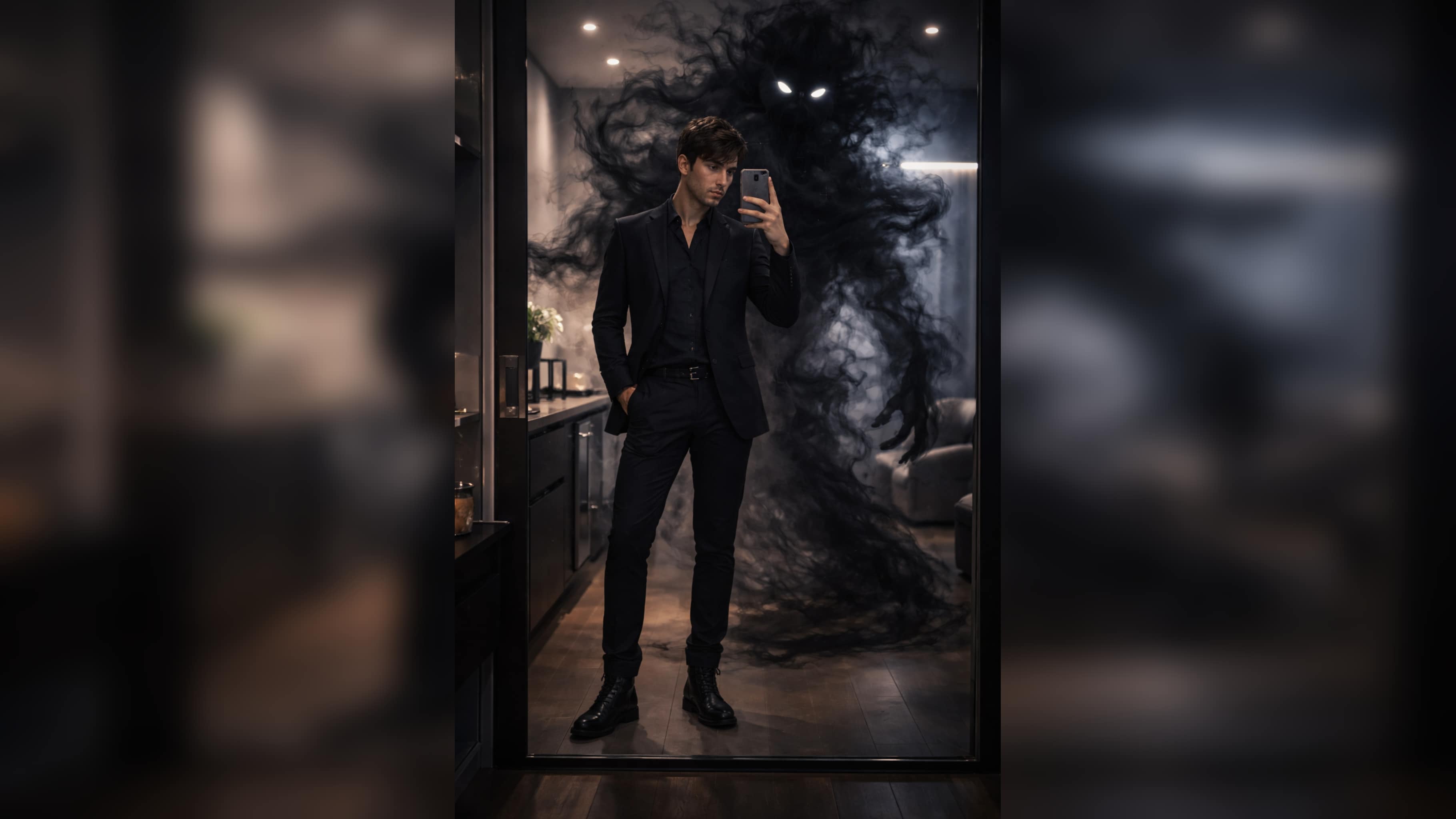
Generate Ghost Shadow Photos That Look Like Real Movie Stills
Start with a clear photo and a detailed prompt, then dial in what makes the effect believable: shadow placement, fog density, rim light, and film texture. With the right Gemini AI ghost photo prompts, you can create a ghostly presence, a smoky entity, or a Ghostface-style figure in the background—without the “AI look.” Finish in Filmora to sharpen facial details, fix small artifacts, and polish the cinematic grade.
- Copy & Use Prompts – 16+ ready-made prompts for fast ghost shadow photo edits.
- Multiple Vibes – Retro, neon, cinematic, pastel, and dramatic ghost shadow templates.
- Photo Reference Support – Upload your own image for perfectly matched ghost shadows.
Turn Your Ghost Photo into a Viral Reel in One Tap
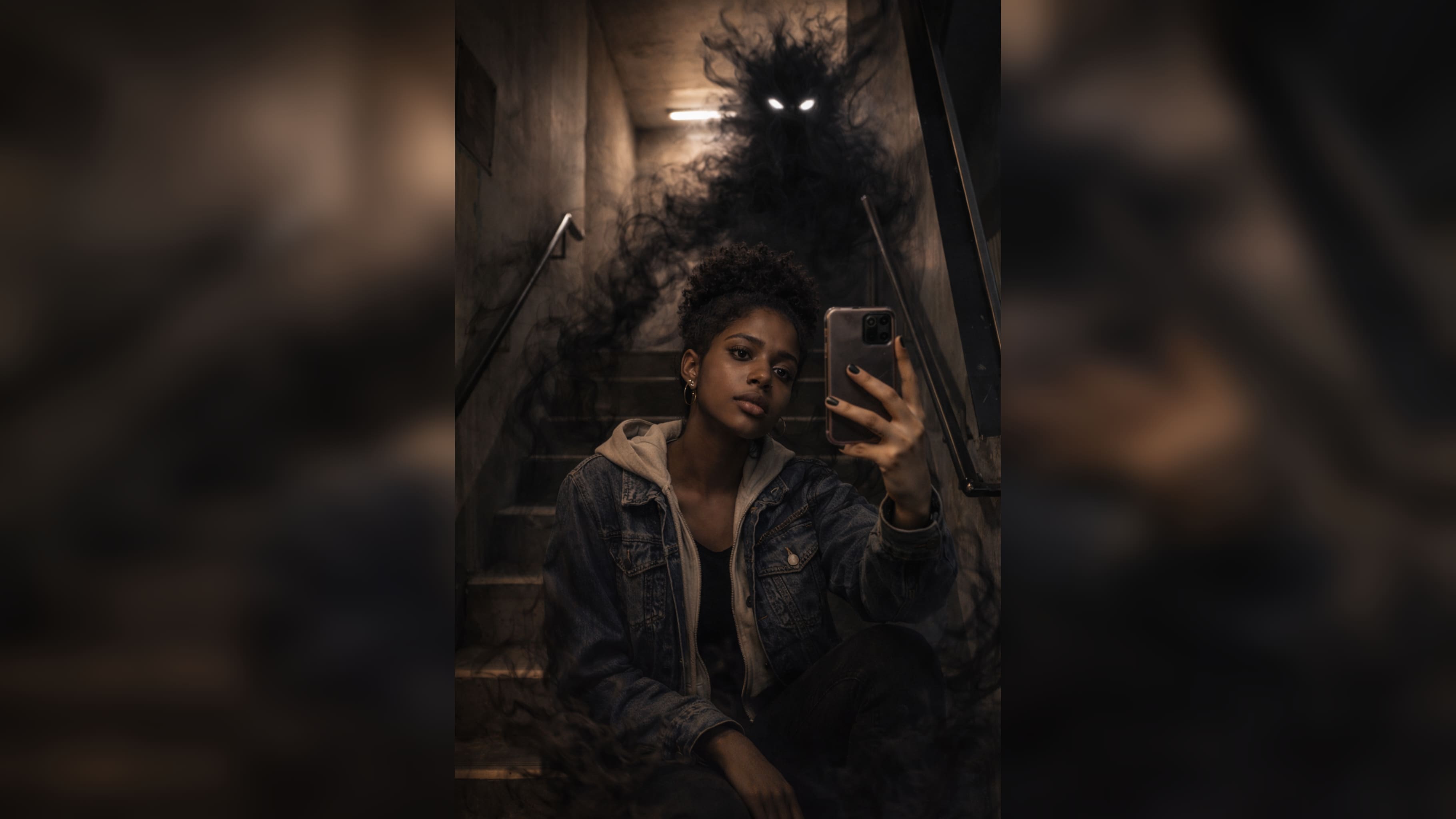
Turn Your Ghost Photo into a Viral Reel in One Tap
Filmora helps you turn a single ghost photo into a short, share-ready clip. Add smooth camera motion, flicker, and transitions, then pair it with spooky audio for Reels, Shorts, and TikTok—perfect for “reveal” edits that boost watch time.
- Trending Ghost Shadow Templates – Effortlessly apply popular ghost effect layouts for video edits.
- No Prompt Needed – Upload photo → Choose ghost shadow template → Get instant results.
- Advanced Customization – Change overlay colors, shadow strength, or double exposure style.
- Photo to Ghost Video – Instantly animate ghost shadow effects for maximum social reach.
- Built-In Audio FX – Add whoosh, echo, or ghostly sound effects for viral engagement.
Add Captions, Subtitles, and Horror-Style Text
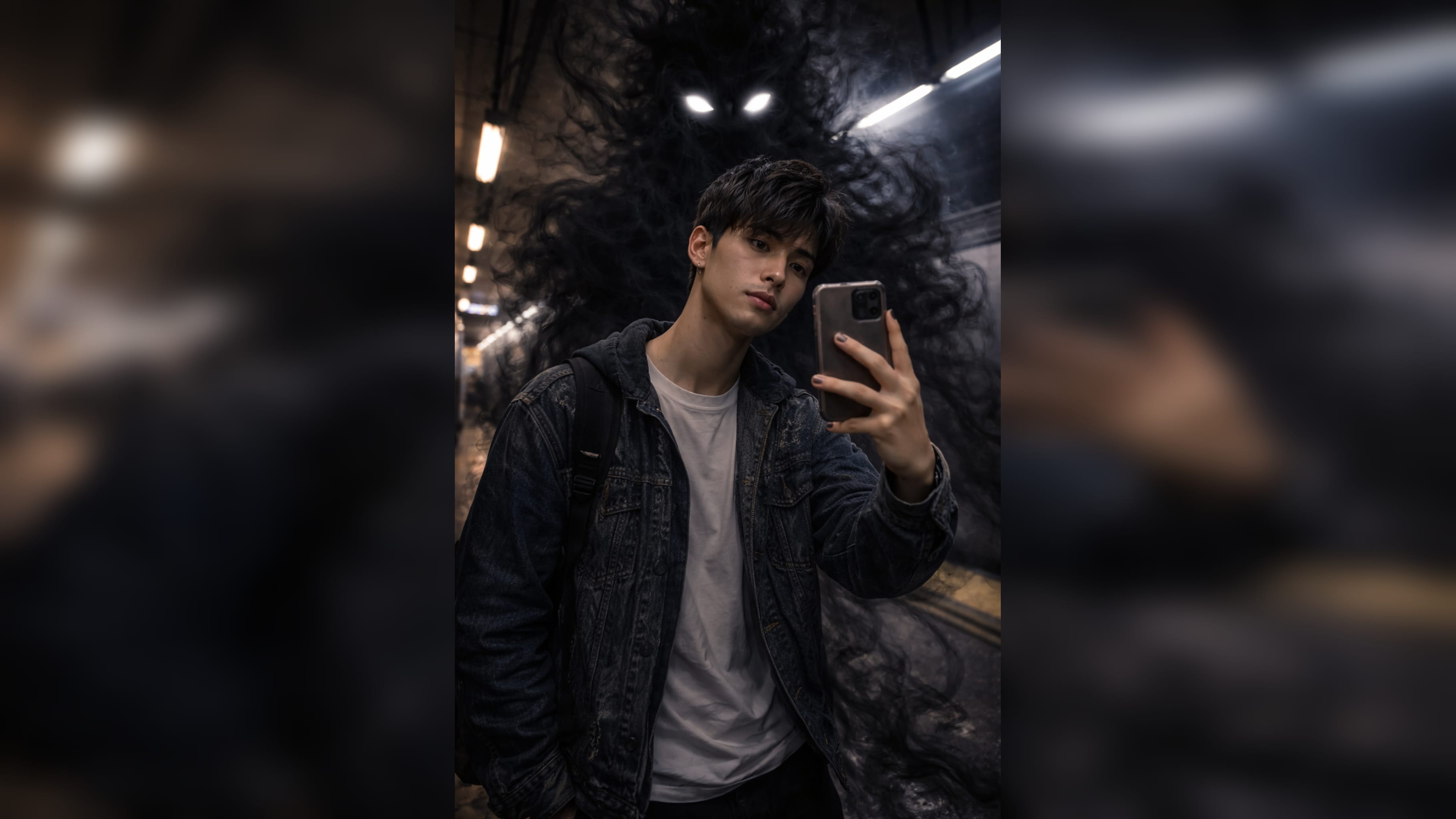
Add Captions, Subtitles, and Horror-Style Text
Enhance your ghost shadow photo with custom captions, stylized overlays, or trending text. Use Filmora’s speech bubble maker and comic fonts to make your edits even more viral with bold titles or spooky callouts, all set in authentic and viral-ready styles.
- 🗨️ Text Bubbles – Add captions, mysterious whispers, or reaction overlays in one click.
- 🔤 Viral Fonts – Bold, shadow, or stylized text for maximum ghost effect impact.
- 🎨 Typography Controls – Adjust colors, blur, highlight, or glow for ultimate ghostly vibe.
FAQs about Ghost Shadow Photo Effects
How to Make a Ghost Shadow Photo in Filmora
The viral Ghost shadow Photo effect seen everywhere on TikTok and Instagram is easy to make. Even if you've never edited photos before, this beginner guide shows you how to create a ghost shadow photo in under a minute using Filmora’s AI photo tools or layering features.
Step 1 Start a New Photo Project

Step 2 Layer and Adjust for Ghost Shadow Effect

Step 3 Save and Share Your Ghost shadow Photo

-
1:Start a New Photo Project
Open Filmora, create a project, and click "Stock Media" to find backgrounds or import your photos. Choose "AI Image" or a ghost shadow photo template. -
2:Layer and Adjust for Ghost Shadow Effect
Add two or more images with the subject in different poses. Use opacity or transparency controls to create the ghost shadow photo effect instantly. -
3:Save and Share Your Ghost shadow Photo
Preview your ghost shadow photo. Export or share directly to social media. Fine-tune transparency and colors for a trending TikTok or Instagram vibe.
More Than a Ghost Shadow Photo Editor
Filmora is not just for creating Ghost shadow Photo effects. Make viral shadow photos, generate stunning AI images, turn prompts into videos, and edit everything with advanced tools—no experience needed.








