15+ Realistic Sora 2 Ring Doorbell Video Scenes
Explore a collection of AI-generated Ring doorbell videos created with Sora 2. From everyday front-door interactions to cinematic neighborhood moments, see how Sora 2 Ring Doorbell Video could transform simple camera footage into realistic, story-driven clips ready to share online.
Loading more templates...
 Category:
 Duration:
 Aspect Ratio:
Why Use Sora 2 to Create
AI Ring Doorbell Videos?
Want to generate realistic front-door footage or cinematic neighborhood scenes? With Sora 2, you can easily create AI Ring doorbell videos that capture authentic lighting, natural movement, and true-to-life camera perspectives—all within minutes.
Instantly Generate Doorbell Footage with AI

Instantly Generate Doorbell Footage with AI
Sora 2's AI video generator lets you turn simple prompts into hyper-realistic Ring doorbell-style videos. Upload an image or type a description—AI will create lifelike front-door interactions, accurate camera angles, and cinematic motion automatically. It's perfect for testing home security scenes, storytelling, or realistic AI simulations.
Customize Your Doorbell Video Style
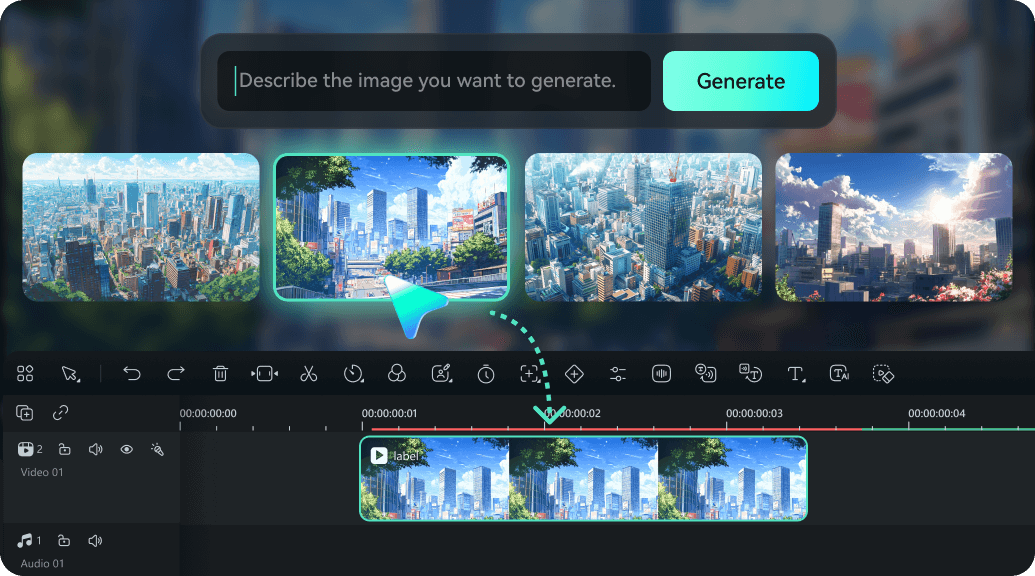
Customize Your Doorbell Video Style
Enhance every Ring doorbell video with Sora 2's built-in editing tools. Add realistic audio, cinematic color tones, motion blur, and perspective corrections to make scenes more immersive. Ideal for YouTube Shorts, TikTok, and creative demos, Sora 2 exports in MP4, MOV, and other social-friendly formats with minimal setup.
Advanced Tools for Realistic Doorbell Footage
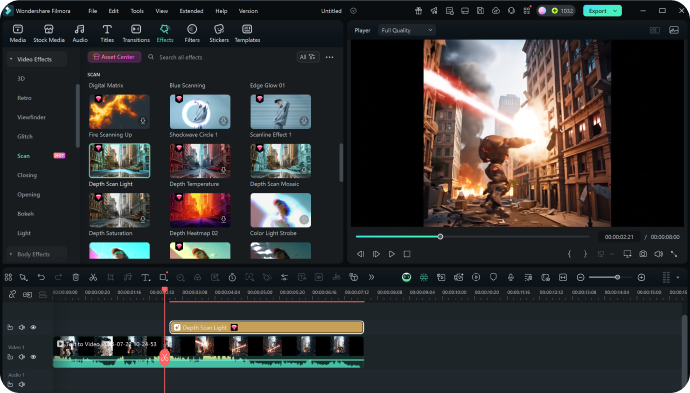
Advanced Tools for Realistic Doorbell Footage
Sora 2 offers more than AI generation—it's a complete creative studio. Use timeline editing, visual stabilization, lighting correction, and sound design to refine your AI Ring doorbell videos. With multi-track layering and AI-driven enhancements, you can produce authentic, story-ready doorbell camera footage that feels remarkably real.
FAQs on Sora 2 Ring Doorbell Videos
How to Create Realistic Ring Doorbell Videos
with AI in Sora 2 (Archived Guide)
This archived guide documents the previous workflows for creating realistic Ring doorbell videos with Sora 2. The steps and screenshots below are retained for reference and no longer reflect an available Sora 2 generation service.
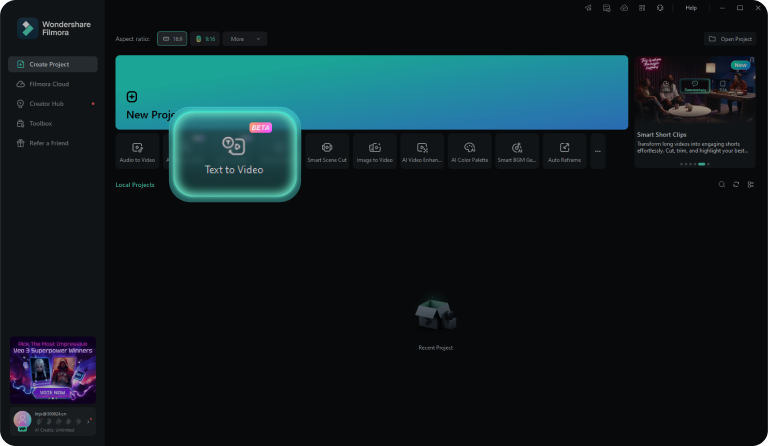
Step 1 Enter or Generate a Doorbell Prompt
Step 2 Generate Your Doorbell Video
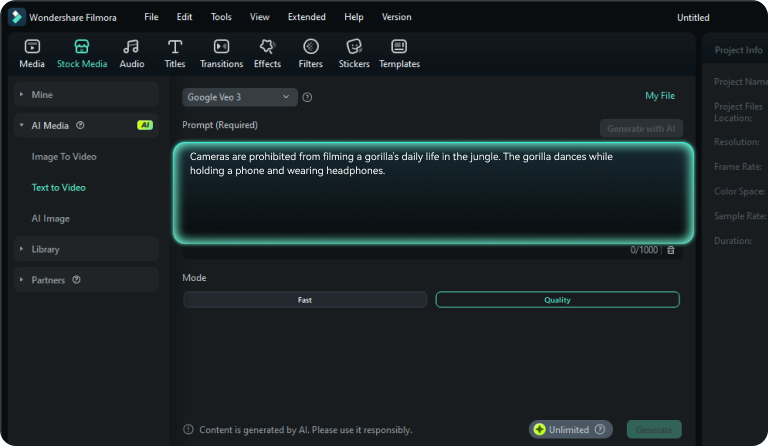
Step 3 Edit & Finalize

-
Step 1: Enter or Generate a Doorbell Prompt
Open Sora 2 AI Text-to-Video, type your doorbell prompt or auto-generate realistic video ideas. -
Step 2: Generate Your Doorbell Video
Click "Generate" in Fast or Quality mode to instantly produce professional Ring doorbell sequences. -
Step 3: Edit & Finalize
Add captions, filters, audio, and effects to perfect your realistic doorbell footage.
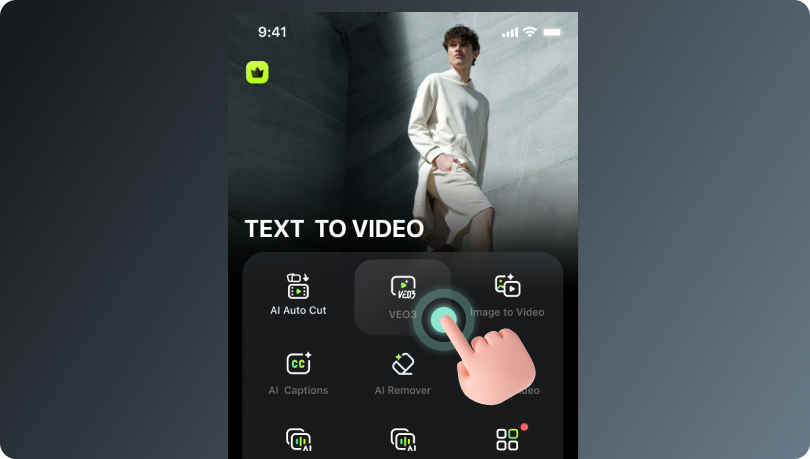
Step 1 Open Sora 2 Mobile App
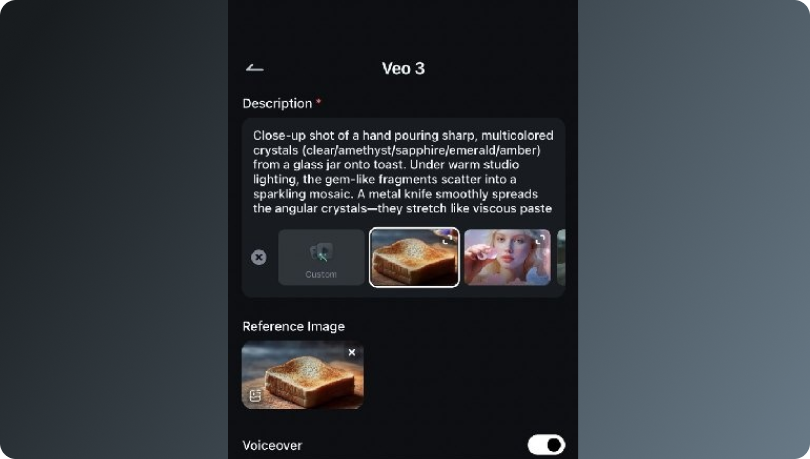
Step 2 Add a Doorbell Prompt
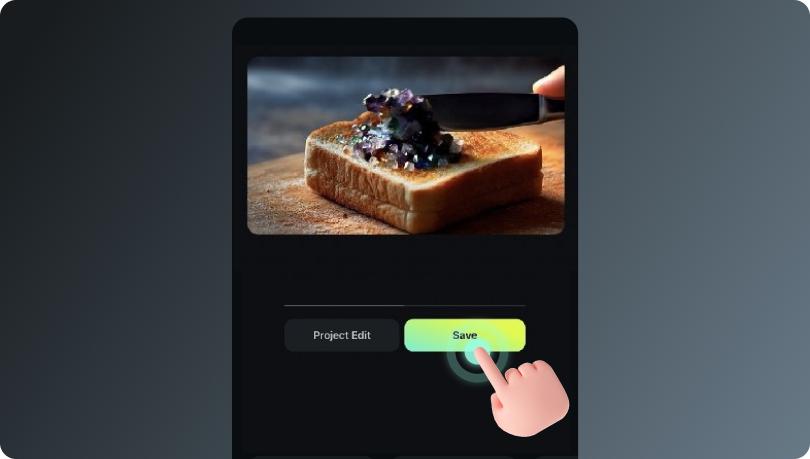
Step 3 Generate & Share
-
Step 1: Open Sora 2 Mobile App
Start creating realistic Ring doorbell videos on your phone. -
Step 2: Add a Doorbell Prompt
Enter a creative AI prompt or upload an image to guide Sora 2's video generation. -
Step 3: Generate & Share
Sora 2 automatically produces your AI-generated doorbell footage. Edit if needed, then share to TikTok, Shorts, or Reels.
More Than Just Ring Doorbell Videos
Sora 2 AI goes beyond generating Ring doorbell videos. Capture any front-door scenario with realistic motion, lighting, and perspectives, creating cinematic, shareable footage from everyday moments. Turn ordinary entrances into AI-generated doorbell video clips ready for social sharing.