
20+ AA23 Prompt Gemini AI Templates:
Copy & Paste for Instant Viral Photos
Want to create the trending AA23 AI photo effect? Browse our collection of tested AA23 prompt Gemini templates perfect for the Gemini AA23 photo generator. Each Google Gemini AA23 theme photo editing prompt is optimized for cinematic Tamil movie poster aesthetics with deep red backgrounds, bold black outlines, and dramatic lighting. Simply copy the AA23 prompt, paste it into Gemini AI, upload your photo, and generate stunning AA23 AI photo effects in seconds. Perfect for TikTok reels, Instagram posts, and viral social media content.
Loading more templates...
 Category:
 Duration:
 Aspect Ratio:
Create AA23 with Gemini AI:
Cinematic Tamil Movie Poster Effects Made Easy
Transform ordinary photos into trending AA23 AI photo effects using the Gemini AA23 photo generator. Filmora's powerful AI image generator harnesses Google's Nano Banana Pro model to deliver stunning Tamil movie poster style images perfect for social media. Use Google Gemini AA23 theme photo editing prompts to create viral content with the signature red-black aesthetic, bold outlines, and cinematic lighting that defines the AA23 trend.
Whether you're looking to generate AA23 AI photo effects for TikTok reels, Instagram posts, or YouTube thumbnails, our AA23 prompt Gemini AI collection makes it easy. No design experience needed—just paste an AA23 prompt, upload your photo, and watch the transformation happen in seconds.
Instant AA23 Prompt Gemini AI Photo Generation
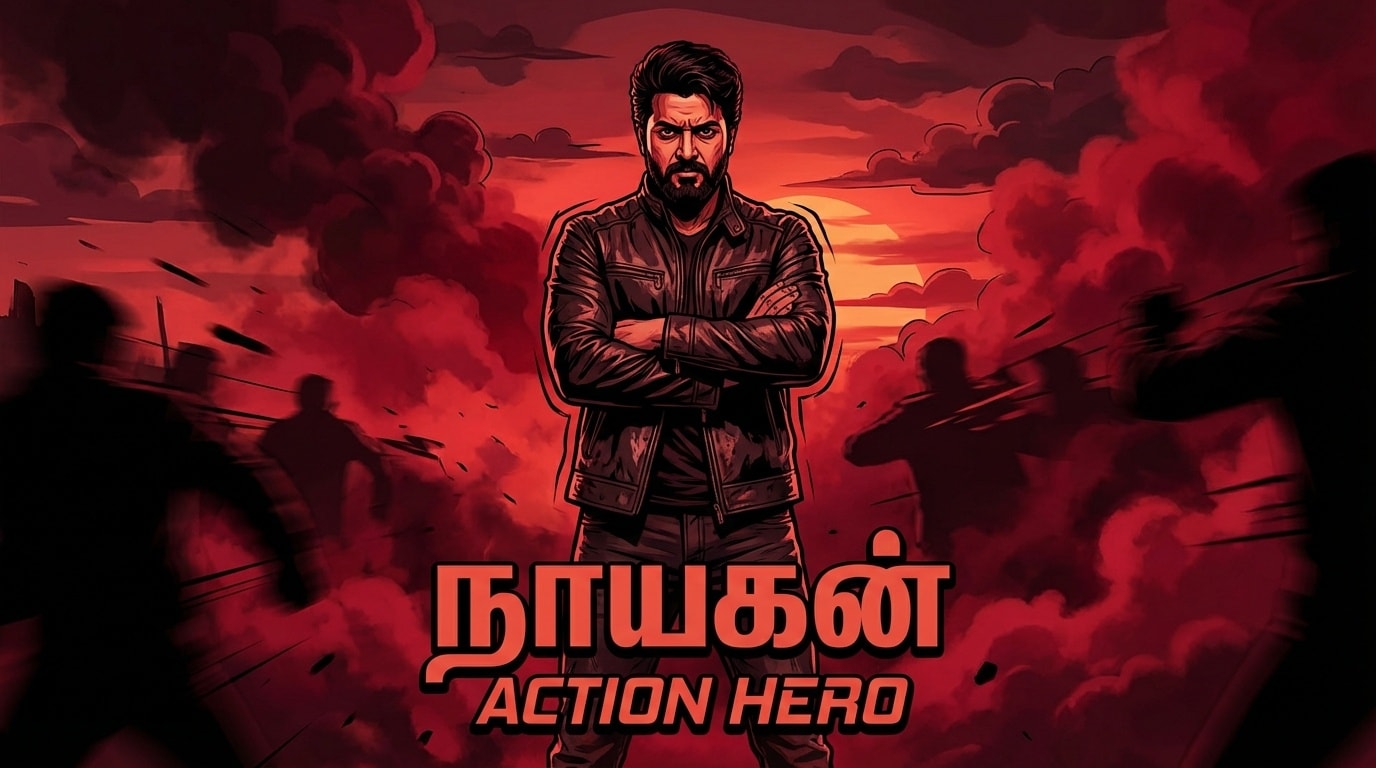
Instant AA23 Prompt Gemini AI Photo Generation
Create authentic AA23 AI photo effects in every trending style—from classic Tamil gangster poses to romantic couple shots and action hero entries. Simply browse our AA23 prompt Gemini collection, select your favorite style (red theme, smoke effects, bold outlines), and let Filmora's Gemini AA23 photo generator powered by Nano Banana Pro deliver cinematic 4K results instantly. Perfect for viral social media content.
- 20+ Tested AA23 Prompts - Ready-to-use Google Gemini AA23 theme photo editing prompts for instant Tamil movie poster effects.
- Multiple AA23 Styles - Classic red gangster, saree elegance, motorcycle mass entry, hero walk, couple romantic, and more AA23 AI photo variations.
- Photo Reference Support - Upload your portrait to maintain facial features while applying the trending AA23 AI photo effect.
- 4K Cinematic Quality - High-resolution output perfect for social media, profile pictures, and viral content creation.
Turn AA23 AI Photos Into Trending Reels & Videos
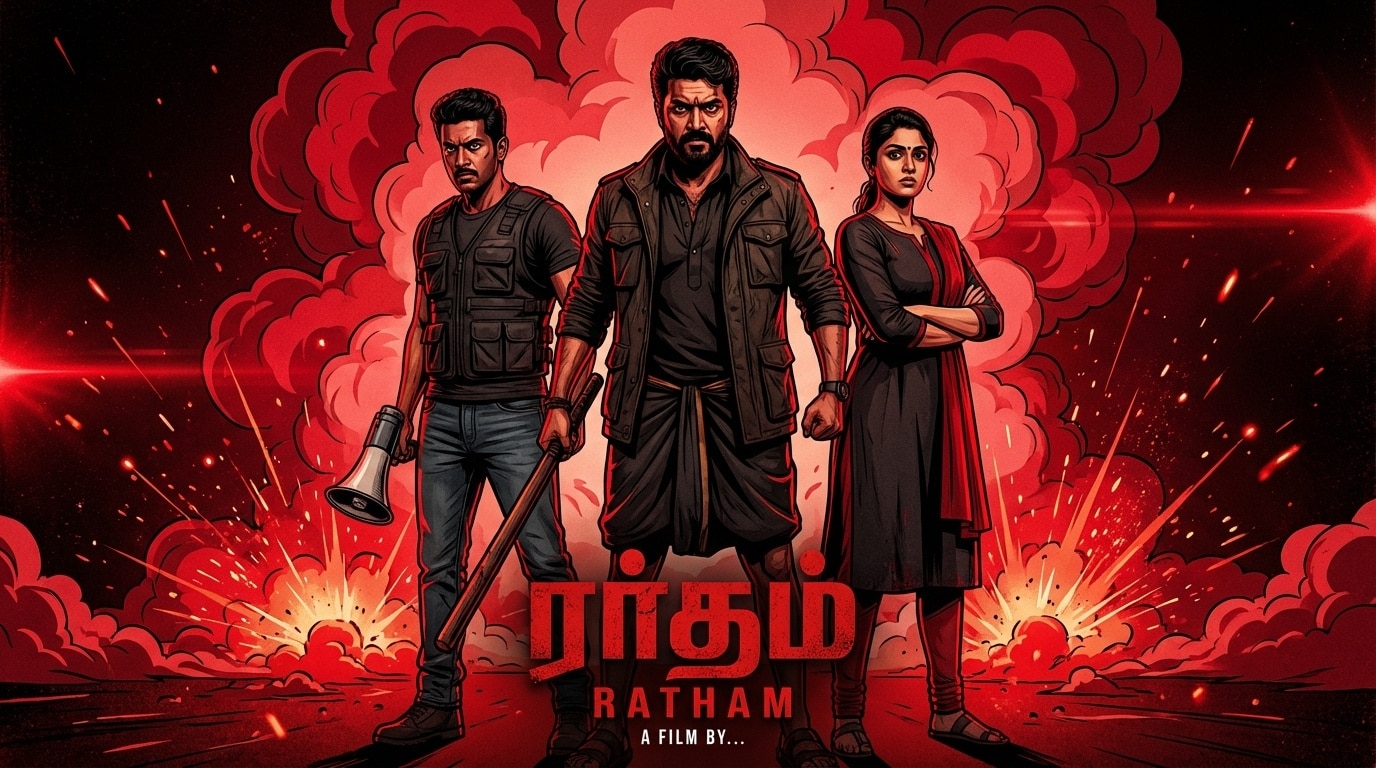
Turn AA23 AI Photos Into Trending Reels & Videos
Filmora's mobile app lets you transform your AA23 AI photos into viral video content perfect for TikTok and Instagram Reels. After creating your AA23 photo with Gemini AI, use Filmora's built-in animation templates to add motion, transitions, and effects. Turn static Tamil movie poster style images into dynamic intro videos that grab attention and boost engagement.
- AA23-Optimized Templates - Pre-designed video templates specifically for AA23 AI photo effects (split screens, zoom transitions, smoke overlays).
- One-Tap Animation - Convert your Gemini AA23 photos into animated video intros with cinematic motion effects.
- Social Media Ready - Export in perfect formats for TikTok (9:16), Instagram Reels, and YouTube Shorts with AA23 trending aesthetics.
- Custom Text & Music - Add Tamil movie-style titles, captions, and trending background music to enhance your AA23 video.
- Advanced Effects - Apply additional filters, color grading, and VFX to amplify the AA23 cinematic look.
Professional AA23 Photo Editing with Filmora's Advanced Tools

Professional AA23 Photo Editing with Filmora's Advanced Tools
Take your AA23 AI photos to the next level with Filmora's comprehensive editing suite. After generating your base AA23 photo using Google Gemini AA23 theme photo editing prompts, enhance it with professional text overlays, Tamil movie-style graphics, and custom effects. Perfect for creators who want to add unique touches to the trending AA23 aesthetic while maintaining the signature red-black cinematic look.
- 🎬 Tamil Movie Text Styles – Add authentic Tamil cinema typography, title cards, and dialogue boxes to your AA23 AI photos.
- 🎨 Advanced Color Grading – Fine-tune the red-black AA23 color palette, adjust contrast, and enhance the dramatic lighting effects.
- ✨ Custom Graphics & VFX – Layer smoke effects, light flares, motion blur, and other cinematic elements for enhanced AA23 aesthetics.
- 📐 Precise Editing Controls – Adjust outlines, shadows, highlights, and textures to perfect your AA23 prompt results from Gemini AI.
FAQs About AA23 Prompt Gemini & Gemini AA23 Photo Generator
How to Create AA23 Photos with Gemini AI in Filmora (3 Simple Steps)
New to AA23 AI photo effects? Learn how to use Google Gemini AA23 theme photo editing prompts with Filmora's integrated AI image generator. This tutorial shows you how to create, edit, and export trending Tamil movie poster style images for TikTok, Instagram, and YouTube using AA23 prompt Gemini AI—all within Filmora's powerful editing platform. While Gemini.google.com offers standalone image generation, Filmora brings AA23 creation directly into your video editing workflow with instant access to enhancement tools, templates, and video conversion features
Step 1 Open an AI Selfie Generator

Step 2 Apply the AA23 Photo Effect

Step 3 Download and Share Your AA23 Photo

-
1:Open an AI Selfie Generator
Download and launch your favorite AI selfie editor or open a browser tool and get ready to upload your image. -
2:Apply the AA23 Photo Effect
Select the Rhode Trend filter, or paste “AA23 photo” as your AI style prompt to recreate the trending look. -
3:Download and Share Your AA23 Photo
Preview your result, tap download, and post your AA23 photo on TikTok or Instagram—perfect for your new viral PFP.
More Than Just a AA23 Photo Generator
Filmora isn't limited to just the AA23 photo effect. You can also transform your selfies into popular edits, make AI videos, and access advanced editing features—all in one app, perfect for leveling up your content on TikTok, Instagram, and other platforms.








