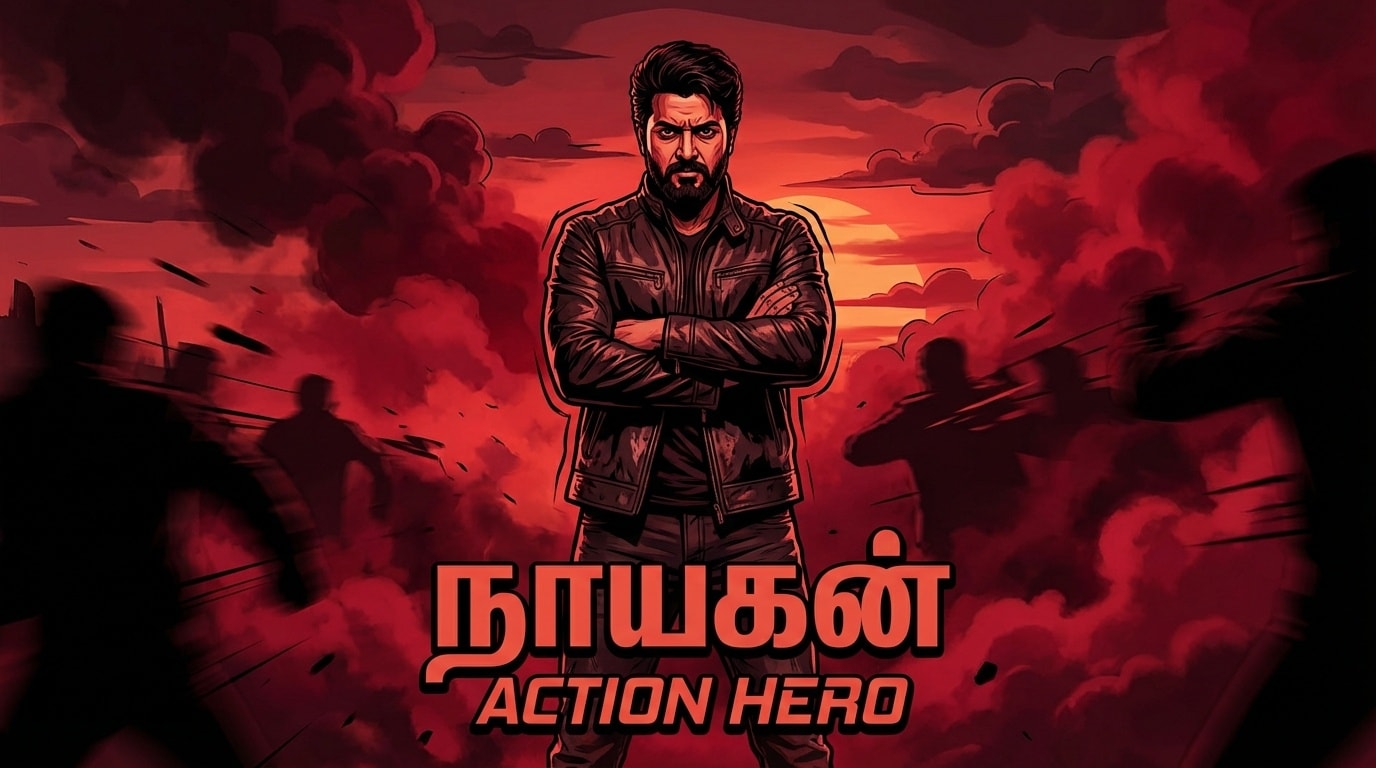
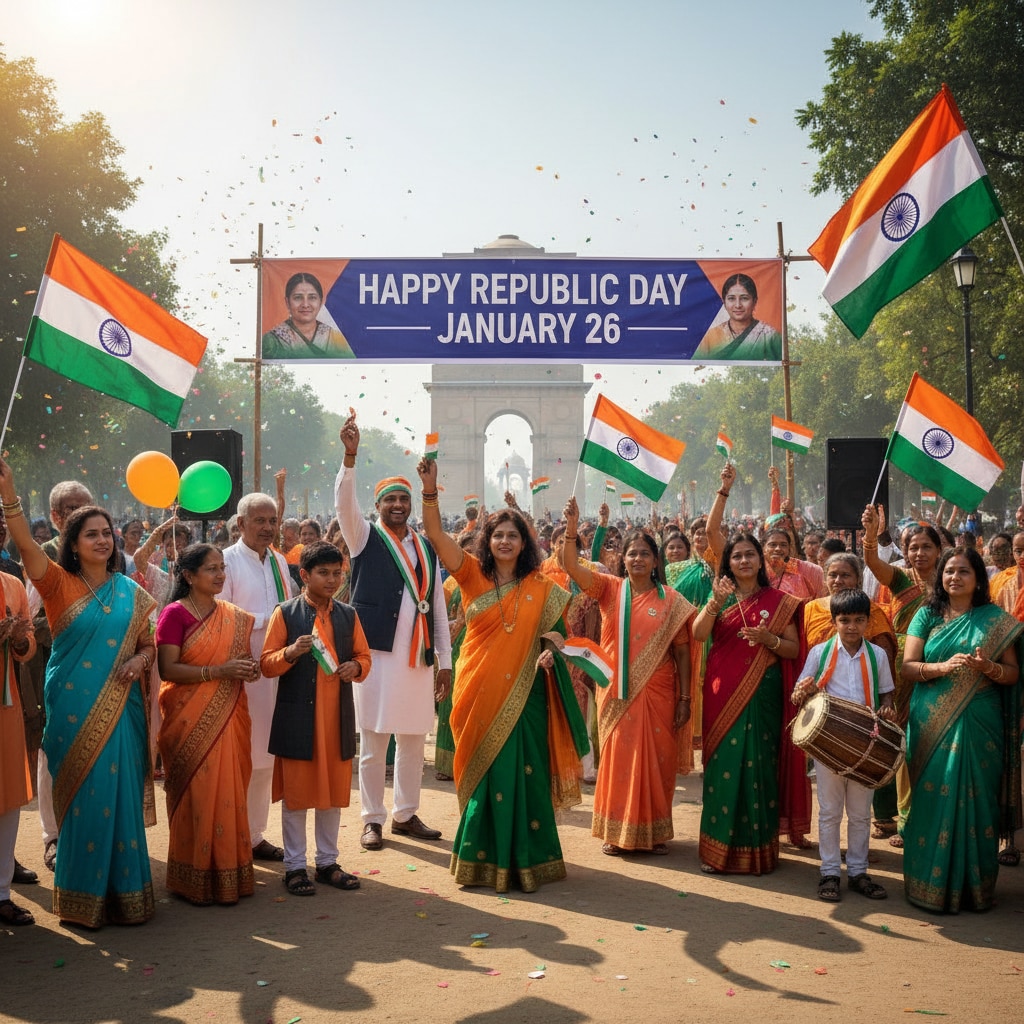
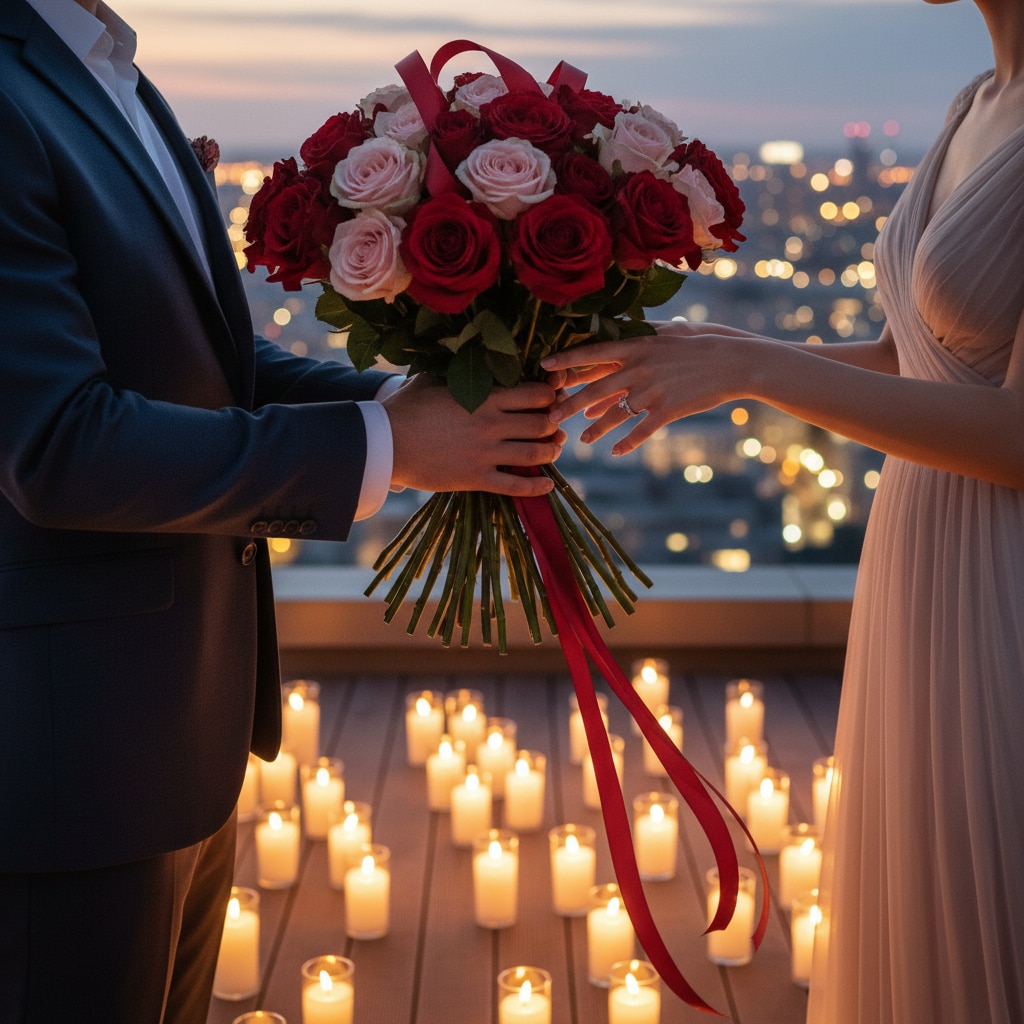
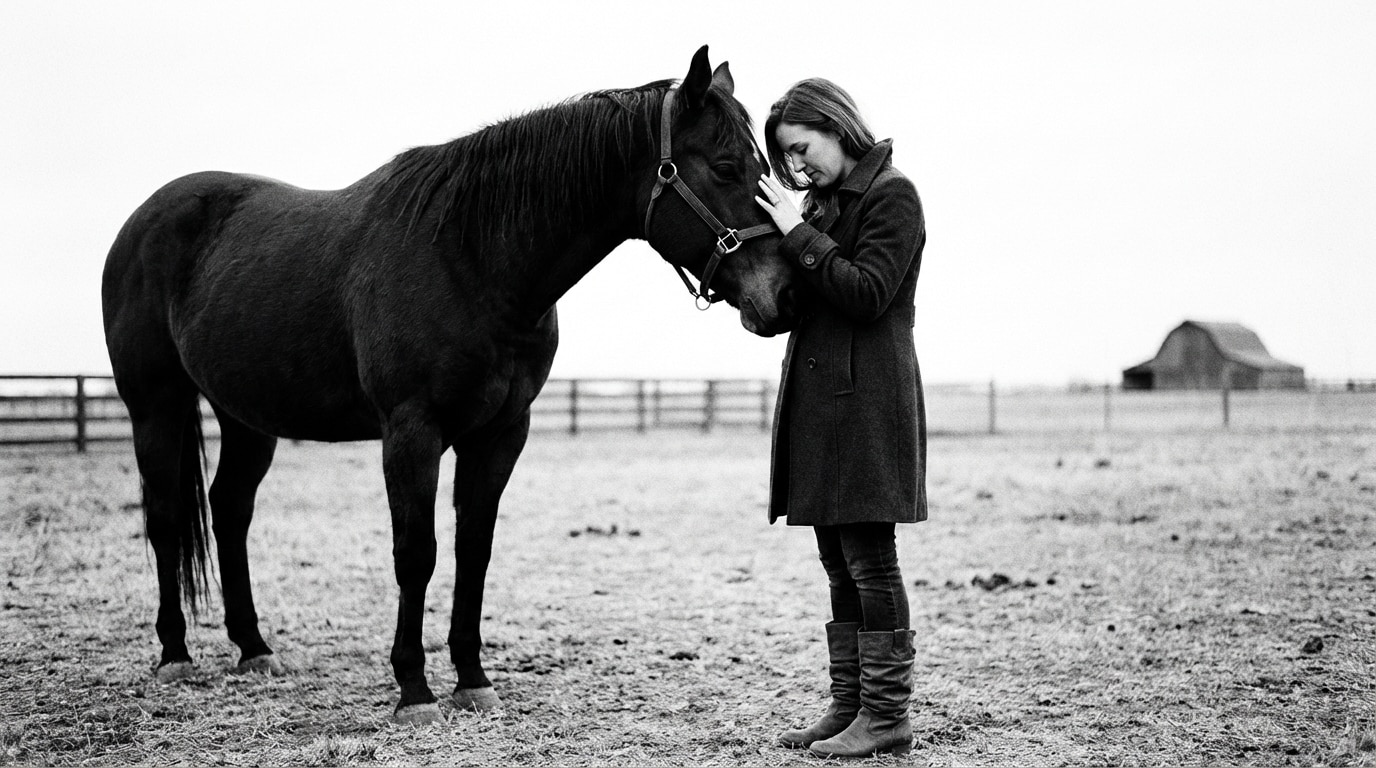
Bajrangbali Gym Photo Prompts:
Copy, Paste & Go Viral
Want to make trending Bajrangbali AI Gym Photo edits with gym backgrounds, Hanuman ji workout poses, or motivational fitness captions? These easy Bajrangbali Gym Photo prompts help you instantly create the viral gym look seen on Instagram and reels.
Just browse the Bajrangbali Gym Photo prompts, tap the image, copy-paste to your editing app, and get powerful results quickly.
Loading more templates...
 Category:
 Duration:
 Aspect Ratio:
Create Realistic Bajrangbali Gym Photo Effects Online
Want to go viral with a Bajrangbali Gym Photo? Easily turn any photo into a trending Bajrangbali-style gym picture for TikTok, Instagram, or YouTube. Upload your pic and see yourself in a powerful, Hanuman-inspired gym transformation with popular Bajrangbali Gym Photo effects. Use Filmora's AI image generator powered by Google's Nano Banana model to quickly create viral Bajrangbali Gym Photos that fit perfectly on any social platform.
Turn your ordinary gym pic into a stunning Bajrangbali Gym Photo—complete with muscle, divine background, and trending gym hero style. Great for profile pics, gym inspiration posts, or sharing with friends!
How to Get the Bajrangbali Gym Photo Look
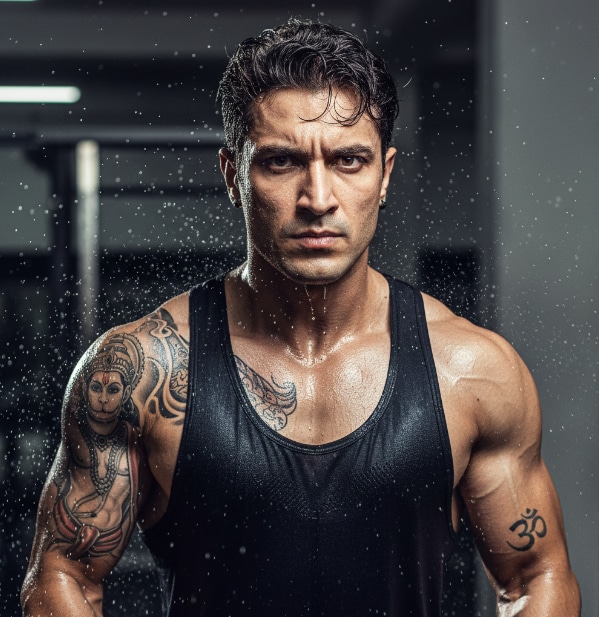
How to Get the Bajrangbali Gym Photo Look
Create your Bajrangbali Gym Photo format in seconds—just enter your details and upload a photo. Pick layouts for profile, full-body gym, or social-ready posts and watch Filmora's AI instantly transform you into the Bajrangbali Gym Photo trend.
- Easy Prompt Input - Instantly get Bajrangbali Gym Photo with 1-click templates or your own prompt.
- Multiple Styles - Choose from epic, gym motivational, artistic, or cartoon-inspired Bajrangbali motifs.
- Reference Uploads - Add your own gym selfie or avatar for true-to-you Bajrangbali Gym Photo results.
Make Bajrangbali Gym Photo Reels & Videos On Your Phone
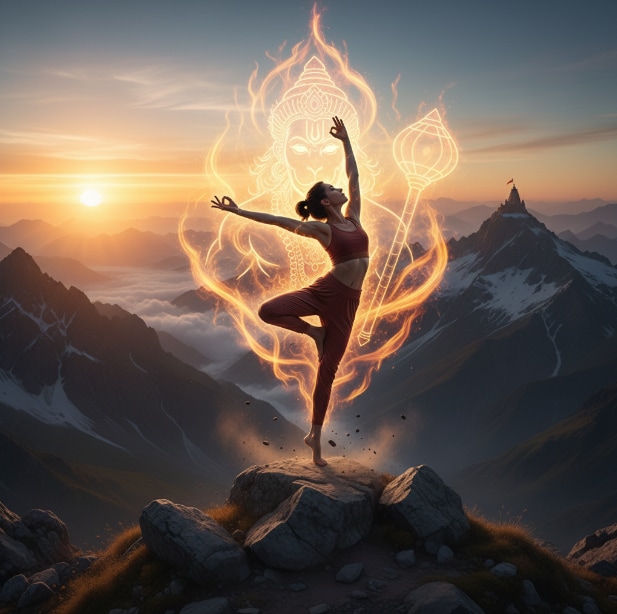
Make Bajrangbali Gym Photo Reels & Videos On Your Phone
The Filmora mobile app offers built-in Bajrangbali Gym Photo video templates and AI filters. Instantly convert photos to viral reels with the Bajrangbali gym vibe for Instagram, YouTube Shorts, and more.
- Trending Templates - Use pre-made viral Hanuman Gym Photo video looks; gym edits, divine strength edits, and more.
- 1-Tap Creation - Upload photo → Pick Bajrangbali Gym template → Download or share instantly.
- Customize Prompts - Advanced users can tune Bajrangbali effects and add custom backgrounds.
- Photo-to-Video - Turn your Bajrangbali Gym Photo into short videos and animated reels easily.
- Music & SFX - Add trending gym sound or devotional beats automatically with your photos.
Add Gym Edits & Cool Text to Your Bajrangbali Gym Photo
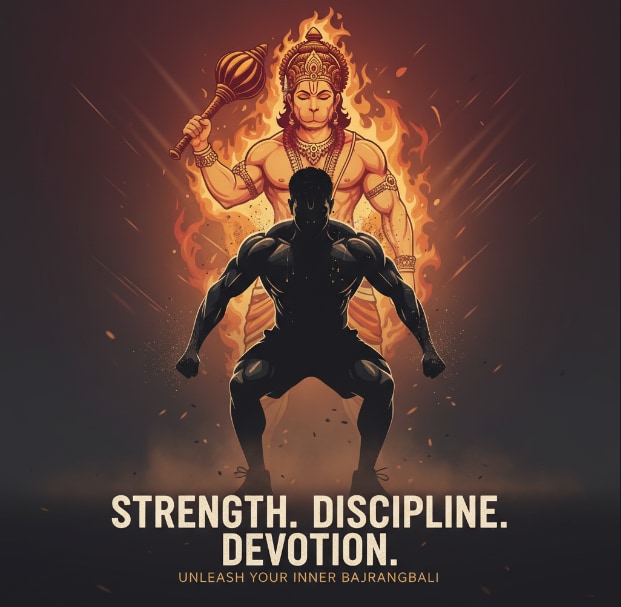
Add Gym Edits & Cool Text to Your Bajrangbali Gym Photo
Filmora's Bajrangbali Gym Photo tools give you gym-style edits, trending captions, motivational text, and dynamic effects for that true social media look. Use speech bubbles, gym quotes, and bright stickers to make your Gym Photos stand out on any feed.
- 🗨️ Speech Bubbles- Add BAJRANGBALI gym motivation, memes, or workout captions with custom shapes.
- 🔤 Gym Fonts - Bold gym fonts, divine effect text, Indian language support, and animated gym phrases.
- 🎨 Effects Tools - Use halftone, glow, or temple backgrounds for unique Hanuman Gym Photo vibes.
FAQs for Bajrangbali Gym Photo
- Choose or click your gym photo in a strong pose.
- Use AI photo editing apps or trending filter tools (many are available on TikTok and Instagram).
- Search for "Bajrangbali Gym" templates or prompts and apply to your image.
- Export or download your final Hanuman Gym Photo and share on social media for more views and likes.
- ChatGPT (DALL-E 3) - Best for realistic human features and accurate text in images. Ideal if you want photorealistic gym environments.
- Nano Banana Pro - Fastest option with excellent understanding of Indian cultural elements. Perfect for quick viral content creation.
- Midjourney v6 - Top choice for artistic and cinematic gym photos with dramatic lighting effects.
- Google Gemini Imagen - Great for generating multiple variations quickly with advanced customization options.
How to Create Bajrangbali Gym Photo Using AI?
Bajrangbali Gym Photo edits are now trending everywhere—Instagram, TikTok, YouTube. Even if you're new to AI, you can easily design a viral Bajrangbali Gym Photo by following this beginner-friendly guide. Just use your gym picture and add Bajrangbali-inspired effects in seconds for eye-catching posts on any platform.
Step 1 Open Your AI Photo Generator

Step 2 Add Bajrangbali Gym Photo Prompt or Effect

Step 3 Save and Share Your Bajrangbali Gym Photo

-
1:Open Your AI Photo Generator
Open your photo app and select a gym image (or snap a new one with your best gym pose to start your Bajrangbali Gym Photo). -
2:Add Bajrangbali Gym Photo Prompt or Trendy Effect
Paste "Bajrangbali Gym Photo" in the prompt box or pick a style from templates (Hanuman, gym, strength). Click "Generate" to transform the picture. -
3:Save and Post Your Bajrangbali Gym Photo
Preview the edited photo, tap download or export, then post on TikTok, Instagram, or YouTube to go viral.