
Romantic Valentine Flower Image Prompts:
Just Copy, Paste & Create
Join the latest TikTok trend with valentine flower image prompts and instantly craft romantic flower photos, love-themed visuals, and viral AI flower edits for Valentine's Day. Simply copy any prompt below, paste it into your favorite AI art tool or app, and watch as gorgeous valentine flowers pictures come to life in seconds. Perfect for posts, stories, reels, or heartfelt messages, these are the most popular valentine flower image prompts of 2026, designed to make your Valentine's content stand out.
Loading more templates...
 Category:
 Duration:
 Aspect Ratio:
Generate Amazing Valentine Flower Image Prompt Art
with Nano Banana Pro AI
Turn your ideas into gorgeous Valentine flower visuals effortlessly with Filmora's AI image generator, powered by Google's Nano Banana model. Whether you want romantic bouquets, rose cards, dreamy pastel flower backgrounds, or heart-themed scenes, Filmora transforms your valentine flower image prompts into high-resolution visuals perfect for TikTok, Instagram, YouTube, and other social platforms. Filmora's advanced AI makes trending valentine flower image effects easy, fast, and share-ready.
Turn Any Text into Valentine Flower Images Instantly
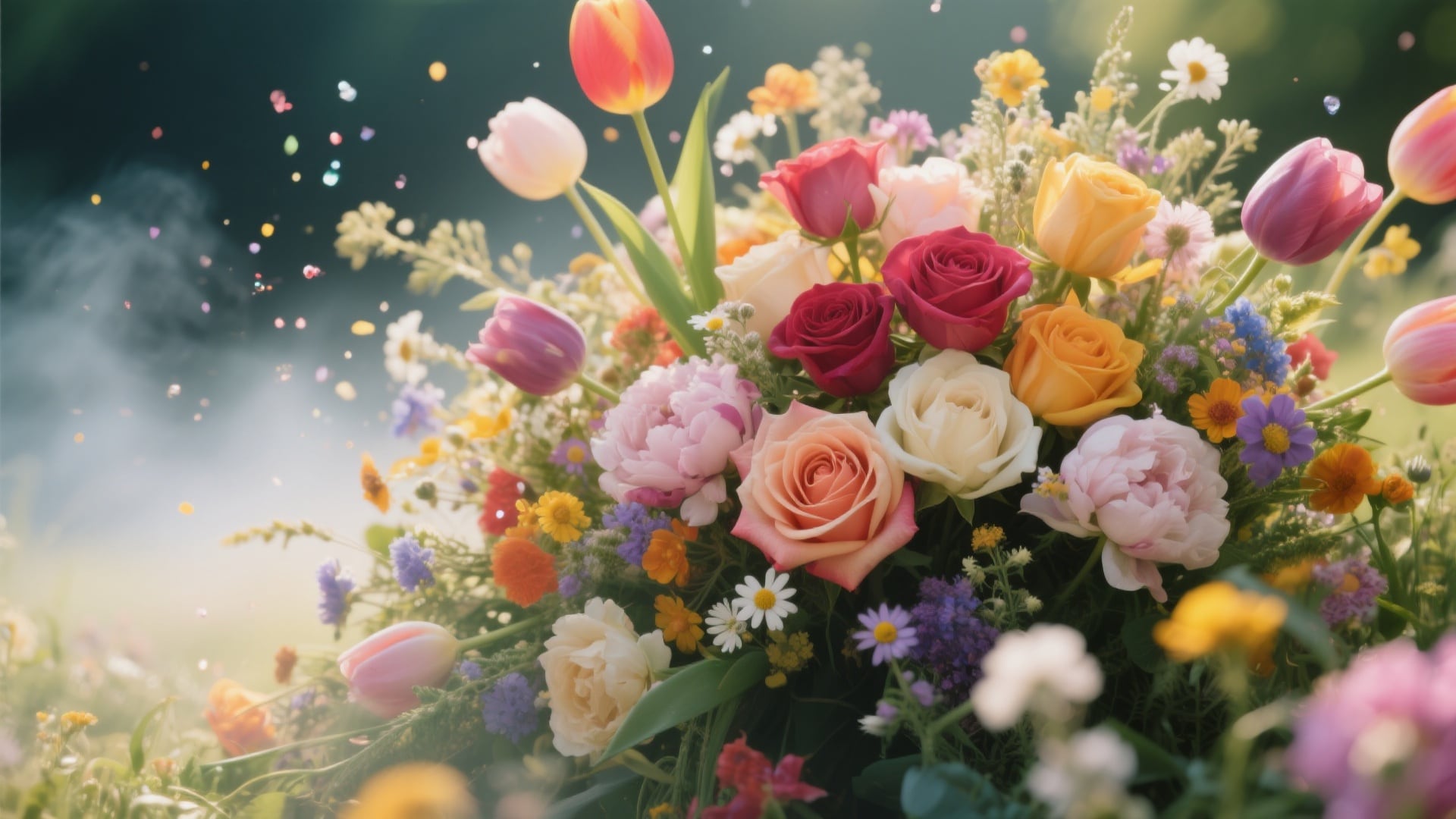
Turn Any Text into Valentine Flower Images Instantly
Transform your ideas into beautiful Valentine flower visuals in seconds with Filmora's AI Image Generator. From romantic rose cards and heart-shaped bouquets to soft pastel floral backgrounds, you can easily create shareable Valentine flower images and scenes for social media, messages, or personalized digital posts.
- Copy-Paste Valentine Prompts - Quickly use trending Valentine flower prompts to generate eye-catching visuals without writing from scratch.
- Multiple Styles Supported - Produce realistic roses, dreamy bouquets, minimal graphics, or playful cartoon-style Valentine flowers, all in your chosen aesthetic.
- Use Reference Images - Guide AI with your own sketches or flower photos to get customized results, perfect for creating personalized Valentine rose visuals.
Animated Valentine Flower Prompts on Filmora App

Animated Valentine Flower Prompts on Filmora App
Bring your Valentine flower image prompts to life with Filmora mobile app. Instantly turn still rose bouquets, heart-shaped petals, or custom Valentine cards into dynamic videos or animated reels, perfect for TikTok trends, Instagram stories, YouTube Shorts, and personalized Valentine content. Create eye-catching Valentine flower videos without any complex editing.
- Pre-Built Valentine Templates - Choose from animated rose blooms, floating hearts, or whimsical flower sequences, ready to generate viral Valentine flower visuals in seconds.
- No Prompt Writing Needed - Simply upload a photo, select your preferred Valentine flower style, and Filmora creates beautiful animated content automatically.
- Custom Prompts Supported - Go beyond templates with your own Valentine flower image prompts to produce unique, personalized rose and floral animations.
- Photo-to-Video Transformation - Convert static Valentine bouquets or greeting cards into short, scroll-stopping video stories effortlessly.
- Music & Sound FX - Includes romantic music and themed sound effects to enhance your animated Valentine flower creations.
Customize Valentine Messages with Flower Typography
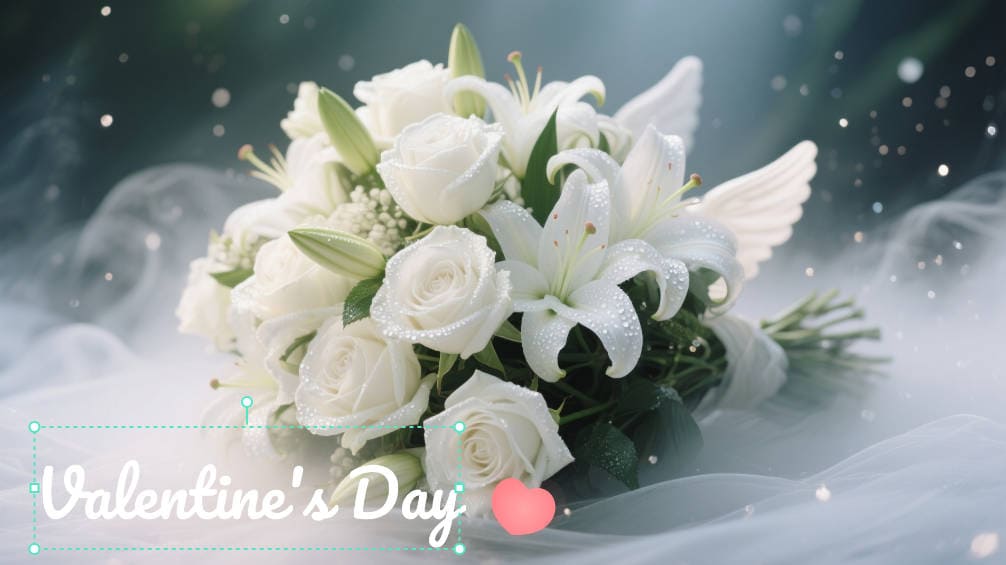
Customize Valentine Messages with Flower Typography
With Filmora's AI-powered Valentine flower image generation, you can effortlessly add heartfelt messages, captions, or names to your visuals. Combine your Valentine flowers and typography to create personalized Valentine cards, social media posts, or animated stories that stand out.
- 💌 Heart & Flower Bubbles - Add speech or thought bubbles with romantic flair and custom fonts, perfectly complementing your Valentine flower visuals.
- 🌹 Romantic Text Fonts - Choose elegant handwritten, classic serif, or playful comic fonts that harmonize with roses, bouquets, and other Valentine flowers.
- 🎨 Text FX & Highlights - Apply curved, shadowed, or colored text effects to emphasize your message, creating polished, scroll-stopping Valentine flower graphics.
FAQs for Valentine Flower Image Prompt
- Go to your AI image generator (like Filmora, Bing Image Creator, or Midjourney).
- Choose the photo or image mode if needed.
- Paste or type your valentine flower image prompt (like "bouquet of red roses in soft romantic light").
- Hit generate and wait for your valentine flower photo to appear.
- Save or download your AI Valentine's Day flower image for sharing.
How to Create a Valentine Flower Image in Filmora
The valentine flower image prompt trend lets you make custom romantic flower pics in seconds using AI. Even if you're a beginner, these simple steps will help you generate valentine flower images for TikTok, Instagram, or YouTube using Filmora's built-in image generator.
Step 1 Open AI Image Generator

Step 2 Enter Your Valentine Flower Image Prompt

Step 3 Download or Use Your Valentine Flower Image

-
1: Open AI Image Generator
Start Filmora, set up a new project, open "Stock Media", and click "AI Image" from the Media panel to get ready for your valentine flower image prompt. -
2: Enter Your Valentine Flower Image Prompt
Select your preferred AI model, type your valentine flower image prompt (for example, "romantic bouquet of red roses"), and click "Generate" for instant results. -
3: Download or Use Your Valentine Flower Image
Once your valentine flower image is generated, preview and download, then edit or share directly to TikTok, Instagram, or YouTube Shorts from Filmora.
More Than Just Valentine Flower Image Prompts
Filmora goes beyond generating Valentine flower images. While you can create stunning Valentine rose images, heart-shaped bouquets, and pastel floral backgrounds with AI prompts, Filmora also supports trending prompts for portraits, landscapes, AI-generated videos, and other creative edits—all within a single, easy-to-use platform. Whether you're designing Valentine flowers pictures for social media, crafting personalized greeting cards, or experimenting with new AI styles, Filmora gives you the tools to bring any vision to life.







