Women's Day AI Video Templates:
Upload Photos, Get a Finished Video
Don't settle for a simple text post this International Women's Day. These AI-powered templates turn your personal photos into polished tribute videos — from empowering Instagram Reels to heartfelt slideshow greetings. Simply pick your favorite Women's Day video template, upload photos of the women you want to celebrate, and AI handles the transitions, music, and effects automatically.
Loading more templates...
 Category:
 Duration:
 Aspect Ratio:
Create Beautiful Women's Day Videos
with AI-Powered Templates
A great tribute video isn't just about the photos — it's about the feeling. With Filmora's AI-powered Women's Day video templates, you can turn personal photos into polished celebration videos. Whether you're creating a quick Women's Day reel for Instagram or a heartfelt slideshow for a company event, our AI tools handle transitions, music, and effects so you can focus on the message.
Upload Photos, Get a Women's Day Video in Seconds
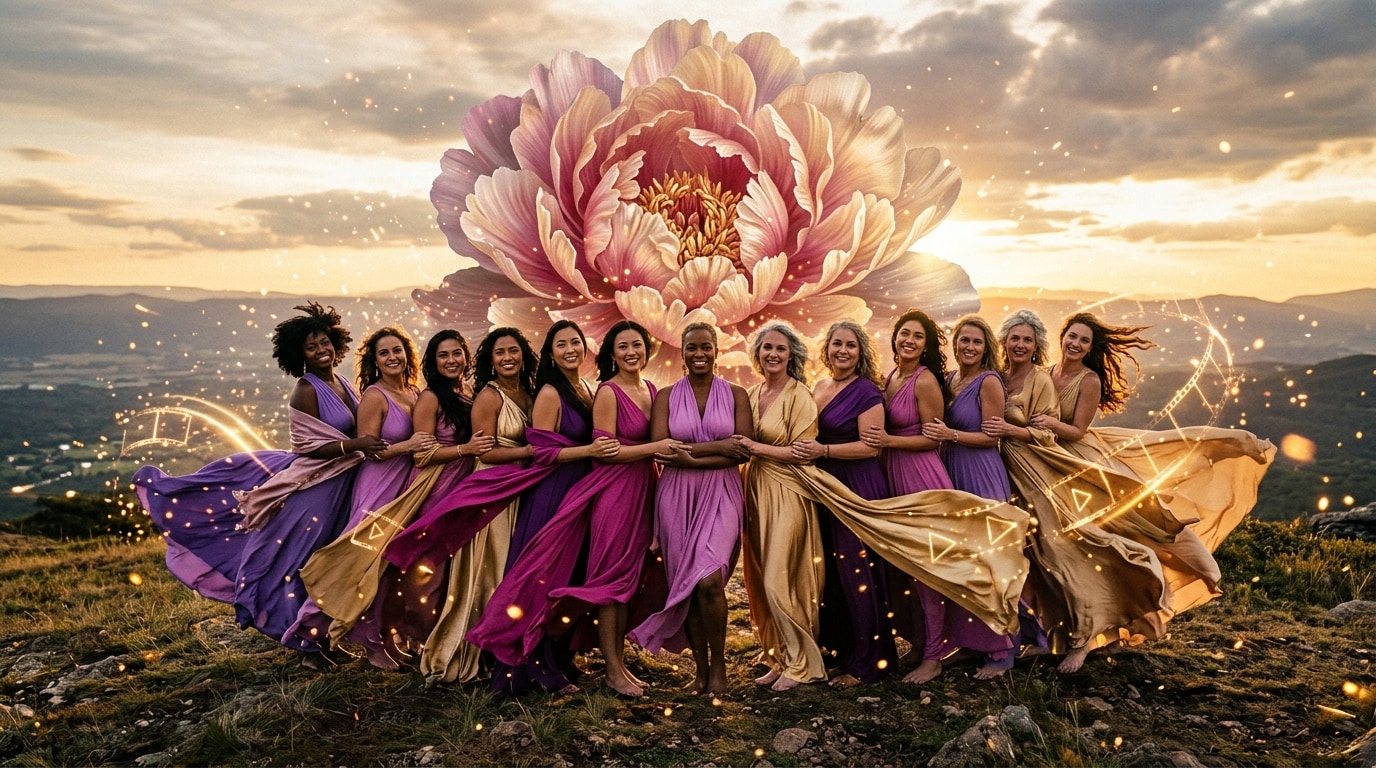
Upload Photos, Get a Women's Day Video in Seconds
No timeline editing, no manual cuts. Pick a Women's Day AI video template, upload photos of the women you want to celebrate, and Filmora's AI instantly generates a polished tribute video with themed transitions, animated layouts, and dynamic zoom effects.
- AI-Powered Generation – Upload 5–15 photos and get a complete Women's Day video with transitions, motion effects, and layout in under 60 seconds.
- Multiple Styles – Empowerment themes, floral elegance, bold typography, minimalist tributes, and more.
- Desktop & Mobile – Start on your phone, finish on your laptop, or create the entire video on the go.
AI-Matched Music, Text & Effects — Perfectly Themed for March 8
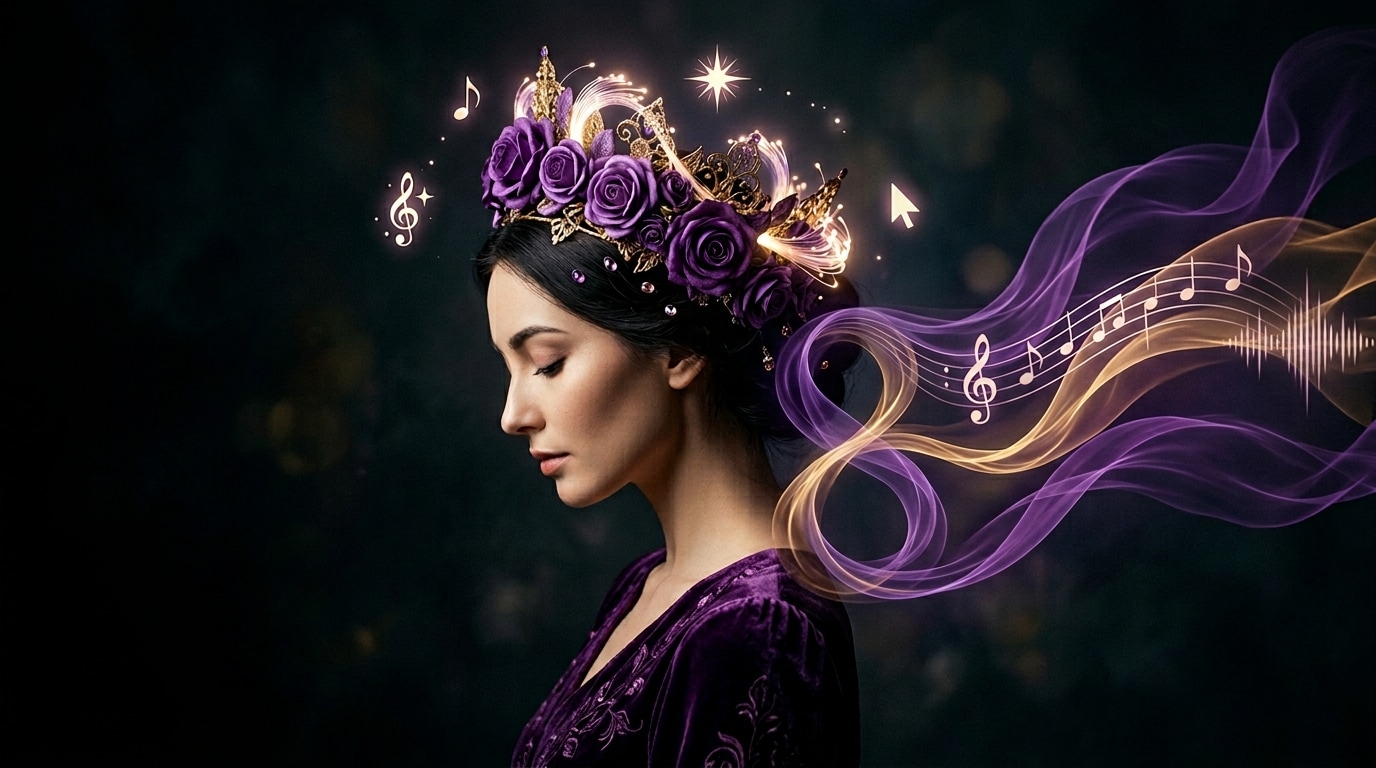
AI-Matched Music, Text & Effects — Perfectly Themed for March 8
Filmora's AI doesn't just arrange your photos — it builds a complete International Women's Day experience. The AI automatically selects purple and pink color palettes, applies empowerment-themed overlays, picks uplifting background music, and generates inspiring text captions to create a cohesive, share-ready Women's Day reel or greeting video.
- Smart Music Selection – AI picks uplifting, royalty-free tracks that match the Women's Day mood. Or use AI Music Generator for a custom soundtrack.
- Auto-Generated Captions – AI Copywriting creates empowering messages, March 8 greetings, or personalized tributes you can edit or keep as-is.
- Themed Visual Effects – Purple/pink color grading, petal animations, light leaks, and elegant typography applied automatically.
One Video, Every Platform — Reels, TikTok, WhatsApp & YouTube
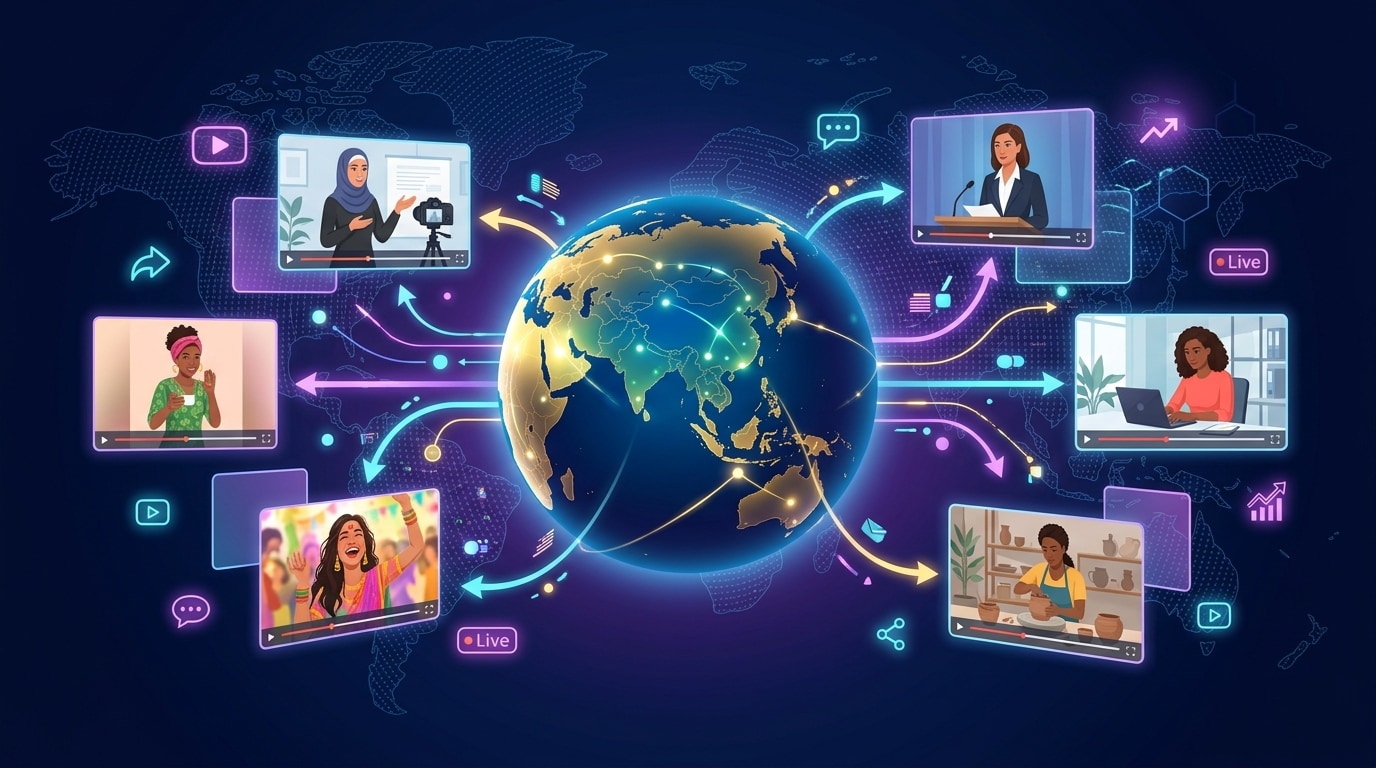
One Video, Every Platform — Reels, TikTok, WhatsApp & YouTube
Create once, share everywhere. Filmora's Women's Day video templates support multi-ratio output so you can generate the same tribute video in 9:16 vertical, 16:9 widescreen, and 1:1 square — all from the same set of photos. No need to rebuild your project for each platform.
- 9:16 Vertical – Optimized for Instagram Reels, TikTok, YouTube Shorts, and WhatsApp Status videos.
- 16:9 Widescreen – Perfect for YouTube uploads, company presentations, and event screenings.
- Direct Sharing – Export and share directly to social platforms from Filmora's mobile app.
FAQs About Women's Day Video Templates
How to Create a Women's Day Video with Filmora
Trending across social media, Women's Day video greetings and reels are the best way to honor the women who inspire you. This guide shows beginners how to generate a personalized International Women's Day video using AI templates — no design experience required!
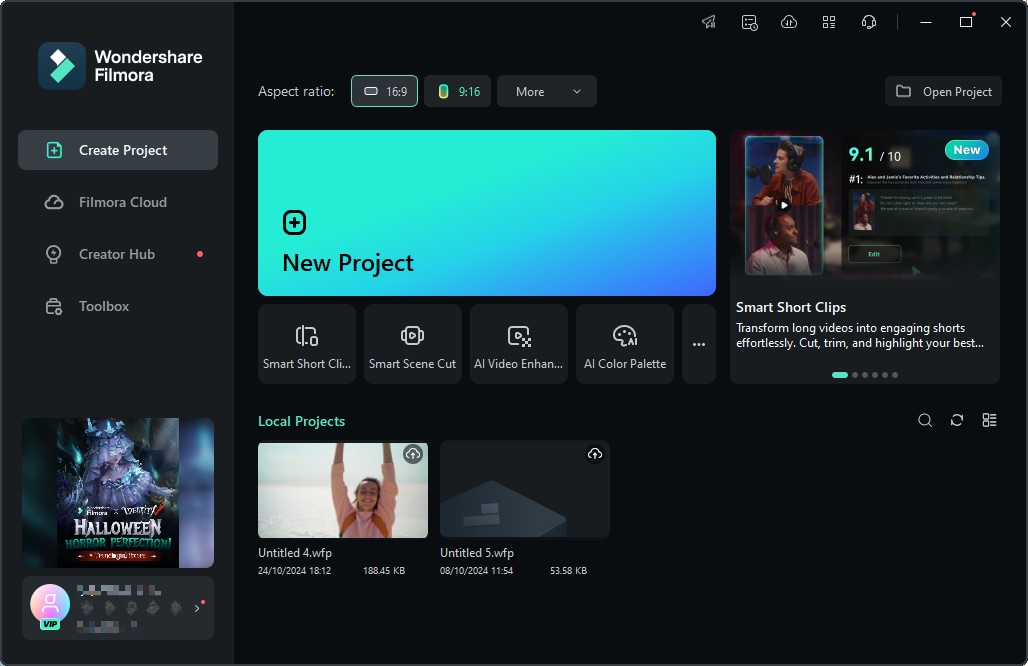
Step 1 Open Stock Media & Browse AI Templates
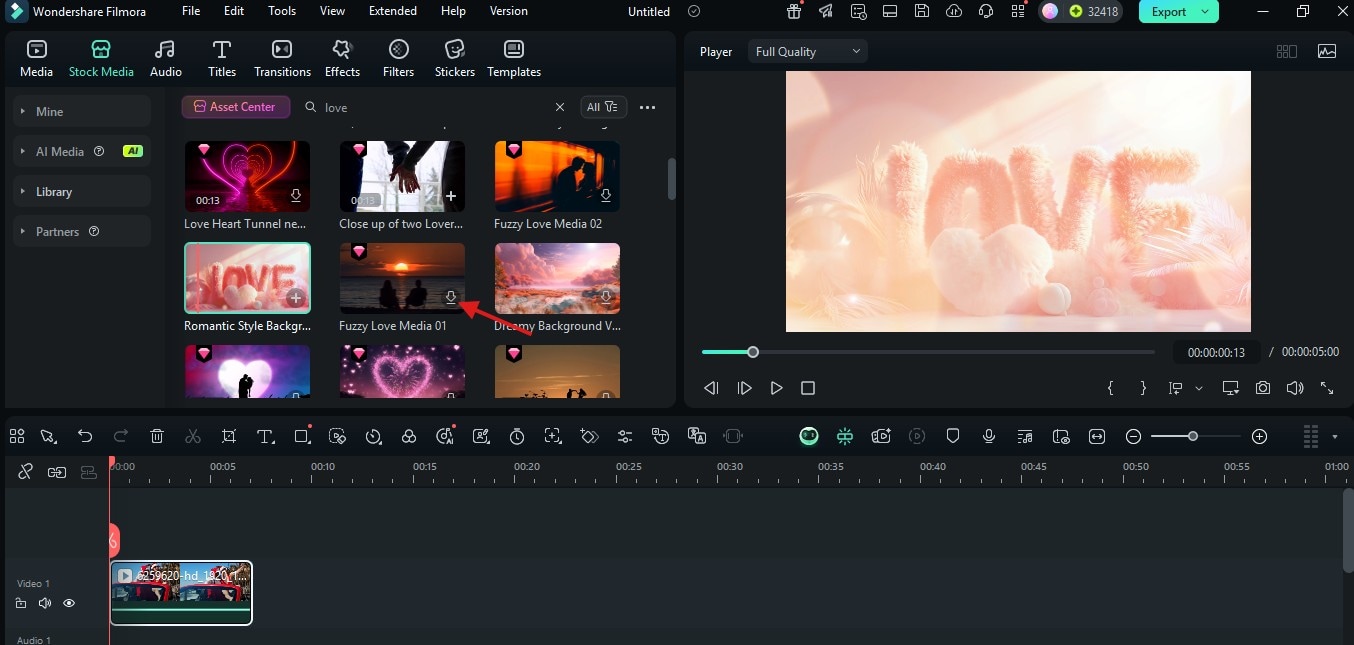
Step 2 Select a Template & Upload Your Photos
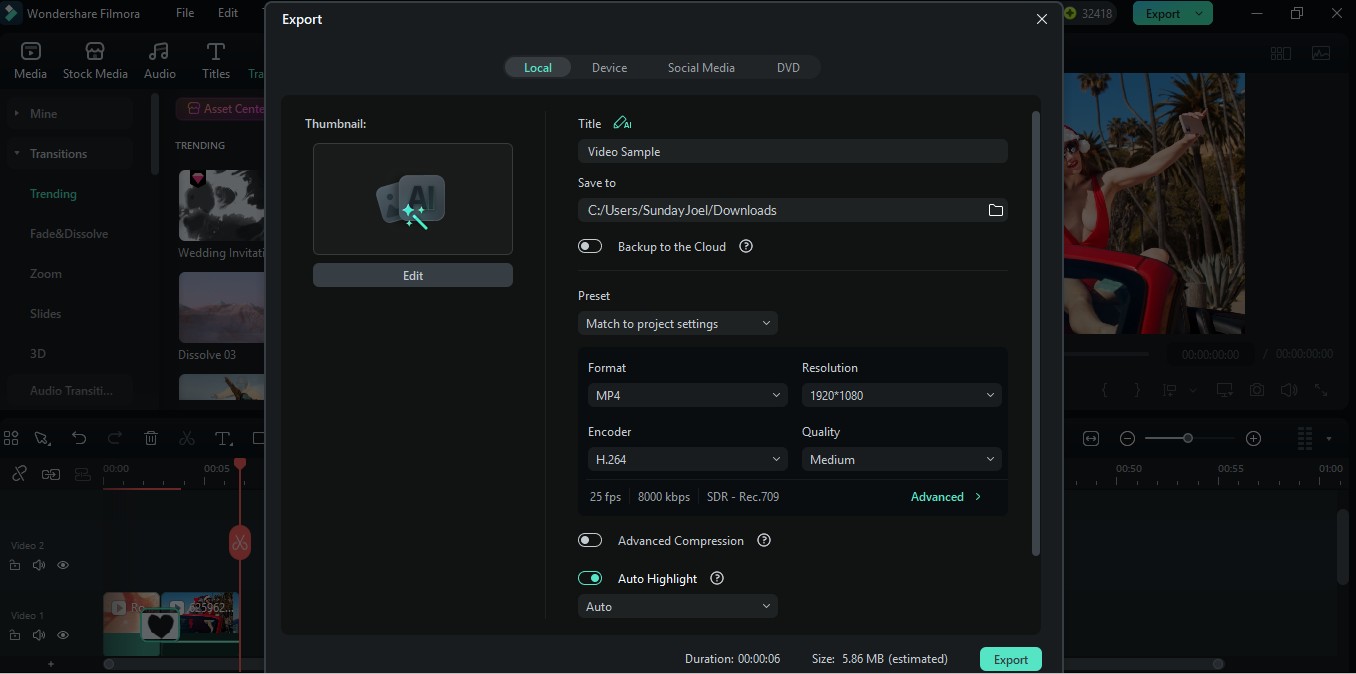
Step 3 Customize, Export & Share Your Reel
-
1:Open Stock Media & Browse AI Templates
Launch Filmora, click "Stock Media" in the top toolbar, then select the AI Templates section. Search for "Women's Day" to browse themed templates — empowerment, floral, minimalist, and more. -
2:Select a Template & Upload Your Photos
Pick a Women's Day AI template you like, then upload 5–15 photos of the women you want to celebrate. The AI automatically arranges your images, applies themed transitions, color grading, music, and text — generating a complete video in seconds. -
3:Customize, Export & Share Your Reel
Preview the AI-generated video. Fine-tune text, swap music, or adjust effects if needed. Export in 9:16 for Instagram Reels, TikTok, and WhatsApp Status, 16:9 for YouTube, or 1:1 for Facebook — then share your Women's Day reel directly.
Explore More Video Templates
From romantic Valentine's Day clips to festive birthday videos — explore our free, ready-to-use templates for every moment that matters.