
20+ Holi AI Prompts for Bike & Car
Pick your vehicle. Copy the prompt. Upload your photo
Every prompt below is tested and ready to use with Google Gemini, ChatGPT (GPT-4o), or Filmora's built-in AI image generator. Every prompt below is tested and ready to use with Google Gemini, ChatGPT (GPT-4o), or Filmora's built-in AI image generator. Tap any card to copy the Holi AI prompt and start generating your festival photo instantly.
Loading more templates...
 Category:
 Duration:
 Aspect Ratio:
Create Holi Bike & Car AI Photos with Filmora + Gemini
Filmora's AI image generator — powered by Google's Nano Banana model — is built for exactly this moment. Not just generic Holi filters. Real cinematic portraits where your face appears naturally on a KTM Duke, Royal Enfield Bullet, or Mahindra Thar, surrounded by explosive gulal powder clouds. Whether you want to create a trending Holi bike portrait for Instagram, a festive car moment for WhatsApp Status, or a cinematic couple shot by a Maruti Jimny — Filmora makes it possible without a photographer, a vehicle, or even a Holi celebration to attend.
Upload one selfie. Choose a prompt. Your viral moment is ready.
Instant Bike & Car Holi Transformation 🏍️
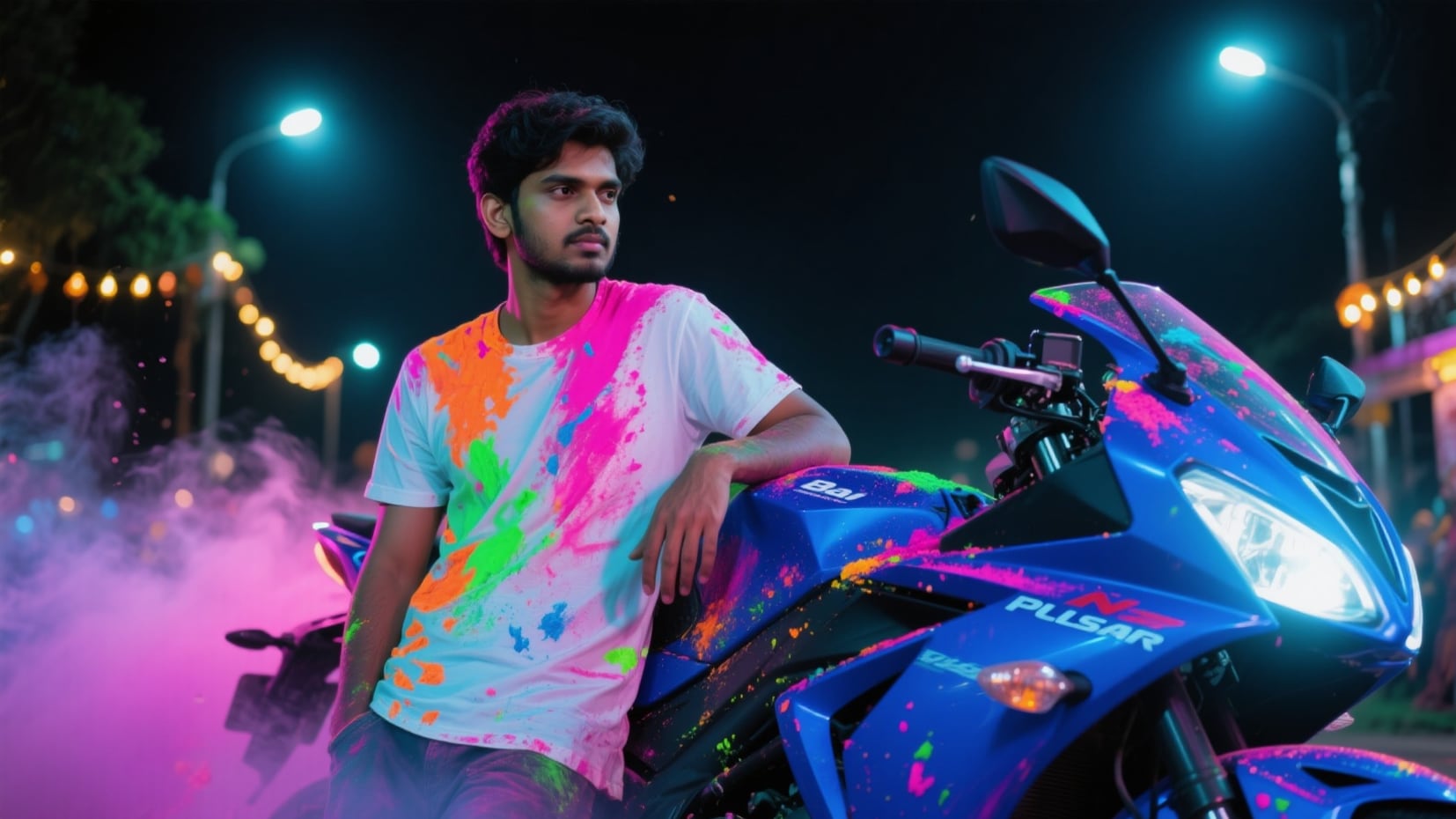
Instant Bike & Car Holi Transformation 🏍️
Turn any bike or car photo into a vibrant Holi festival scene instantly. Realistic gulal powder explosions, color splashes, and festive ambiance are applied directly to your vehicle while preserving the original model, number plate, and design.
- Supports KTM, Royal Enfield, Yamaha, Honda, Bajaj & more
- Supports Mahindra Thar, Hyundai Creta, Maruti Jimny & more
- Number plate & vehicle model preserved
- Realistic gulal powder textures, not fake overlays
Your Face. Any Vehicle. Any Festival Scene 🧑🎨
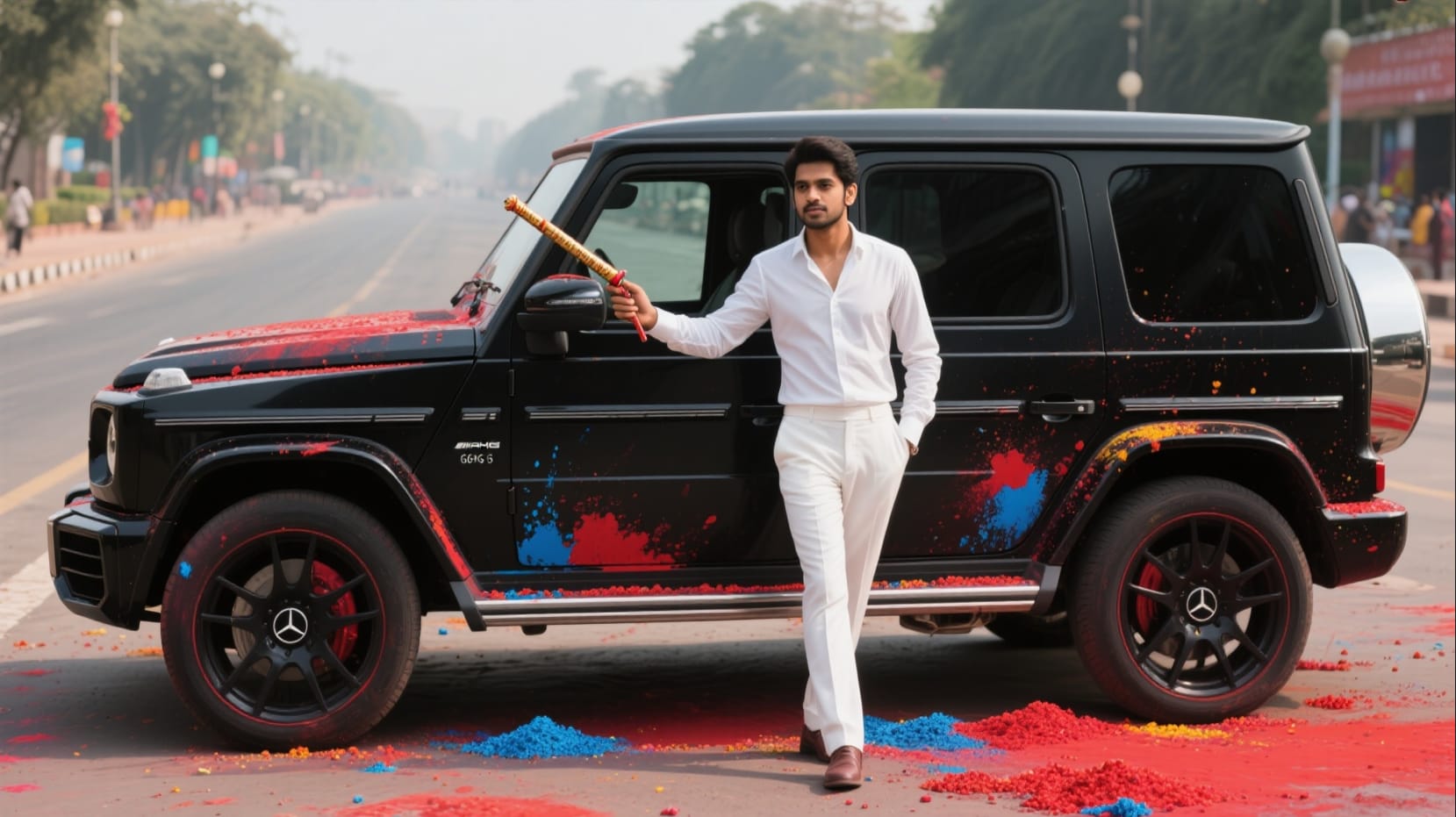
Your Face. Any Vehicle. Any Festival Scene 🧑🎨
Upload your portrait and let the Holi AI prompts place your face naturally onto any bike or car in a cinematic Holi setting. Achieve realistic skin tones, natural expressions, and perfectly matched lighting.
- Face 100% preserved from reference photo
- Realistic skin tones, natural expression
- Matching light & shadow with Holi scene
- Works for both male & female portraits
Turn Holi Photos Into Trending Reels — In One Tap 🎬
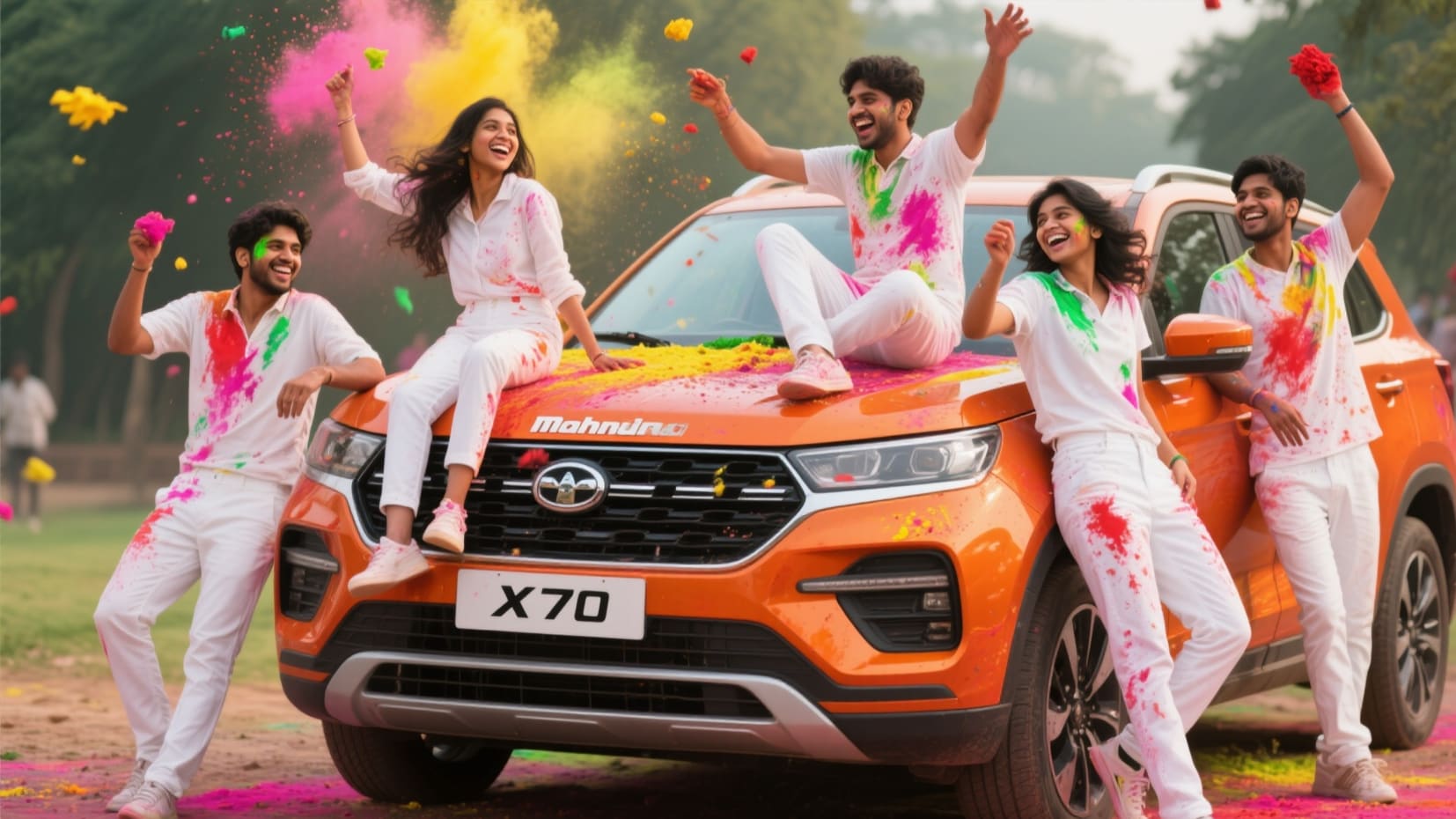
Turn Holi Photos Into Trending Reels — In One Tap 🎬
Transform your Holi bike or car AI photo into a scroll-stopping Instagram Reel or WhatsApp Status video instantly. Apply cinematic color burst transitions, Holi powder particle animations, and festive music.
- Holi-optimized video templates for 9:16 Reels format
- AI Image to Video: animate your Holi portrait instantly
- Add "Happy Holi" captions, Hindi text & festival music
- Export-ready for Instagram, WhatsApp, YouTube Shorts
Professional Finishing, Zero Editing Experience Needed ✨
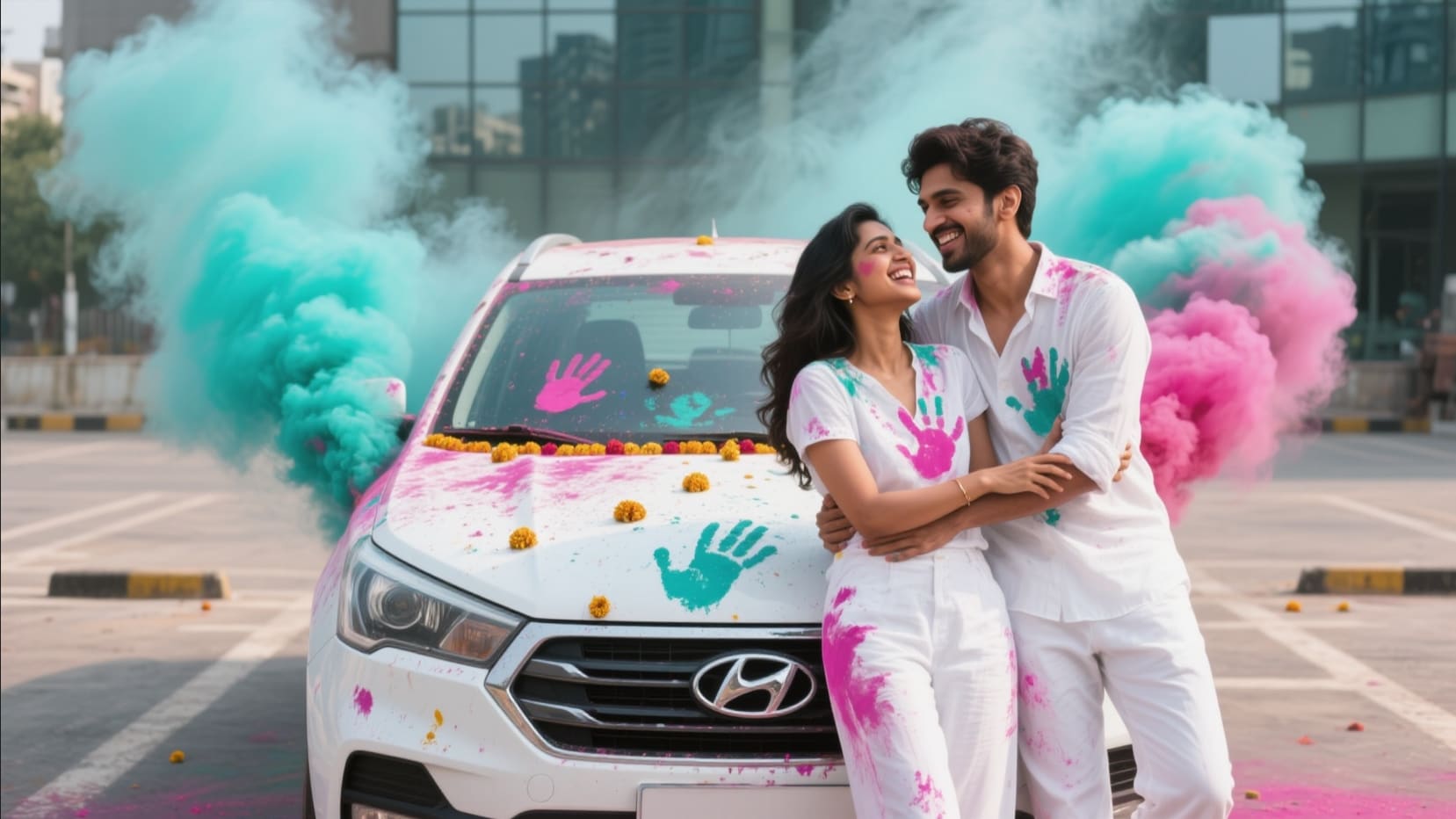
Professional Finishing, Zero Editing Experience Needed ✨
Enhance your Holi bike or car portrait with Filmora's editing suite. Adjust gulal colors, cinematic lighting, add festival text, and layer VFX particle effects—all without prior editing experience.
- Festival typography: Hindi & English Holi greetings
- Advanced color grading for gulal & powder tones
- Add bokeh, glowing particles & cinematic VFX
- One-click export in social-optimized resolutions
FAQs About Holi AI Photo Editing for Bike & Car
- Bikes: KTM Duke 200/390, Royal Enfield Bullet/Classic 350, Yamaha R15 V4, Honda Activa, Bajaj Pulsar NS200
- Cars: Mahindra Thar 4x4, Hyundai Creta, Maruti Suzuki Jimny, Mahindra XUV700, Mercedes-AMG G63
- Google Gemini (gemini.google.com) — Upload your photo + paste the prompt
- ChatGPT GPT-4o (chat.openai.com) — Use the image input feature + paste the prompt
- Filmora AI Image Generator — Built-in Nano Banana model, same prompts work directly
- Use a clear, well-lit front-facing portrait as your reference photo
- Avoid photos with heavy filters, sunglasses, or partial face coverage
- Use a recent photo with natural lighting
- If the first result doesn't look right, regenerate — AI results vary slightly each time
How to Create a Holi Car & Bike Photo in Filmora (Step-by-Step)
If you want to make a Holi Car & Bike Photo for social media, Filmora lets you quickly generate Holi-themed car images using AI-powered features. Even first-time users can create viral Holi Car & Bike Photo content for TikTok, Instagram, and YouTube with these simple steps.
Step 1 Open Filmora and Start AI Image Generator

Step 2 Enter Your Holi Car & Bike Photo Prompt

Step 3 Export or Share Your Holi Car & Bike Photo

-
1:Open Filmora and Start AI Image Generator
Install the latest Filmora, create your project, then click on "Stock Media" and select "AI Image" to find the Holi Car & Bike Photo effect. -
2:Enter Your Holi Car & Bike Photo Prompt
Choose the right AI model, type in "Holi Car & Bike Photo" as your prompt or find a Holi template, and hit "Generate" to see colorful festival car edits. -
3:Export or Share Your Holi Car & Bike Photo
After generating your Holi Car & Bike Photo, you can save the image, make custom edits, and share it directly to TikTok, Instagram, YouTube Shorts, or your favorite app.
More Than Just Holi Car & Bike Photo Effects
Filmora goes beyond a Holi Car & Bike Photo generator. You can use it to create Holi Car & Bike Photos, explore trending festival edits, design unique images and videos from prompts, and make your social media content stand out—all in one easy tool.







