20+ Nani Paradise Look Prompt Templates:
Copy & Paste for Instant Viral Jadal Photos
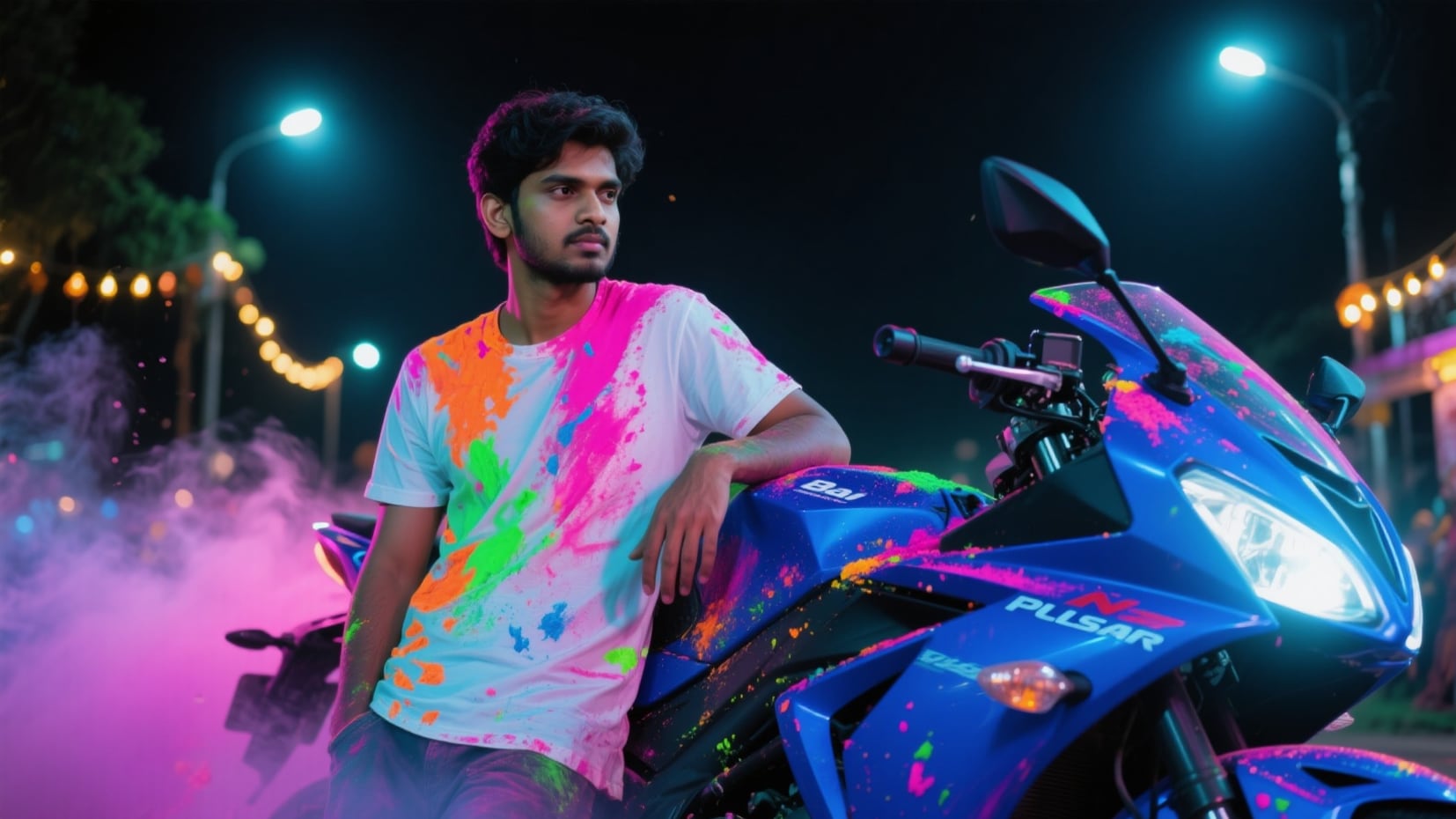
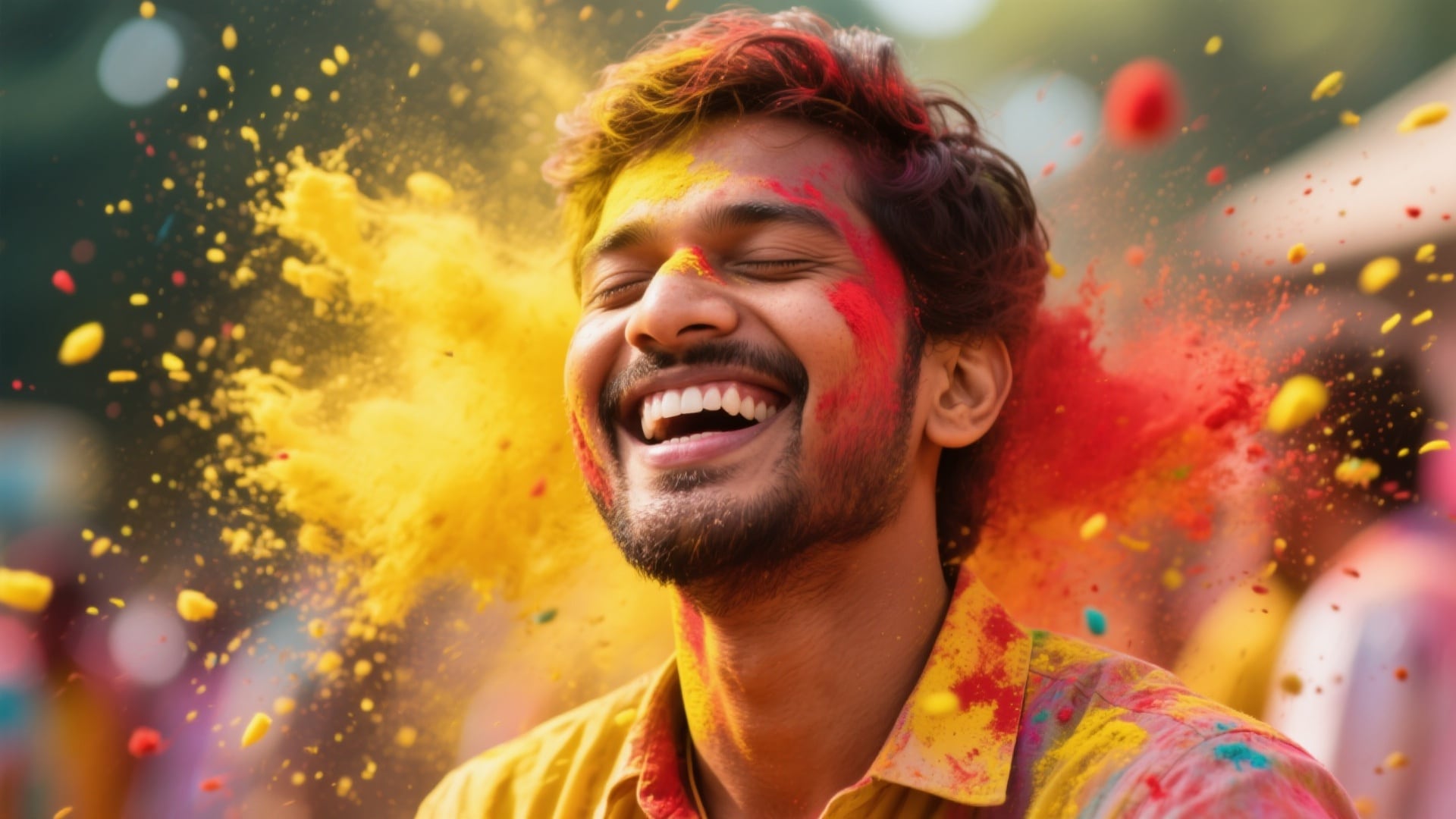
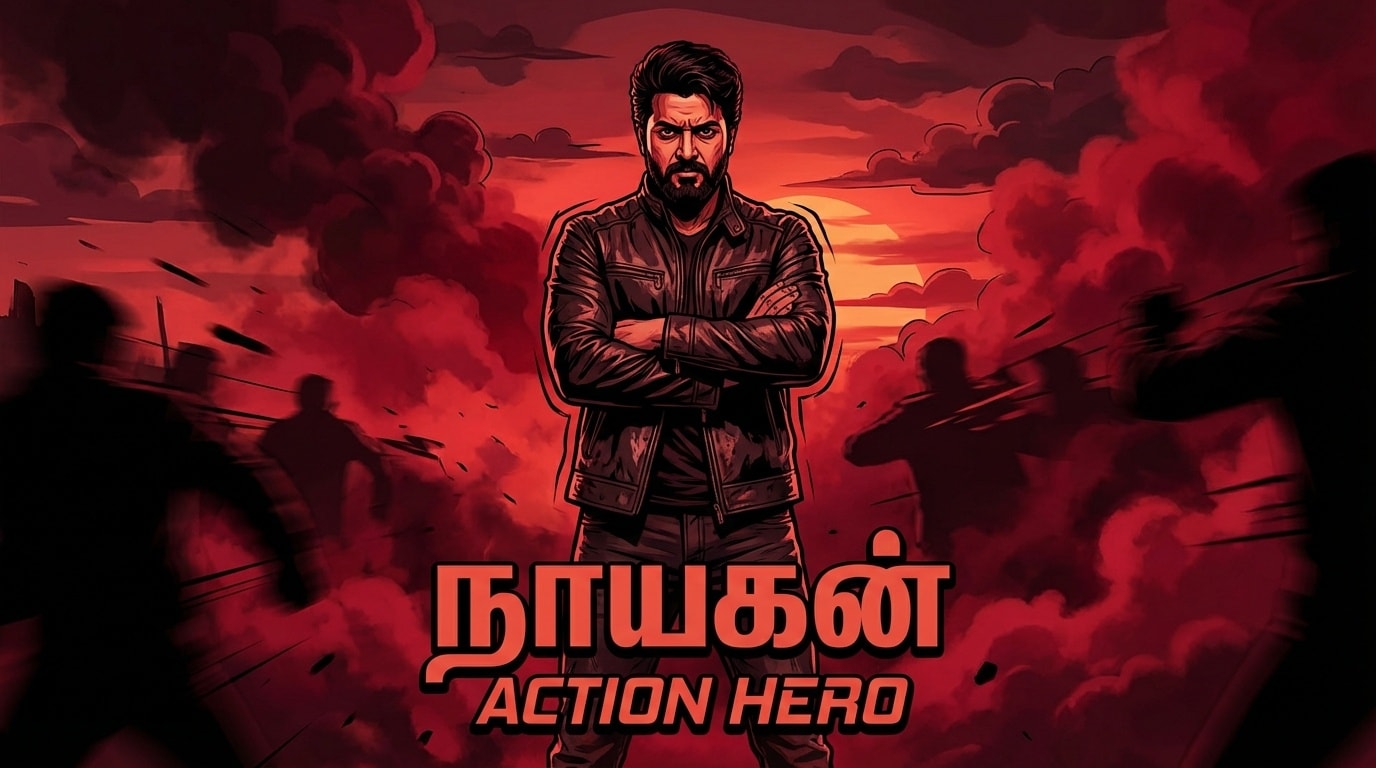
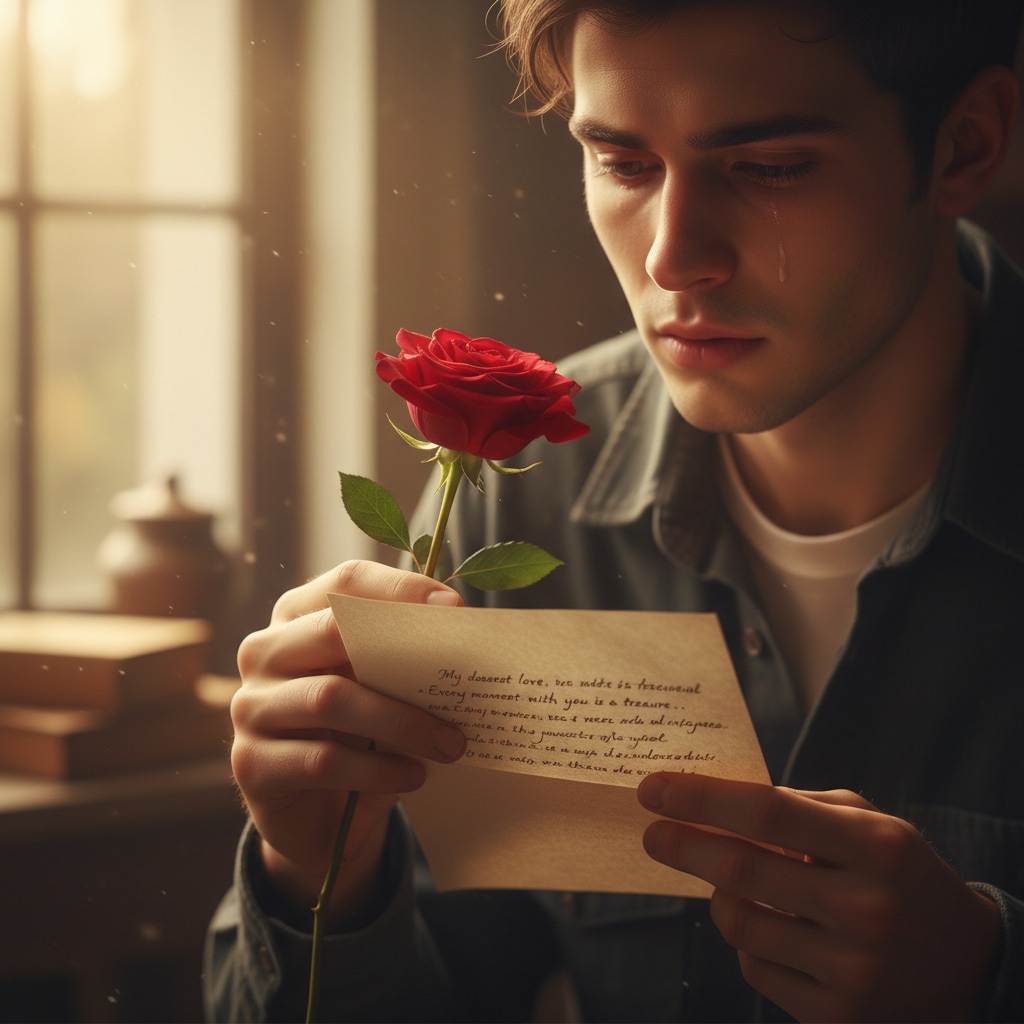
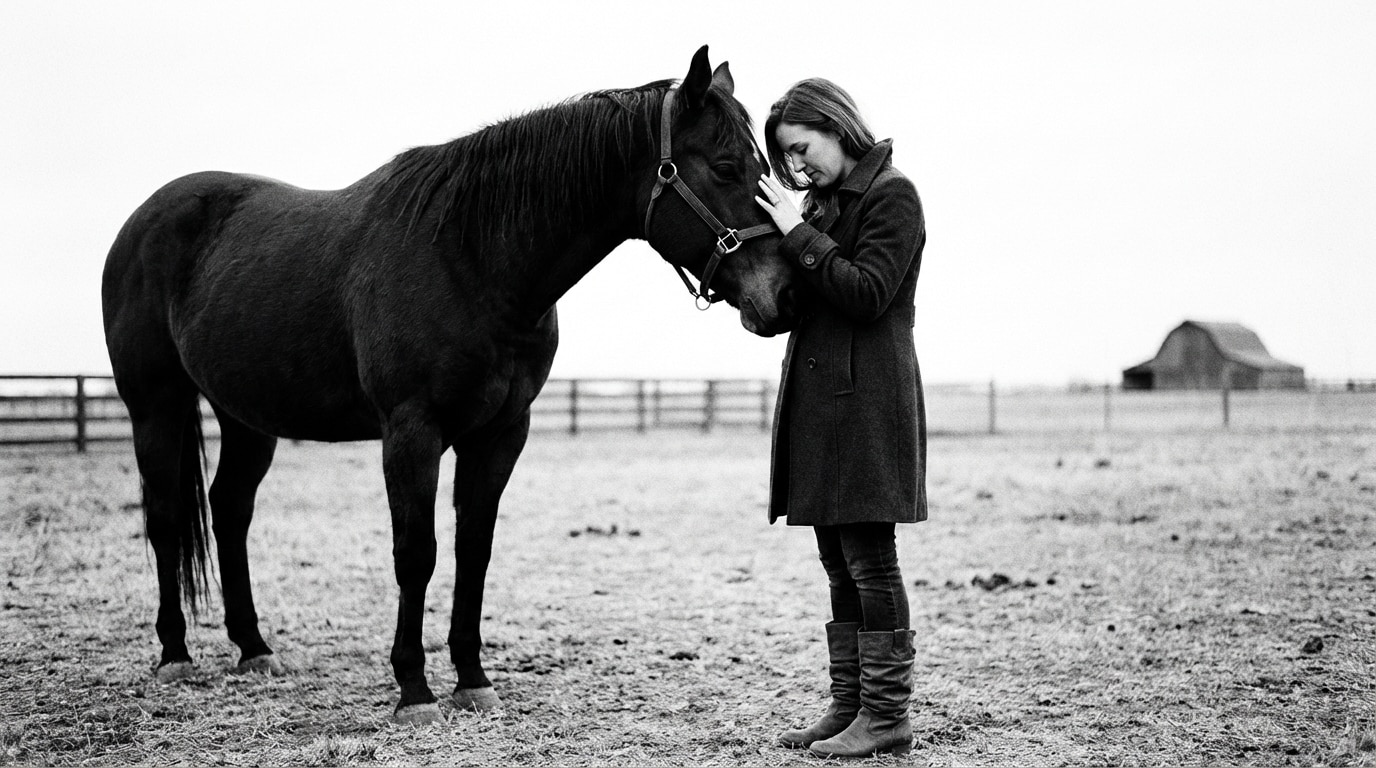
Want to recreate the iconic Nani Paradise look AI photo effect? Browse our collection of tested Paradise look prompts for Gemini, ChatGPT, and AI image generators. Each Nani Paradise Jadal hairstyle prompt is optimized for cinematic Telugu movie poster aesthetics—dual braids, dramatic tribal crowds, red jacket contrast, and high-contrast lighting. Simply copy the Nani Paradise prompt, paste it into your AI tool, upload your photo, and generate stunning results in seconds. Perfect for TikTok reels, Instagram posts, and viral social media content.
Loading more templates...
 Category:
 Duration:
 Aspect Ratio:
Create the Viral Nani Paradise Look with AI
Jadal Style Made Easy
Want to instantly create cinematic, viral Telugu movie poster images? With Nani Paradise Look AI prompts, you can transform any photo — selfie, portrait, or group shot — into a high-impact Jadal-inspired masterpiece. These prompts are ready to copy, designed to work with Filmora, Google Gemini, or ChatGPT, and optimized for ultra-realistic cinematic effects. Whether you want the legendary braids, dramatic lighting, or epic action poses, you can generate professional-quality Paradise-style images in seconds and make your content stand out on Instagram, WhatsApp, Facebook, or any social app.
Now, let's see how Filmora makes it even easier:
Instant Nani Paradise Look Generation
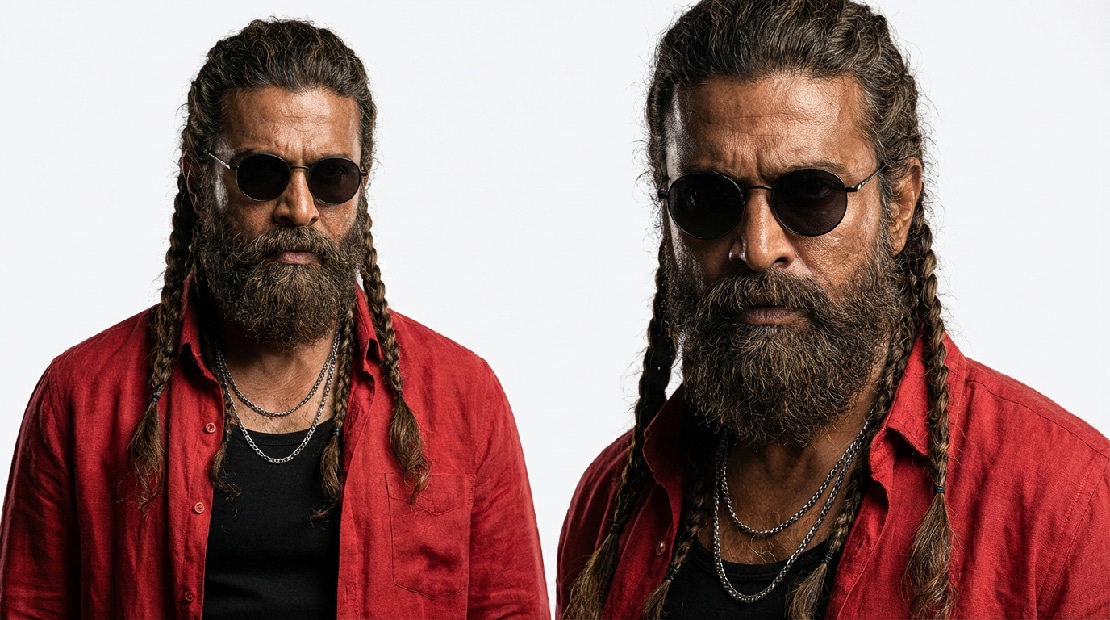
Instant Nani Paradise Look Generation
Create authentic Nani Paradise Jadal photo effects in every trending variation — from the iconic red jacket tribal warrior pose to dramatic rain night posters and mythological scenes. Simply browse our Nani Paradise prompt collection, copy your favorite template, and let Filmora's AI image generator powered by Nano Banana Pro deliver cinematic 4K results instantly. Whether you want the classic Jadal braids look, the rain night gangster poster, or the epic tribal crowd scene, our tested prompt library covers every style fans are searching for.
- 🎯 20+ Tested Paradise Prompts — Ready-to-use Nani Paradise look prompt templates for Gemini, ChatGPT, and DALL-E, covering all Jadal style variations
- 🎨 Multiple Jadal Style Variations — Classic warrior pose, rain night poster, desert hero, throne power shot, 3D toy figurine, female version, couple edition, and more
- 🤳 Face Reference Support — Upload your portrait to preserve your exact facial features while applying the full Paradise Nani hairstyle and Jadal braids transformation
- 📸 4K Cinematic Output — Ultra-realistic Telugu movie poster quality with dramatic lighting, red jacket contrast, and tribal crowd backgrounds — perfect for viral DP and social media
Paradise AI Photo to Cinematic Reel
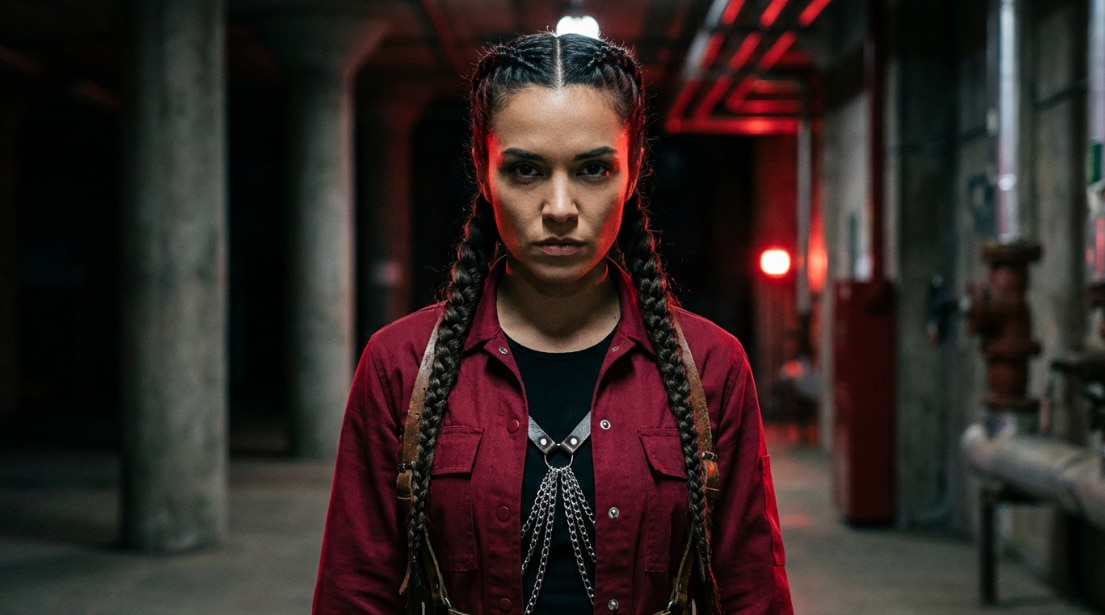
Paradise AI Photo to Cinematic Reel
Don't stop at static images. Filmora's mobile app lets you transform your Nani Paradise look AI photos into viral short-form video content tailor-made for TikTok and Instagram Reels. After generating your Jadal-style photo using our Paradise Nani hairstyle prompts, apply Filmora's built-in motion templates to create dramatic hero entry intro reels that are exploding across social media. Turn your AI photo into a cinematic "Aaya Sher" mass entry video in just one tap — no editing experience required.
- 🎬 Paradise-Style Intro Templates — Pre-designed animation templates built for Jadal-style mass hero entry reels (split screen reveals, slow-motion zoom, smoke overlay transitions)
- ⚡ Photo-to-Video Animation — Convert your Nani Paradise look photos into dynamic cinematic videos with dramatic motion effects instantly
- 📱 Social Media Ready Export — Perfect 9:16 aspect ratio output for TikTok Reels, Instagram Stories, and YouTube Shorts with the Paradise cinematic aesthetic locked in
- 🎵 Trending Audio Integration — Sync your Paradise reel with Anirudh Ravichander's "Aaya Sher" style background tracks for maximum engagement and algorithmic reach
Professional Paradise Photo Editing with Filmora's Advanced Tools
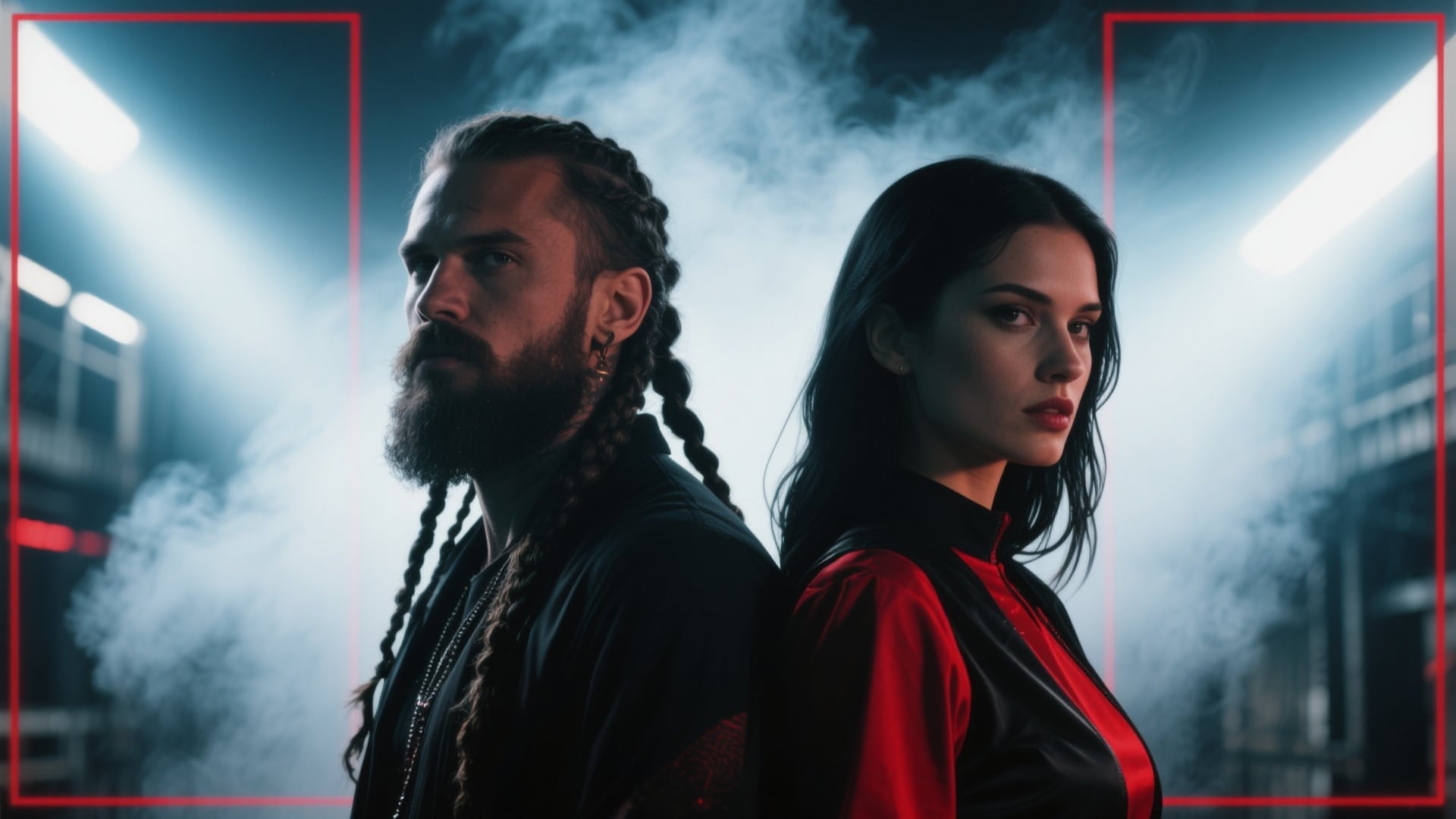
Professional Paradise Photo Editing with Filmora's Advanced Tools
Take your Nani Paradise look AI photo beyond simple generation — refine it into a professional-grade Telugu movie poster with Filmora's comprehensive editing suite. After generating your base Jadal braids photo using our Nani Paradise prompt templates, enhance it with cinematic text overlays, custom color grading, and advanced VFX effects. Whether you want to sharpen the red jacket contrast, deepen the tribal crowd shadows, or add authentic Telugu movie-style title cards, Filmora gives you complete creative control over your final Paradise look output.
- 🅰️ Telugu Movie-Style Text & Title Cards — Add "JADAL" character title overlays, Paradise-inspired typography, and Telugu cinema-style dialogue boxes directly onto your AI-generated photos
- 🎨 Advanced Color Grading — Fine-tune signature Jadal red-black contrast, enhance deep shadows, and amplify dramatic tribal lighting that defines the Nani Paradise look aesthetic
- ✨ Custom VFX & Graphics Layers — Stack smoke effects, golden light flares, braid motion blur, tribal crowd overlays, and subtle weapon halo elements to amplify your Paradise Nani hairstyle photos
- 🎛️ Precise Detail Editing Controls — Sharpen braid texture, adjust facial shadow depth, fine-tune beard detail, and perfect the cinematic composition of your Nani Paradise look outputs
FAQs About Nani Paradise Look Prompts & Jadal AI Photo Effects
How to Create Paradise Movie Look in Filmora
The Nani Paradise Look effect isn't built into Filmora yet, but you can still recreate the style with the right filters and AI tools. Start with your photo or video, apply vibrant gradient overlays, dreamy color effects, and tweak your edit for a soft paradise glow in seconds. Perfect for beginners—this simple walkthrough shows you exactly how to create Nani Paradise Look images or videos anyone will notice on TikTok or Instagram.
Step 1 Open AI Image Generator in Filmora

Step 2 Apply Nani Paradise Look Filters or Prompts

Step 3 Save and Share Your Paradise Look Creation

-
1: Open AI Image Generator in Filmora
Start Filmora, create a project, go to "Stock Media," and choose "AI Image" to begin editing your Nani Paradise Look. -
2: Apply Nani Paradise Look Filters or Prompts
Pick the image or video you want, then enter a Nani Paradise Look prompt or select a trending look preset, and click Generate. -
3: Save and Share Your Paradise Look Creation
Check your newly generated Nani Paradise Look, download, drag to your timeline, edit as you like, and export for sharing on social media.