How to Use Insta DP Photo: View, Download & Save Full Size DP
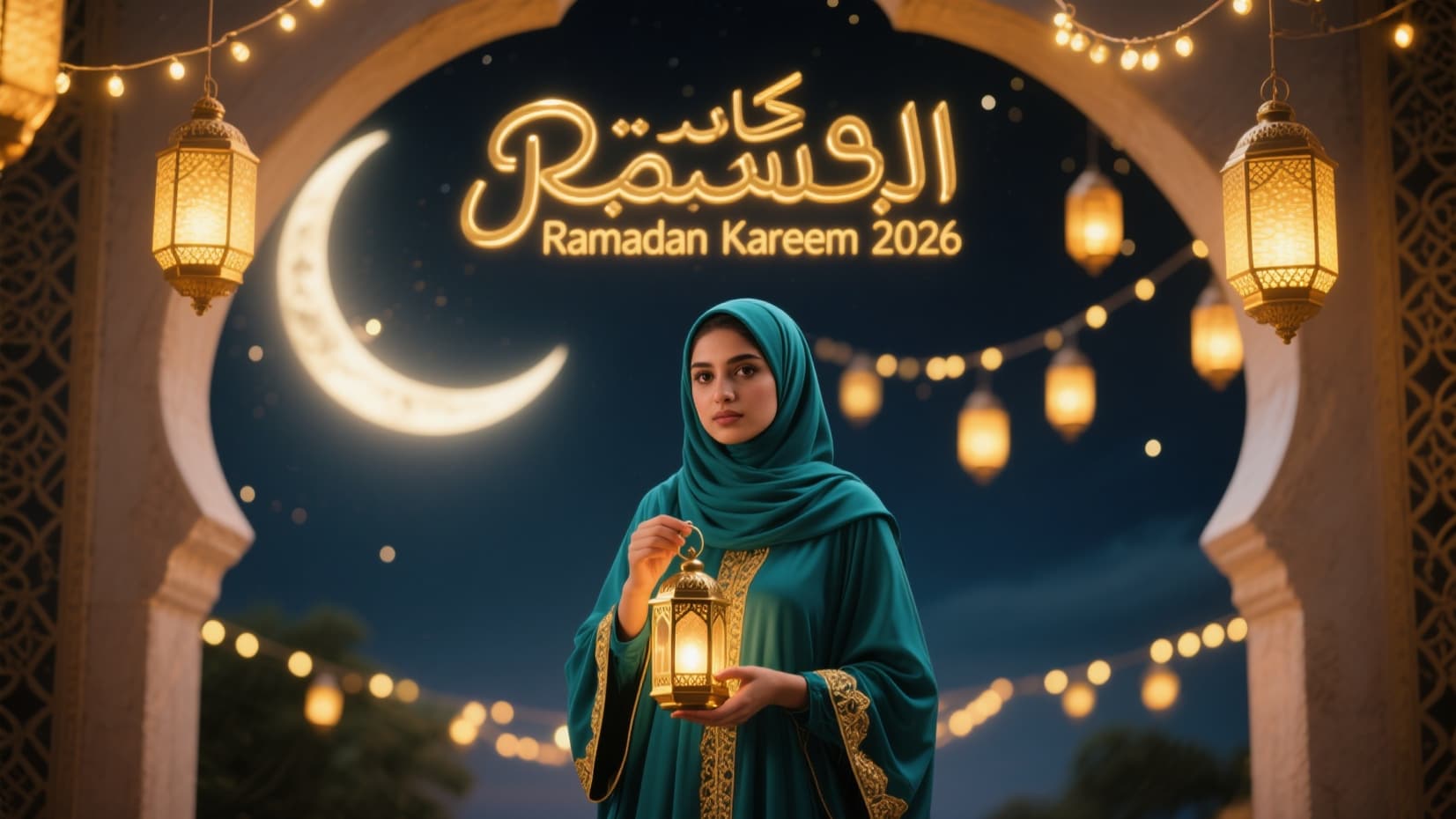
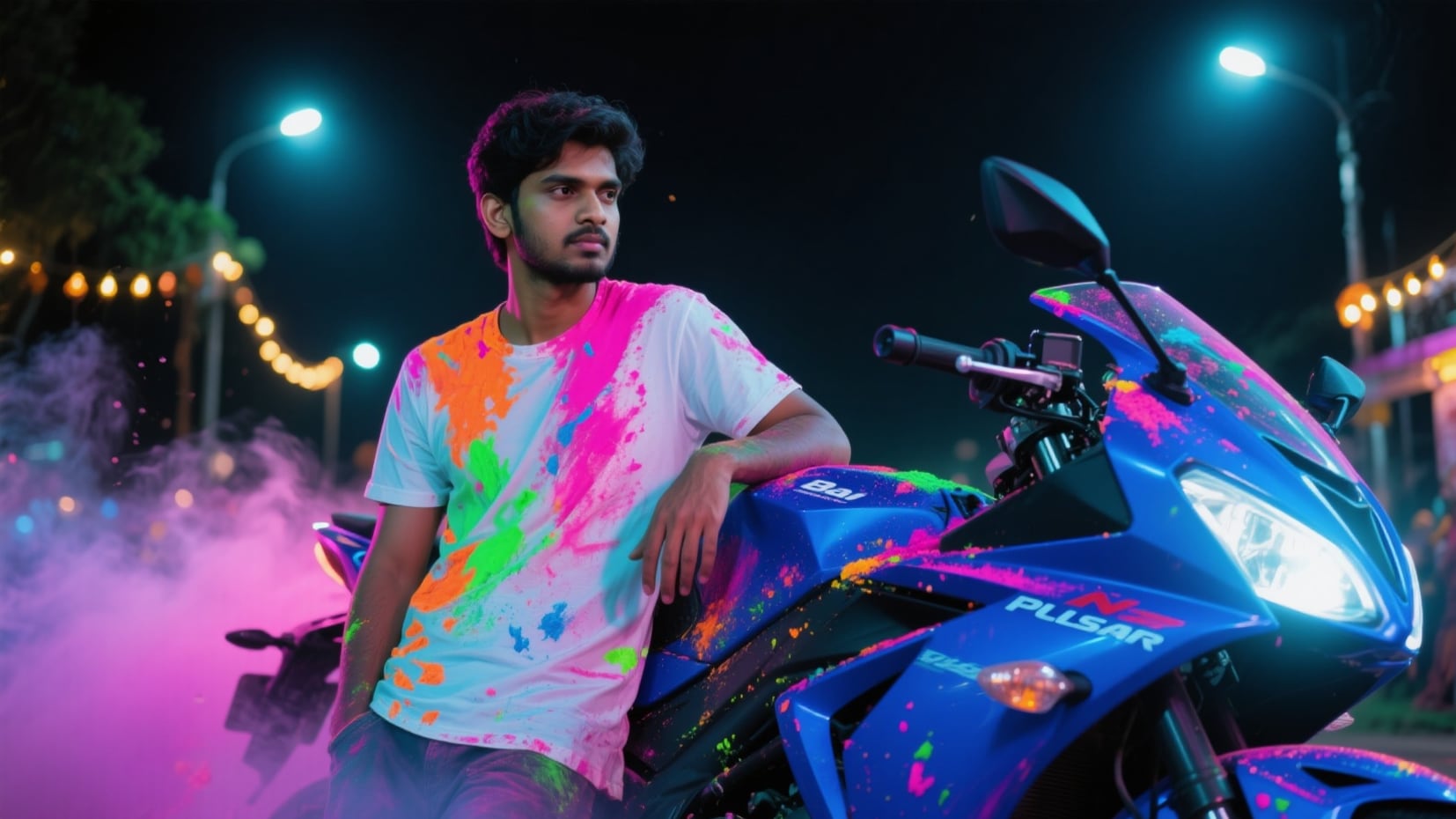
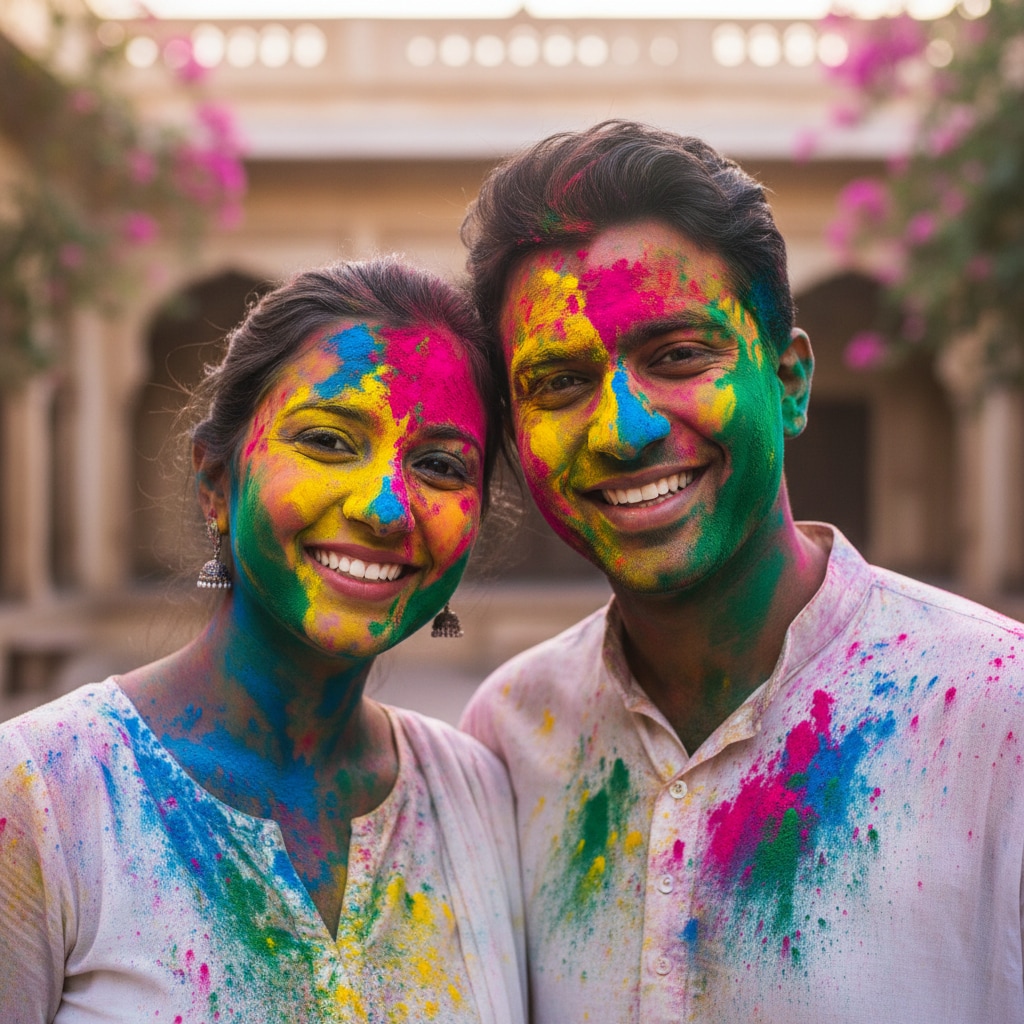
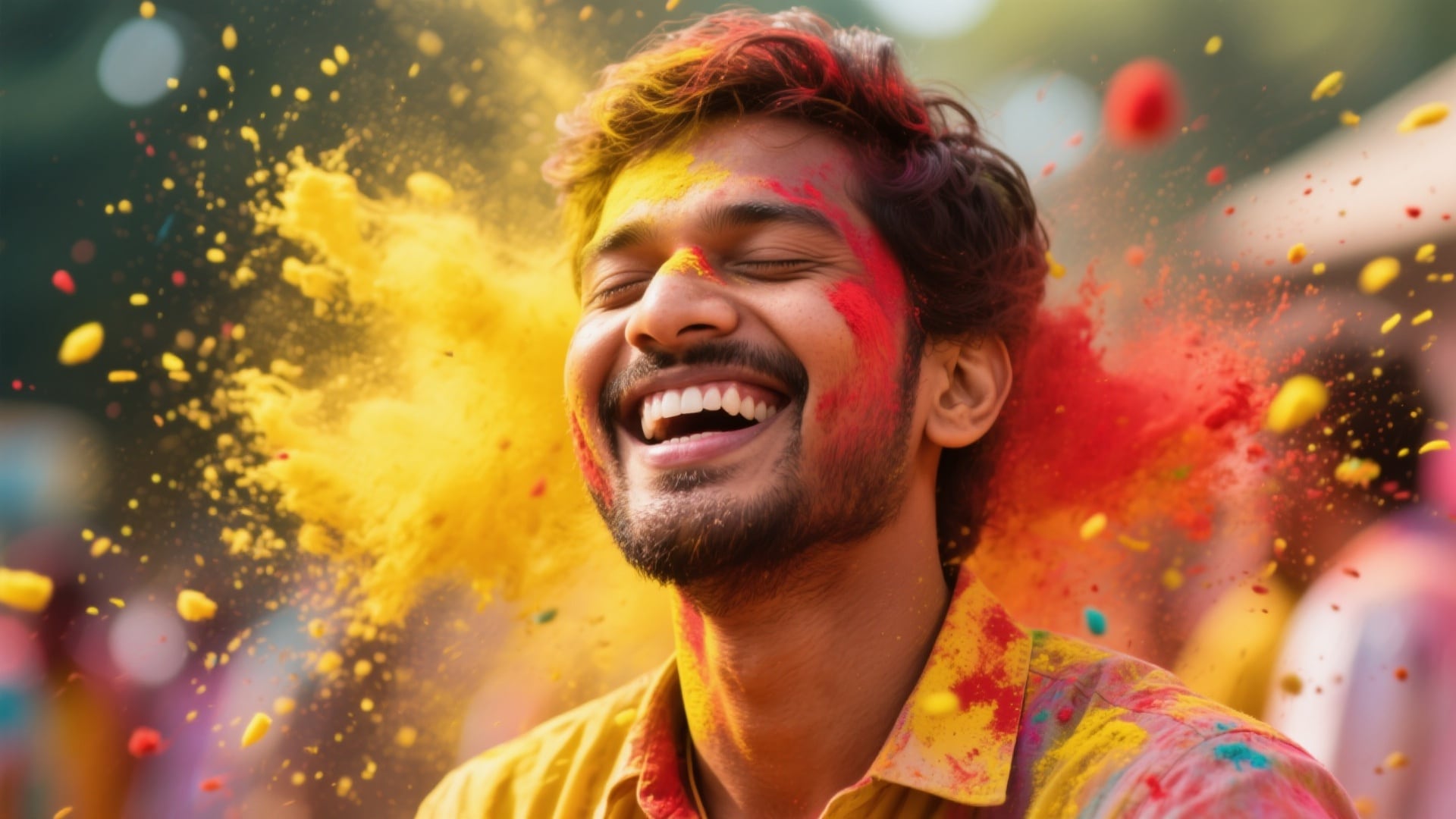
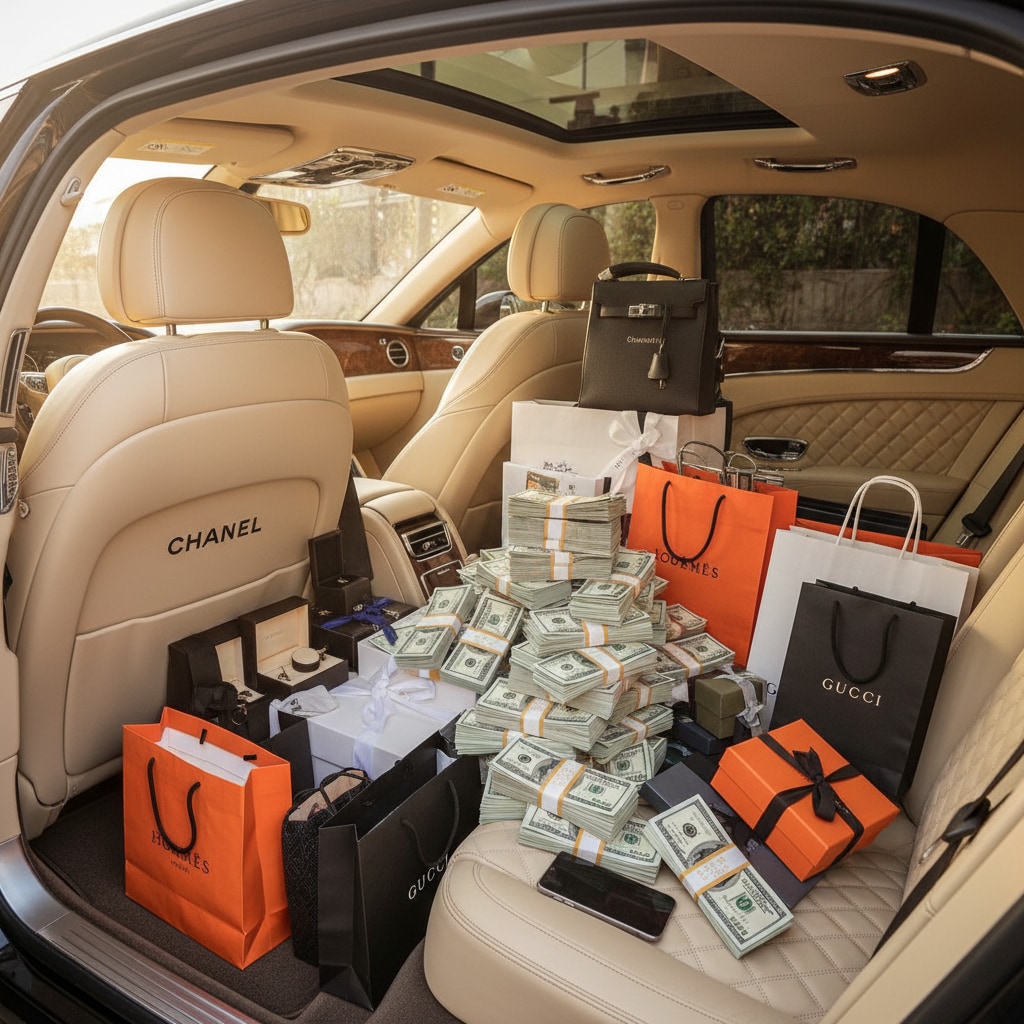
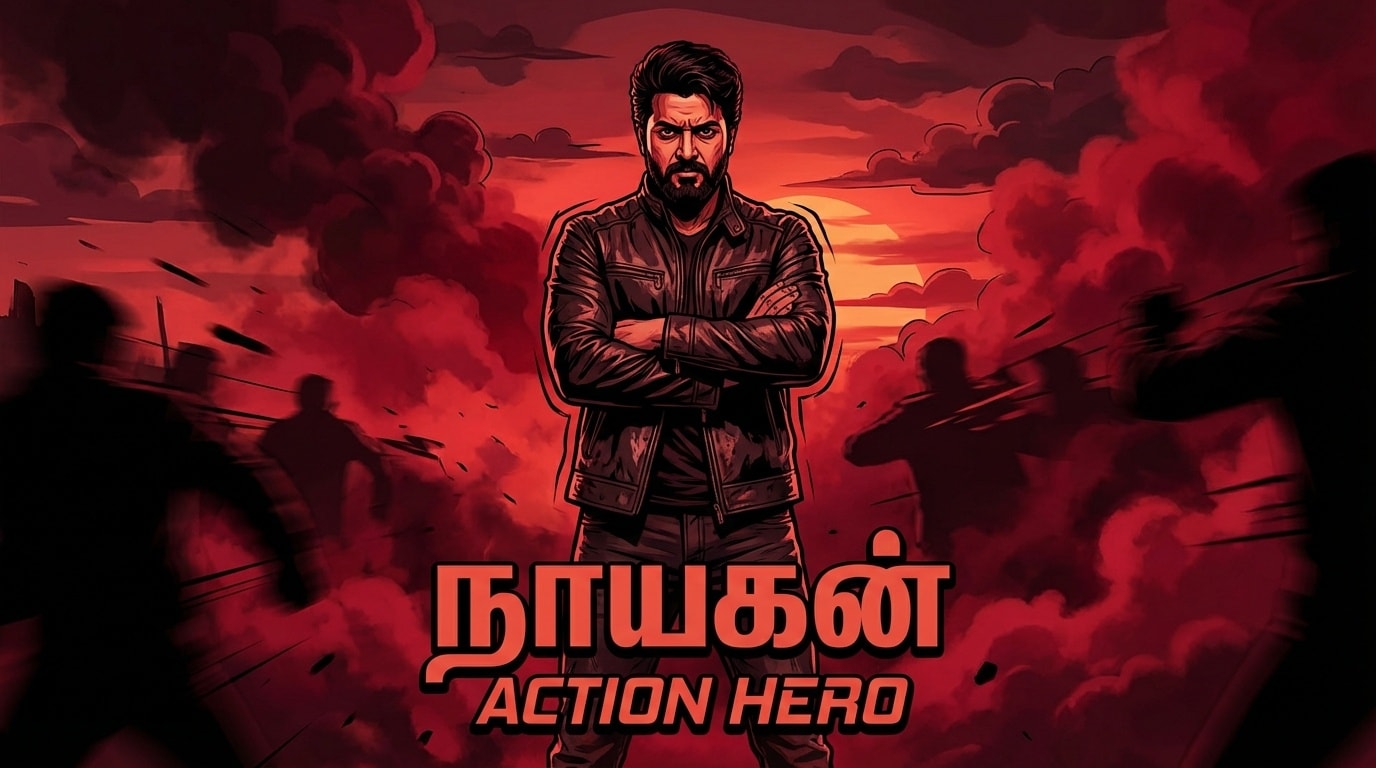
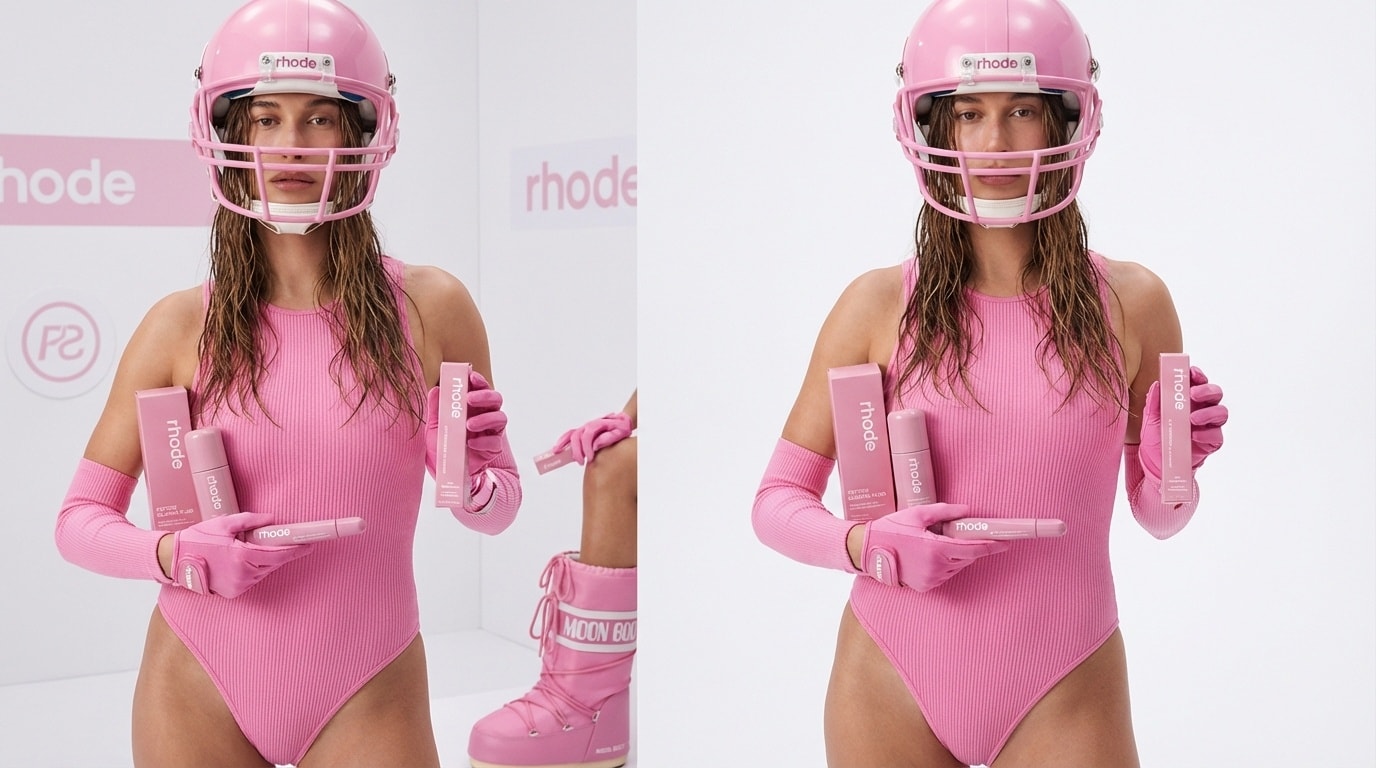
Browse all AI Insta DP photo prompts below. Filter by style, copy your favorite prompt, paste it into Gemini, ChatGPT, or Filmora's AI Image Generator with your photo, and create a stunning Instagram profile picture in seconds. Explore the gallery to see DP previews made with Filmora — find your vibe and download your new profile picture instantly.
Loading more templates...
 Category:
 Duration:
 Aspect Ratio:
Create Viral AI Insta DP Photos Instantly with Chatgpt & Filmora
Need the perfect Insta DP Photo fast? Easily turn any selfie into a pro-level Instagram profile picture with trending effects, AI backgrounds, and stylish borders. Filmora's AI image generator uses Google's Nano Banana model for sharp Insta DP Photos that grab attention on TikTok, Instagram, and YouTube.
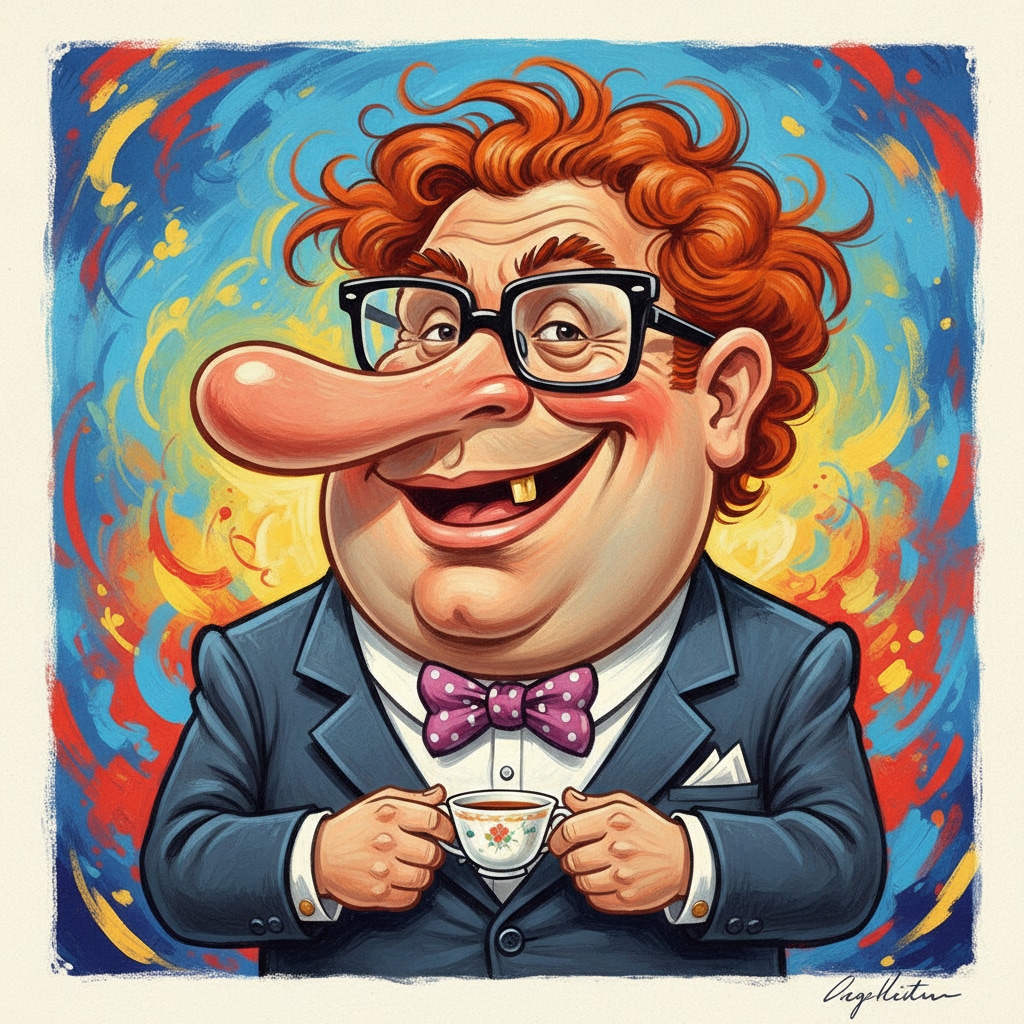
Create Insta DP Photos featuring the latest viral trends—cartoon looks, realistic AI, neon glow, color splash and more. Make your display picture stand out everywhere from Instagram reels to YouTube shorts.
Preserve Your Look & Generate Ultra-Realistic AI DP Photos
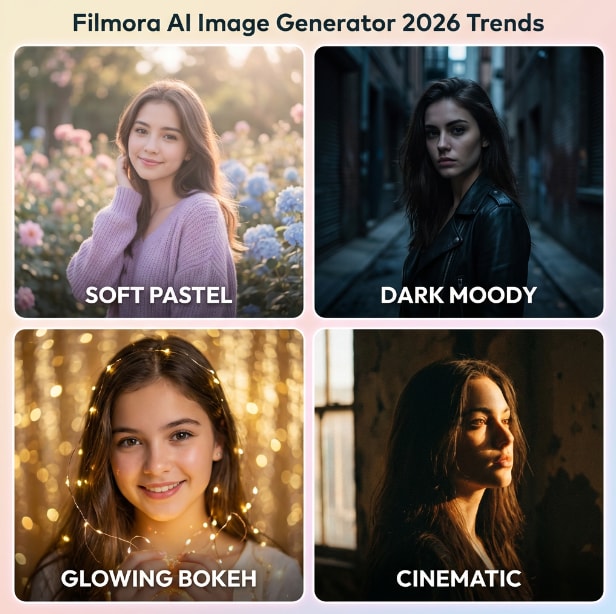
Preserve Your Look & Generate Ultra-Realistic AI DP Photos
From glowing aesthetic DP portraits to dark cinematic edits, your face stays sharp and unmistakably you. Filmora's AI Image Generator lets you upload a reference selfie to lock in every facial feature while applying any style — pastel bokeh, neon cinematic, Ghibli animation, or even gulal-colored powder. Perfect for aesthetic insta DP for girls, cinematic boys DP, or bold Ghibli-inspired avatars.
- Face-Lock Technology - Preserve 100% of your facial identity across every DP style.
- Ready-to-Copy Prompts - Aesthetic girls DP, funny caricature, cinematic neon, Ghibli portrait — pick and paste.
- 8K Ultra-Realistic Output - Natural skin textures, vivid colors, and crisp details in every portrait.
Turn Your AI Insta DP into a Viral Profile Reel in 60 Seconds
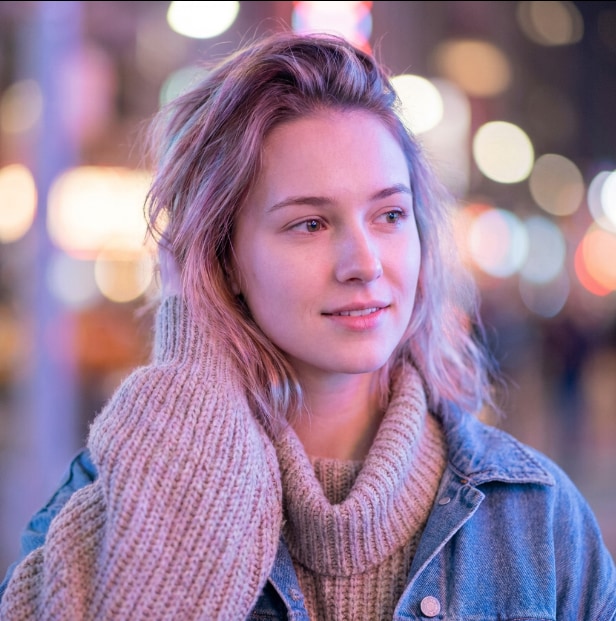
Turn Your AI Insta DP into a Viral Profile Reel in 60 Seconds
Your AI-generated Insta DP photo doesn't have to stay static. Filmora mobile app transforms a single profile picture — aesthetic girls DP, dark cinematic boys DP, or Ghibli avatars — into a dynamic Instagram Reel in under a minute. Select a trending template, sync with viral audio, and export in 9:16 for Stories, Reels, or WhatsApp Status.
- Profile Reveal Templates - Cinematic zooms, glitch effects, aesthetic bokeh transitions, all ready in one tap.
- One-Photo Reel Maker - Upload your AI DP, pick a template, and share instantly.
- Trending Audio Built-In - Auto-synced music matched to your DP style, updated weekly.
- 9:16 Story-Ready Export - Optimized for Instagram Reels, WhatsApp Status, and YouTube Shorts.
Add Your Name, Aesthetic Quotes & Stickers to Your Insta DP
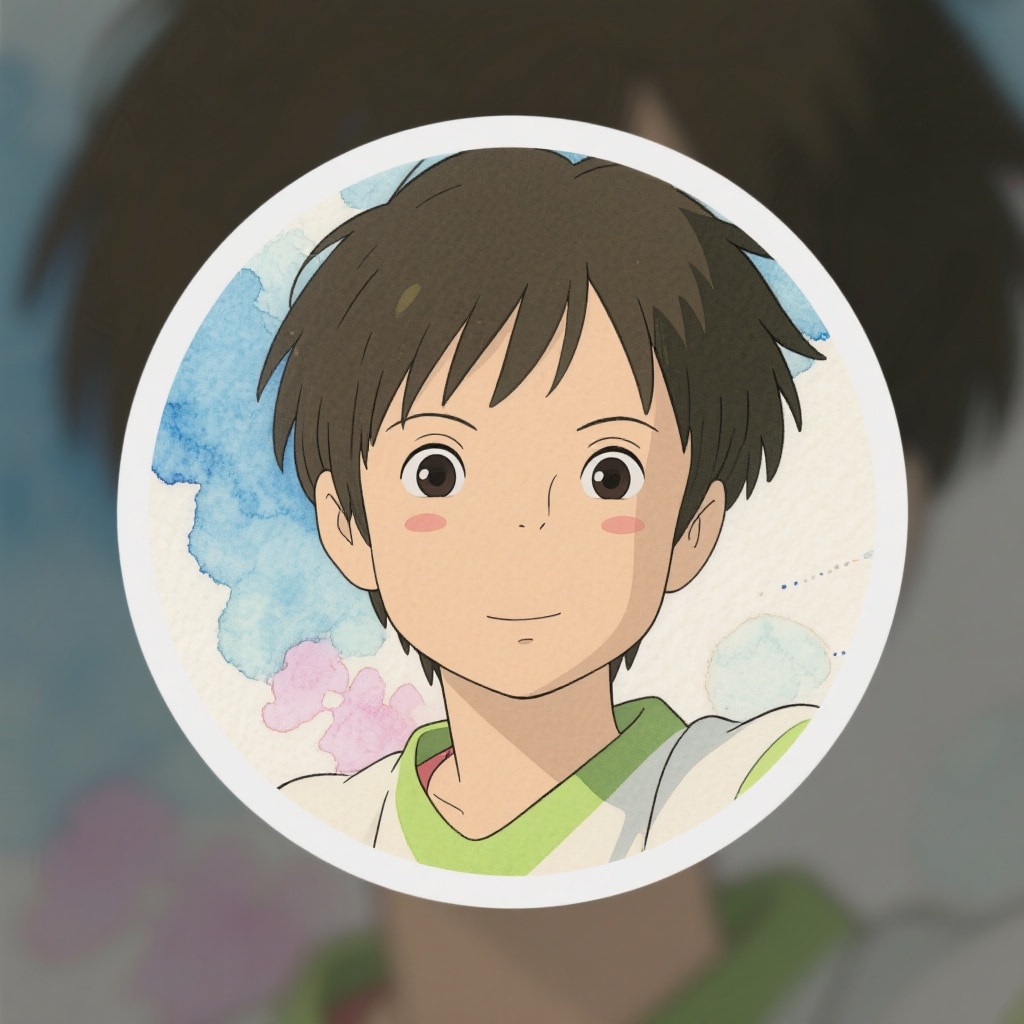
Add Your Name, Aesthetic Quotes & Stickers to Your Insta DP
Make your AI-generated DP truly personal. Filmora's text and sticker tools let you overlay your name, aesthetic quotes, or animated stickers on your profile picture before downloading. Perfect for name + photo DP trends, aesthetic girls DP, or fun caricature edits that go viral on Instagram and TikTok.
- ✍️ Name & Quote Overlays - Bold gradient fonts for trending "name + photo" DP styles.
- 🔤 Aesthetic Typography - Neon, pastel, and dark-mode palettes to match your DP mood.
- 🎨 Stickers & Frames - Circular frames, glitter overlays, and aesthetic emoji packs included.
AI Insta DP Photo - Frequently Asked Questions
How to Create or Download Insta DP Photo in Filmora?
The Insta DP Photo trend is everywhere on Instagram, TikTok, and YouTube. While you can't pull someone's Insta DP Photo directly inside Filmora, you can make your own profile picture fast, or use the same workflow to edit or style profile photos for your Instagram page. New to profile photo trends? Here's a simple walkthrough for making or customizing Insta DP Photo with Filmora in just a few steps.
Step 1 Open Filmora and Select AI Image

Step 2 Create or Edit Your Insta DP Photo

Step 3 Download and Use Your Insta DP Photo

-
1:Open Filmora and Choose AI Image
Start Filmora and open your project. In the "Stock Media" section, select "AI Image" to create or enhance your Insta DP Photo. -
2:Create or Style an Insta DP Photo
Upload your photo or enter a prompt and pick Insta DP Photo effects. Use AI features or preset looks to make your profile picture stand out, then click generate or edit. -
3:Download and Use Your Insta DP Photo
Check your Insta DP Photo, select download, and save it to your phone or PC. Upload as your Instagram profile picture or use across TikTok, YouTube, or Snapchat.