
Rhode Trend Girl Photo Prompts:
Copy, Paste & Go Viral
Ready to get the TikTok and Instagram-famous Rhode Trend girl photo look? Try soft lighting, flawless blush tones, glowy skin, and those trending camera angles with these easy-to-use Rhode Trend girl photo AI prompts.
Just browse top Rhode Trend girl photo prompts, tap the image, copy, and paste into Nano Banana Pro for instant, trendy results.
Loading more templates...
 Category:
 Duration:
 Aspect Ratio:
Generate Rhode Trend Girl Photos
In Seconds With Nano Banana Pro
Searching how to get the Rhode Trend girl photo look seen all over TikTok and Instagram? Use Nano Banana Pro prompts with Filmora’s AI image generator powered by Google’s Nano Banana model. Instantly get the soft-lit, selfie-style, Rhode Trend girl photo effect on your selfies, group shots, and profile pics just by entering your prompt or uploading an image.
Easily capture the viral Rhode Trend photo vibe for TikTok, Snapchat, Instagram, and YouTube shorts. Engineered for aesthetic consistency and eye-catching results—perfect for trending posts and viral challenges.
Turn Any Selfie into a Rhode Trend Girl Photo
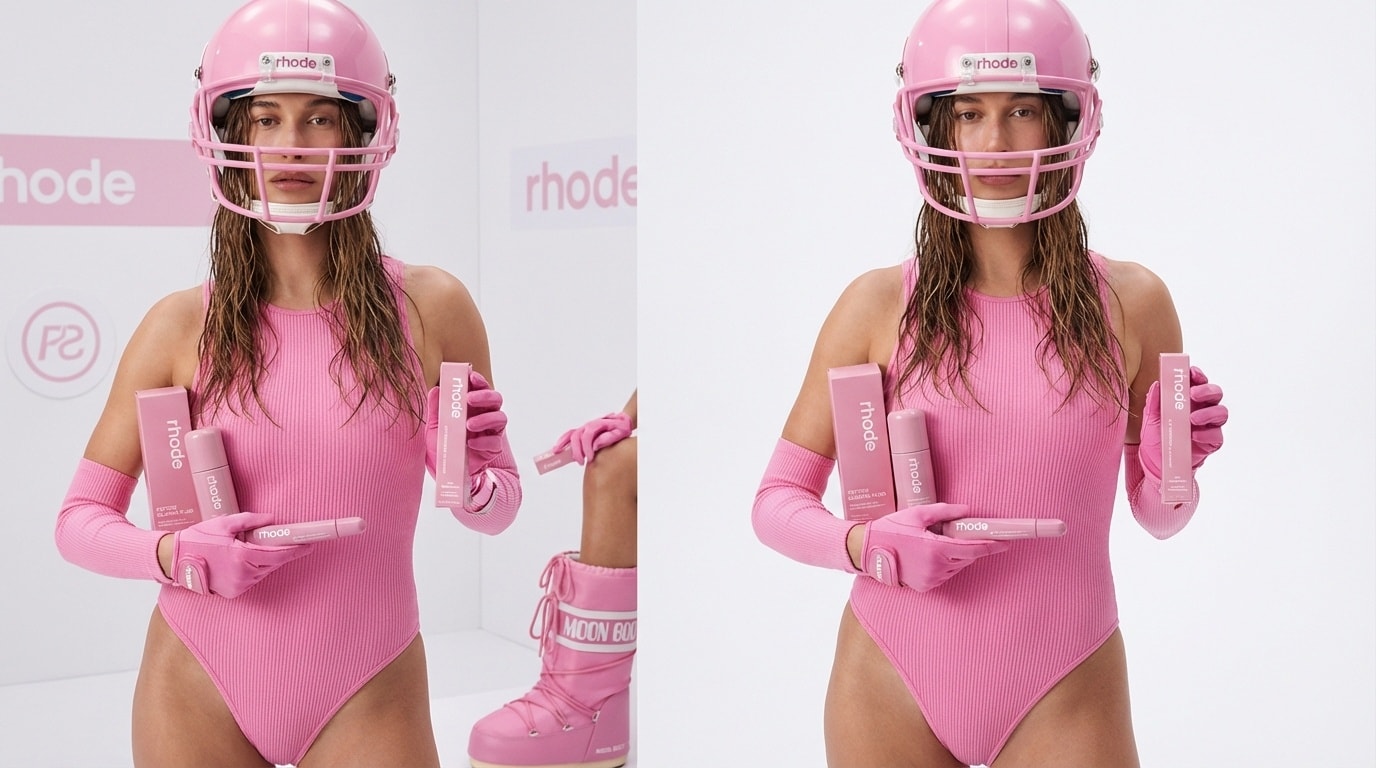
Turn Any Selfie into a Rhode Trend Girl Photo
Convert any image—from studio portraits to quick selfies—into a Rhode Trend girl photo effect with just one click. Select popular layouts like soft glam, Y2K glow, or scrapbook-style edits, and Filmora’s desktop AI Image Generator delivers photo-perfect results inspired by trending TikTok aesthetics.
- Instant Prompts – Use ready-made “Rhode Trend girl photo” AI prompts for a viral effect.
- Viral Styles – Choose soft pastels, candid close-ups, sunlit filters, Y2K overlays, or scrapbook collage.
- Selfie Upload – Upload your own photo and keep natural beauty and details, every time.
Create Rhode Trend Girl Photo Edits & Videos in Filmora App
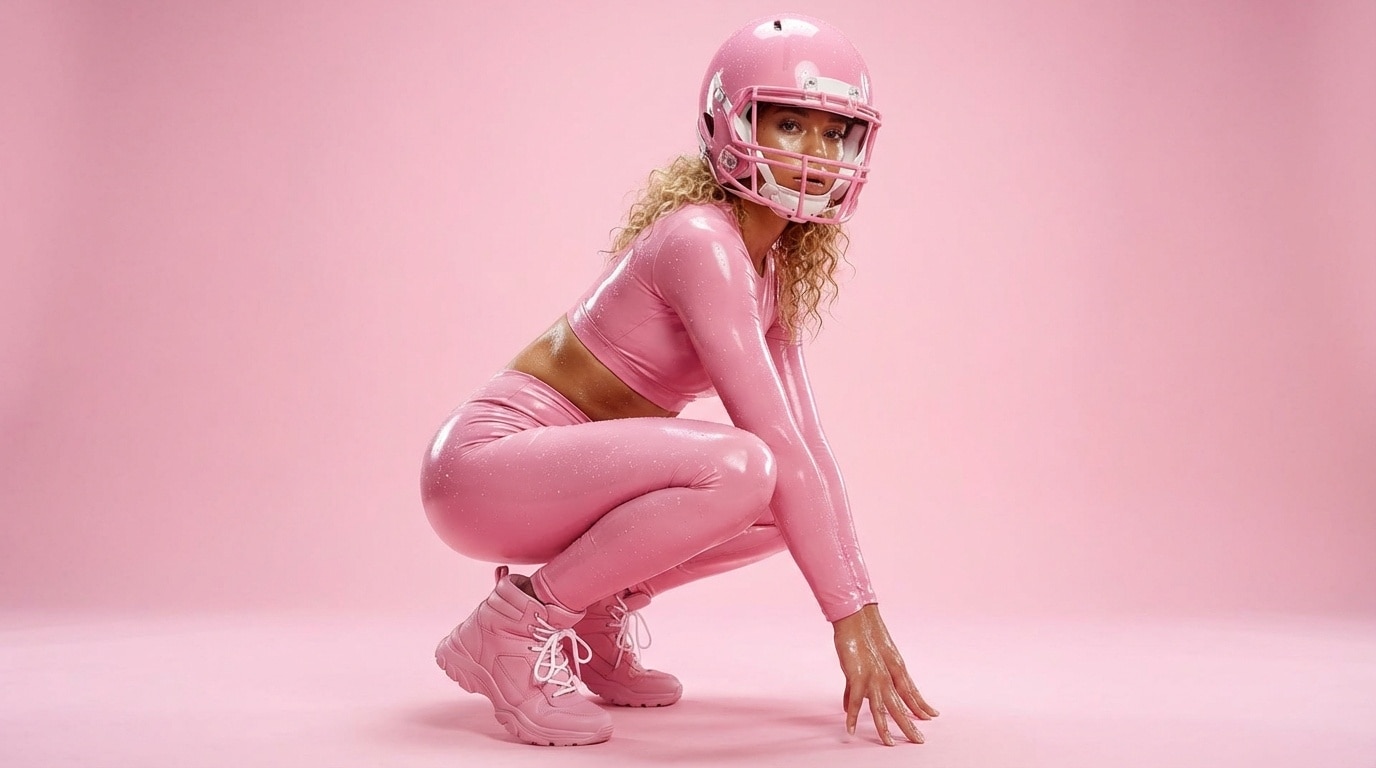
Create Rhode Trend Girl Photo Edits & Videos in Filmora App
The Filmora mobile app now features Nano Banana Pro, making it easy to turn any photo into a Rhode Trend girl photo or Reel-style video with aesthetic filters and templates—perfect for TikTok, IG Stories, and more.
- One-Tap Templates – Just pick “Rhode Trend girl photo” for seamless TikTok-style edits or photo reels.
- No Prompt Writing Needed – Upload your selfie, pick a look, and generate viral-ready content.
- Full Customization – Play with collage, stickers, overlays, trending layouts, or custom prompts.
- Static-to-Video – Instantly animate Rhode Trend girl photos for viral video effects.
- On-Trend Music – Add trending TikTok & Instagram sounds in seconds.
Add Trending Captions & Stickers Like a Rhode Trend Girl Photo
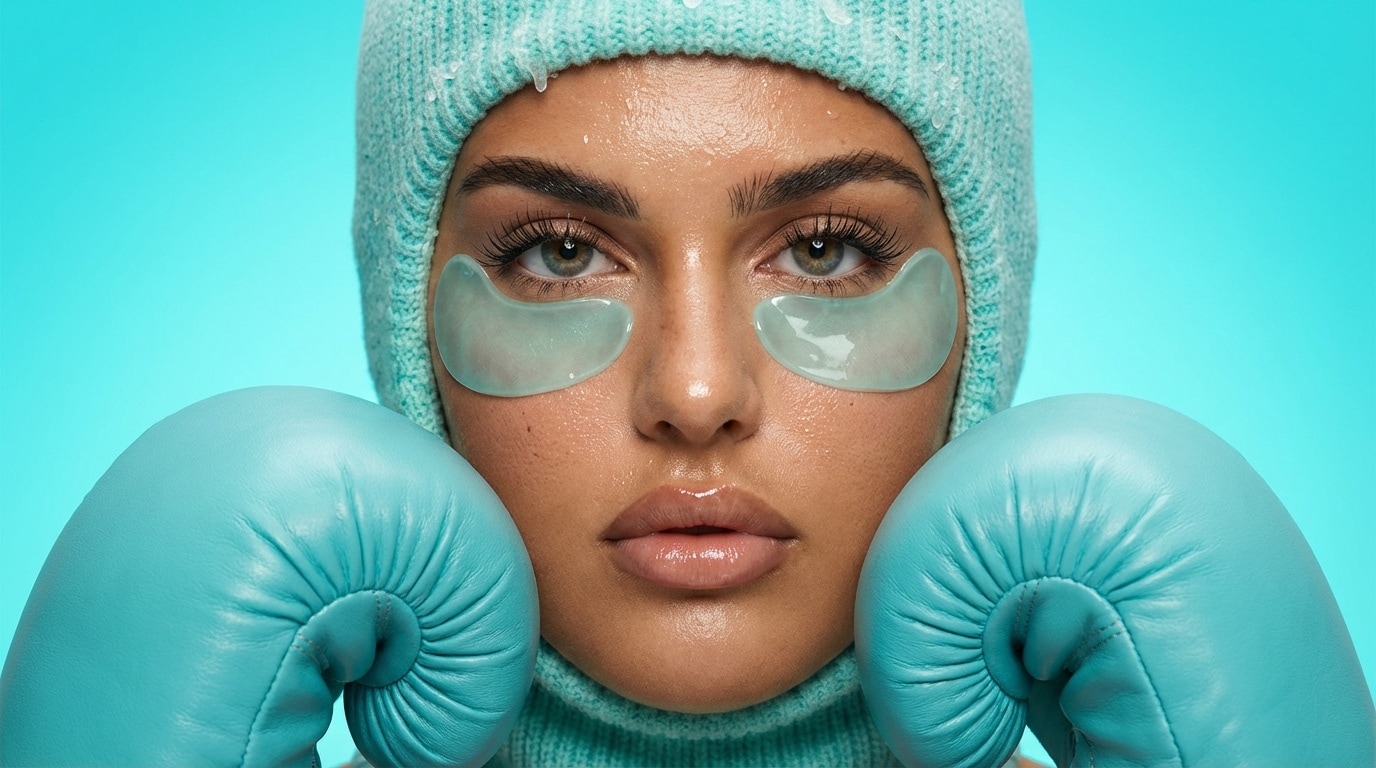
Add Trending Captions & Stickers Like a Rhode Trend Girl Photo
Add viral text overlays, hand-drawn stickers, chat bubbles, and captions to any Rhode Trend girl photo or video. Filmora’s creative text tools make it fast to match the trending look everyone’s sharing on TikTok and Instagram.
- 🗨️ Text & Captions – Add overlays, sticker sheets, cute fonts, doodles, thought bubbles, and highlight phrases just like viral posts.
- 🔤 Trendy Fonts – Use bold TikTok-style text, Y2K retro handwriting, pastel comic bubbles, and K-pop labels.
- 🎨 Edit Tools – Size, curve, shadow, color-match, add noise textures, and layer edits for share-worthy Rhode Trend girl photo content.
FAQs about Rhode Trend Girl Photo
- Open TikTok or Instagram and tap to create a new post or story.
- Search for trending “Rhode girl” or “Rhode Trend photo” filters and select one.
- Upload or snap your selfie, apply the effect, and adjust as needed.
- Download and share your Rhode Trend girl photo for max engagement.
How to Make a Rhode Trend Girl Photo with AI Tools
Want to create the viral Rhode Trend girl photo effect for your socials? Use any modern AI photo app—just select the “Rhode Trend” filter or enter a related prompt. This quick guide breaks down the easiest way to get the Rhode Trend girl photo look in under a minute, even if you’re new to AI editing or trendy filters.
Step 1 Open an AI Selfie Generator

Step 2 Apply the Rhode Trend Girl Photo Effect

Step 3 Download and Share Your Rhode Trend Girl Photo

-
1:Open an AI Selfie Generator
Download and launch your favorite AI selfie editor or open a browser tool and get ready to upload your image. -
2:Apply the Rhode Trend Girl Photo Effect
Select the Rhode Trend filter, or paste “Rhode Trend girl photo” as your AI style prompt to recreate the trending look. -
3:Download and Share Your Rhode Trend Girl Photo
Preview your result, tap download, and post your Rhode Trend girl photo on TikTok or Instagram—perfect for your new viral PFP.
More Than Just a Rhode Trend Girl Photo Generator
Filmora isn’t limited to just the Rhode Trend girl photo effect. You can also transform your selfies into popular edits, make AI videos, and access advanced editing features—all in one app, perfect for leveling up your content on TikTok, Instagram, and other platforms.







