
16+ Holi Baby Photo Prompt Templates:
Copy, Paste & Share
Whether you want a classic gulal powder explosion, a soft pastel overhead flat-lay, a baby kanha holi photo prompt set in a divine Vrindavan garden, or a cinematic first-Holi portrait in a white kurta — these prompt templates cover every style parents are searching for in 2026.
Browse the collection, tap to copy your favourite holi baby photo prompt Gemini template, paste it straight into Gemini or ChatGPT, and get a share-ready result in seconds.
Loading more templates...
 Category:
 Duration:
 Aspect Ratio:
Three Reasons Parents Choose Filmora
for Every Holi Baby AI Photo Prompt
Every parent's first question when they discover holi baby photo prompt Gemini isn't "which color?" — it's "will the AI actually look like my baby?" Filmora's AI Image Generator, powered by Google's Nano Banana model, was built with exactly that worry in mind: face identity stays locked while the festival scene is built around it.
Below are the three things that make Filmora the go-to tool for creating 2026's most-shared Holi baby photos.
Baby's Real Face, Every Time — No AI Distortion
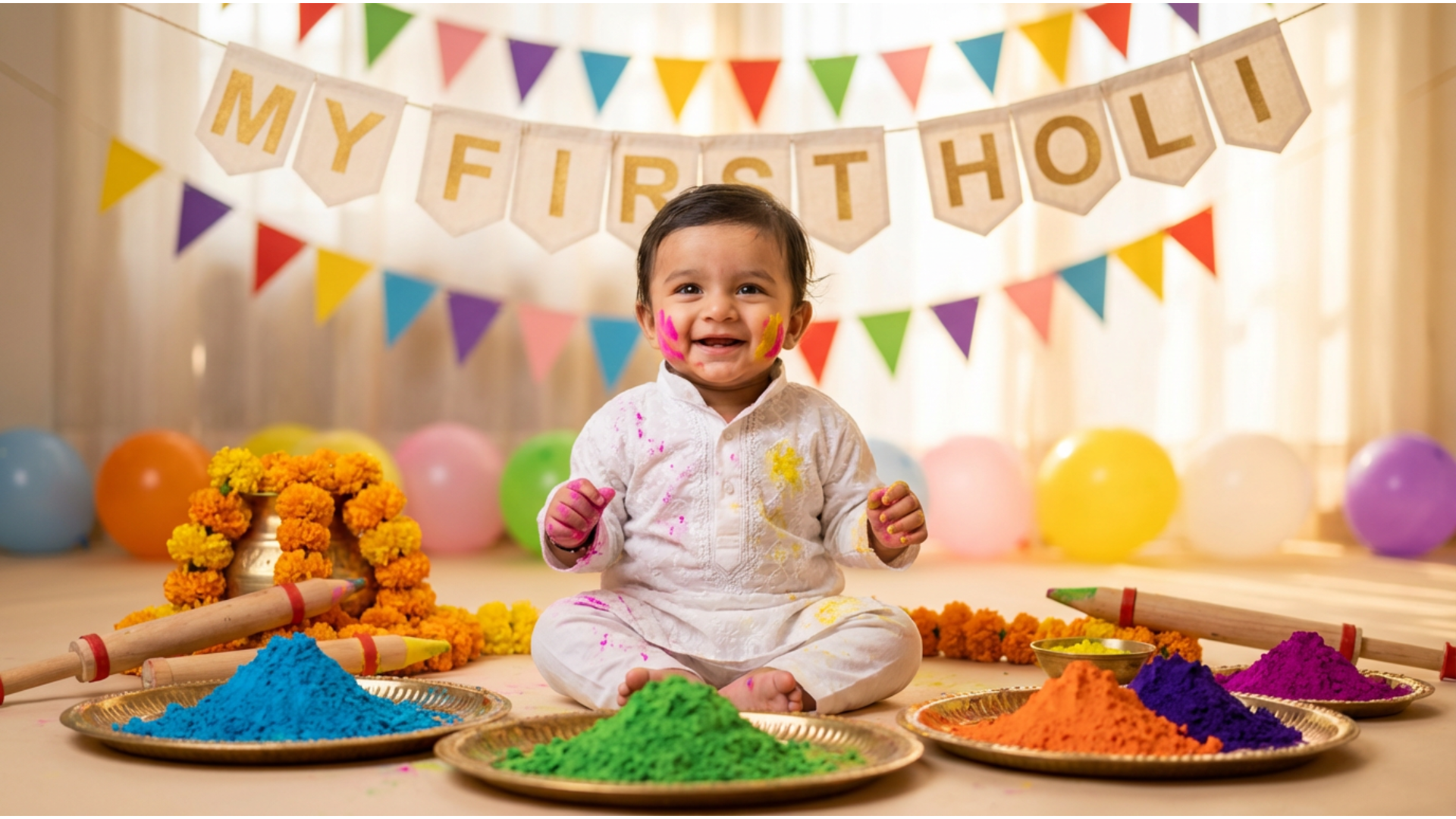
Protect Your Baby's Face Identity in Every Holi AI Portrait
The biggest fear with any holi baby photo prompt Gemini or ChatGPT result is the same: the AI changes the baby's eyes, softens the cheeks, or blends two different faces together. Filmora's Nano Banana model treats your uploaded baby photo as a hard face-lock reference — gulal colors, festival costumes, and Vrindavan backgrounds are all layered around the face, never on top of it. Your baby's exact expression stays untouched from first render to final download.
- 🧒 Face-Lock Reference Mode – Upload one clear baby photo and the model pins facial features before generating any Holi scene, including full Baby Kanha costumes.
- 🎨 Prompt + Photo Combo – Pair any baby holi photo with gulal powder prompt with your reference image for 100% identity-safe results every time.
- 📸 8K Ultra-Realistic Skin Detail – No blurry patches or distorted eyes — every strand of hair and drop of gulal renders at DSLR quality in 8K resolution.
16+ Ready Holi Baby Prompts — Kanha, First Holi, Gulal & More
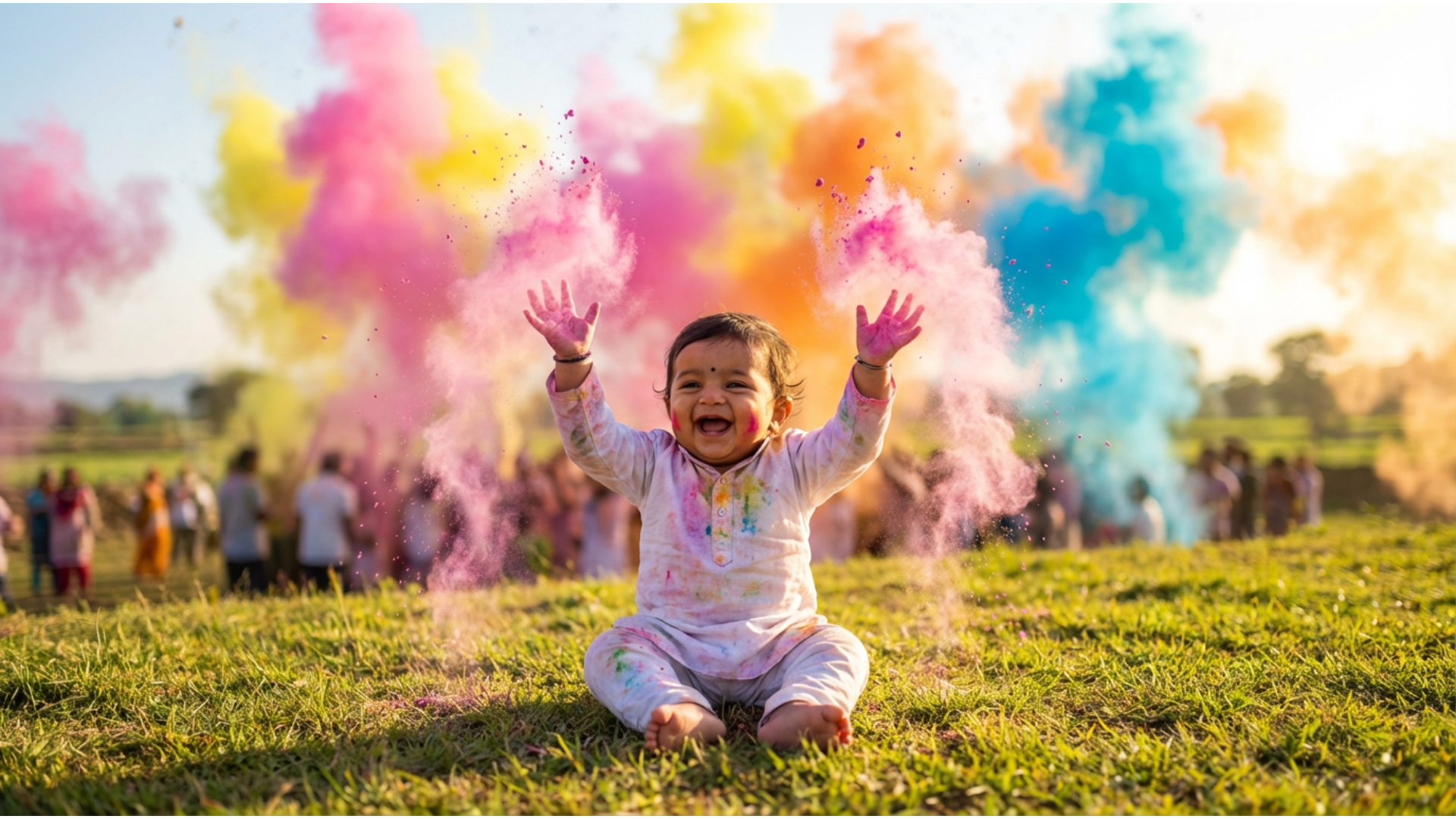
Skip Blank Prompts — 16+ Baby Kanha & First Holi Templates Ready to Copy
Writing a baby kanha holi photo prompt from scratch takes time — and one wrong word can flatten the whole scene. Filmora's Baby Photo Prompt Library gives you 16+ tested styles covering every major Holi baby theme: Baby Krishna in Vrindavan, first Holi white kurta, gulal overhead flat-lay, marigold garden portrait, and night-glow bokeh. Each template already includes the face-reference instruction so you can paste directly into Gemini or ChatGPT without editing a word.
- 🪔 Baby Kanha / Krishna Series – Full baby kanha holi photo prompt templates with yellow silk dhoti, peacock feather crown, and Vrindavan scene pre-written — cultural detail included.
- 🌸 Baby First Holi Series – Baby first holi photo prompt Gemini ChatGPT templates for newborns, toddlers, and 1-year milestone portraits, all pre-tested for face accuracy.
- ✂️ One-Click Copy – Paste straight into Gemini, ChatGPT, or Filmora's AI Image Generator — no rewriting, no guesswork, no failed renders.
Turn Your Holi Baby AI Photo Into a "First Holi" Memory Reel
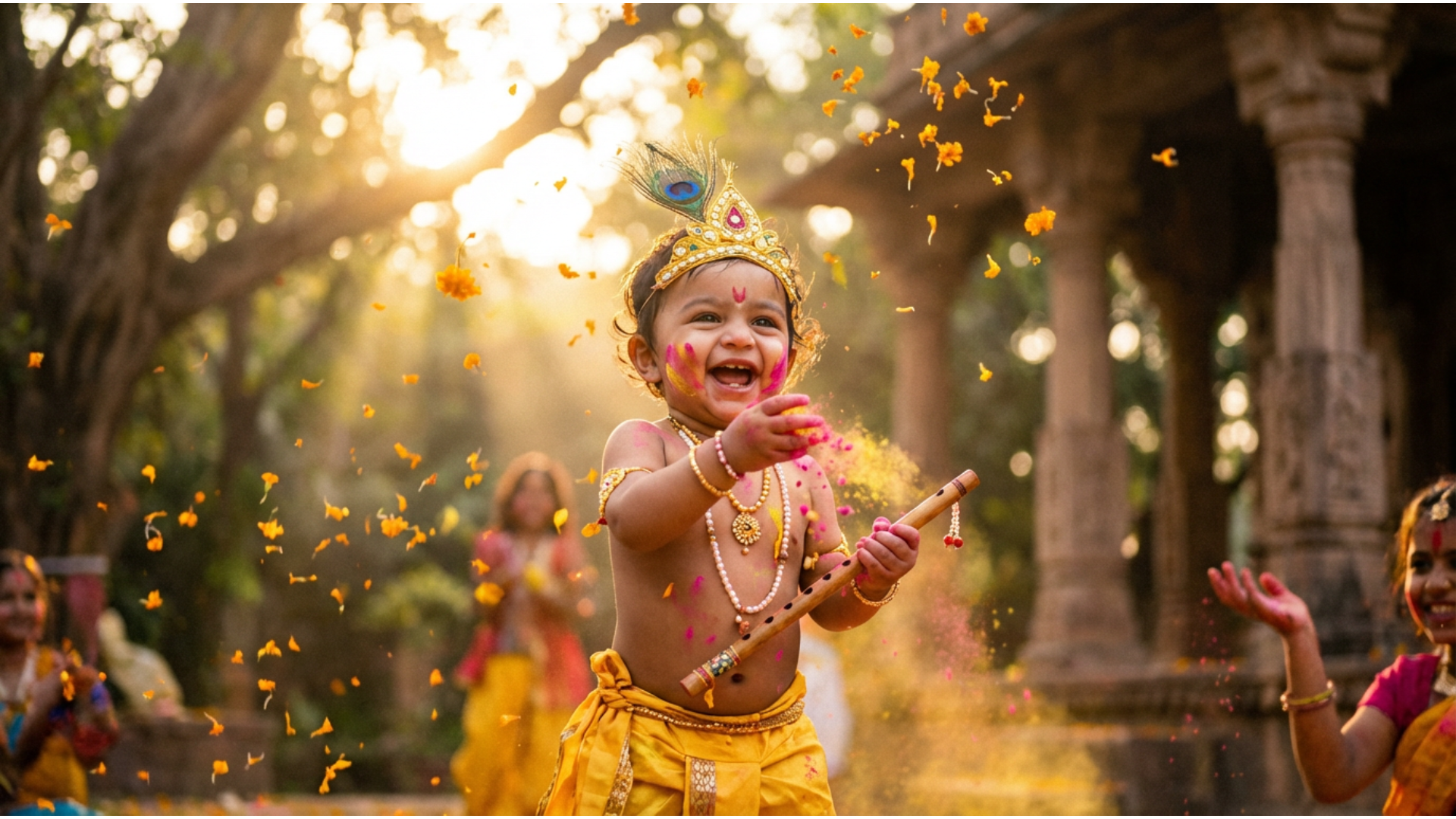
From Holi Baby AI Photo to a Shareable "First Holi" Reel in 60 Seconds
A single holi baby boy photoshoot AI prompt 2026 result is a great start — but a 15-second Reel with animated gulal bursts, trending Holi dhol music, and a "My First Holi 2026" caption is what actually gets saved and reshared by every relative. The Filmora mobile app wraps your generated Holi baby photo into a share-ready Instagram Reel or WhatsApp Status in one tap — no timeline editing, no keyframes, no export settings to figure out.
- 🎬 First Holi Memory Templates – Pre-built Reel layouts with animated powder burst openers, golden glow transitions, and baby-friendly slow-motion pacing already set.
- 🎵 Trending Holi Music Library – Add 2026's most-shared Holi festival tracks and dhol beats with a single tap — licensed and ready to post on Instagram and YouTube.
- 📱 9:16 Story-Ready Export – Auto-sizes your Holi baby AI photo for Instagram Stories, Reels, and WhatsApp Status — no cropping or resizing needed before you hit share.
FAQs – Holi Baby Photo Prompt
- Baby First Holi (white kurta + gulal) – "Ultra-realistic 8K portrait of a 1-year-old Indian baby boy in a white cotton kurta, celebrating his first Holi. Pink and yellow gulal dusted on cheeks and hands, marigold petals on the ground, warm golden-hour outdoor lighting, shallow depth of field, 85 mm f/1.8, no watermark." This is the single most-shared style for baby first holi photo prompt Gemini ChatGPT searches in 2026.
- Baby Kanha / Krishna Holi – Yellow silk dhoti, peacock feather crown, Vrindavan garden background, pink gulal tossed mid-air. Adding cultural costume detail makes these prompts score highest on authenticity.
- Gulal Flat-Lay / Overhead Shot – Baby lying on a white muslin cloth surrounded by colorful gulal powder bowls. Shot from directly above, DSLR 50 mm lens, soft natural window light. Perfect for Instagram carousel posts.
How to Create a Holi Baby AI Photo Using Gemini & Filmora?
Looking to create a Holi baby photo with vibrant colors and festive vibes? Learn how the popular Holi baby photo effect works using AI or photo apps. This beginner’s guide shows you how to generate colorful baby photos that are perfect for TikTok, Instagram, and YouTube in just a few simple steps.
Step 1 Download Filmora & Copy a Holi Baby Photo Prompt

Step 2 Upload Your Baby’s Photo and Add the Effect

Step 3 Generate, Edit in Filmora & Share

-
1: Download Filmora & Copy a Holi Baby Photo Prompt
Download Filmora, open the AI Image Generator, and pick your favourite holi baby photo prompt Gemini template from this page. -
2:Upload Your Baby’s Photo and Add the Effect
Upload a baby photo and apply the colorful Holi effect via presets or AI prompts. -
3: Generate, Edit in Filmora & Share
Generate your 8K Holi baby portrait, add a text overlay or animated powder burst in Filmora, then export directly to Instagram Reels or WhatsApp Status.