Create Adorable Easter Baby Photos
with Ready-to-Use AI Prompts🌼
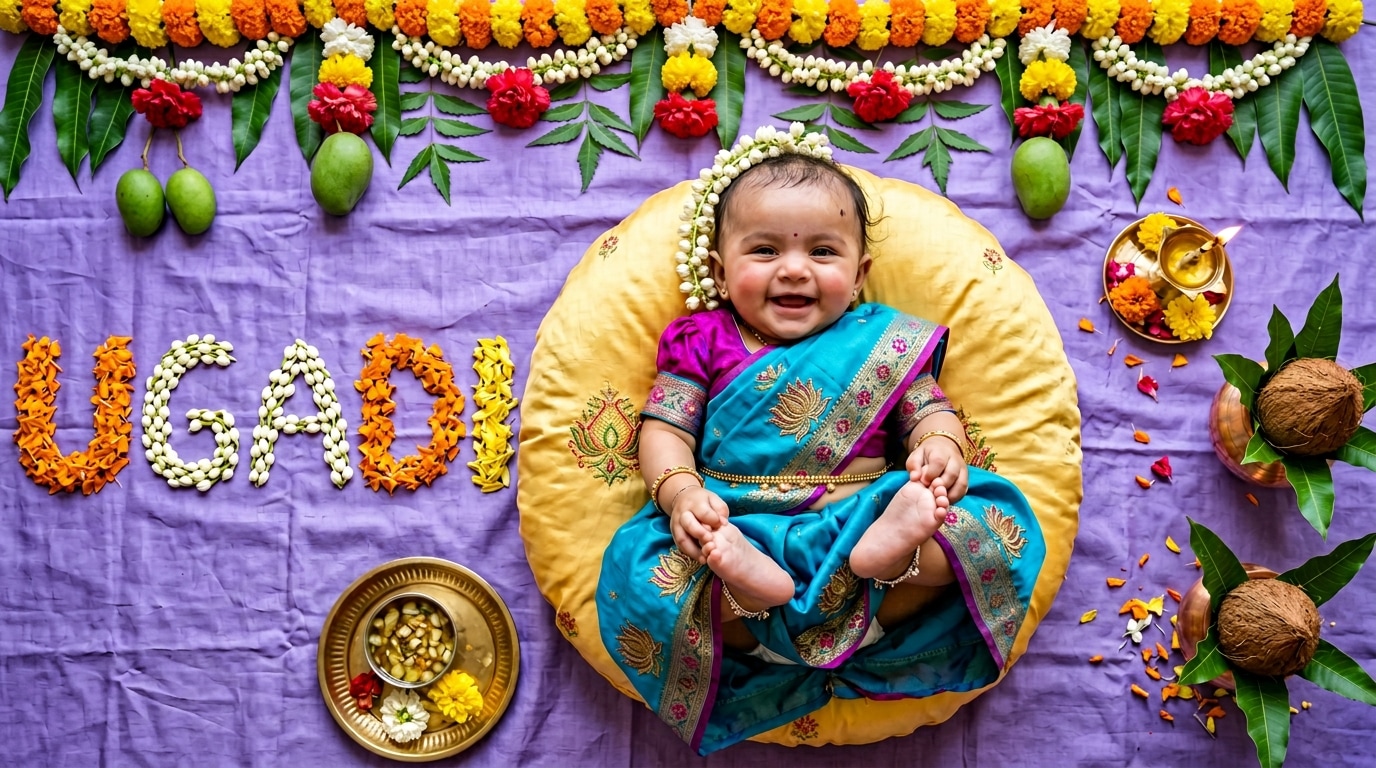
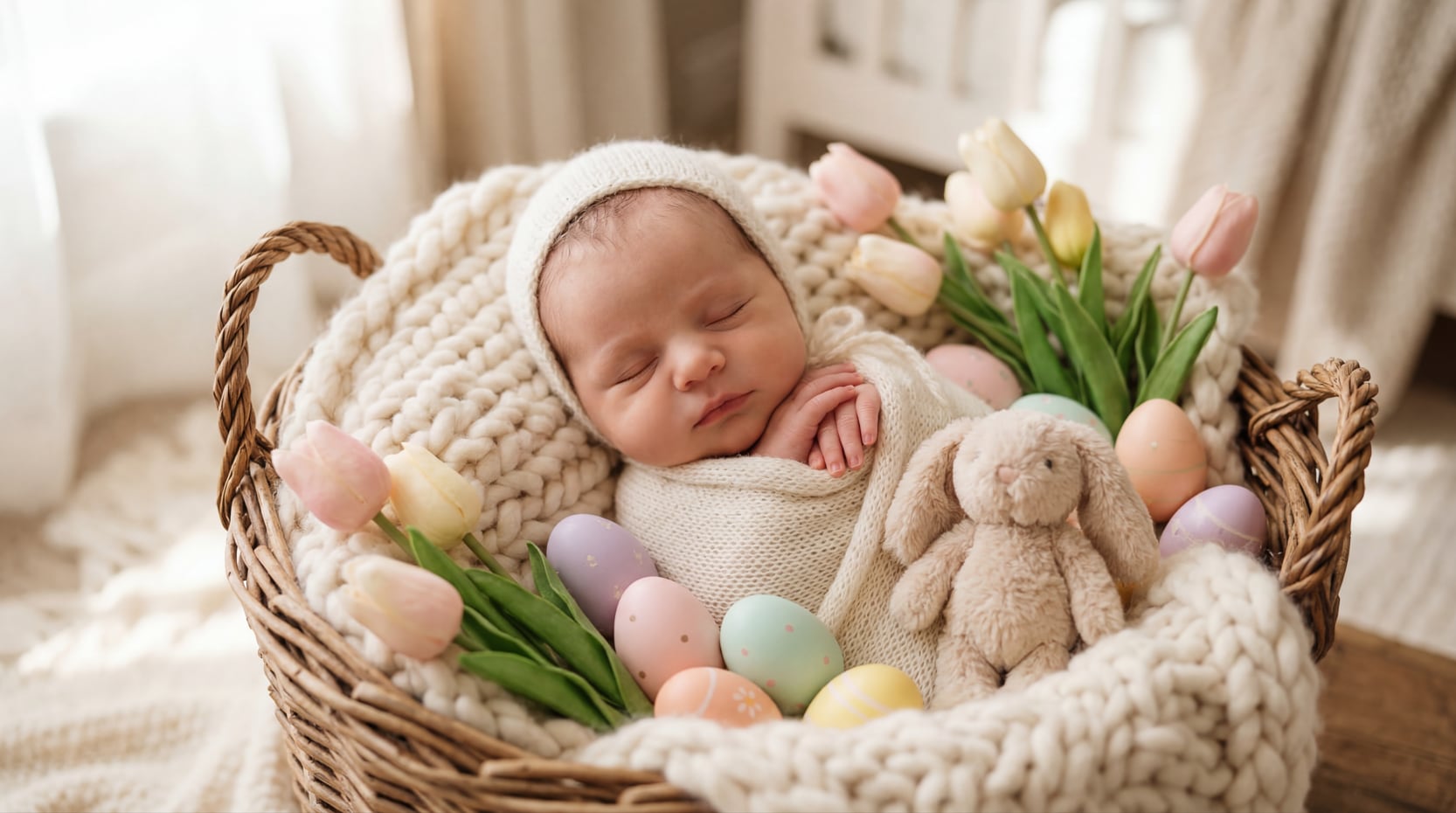
You don't need a professional set, a real bunny, or a full Easter photoshoot to make a baby's first Easter picture feel magical. Our Easter baby photo prompts are built for the visual styles parents save most — soft pastel Color Palettes, natural spring light, woven baskets, plush bunny props, floral details, and clean portrait composition. Whether you want a realistic newborn Easter prompt, an Easter bunny baby photo prompt, or a playful Easter egg baby photo idea, you can copy a prompt, upload your baby photo, and generate a polished result in minutes.
Loading more prompts...
 Category:
 Duration:
 Aspect Ratio:
Create Easter Baby Photos and Videos
with AI Prompts, Animation, and Easy Editing
Creating a cute Easter baby post shouldn't stop at a single image. With Filmora, you can start from a ready-to-use Easter baby prompt, generate different photo styles with AI, turn your favorite result into a dynamic short video, and then polish everything with music, captions, transitions, and effects before exporting for TikTok, Instagram Reels, YouTube Shorts, or family keepsakes.
Turn Easter Baby Prompts into Beautiful AI Photos in Different Styles
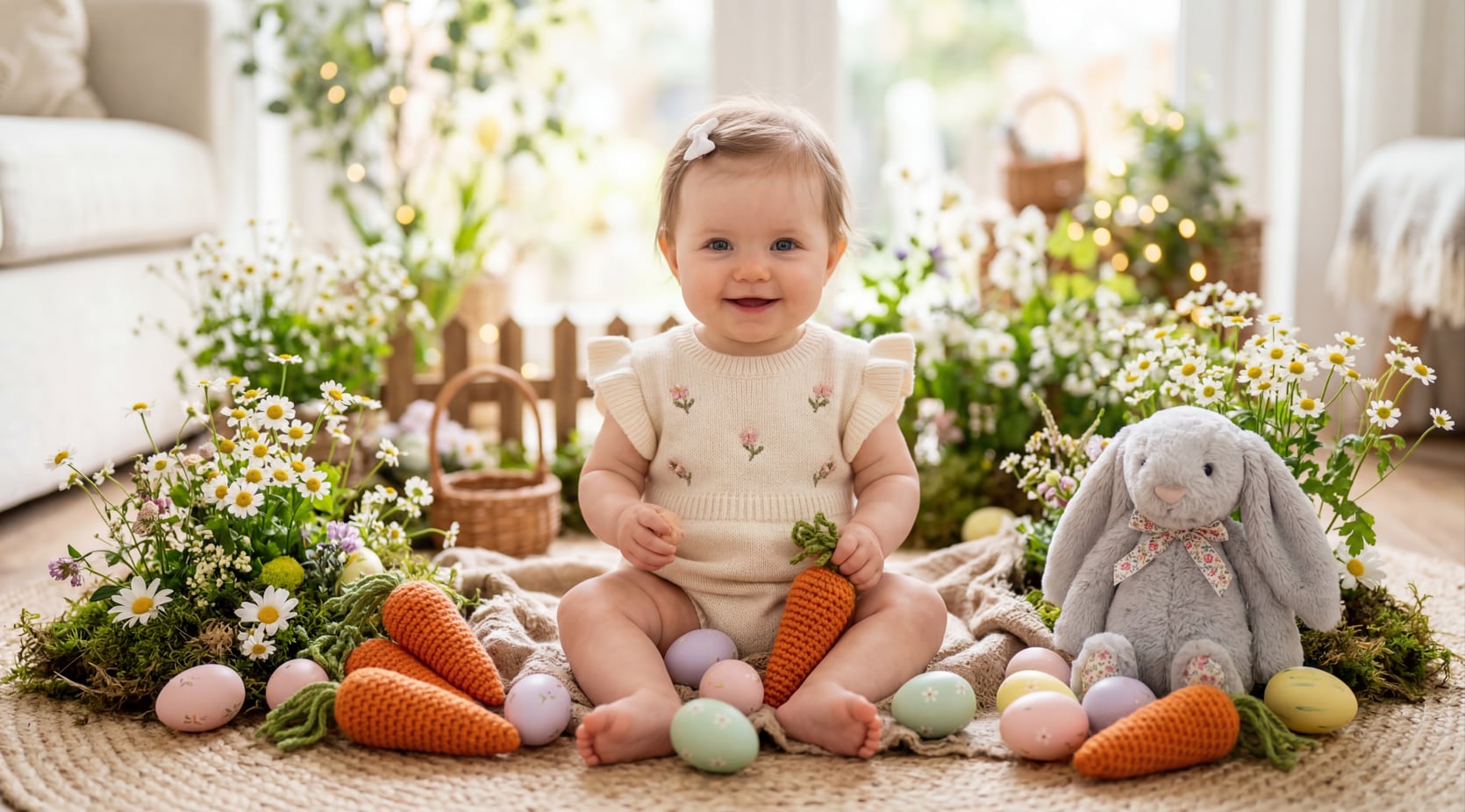
Turn Easter Baby Prompts into Beautiful AI Photos in Different Styles
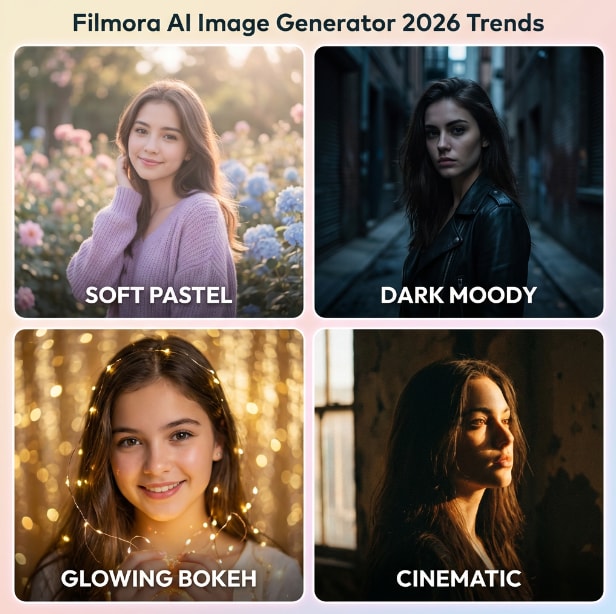
You don't need props, a studio, or advanced prompt-writing skills to create adorable Easter baby images. Just pick a prompt, paste it into Filmora's AI Image Generator, and instantly explore different looks — from soft pastel studio portraits and bunny basket scenes to dreamy watercolor illustrations and cinematic realistic Easter photos. This makes it easy to test multiple Easter baby photo ideas fast and find the version that feels the most social-ready.
- 🐰 Prompt-to-Image Creation — Generate Easter baby photos from a simple text prompt in seconds.
- 🌸 Multiple Visual Styles — Try cinematic realism, dreamy watercolor, storybook, or other artistic Easter looks.
- 🥚 Fast Creative Variations — Explore multiple Easter baby prompt ideas without rebuilding a full scene every time.
Turn an Easter Baby Photo into a Dynamic Social Video
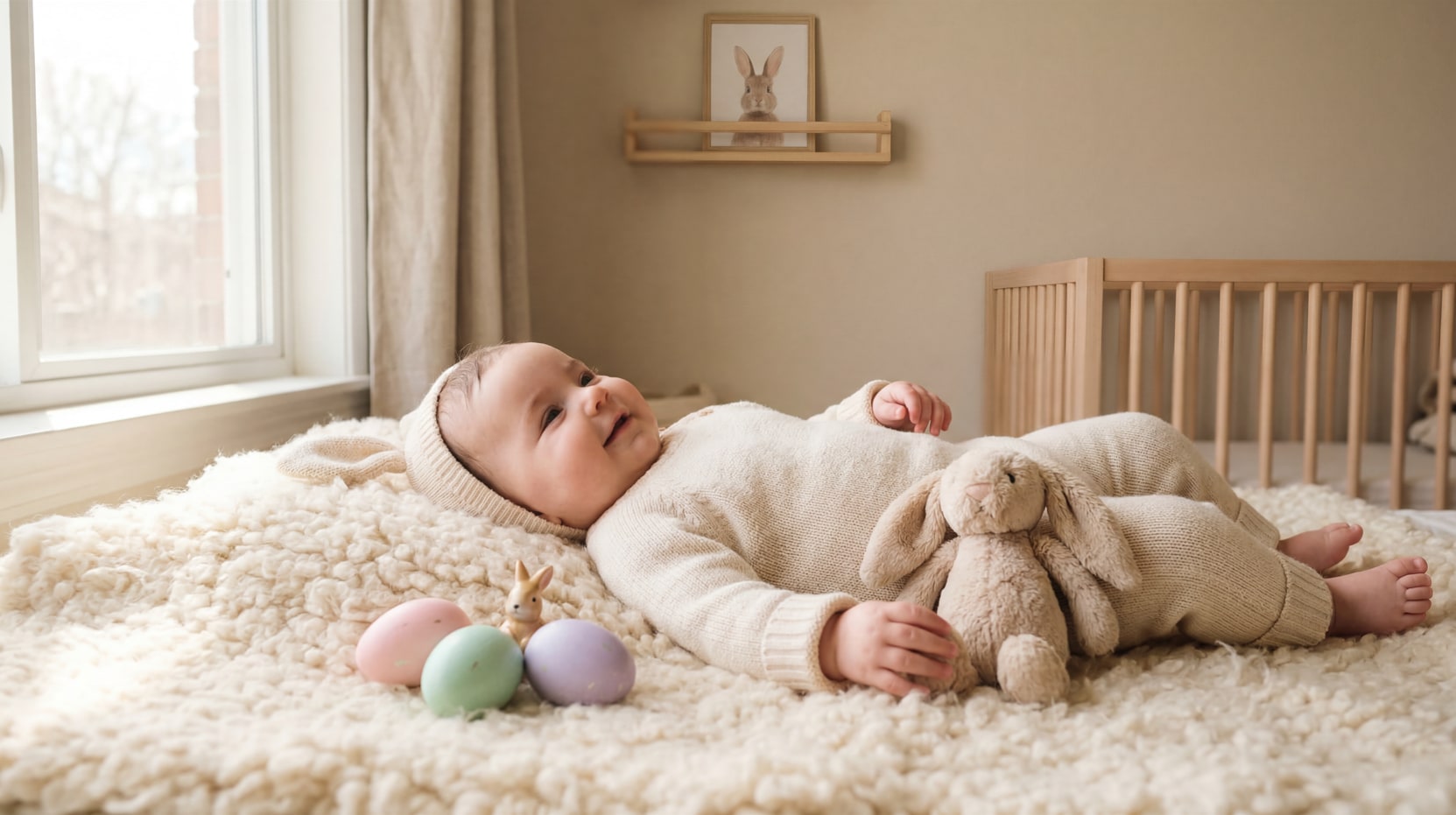
Turn an Easter Baby Photo into a Dynamic Social Video
A cute Easter baby image can become even more engaging when it moves. Filmora's One-Tap Photo Animation feature helps transform a still Easter baby photo into a short animated clip with motion, transitions, and AI-powered effects — perfect for turning a bunny portrait, egg hunt scene, or spring garden setup into something that feels made for Reels and Shorts. Instead of stopping at a static image, you can extend the prompt experience into a shareable Easter baby video.
- Photo-to-Video Animation — Bring still Easter baby photos to life with AI-generated motion.
- Short-Form Friendly Output — Great for turning one prompt result into a scroll-stopping social clip.
- Prompt + Motion Workflow — Generate the Easter baby image first, then animate it into a video in the same creative flow.
Polish Your Easter Baby Content with Captions, Music, Effects, and Social Export
Polish Your Easter Baby Content with Captions, Music, Effects, and Social Export
Once your Easter baby image or video is generated, Filmora gives you the tools to make it feel finished instead of raw. Add animated AI Caption Generation, Easter greetings, Filmora's Sound Effects Library, transitions, filters, stickers, and other creative effects to match the spring mood. You can also refine timing, improve the color grading on the timeline, and export in formats optimized for major social platforms.
- Animated Captions & text overlays — Add easter text overlays for "Baby's First Easter," names, or short greetings.
- Music, Transitions, and Effects — Turn a simple AI result into a more emotional, festive, and polished edit.
- Social-Ready Export — Prepare Easter baby videos for TikTok, Instagram Reels, YouTube, and other sharing platforms.
FAQs About Easter Baby Prompts & AI Photo Ideas
How to Create an Easter Baby Photo with AI Prompts
Creating a baby's first Easter picture no longer requires a full studio setup. Follow these three simple steps to turn a regular baby photo into a soft, shareable Easter portrait.
Step 1 Choose an Easter Baby Prompt

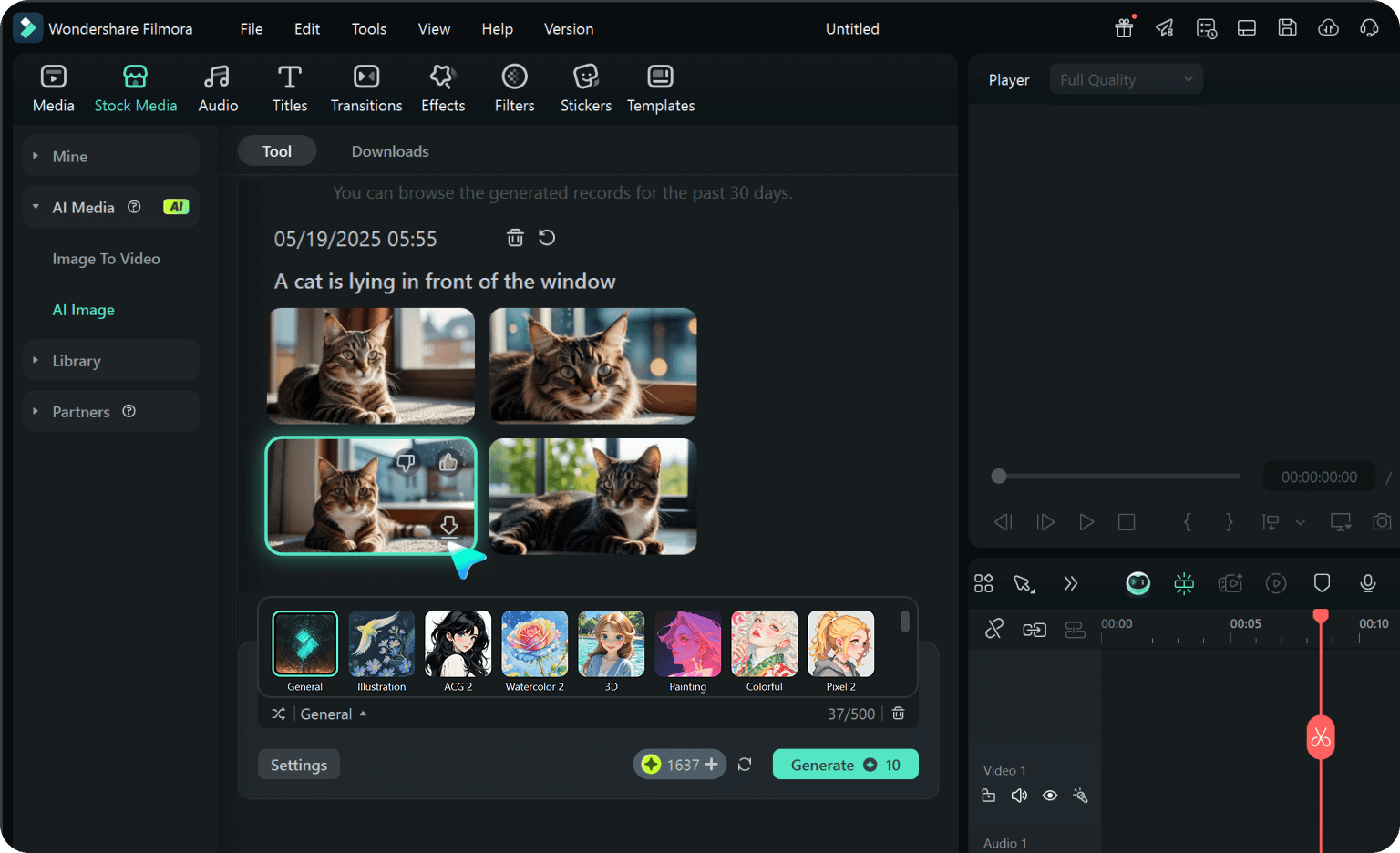
Step 2 Upload Your Baby Photo and Customize the Prompt
Step 3 Generate, Refine, and Share
-
1:Choose an Easter Baby Prompt
Browse the prompt collection and pick the scene that matches your style: bunny basket, pastel studio, or spring garden. -
2:Upload Your Baby Photo and Customize the Prompt
Add your baby photo as reference, paste the prompt, and personalize outfits or props for a unique look. -
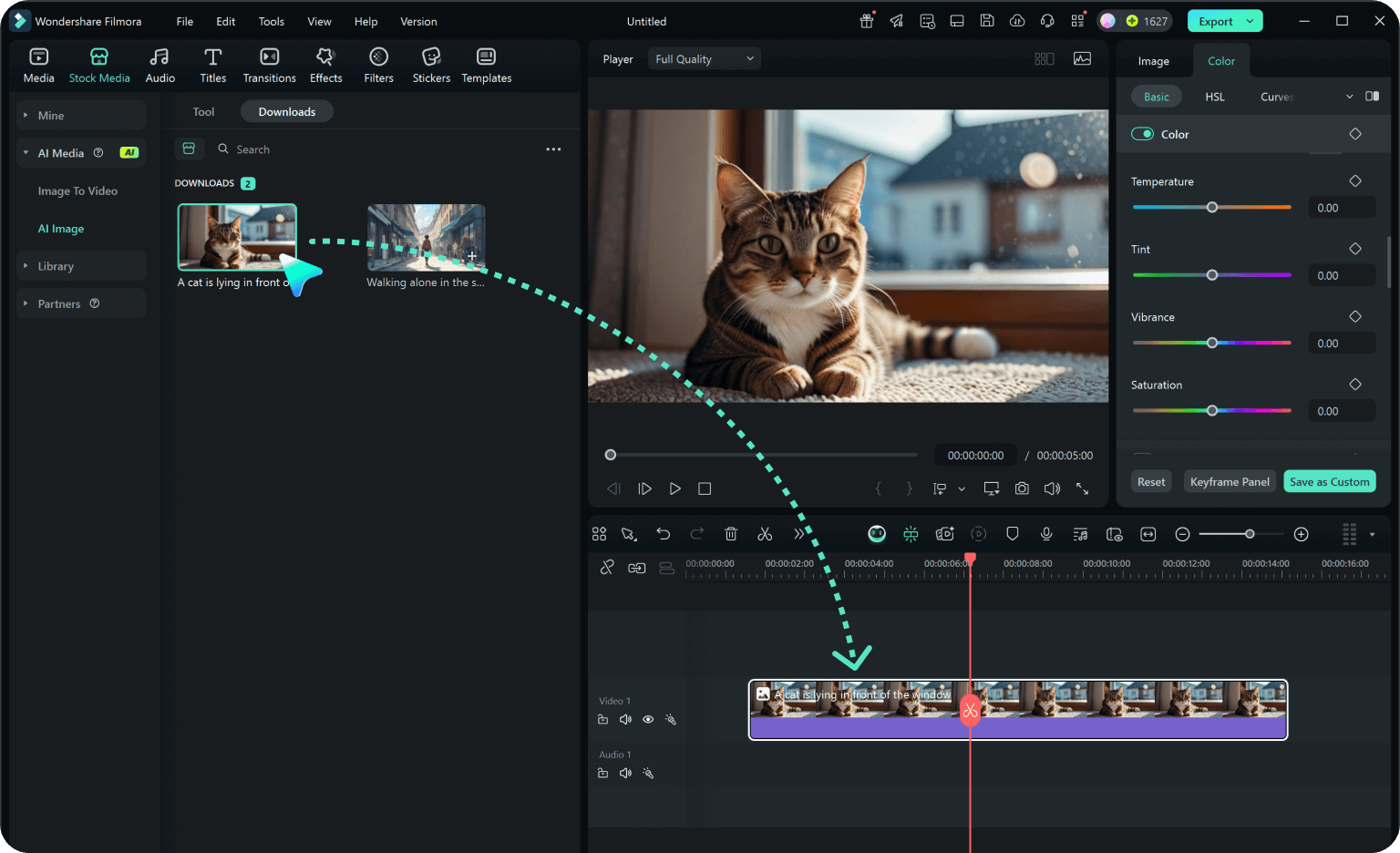
3:Generate, Refine, and Share
Preview the generated image, download, or drag it into your project to add text and music before sharing on social media.