20+ Easter Egg Photo Prompts:
Instant AI Copy & Paste
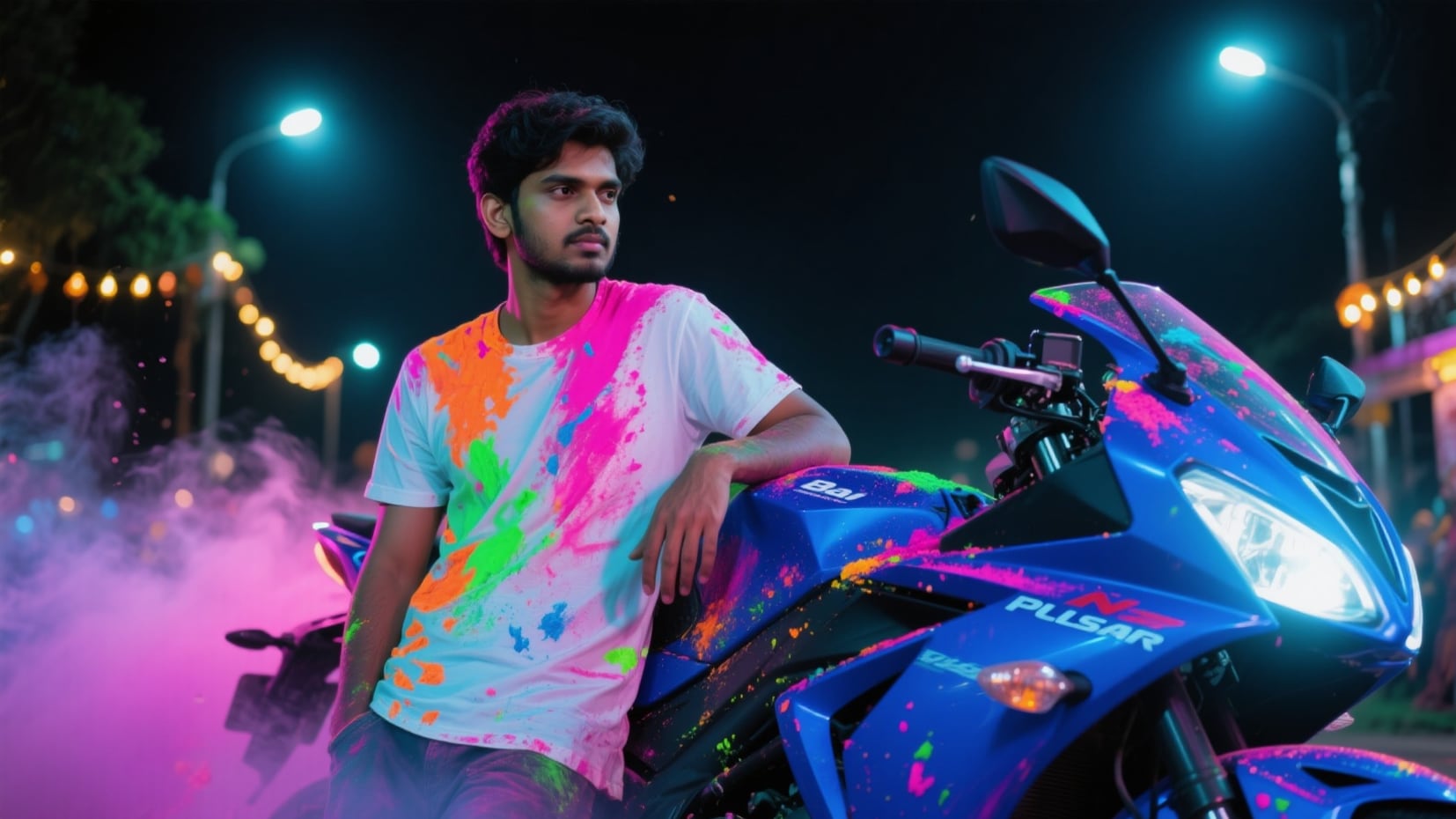
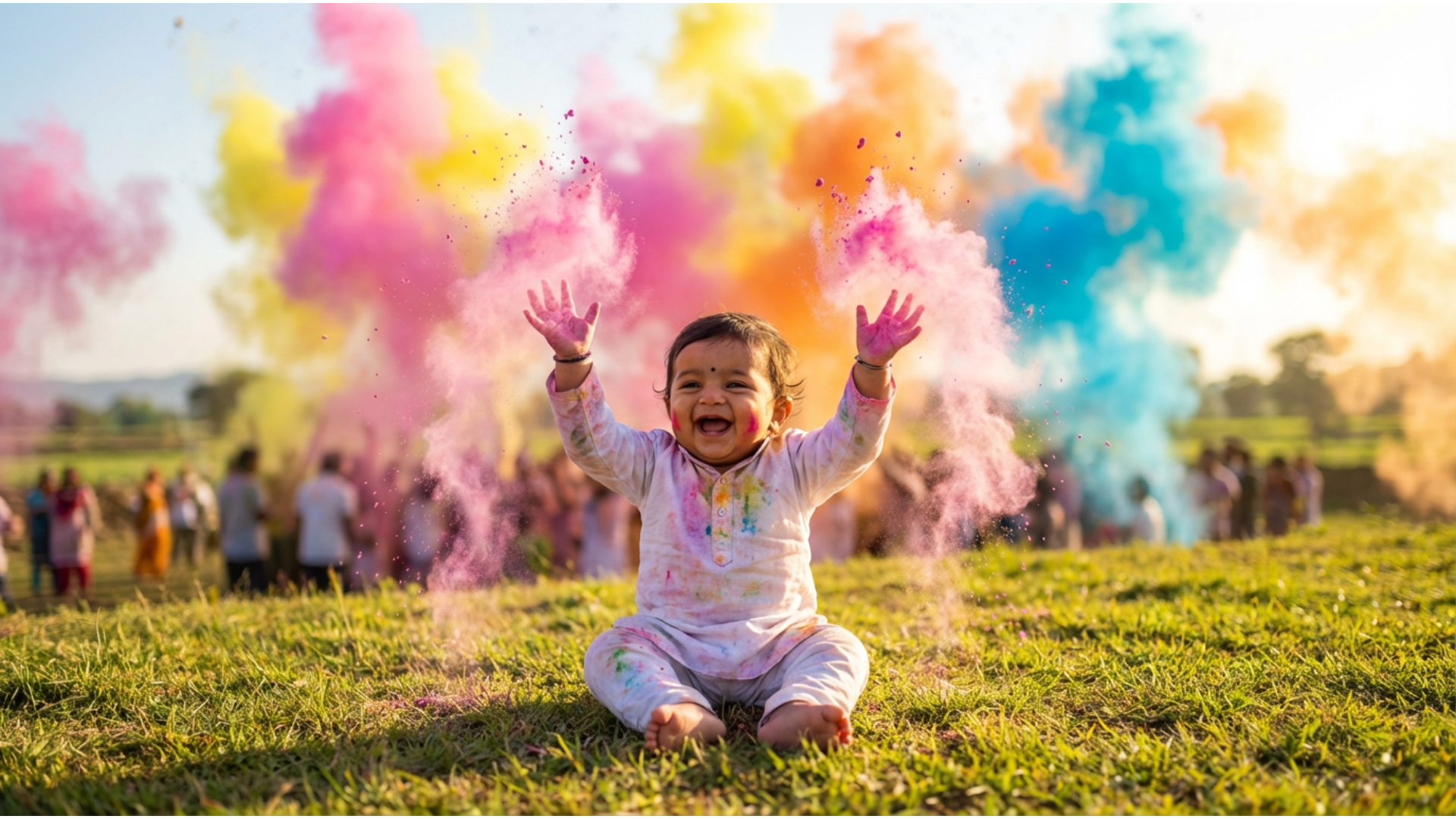
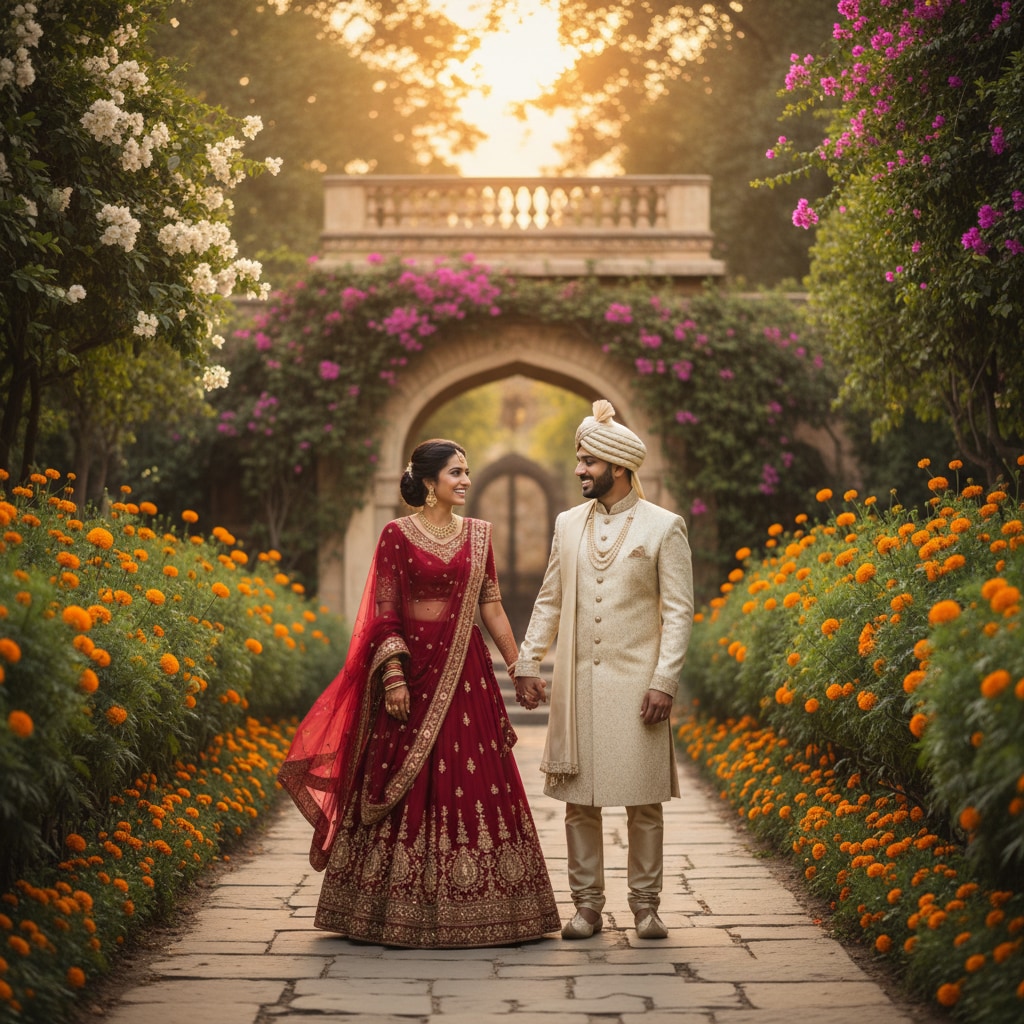
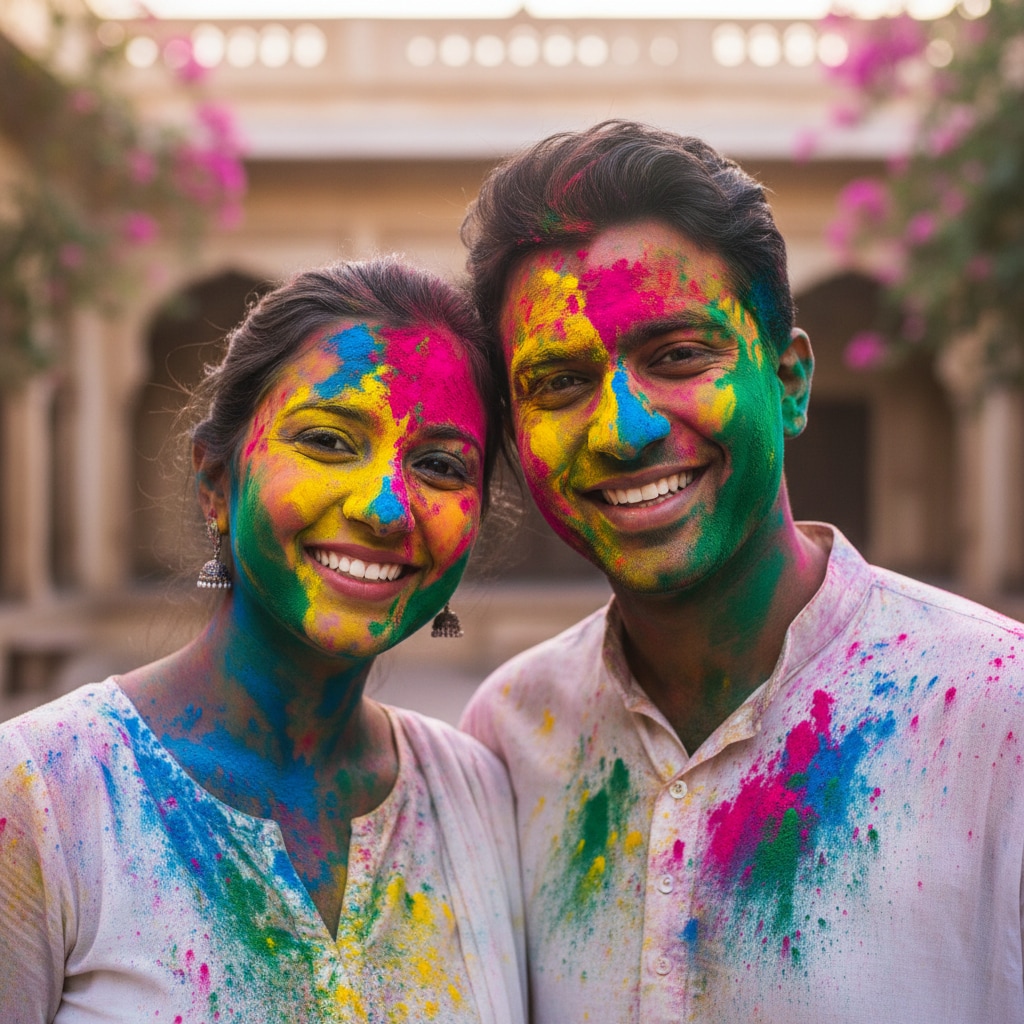
Want something more creative than a standard basket shot? These AI prompts are inspired by the most searched Easter egg photo ideas—from vintage floral patterns to futuristic neon designs. Simply pick your favorite Easter template, paste it into Gemini, and generate a high-quality image that looks like a professional photoshoot. Perfect for social posts, party invitations, or digital greeting cards.
Loading more templates...
 Category:
 Duration:
 Aspect Ratio:
Create Trending Easter Egg Photos
with Nano Banana Pro
Prompts
A perfect Easter post isn’t just about the egg—it’s about the vibe. With Filmora’s AI tools and Gemini-style prompts, you can design everything from intricate egg patterns to magical garden scenes. Generate a stunning Easter egg photo, then refine it with cinematic lighting, spring color grading, and realistic detail enhancement.
Visualize the Perfect Hunt with AI Image Generation
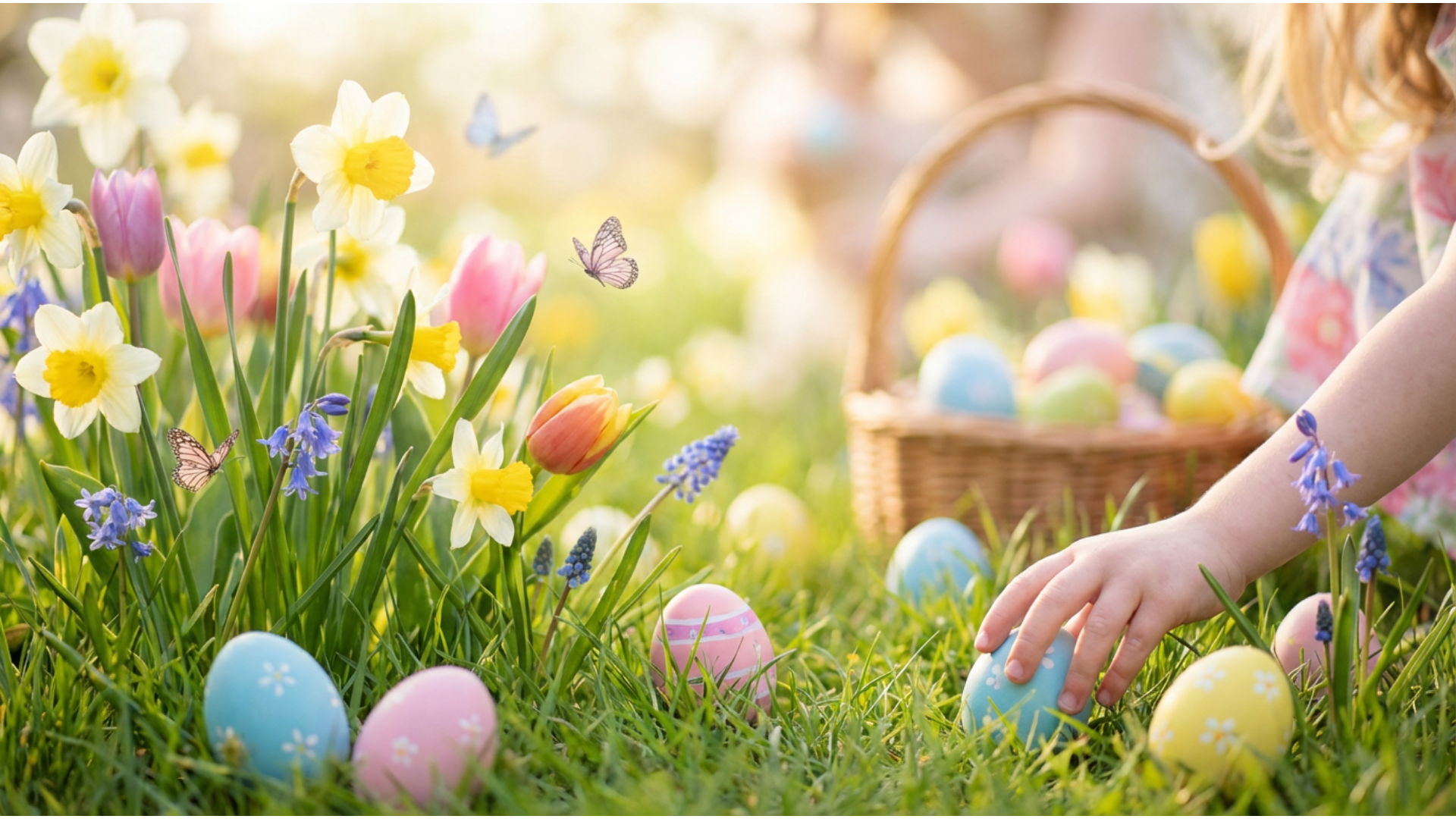
Visualize the Perfect Hunt with AI Image Generation
Skip the messy dye and sticky fingers—create your dream Easter designs digitally. Whether you want hyper-realistic textures, surreal glowing eggs, or traditional floral patterns, the AI generator brings your Easter egg photo ideas to life instantly.
- Limitless Design Variations – Generate hundreds of unique egg patterns and backgrounds in seconds.
- Style Adaptability – Switch between cartoon, photorealistic, 3D render, or vintage art styles effortlessly.
- High-Res Output – Create crisp, clear images perfect for printing cards or sharing on social media.
Decorate with Whimsical AI Stickers & Overlays
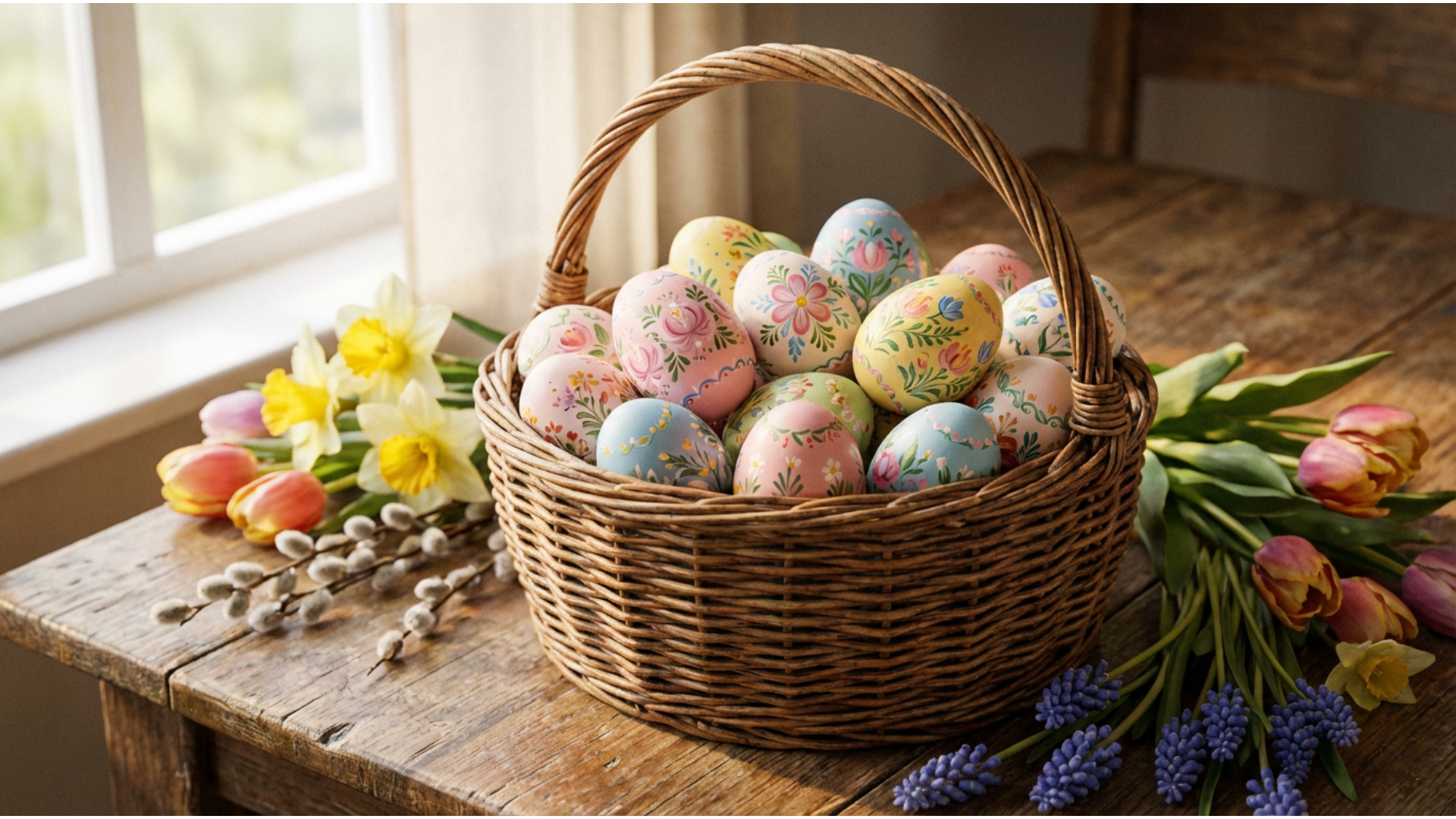
Decorate with Whimsical AI Stickers & Overlays
Add a touch of whimsy to your photos without needing complex design software. The AI Sticker Generator lets you create custom bunnies, ribbons, sparkles, and decorative elements to layer over your Easter egg photo for a truly festive look.
- Custom Sticker Creation – Describe any Easter icon (e.g., "vintage chocolate bunny") and generate it as a sticker.
- Seamless Blending – AI automatically handles transparency for perfect placement on your photos.
- Dynamic Overlays – Add floating petals, light leaks, or soft bokeh to frame your subject beautifully.
- Drag-and-Drop Simplicity – Arrange your scene with intuitive controls suitable for beginners.
- Festive Elements – Access a library of pre-made spring assets or create your own from scratch.
Set the Spring Mood with 3D LUTs & Color Grading
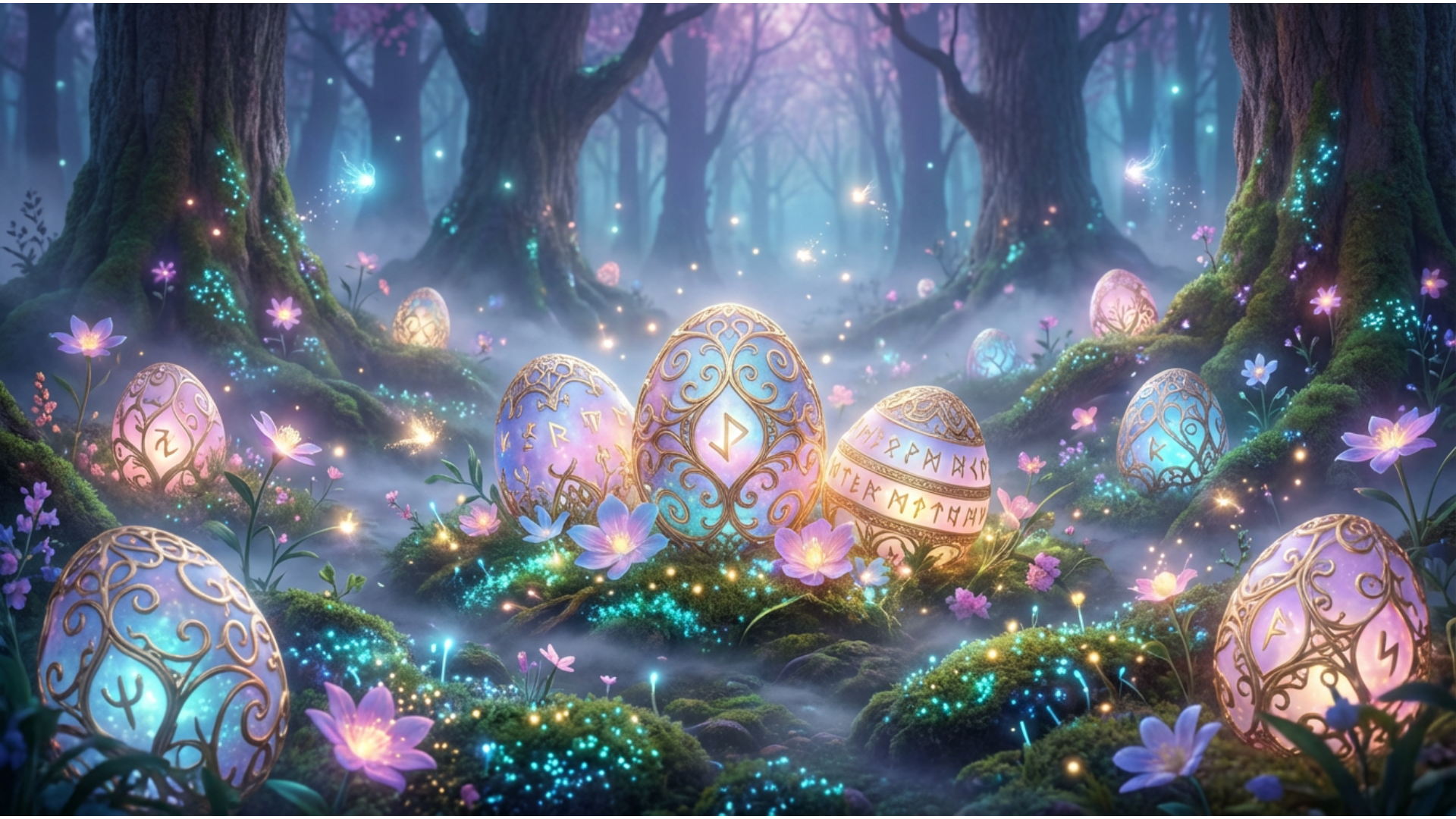
Set the Spring Mood with 3D LUTs & Color Grading
Capture the essence of Spring with professional color tools that transform dull lighting into vibrant art. Use 3D LUTs to instantly apply pastel palettes, warm sunlight effects, or fresh garden tones to your Easter egg photo effects.
- 🎨 Instant Mood Presets – One-click LUTs designed specifically for bright, airy, and pastel spring aesthetics.
- 🌈 Advanced Color Correction – Fine-tune saturation, vibrance, and hue to make your Easter eggs pop against the background.
- ☀️ Cinematic Lighting – Enhance shadows and highlights to give your AI-generated images a realistic depth.
FAQs About Easter Egg Photos & Ideas
How to Create an Easter Egg Photo with Filmora
Popular on TikTok and Instagram, Easter egg photo effects let you make trending, festive photos or videos in seconds. This guide shows beginners how to generate a personalized Easter egg photo image using AI tools—no design experience required!
Step 1 Open the AI Image Generator

Step 2 Enter Your Easter Egg Photo Prompt

Step 3 Download and Edit Your Easter Photo

-
1:Open the AI Image Generator
Start Filmora, create a new project, go to "Stock Media", and select "AI Image" to get started. -
2:Enter Your Easter Egg Photo Prompt
Select the AI model, enter your Easter egg photo prompt (such as a specific pattern or scene), and click "Generate" to instantly create your image. -
3:Download and Edit Your Easter Photo
Preview the generated photo, click download, drag it into your project for further editing with filters and stickers, or export/share it directly.