
20+ Easter Bunny Image Prompts:
Instant AI Copy & Paste
Skip the long lines at the mall and create your own magic. These AI prompts are inspired by the most searched Easter bunny photo ideas—from vintage storybook illustrations to realistic garden surprises. Simply pick your favorite Easter bunny template, paste it into Gemini, and generate a delightful holiday image that captures the spirit of spring. Perfect for greeting cards, social posts, or surprising your kids with proof the bunny visited.
Loading more templates...
 Category:
 Duration:
 Aspect Ratio:
Create Trending Easter Bunny Images
with Nano Banana Pro Prompts
A perfect holiday post isn’t just about one photo—it’s about the memory. With Filmora’s AI tools and Gemini-style prompts, you can create everything from magical garden scenes to playful character illustrations. Generate a stunning Easter bunny photoshoot image, then refine it with cinematic lighting, festive color grading, and realistic detail enhancement.
Design the Perfect Easter Bunny with AI Image Generation
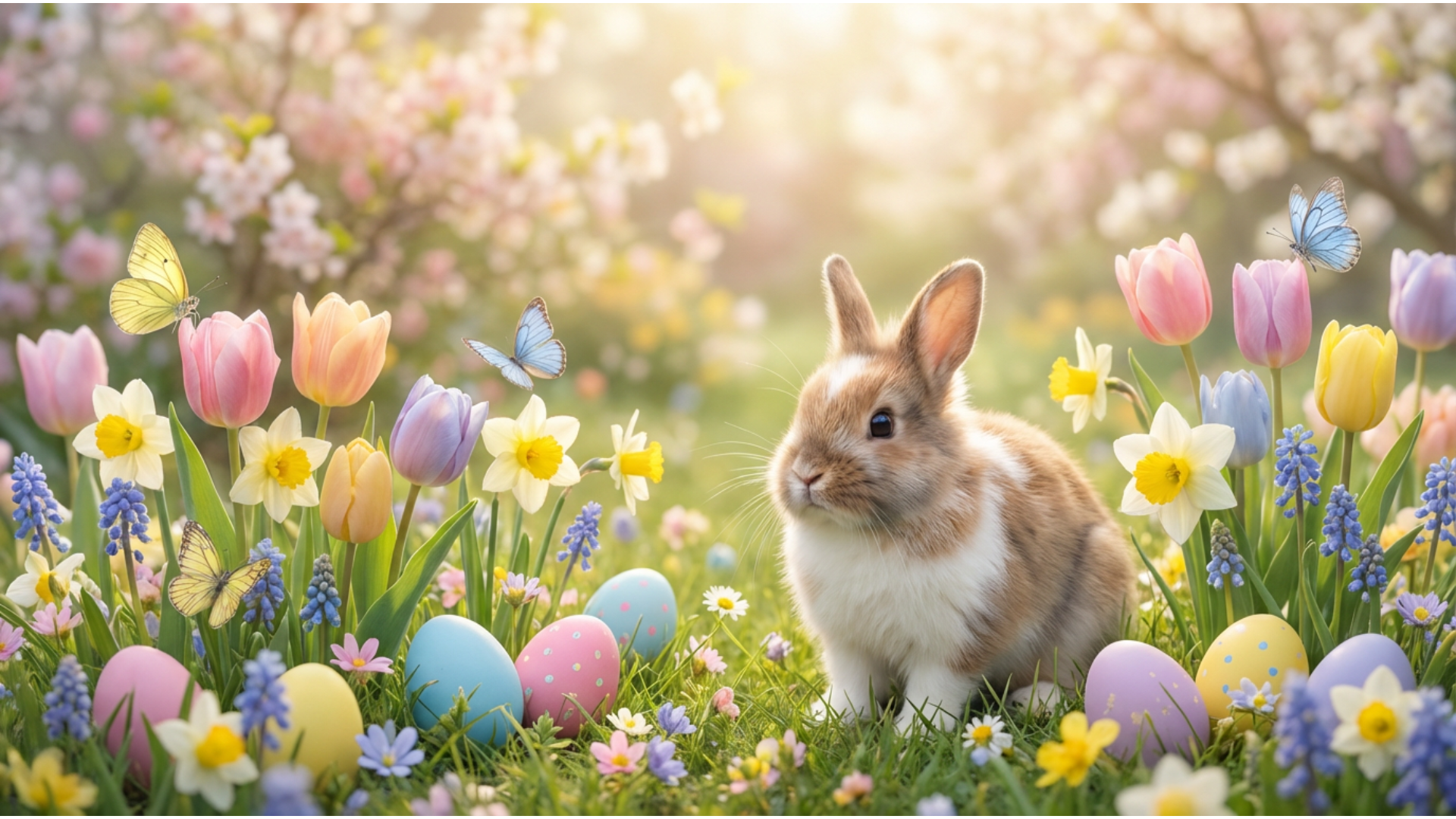
Design the Perfect Easter Bunny with AI Image Generation
Skip the rental costumes and mall lines. Generate realistic or cartoon Easter Bunny images directly from text prompts to create the perfect backdrop or character for your holiday greetings. Whether you need a vintage illustration or a photorealistic bunny for a composite, AI makes it happen instantly.
- Custom Bunny Styles – Create hyper-realistic, cartoon, or vintage Easter Bunny looks instantly.
- Instant Backgrounds – Design custom Easter garden backdrops for family photo composites.
- Time & Cost Efficient – Save time and money compared to booking professional studio sessions.
Animate Your Easter Memories with AI Image to Video
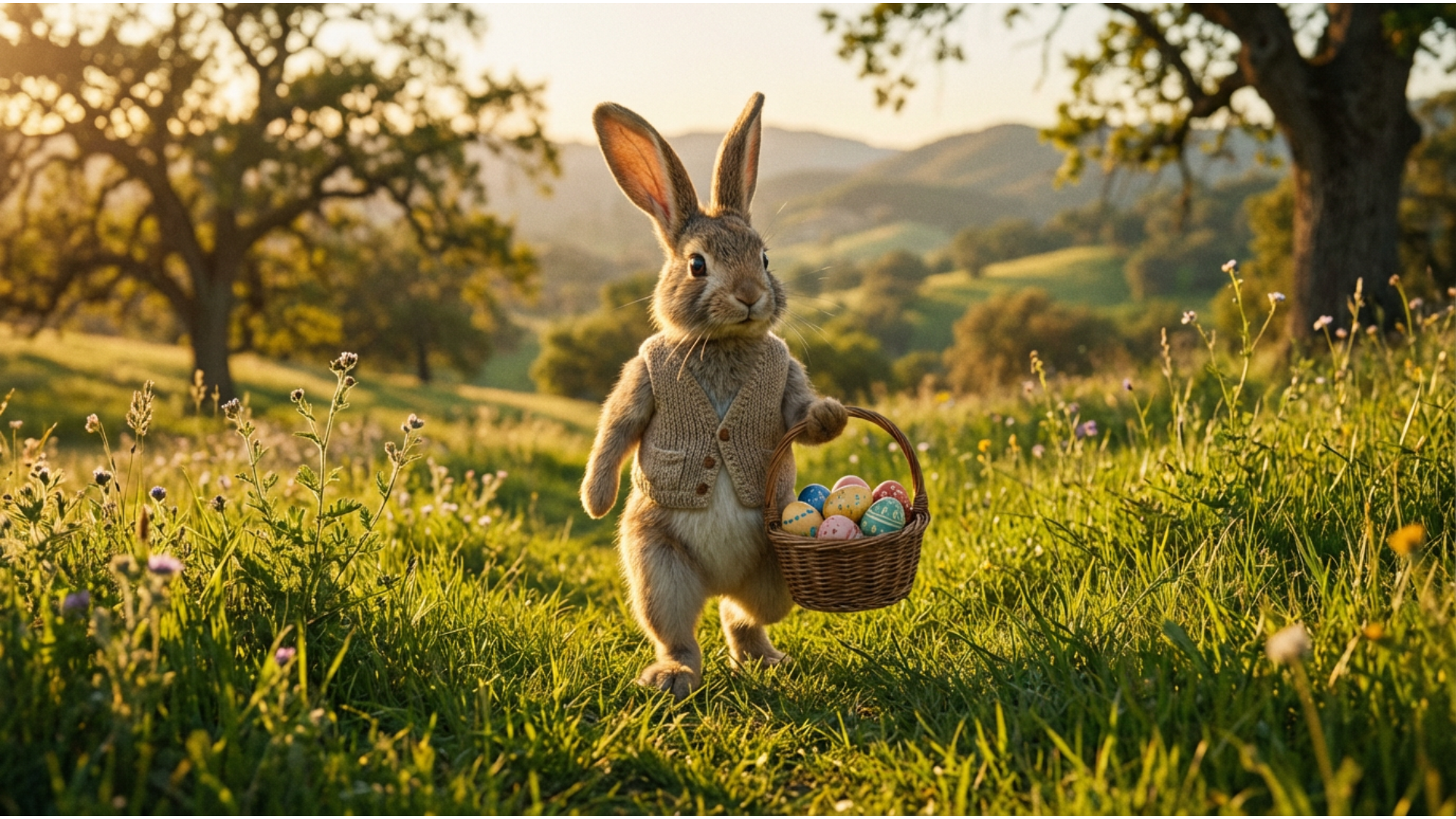
Animate Your Easter Memories with AI Image to Video
Don't let your favorite shots sit static in your gallery. Transform your best Easter bunny pictures into heartwarming animations or lively social media reels that capture the joy of the season. Filmora’s AI analyzes your photo to add subtle movements, bringing the holiday magic to life.
- Static to Cinematic – Animate static Easter photos into engaging video clips instantly.
- Magical Motion – Add subtle effects like hopping bunnies, wiggling noses, or falling confetti.
- Viral Ready – Perfect for creating eye-catching TikToks or Instagram Reels from a single image.
- Photo-to-Video Magic – Make any static Easter bunny image into moving, shareable video art.
- Festive Audio – Pair your video with cheerful spring soundtracks and sound effects.
Effortlessly Add Easter Bunny Stickers to Any Photo
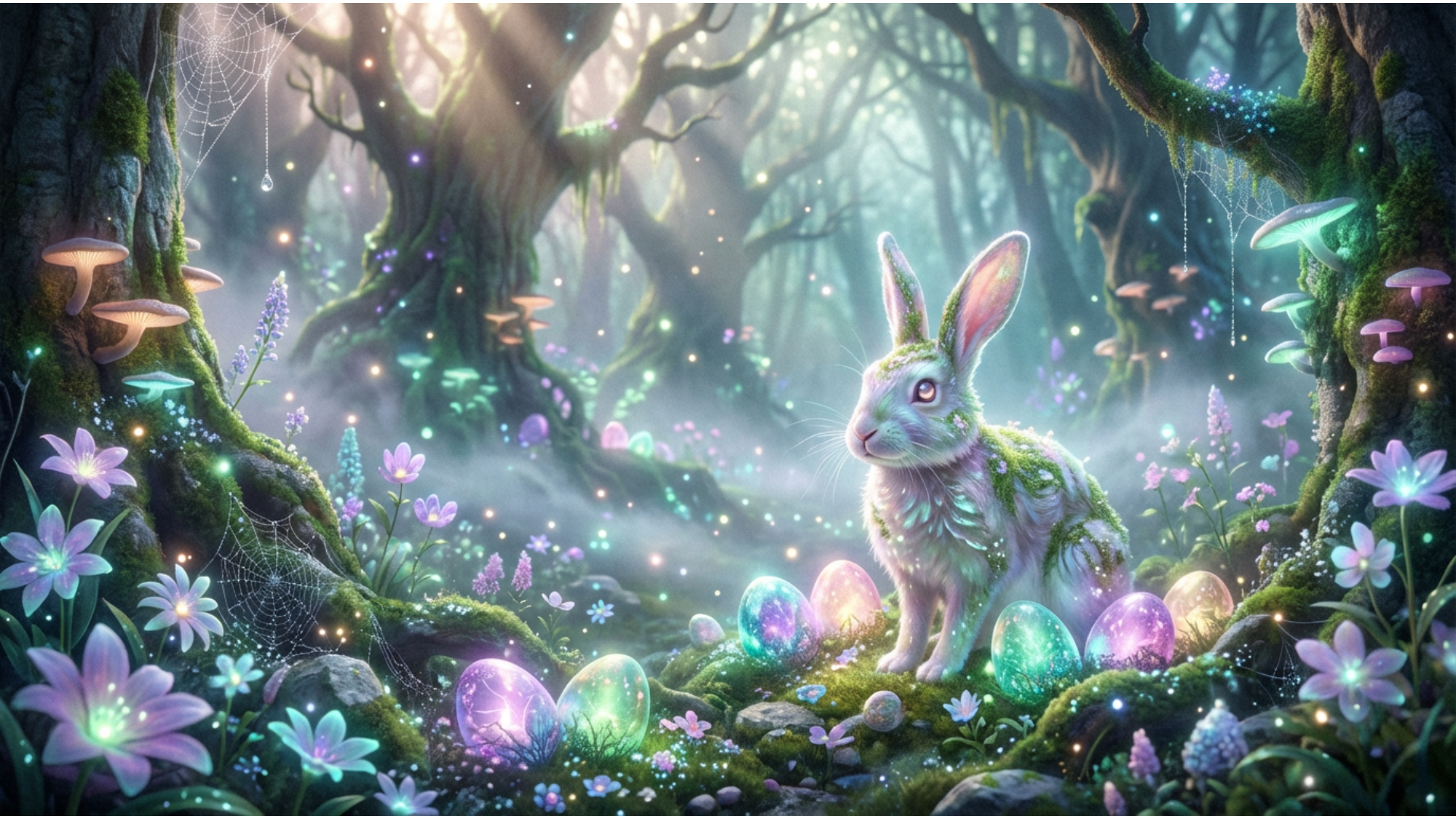
Effortlessly Add Easter Bunny Stickers to Any Photo
Already have a cute photo of your toddler? Easily learn how to add an Easter bunny to a photo using smart stickers and overlays. Blend them naturally to look like the bunny actually visited your home, creating a delightful surprise for your children on Easter morning.
- 🐰 Drag-and-Drop Magic – Place Easter bunny stickers onto existing photos with zero design skills.
- ✨ Realistic Blending – Use smart blending tools for a "visited by the bunny" look that fools the eye.
- 🎨 Huge Asset Library – Access a massive collection of Easter eggs, baskets, and festive overlays.
Master Your Holiday Feed with the Social Content Planner
Master Your Holiday Feed with the Social Content Planner
Managing holiday posts across platforms can be chaotic. Schedule your Easter bunny photoshoots, video reveals, and greeting posts ahead of time to ensure maximum engagement during the holiday weekend. Keep your feed consistent and stress-free while you enjoy the celebration.
- Effortless Scheduling – Plan your entire Easter content calendar in one visual dashboard.
- Auto-Captions – Generate engaging captions and hashtags for your bunny-themed posts instantly.
- Aesthetic Planning – Visualize your grid and ensure your Easter aesthetic looks perfect before posting.
FAQs About Easter Bunny Photos & Ideas
How to Create an Easter Bunny Image with Filmora
Popular on TikTok and Instagram, Easter bunny photo effects let you make trending, festive holiday photos or videos in seconds. This guide shows beginners how to generate a personalized Easter bunny image using AI tools—no design experience required!
Step 1 Open the AI Image Generator

Step 2 Enter Your Easter Bunny Image Prompt

Step 3 Download and Edit Your Easter Bunny Image

-
1:Open the AI Image Generator
Start Filmora, create a new project, go to "Stock Media", and select "AI Image" to get started. -
2:Enter Your Easter Bunny Image Prompt
Select the AI model, enter your Easter bunny image prompt (such as a cute bunny in a spring garden), and click "Generate" to instantly create your image. -
3:Download and Edit Your Easter Bunny Image
Preview the generated holiday image, click download, drag it into your project for further editing, or export/share it directly.
More Than Just Easter Bunny Images
Filmora isn’t just for making Easter bunny images—it also generates stunning family photos, AI-powered videos, and lets you edit heartfelt moments all in one simple tool.








