
Pixverse AI Pardon Dance Prompts:
Copy, Paste & Go Viral
Ready to join the trending pixverse ai pardon dance on TikTok and Instagram? Use these top Pixverse AI prompts to generate dance photos, animated videos, or fun edits with the famous pardon dance vibe.
Just browse the hottest Pixverse AI Pardon Dance effect prompts, tap your favorite, copy and paste into Pixverse AI, and start sharing your unique creations in seconds.
Loading more templates...
 Category:
 Duration:
 Aspect Ratio:
Create Viral Pixverse AI Pardon Dance Videos and Images Instantly
Want to use the Pixverse AI Pardon Dance trend that's taking over TikTok and Instagram? With Filmora's easy-to-use AI features, you can generate and customize the Pixverse AI Pardon Dance effect for your own photos and videos—no editing experience needed.
See how creators are using the Pixverse AI Pardon Dance effect to make trending posts and viral shorts. Create your own AI dance videos or animated pardon dance memes in seconds for TikTok, YouTube, or Reels.
Turn Any Photo Into Pixverse AI Pardon Dance Content
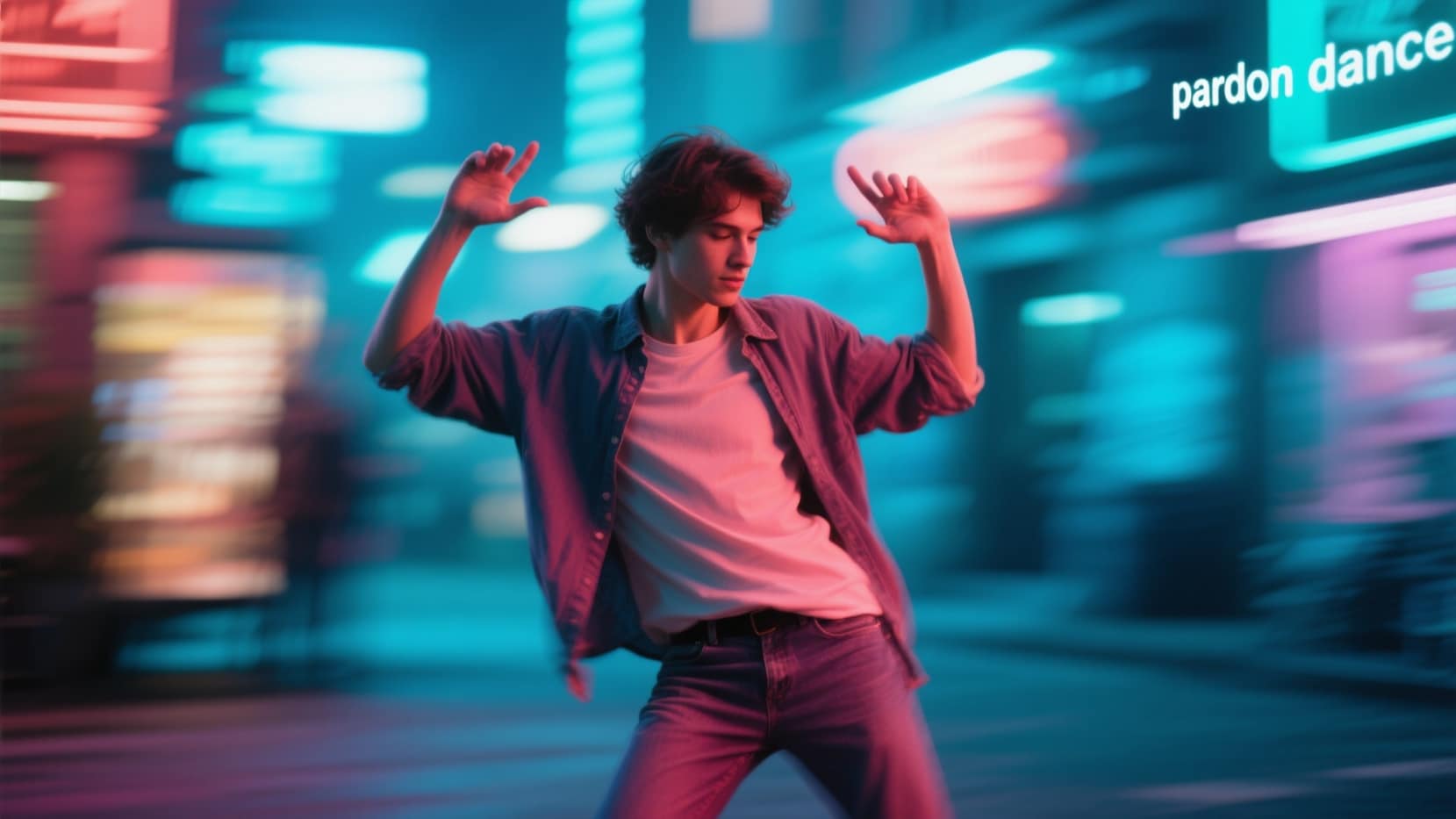
Turn Any Photo Into Pixverse AI Pardon Dance Content
Just upload your selfie or group photo, add the Pixverse AI Pardon Dance prompt, and Filmora's AI can generate trendy pardon dance poses, custom backgrounds, and share-ready videos. Perfect for creating the exact dancing meme you see everywhere online.
- Instant Pixverse Prompts - Use ready-made or custom Pixverse AI Pardon Dance prompts in one click.
- Multiple Dance Styles - Generate classic, funny, or creative AI pardon dance moves.
- Upload Any Image - Keep your face, style, and friends in every AI dance video.
Make Viral Pixverse AI Pardon Dance Videos on Mobile
Make Viral Pixverse AI Pardon Dance Videos on Mobile
The Filmora mobile app brings you Pixverse AI Pardon Dance templates that create instant dance videos from any selfie or short clip—fully optimized for TikTok, Instagram, and Shorts.
- Trending Pardon Dance Templates - Choose from effects and layouts seen in viral Pixverse AI Pardon Dance videos.
- No Editing Needed - Just upload and the app syncs dancing avatars to your music or voiceover.
- Customize Every Detail - Change dance style, outfit, or background with simple AI prompts.
- Photo/Clip to Dance Video - Instantly turn a static photo or short video into a Pixverse Pardon Dance effect.
- Add Music & Effects - Built-in trending soundtracks and SFX for the perfect viral edit.
Personalize Text, Captions, and Effects for Your AI Dance
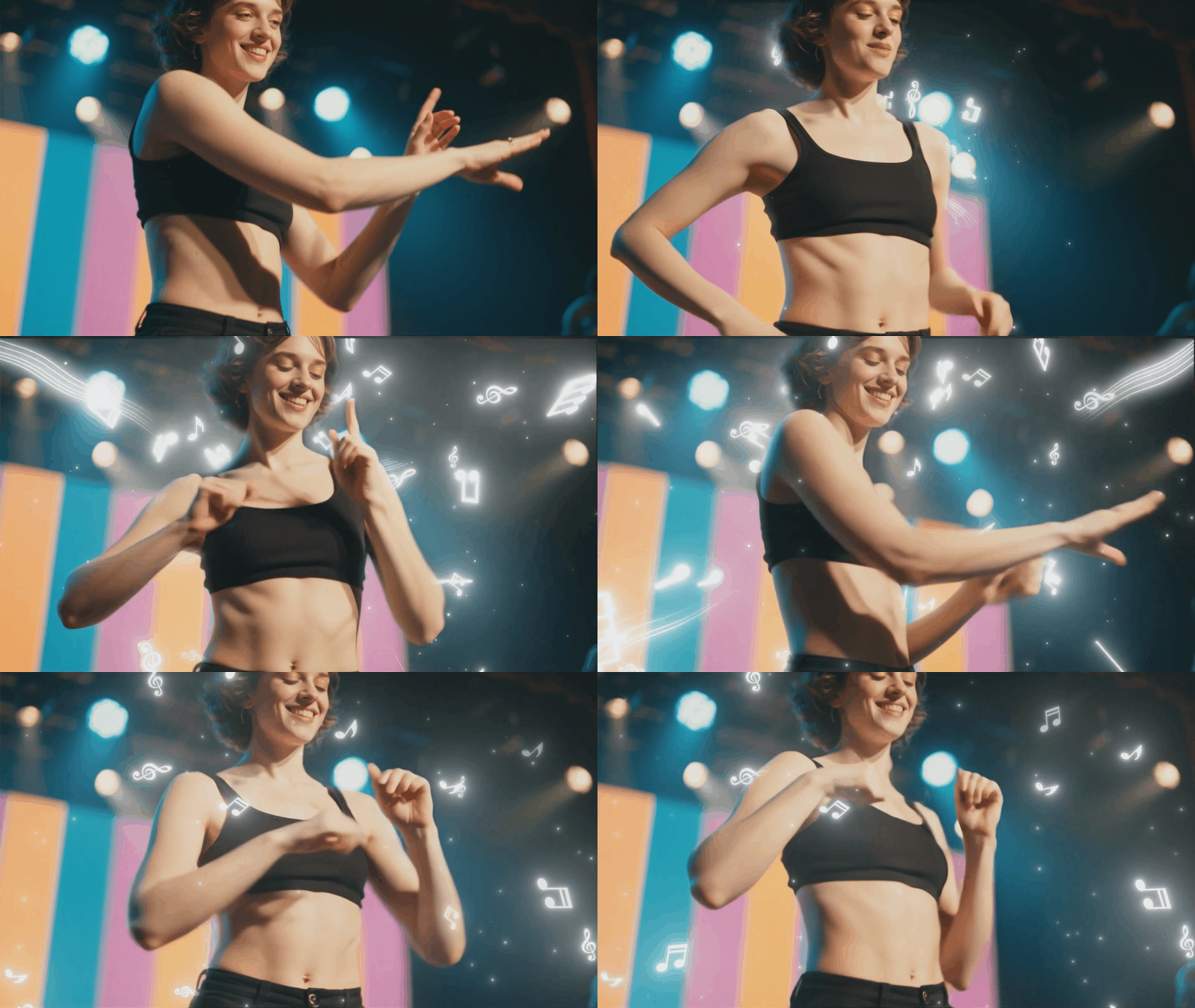
Personalize Text, Captions, and Effects for Your AI Dance
Level up your Pixverse AI Pardon Dance videos with custom captions, dance move labels, or meme text using Filmora's comic and effects tools. Add funny speech bubbles, big bold TikTok captions, or dynamic comic-style text overlays in one click.
- 🗨️ Comic Speech Bubbles - Add dialogue, meme phrases, or voiceover sync to your Pardon Dance visuals.
- 🔤 Viral Fonts & Captions - Get the trending text styles and effects used on TikTok and Reels.
- 🎨 Text Effects Suite - Instantly apply curved, animated, or chroma text for extra dance meme energy.
FAQs for Pixverse AI Pardon Dance
How to Create Your Own Pixverse AI Pardon Dance Effect
The Pixverse AI Pardon Dance effect is trending on TikTok and Instagram! With Filmora's AI Image Generator, you can create your own Pardon Dance visuals in seconds—no dance skills or advanced editing required. Simply write a detailed prompt describing the dance moves, generate your images, and optionally combine them into short loopable videos perfect for social media sharing.
Step 1 Open Pixverse or Any Supported AI App

Step 2 Upload Photo & Select Pardon Dance Effect

Step 3 Download & Share Your Dance Animation

-
1:Open Filmora AI Image Generator
Launch Filmora on your desktop or mobile device and navigate to the AI Image Generation feature. Start a new project to create your Pardon Dance visuals. -
2:Describe Your Pardon Dance Prompt
Write a detailed prompt describing the Pardon Dance, including hip sway, hand gestures, rhythm, and style. The more precise the prompt, the more accurately Filmora AI can generate your image. -
3:Generate, Download & Combine
Generate the AI image and preview it. Once satisfied, download the image. Optionally, you can create multiple frames with slight pose variations and combine them into a loopable video for TikTok, Instagram, or Reels.
More Than Just Pixverse AI Pardon Dance
Pixverse AI Pardon Dance is just one of many popular AI effects. You can also generate viral video trends, cartoon photos, and more—all in the same easy-to-use tool for creators looking to go viral on TikTok, Instagram, and YouTube.







