
Dhurandhar Style Photo Prompts: Copy, Paste & Generate Rehman Dakait Character Photos
Build the iconic Dhurandhar-style villain aesthetic from your own photos. Pick a template, copy the prompt, and paste it into Filmora's AI Image tool (Gemini / Nano Banana workflow). These Dhurandhar style photo Prompts are designed for sharp identity lock, cinematic lighting, dust-and-god‑rays ambience, and the signature black-coat swagger. Perfect for TikTok edits, YouTube Shorts thumbnails, WhatsApp DP trends, and character posters inspired by the Rehman Dakait look.
Loading more templates...
 Category:
 Duration:
 Aspect Ratio:
Generate Trending Rehman Dakait Photos
with AI Image Effects
Want the viral Dhurandhar look without spending hours on editing? With Filmora's AI Image Generator you can turn any selfie into a Dhurandhar-style portrait, key art poster, or entry-scene frame using ready-to-copy Gemini AI Dhurandhar Prompts. Generate desert backlight shots, mud‑brick archway entrances, rainy noir alleys, or interrogation‑room close-ups — then enhance them with Filmora's effects, text, and motion tools for social-ready results in minutes.
Generate Dhurandhar‑Style AI Photos From Any Selfie
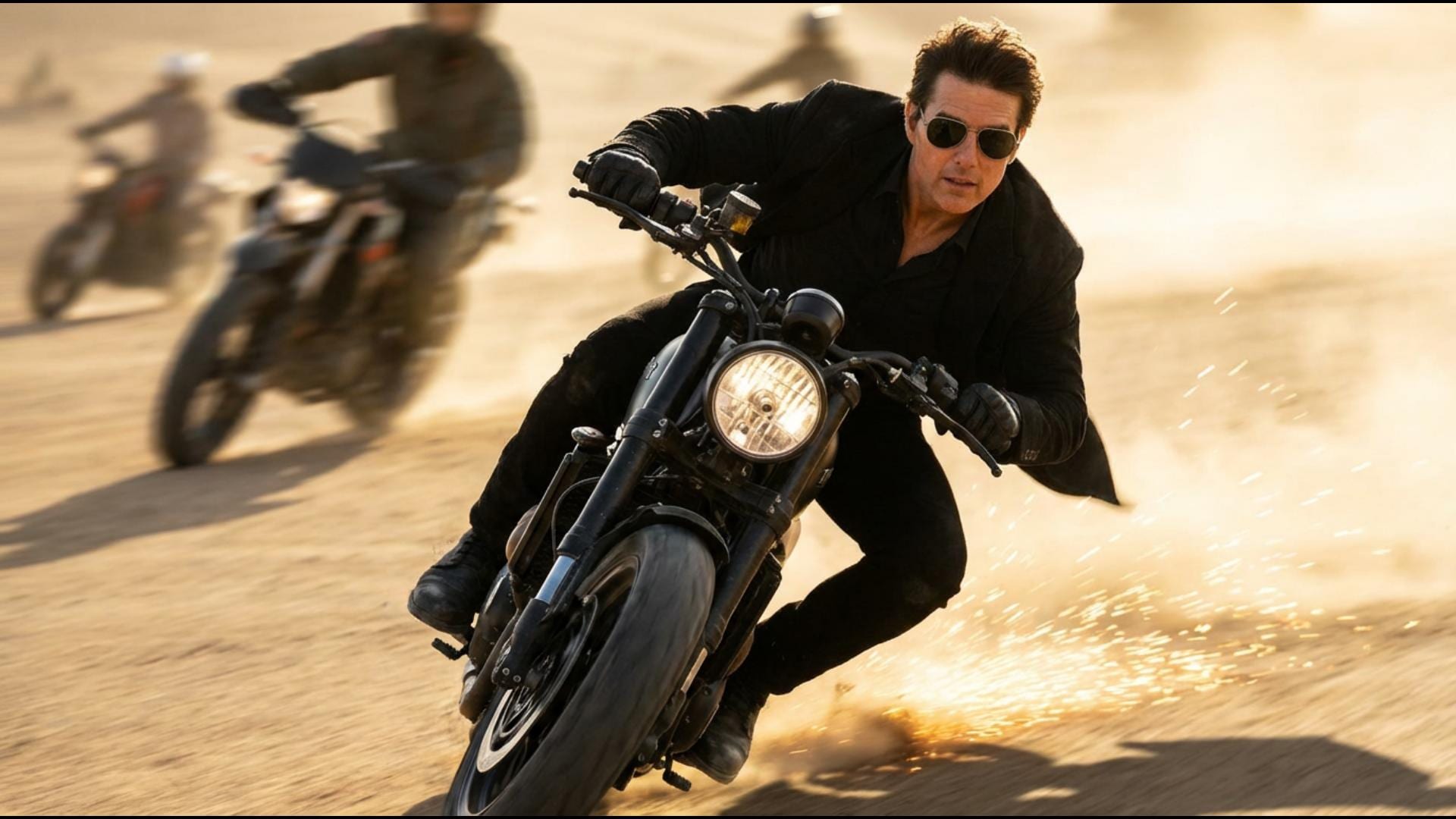
Generate Dhurandhar‑Style AI Photos From Any Selfie
Upload a selfie (or group photo) and create Dhurandhar-style AI photos with face-preserving prompts. Use our Rehman Dakait character photo templates to keep identity consistent while changing lighting, wardrobe (all black), and cinematic environments. Great for posters, DP trends, reels covers, and meme edits.
- Face-Lock Prompts - Identity-preserving Dhurandhar style photo Prompts for consistent results.
- Signature Cinematic Looks - Desert god rays, archway entry, noir rain streets, and key-art posters.
- One Prompt, Many Variations - Swap ratios (9:16, 16:9, 4:5) for reels, thumbnails, and feed posts.
Turn Dhurandhar Photos Into Viral Slideshows & Reels
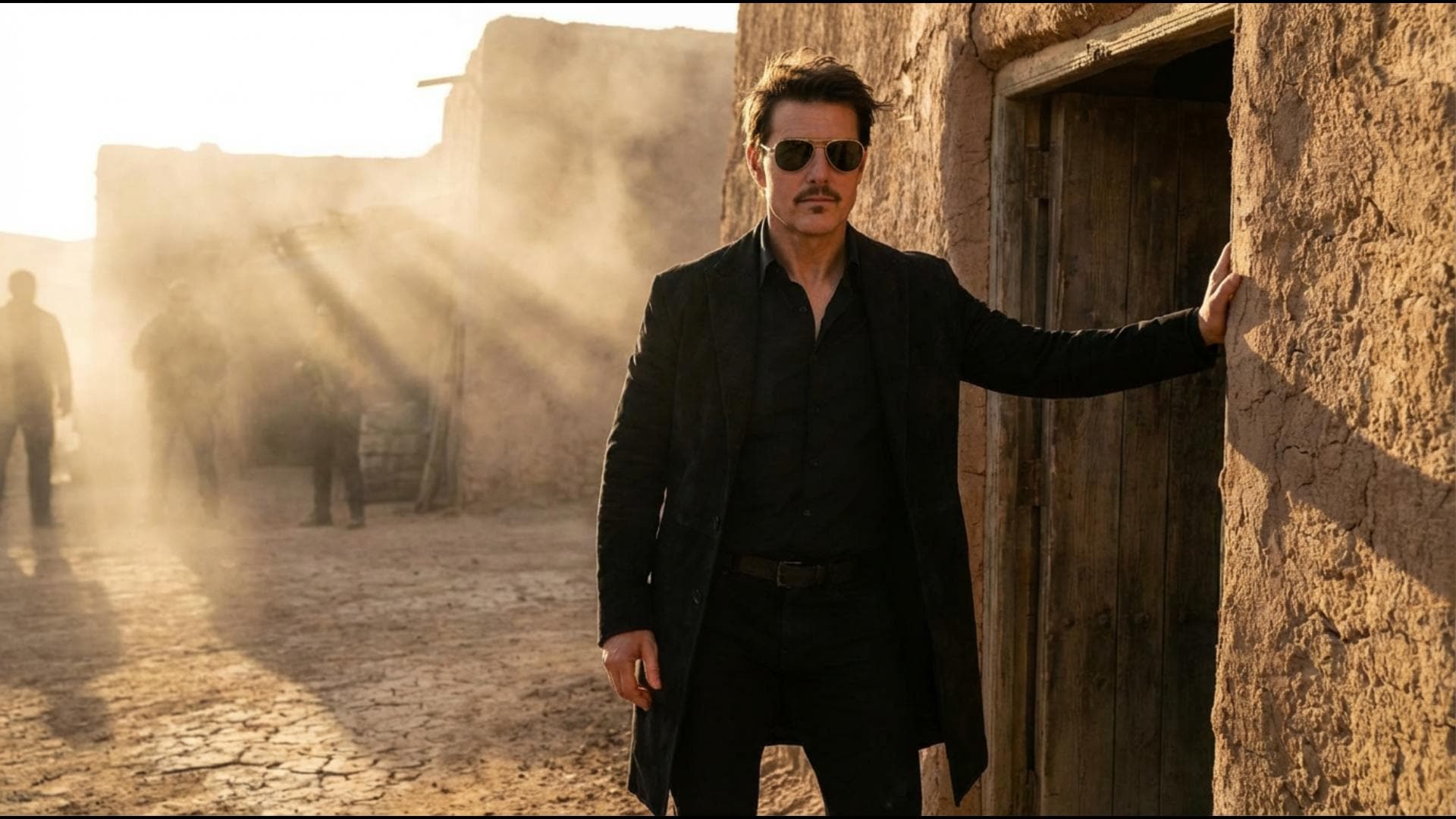
Turn Dhurandhar Photos Into Viral Slideshows & Reels
Already have generated images? Drop them into the Filmora mobile app and turn Dhurandhar-style photos into fast-paced slideshows with transitions, beat-sync effects, captions, and trending audio — perfect for Reels, Shorts, and TikTok.
- Rehman Dakait Slideshow Templates - Instantly create transitions, effects, and overlays found on trending social media videos.
- No Editing Needed - Upload rehman dakait photos → select effect → share.
- Custom or Auto Mode - Use our pre-built designs or tweak with your own captions, stickers, and music.
- Photo-to-Video Remix - Turn static photos into animated stories for YouTube Shorts or Insta Reels.
- Music & SFX - Add comic sound FX, viral tracks, or dramatic background music to your slideshow.
Edit & Personalize Any Rehman Dakait Photo with Text Styles
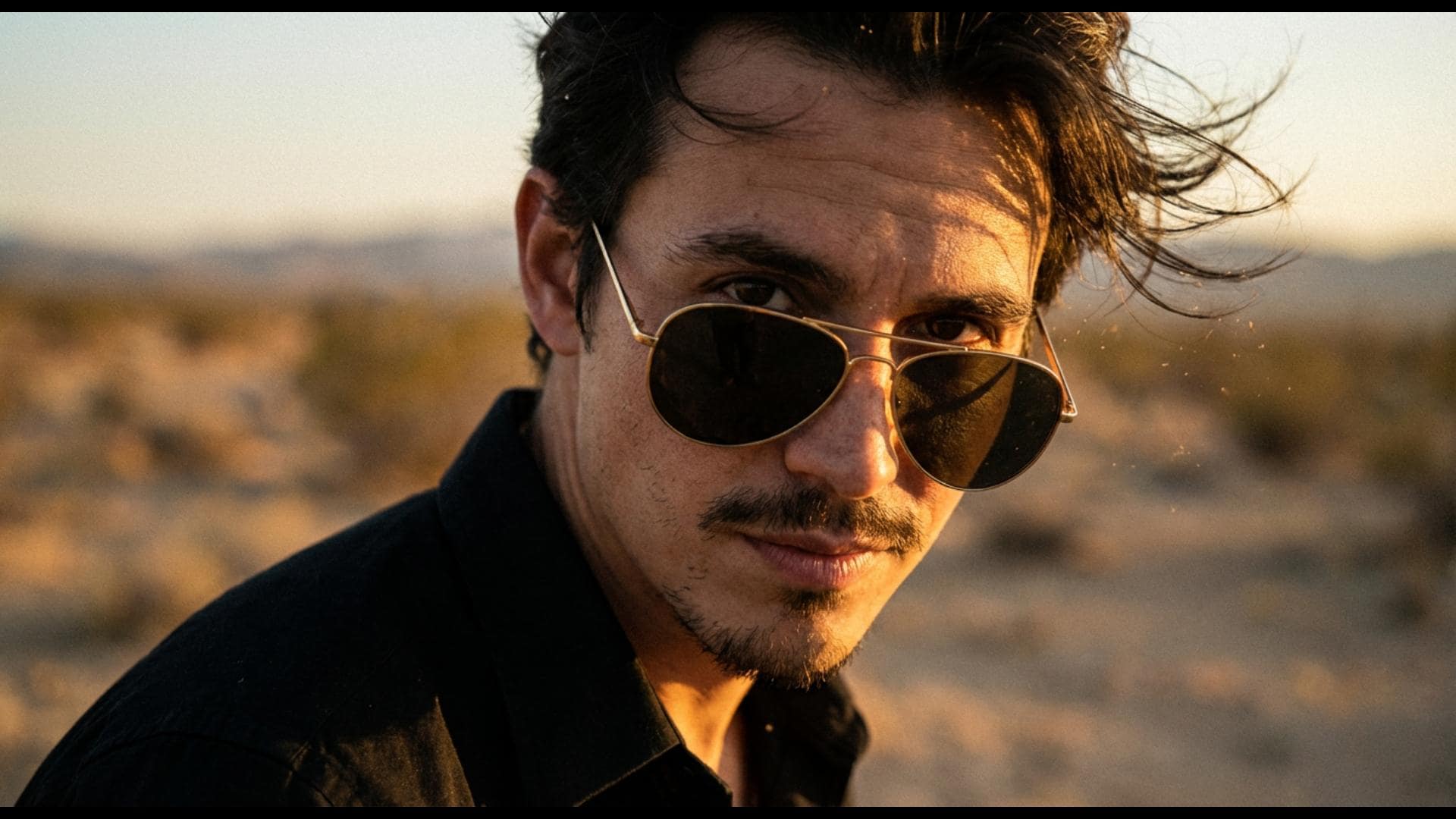
Edit & Personalize Any Rehman Dakait Photo with Text Styles
Easily add captions, speech bubbles, or watermark text to your rehman dakait photos using Filmora's built-in Comic Text Tools. Get authentic effects for memes, posts, or story highlights with adjustable comic fonts and creative overlays.
- 🗨️ Speech Bubbles & Memes – Insert captions, status text, or thought bubbles to make every rehman dakait photo viral-ready.
- 🔤 Comic & Social Fonts – Latest meme fonts, handwritten or bold styles, and multi-language support.
- 🎨 Quick Styling Tools – Instantly add color effects, shadows, outlines, and backgrounds for eye-catching rehman dakait images.
FAQs about Dhurandhar Style AI Photos & Rehman Dakait Character Prompts
How to Make Dhurandhar‑Style AI Photos (Rehman Dakait Look) in Minutes
Follow this quick workflow to generate a Dhurandhar-style photo from your own image, then turn it into a viral edit. This is the same approach people use when searching 'Dhurandhar Gemini prompt', 'Dhurandhar AI photo editing prompts', or 'Rehman Dakait character photo' on Google.
Step 1 Choose a Dhurandhar Style Photo Prompt

Step 2 Upload Your Photo and Generate

Step 3 Edit, Add Text, and Export

-
1: Choose a Dhurandhar Style Photo Prompt
Open Google, search "rehman dakait photos", and download an image you want to use for your gangster edit. -
2: Import to Editor or App
Open your preferred reel/video editor, import the rehman dakait photo, choose an effect, and add music or captions for meme or trend edits. -
3: Save and Share Your Edit
Save the finished video/photo to your device, then upload directly to TikTok, Insta Reels, or YouTube Shorts with top hashtags for reach.
More Than Just Rehman Dakait Photos Edits
Filmora is not just for editing rehman dakait photos and reels. Create viral gangster videos, edit authentic images, or start new trend edits for TikTok and Shorts using the same powerful features—just import any photo, add effects, and get instant shareable results.








