Trending Holi Video Templates:
Drag, Drop, and Celebrate
Don't settle for static images this festival. These video templates are inspired by the most popular
Loading more templates...
 Category:
 Duration:
 Aspect Ratio:
Create Cinematic Holi Videos
with Professional Templates
A great festival video isn’t just about the footage—it’s about the feeling. With Filmora’s professional Holi video templates, you can turn raw clips into vibrant masterpieces. Whether you're capturing slow-motion color throws or fast-paced dance-offs, our tools help you refine your Holi greeting video with cinematic lighting, beat-sync technology, and festive color grading.
Customize Your Holi Greetings with Drag-and-Drop Simplicity
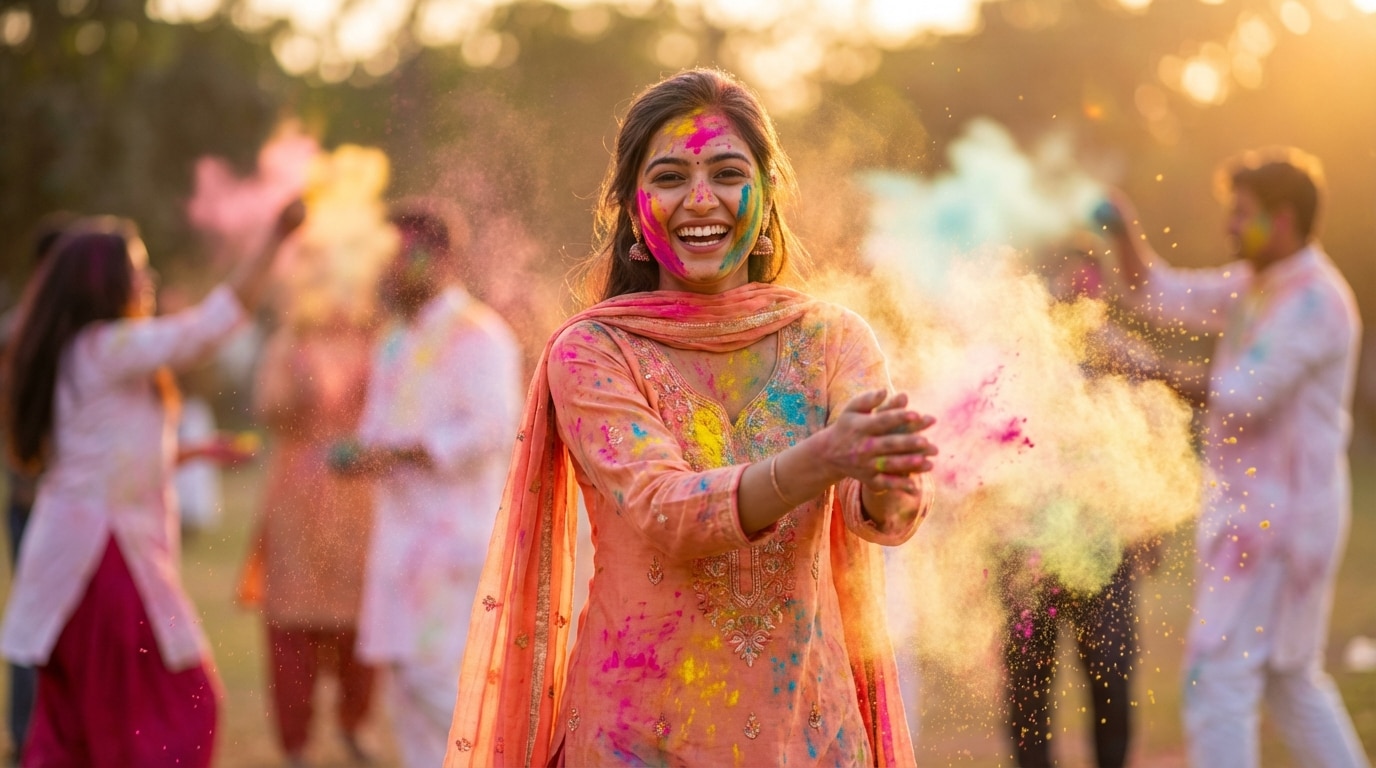
Customize Your Holi Greetings with Drag-and-Drop Simplicity
Don't start from scratch; simply swap your media into our professionally designed frameworks. Our templates preserve the festive rhythm and complex effect layers while letting your personal memories shine through, making video creation accessible to everyone.
- Smart Media Replacement – Instantly swap template placeholders with your own photos and video clips.
- Preserved Effect Timing – Keep the professional transitions and filters perfectly synced to your new footage.
- Personalized Text – Easily edit greetings to send personalized "Happy Holi" wishes to friends and family.
Immerse Viewers in the Festival of Colors with Cinematic Effects

Immerse Viewers in the Festival of Colors with Cinematic Effects
Capture the true essence of Holi with pre-configured color grading that pops. From throwing gulal to water balloon splashes, our effects ensure every frame looks professionally edited with vibrant saturation and dynamic overlays designed specifically for Indian festivals.
- Vibrant Color Grading – Auto-enhance dull footage to match the bright, joyful palette of Holi.
- Dynamic Overlays – Add realistic powder explosions, dust particles, and colorful bokeh layers.
- Professional Polish – Smooth skin tones while keeping the colors of the festival vivid and sharp.
Set the Perfect Festive Mood with Bollywood Beats & Transitions
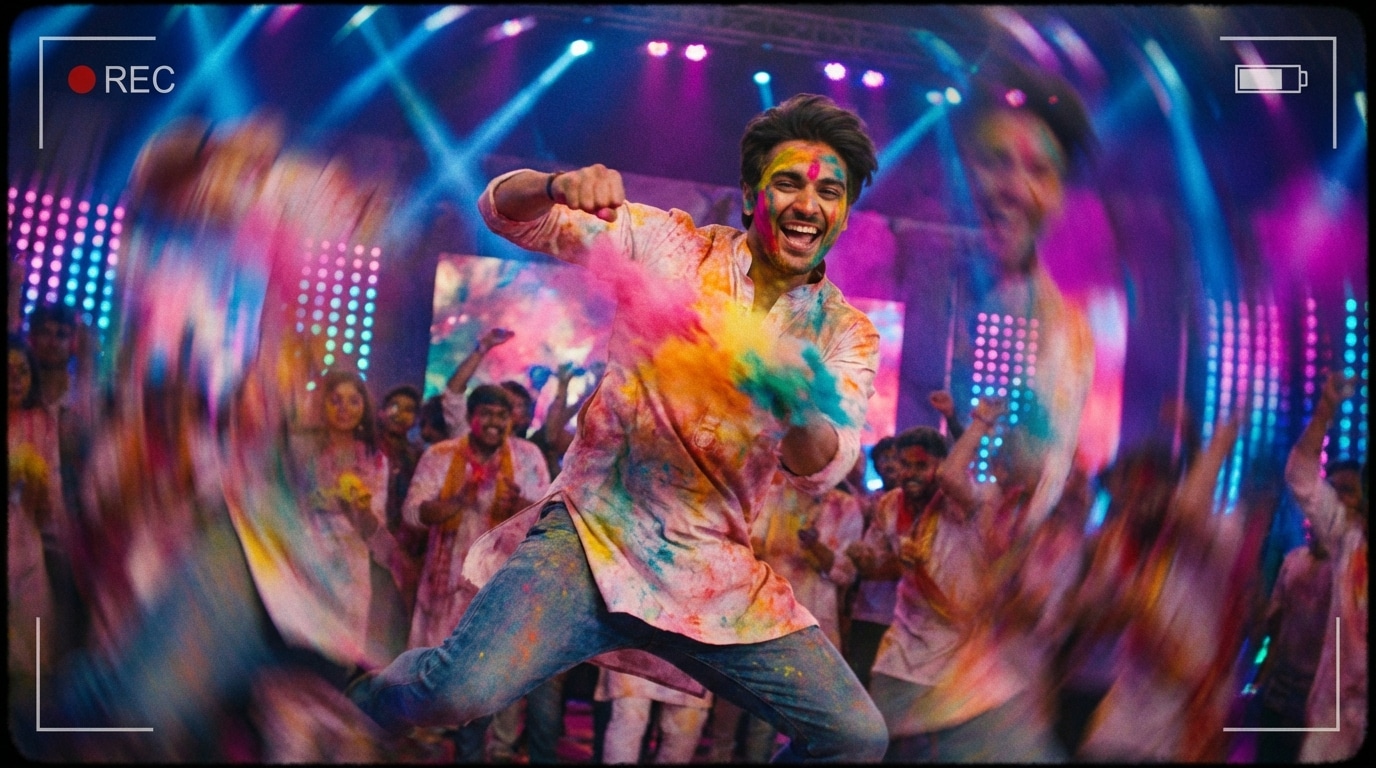
Set the Perfect Festive Mood with Bollywood Beats & Transitions
A Holi video isn't complete without the right energy. Our templates come paired with high-energy tracks and seamless scene switchers to keep your audience engaged from start to finish, ensuring your video feels like a high-production music video.
- 🎵 Festive Audio Tracks – Built-in library of energetic beats and traditional Holi tunes perfectly matched to the template.
- ✨ Smooth Transitions – Professional wipes, zooms, and spin transitions that keep the momentum flowing.
- 🥁 Auto-Beat Sync – Automatically align your clips to the rhythm of the music for a polished result.
Share Your Happy Holi Wishes Instantly Across All Platforms
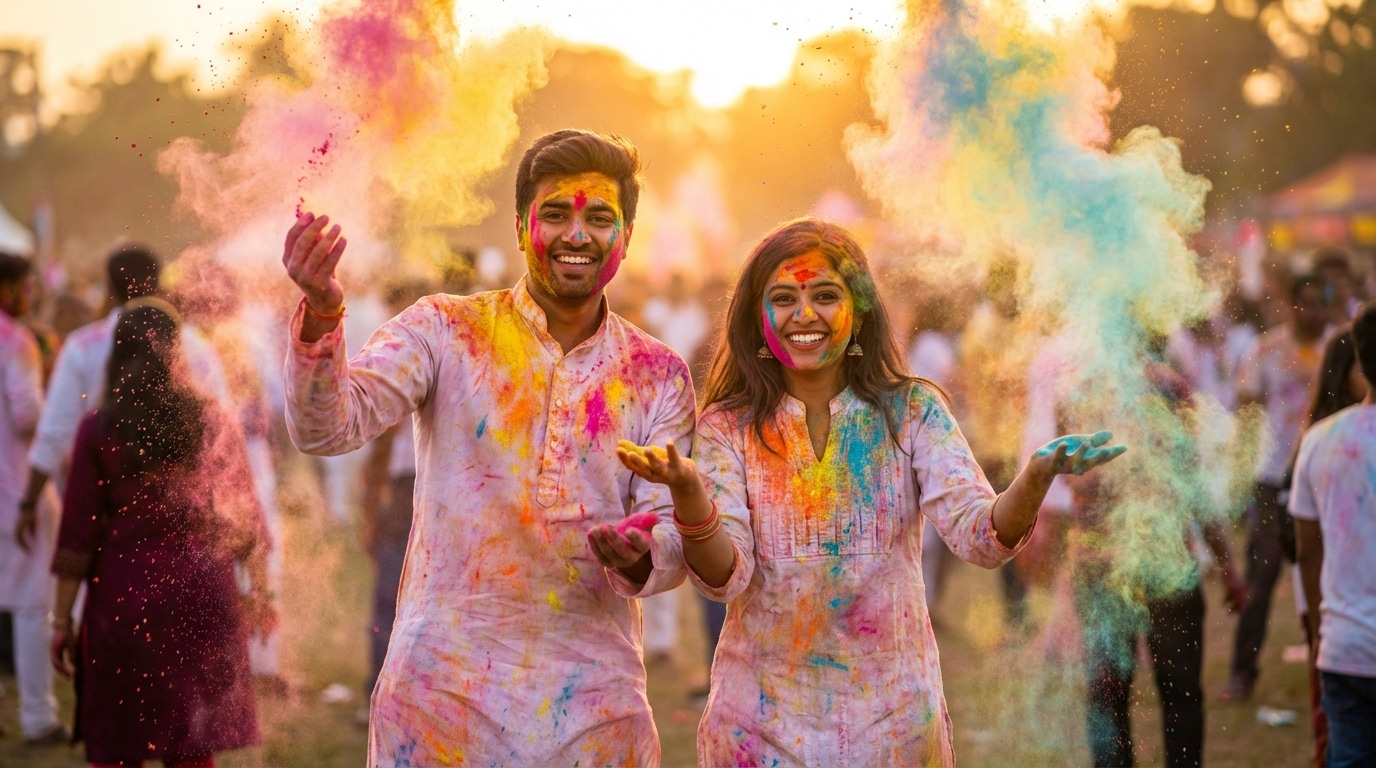
Share Your Happy Holi Wishes Instantly Across All Platforms
Whether it's a vertical Story for Instagram, a quick status update for WhatsApp, or a full landscape video for YouTube, export your creation in crystal-clear quality. Our templates are optimized for every screen size to ensure your greeting looks perfect no matter where it's viewed.
- Multi-Platform Export – Ready-to-use presets for TikTok, Instagram Reels, and WhatsApp Status (9:16 vertical).
- HD Quality – Export in high definition to ensure your colorful visuals remain crisp and clear.
- Direct Sharing – Upload directly to your favorite social media platforms from within the app.
FAQs About Holi Video Templates & Editing
How to Create a Holi Video with Filmora Templates
Popular on social media, Holi video greetings are the best way to share the festive spirit. This guide shows beginners how to generate a personalized Holi video using professional templates—no design experience required!
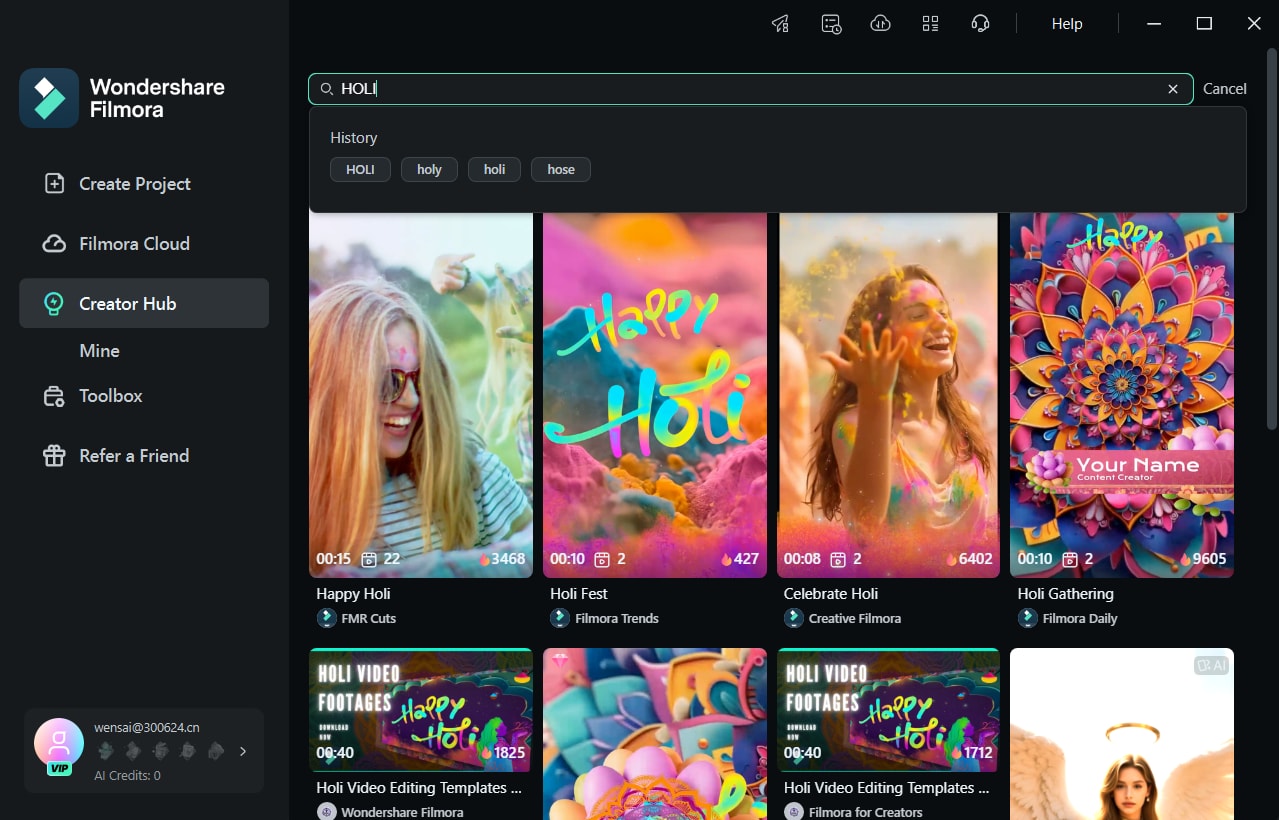
Step 1 Select a Holi Template
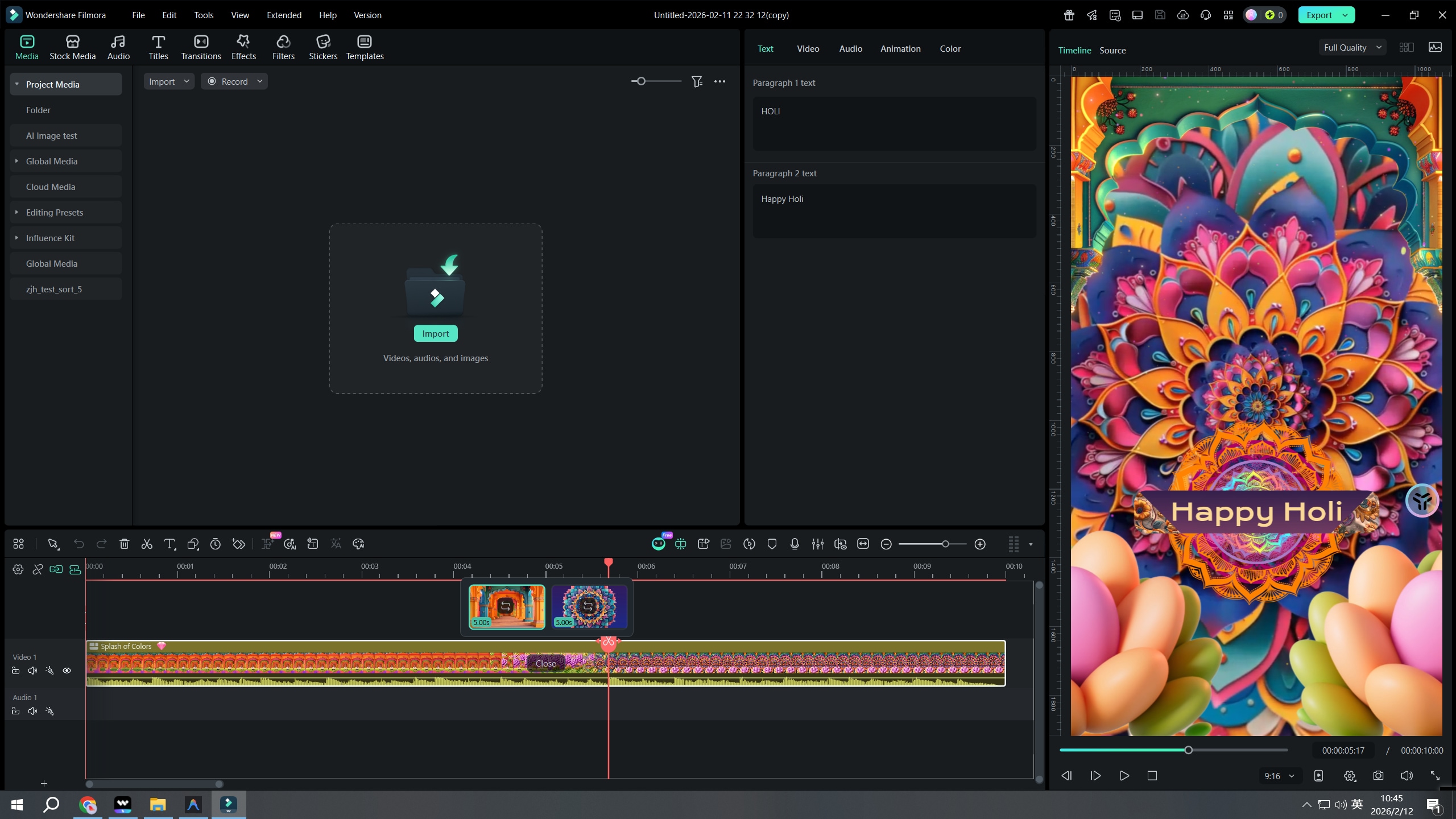
Step 2 Import Your Photos & Clips
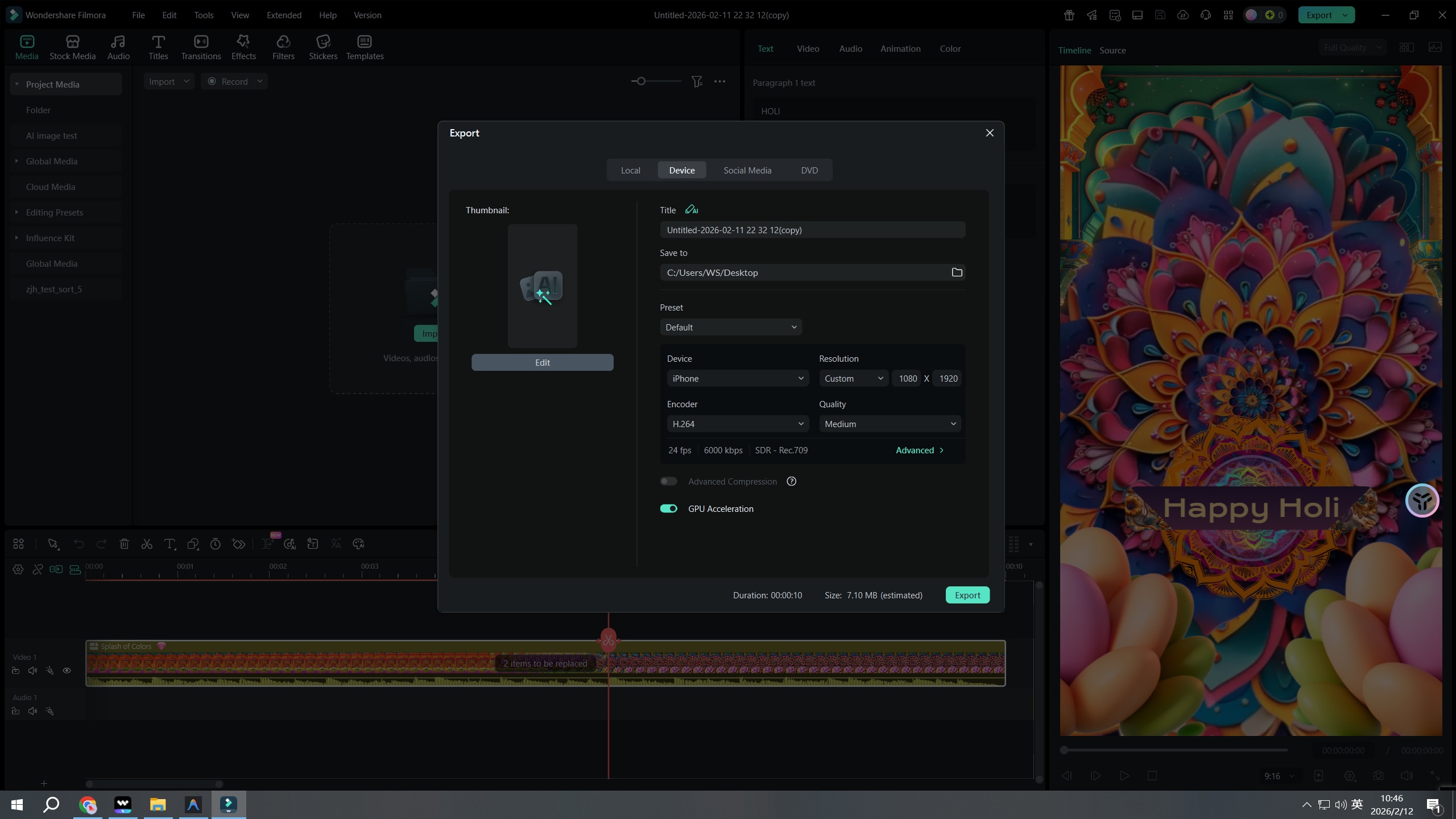
Step 3 Export & Share Your Greeting
-
1:Select a Holi Template
Open Filmora and navigate to the "Templates" tab. Search for "Holi" to browse a variety of festive styles, from cinematic openers to fun slideshows. -
2:Import Your Photos & Clips
Click "Use Template" and import your Holi photos and video clips. The software will automatically replace the placeholders while keeping the effects and music synced. -
3:Export & Share Your Greeting
Preview your video, adjust any text if needed, and click Export. Choose the format best suited for your platform (like 9:16 for Reels) and share your wish.
Explore More Video Templates
From romantic Valentine's Day clips to festive birthday videos — explore our free, ready-to-use templates for every moment that matters.