
40+ Celebration Video Effects Templates:
Add to Photos & Videos
Want to add birthday confetti, graduation fireworks, or New Year's sparkles to your clips? These Celebration Video Effects templates make it fast and simple for any event. Scroll all Celebration Effects Templates, tap your favorite, and copy-paste the effect for TikTok, Instagram, or YouTube — perfect for instantly leveling up your party and milestone videos!
Loading more templates...
 Category:
 Duration:
 Aspect Ratio:
Filmora Celebration Effect Library
Bring Every Party & Event to Life
Level up your videos with Filmora's comprehensive Celebration Effect Library. From confetti bursts and fireworks to sparklers, balloons, and particle overlays, our ready-to-use effects make your birthday, wedding, festival, or graduation videos instantly engaging. Mix and match with other Filmora resources such as animated stickers, text overlays, and music tracks to create fully personalized celebration content for any occasion.
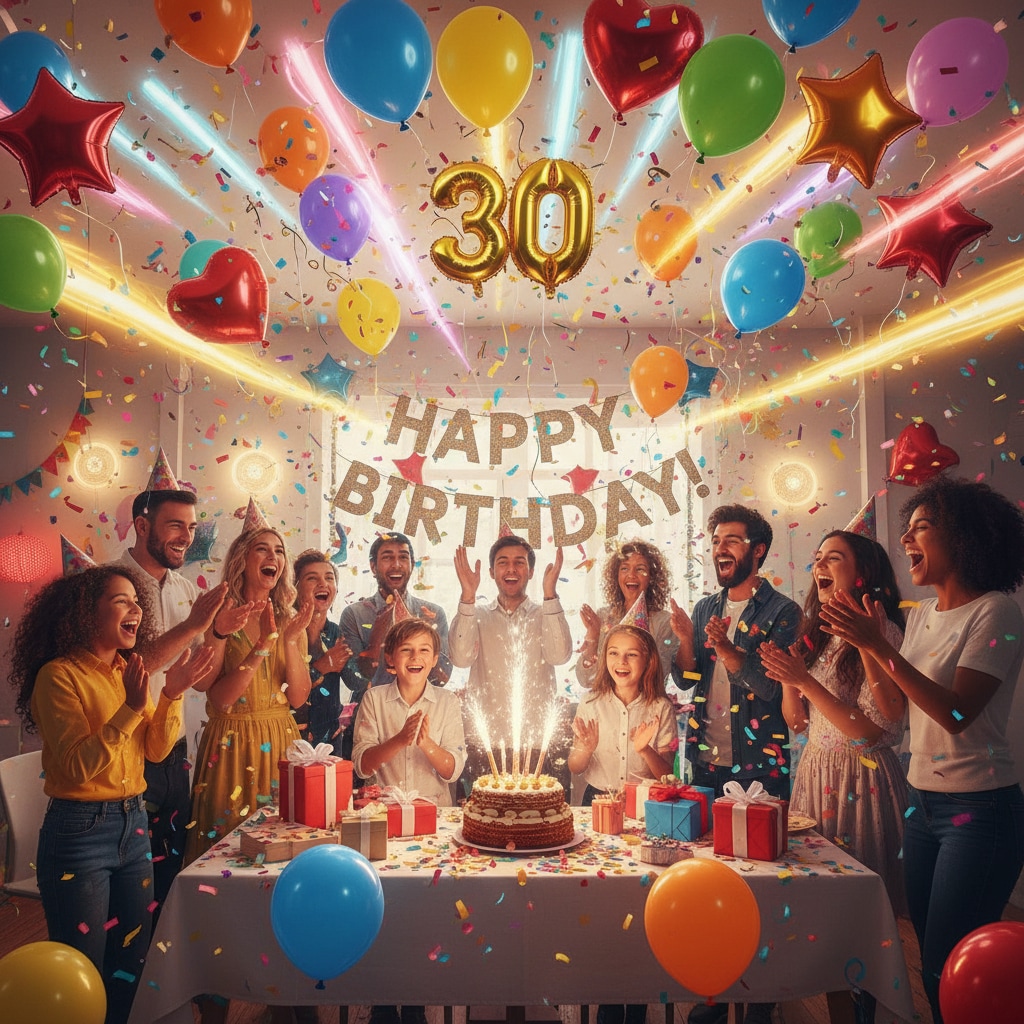
Instant 1-Click Celebration Effects
Apply trending confetti, fireworks, sparkler, and party popper effects to any video or photo in seconds. Filmora's Celebration Effects are ready for immediate use and can be fully customized for color, size, duration, and intensity to match your theme.
- Wide Range of Effects- Confetti, fireworks, balloons, sparklers, particle overlays, countdowns, and more.
- Customizable Settings- Adjust color, size, speed, and motion to fit your video's style.
- Seamless Integration- Combine with stickers, text overlays, music, and other Filmora resources for cohesive celebration videos.
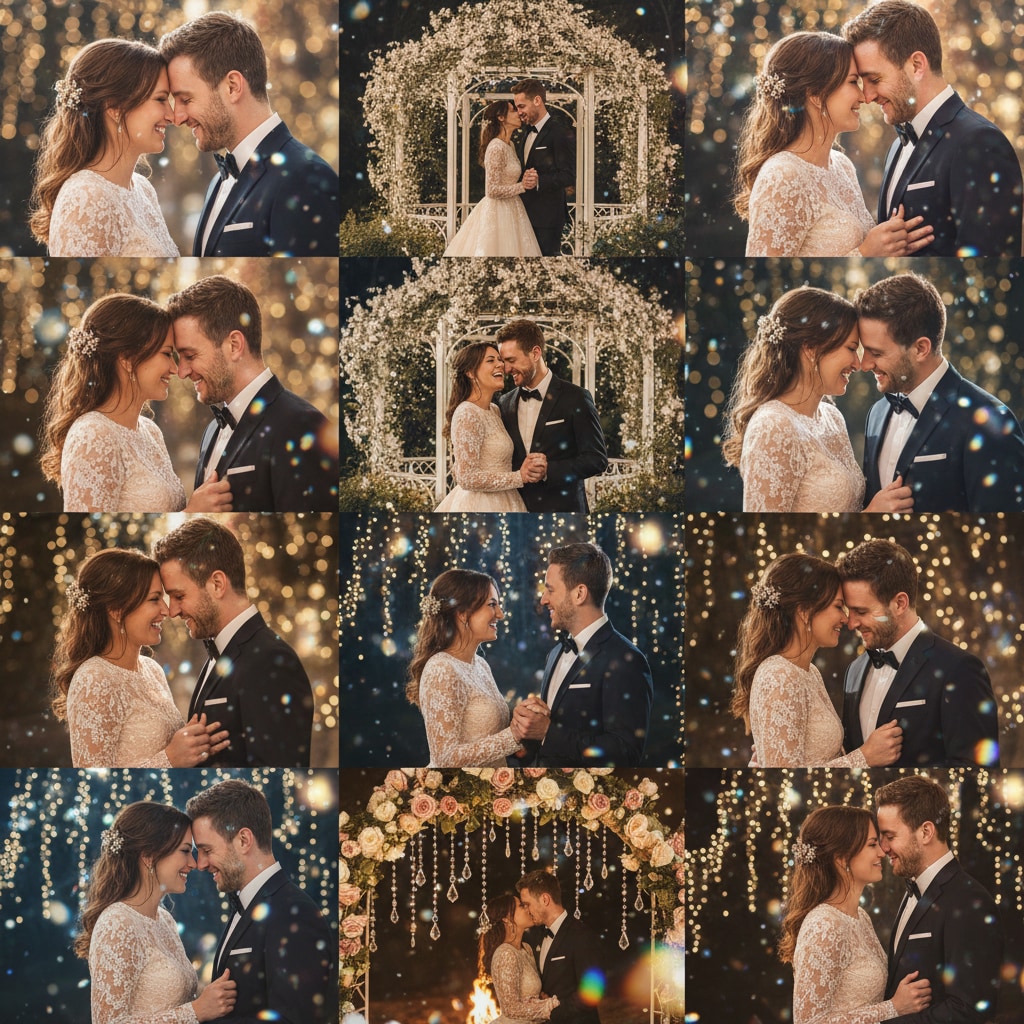
Ready-to-Use Templates for Any Event
Filmora offers pre-designed templates for birthdays, weddings, festivals, graduations, and sports victories. Quickly add Celebration Effects to photos or videos, then enhance with animated text, music tracks, and stickers to create shareable content for social media.
- Pre-Built Templates- Birthday, wedding, graduation, festival, and party highlights ready for one-click application.
- Multi-Media Support- apply effects to both images and video clips seamlessly.
- Social Media Ready- Perfect formats for Instagram Reels, TikTok, YouTube Shorts, and Stories.
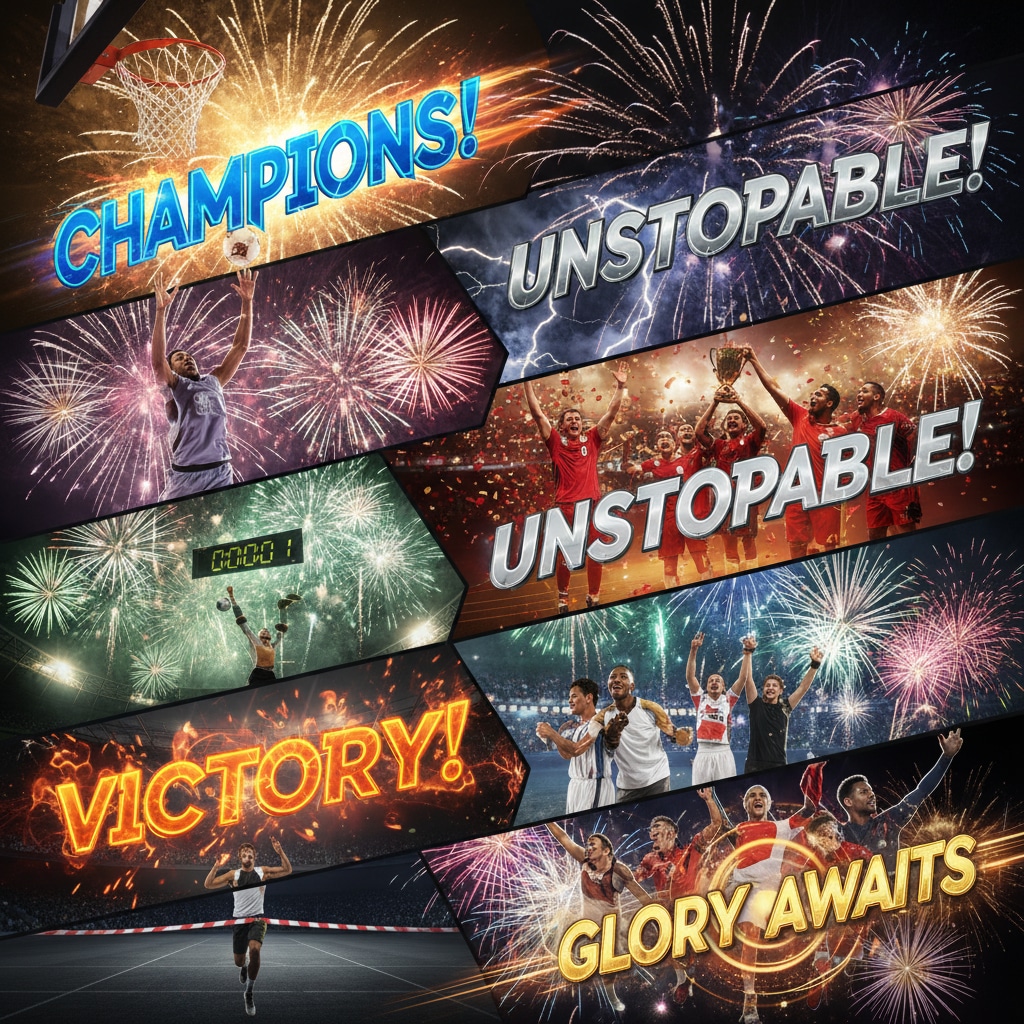
Customize Every Detail of Your Celebration Videos
Enhance your celebration videos by fine-tuning effects, adding text overlays, animated stickers, and background music. Filmora's flexible editing tools allow you to control every detail, ensuring your videos perfectly match the theme of any event.
- Advanced Editing- Adjust color, intensity, duration, and motion of all Celebration Effects.
- Text & Stickers- add captions, speech bubbles, party icons, or custom animated graphics.
- Resource Collaboration- Combine Celebration Effects with other Filmora resources for unique, professional-quality videos.
FAQs for Celebration Video Effects
- Open your favorite video editing tool like Filmora or CapCut.
- Go to the effects or stickers section and search "Celebration Video Effects".
- Choose from options like confetti, fireworks, or balloons.
- Drag your picked effect onto your video timeline.
- Preview, edit placement, then export and share directly to TikTok, Instagram, or YouTube.
How to Add Celebration Video Effects in Filmora
Searching for the best way to apply celebration video effects in Filmora? Here's a beginner-friendly, social-media-approved guide to adding festive overlays to your videos in seconds. Stand out with trending effects for birthdays, holidays, milestones, and more—no experience required.
Step 1 Open Filmora and Start a Project

Step 2 Browse and Choose Celebration Video Effects

Step 3 Export and Share Your Celebration Video

-
1:Open Filmora and Start a Project
Launch Filmora, create a new video project, and import your event or party footage. -
2:Browse and Choose Celebration Video Effects
Open the Effects panel, search "Celebration Video Effects", and drag options like confetti, streamers, or sparkle overlays to your timeline where you want them to appear. -
3:Export and Share Your Celebration Video
Preview your edit, tweak effect placement, then export your video. Instantly post to TikTok, YouTube, or Instagram to share your celebration with friends and followers.
More Than Just Celebration Video Effects
Filmora isn't just for adding Celebration Video Effects. You can also create party-style videos, apply trending overlays, and edit with advanced video tools to make every moment stand out online.







