Create Your Own Princess Dress Change Video with AI Text-to-Video Technology
Going viral isn't just about the outfit — it's about the transformation. Filmora's princess dress change AI video generator is purpose-built for the royal moment: from a single back-view photo and a line of text, the AI conjures a full cinematic scene where you — or anyone — walks away in a breathtaking princess gown. Whether you're creating a solo royal reveal, a couple's fairy-tale duet, a child's dreamy princess video, or even a pet's adorable gown moment, Filmora's AI text-to-video engine delivers the flowing trails, glowing dress effects, and slow-motion cinematic walk that define this trend.
Loading more templates...
 Category:
 Duration:
 Aspect Ratio:
Turn Any Photo or Text Prompt into a Viral Princess Transformation Video Powered by Filmora AI Text-to-Video
The magic of the princess trend is now fully unlocked by AI. With Filmora's AI video generator, you don't need professional equipment, a camera crew, or even a single clip of footage. Simply type a description of your ideal princess transformation — the gown color, the scene, the mood — and Filmora's AI generates a complete, cinematic princess dress change video from scratch.
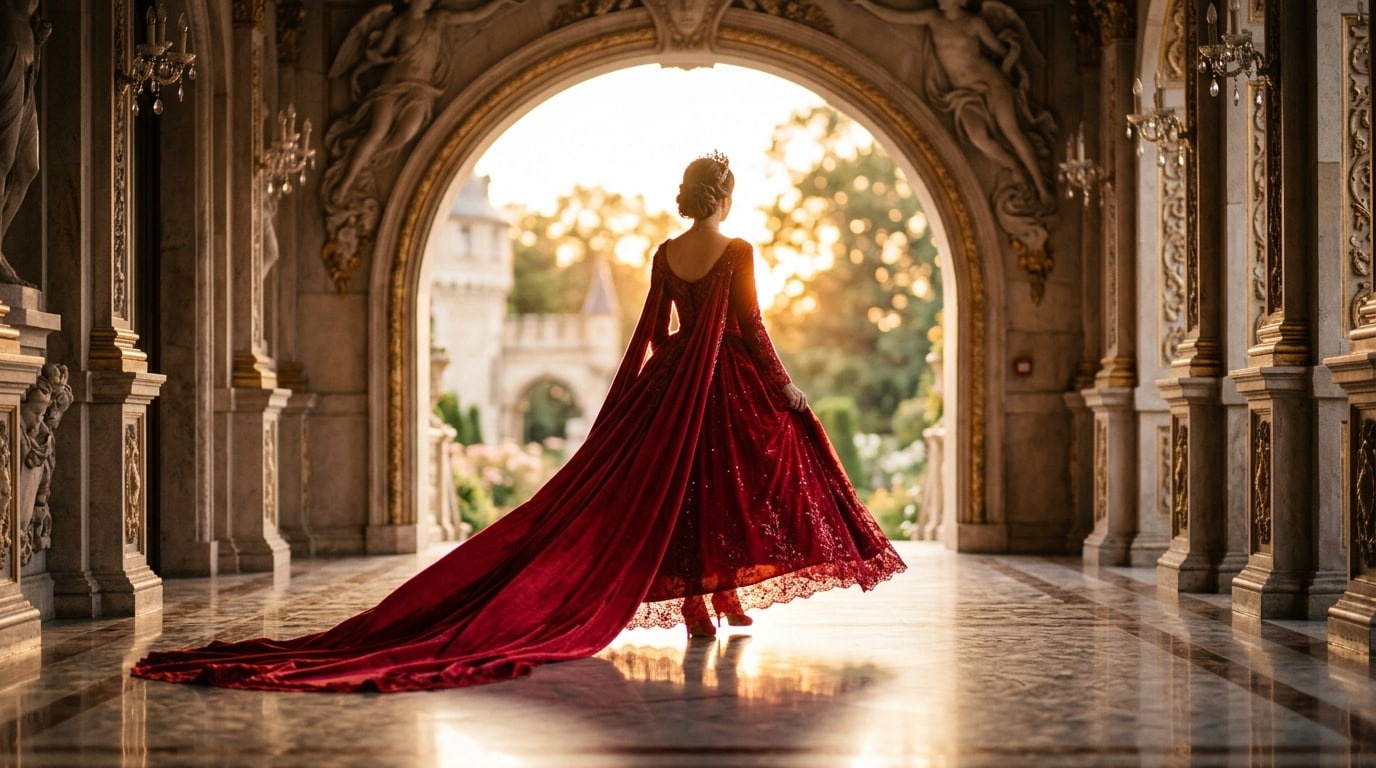
Generate a Princess Dress Change Video from Text — No Filming Required
Describe your princess look in plain language and watch Filmora's AI build the full transformation scene, complete with flowing gown animation, cinematic background, and atmospheric lighting.
- Text-to-Video Generation - Create complete scenes from scratch using descriptive prompts like "crimson red lehenga glowing against a palace doorway."
- Photo-to-Princess AI - Upload a single back-view photo and select a gown style to seamlessly dress your subject in royal outfits.
- Style Prompt Library - Choose from pre-written princess AI prompts like Red Royal Gown, Ice Blue Frozen Princess, or Gold Palace Lehenga.
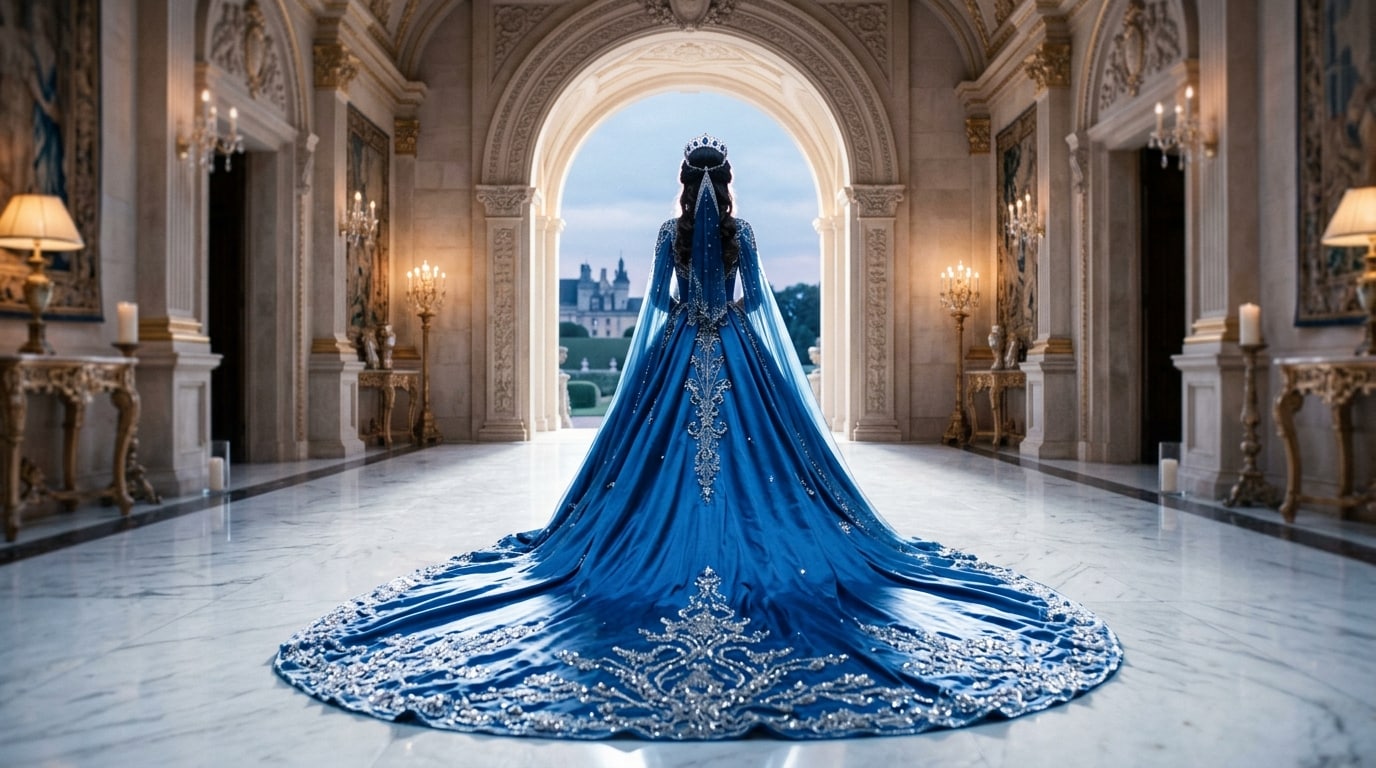
Refine Every Frame with Filmora's Intuitive AI Editing Tools
AI generates the transformation — Filmora's editing suite perfects it. Once your princess dress change video is generated, fine-tune every detail with drag-and-drop precision.
- Beat-Sync Transition Editor - Align your outfit reveal moment precisely to the music drop for maximum emotional impact.
- Smart Clip Trimming - Drag, reorder, and adjust your AI-generated scenes alongside original footage on an intuitive visual timeline.
- One-Click text overlays - Add personalized captions, princess challenge hashtags, or duet tags directly within the editor.
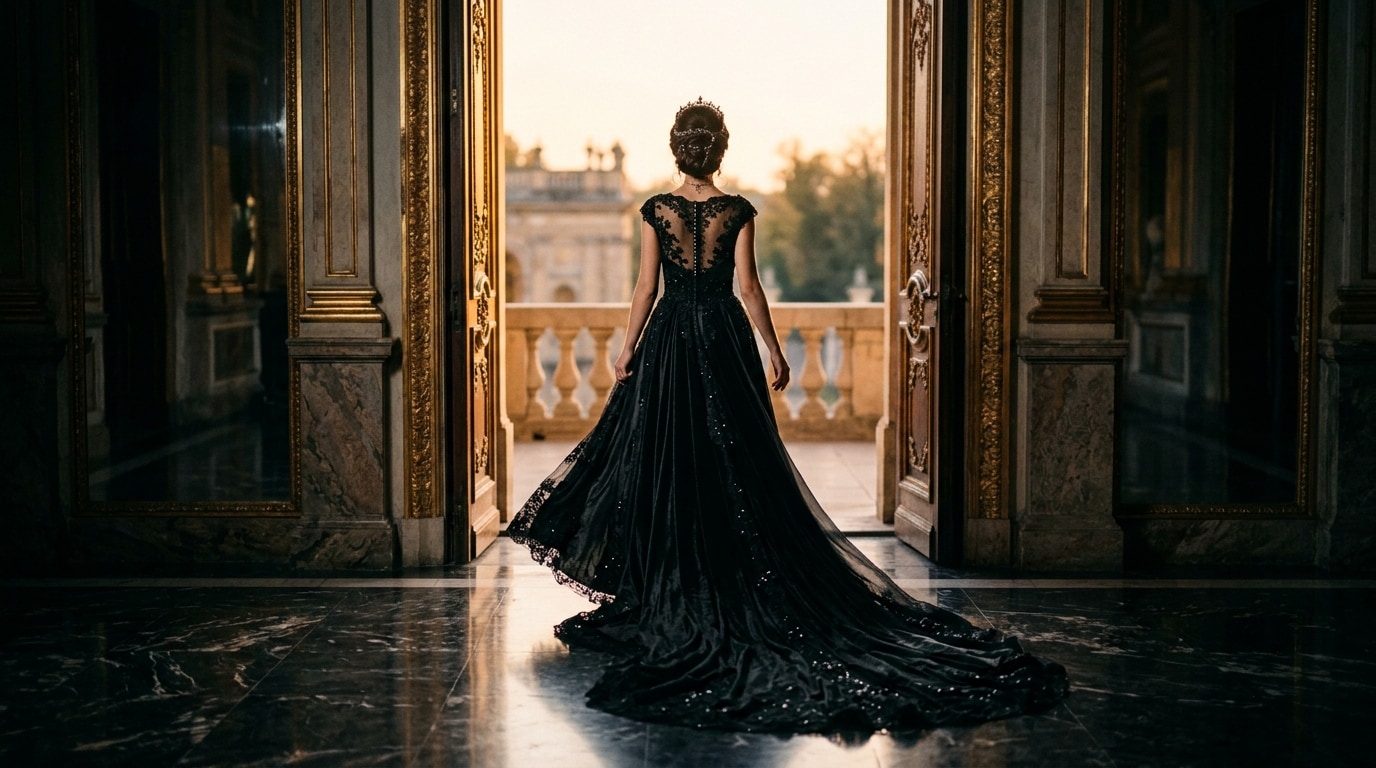
Dress the Scene with Royal Visual Effects and Export Everywhere Instantly
The AI creates the princess. The effects make her unforgettable. Filmora's curated effects library includes a dedicated collection of royal cinematic presets.
- Princess glow effects & particle effects - Apply soft-light halos and golden sparkle overlays that frame the gown and elevate the aesthetic.
- Cinematic color grading Presets - Choose from Dreamy Daylight or Royal Dark Contrast specifically tuned for viral princess visuals.
- Multi-Platform Export Presets - One-click export for TikTok (9:16), Instagram Reels, and YouTube Shorts with bitrate optimization.
FAQs About Princess Dress Change AI Video Generation & Editing
How to Create a Princess Dress Change AI Video with Filmora
The princess transformation trend is taking over TikTok and Instagram Reels. This guide shows you exactly how to turn a text description or a single photo into a cinematic royal gown video in three simple steps.
Step 1 Describe Your Princess Transformation
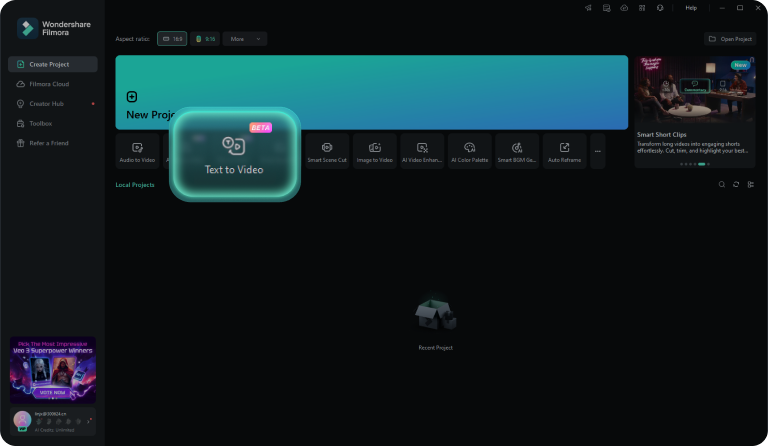
Step 2 Generate, Preview & Edit
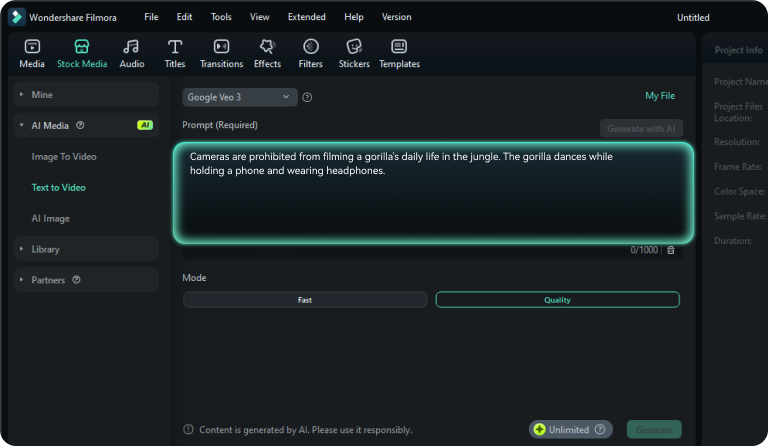
Step 3 Export & Go Viral
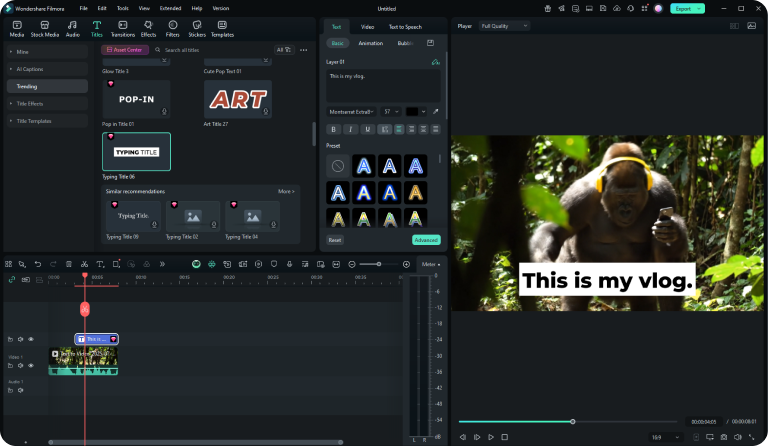
-
1:Describe Your Princess Transformation
Open Filmora AI Text-to-Video, select the Princess style, and enter your gown color, scene setting, and lighting mood. -
2:Generate, Preview & Edit
Watch the AI build your transformation. Use the timeline to sync music drops or add royal particle effects from the library. -
3:Export & Go Viral
Use the 9:16 vertical export preset for TikTok and Instagram Reels to ensure your video is perfectly optimized for the algorithm.