
Featured 3D Video Effects for Creative Video Projects
Explore our curated collection of 50+ popular 3D video effects designed for real-world video editing projects. These featured effects show you how to add 3D effects to video using Filmora, from dynamic text animations to immersive transitions and motion visuals. Each 3D effect is ready to use and optimized for high-quality results on social media, marketing, and creative content.
Loading more 3D effects...
 Category:
 Duration:
 Aspect Ratio:
Why Choose Filmora for 3D Video Effects?
Create stunning 3D video effects that captivate your audience with Filmora's powerful visual effects toolkit. With over 50 templates covering 3D transitions, animated text, immersive depth effects, and 3D video overlays, our easy-to-use 3D video editor gives you everything you need to produce professional content. Perfect for YouTube creators, social media influencers, and digital marketers who want cinematic 3D effects without mastering complex software like After Effects.
50+ Ready-to-Use 3D Templates

50+ Ready-to-Use 3D Templates
Access a library of 50+ ready-to-use 3D effects for video editing designed by Hollywood-trained motion graphics artists. Our collection includes 3D text effects, particle systems, camera animations, and 3D video transitions that bring broadcast-quality production values to your projects—no green screen or advanced skills required.
- 3D title animations with depth and perspective control
- Advanced 3D motion graphics optimized for 4K/8K output
- GPU-accelerated rendering for smooth real-time preview
- Compatible with popular video formats (MP4, MOV, AVI)
- Regular updates with trending 3D video effect styles
Intuitive 3D Video Effect Customization
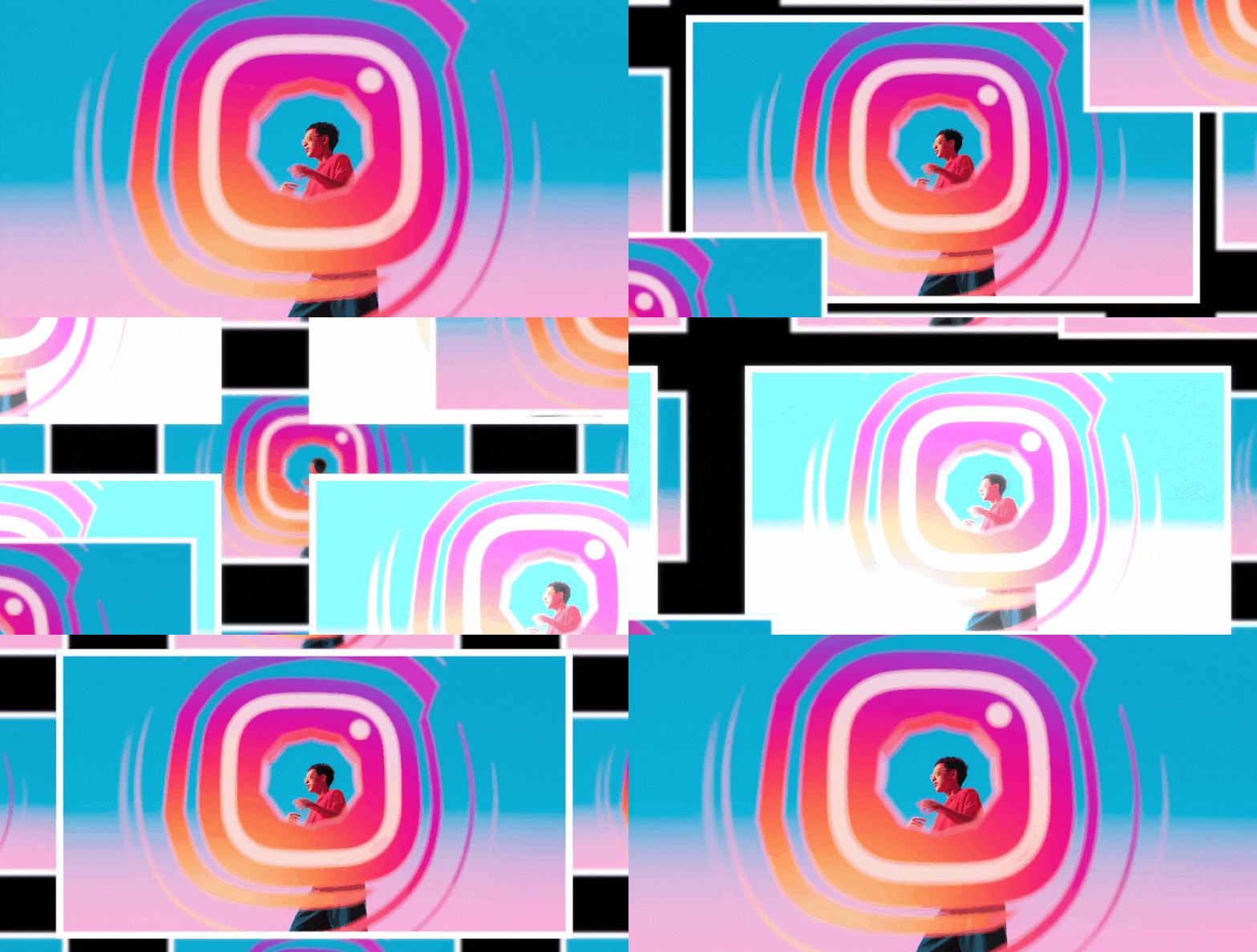
Intuitive 3D Video Effect Customization
Filmora's easy 3D video editor interface lets you customize any 3D effect in seconds with our signature drag-and-drop workflow. Adjust depth, rotation, lighting, and perspective with intuitive sliders—no keyframe animation experience needed. Perfect for beginners learning how to add 3D effects to videos and professionals who need rapid turnaround times.
- One-click application of 3D video overlays and filters
- Real-time adjustment of depth, shadows, and lighting
- Smart color grading that matches your footage automatically
- Customizable 3D animation presets with speed control
- Layer management system for complex 3D compositions
Multiple Formats for Your 3D Effects

Multiple Formats for Your 3D Effects
Every 3D video template in Filmora automatically adapts to vertical, square, and widescreen formats—ensuring your 3D video effects look pixel-perfect on TikTok, Instagram Reels, YouTube Shorts, and traditional broadcast. Our smart aspect ratio technology preserves focal points and 3D depth effects across all dimensions.
- 16:9 format for YouTube and cinematic 3D video production
- 9:16 vertical optimization for TikTok and Instagram Stories
- 1:1 square format for social media feeds with 3D effects
- Automatic safe zone detection for text and 3D elements
- Export presets for Facebook, Twitter, and LinkedIn specifications
Download 3D Effects Instantly
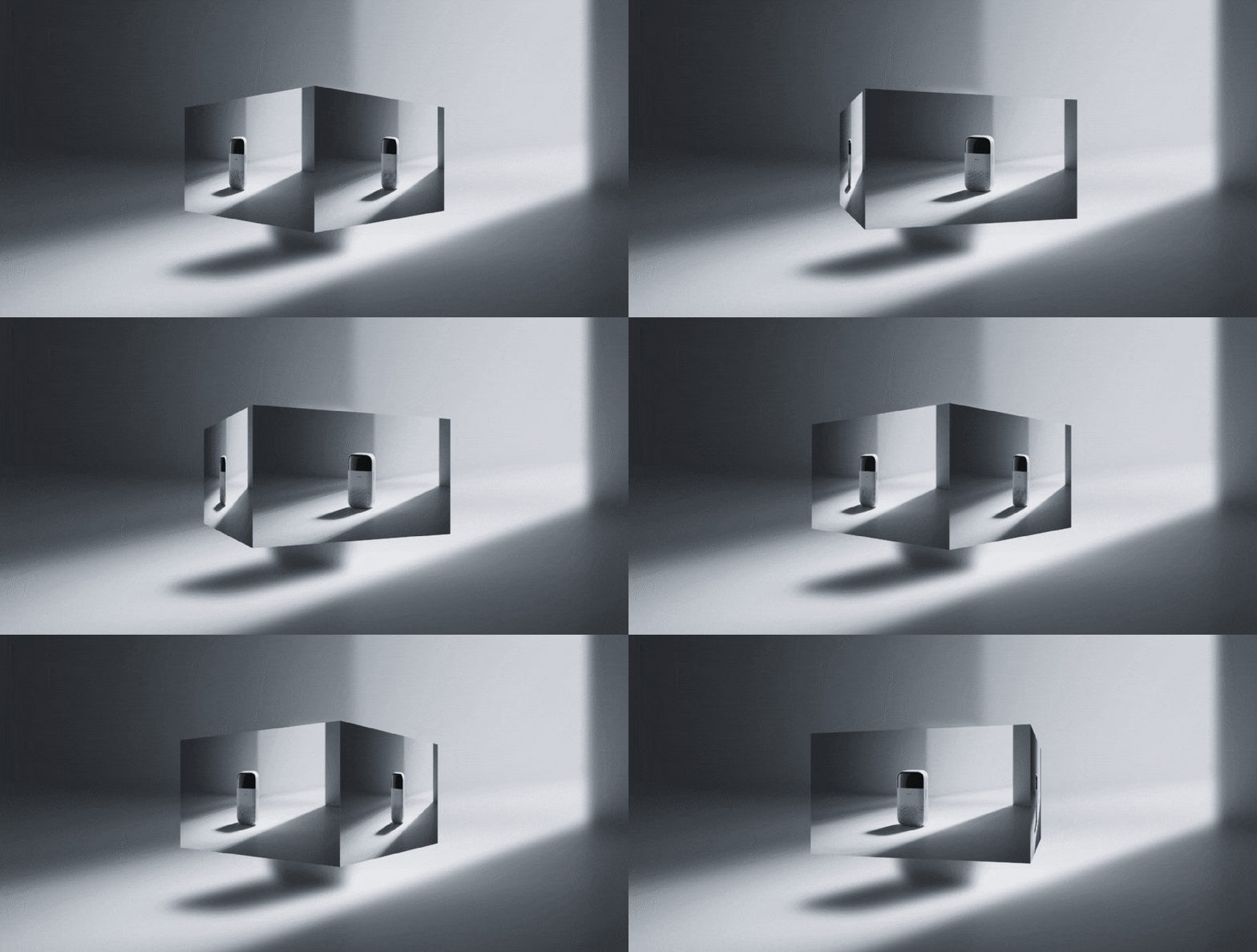
Download 3D Effects Instantly
Get immediate access to Filmora's complete library of 50+ 3D video effects with no waiting period. All effects come with lifetime usage rights, free updates, and cloud backup. Whether you need free 3D video effects or premium packs, start applying professional 3D effects to your videos within minutes of downloading Filmora.
- Instant download of 3D video editing software (Windows & Mac)
- Lifetime access to all purchased 3D effect packs
- Monthly additions of new 3D video effects and templates
- Free starter pack with basic 3D effects for beginners
- No subscription required—one-time purchase options available
Frequently Asked Questions about 3D Video Effects
How to Apply 3D Video Effects in Filmora
Enhance your videos with stunning 3d video effects in just a few simple steps, no advanced technical skills required.
Step 1 Browse & Select 3D Effects

Step 2 Download Your Chosen 3D Effect

Step 3 Import 3D Effect to Filmora

-
1:Browse & Select 3D Effects
Browse our 3d video effects collection and click on any effect to preview it. Use filters to find effects by category, style, or trending status. -
2:Download Your Chosen 3D Effect
Click the download button to get the 3D effect file. It will be saved to your downloads folder and ready to import into Filmora. -
3:Import 3D Effect to Filmora
Open Filmora and import the 3D effect file. Drag it to your timeline and start customizing its properties to match your vision.
More Than Just a 3D Effect App
Filmora isn't just for adding a 3D Video Effect to your photos or videos. You can try different overlay styles for every season or event, make creative edits, personalize your content, and export in one click—all in the same trusted toolkit.








