
Trending Horror Video Effects, Scary Overlays & Dark Cinematic Effects
Create spine-tingling edits with professional horror video overlays including glitch effects, VHS distortion, static noise, smoke layers, blood overlays, and dark cinematic textures. Designed for creators who want high-impact horror visuals without complex editing. Ideal for scary transitions, horror intro effects, thriller-style edits, and short-form social content. Mix and match overlays to build layered, atmospheric scenes that feel straight out of a horror film.
Loading more Horror Video Effects...
 Category:
 Duration:
 Aspect Ratio:
Horror Video Effects Made Easy: Dark Cinematic Looks with Filmora
With Filmora's ready-to-use Horror Video Effects and overlays, creating dark, cinematic visuals has never been easier. Layer glitch effects, analog static, fog overlays, dramatic lighting flicker, and blood textures to build tension and visual impact in just a few clicks. Whether you're editing horror trailers, gaming highlights, Halloween content, or suspenseful social videos, Filmora gives you professional results without complicated timelines or advanced editing knowledge.
Massive Library of Horror Video Effects 👻
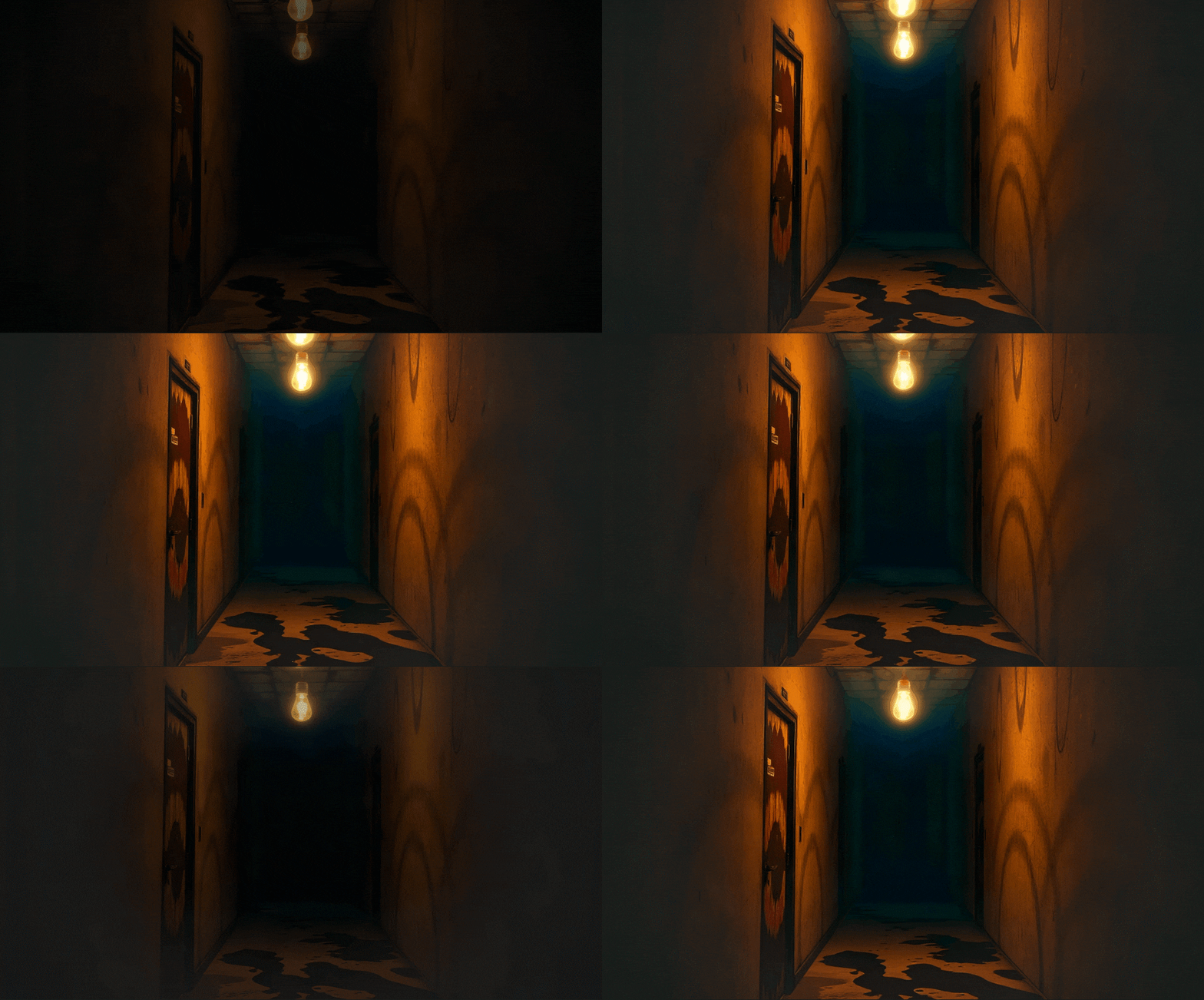
Massive Library of Horror Video Effects 👻
Access over 70 ready-to-use Horror Video Effects and dark overlays including glitch distortions, blood splatters, eerie smoke, flickering shadows, and analog static. Filmora gives you endless combinations to instantly transform any clip into a suspense-filled, cinematic scene.
- Glitch, analog static, flickering shadows, and blood overlays 🩸
- Dark cinematic textures and atmospheric lighting to build tension 🌑
- Animated smoke, fog, and flicker effects to intensify suspense 💀
Creative Customization for Unique Horror Videos 🕯️
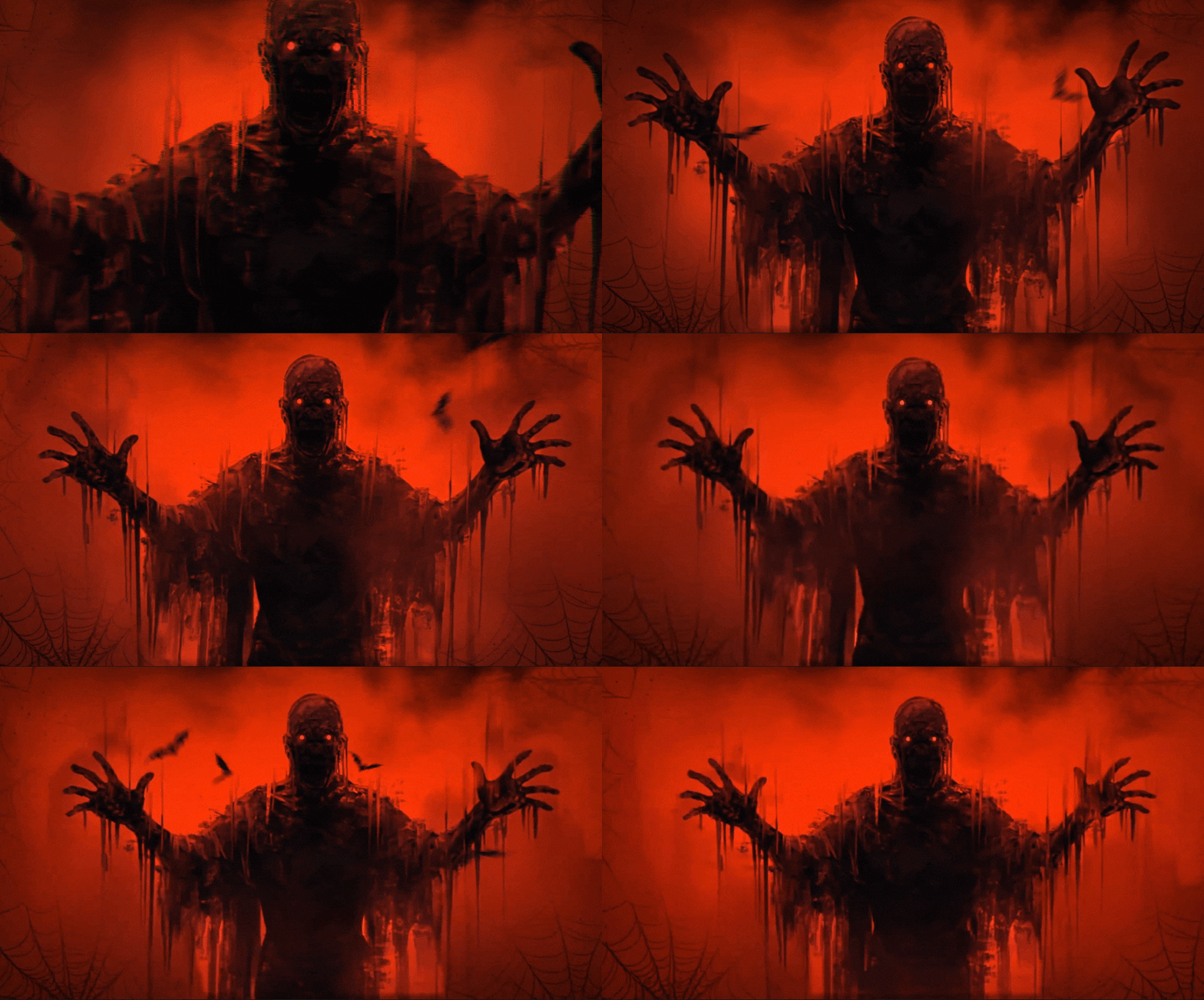
Creative Customization for Unique Horror Videos 🕯️
Filmora lets you fully personalize every Horror Video Effect. Combine overlays, adjust lighting, tweak smoke density, and animate flickers to make your videos truly spine-chilling. Perfect for social media creators aiming for high-impact horror scenes.
- Layer multiple horror overlays for glitch, analog, or cinematic effects 👁️
- Customize speed, intensity, and direction of effects ⚡
- Supports vertical, square, and horizontal videos for TikTok, Instagram, YouTube
AI Tools & Horror Assets to Elevate Your Videos 🩸
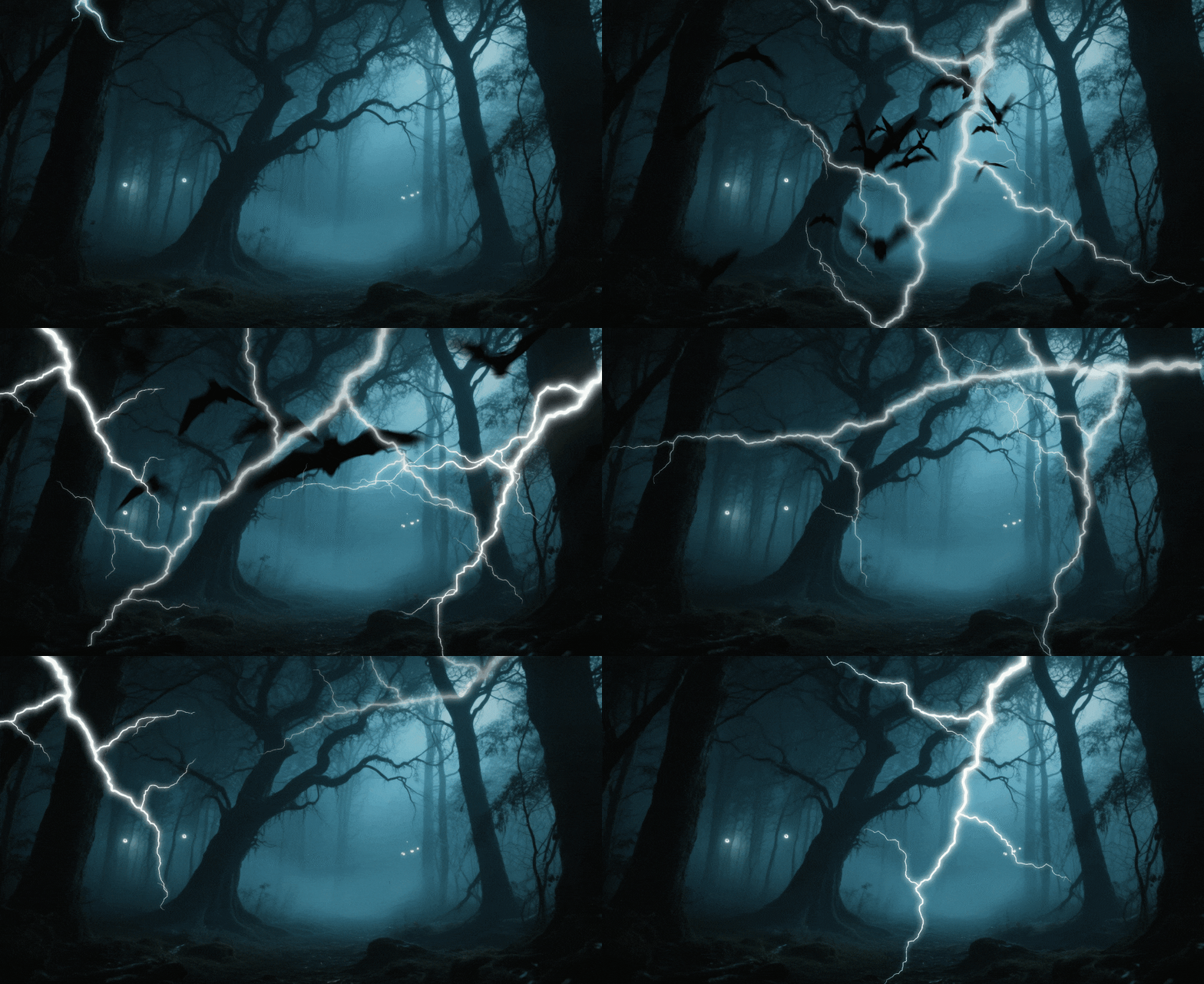
AI Tools & Horror Assets to Elevate Your Videos 🩸
Enhance your Horror Videos with Filmora's AI-powered tools and built-in horror assets. Use AI Image Generation to create creepy characters, haunted backgrounds, or custom horror scenes from prompts, and AI Video Generation to automatically craft short horror clips. You can also remove unwanted objects, generate eerie background music with AI music generator, or denoise video while keeping a dark cinematic aesthetic. Add horror stickers, creepy fonts, and suspenseful tracks to instantly polish your content.
- AI-powered tools: object remover, smart BGM generation, video denoise, AI enhancer, AI Image & Video Generation 🤖
- Generate custom horror images, spooky backgrounds, or short cinematic horror clips from prompts 🩸
- Wide stock of horror stickers, creepy fonts, and scary sound effects for social media-ready videos 🎬
- Quickly export professional horror videos optimized for TikTok, Instagram, and YouTube Shorts ⚡
Frequently Asked Questions about Horror Video Effects
How to Apply Horror Video Effects in Filmora
Create professional vintage looks in just a few simple steps, no advanced technical skills required.
Step 1 Browse & Select

Step 2 Download Horror Effect

Step 3 Apply in Filmora

-
1:Browse & Select
Browse our Horror Video Effects collection and click on any effect to preview it. Use filters to find effects by category, style, or trending popularity. -
2:Download Horror Effect
Click the download button to get the effect file. It will be saved to your downloads folder and ready to import into Filmora. -
3:Apply in Filmora
Open Filmora and import the effect file. Drag it to your timeline and start customizing the intensity, colors, and blend modes to match your vision for Horror Video Effects.
More Than Just Horror Video Effects
Filmora does more than apply the Horror Video Effect. You can also add viral filters, create trending AI videos from images or prompts, and use advanced editing features all in one place.








