
40+ Scan Video Effects Templates:
Add to Photos & Videos
Want the viral Scan Video Effect for your next Reel or short-form video? Instantly add a smooth horizontal scan line reveal that animates across your video or photo, just like the trending scan transitions on TikTok and Instagram. Browse our Scan Line templates, pick your favorite scan transition effect, and copy it straight into your video editor or app. Fast, beginner-friendly, and built for social media—create eye-catching scan animations that stand out on any platform.
Loading more templates...
 Category:
 Duration:
 Aspect Ratio:
Add the Trending Scan Video Effect for TikTok, Instagram & YouTube
Want to make your videos pop with the viral Scan Video Effect? With Filmora, you can easily add a smooth scan-line reveal that's trending across TikTok and Instagram. Apply the Scan Video Effect to turn simple clips into dynamic, scroll-stopping content—perfect for transitions, challenges, or stylized photo scan animations. Filmora's built-in Scan Video Effect delivers clean horizontal scan lines, seamless reveal transitions, and eye-catching before-and-after moments. Whether you're editing for TikTok, YouTube Shorts, Snapchat, or Instagram Reels, it's a fast, beginner-friendly way to add professional scan effects without complex editing.
Built-In Scan Video Effect with Dynamic Reveal Transitions
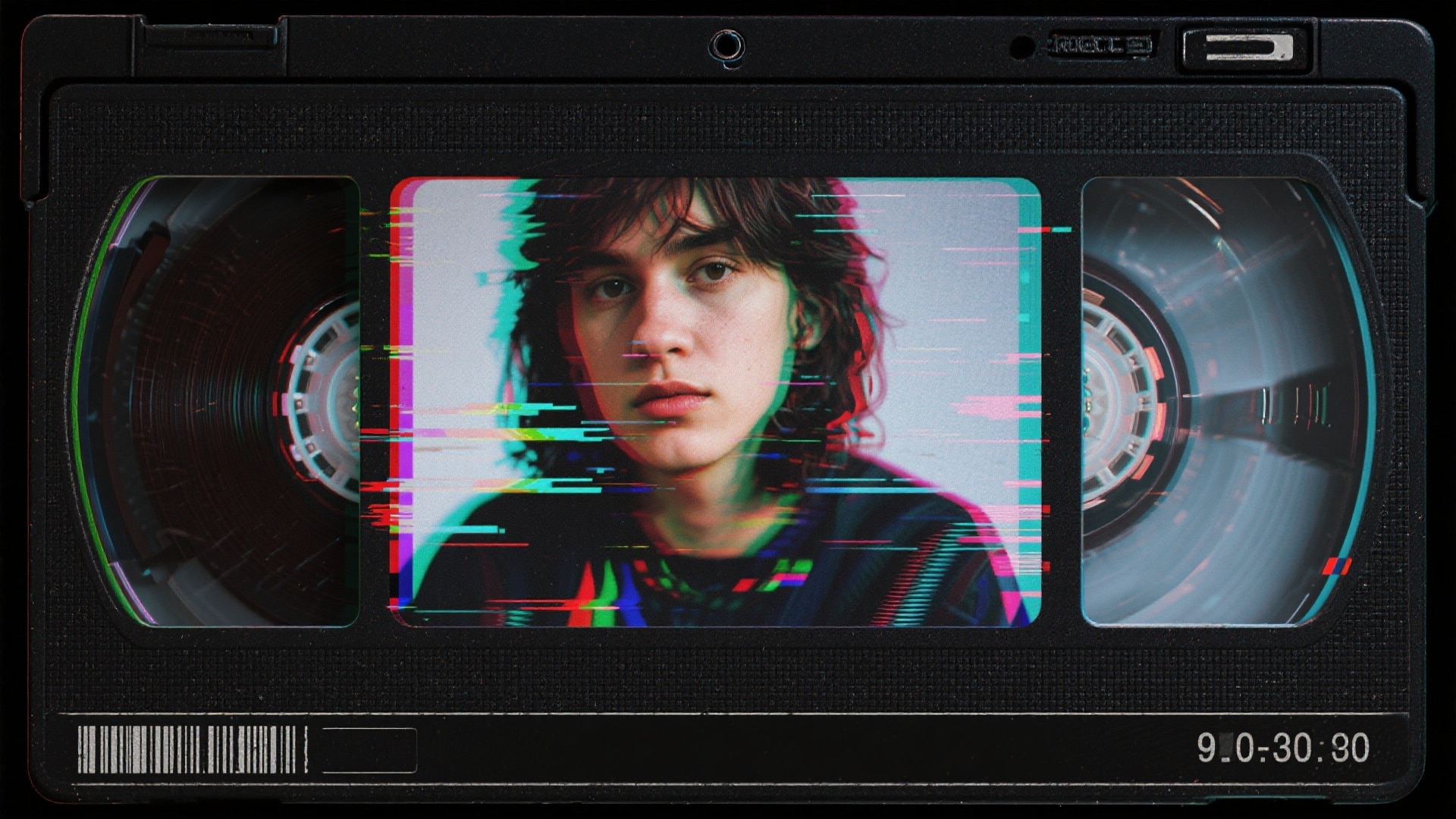
Built-In Scan Video Effect with Dynamic Reveal Transitions
Turn everyday clips into eye-catching content with Filmora's built-in Scan Video Effect. Instantly apply smooth horizontal or vertical scan line animations to create dynamic reveal transitions for selfies, product showcases, pet videos, or before-and-after edits—no advanced editing skills required.
- Instant Scan Reveal - Add a smooth scan line effect to any video in one click.
- Custom Scan Animation - Adjust direction, speed, glow, and color for unique scan transitions.
- Social-Optimized Output - Perfectly formatted for TikTok, Instagram Reels, and YouTube Shorts.
Advanced Scan Editing Across Desktop & Mobile
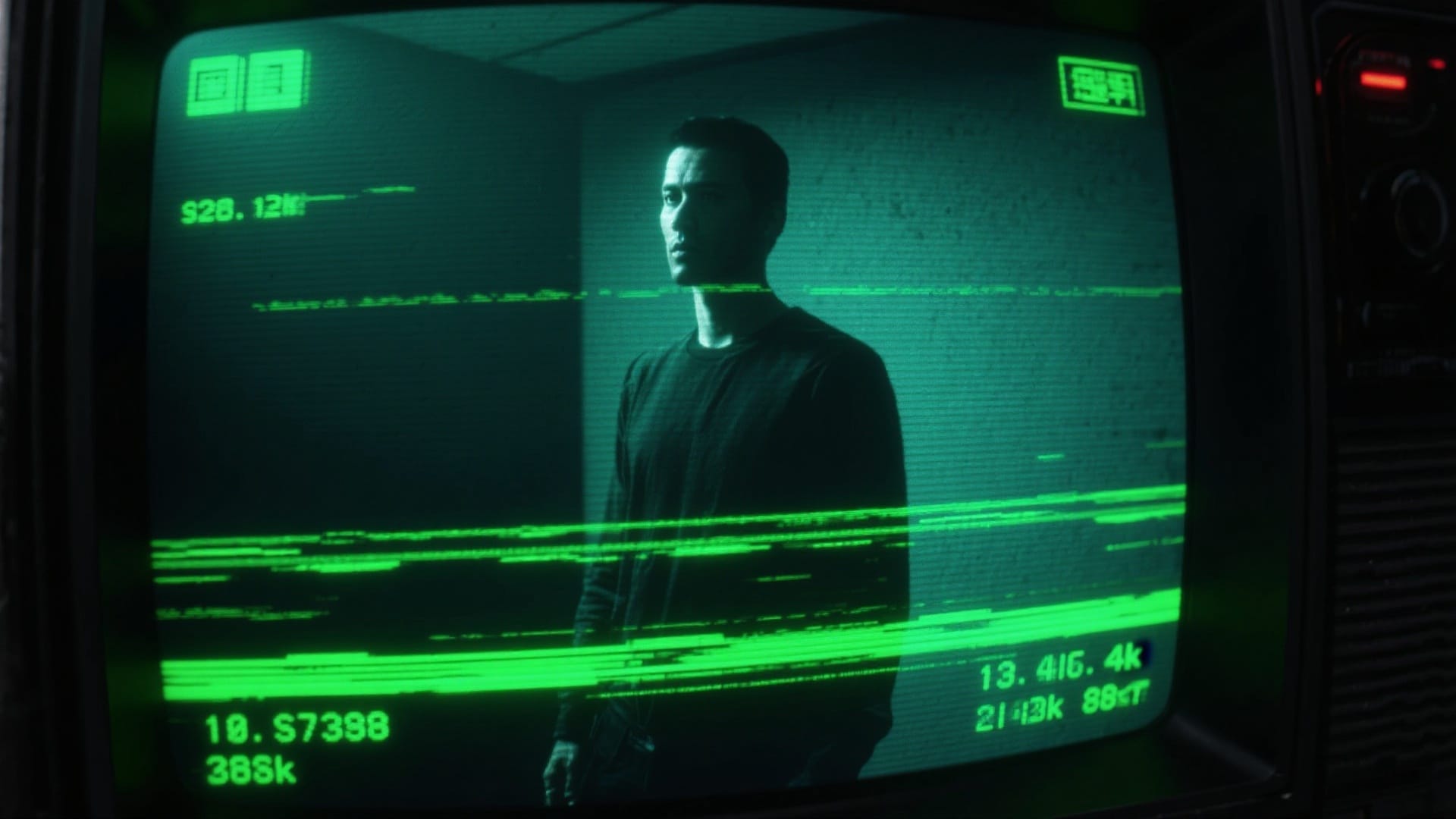
Advanced Scan Editing Across Desktop & Mobile
Edit and refine your scan effect videos with powerful tools available on both desktop and mobile. Filmora gives you full creative control—from quick presets to advanced timeline editing—so you can craft professional scan transition videos without limits.
- Cross-Platform Workflow - Start on mobile and fine-tune on desktop with seamless flexibility.
- Preset & Pro Controls - Use ready-made scan templates or customize timing and motion effects.
- Layer & Combine Effects - Mix scan reveals with transitions, filters, and motion graphics for cinematic results.
Enhance Scan Videos with Text, Overlays & Sound Design
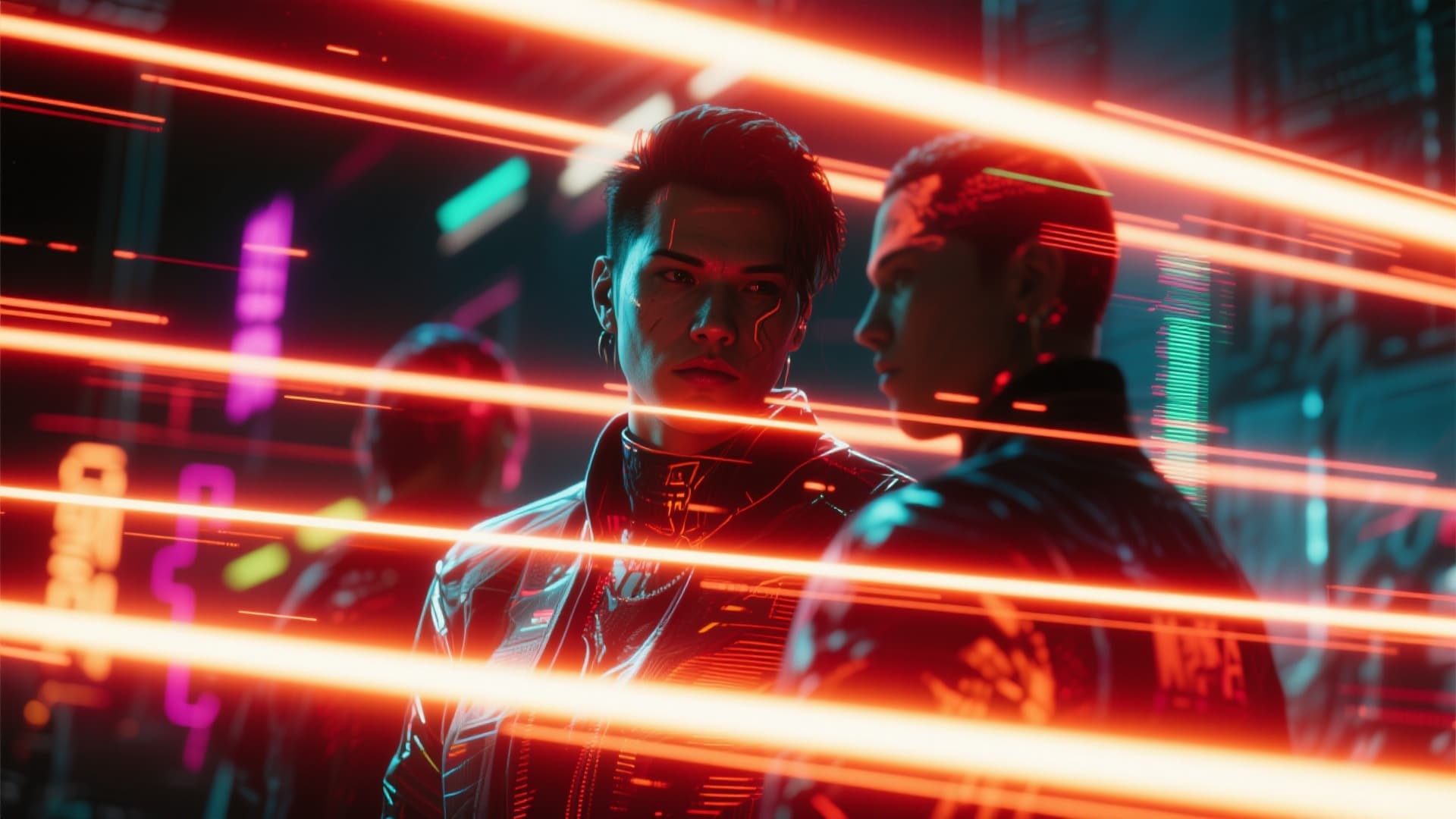
Enhance Scan Videos with Text, Overlays & Sound Design
Enhance your Scan Video Effect clips with dynamic text, overlays, and sound design that amplify every reveal moment. Add animated captions, creative glow effects, and trending audio to make your scan videos more engaging and share-worthy.
- Animated Text & Captions - Sync bold titles and callouts with scan line motion.
- Creative Overlays & Glow Effects - Add highlights, shadows, and stylized accents for standout visuals.
- Built-In Music & SFX - Elevate scan transitions with trending sounds and audio effects.
FAQs about Scan Video Effect
- Open Filmora and start a new project.
- Import your video clip.
- Search for "scan" or "scanner" in the effects panel and drag the Scan Effect or similar transition to your timeline.
- Edit the duration or direction as needed for your reveal or transition.
- Export and share your new video with the Scan Video Effect on TikTok, Instagram, or YouTube.
How to Make the Scan Video Effect in Filmora
The Scan Video Effect is trending across TikTok and Instagram. Even if you're a beginner, you can easily add the scan line animation to any video using Filmora. Just follow these steps to create viral transitions or scan reveals for your short videos or Reels.
Step 1 Launch Filmora and Start a Project

Step 2 Add a Scan Effect to Your Video

Step 3 Adjust, Export, and Post Your Scanned Video

-
1:Launch Filmora and Start a Project
Open the latest version of Filmora, create your new project, and find the "Stock Media" panel. You can use scan overlays for extra style or realism. -
2:Add a Scan Effect to Your Video
From the effects library, search for "scan" or "scanner" and drag the Scan Video Effect directly onto your clip for instant scan line animation. -
3:Adjust, Export, and Post Your Scanned Video
Customize the animation, then export your scan effect video. Upload straight to TikTok, Instagram, or YouTube and join the trending Scan Video Effect challenge.
More Than Just Scan Video Effects
Filmora does more than apply the Scan Video Effect. You can also add viral filters, create trending AI videos from images or prompts, and use advanced editing features all in one place.







