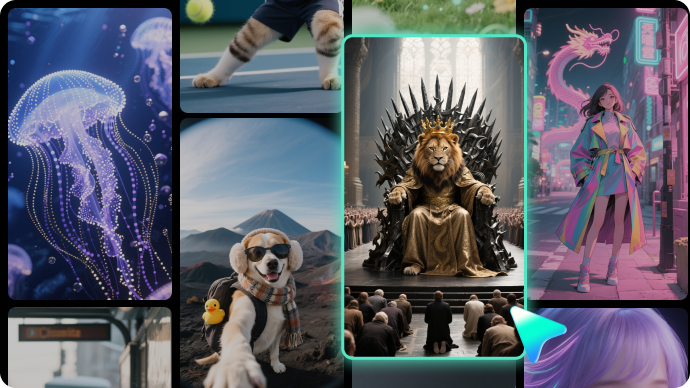
Trending Beard Effect Templates:
Try On, Transform, and Share
Skip the awkward growing phase and see your new look instantly. These beard effect templates let you virtually try on realistic facial hair styles — from classic stubble and full beards to goatees and mustaches. Simply pick a beard filter template, drop in your video or selfie, and export a polished before-and-after transformation ready for social media.
Loading more templates...
 Category:
 Duration:
 Aspect Ratio:
Add or Remove Beards in Videos
with AI-Powered Precision
Social media beard filters are fun for quick laughs, but they glitch, flicker, and offer zero customization. Filmora's AI beard effects go far beyond basic overlays — using intelligent facial recognition, object tracking, and generative fill to seamlessly add or remove facial hair in your videos with natural-looking results that actually hold up on close inspection.
AI Beard Generator: Try Any Beard Style on Video Instantly
AI Beard Generator: Try Any Beard Style on Video Instantly
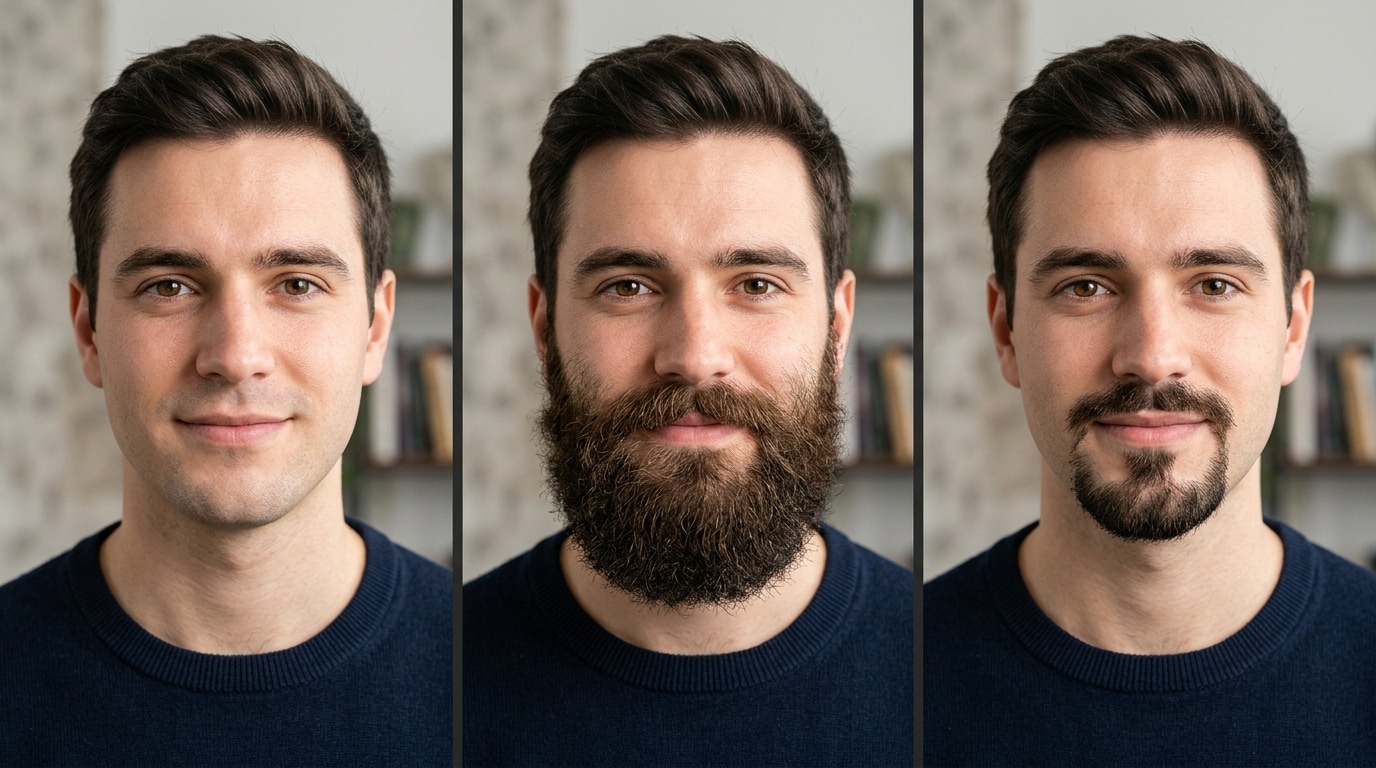
Curious what you'd look like with a full beard, goatee, or stubble? Filmora's AI analyzes your facial structure and lighting conditions to generate realistic facial hair that moves naturally with your face — no awkward "pasted-on" look that cheap filters produce.
- Smart Face Detection – AI automatically maps your jawline, chin, and cheeks for precise beard placement that adapts to your face shape.
- Multiple Beard Styles – Try full beard, stubble, goatee, Van Dyke, mustache, and more — all from a single tool.
- Natural Motion Tracking – The beard effect tracks your facial movements frame-by-frame, so it stays realistic even when you turn or talk.
AI Beard Remover: Go Clean-Shaven in One Click
AI Beard Remover: Go Clean-Shaven in One Click
Riding the viral "no beard" trend on TikTok and Snapchat? Filmora's AI Remover does what social media filters can't — it intelligently erases facial hair and reconstructs the skin underneath with realistic texture and tone matching, delivering clean results that won't break immersion.
- Generative Fill Technology – AI doesn't just hide the beard; it rebuilds the skin area with natural texture, color, and shading.
- Precise Edge Control – Fine-tune removal boundaries to handle tricky areas like sideburns and necklines cleanly.
- Beyond Beards – The same AI tool can remove any unwanted object from your video — photobombers, signs, blemishes, and more.
Full Video Editing Suite: From Beard Effect to Final Cut
Full Video Editing Suite: From Beard Effect to Final Cut
Unlike standalone beard filter apps that only do one thing, Filmora gives you a complete editing workflow. Apply beard effects, add face filters, layer AR stickers, adjust beauty settings, and cut your video — all without switching between apps.
- 🎨 45+ AI Face Filters – Go beyond beards with cartoon, anime, age progression, and other face transformation effects.
- ✨ AR Stickers & Beauty Effects – Smooth skin, brighten eyes, slim faces, and add fun overlays on top of your beard look.
- 🎬 Pro Editing Tools – Trim, transition, add music, apply color grading, and export in any format — all in one timeline.
Create Anywhere: Desktop, Mobile, and Cross-Platform Export
Create Anywhere: Desktop, Mobile, and Cross-Platform Export
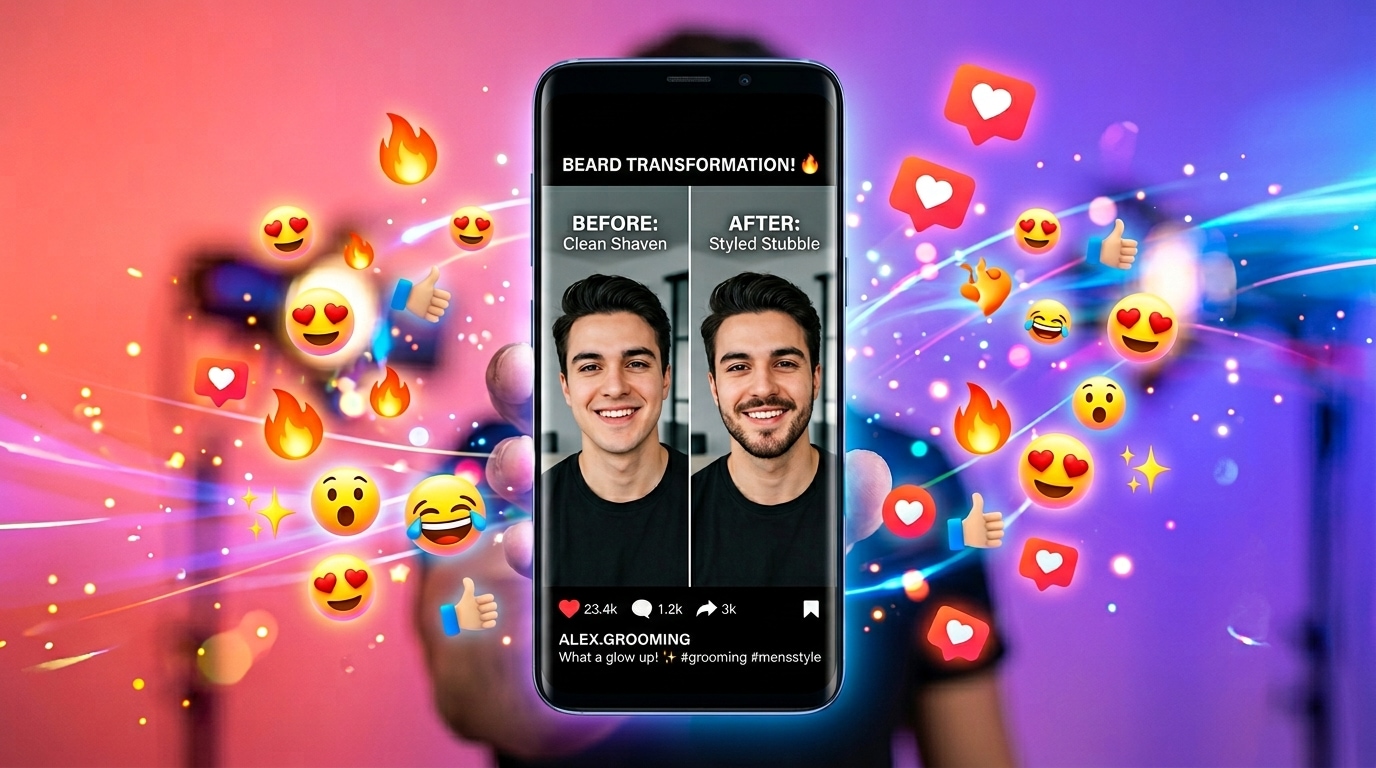
Whether you're editing a beard transformation video on your laptop or creating a quick before-and-after clip on your phone, Filmora's AI beard effects work identically across Windows, Mac, iOS, and Android. Export in the perfect format for any social platform.
- Same AI on Mobile – The Filmora app includes the same AI Remover and face effects as the desktop version, right in your pocket.
- Multi-Platform Export – One-tap presets for TikTok (9:16), Instagram Reels, YouTube Shorts, and standard 16:9 landscape.
- HD & 4K Quality – Export in high definition so every beard hair looks crisp and natural on any screen size.
FAQs About AI Beard Effects & Filters
How to Add Beard Effects to Your Video with Filmora
Whether you're creating a beard transformation video for social media or simply want to see how a new look suits you, this step-by-step guide shows you how to apply AI beard effects in Filmora — no editing experience needed.
Step 1 Import Your Video or Selfie

Step 2 Apply Beard Effect & Customize

Step 3 Export & Share Your New Look

-
1:Import Your Video or Selfie
Open Filmora and start a new project. Import your video clip or selfie photo — use a front-facing, well-lit shot for the best beard effect results. -
2:Apply Beard Effect & Customize
Go to Effects, search "beard," and drag your chosen beard filter onto the timeline. The AI auto-detects your face and applies the effect. Adjust style, intensity, and blending as needed. -
3:Export & Share Your New Look
Preview the result, make final adjustments, and hit Export. Choose the format for your platform — 9:16 for TikTok and Reels, 16:9 for YouTube — and share your beard transformation.
Explore More AI Face Effects & Templates
From beard transformations to full face makeovers — explore Filmora's AI-powered tools and templates for every creative project.