100+ Anime Video Effects & Packs:
Level Up Your Edits Instantly
Give your videos the cinematic flair of top-tier animation studios. Explore our curated selection of anime video effects and motion assets, featuring everything from AI style transformation and energy blasts to manga speed lines and kawaii overlays. Simply pick your favorite anime effect style, drag it into your timeline, and create AMVs or cosplay videos that captivate. Perfect for streamers, YouTubers, and fans turning footage into art.
Loading more templates...
 Category:
 Duration:
 Aspect Ratio:
Why Use These Anime Effects?
Unleash the power of professional animation tools — turn ordinary clips into viral masterpieces!
Turn Yourself into an Anime Character with AI

Turn Yourself into an Anime Character with AI
Don't just watch anime—become part of it. Our advanced AI engine instantly analyzes your footage and applies authentic anime art styles, from classic cel-shading to modern high-fidelity aesthetics. It's the fastest way to create viral "me as anime" content without drawing a single line.
- One-click AI filters that transform real-life video into Japanese animation styles
- Multiple art styles including retro 90s, cyberpunk, and shonen manga aesthetics
- Preserves facial expressions and motion for a natural, high-quality look
Unleash Epic Energy Blasts and Jutsu Effects

Unleash Epic Energy Blasts and Jutsu Effects
Add the explosive power of your favorite battle scenes directly to your edits. Our library is packed with drag-and-drop energy beams, fireballs, lightning auras, and impact shockwaves designed to mimic top-tier animation studios. Perfect for cosplay videos and action-packed AMVs.
- High-quality alpha channel overlays for energy balls, lightning, and aura bursts
- Customizable colors and blending modes to match specific character powers
- Dynamic impact frames and shockwaves to emphasize heavy hits
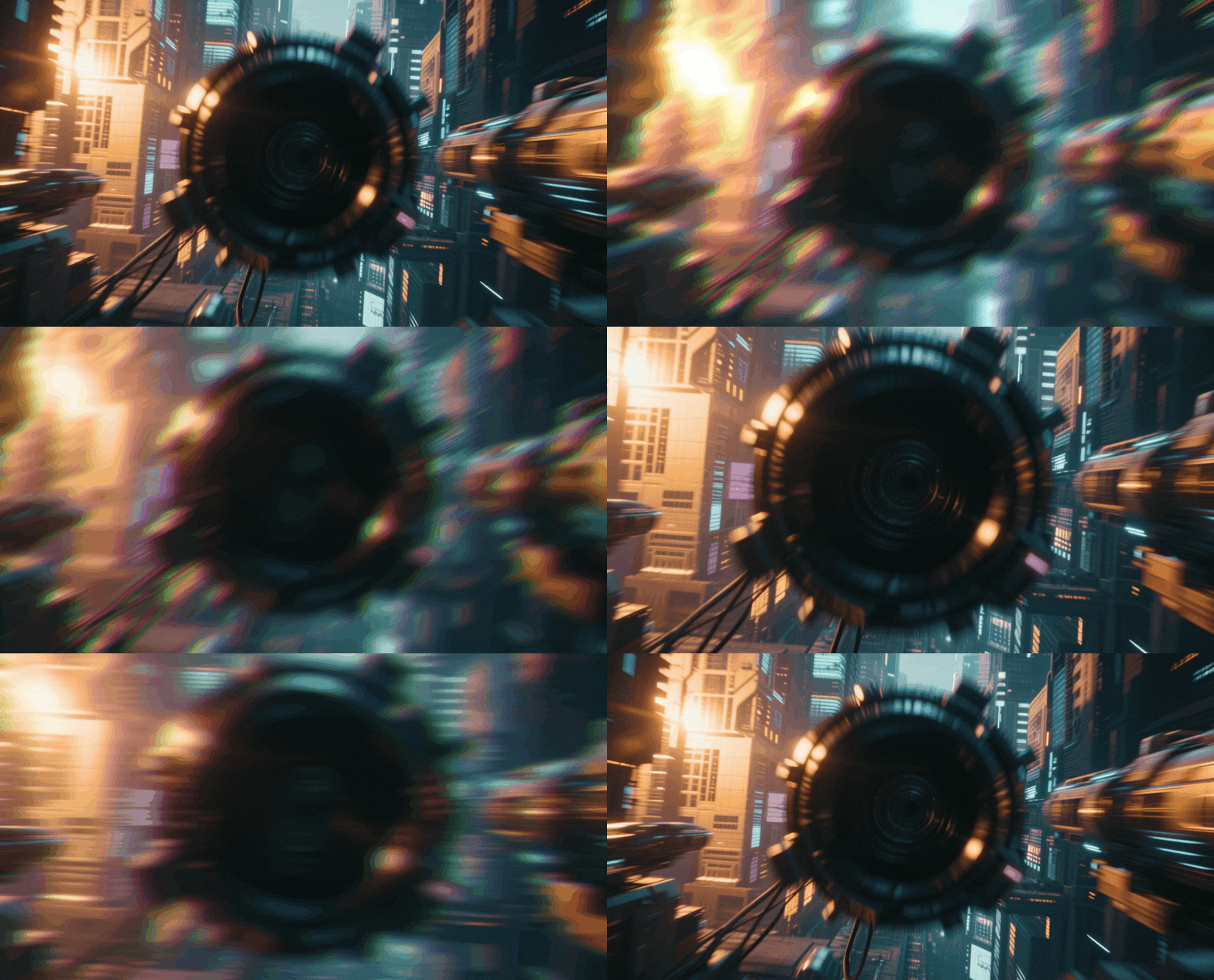
Amplify Intensity with Dynamic Motion Lines

Amplify Intensity with Dynamic Motion Lines
Nothing screams "anime" like the rush of high-speed action. Overlay dynamic speed lines, radial zoom effects, and intense focus backgrounds to simulate rapid movement and dramatic tension. These assets are essential for turning static shots into high-octane sequences.
- Variety of speed line overlays (horizontal, vertical, and radial zoom)
- Adjustable opacity and speed to sync perfectly with your action pacing
- Includes dramatic "manga" background layouts for emotional intensity
Craft Professional AMVs with Stylized Transitions
Craft Professional AMVs with Stylized Transitions
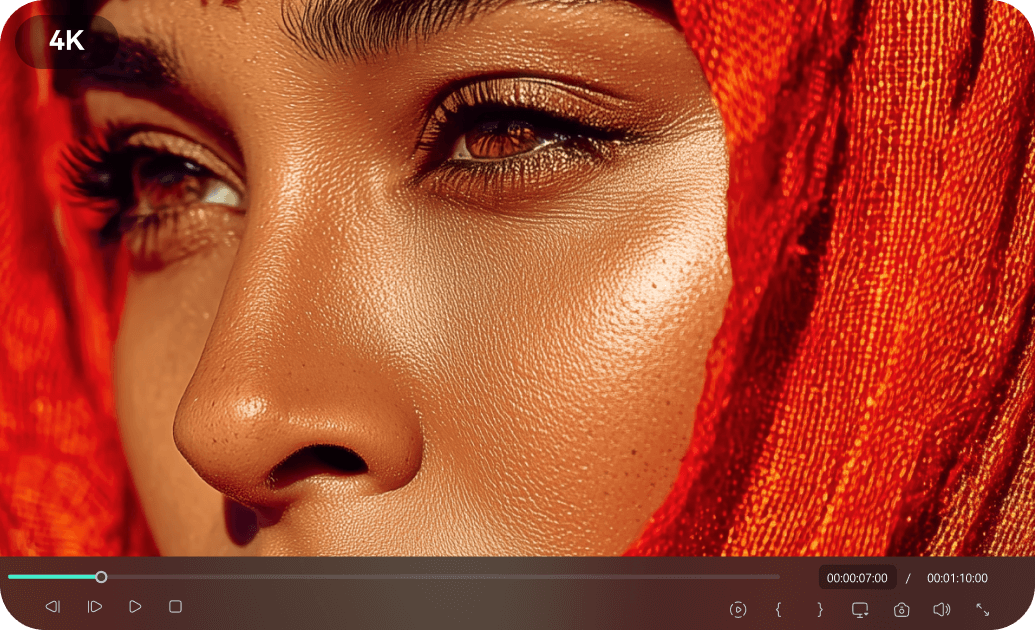
Flow seamlessly between scenes with transitions specifically designed for Anime Music Videos (AMVs). Combine these with bold, Japanese-inspired typography and title cards to give your edits a broadcast-ready opening. It’s the ultimate toolkit for storytelling through anime footage.
- Glitch, slice, and zoom transitions optimized for fast-paced music syncing
- Customizable Japanese and English anime-style font presets
- Rhythmic editing tools to snap transitions automatically to the beat
FAQs About Anime Video Effects
How To Add Anime Effects to Videos
Whether you're a beginner or experienced creator, adding anime effects to your videos with our video effect editor is intuitive and fast.
Follow these simple steps to improve your videos with Filmora's extensive effect collection.
Step 1 Open Filmora and Import Your Video

Step 2 Choose and Apply Anime Effects

Step 3 Export or Continue Editing

-
Step 1: Open Filmora and Import Your Video
Launch Filmora on your computer and import the video file you want to edit into the media library. Then, drag it to the timeline to start editing. -
Step 2: Choose and Apply Anime Effects
Click the Effects tab in the top toolbar. Under Video Effects, search for "Anime" or "Manga". Select an effect you like and drag and drop it onto your video clip in the timeline to apply it. -
Step 3: Export or Continue Editing
Once you’re satisfied with the effect, export your video or continue editing by adding more effects, text, or music.
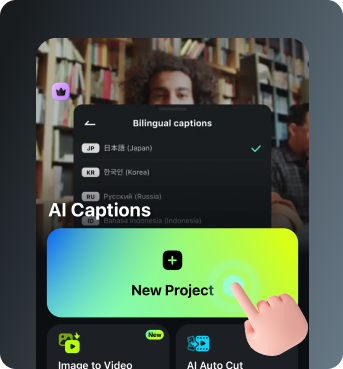
Step 1 Open Filmora and Import Your Video
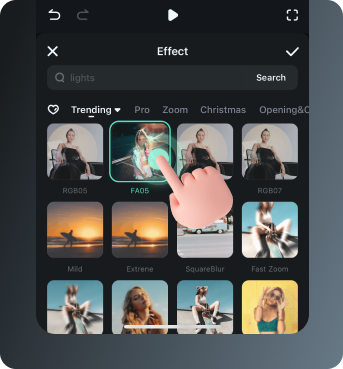
Step 2 Access and Select Your Anime Effects
Step 3 Export or Keep Editing
-
Step 1: Open Filmora and Import Your Video
Open the Filmora app on your phone and import the video you want to edit. The clip will be added to your editing timeline automatically. -
Step 2: Access and Select Your Effect
Tap Animation to browse preset video effects and animations. Choose a style you like and apply it to enhance your video instantly. -
Step 3: Export or Keep Editing
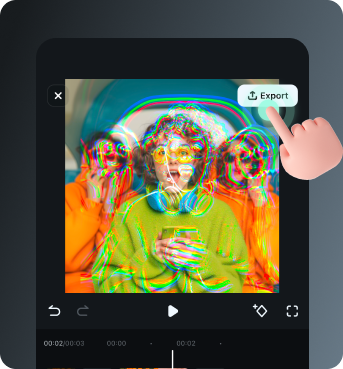
After applying the effects, export your video or continue editing with additional animations, stickers, or adjustments.
Explore More Video Effects
From cinematic slideshow effects to dynamic zoom transitions — explore our free, ready-to-use effects for every creative project.