
50+ Split Effects:
Drag & Drop Multi-Video Layouts
Create engaging multi-view videos in minutes with these professional templates. Designed for popular video collage styles like gaming reactions, before-and-after comparisons, and fashion lookbooks. Simply choose a split screen layout and drag your clips into place to build a polished multi-video scene. Perfect for reaction videos, social media edits, and creative storytelling.
Loading more templates...
 Category:
 Duration:
 Aspect Ratio:
Master Video Collages with Filmora Split Screen Effects
Combine multiple clips into one frame using Filmora's split screen tools. Choose from over 20 ready-to-use split screen layouts, drag and drop your footage, and create polished multi-video collages perfect for reactions, comparisons, or creative storytelling.
Effortlessly Design Video Collages with Templates
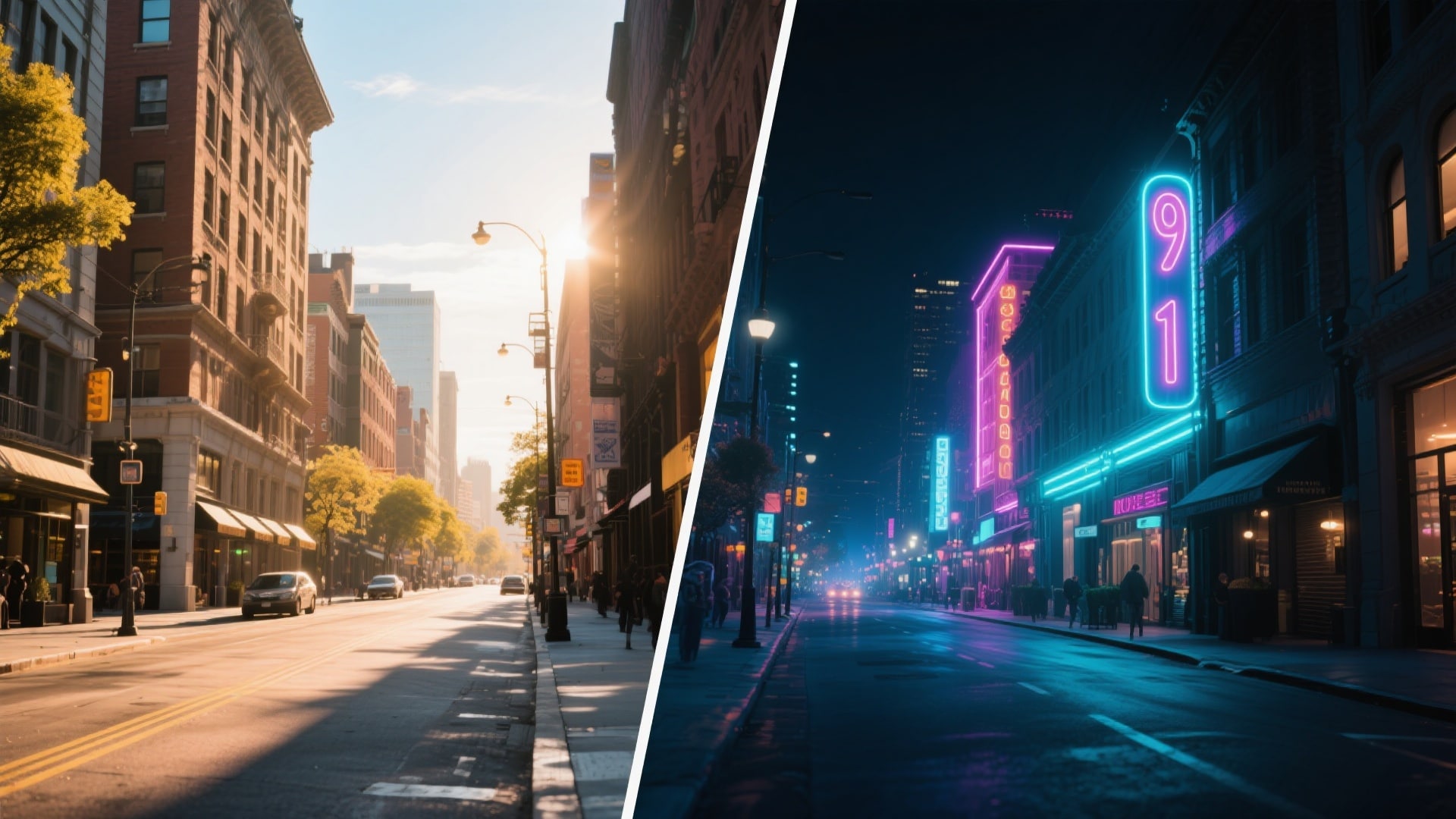
Effortlessly Design Video Collages with Templates
Filmora offers a library of pre-set Split Effects from simple side-by-side layouts to complex multi-grid designs. Drag your clips into the placeholders to instantly create professional-looking multi-video scenes.
- 20+ Preset Layouts - Classic 2-screen splits to dynamic 6-screen mosaics.
- Drag-and-Drop Simplicity - Snap videos into place without manual resizing.
- Multi-Platform Ratios - Optimized for YouTube, TikTok, and Instagram.
Add Motion to Your Split Screens

Add Motion to Your Split Screens
Animate your split screen layouts with entrance and exit motions, or apply individual clip movements for dynamic multi-video storytelling that keeps viewers engaged.
- Intro & Outro Animations - Slide, fade, or bounce layouts for cinematic touch.
- Independent Clip Motion - Pan and zoom individual clips without affecting the full layout.
- Dynamic Keyframing - Adjust size and position of split boundaries over time.
Customize Borders and Colors
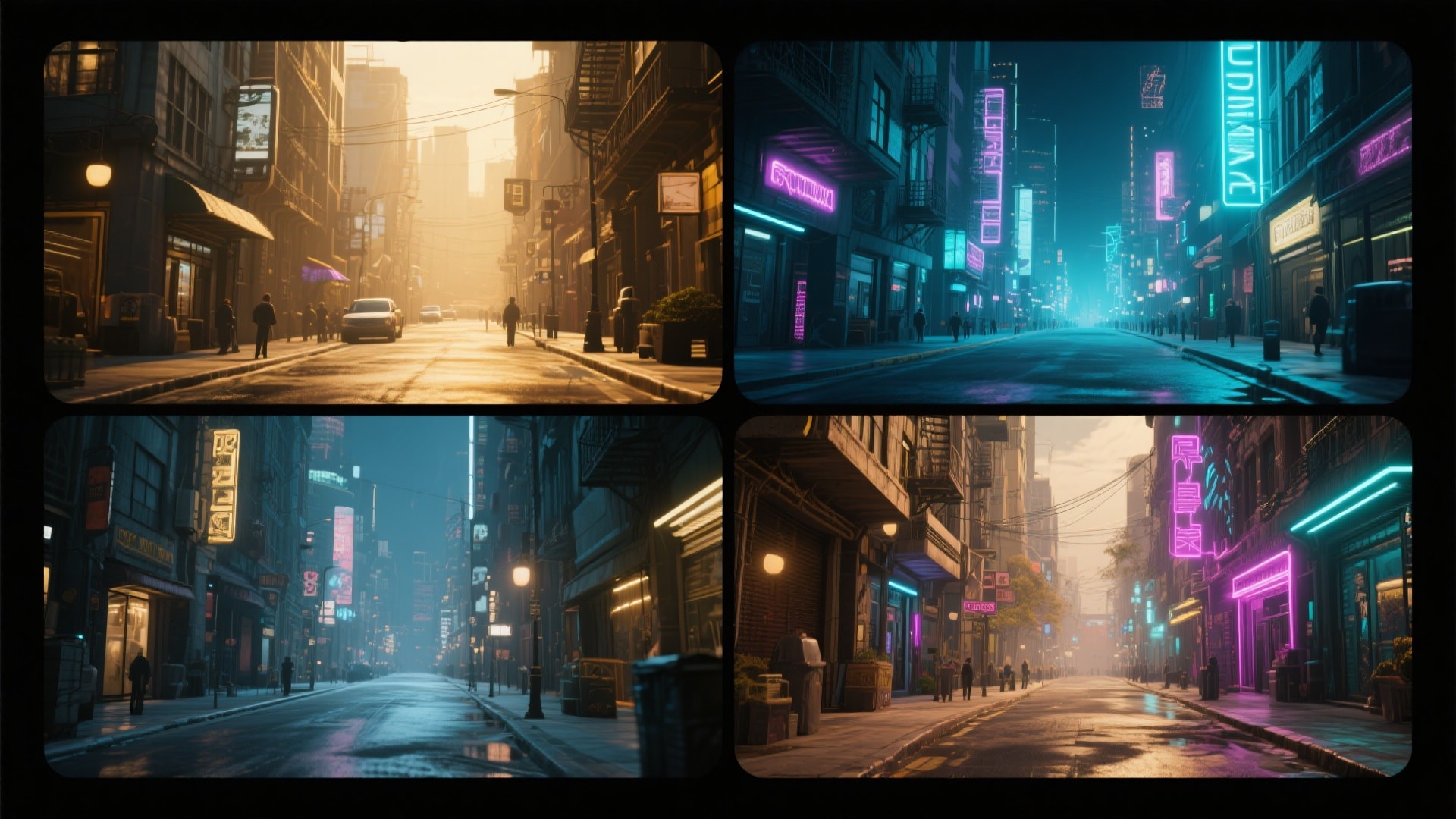
Customize Borders and Colors
Adjust border thickness, colors, and corner shapes to match your style or brand, giving your multi-screen videos a unique, professional look.
- 🎨 Brand Colors - Match borders to your brand or video mood.
- 📐 Shape & Radius - Rounded or sharp corners for different aesthetics.
- ✨ Spacing Control - Set gaps between videos for distinct or seamless layouts.
Perfect Reaction & Gaming Videos
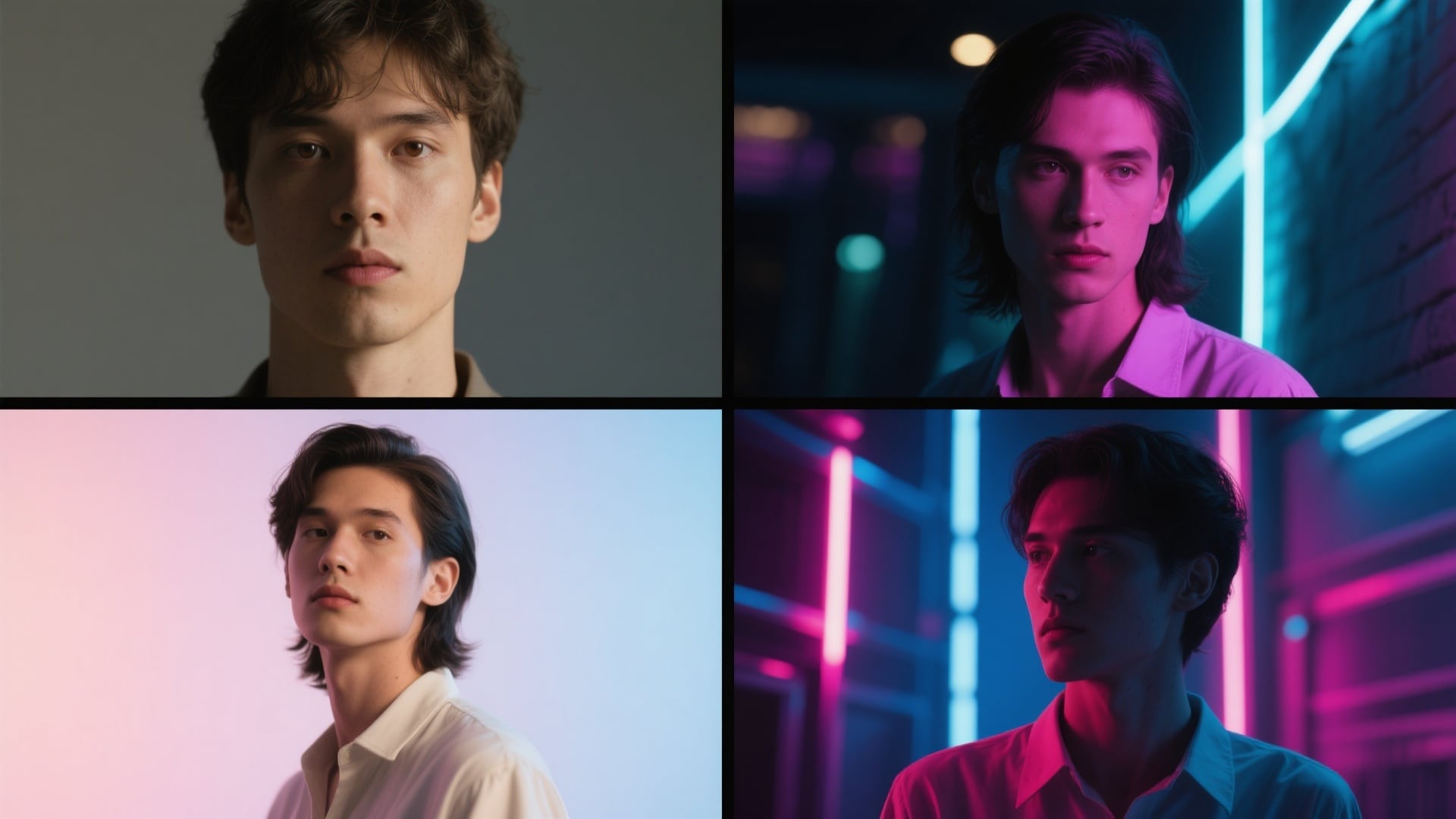
Perfect Reaction & Gaming Videos
Position your webcam footage alongside gameplay or source videos easily. Filmora's split effect tools keep clips synchronized, letting your commentary shine and providing viewers a clear, engaging visual experience.
- Picture-in-Picture Alternative - Side-by-side layouts give equal focus to reaction and content.
- Audio Sync - Manage multiple audio streams so your voiceover stands out.
- Quick Swap - Swap clip positions within the split to adjust focus during edits.
FAQs About Split Screen Effects & Video Collages
How to Create a Split Screen Video with Filmora
Split screen effects are popular on YouTube and TikTok for creating comparisons, reaction videos, or dynamic collages. Follow these simple steps to make a polished multi-video scene using Filmora's ready-to-use templates.
Step 1 Open Filmora and Select a Template

Step 2 Drag and Drop Your Clips

Step 3 Customize and Export

-
1: Open Filmora and Select a Template
Launch Filmora, create a new project, and go to the "Split Screen" tab. Choose a layout that fits your video style, including 2-screen, 3-screen, and grid options. -
2: Drag and Drop Your Clips
Drag the template to the timeline, then drag your video clips from the media library into the numbered zones to populate the split screen layout instantly. -
3: Customize and Export
Adjust border thickness, colors, and animations. Preview your split screen video and export it in high resolution when ready.
More Than Just Split Screen Effects
Filmora isn't just for making video collages—it also generates stunning AI photos, powers up your edits with smart cutouts, and lets you create cinematic moments all in one simple tool.








