
Monochrome & Mono Filters
Transform your videos and photos with the trending Mono Filter and monochrome filter effects.
Transform your photos and videos with a cinematic monochrome filter. From striking black and white portraits to dramatic landscape shots, apply mono effects and monochromatic filters effortlessly. Perfect for Instagram, TikTok, and YouTube content.
2.9M+
100M+
30M+
Featured Monochrome Filters & Mono Effect Templates
Browse our curated gallery of black and white filters, mono photo and video effects, and cinematic monochrome presets. Each template is ready to use and fully customizable—perfect for applying a mono filter to Instagram reels, YouTube videos, or your personal photography projects.
Loading more Mono Filters...
Mono Filter: Classic Black & White
{{ selectedTemplate.title }}
 Category:
{{cat}}
Category:
{{cat}}
 Duration:
{{ selectedTemplate.duration }}
Duration:
{{ selectedTemplate.duration }}
 Aspect Ratio:
{{ getRatioText(selectedTemplate.ratio) }}
Aspect Ratio:
{{ getRatioText(selectedTemplate.ratio) }}
Similar Mono Filters
Why Choose Filmora for Your Mono & Monochrome Filters?
Filmora doesn't just let you apply a monochrome filter—it gives you complete creative control, allowing you to refine contrast, adjust black and white tones, and craft cinematic mono effects for both photos and videos. You can apply professional mono filter Instagram presets to enhance social content, elevate portraits, landscapes, and cinematic footage with black and white filter effects, and quickly fine-tune exposure, highlights, and shadows to achieve a perfect monochromatic aesthetic. Filmora is ideal for creators who want a high-quality mono effect without needing advanced editing experience.
One-Click Mono Filters
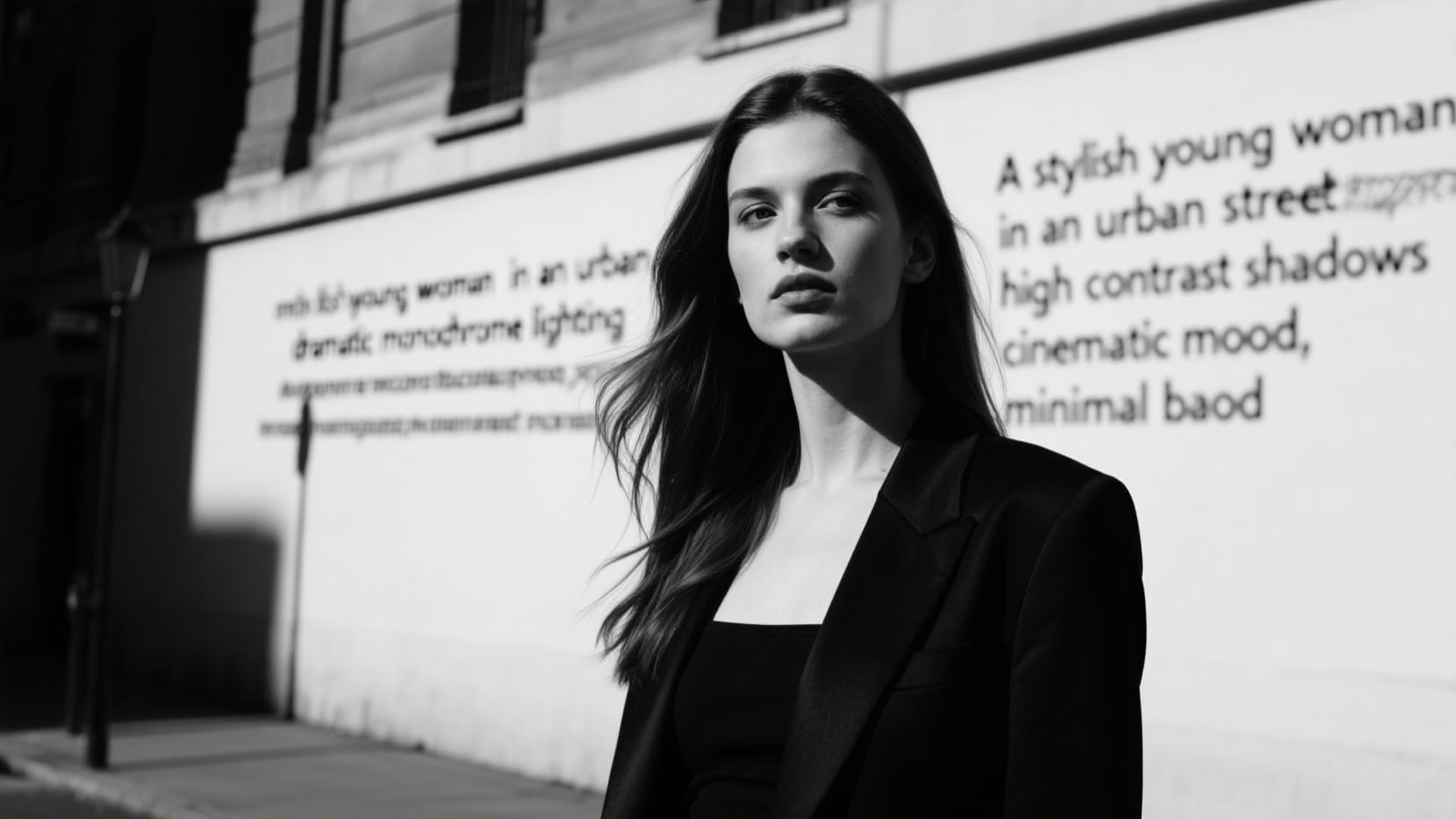
One-Click Mono Filters
Apply cinematic black and white filters or mono effects instantly. Choose from a library of professional monochrome filter presets for both photos and videos, crafted to give your content a timeless black and white aesthetic.
- Wide variety of black and white tones for any scene
- Optimized for smooth mono effect on videos and photos
- Quick and easy to apply for Instagram, TikTok, and YouTube content
Advanced Color & Contrast Control
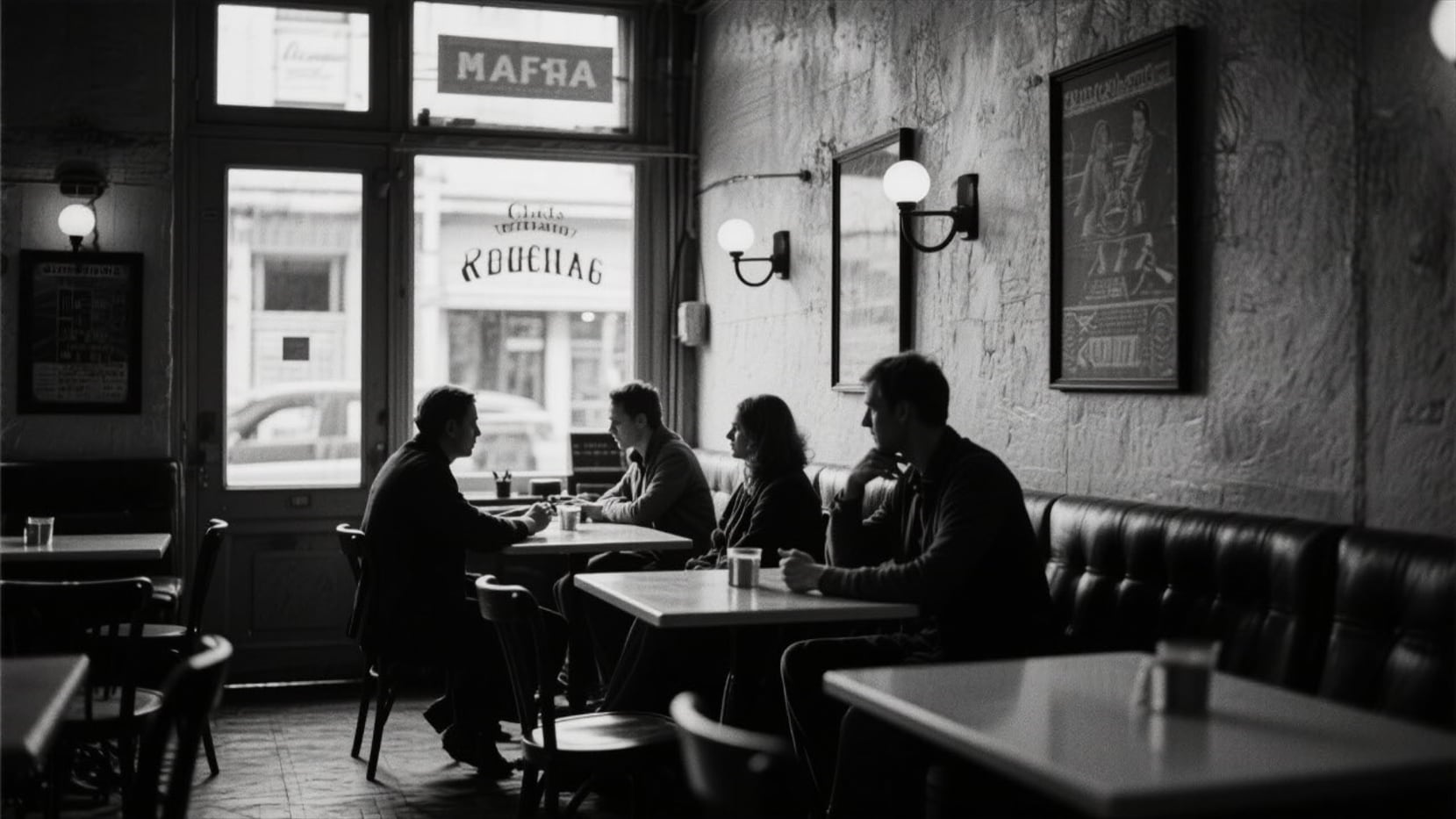
Advanced Color & Contrast Control
Refine shadows, highlights, and contrast to achieve the perfect monochrome aesthetic. Create subtle vintage or high-contrast mono effects effortlessly for a cinematic look in your photos and videos.
- Precise control over black and white tones
- Supports both subtle and dramatic mono effects
- Enhances portraits, landscapes, and cinematic footage
Platform-Ready Presets

Platform-Ready Presets
Optimized for Instagram, TikTok, and YouTube, these mono filter Instagram presets allow you to maintain a consistent black and white visual style across all your social content, from reels to stories.
- Pre-tuned for popular social media formats
- Ensure consistent monochrome aesthetics on all platforms
- Save time with ready-to-use professional presets
Creative Layering & LUTs
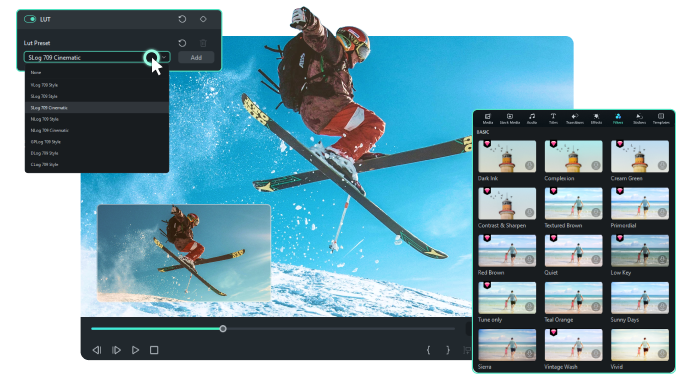
Creative Layering & LUTs
Combine multiple black and white filters, overlays, and LUTs to craft unique cinematic mono filter effects for your content. Perfect for creators seeking a customized monochrome aesthetic that stands out on social media and in professional projects.
- Layer multiple monochrome filters for depth and mood
- Use LUTs to achieve cinematic black and white tones
- Ideal for both photography and video projects
Frequently Asked Questions about Mono Filters
How to Apply the Mono Filter in Filmora
Achieve striking monochrome effects in just a few simple steps, no advanced technical skills required.
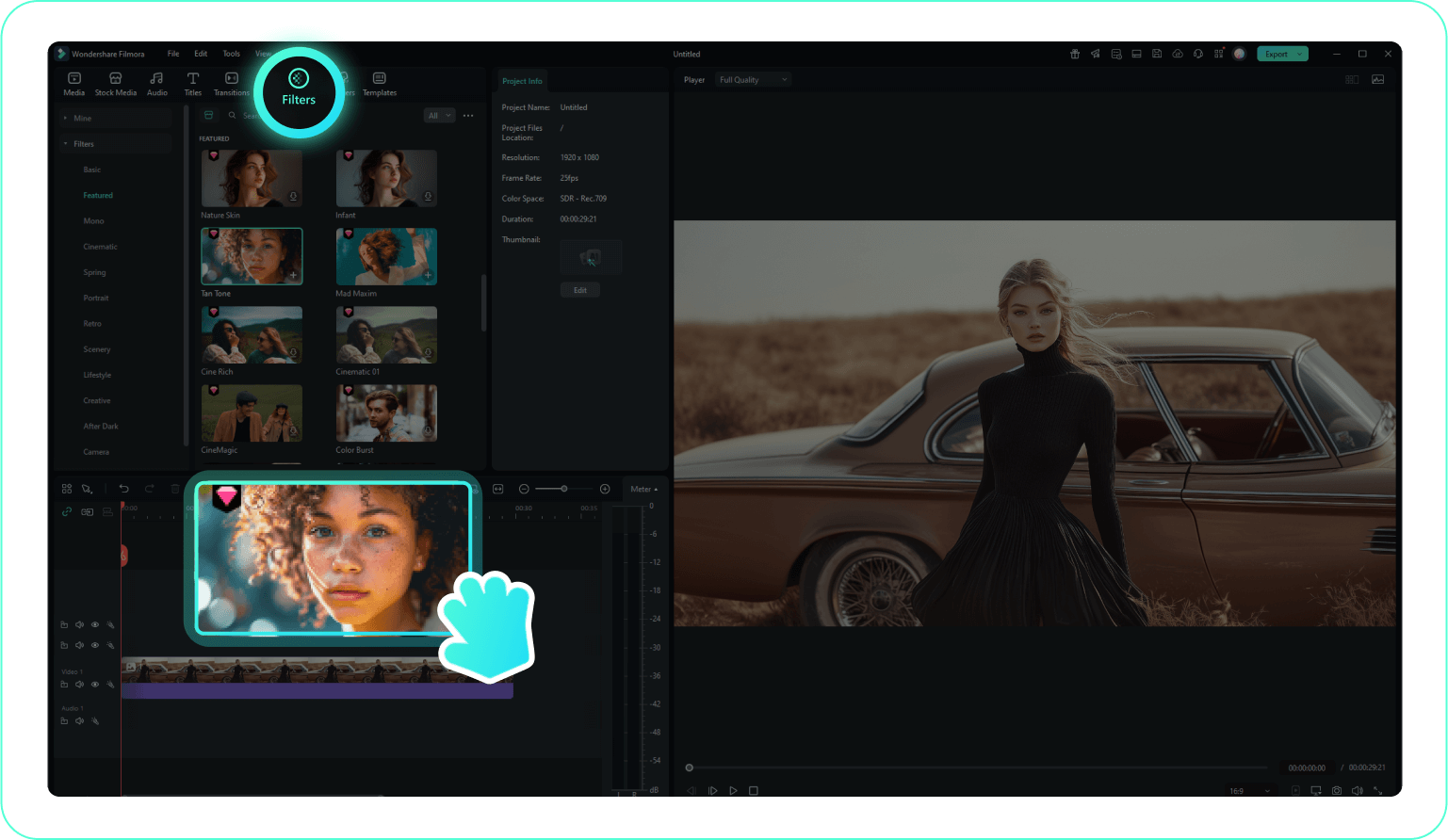
Step 1 Find Your Mono Filter
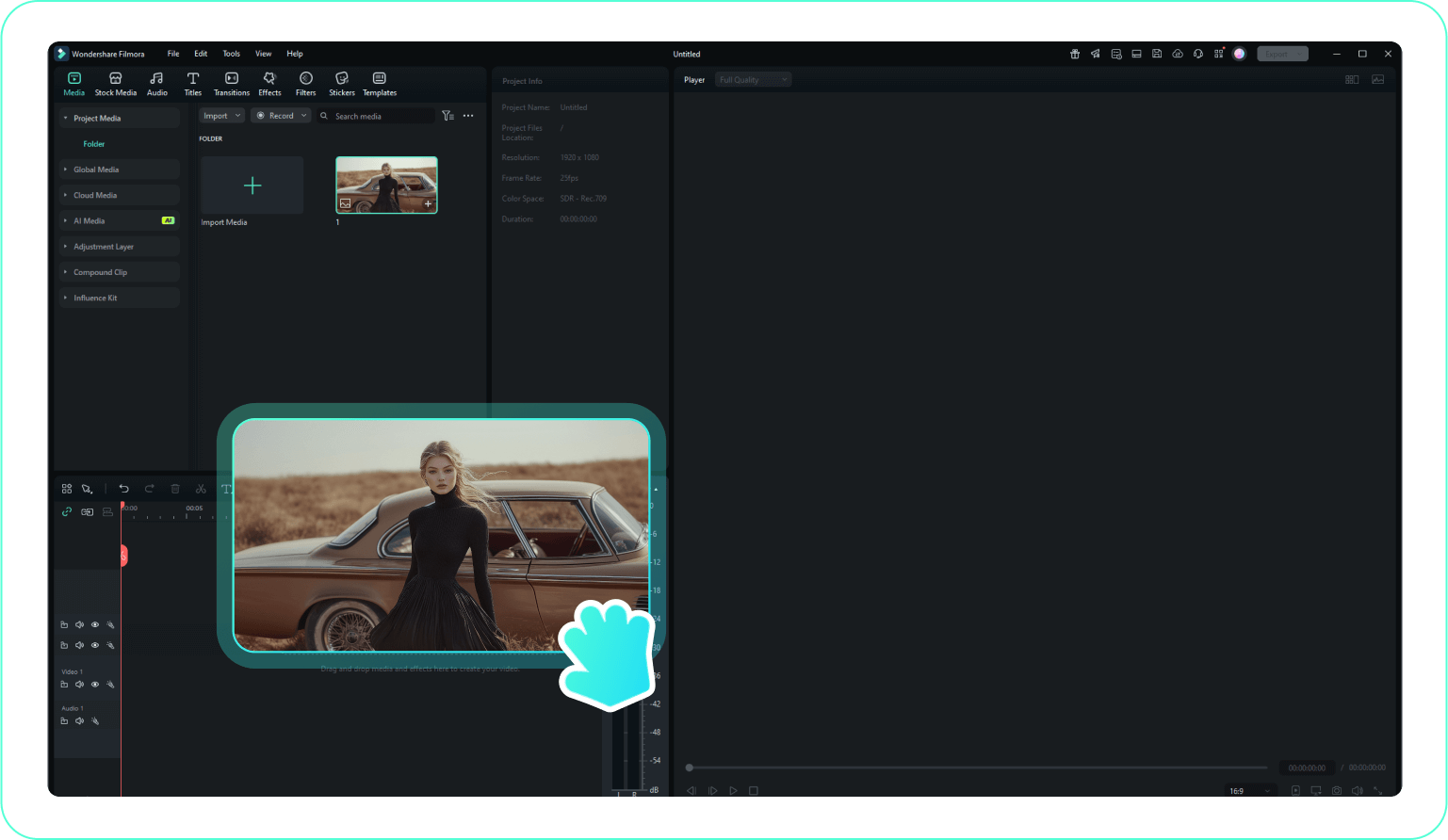
Step 2 Apply with One Click
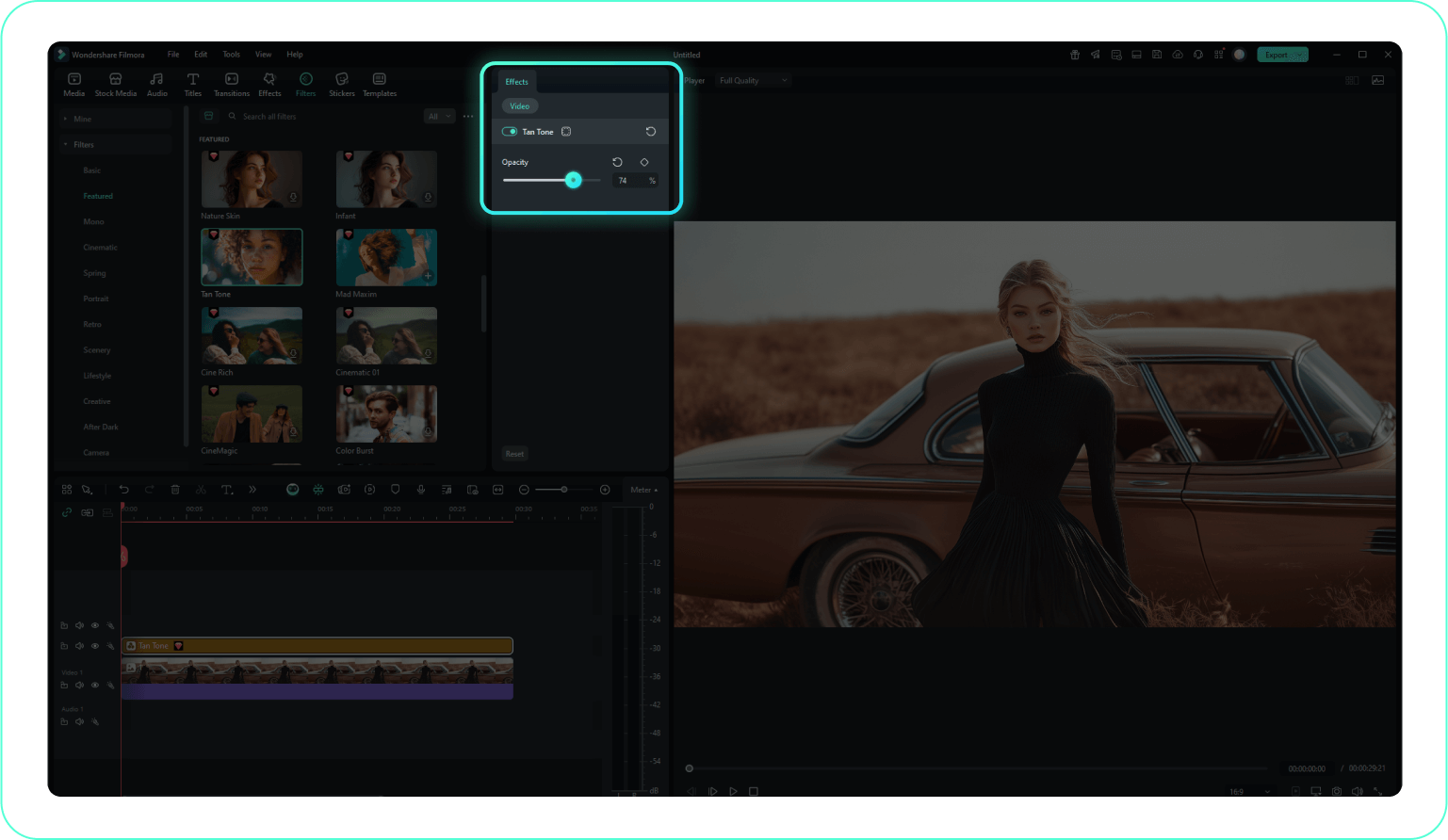
Step 3 Customize Your Mono Look
-
1:Find Your Mono Filter
Browse our collection of Mono Filters within Filmora's effects library. Preview different black and white styles to find the perfect one. -
2:Apply with One Click
Drag and drop your chosen Mono Filter directly onto your video clip in the timeline. The effect will be applied instantly. -
3:Customize Your Mono Look
Adjust the intensity, contrast, and other parameters of the Mono Filter to achieve your desired aesthetic. Preview changes in real-time.
More Than Just Monochrome Filters
Filmora helps you elevate your black and white content beyond simple filters. Add cinematic transitions, combine mono effects with light leaks, create retro black and white LUTs, or layer multiple monochrome filters for unique artistic expression. With Filmora, your mono filter Instagram, cinematic videos, and photography projects can achieve a professional, scroll-stopping aesthetic—all in one editing workspace.







