
20+ After Dark Filters for Stunning Night Visuals
Don't let low light hide the beauty of your footage. These After Dark Filters are inspired by trending night aesthetics, from neon cyberpunk city streets to soft, moody portraits. Simply choose a filter and apply it to your photo or video to instantly enhance shadows, reduce grain, and add cinematic color tones. Perfect for nightlife clips, urban exploration, and atmospheric social media visuals.
Loading more templates...
 Category:
 Duration:
 Aspect Ratio:
Create Stunning Night Visuals with Professional After Dark Filters
Filmora's After Dark Filters help you transform ordinary nighttime footage into cinematic visuals. Enhance neon lights, preserve shadow detail, and apply atmospheric night color grading with just a few clicks.
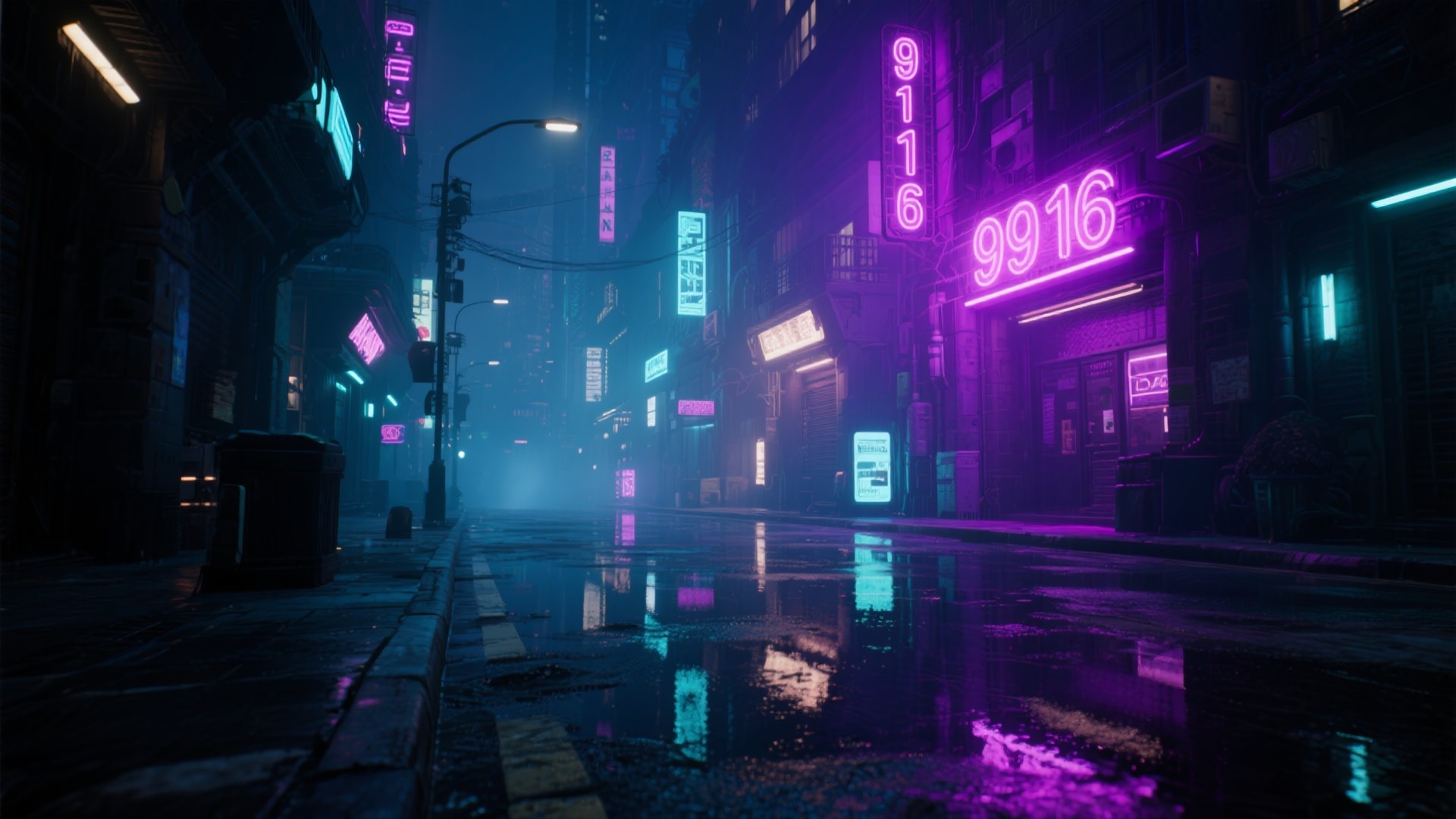
Professional After Dark Filter Quality
Filmora's advanced night color rendering enhances neon highlights and blue-hour shadows while preserving critical detail in dark scenes. Your footage keeps its natural atmosphere without crushed blacks or blown highlights.
- Night-Tuned Color Rendering - Enhance neon lights and city glow naturally.
- Balanced Shadow Preservation - Maintain detail in dark areas without losing depth.
- Highlight Protection - Prevent overexposure from bright streetlights or signs.
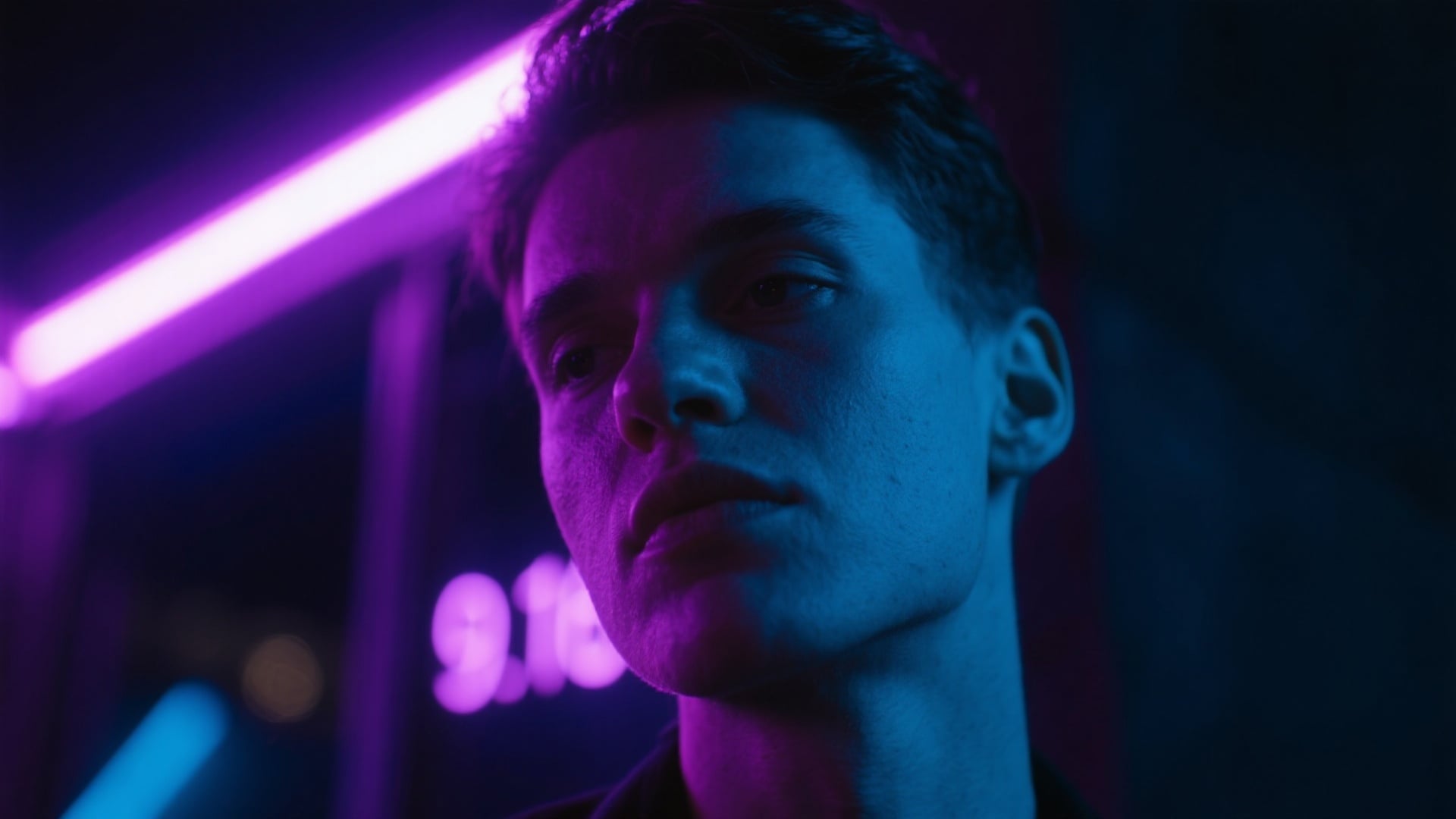
Easy After Dark Customization
Fine-tune your nighttime atmosphere with intuitive controls. Adjust glow intensity, shift color temperature, and deepen shadows until your footage achieves the perfect cinematic night mood.
- Glow Intensity Control - Increase or soften neon lighting effects.
- Color Temperature Shift - Adjust tones from cool blue nights to warm city lights.
- Shadow Depth Adjustment - Add dramatic contrast for a more cinematic look.
- Real-Time Preview - Instantly see your night effect before exporting.
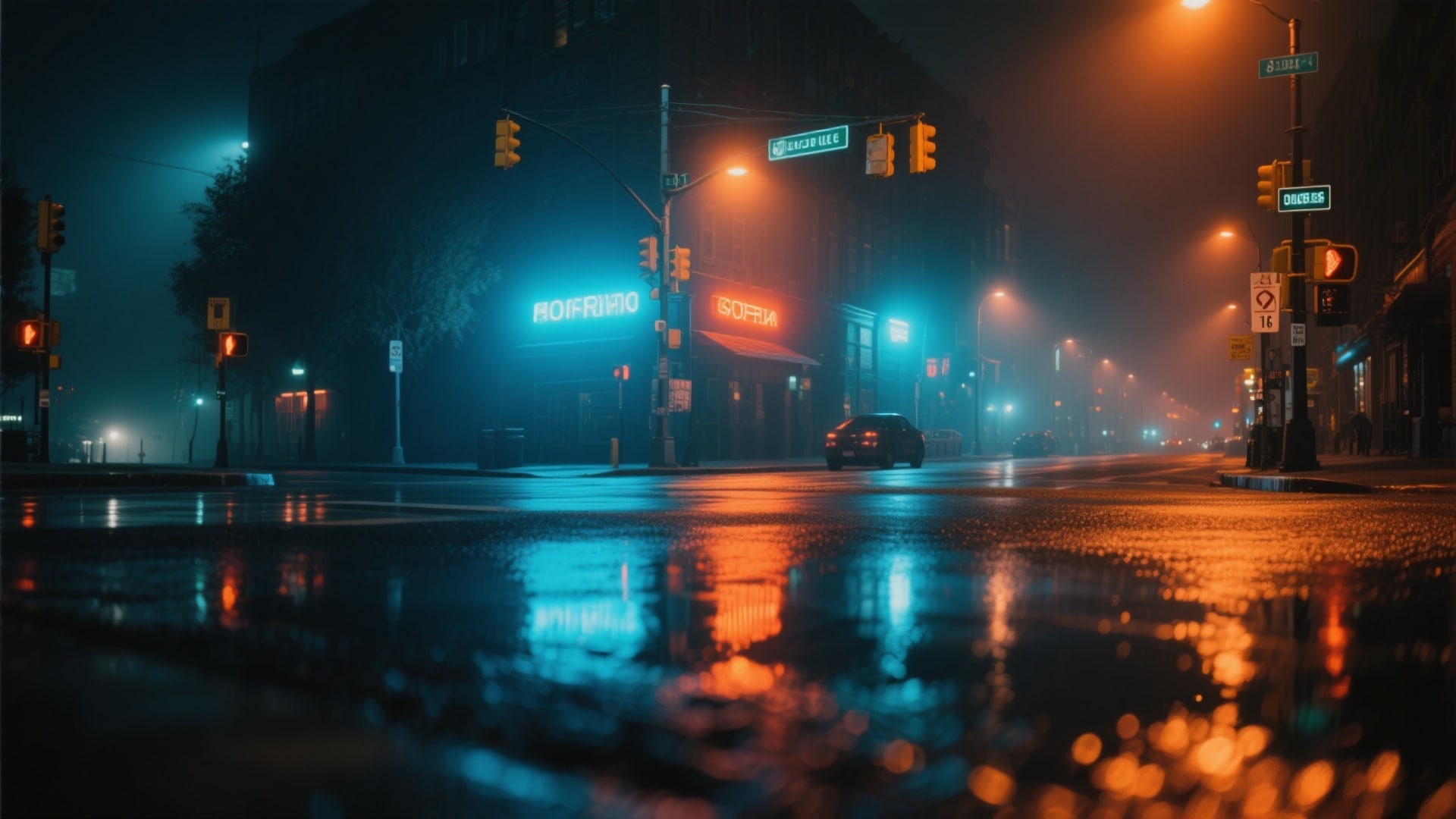
After Dark Filters for Every Format
Create consistent night aesthetics across every platform. Filmora makes it easy to apply After Dark Filters to vertical, widescreen, or square videos for social media and cinematic content.
- Vertical Video Ready - Perfect for nightlife Reels and TikTok content.
- Cinematic Landscape - Ideal for YouTube night vlogs and travel videos.
- Square Format Support - Optimized for Instagram posts.
- Smart Export Presets - Platform-specific resolution and format settings.
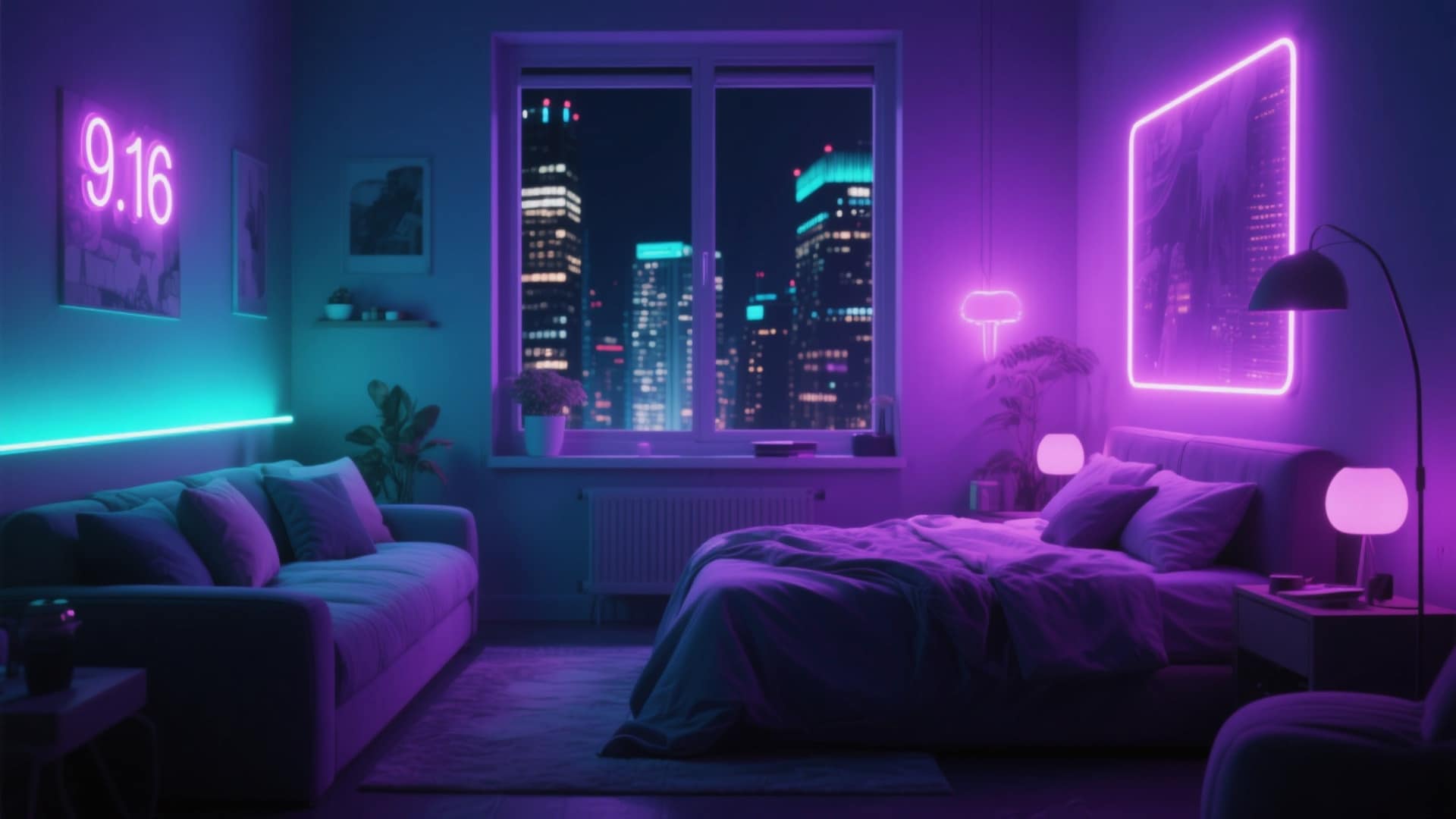
Instant After Dark Filter Access
Access a wide library of night-themed filters instantly inside Filmora. From neon city glow to moody late-night aesthetics, apply cinematic styles with just one click.
- Neon Glow Presets - Bright futuristic city aesthetics.
- Blue-Hour Filters - Soft twilight tones for evening scenes.
- Moody Night Styles - Dramatic shadows and cinematic contrast.
- Urban Nightscape Effects - Perfect for nightlife and city footage.
FAQs About After Dark Filters & Nightography
How to Use After Dark Filters in Filmora
Create stunning nighttime visuals in seconds with Filmora's After Dark Filters. Follow these simple steps to import your footage, apply cinematic night effects, and export a polished dark aesthetic video.
Step 1 Import Your Video
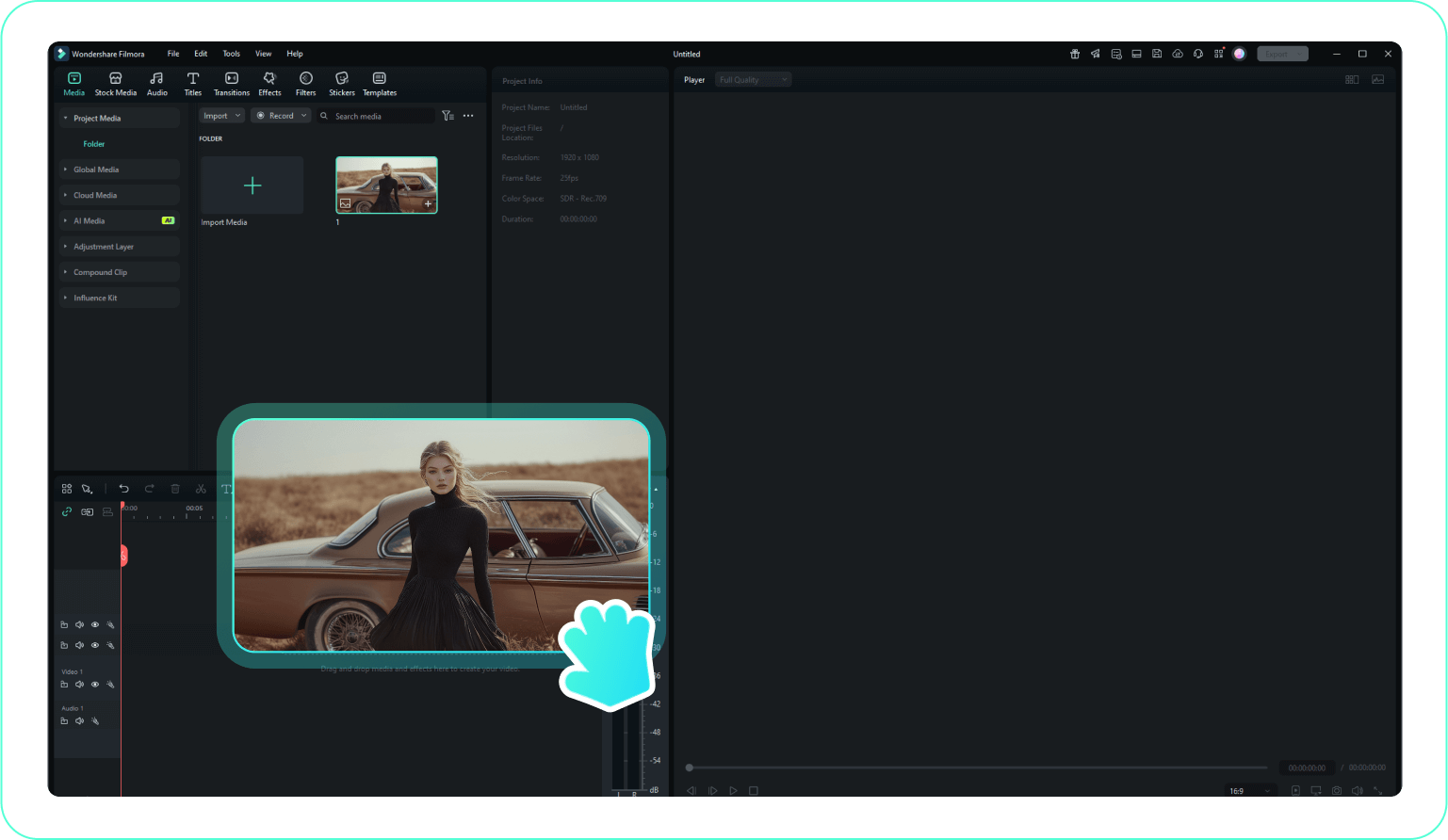
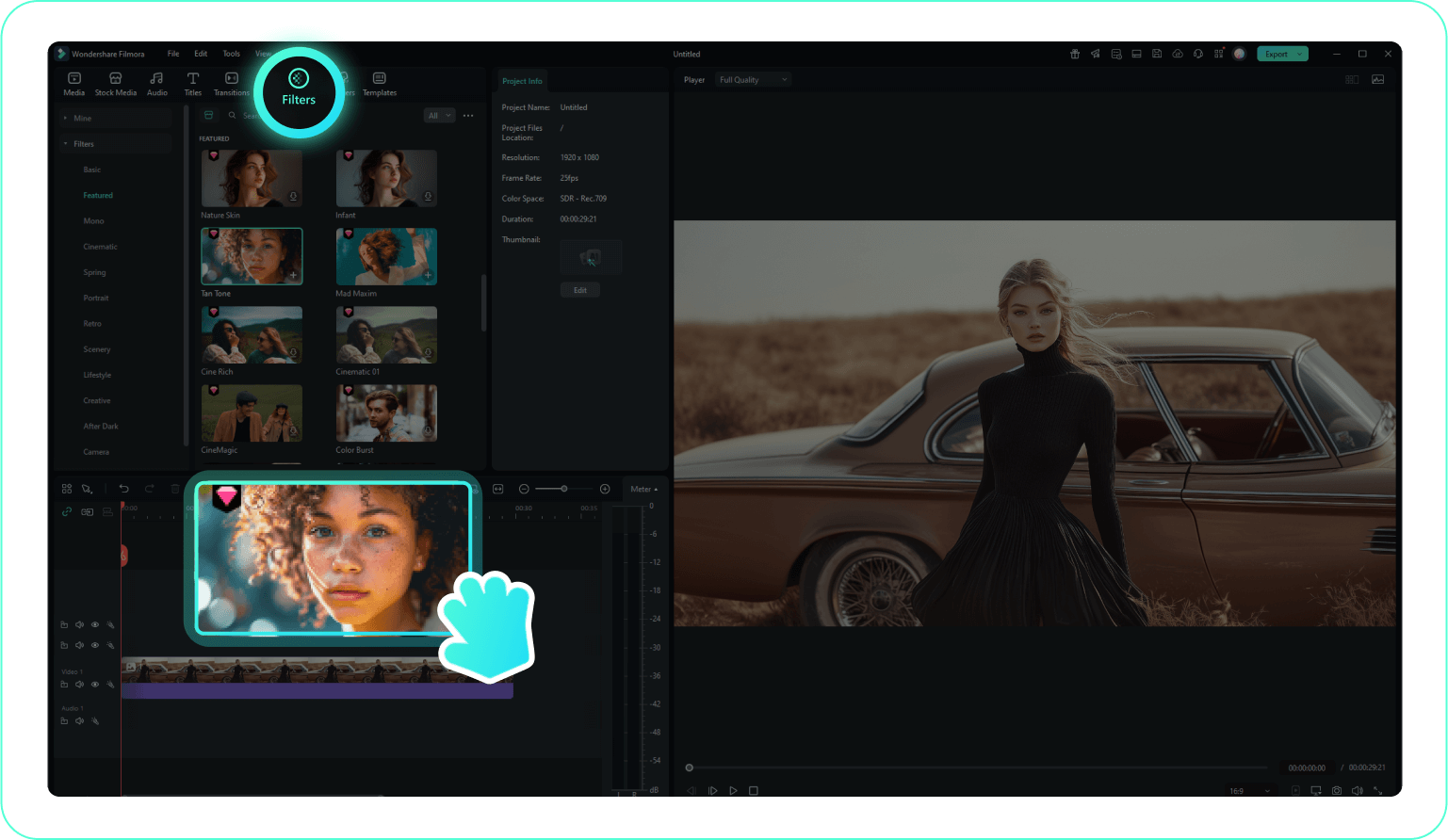
Step 2 Apply an After Dark Filter
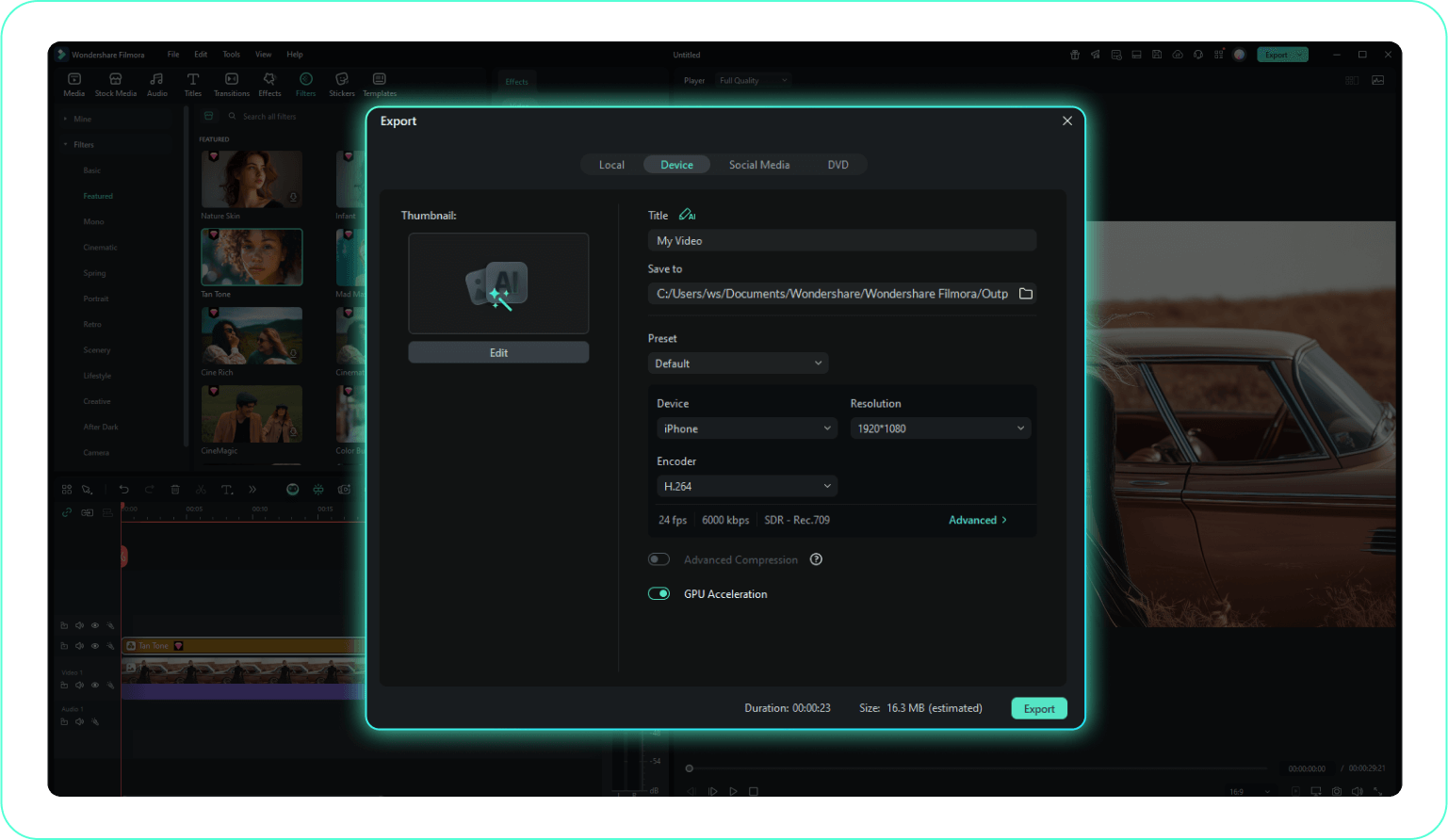
Step 3 Adjust the Night Effect & Export
-
1:Import Your Video
Open Filmora and upload your footage by clicking "Import Media". Drag the video to the timeline to prepare it for applying After Dark Filters. -
2:Apply an After Dark Filter
Navigate to the "Filters" tab and explore cinematic night effects. Drag your preferred After Dark Filter onto the clip to instantly create a moody nighttime look. -
3:Adjust the Night Effect & Export
Fine-tune the intensity using controls like Opacity. When your dark aesthetic look is ready, click Export to save the final video.
More Than Just After Dark Filters
Filmora isn't just for making night aesthetic images—it also generates stunning portraits, AI-powered videos, and lets you edit heartfelt moments all in one simple tool.








