
Explore the Most Popular Dark Filter Effects & Presets
Browse a curated collection of trending dark filters designed to add deep cinematic shadows, moody low-key tones, and powerful atmospheric darkness to your videos and photos. From gothic noir to dark academia aesthetics — every preset is crafted to give your content a distinctive, intentional dark visual identity.
Loading more dark filters...
 Category:
 Duration:
 Aspect Ratio:
Why Choose Filmora for Your Dark Filter?
Achieve the perfect dark aesthetic with powerful, intuitive tools built for both photos and videos. Whether you're going for deep cinematic shadows with crushed blacks or a subtle, brooding low-key tone that preserves texture — Filmora helps you apply a dark filter that feels atmospheric, intentional, and instantly platform-ready.
Professional Dark Filter Quality
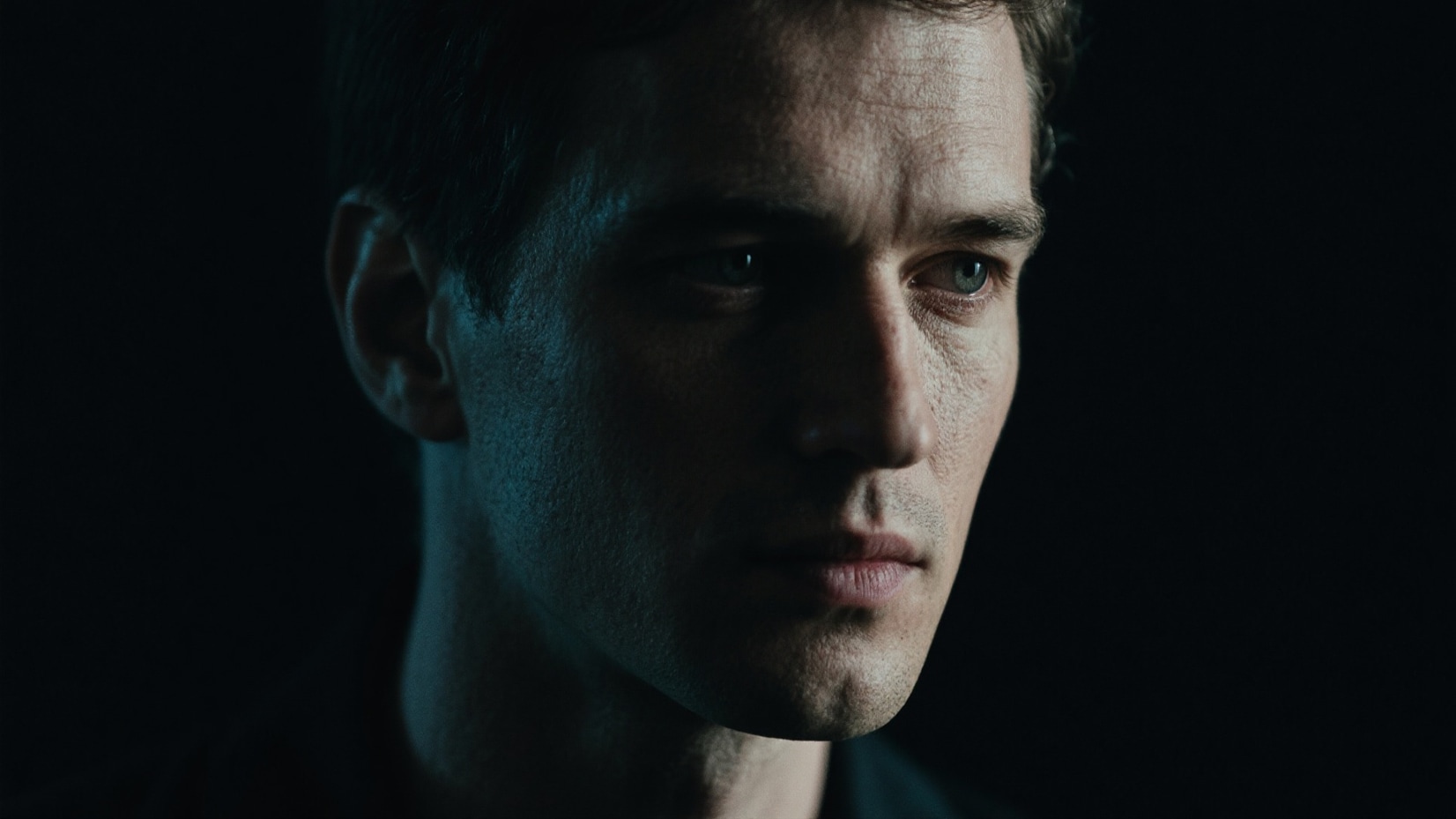
Professional Dark Filter Quality
Get that authentic dark aesthetic with professional-grade shadow depth and low-key tonal precision. Each Dark Filter is engineered to deepen shadows while preserving critical mid-tone detail so your content looks intentionally cinematic, never simply underexposed.
- Deep, controlled shadow tones that create true cinematic darkness without detail loss
- High-definition dark filter rendering for precise, artifact-free results
- Balanced mid-tone preservation to avoid muddy or crushed visuals
- Seamless performance across portrait, cinematic, and atmospheric content types
Easy Dark Filter Customization
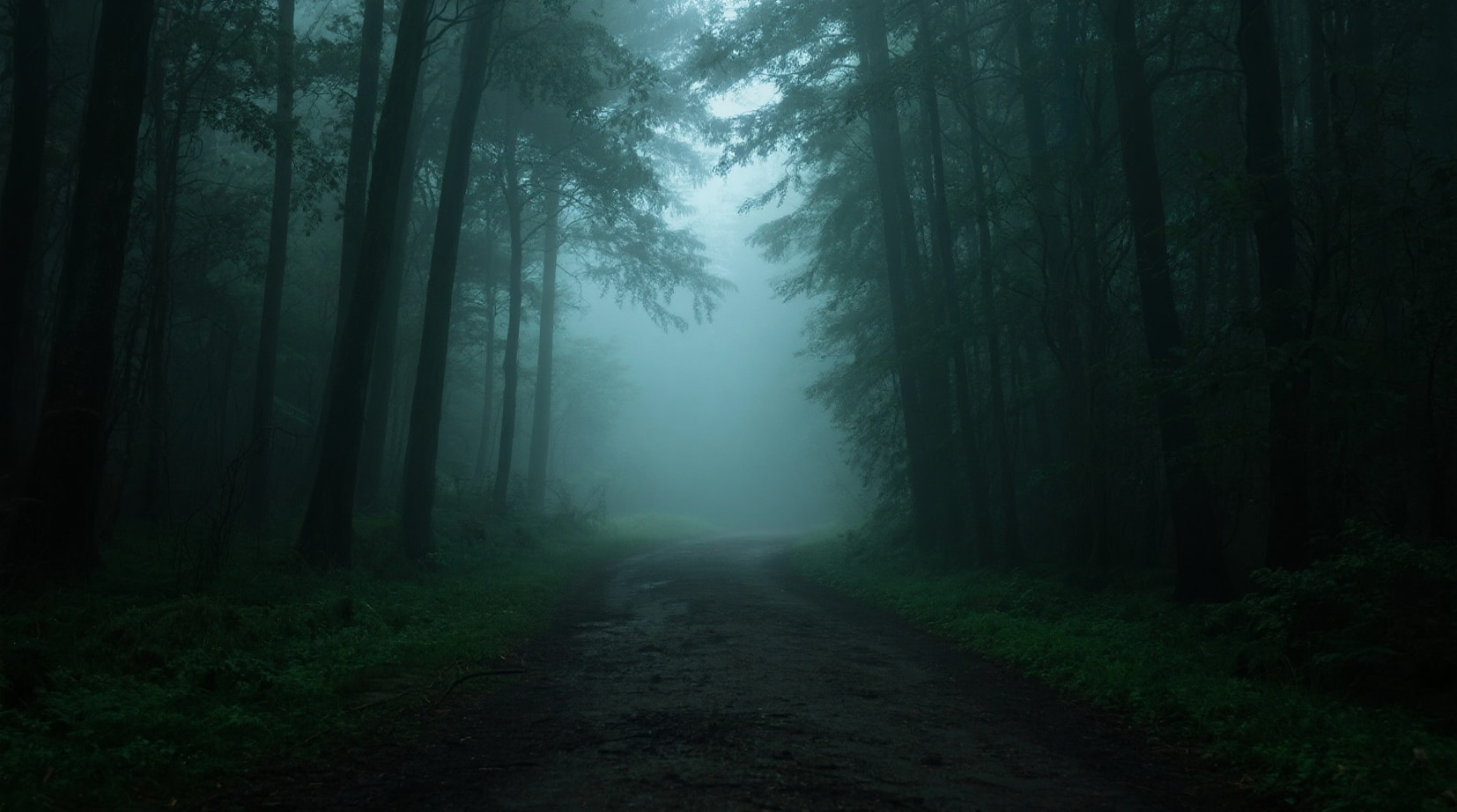
Easy Dark Filter Customization
Dial in your perfect dark aesthetic in minutes using intuitive controls. No advanced color grading expertise required. Choose your dark preset, adjust intensity and tonal depth, and your moody transformation is complete.
- One-click application of any Dark Filter or shadow preset
- Fine-tune shadow depth, contrast crush, color temperature, and vignette with simple sliders
- Real-time preview to see your dark aesthetic come to life instantly
- Quick export ready for TikTok dark aesthetic, Instagram Reels, and YouTube
Dark Filter for Every Format

Dark Filter for Every Format
Apply the Dark Filter across 16:9, 9:16, and 1:1 aspect ratios. From cinematic YouTube edits to vertical TikTok dark aesthetic videos and square Instagram posts, your signature moody look stays consistent and powerful on every platform.
- Optimized for horizontal, vertical, and square formats with no re-editing required
- Platform-specific export presets for TikTok, Instagram Reels, and YouTube
- Consistent shadow depth and dark tonal balance maintained across all channels
- Cross-platform compatibility guaranteed for every dark aesthetic project
Instant Dark Filter Access
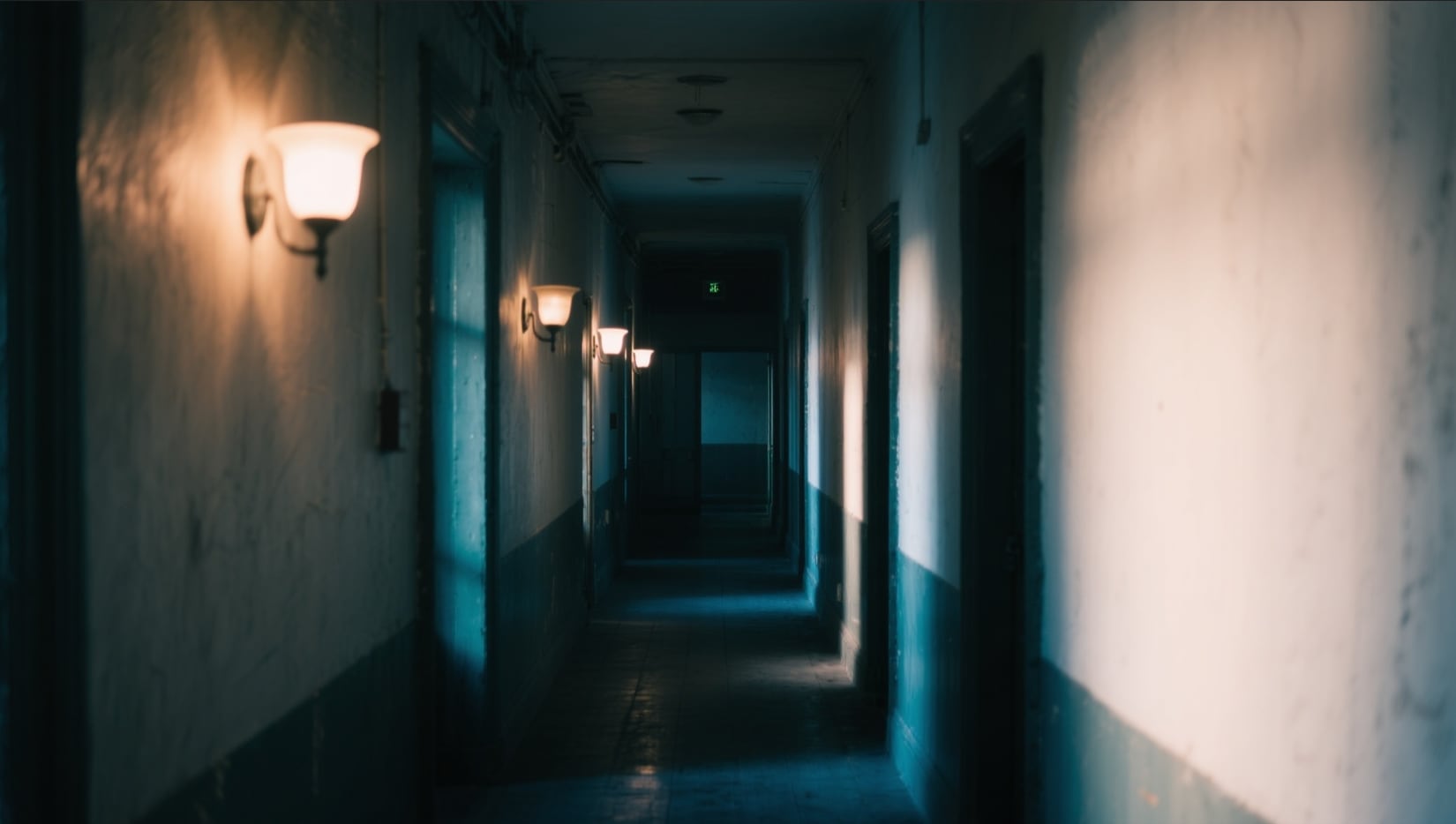
Instant Dark Filter Access
Get immediate access to Filmora's complete Dark Filter library including cinematic noir, dark academia, gothic shadow, dramatic low-key, and moody portrait presets. Everything is ready to apply the moment you open the app.
- Immediate download and installation with no setup required
- Full access to all Dark Filter sub-styles: noir, gothic, dark academia, shadow, and low-key moody
- No recurring fees or hidden subscription costs
- Start building your signature dark aesthetic content today
Frequently Asked Questions about Dark Filter
How to Apply Dark Filters in Filmora
Transform your content into a stunning dark aesthetic in just three steps — no color grading experience required.
Step 1 Browse Dark Filters & Select
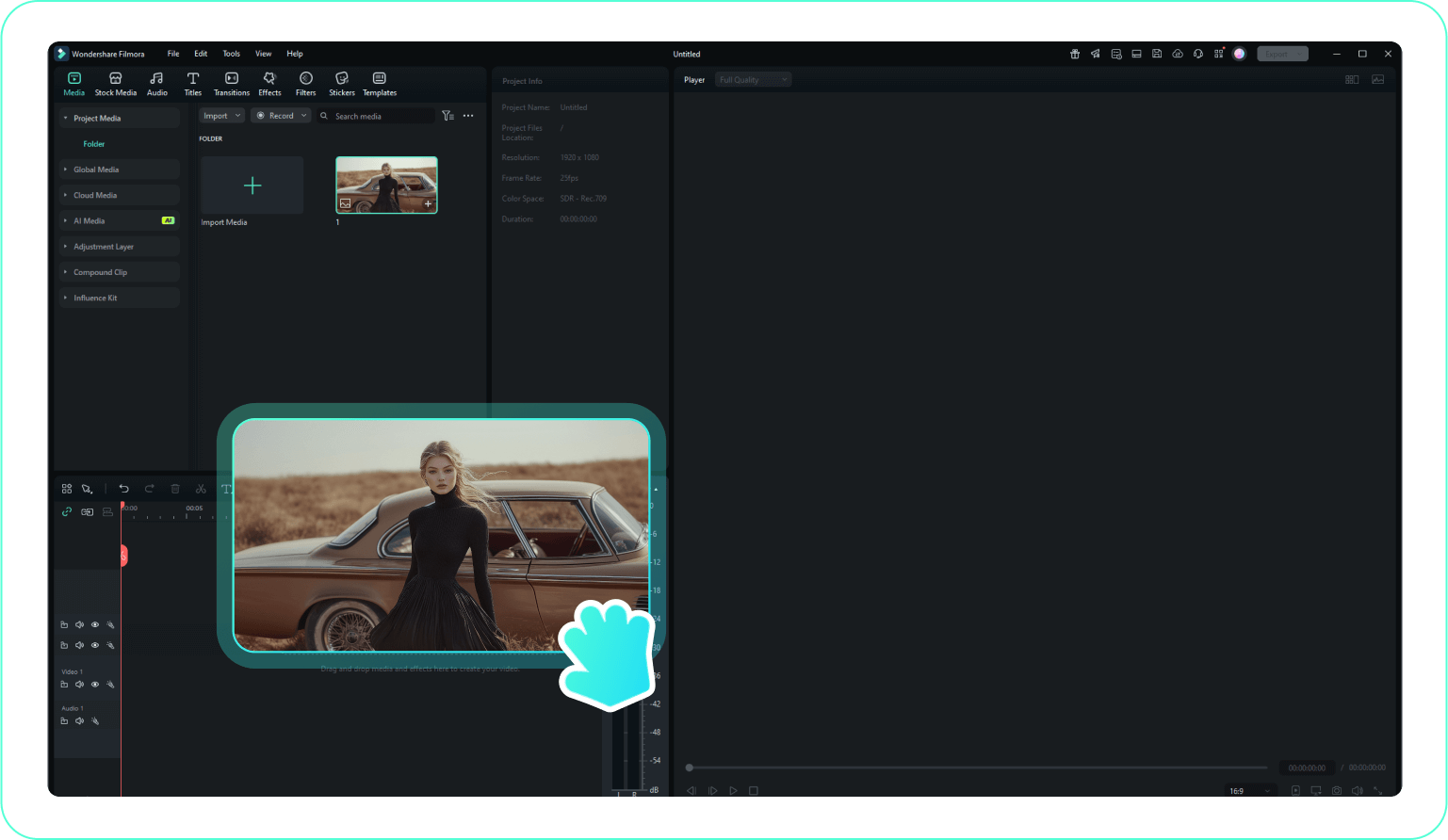
Step 2 Download Dark Filter
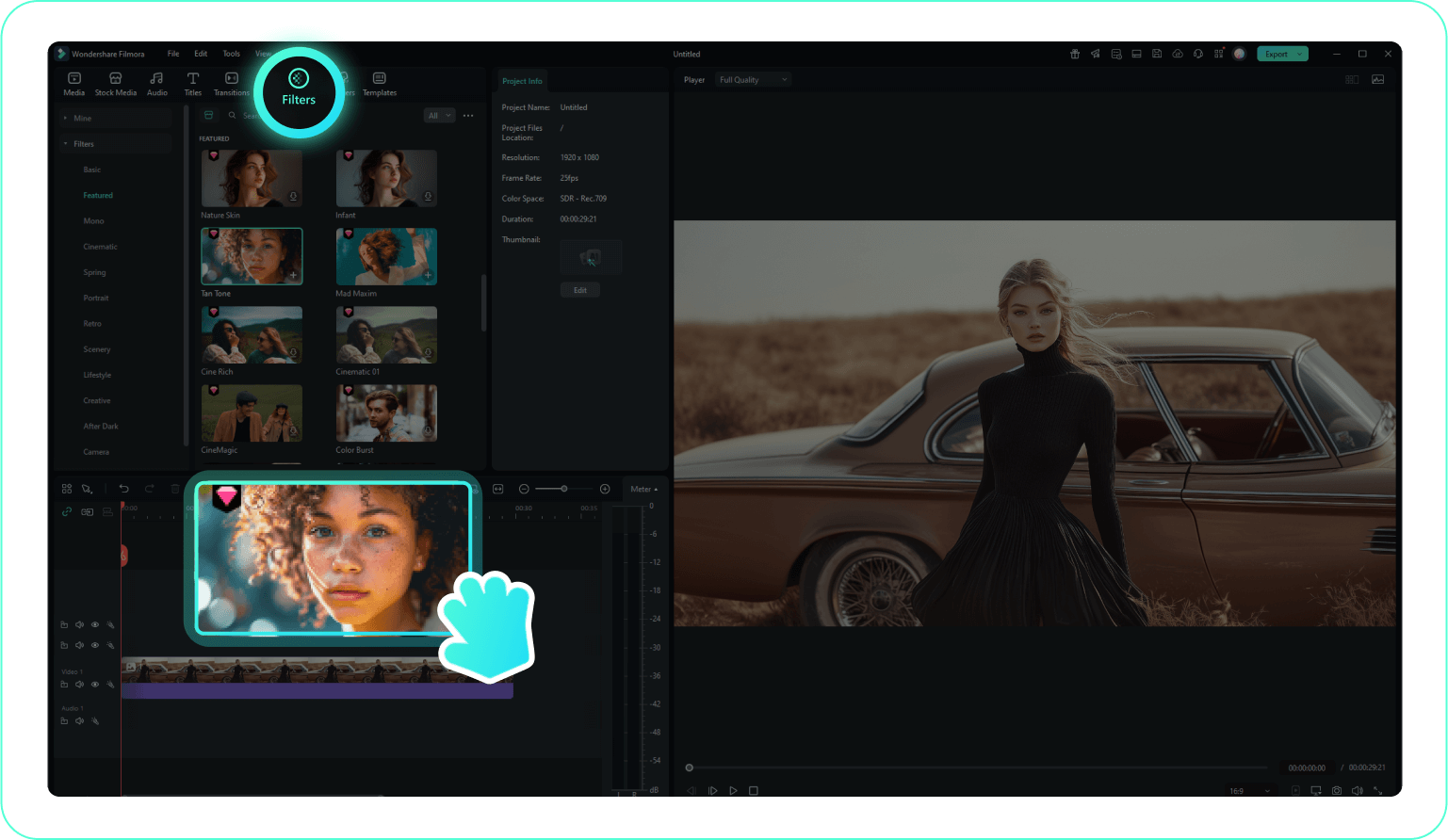
Step 3 Import Dark Filter to Filmora
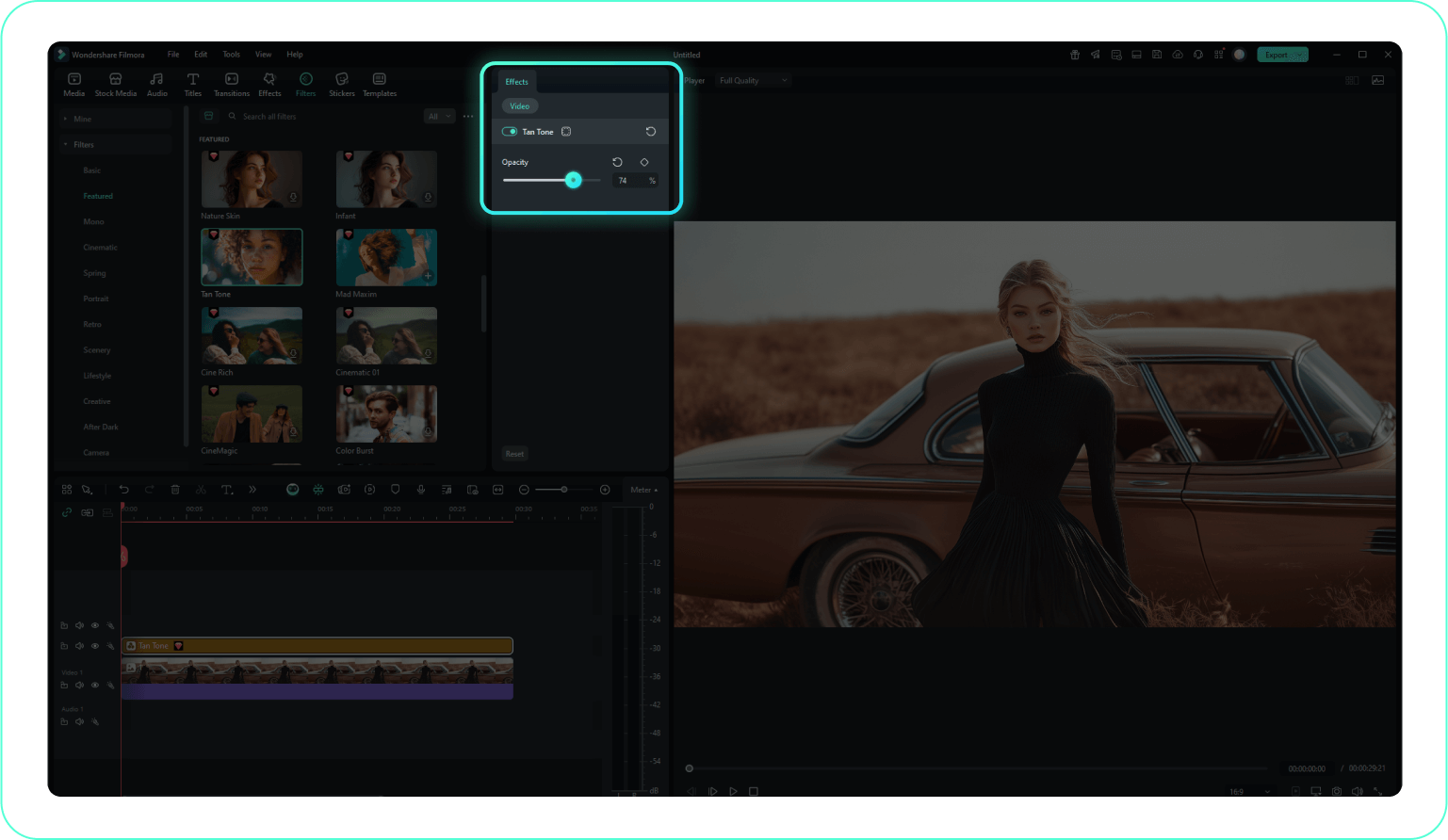
-
1:Browse Dark Filters & Select
Open Filmora's Filter library and browse the Dark Filter collection. Preview any preset by clicking on it — choose from cinematic noir, dark academia, gothic shadow, or moody low-key styles to find the dark aesthetic that matches your creative vision. -
2:Download Dark Filter
Drag and drop your chosen Dark Filter directly onto your video clip or photo in the Filmora timeline. Your content is immediately transformed with deep cinematic shadows and a powerful moody atmosphere — no manual adjustments required to start. -
3:Import Dark Filter to Filmora
Fine-tune your dark look using the shadow depth, contrast, vignette, and color temperature sliders. Once your dark aesthetic is perfected, click Export — choose your format and platform (TikTok vertical, Instagram Reels, or YouTube cinematic) and share your moody content with the world.
More Than Just a Dark Video Filter
Filmora goes beyond simply applying a dark filter. You can layer atmospheric fog overlays to add visual depth to your shadow tones, add subtle film grain that mimics the texture of underexposed 35mm film, and apply cinematic vignettes that pull focus toward your subject while the edges fade into darkness. Create immersive dark aesthetic videos by fine-tuning luminance curves to crush your blacks with precision, using color channel mixing to shift your shadows toward cool blues or deep teals for a noir-inspired look, and adding dramatic slow-motion effects that amplify the brooding, cinematic weight of your footage. Whether you're building a dark academia video essay, a gothic portrait series, or a cinematic horror short — everything you need to craft your complete dark visual identity is available in one streamlined editing workspace.







