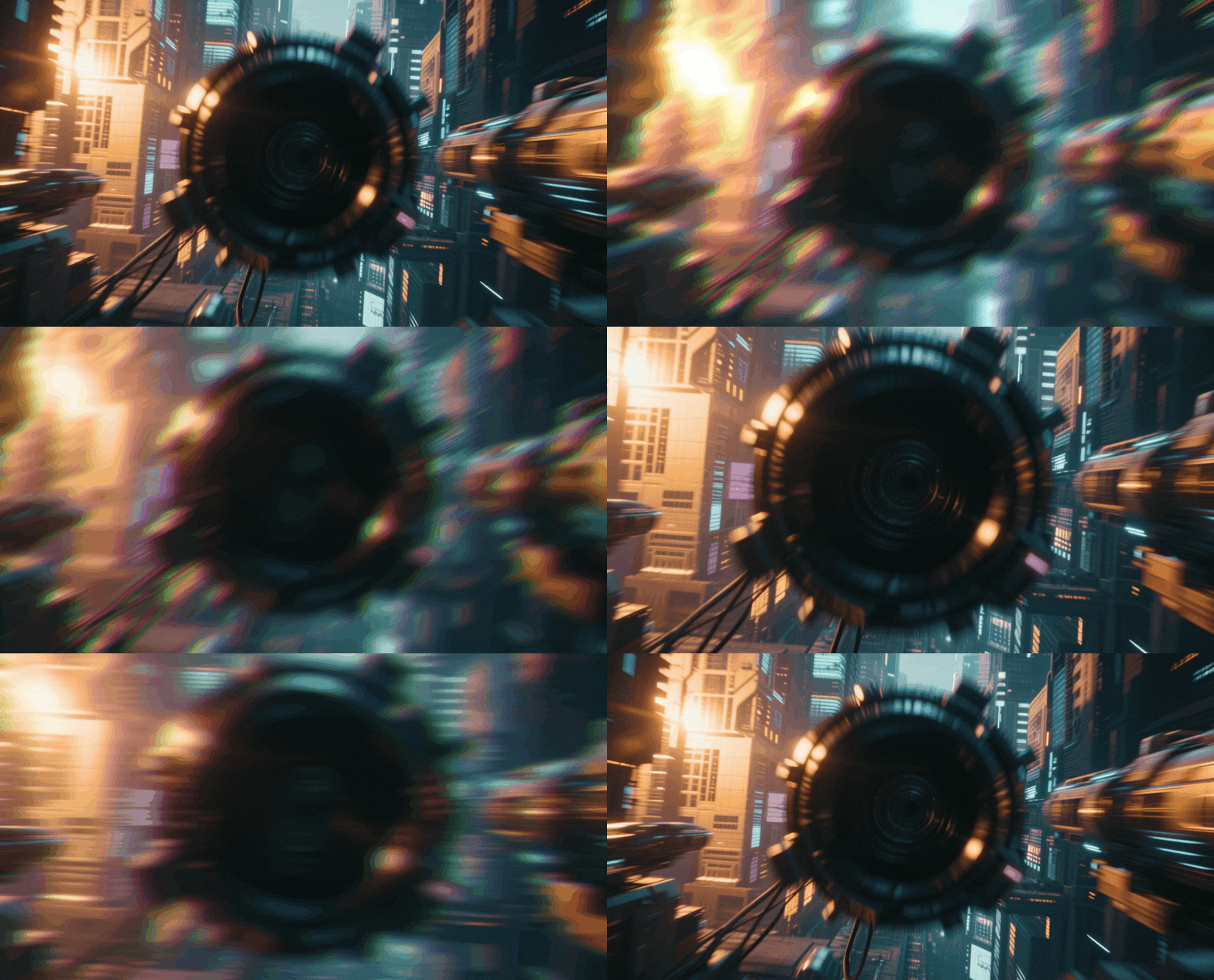
36+ Lens Flare Effects & Overlays:
Illuminate Your Visual Storytelling
Transform flat footage into cinematic masterpieces with our curated library of lens flare video effects. Explore a diverse range of optical assets, from subtle natural light leaks that add warmth to intense anamorphic flares perfect for sci-fi and action sequences. Simply drag your chosen lens flare effect onto the timeline, adjust the blending mode, and watch your video come to life with professional lighting depth.
Loading more templates...
 Category:
 Duration:
 Aspect Ratio:
Why Use Lens Flare Video Effects?
Master the art of lighting in post-production. Turn ordinary shots into cinematic visuals with professional optical overlays.
Infuse Your Footage with Cinematic Realism

Infuse Your Footage with Cinematic Realism
Real cameras interact with light in complex ways. Adding high-quality lens flare effects mimics this natural optical behavior, instantly making CGI scenes, green screen composites, or flat digital footage look organic and expensive. It bridges the gap between amateur video and Hollywood-style production value.
- Simulate expensive camera lenses with anamorphic streaks
- Add depth to flat lighting setups with dynamic light interaction
- Create a cohesive visual style across different video clips
Master the Mood with Dreamy Light Leaks

Master the Mood with Dreamy Light Leaks
Lighting isn't just about visibility; it's about emotion. Use soft, golden light leak effects to evoke nostalgia and romance in wedding videos, or apply sharp, cold blue flares for high-tech sci-fi tension. Our library gives you the precise tools to control the atmosphere of your narrative without needing a lighting crew.
- Instantly generate "Golden Hour" warmth with sun glare overlays
- Enhance music videos with rhythmic, flashing light pulses
- Soften harsh digital edges with dreamy, vintage bokeh effects
- Control intensity and color to match your scene's emotional tone
Instant Professional Polish via Drag & Drop

Instant Professional Polish via Drag & Drop
Forget complex compositing nodes or heavy After Effects plugins. Filmora's lens flare video effects are designed for speed and simplicity. Just drag an effect onto your timeline above your footage, change the blending mode to "Screen" or "Add," and you're done. You get professional-grade optical compositing in seconds.
- Zero learning curve: Apply complex optical effects with one click
- Real-time rendering lets you preview changes instantly
- Fully adjustable positioning, scale, and opacity
- Seamless integration with all standard video formats
FAQs About Lens Flare Video Effects
How To Add Effects to Videos
Whether you're a beginner or experienced creator, adding effects to your videos with our video effect editor is intuitive and fast.
Follow these simple steps to improve your videos with Filmora's extensive effect collection.
Step 1 Open Filmora and Import Your Video

Step 2 Choose and Apply Video Effects

Step 3 Export or Continue Editing

-
Step 1: Open Filmora and Import Your Video
Launch Filmora on your computer and import the video file you want to edit into the media library. Then, drag it to the timeline to start editing. -
Step 2: Choose and Apply Video Effects
Click the Effects tab in the top toolbar. Under Video Effects, you’ll find multiple effect categories. Select an effect you like and drag and drop it onto your video clip in the timeline to apply it. -
Step 3: Export or Continue Editing
Once you’re satisfied with the effect, export your video or continue editing by adding more effects, text, or music.
Step 1 Open Filmora and Import Your Video

Step 2 Access and Select Your Video Effects
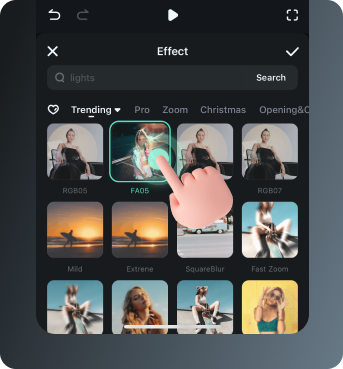
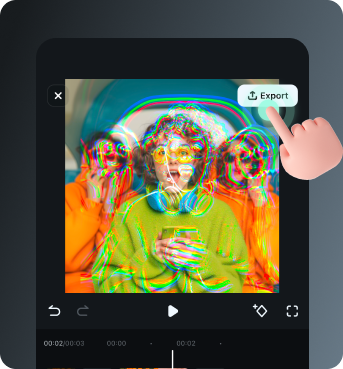
Step 3 Export or Keep Editing
-
Step 1: Open Filmora and Import Your Video
Open the Filmora app on your phone and import the video you want to edit. The clip will be added to your editing timeline automatically. -
Step 2: Access and Select Your Effect
Tap Animation to browse preset video effects and animations. Choose a style you like and apply it to enhance your video instantly. -
Step 3: Export or Keep Editing
After applying the effects, export your video or continue editing with additional animations, stickers, or adjustments.
Explore More Video Effects
From cinematic lens flares to dynamic zoom transitions — explore our free, ready-to-use effects for every creative project.