Dark Effects & Packs:
Turn Your Videos Into Cinematic Thrillers
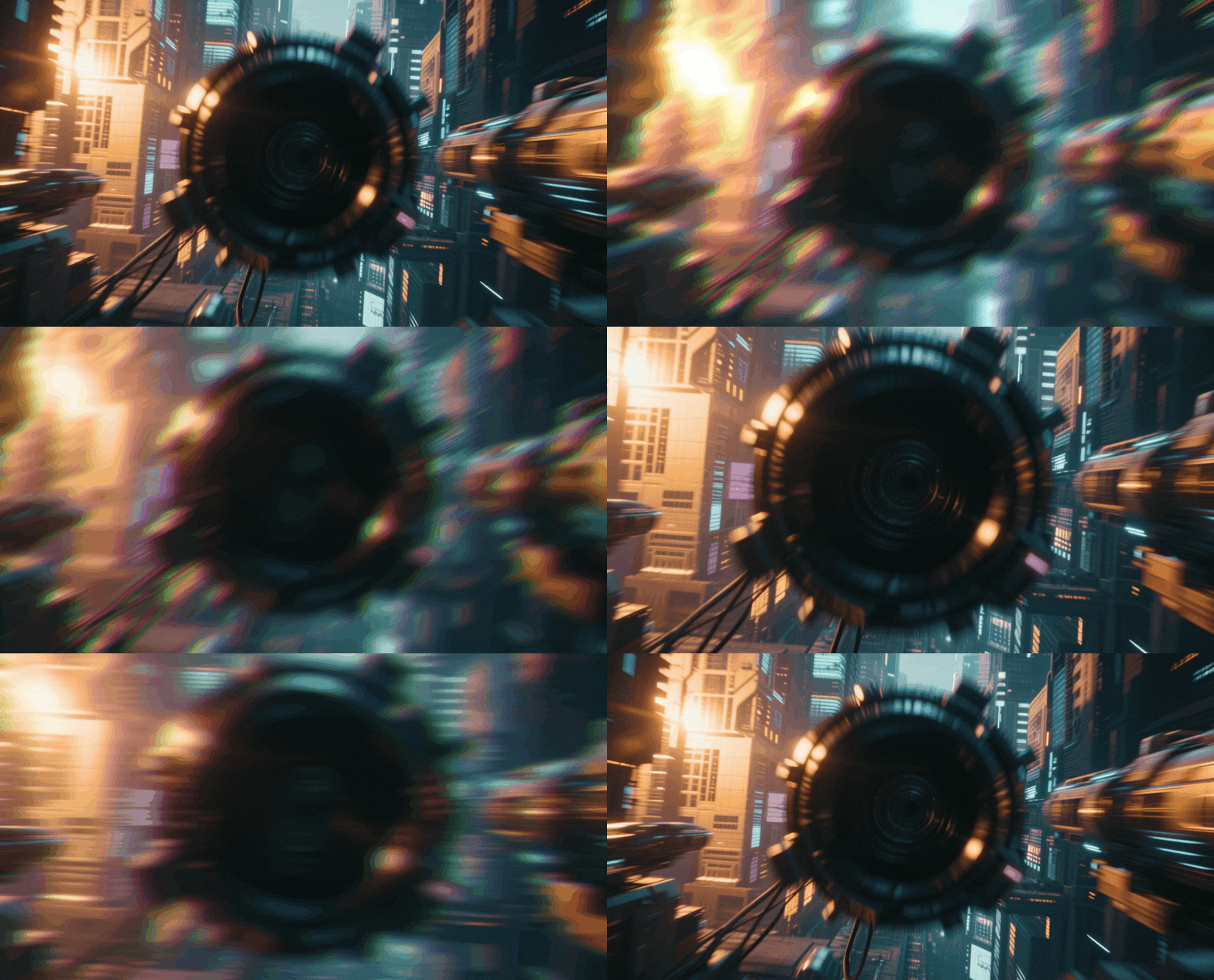
Give your footage the ominous polish it deserves. Explore our curated selection of dark video effects and motion overlay assets, featuring everything from horror glitches and shadow leaks to noir film grain overlays. Simply pick your favorite dark effect style, drag it into your timeline, and create videos that captivate and terrify. Perfect for filmmakers, gaming content creators, and brands building suspenseful social media campaigns.
Loading more templates...
 Category:
 Duration:
 Aspect Ratio:
Why Use These Dark Effects?
Level up your content effortlessly — the right atmosphere turns ordinary clips into unforgettable stories!
Evoke Mystery and Suspense with Cinematic Dark Grading

Evoke Mystery and Suspense with Cinematic Dark Grading
Transform bright, flat footage into moody masterpieces using professional color grading tools designed for storytelling. Whether you are aiming for the high-contrast look of Film Noir, the desaturated tones of a modern thriller, or the gritty texture of urban decay, Filmora's dark presets help you establish a compelling emotional tone instantly.
- One-click 3D LUTs for instant horror, noir, and dramatic aesthetics
- Advanced color wheels to manipulate shadows, mid-tones, and highlights
- Keyframe support to dynamically shift lighting as the suspense builds
Immerse Viewers in Fear with Dynamic Horror Overlays

Immerse Viewers in Fear with Dynamic Horror Overlays
Skip the expensive practical effects and add depth to your scenes with a massive library of drag-and-drop overlays. From creeping fog and spectral smoke to digital glitches and old film scratches, these elements layer perfectly over your footage to create a dense, immersive atmosphere that keeps viewers on the edge of their seats.
- Drag-and-drop atmospheric elements: fog, smoke, rain, and dust particles
- Glitch and distortion effects perfect for psychological thrillers and sci-fi
- Blend mode options to seamlessly integrate dark textures into any scene
- Real-time preview to test different scare tactics before exporting
Amplify the Drama with AI-Powered Smart Editing

Amplify the Drama with AI-Powered Smart Editing
Take your dark visuals to the next level with AI tools that automate the complex parts of editing. Use AI Motion Tracking to attach glowing eyes or shadows to moving subjects, or let AI Smart Cutout remove backgrounds to place characters in terrifying new environments. Filmora empowers you to execute complex VFX ideas without a Hollywood budget.
- AI Motion Tracking to pin dark elements and text to moving objects
- AI Smart Cutout to instantly transport subjects into spooky backgrounds
- Audio visualization tools to sync visual pulses with horror soundscapes
- Cross-platform compatibility for seamless content distribution
FAQs About Dark Video Effects
How To Add Effects to Videos
Whether you're a beginner or experienced creator, adding effects to your videos with our video effect editor is intuitive and fast.
Follow these simple steps to improve your videos with Filmora's extensive effect collection.
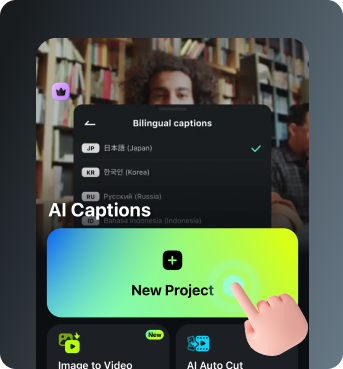
Step 1 Open Filmora and Import Your Video

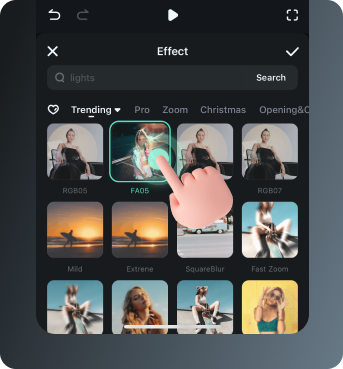
Step 2 Choose and Apply Video Effects

Step 3 Export or Continue Editing

Step 1: Open Filmora and Import Your Video
Launch Filmora on your computer and import the video file you want to edit into the media library. Then, drag it to the timeline to start editing.Step 2: Choose and Apply Video Effects
Click the Effects tab in the top toolbar. Under Video Effects, you'll find multiple effect categories. Select an effect you like and drag and drop it onto your video clip in the timeline to apply it.Step 3: Export or Continue Editing
Once you're satisfied with the effect, export your video or continue editing by adding more effects, text, or music.
Step 1 Open Filmora and Import Your Video
Step 2 Access and Select Your Video Effects
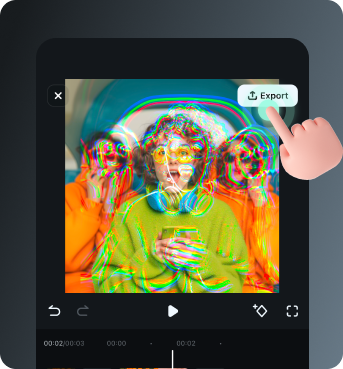
Step 3 Export or Keep Editing
Step 1: Open Filmora and Import Your Video
Open the Filmora app on your phone and import the video you want to edit. The clip will be added to your editing timeline automatically.Step 2: Access and Select Your Effect
Tap Animation to browse preset video effects and animations. Choose a style you like and apply it to enhance your video instantly.Step 3: Export or Keep Editing
After applying the effects, export your video or continue editing with additional animations, stickers, or adjustments.
Explore More Video Effects
From cinematic slideshow effects to dynamic zoom transitions — explore our free, ready-to-use effects for every creative project.