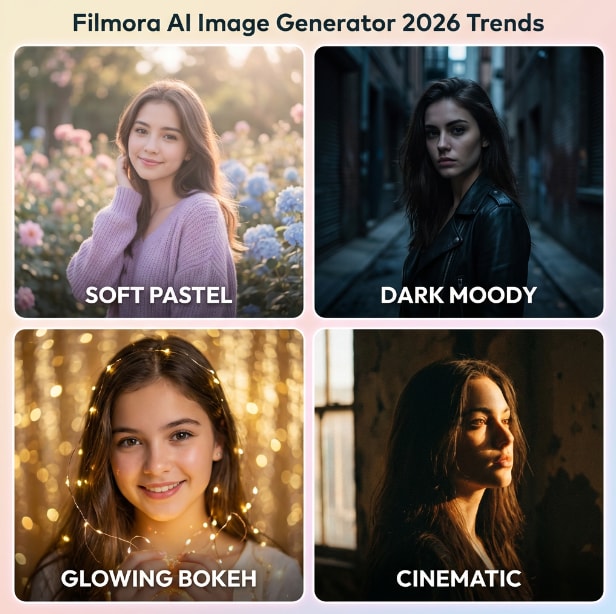
Create Stunning Wheat Field Photos:
with AI Prompts and Smart Editing Tools
Beautiful wheat field portraits are defined not only by the landscape but by the atmosphere surrounding the subject. With Filmora's curated Gemini AI photo editing prompts, you can recreate the soft golden light, cinematic tones, and natural depth typically found in professional countryside photography. The prompts guide AI to place your portrait inside a realistic wheat field environment while preserving facial detail and natural lighting. Whether you want a golden hour wheat field portrait, a cinematic harvest season photo, or a dreamy rural wheat aesthetic image, Filmora works seamlessly with Gemini-style prompts to generate photorealistic results. Soft bokeh backgrounds, warm sunlight, and natural outdoor composition combine to create visually rich wheat field images ready for sharing.
Loading more templates...
 Category:
 Duration:
 Aspect Ratio:
Create Wheat Field Portraits with Gemini AI Prompts
The wheat field aesthetic has become one of the most recognizable rural photo trends online. Filmora combines intuitive editing tools with Gemini AI prompt workflows to help creators transform portraits into cinematic countryside visuals with minimal effort.
Easy Photo Replacement
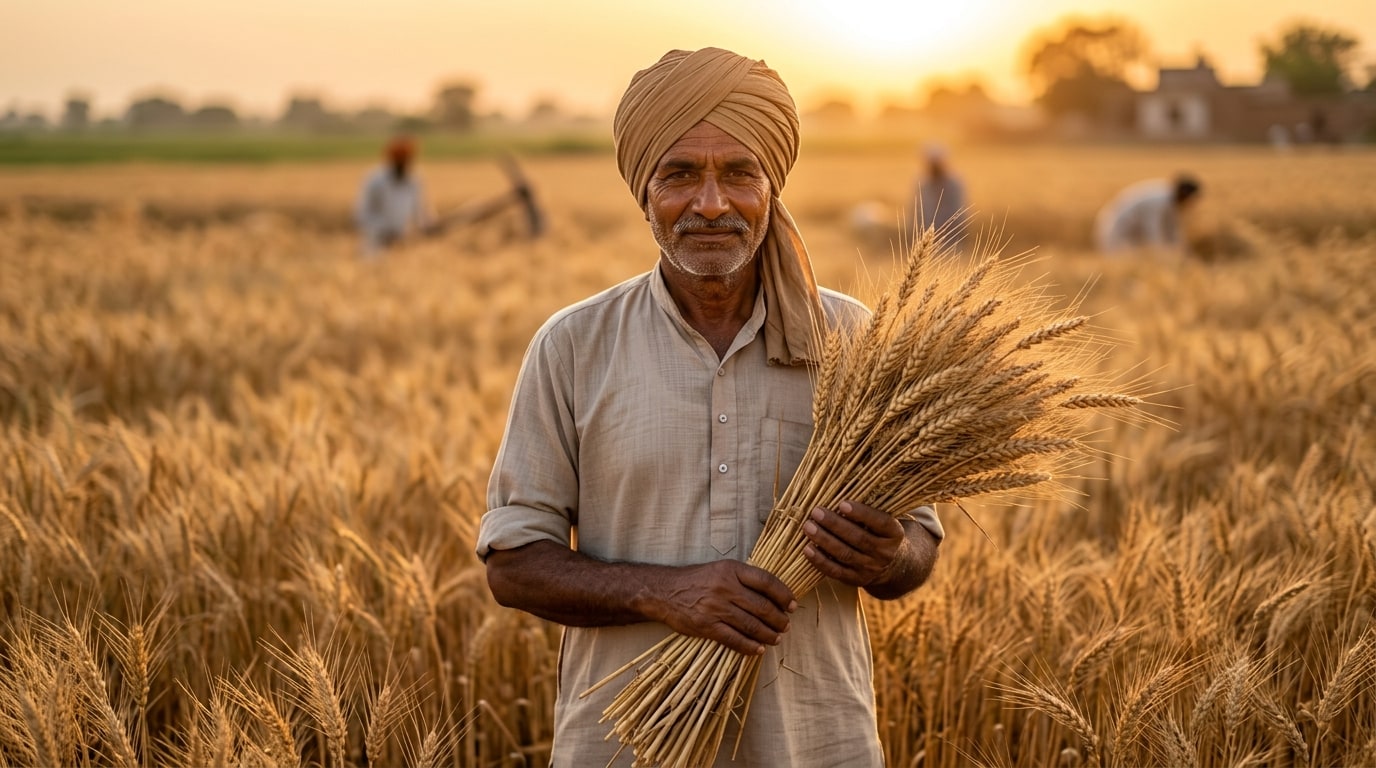
Easy Photo Replacement
You don't need professional editing skills to create a beautiful wheat field portrait. Simply upload your photo, select a Gemini wheat AI prompt, and Filmora automatically places your image inside a golden wheat field environment. The AI recreates lighting, depth, and composition so your portrait blends naturally into the harvest landscape.
- Smart Photo Replacement - Instantly replace template images with your own portrait.
- Gemini Prompt Integration - Apply optimized wheat AI prompts to generate realistic countryside scenes.
- Custom Text & Styling - Add text overlays or seasonal text to personalize your wheat field image.
Cinematic Wheat Effects

Cinematic Wheat Effects
A compelling wheat field portrait relies on lighting, color, and atmosphere. Filmora includes built-in effects that enhance the warm harvest mood and cinematic look commonly seen in viral wheat field photos.
- Golden Hour Lighting - Recreate warm sunset tones and natural sunlight glow.
- Depth of Field Blur - Add soft wheat foreground bokeh for a cinematic portrait effect.
- Film Aesthetic Filters - Apply cinematic color grading inspired by countryside photography.
Image to Video & Smart Export
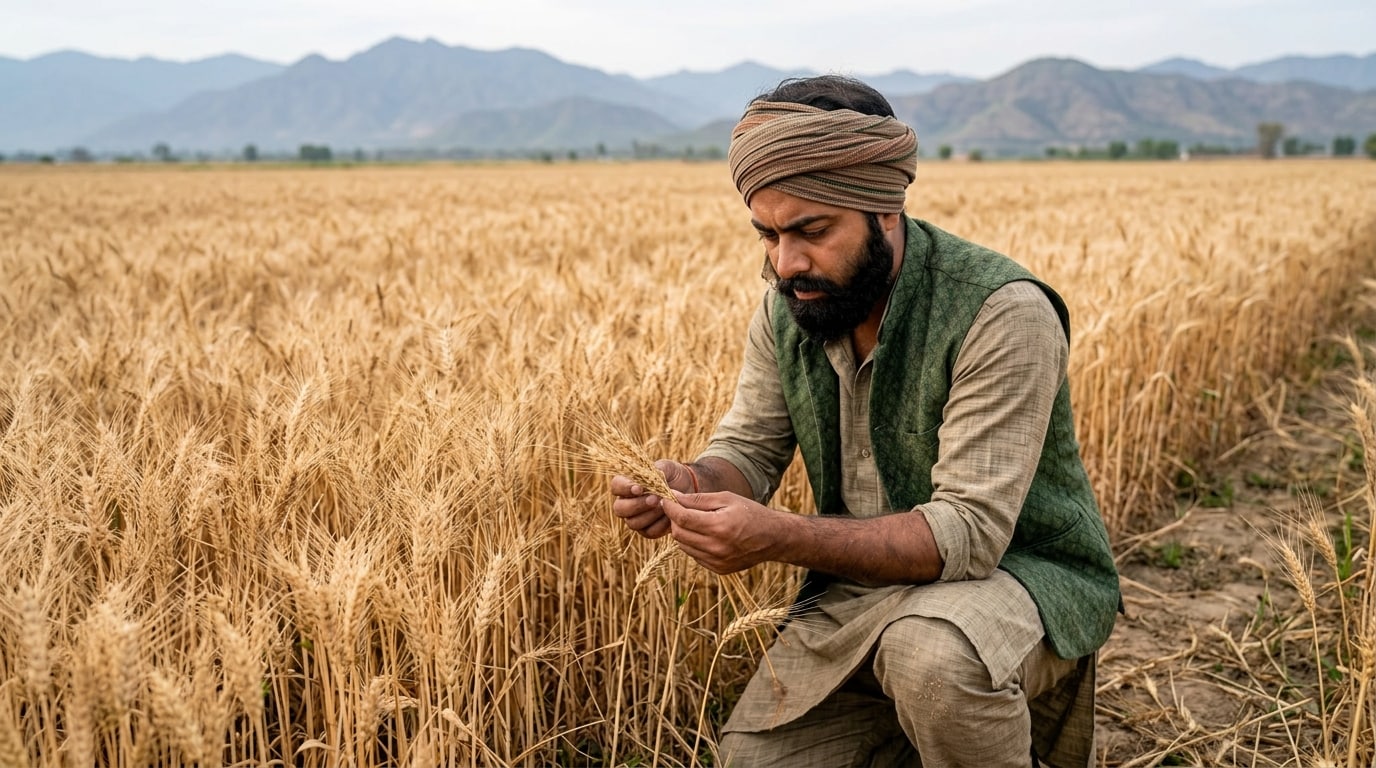
Image to Video & Smart Export
Your wheat field photo doesn't have to stay static. Filmora allows you to turn a single wheat AI portrait into a short cinematic video, adding subtle motion, camera movement, and animated wheat field effects. This makes your harvest scene feel more immersive and ideal for social media storytelling.
- AI Image-to-Video - Transform a wheat field portrait into a dynamic countryside video clip using One-Tap Photo Animation.
- Motion Effects - Add gentle camera movement and animated wheat motion.
- Flexible Export - Export in high resolution or vertical formats optimized for social sharing.
FAQs About Wheat AI Photo Editing Prompts
How to Create a Wheat AI Photo with Filmora and Gemini Prompts
The wheat field portrait trend is rapidly gaining popularity online. Follow these steps to turn your photo into a stunning harvest scene.
Step 1 Choose a Wheat AI Prompt

Step 2 Upload Your Photo
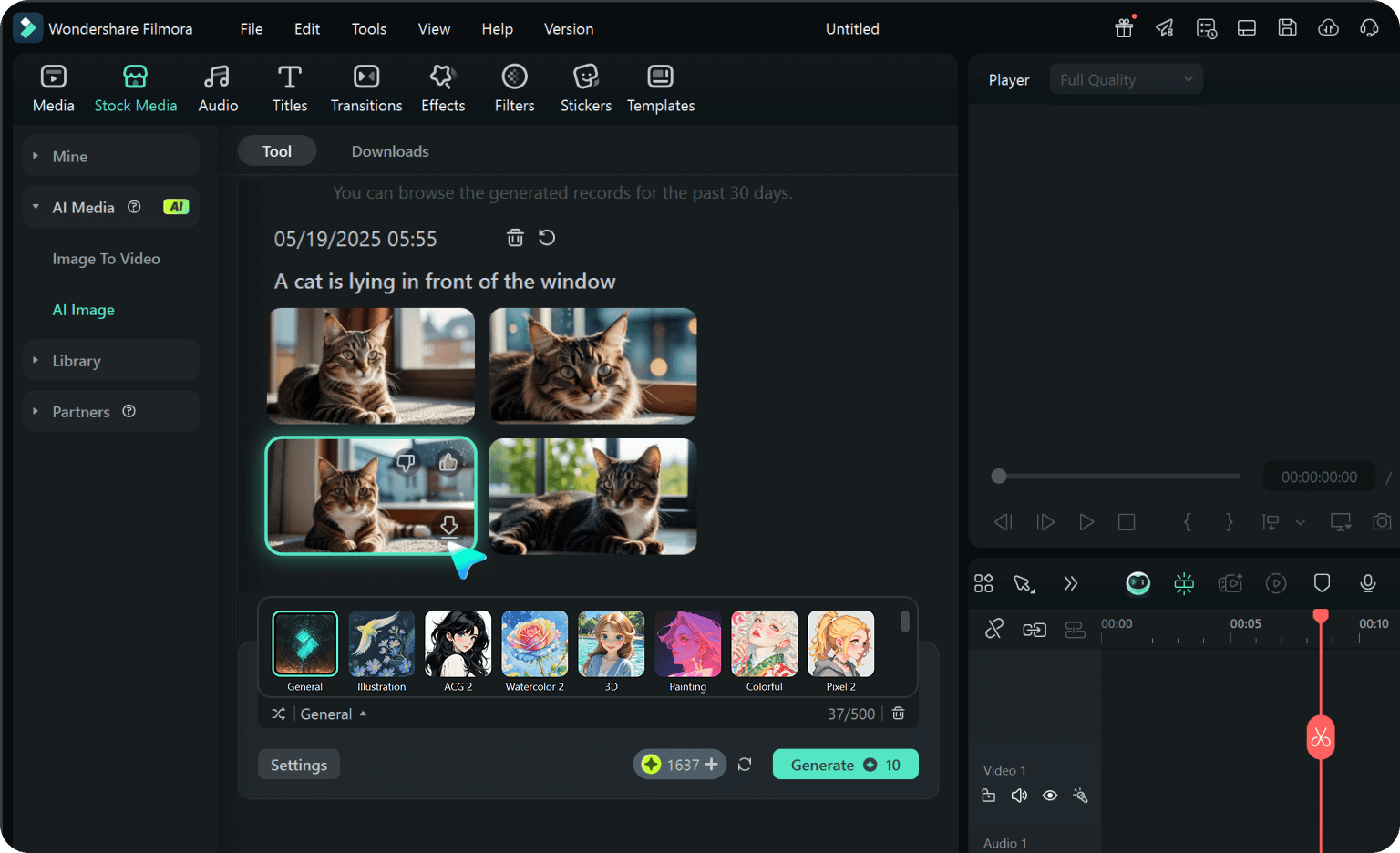
Step 3 Export and Share
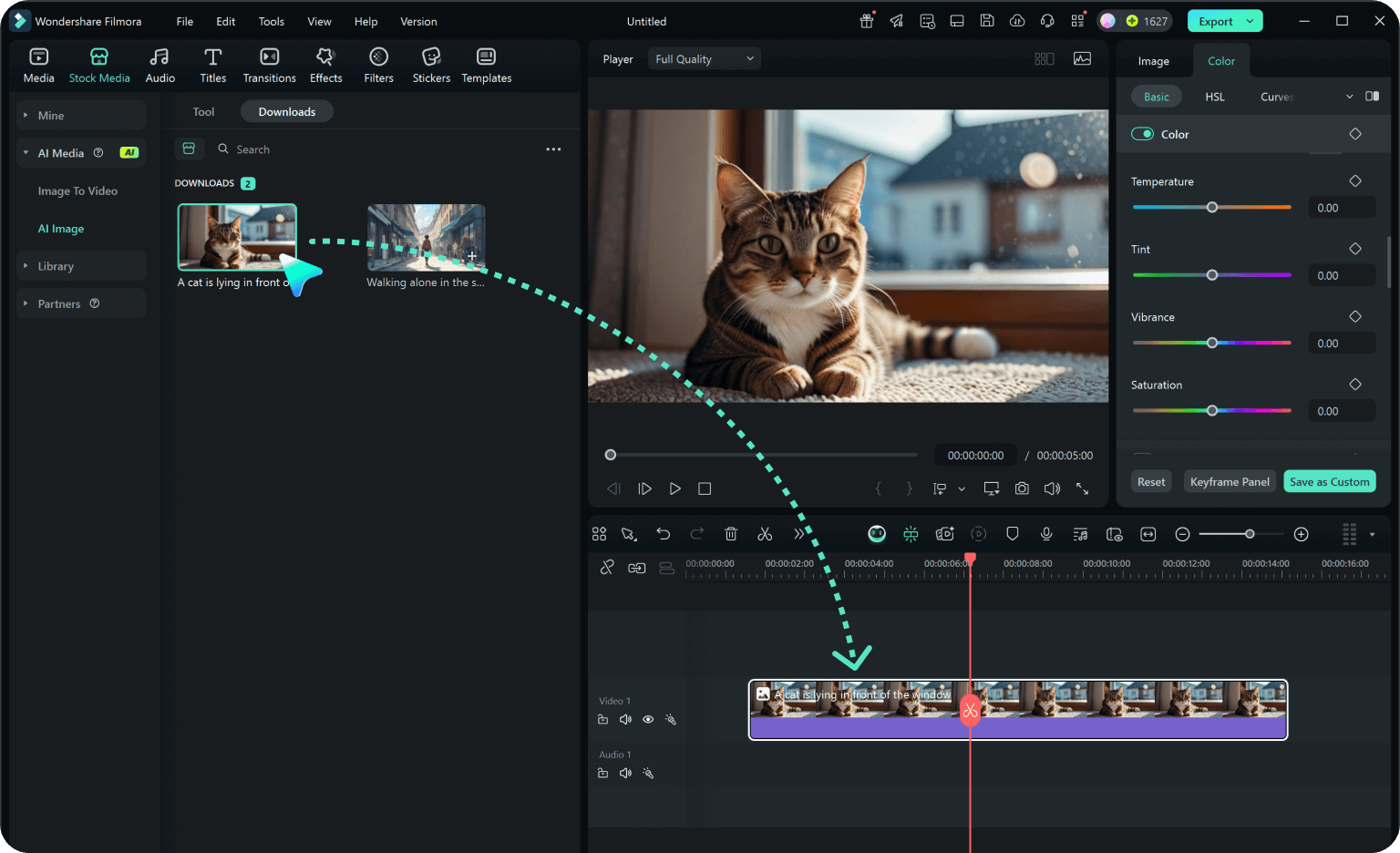
-
1:Choose a Wheat AI Prompt
Open Filmora and browse the prompt library. Select a Gemini wheat field photo prompt that matches the style you want. -
2:Upload Your Photo
Import your portrait or selfie. Filmora will apply the prompt and recreate a realistic wheat field environment around your image. -
3:Export and Share
Preview your wheat field portrait, adjust lighting or filters if needed, and export your image for social sharing.