
Create Respectful Hanuman Jayanti AI Photos
with Ready-Made Festival Prompts
A memorable Hanuman Jayanti image is not only about visual beauty — it’s about devotion, atmosphere, and cultural resonance. Hanuman Jayanti commemorates the birth of Lord Hanuman, who is widely revered for his unwavering devotion and strength. Using tested AI prompts, you can create festival portraits featuring saffron tones, temple-inspired backdrops, folded hands, glowing diyas, marigold garlands, spiritual lighting, and iconic devotional styling that reflects the occasion with respect and warmth. Whether you want to create a Hanuman Jayanti baby photoshoot, a family greeting image, a devotional profile picture, or a shareable spiritual poster, Filmora makes the process simple with AI image generation, image-to-image transformation, and editing tools built into one workflow.
Loading more templates...
 Category:
 Duration:
 Aspect Ratio:
Create Beautiful Hanuman Jayanti AI Photos
with Ready-to-Use Devotional Prompts
Creating a powerful Hanuman Jayanti visual no longer requires a studio setup or complex editing skills. With Filmora, you can generate spiritual festival images from text prompts or existing photos, refine them with built-in editing tools, and even turn them into animated short videos for social sharing. This makes it easy to create respectful devotional content for modern platforms while keeping the festive and spiritual essence intact.
Edit Your Hanuman Jayanti AI Photo with Prompt-and-Upload Simplicity
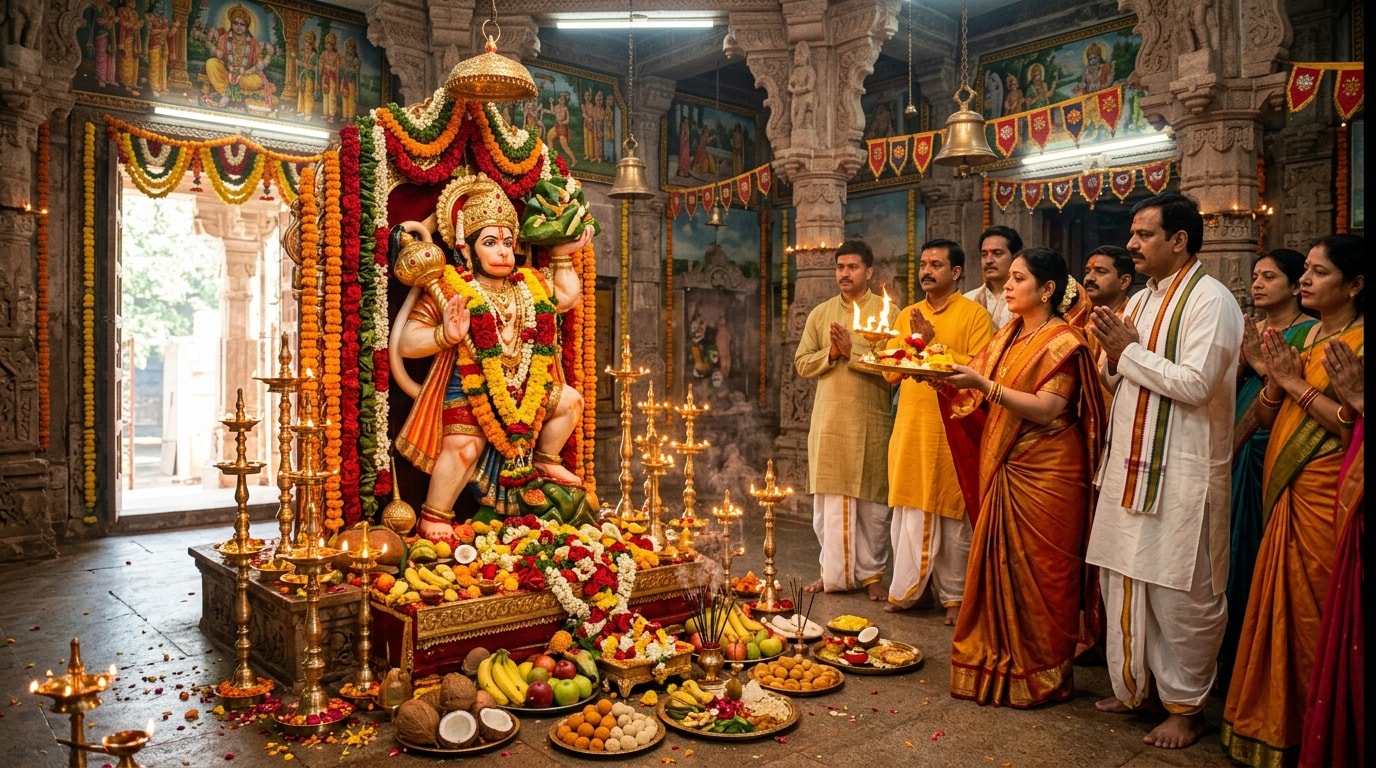
Edit Your Hanuman Jayanti AI Photo with Prompt-and-Upload Simplicity
You don’t need to be a professional designer to create a devotional Hanuman Jayanti portrait. Simply paste a prompt, upload your photo, and let Filmora transform it into a festival-ready visual with spiritual styling, warm lighting, and symbolic details. It’s an easy way to create personalized Hanuman Jayanti greetings while keeping the subject recognizable and the overall look polished. Using an AI video generator workflow, you can even expand these visuals into full celebration montages.
- Instant Prompt Copy & Paste — Use ready-made Hanuman Jayanti AI prompts for devotional portraits, greeting cards, baby images, and family festival photos.
- Photo Reference Support — Upload your own image to maintain facial features while applying festive spiritual styling.
- Personalized Greeting Text — Add custom wishes, family names, prayer captions, or Hanuman Jayanti greetings in a few clicks.
Add a Divine Festival Look with Spiritual Colors and Cinematic Detail
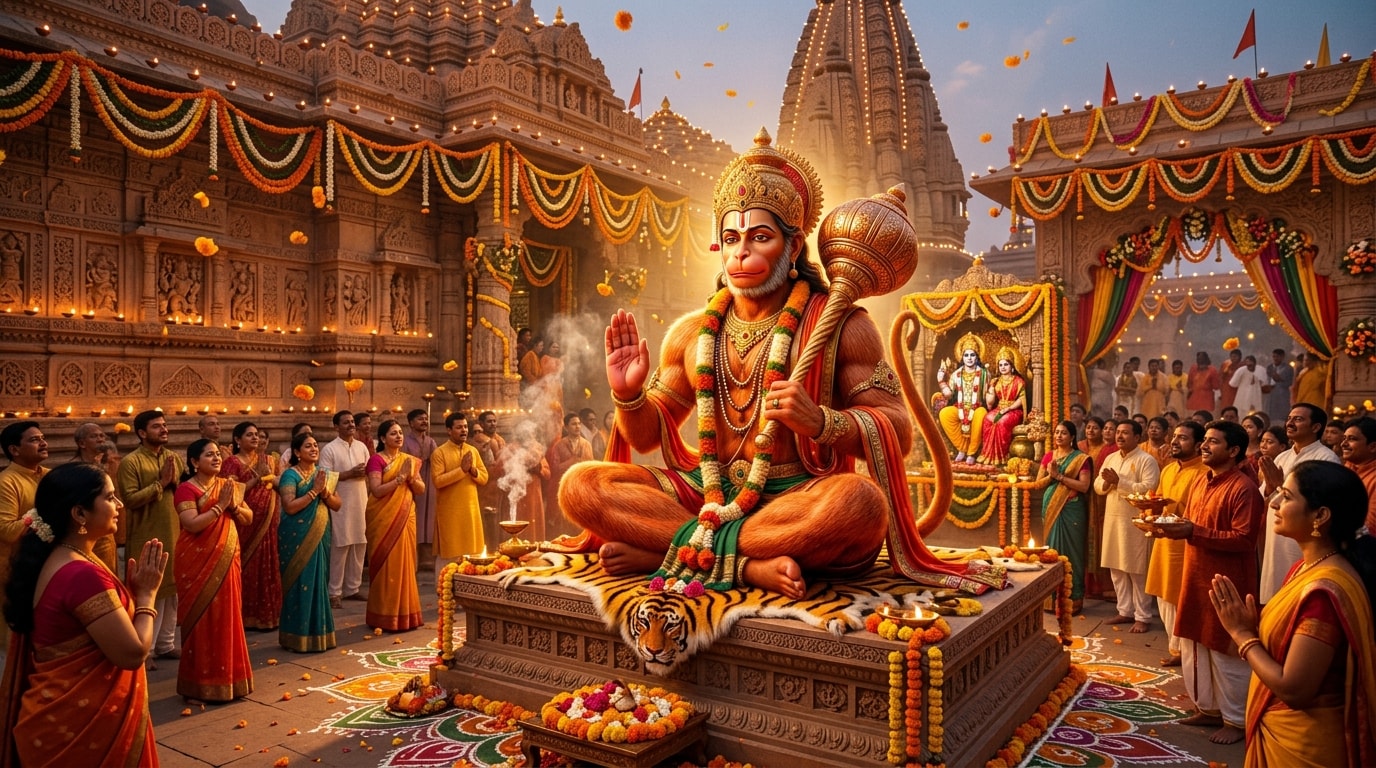
Add a Divine Festival Look with Spiritual Colors and Cinematic Detail
A strong Hanuman Jayanti visual should feel radiant, respectful, and emotionally uplifting. Filmora helps enhance AI-generated images with warm saffron-orange tones, dramatic lighting, glow effects, and polished devotional aesthetics that work beautifully for festival sharing. From spiritual portrait posters to family greeting visuals, the editing workflow helps turn simple inputs into eye-catching Hanuman Jayanti creations.
- Devotional Festival Styling — Emphasize temple-inspired backgrounds, saffron flags, marigold decor, glowing diyas, and reverent poses.
- Warm Spiritual Color Grading — Use rich orange, gold, and sunrise-inspired tones with cinematic color grading for a sacred festive mood.
- Poster-Like Visual Finish — Add soft glow, dramatic contrast, text overlays, and cinematic detail for social-ready devotional artwork.
Turn Hanuman Jayanti AI Photos into Reels, Status Videos, and Shareable Greeting Posts
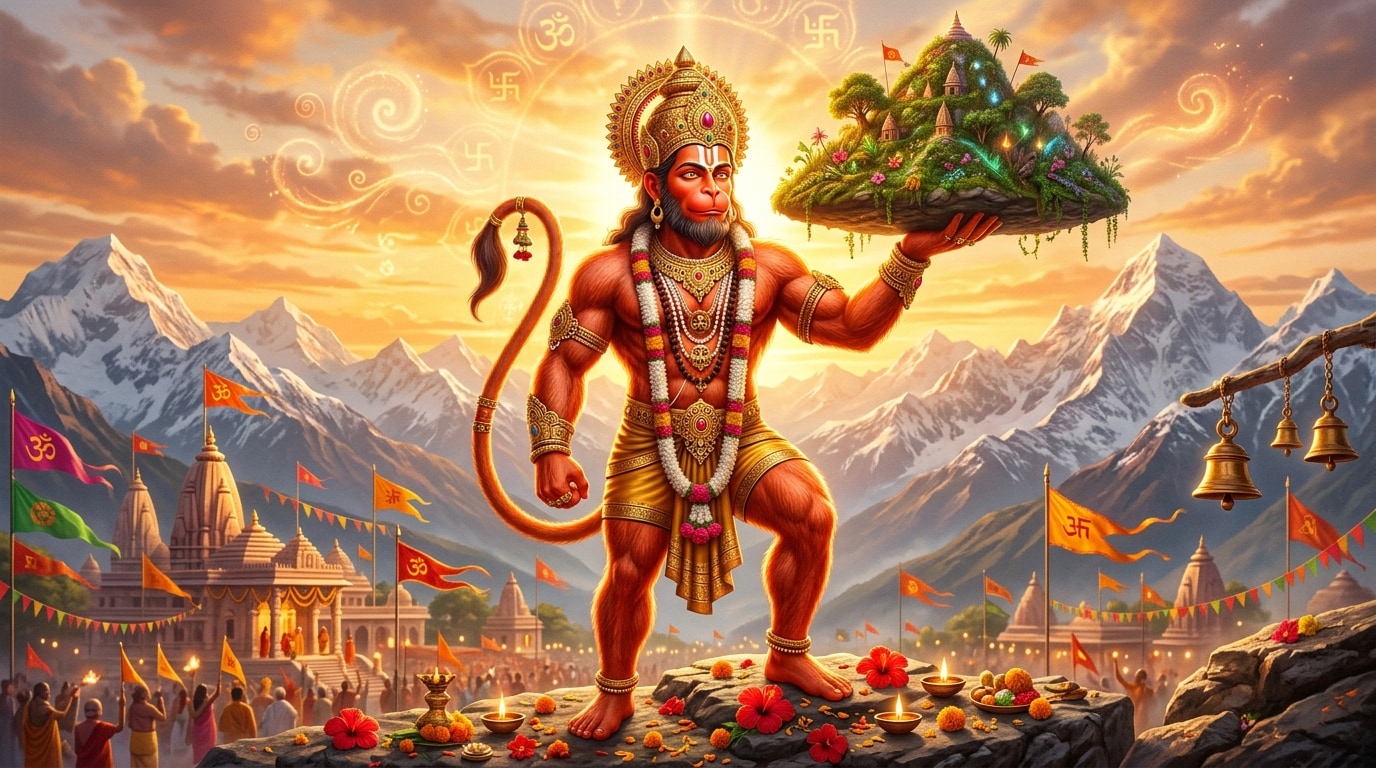
Turn Hanuman Jayanti AI Photos into Reels, Status Videos, and Shareable Greeting Posts
Festival content today often goes beyond static images. With Filmora, you can transform your Hanuman Jayanti AI photo into a short animated video, greeting status, or vertical social post without leaving the same editing workflow. This is especially useful for creating WhatsApp Status videos, Instagram Reels, YouTube Shorts, and devotional holiday greetings from a single generated image using One-Tap Photo Animation.
- Social-Ready Formats — Create vertical visuals for WhatsApp Status, Instagram Reels, and YouTube Shorts.
- HD Festival Export — Keep every color, glow, and facial detail sharp on mobile screens.
- Text, Music, and Motion — Add greetings, devotional captions, and animation for a more engaging festival post.
FAQs About Hanuman Jayanti AI Photos & Festival Editing
How to Create a Hanuman Jayanti AI Photo with Filmora
Hanuman Jayanti is a meaningful time to share personalized spiritual greetings, devotional posters, and festive social media visuals. This quick guide shows how to turn a normal image into a polished Hanuman Jayanti AI photo using Filmora, even if you have no design background.
Step 1 Open the AI Image Generator
Step 2 Paste a Hanuman Jayanti Prompt and Upload Your Photo
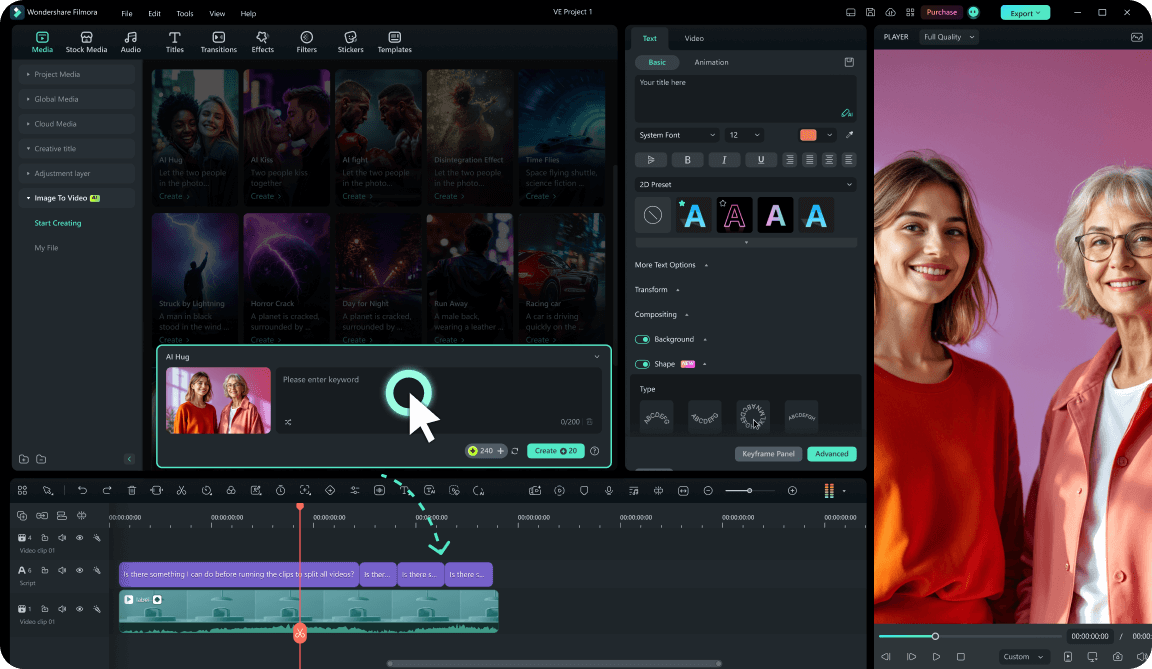
Step 3 Export, Edit, or Animate Your Festival Photo
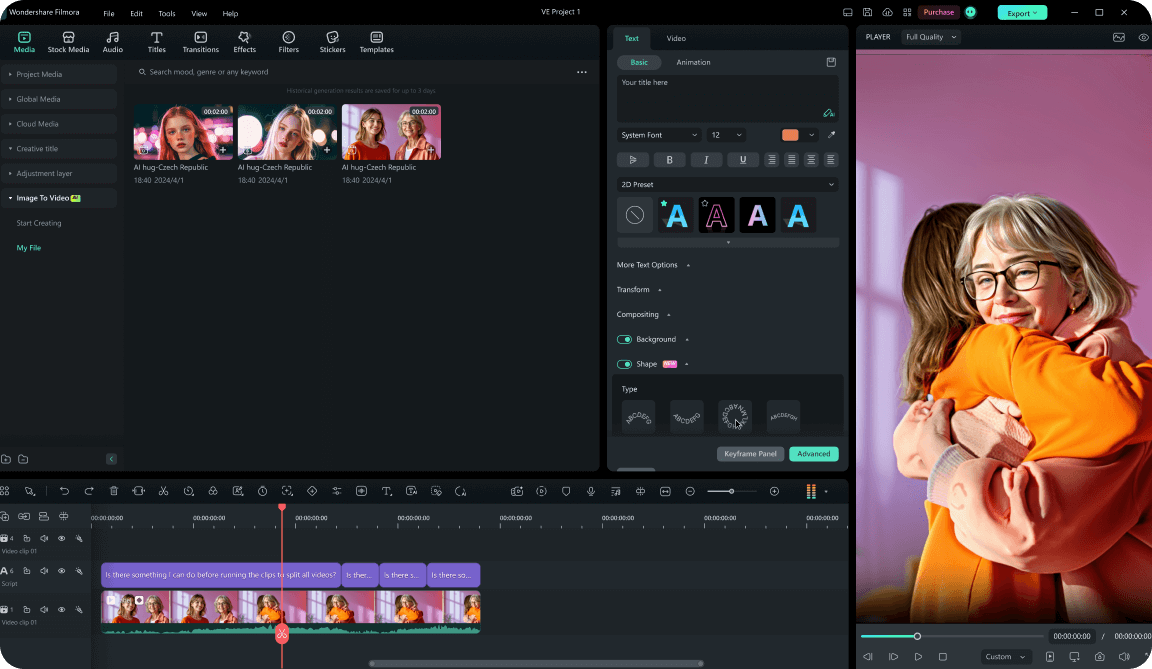
-
1:Open the AI Image Generator
Launch Filmora, create a new project, and open the AI Image Generator from the media panel. This is where you can generate a Hanuman Jayanti festival visual from a text description or start with your own photo. -
2:Paste a Hanuman Jayanti Prompt and Upload Your Photo
Enter a detailed Hanuman Jayanti AI prompt describing the look you want, such as devotional lighting, saffron festival tones, spiritual backdrop, greeting-card composition, or temple-inspired styling. Upload a reference image if you want the result to retain the subject’s face and overall likeness. -
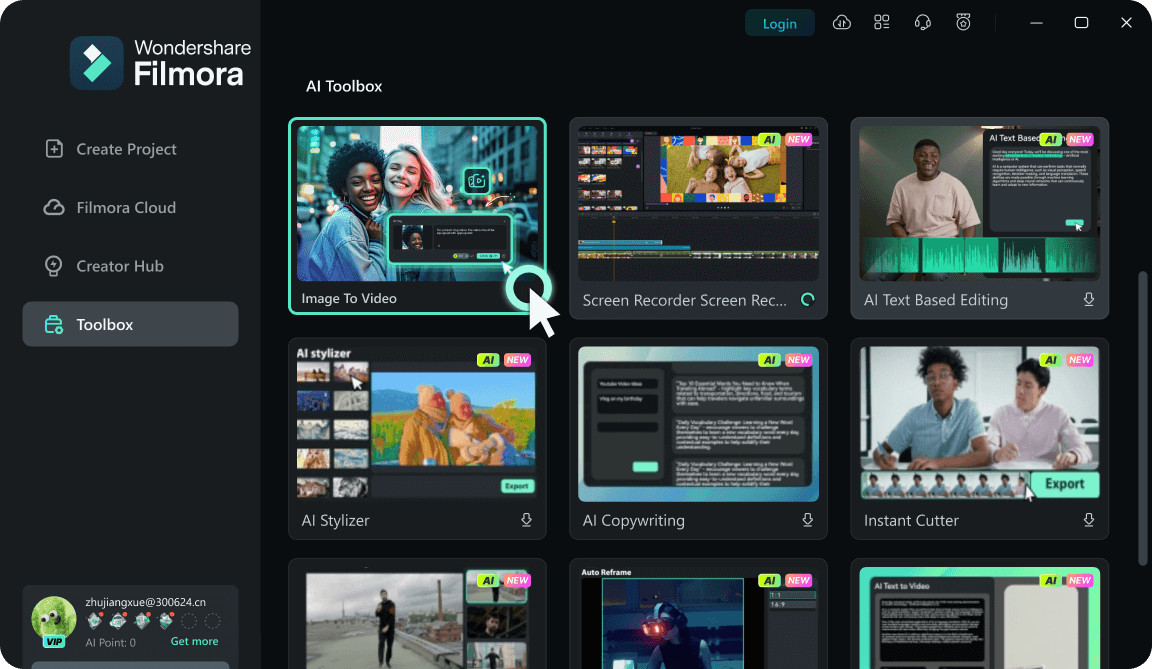
3:Export, Edit, or Animate Your Festival Photo
Preview your generated image and export it directly, or drag it into your Filmora timeline to add greeting text, glow effects, music, and motion. You can also use Image to Video to turn the final Hanuman Jayanti image into a short festival clip for social sharing.
Explore More Festival AI Photo Prompts & Devotional Greeting Templates
From Hanuman Jayanti AI photos to personalized spiritual greeting visuals, Filmora helps creators generate, refine, and share festival content faster. Explore more AI prompts, image styles, and animated greeting formats to turn devotional ideas into polished social-ready creations.








