Vishu Portrait Photo Templates:
Easy Copy & Share for Reels or Status
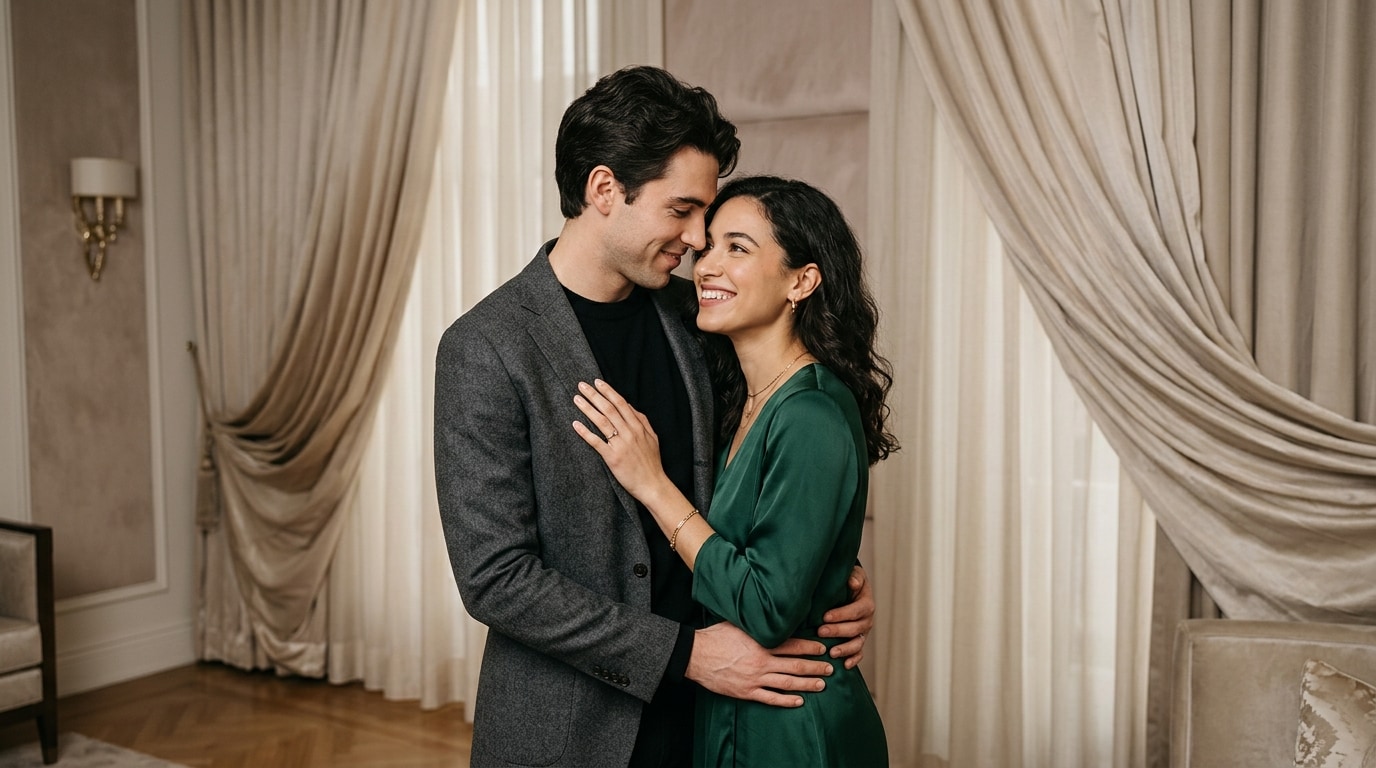
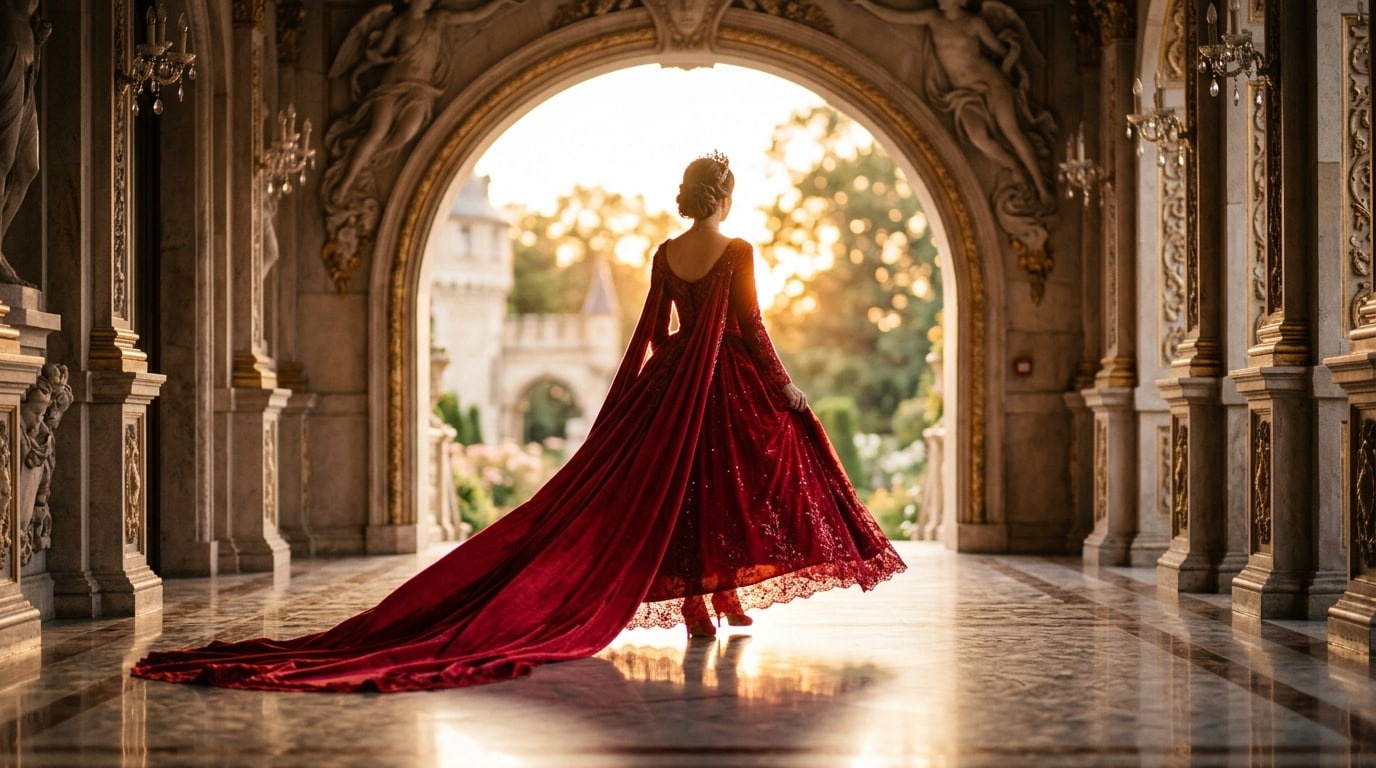
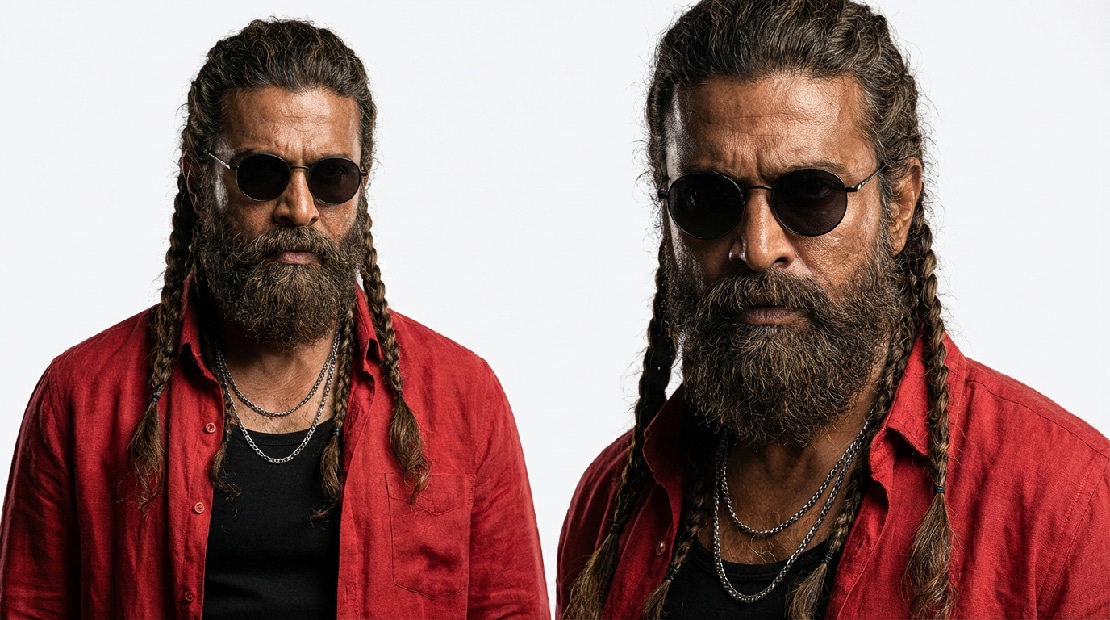
Want to make Vishu Portrait Photo shots that go viral? Choose from festival-themed, traditional, or trending selfie prompts for Vishu. Just tap an effect, copy the prompt, and paste it into your AI tool. Instantly generate stunning Vishu-inspired portraits for WhatsApp status, Instagram, or family posts—no setup needed. These AI Vishu Portrait Photo templates make it quick to get pro-looking results fast.
Loading more templates...
 Category:
 Duration:
 Aspect Ratio:
Vishu Portrait AI Prompts - Turn Your Photos Into Festive Kerala Portraits
Use ready-to-go Vishu AI prompts to transform your own photos into vibrant, traditional Kerala-style portraits. Capture the golden glow of Kanikonna flowers, kasavu sarees, and lamp-lit Vishukkani arrangements in one AI-generated image. Perfect for Instagram, Threads, Reels, or WhatsApp status, these prompts let you easily create personalized Vishu portraits that match trending festival styles—just provide your photo and let AI generate stunning, shareable results.
Turn Any Selfie Into a Vishu Portrait Photo
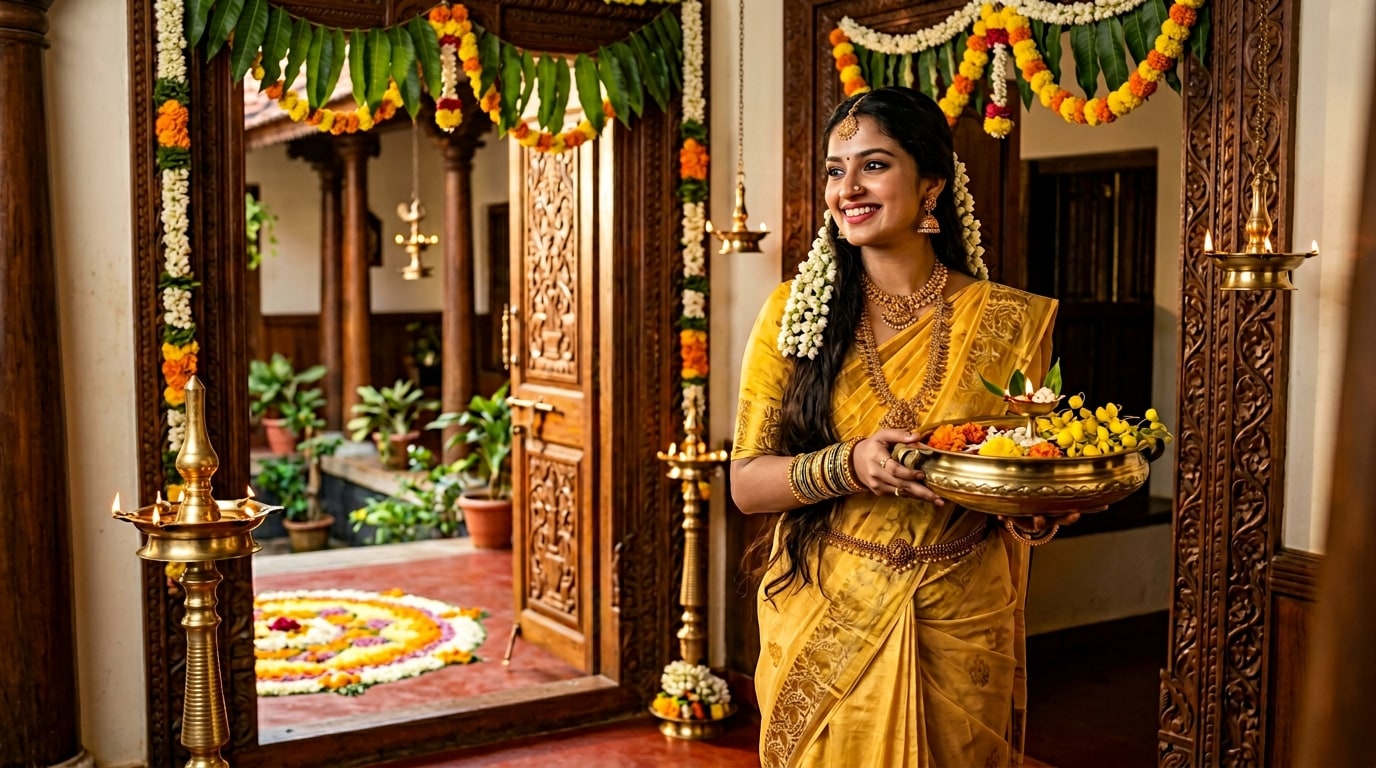
Turn Any Selfie Into a Vishu Portrait Photo
Bring the spirit of Vishu to life with Filmora. Upload any photo—selfie, family shot, or friends—and let AI turn it into a vibrant Vishu portrait filled with golden Kanikonna flowers, kasavu sarees, and lamp-lit Vishukkani setups. Perfect for WhatsApp, Instagram, or TikTok, these portraits capture traditional Kerala festivity in a few clicks.
- Instant AI Prompt Generation - Get ready-made Vishu prompts for photos, no design skills needed.
- Authentic Festival Details - Saree, mundu, jasmine garlands, lamp arrangements, banana leaves & more.
- Personalized Photo Transformation - Upload your photo and see it magically turned into a festive Vishu portrait.
Create Vishu Portrait Photo Reels & Stories in Seconds
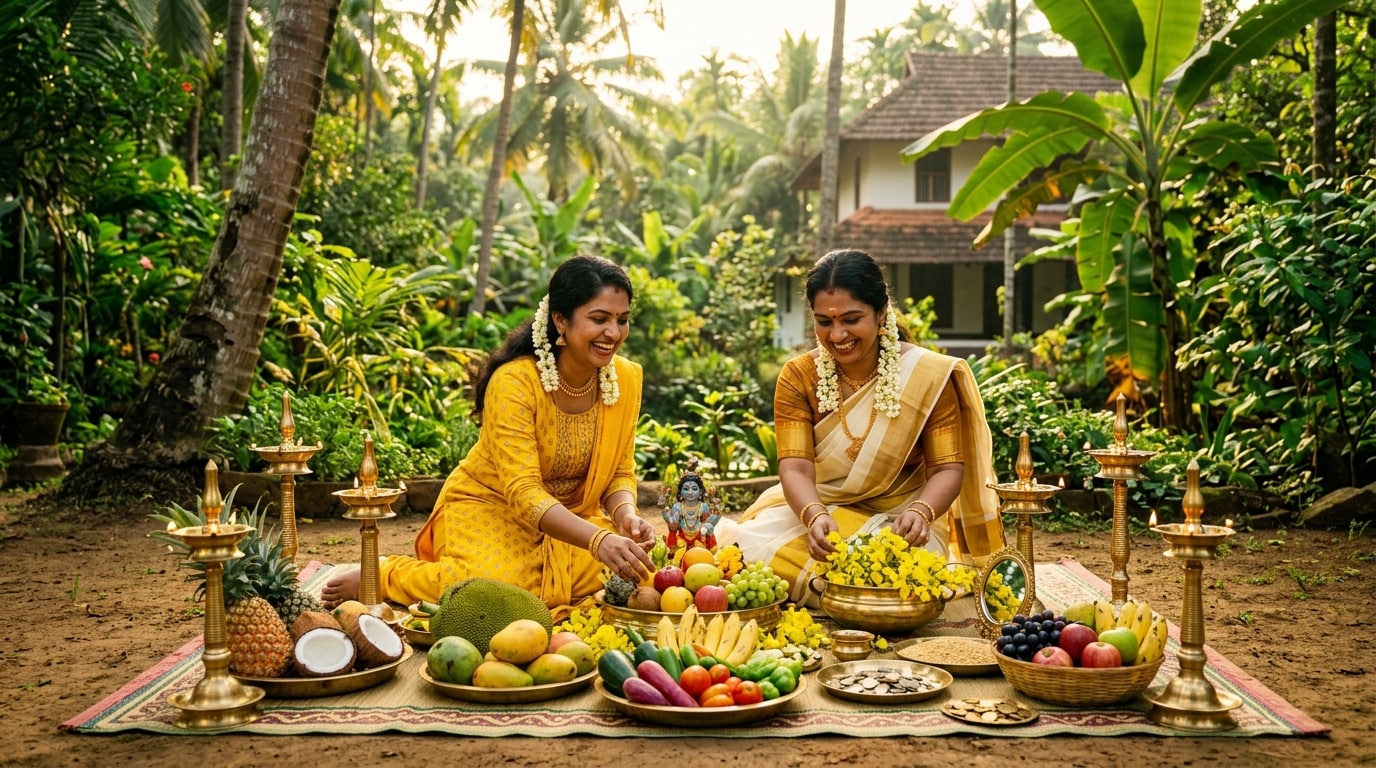
Create Vishu Portrait Photo Reels & Stories in Seconds
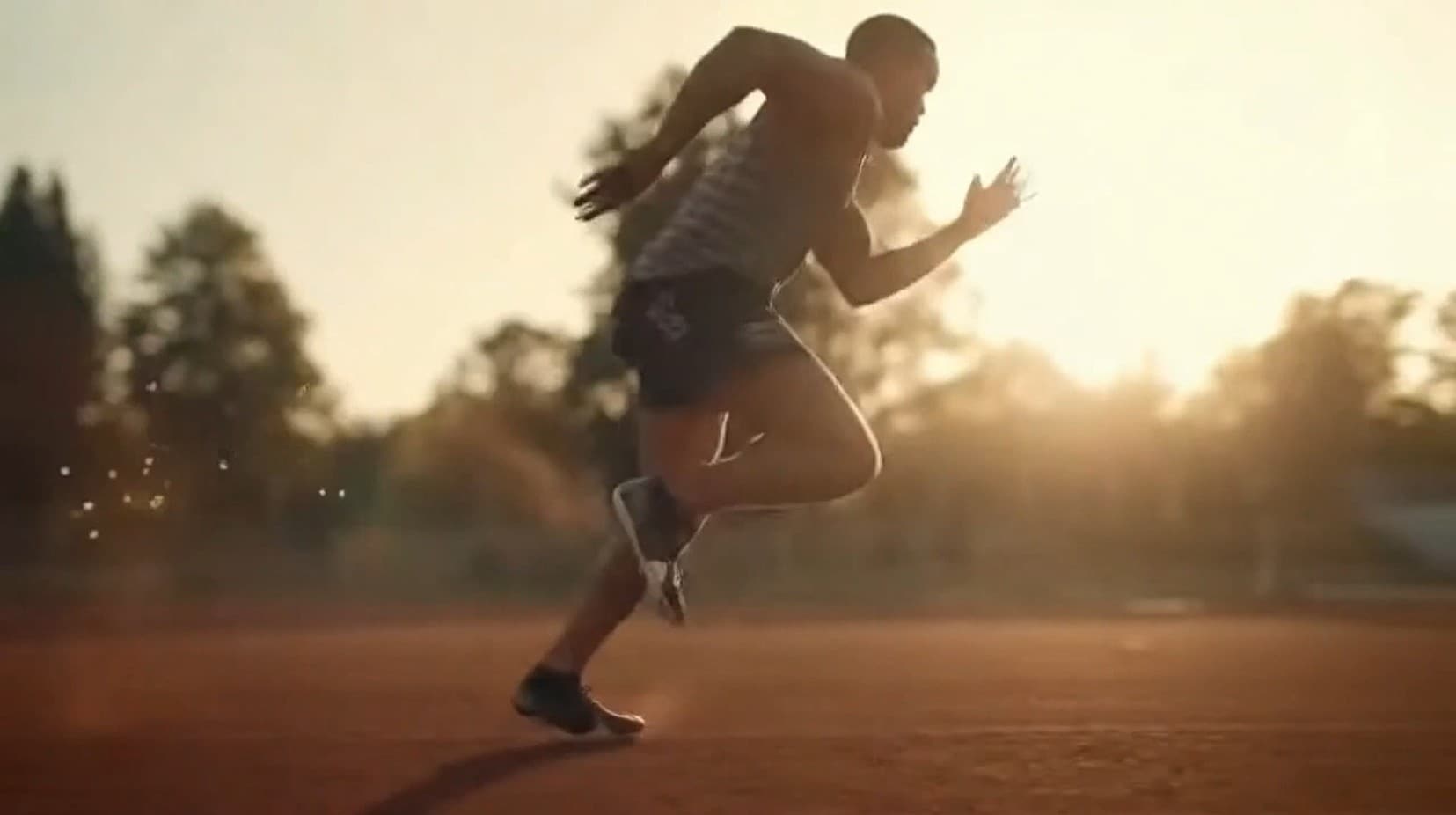
Filmora mobile app transforms static Vishu portraits into lively festival videos in seconds. Animate your selfies with shimmering lamp lights, floating Kanikonna petals, and golden morning glows. Share festive reels instantly on Instagram, WhatsApp, or Snapchat and celebrate Vishu with friends and family.
- Festive Video Templates - Lamp animations, flower petals, and traditional motifs ready to go.
- Effortless AI Generation - Just upload your portrait and let AI create vibrant Vishu stories.
- Customizable Festival Flair - Adjust prompts and styles for unique personalized edits.
- Photo-to-Video Animator - Transform a single Vishu image into a captivating short video.
- Built-in Festival Music - Chenda beats and traditional Vishu tunes included.
Customize Vishu Portrait Photo Captions & Text
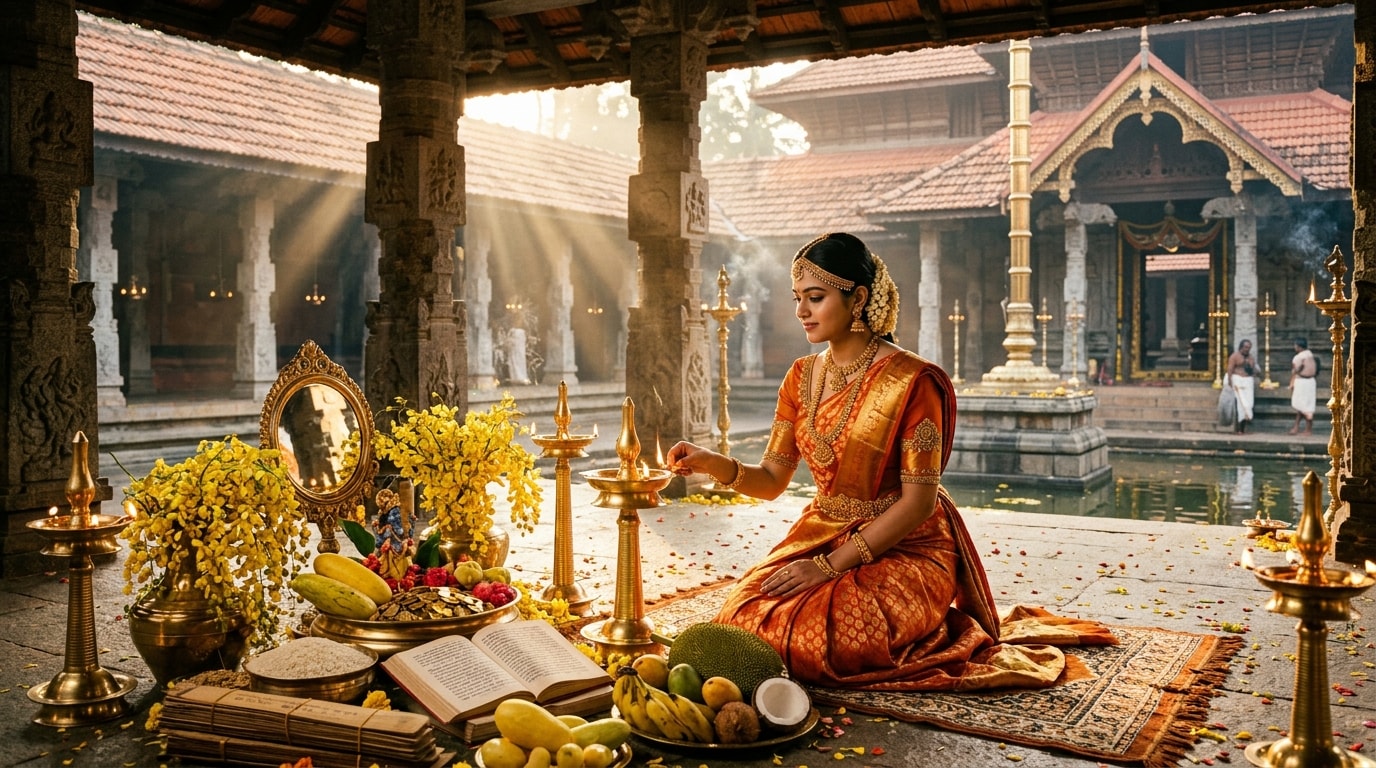
Customize Vishu Portrait Photo Captions & Text
Enhance your Vishu portrait with custom greetings, Malayalam quotes, or festival wishes. Filmora lets you place captions, stylish fonts, and festive icons effortlessly. Decorate your AI-generated portrait with lamps, floral borders, or curved text for a professional and joyful Vishu look.
- ✨ Festive Speech Bubbles - Add personalized Vishu messages in English or Malayalam.
- 🔤 Festival Fonts - Elegant calligraphy, bold traditional styles, and Malayalam support.
- 🎨 Text Effects & Decoration - Gold accents, lamp icons, floral borders, and curved text for festive charm.
FAQs for Vishu Portrait Photo
- Upload your selfie, family, or group photo to Filmora's AI image generator.
- Choose a Vishu prompt or template to automatically add festive elements like Kanikonna flowers, lamps, and traditional Kerala attire.
- Optionally customize styles, lighting, or festival props for a unique look.
- Generate the final portrait in high-resolution 1:1 format, perfect for social media posts, WhatsApp status, or family keepsakes.
How to Make a Vishu Portrait Photo in Filmora
Want to create a Vishu Portrait Photo that's perfect for posting on Instagram or TikTok? This quick guide helps you generate festive, trending Vishu photos in seconds—even if you're new to AI image tools. Just follow the steps below to turn your pictures into viral Vishu Portrait Photos instantly.
Step 1 Open Filmora & Find AI Image Feature

Step 2 Enter Text to Generate Your Vishu Portrait Photo

Step 3 Export & Share Your Vishu Portrait Photo

-
1:Open Filmora & Find AI Image Feature
Install the latest Filmora, create a new project, go to "Stock Media," and select "AI Image" from the Media panel. -
2:Enter Text to Generate Your Vishu Portrait Photo
Select the AI model, type in "Vishu Portrait Photo" or your own Vishu prompt, and click "Generate" to create your festival portrait. -
3:Export & Share Your Vishu Portrait Photo
Preview your AI-generated Vishu image, then download, further edit, or share your Vishu Portrait Photo instantly to social platforms.