20+ Viral Holi AI Prompts:
Instant Copy & Paste for ChatGPT & Gemini
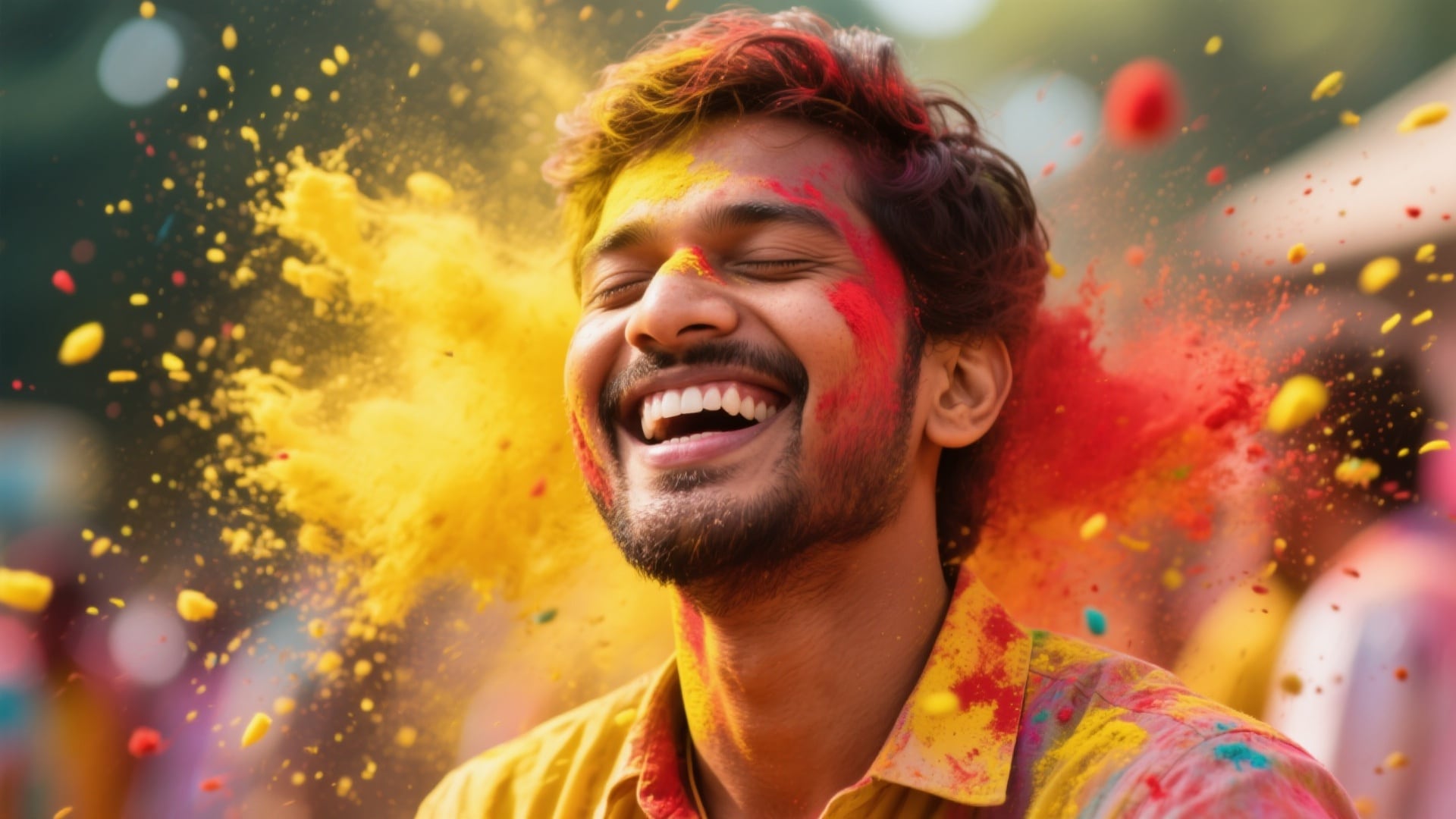
Stop searching for the perfect description. We’ve curated the trending ChatGPT Holi viral prompt list for 2025. From 3D wings and water guns to traditional Holi friends group photo prompt ideas, these templates are ready to use. Simply select your style, copy the text, paste it into Nano Banana Pro or Gemini, and generate stunning festival visuals instantly. Perfect for creating unique Holi AI photo editing masterpieces.
Loading more templates...
 Category:
 Duration:
 Aspect Ratio:
Create Trending Holi AI Images
with Nano Banana Pro
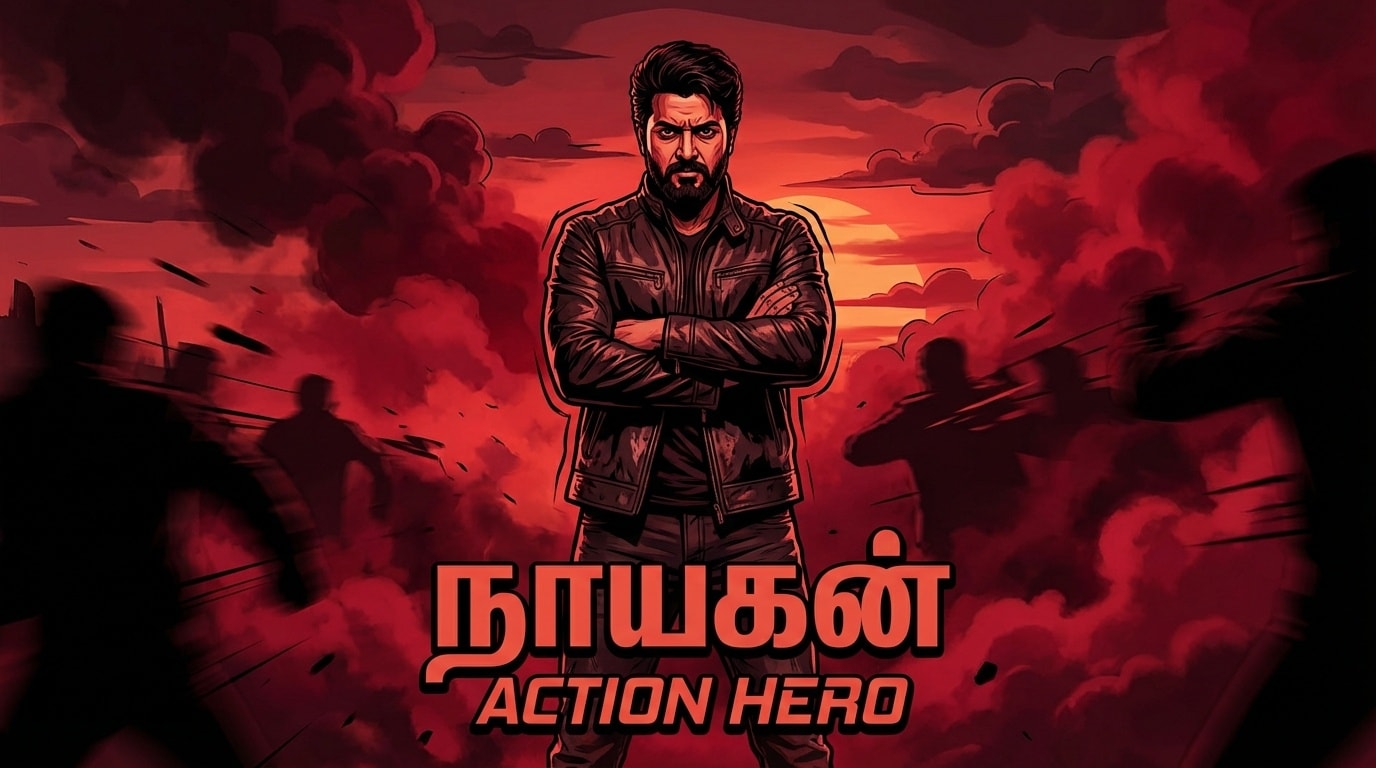
A perfect festival post isn’t just about one photo—it’s about the vibe. With Filmora’s AI tools and Gemini-style prompts, you can create everything from Holi prompt for boy action shots to colorful Holi friends group photo prompt scenes. Generate a stunning ChatGPT viral Holi prompt image, then refine it with cinematic lighting, vibrant color grading, and realistic detail enhancement.
Generate Hyper-Realistic Holi Avatars with Nano Banana Pro
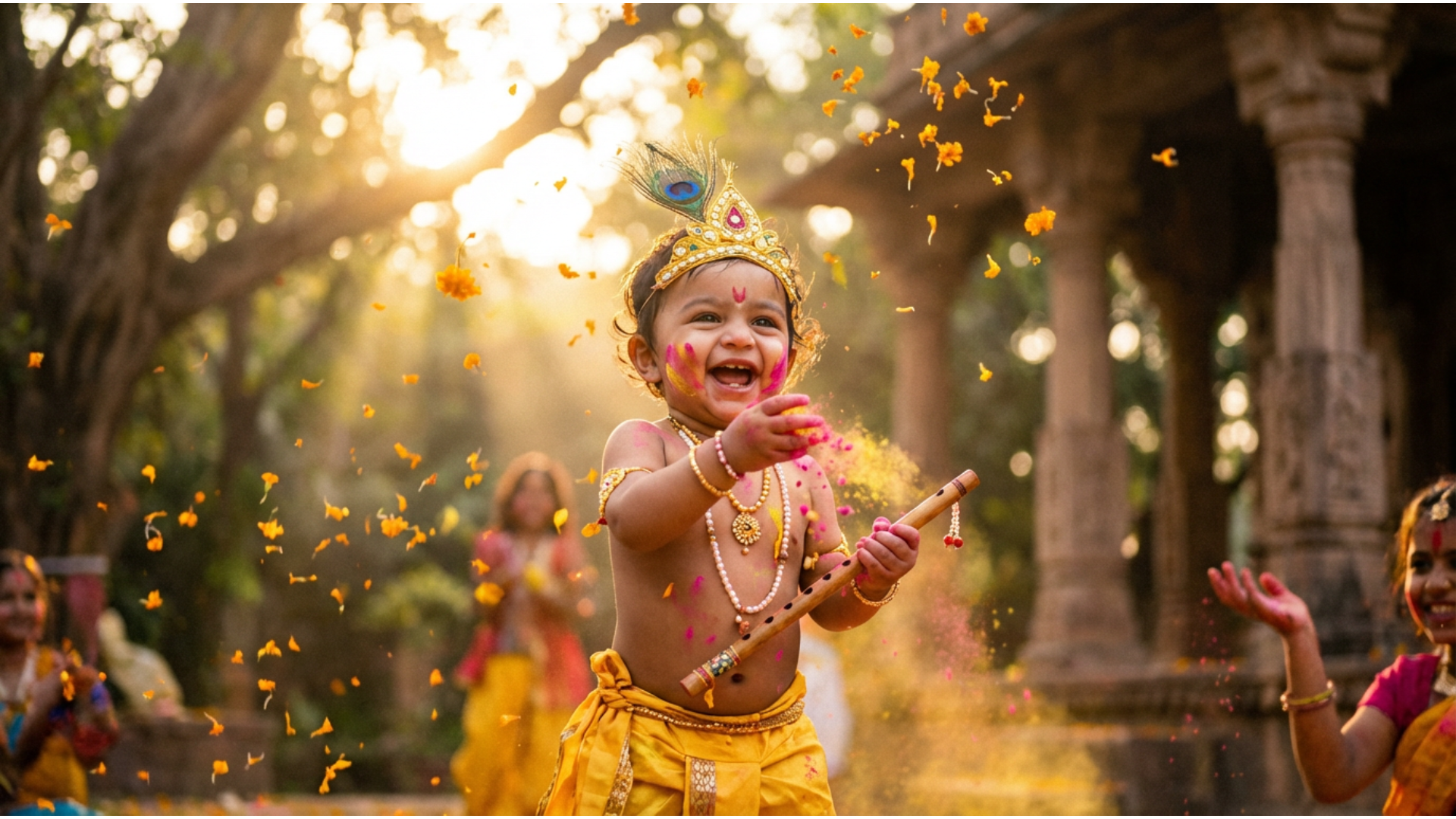
Generate Hyper-Realistic Holi Avatars with Nano Banana Pro
Why settle for generic filters when you can create custom art? The specific ChatGPT viral Holi prompt trends rely on advanced rendering. Our Nano Banana Pro model interprets complex prompts perfectly, delivering the exact lighting, color splashes, and textures required for a viral Instagram post.
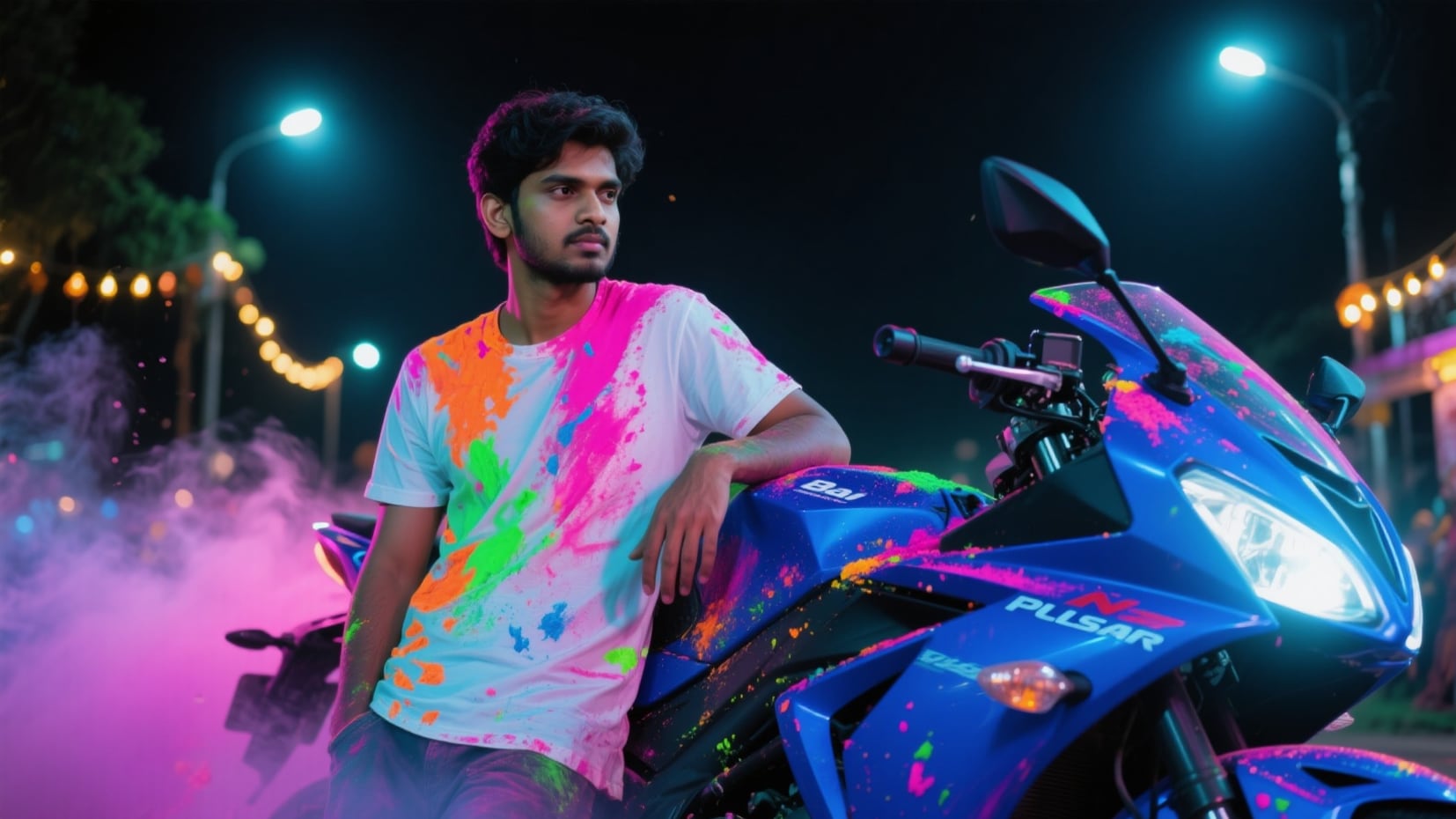
- Text-to-Image Precision – Accurately renders specific details like "Holi prompt for boy" with a superbike or "girl" with 3D wings.
- Vibrant Color Palettes – Ensures the "Gulal" looks powdery, textured, and realistic, not flat or cartoonish.
- High-Resolution Output – Perfect for crisp WhatsApp Status updates and full-screen Instagram Reels covers.
Animate Your Festival Colors with Holi Video Templates
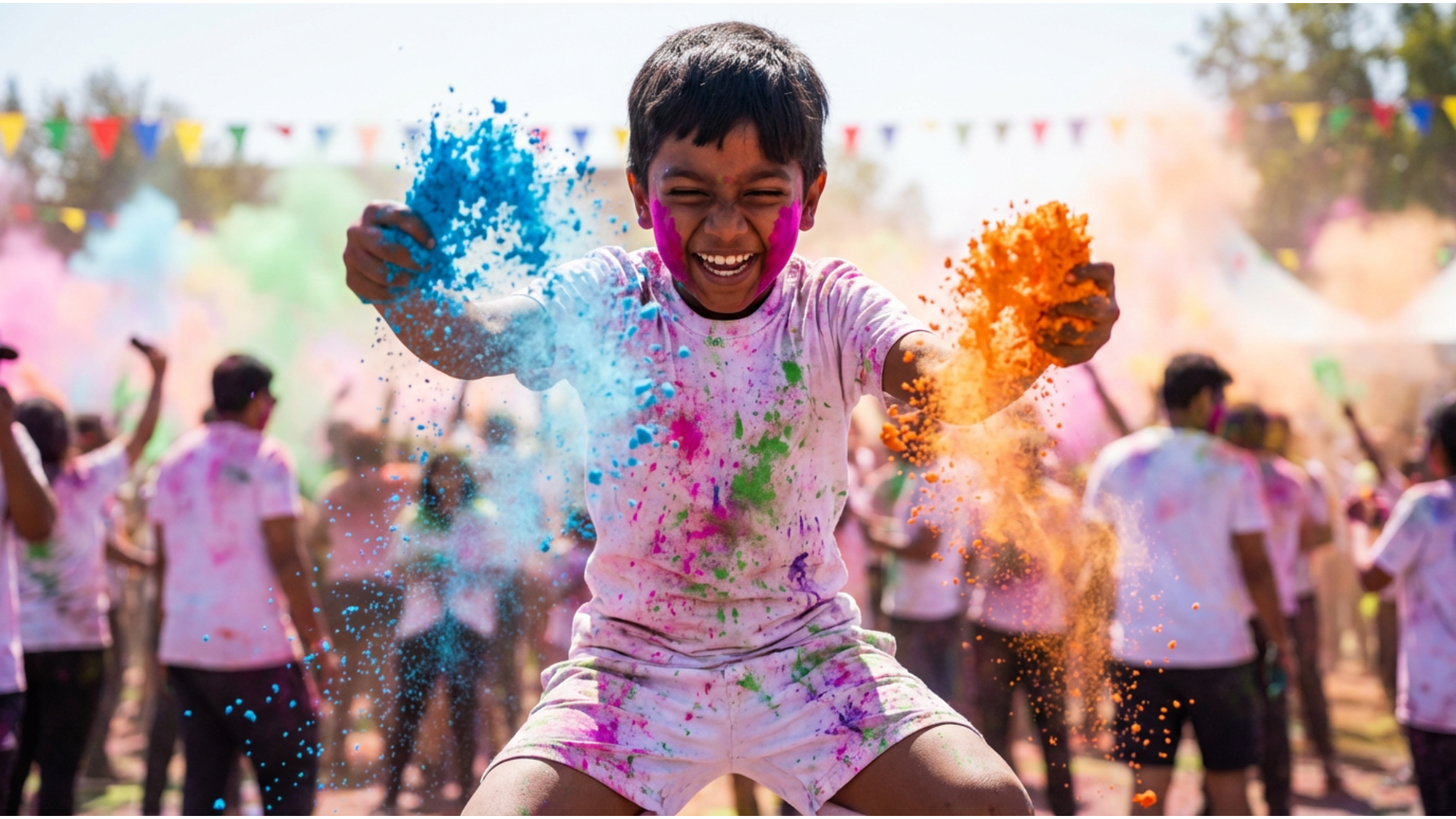
Animate Your Festival Colors with Holi Video Templates
Static images are great, but moving colors are magical. Take your generated Holi bike photo prompt result and turn it into a dynamic video. Filmora’s desktop templates analyze the scene to add subtle motion to the colored powder, flowing water, or background elements, creating a mesmerizing effect.
- Instant Animation – Turn a still Holi prompt ChatGPT image into a trending video in seconds.
- Dynamic Elements – Automatically adds motion to smoke, powder explosions, and hair for a cinematic look.
- Social Ready – Export directly in 9:16 aspect ratio for TikTok, Shorts, and Reels.
- Photo-to-Video Magic – Make any static Holi image into moving, shareable video art.
Bring Still Photos to Life with AI Image to Video
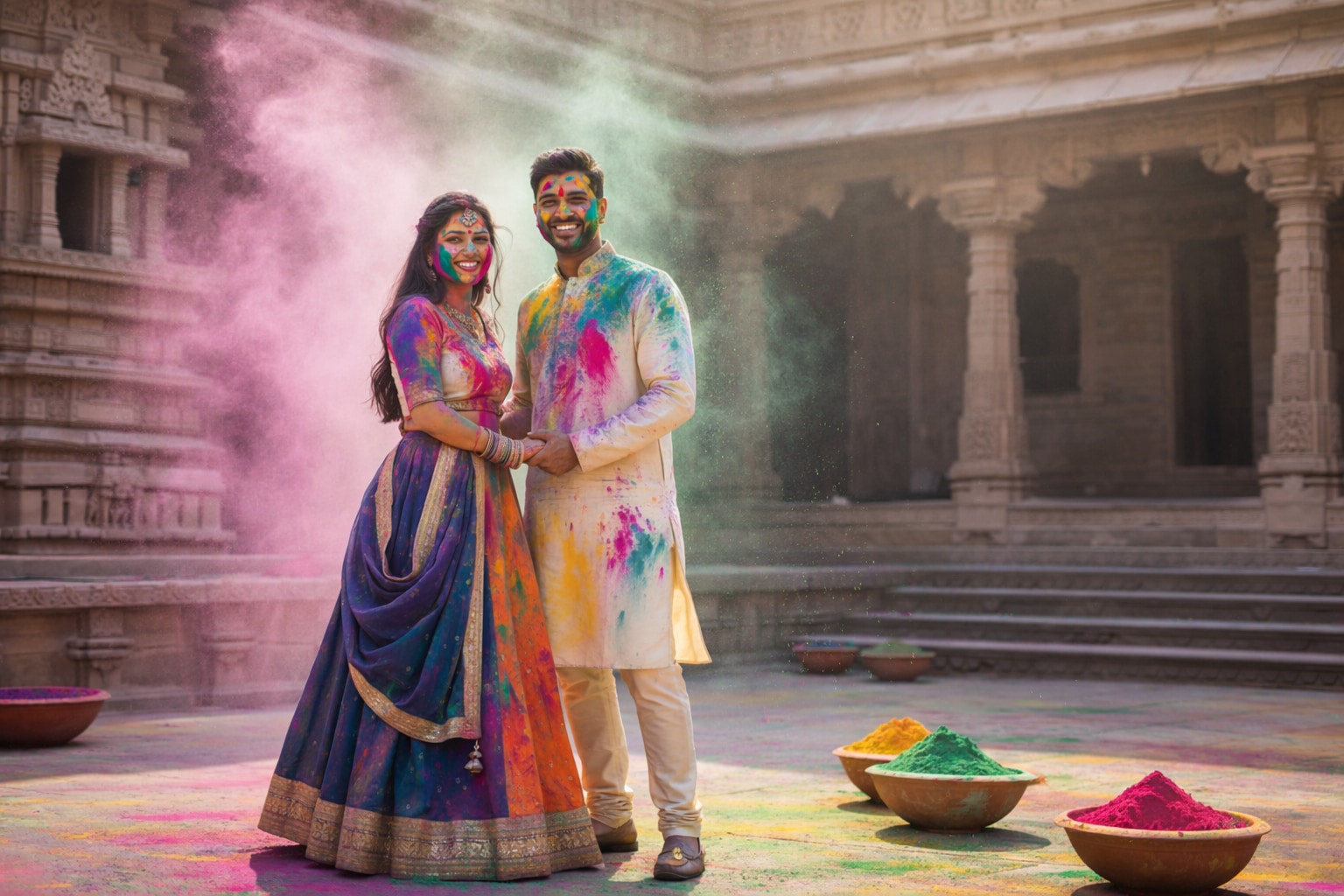
Bring Still Photos to Life with AI Image to Video
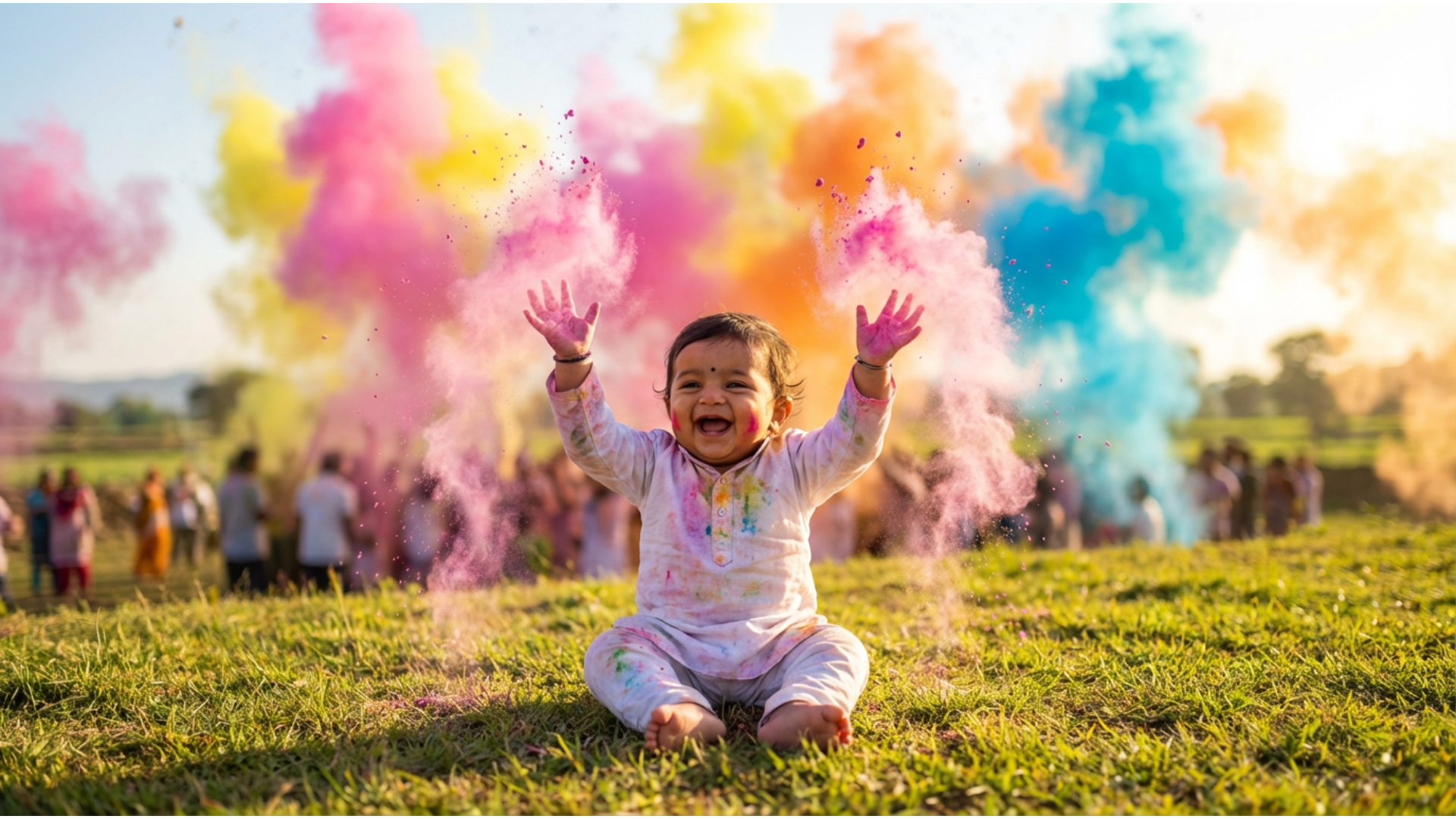
Want to see your Holi family photo prompt creation actually move? Our advanced AI Image to Video feature generates realistic movement from a single prompt. Watch as the Gulal falls naturally or the characters smile and blink, transforming a simple picture into a living memory.
- ✨ Realistic Motion – Generates natural movement for water, fabric, and color dust.
- 🎥 Cinematic Transitions – Creates smooth video clips perfect for intros or social stories.
- 🚀 No Camera Needed – Create professional video content entirely from text prompts and AI.
Perfect Your Portraits with AI Face Retouch
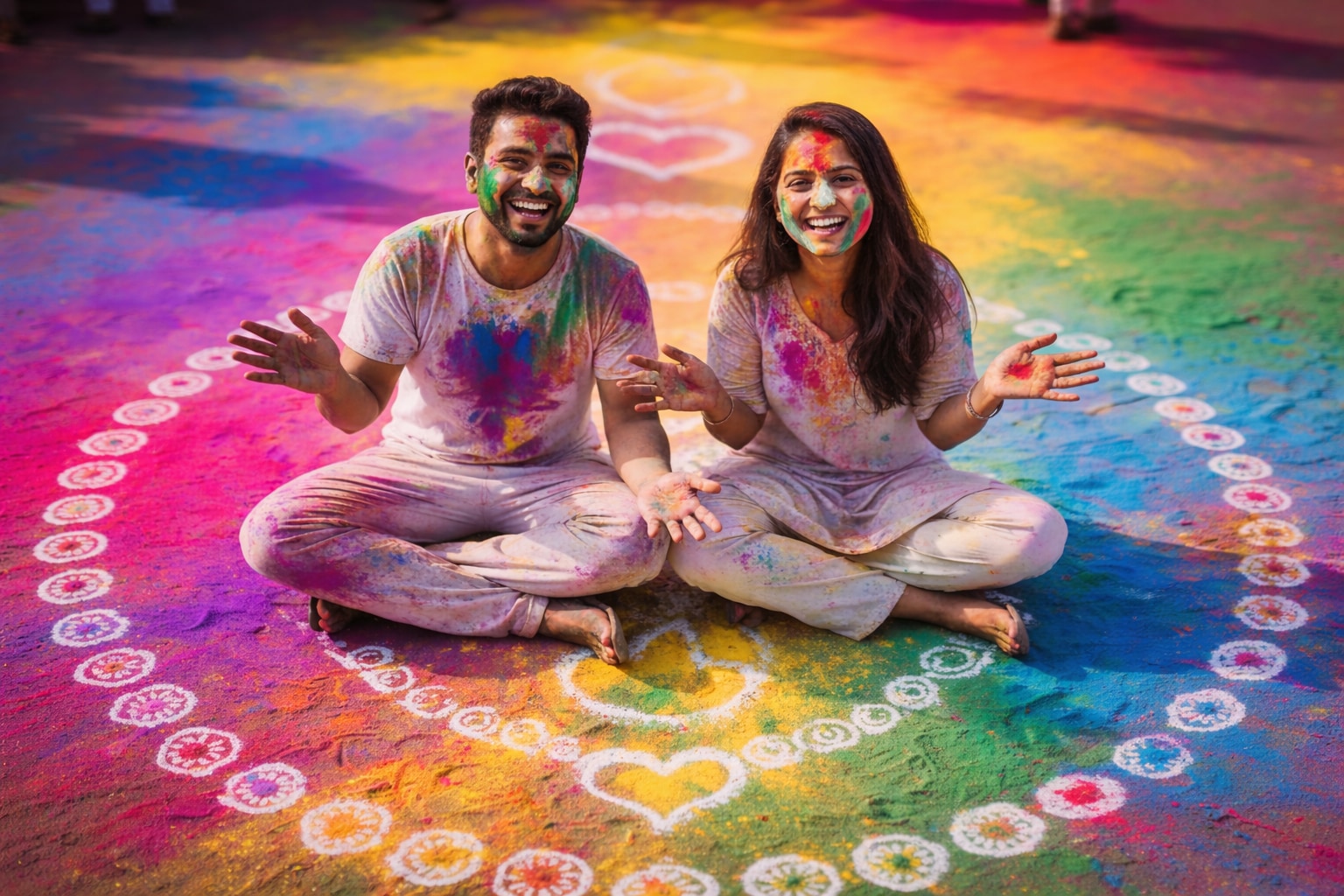
Perfect Your Portraits with AI Face Retouch
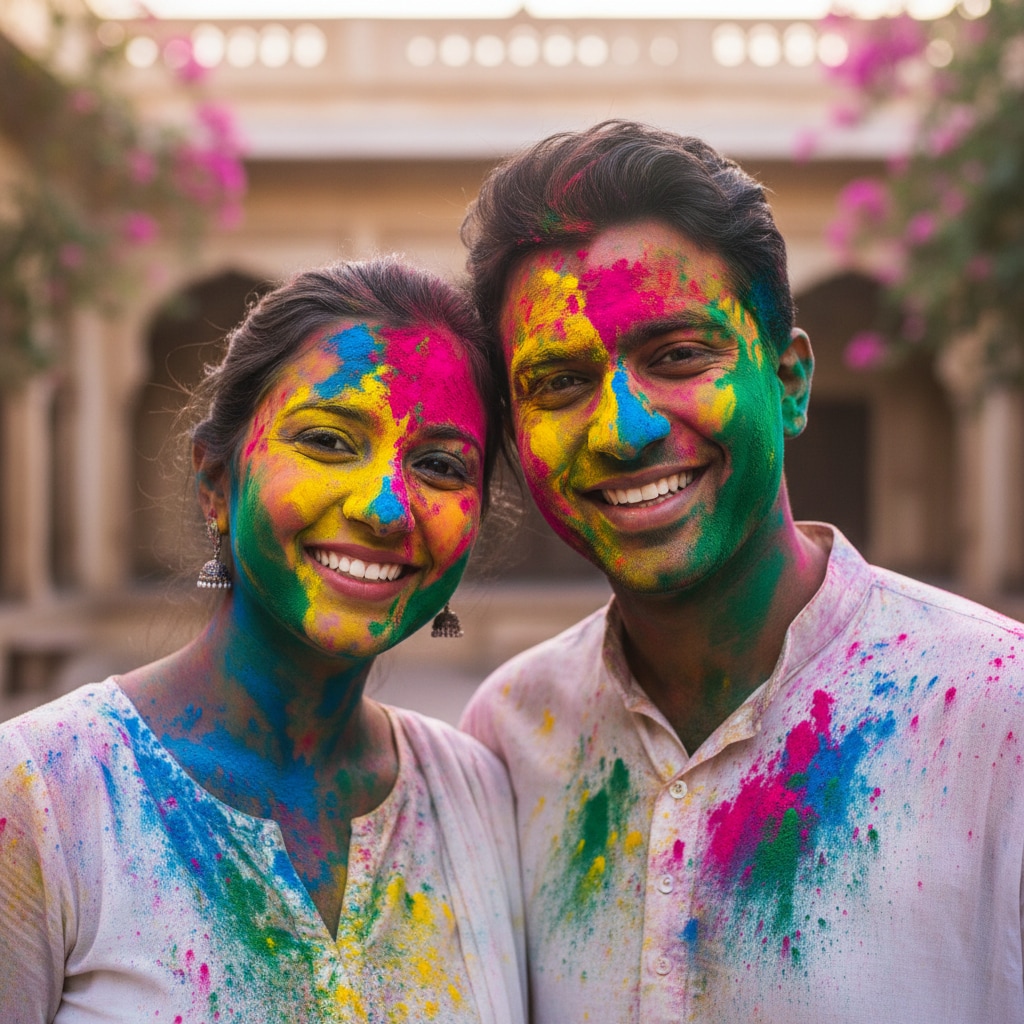
Even in a messy Holi photo, you want to look your best. If your Holi friends group photo prompt generates faces that need a little polish, our AI Retouch tool cleans up artifacts while keeping the festive spirit intact. It balances the colorful chaos with clear, sharp facial features.
- Smart Feature Enhancement – Sharpens eyes and smiles hidden behind digital colors.
- Skin Tone Balancing – Ensures natural skin looks great even under layers of digital paint.
- Group Photo Fixes – Detects and enhances multiple faces in a single frame automatically.
FAQs About ChatGPT Viral Holi Prompts
How to Create a Viral Holi Image with Filmora
Popular on Instagram and WhatsApp, these **Holi prompt chatgpt** effects let you make trending festival photos in seconds. This guide shows beginners how to generate a personalized Holi image using AI tools—no design experience required!
Step 1 Open the AI Image Generator

Step 2 Enter Your Holi Prompt

Step 3 Download and Edit Your Holi Image

-
1:Open the AI Image Generator
Start Filmora, create a new project, go to "Stock Media", and select "AI Image" to get started. -
2:Enter Your Holi Prompt
Select the Nano Banana Pro model, enter your **chatgpt viral holi prompt** (such as a 3D avatar with wings), and click "Generate" to instantly create your image. -
3:Download and Edit Your Holi Image
Preview the generated festive image, click download, drag it into your project for further editing (like adding music), or export/share it directly.
More Than Just Holi AI Prompts
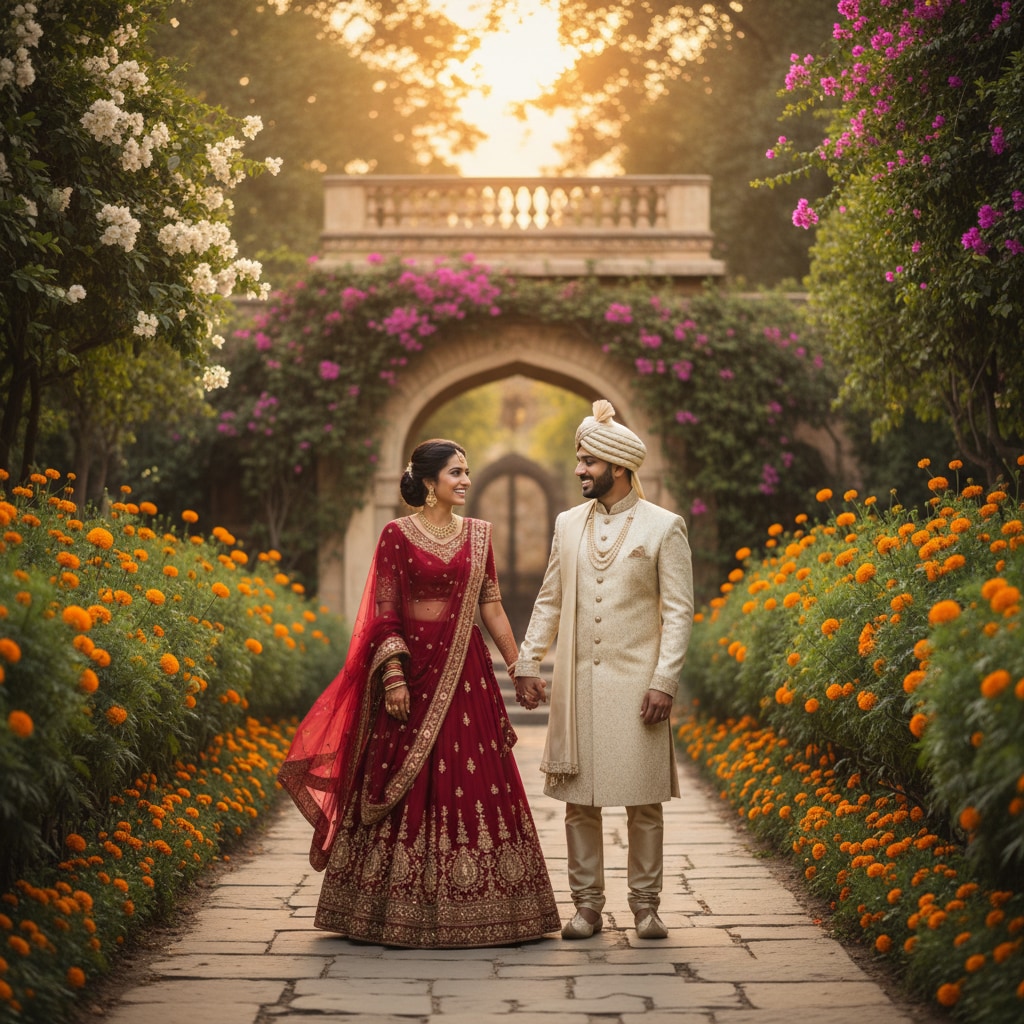
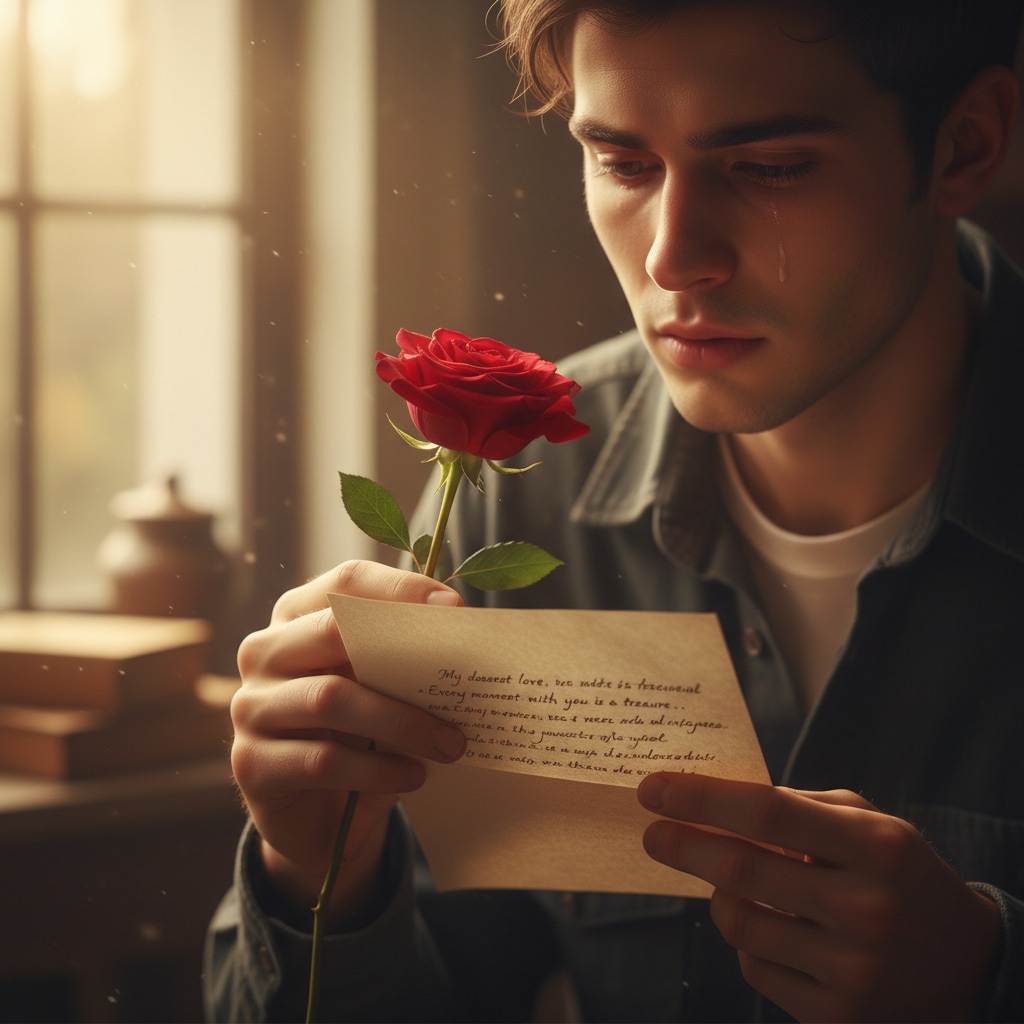
Filmora isn’t just for making **Holi prompt chatgpt** images—it also generates stunning romantic photos, AI-powered videos, and lets you edit heartfelt moments all in one simple tool.