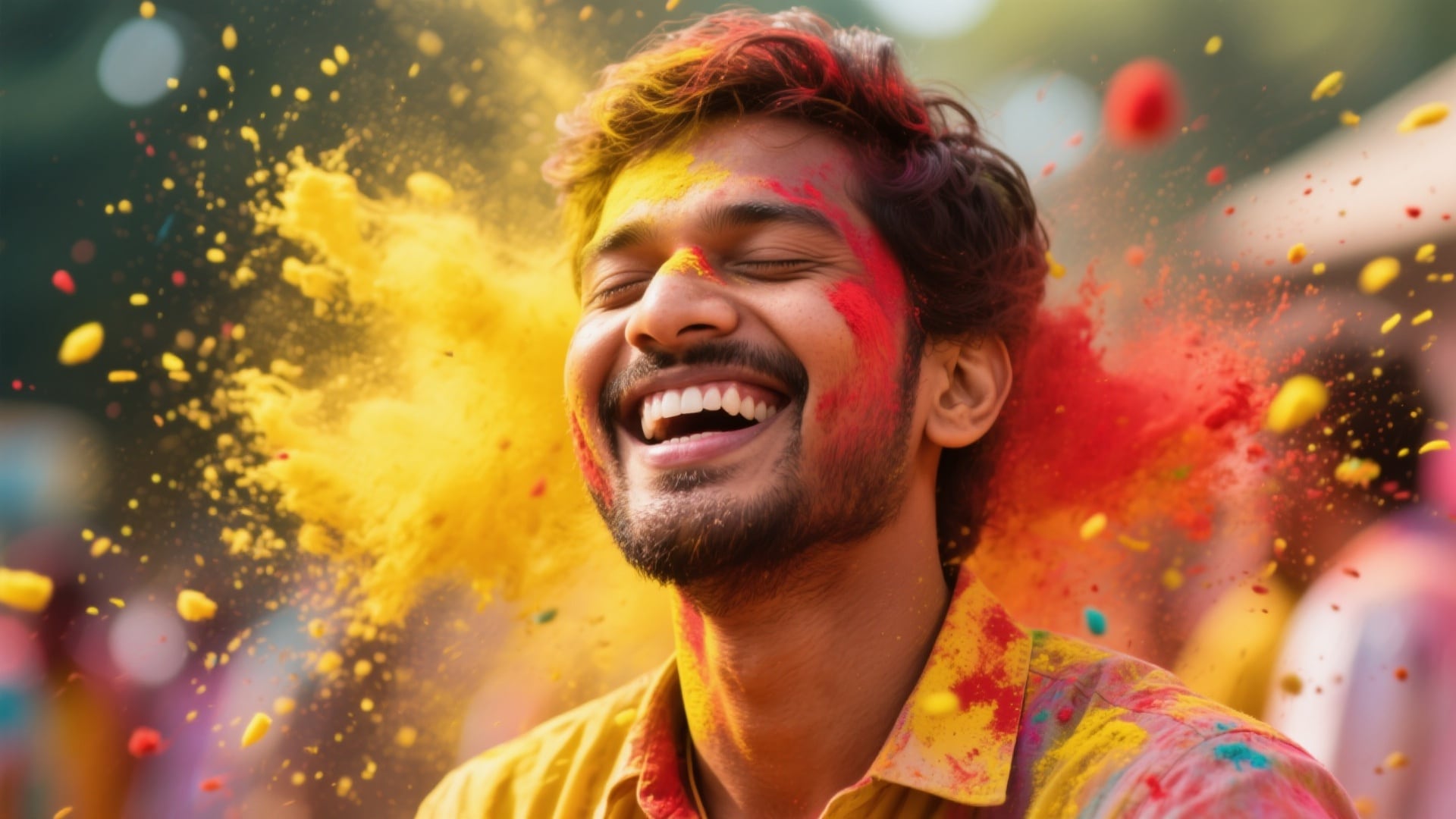
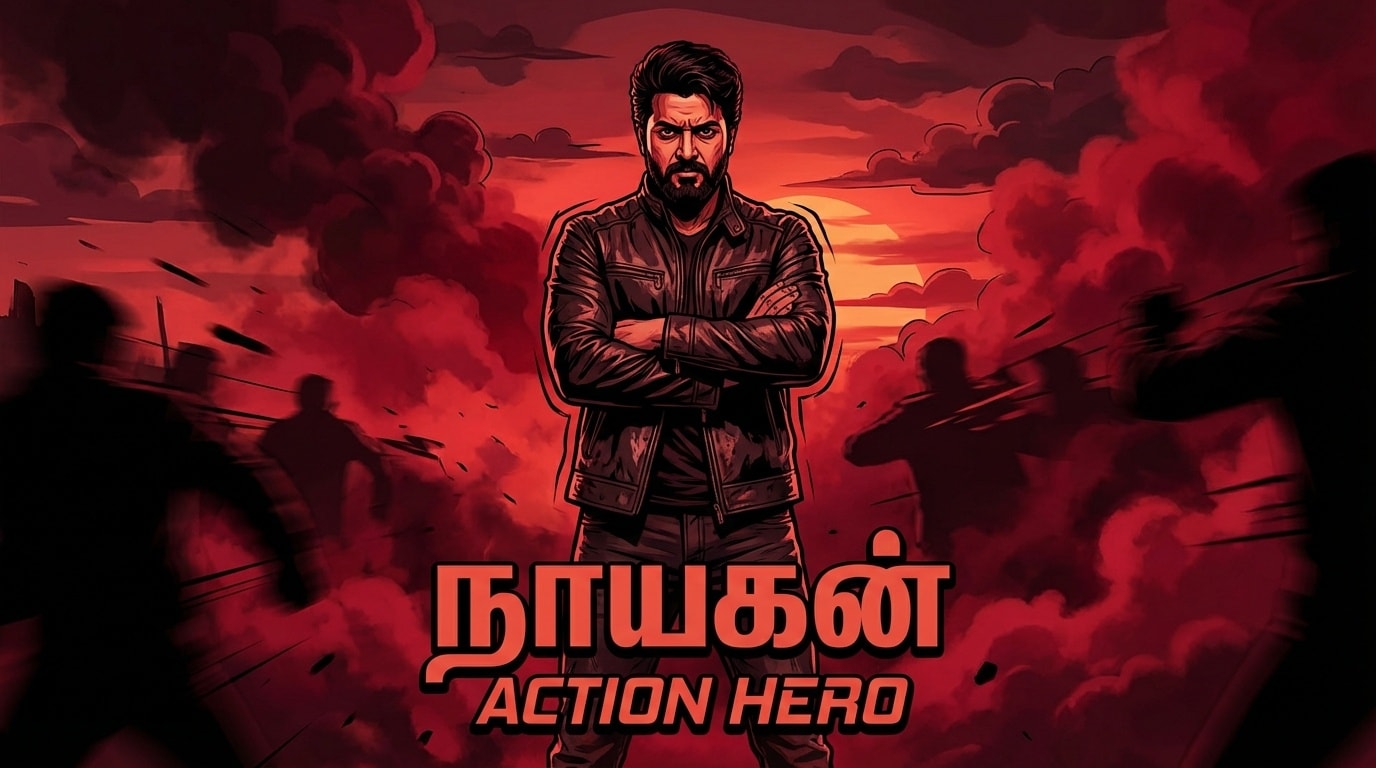
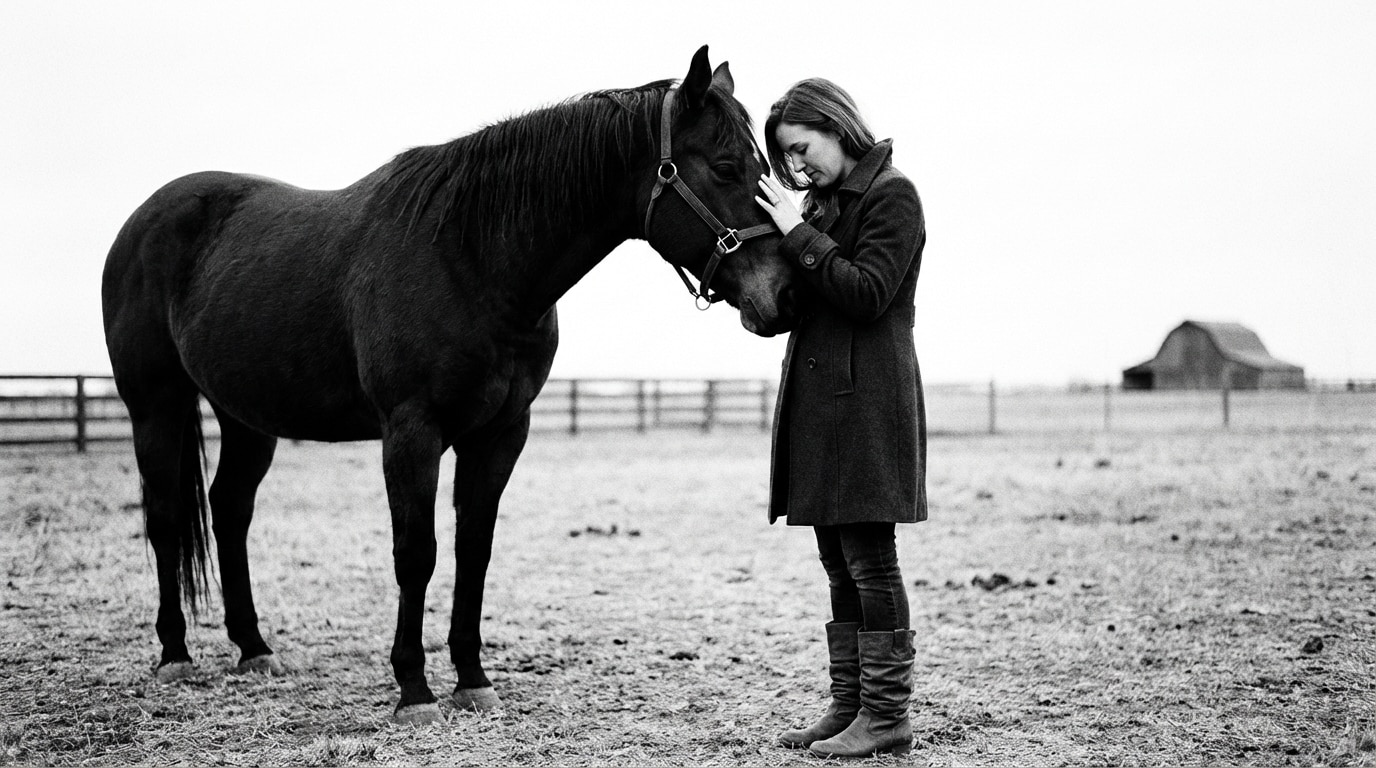
20+ Trending Gemini Prompts for Photos:
Instant AI Copy & Paste
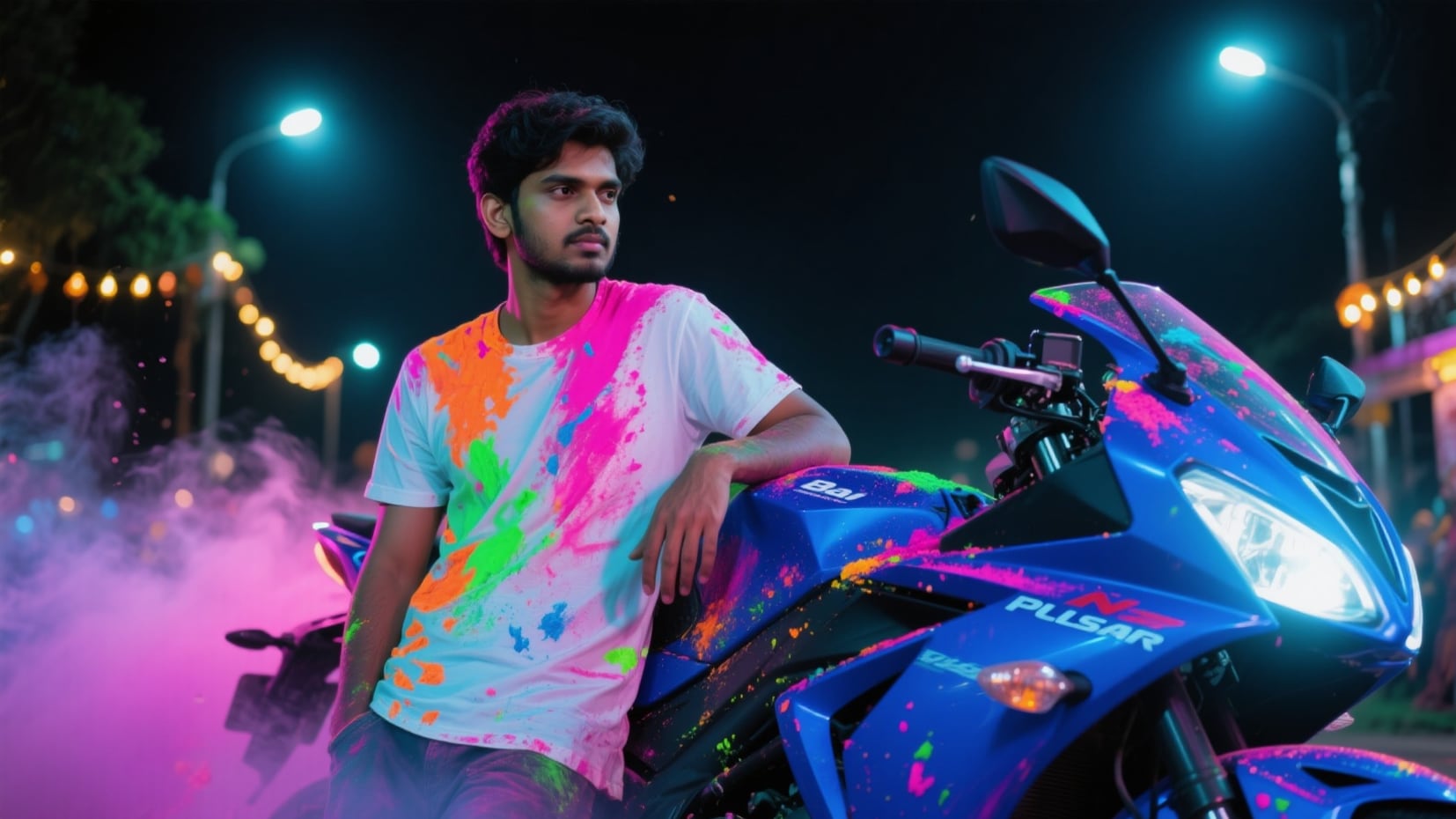
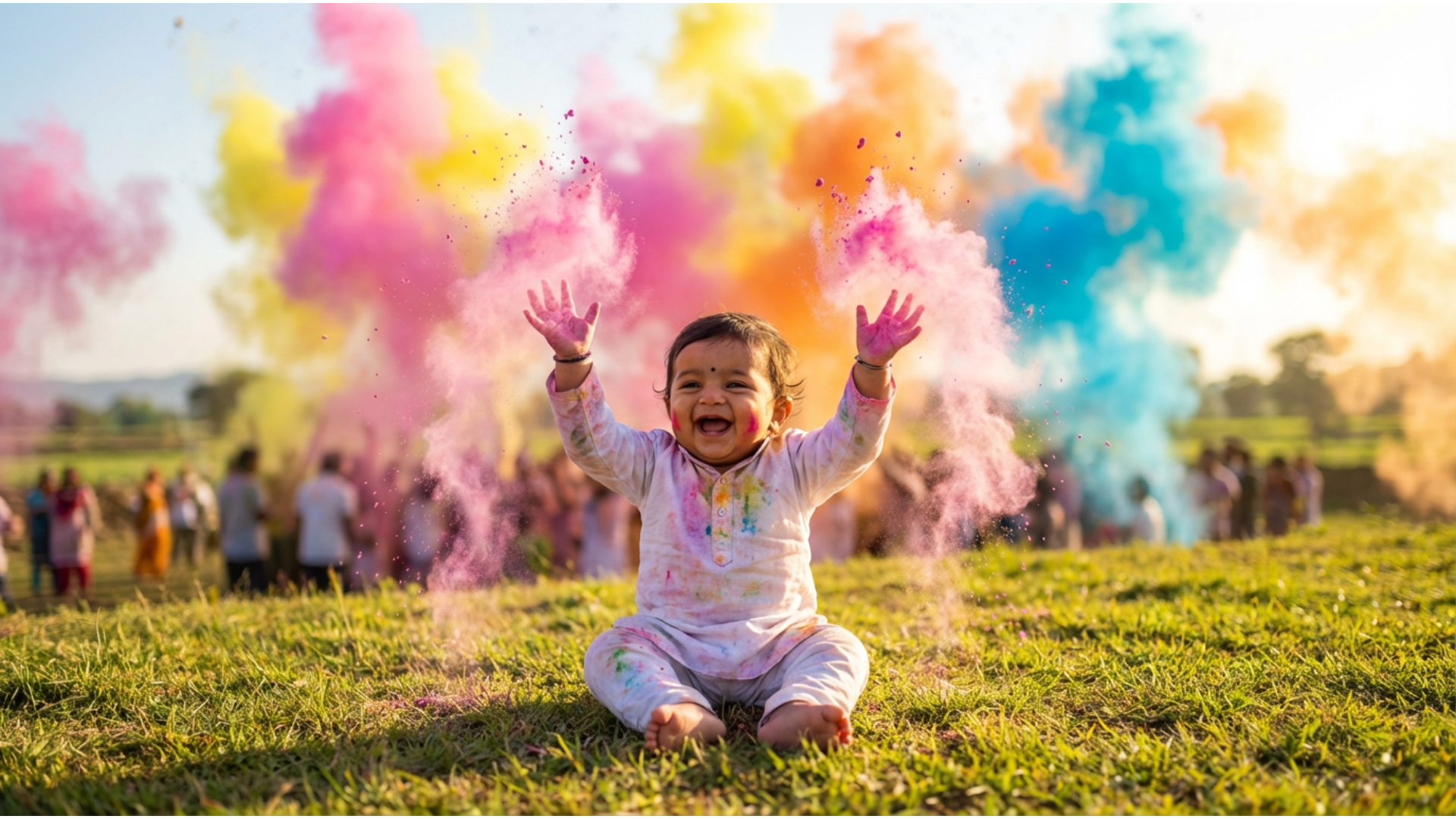
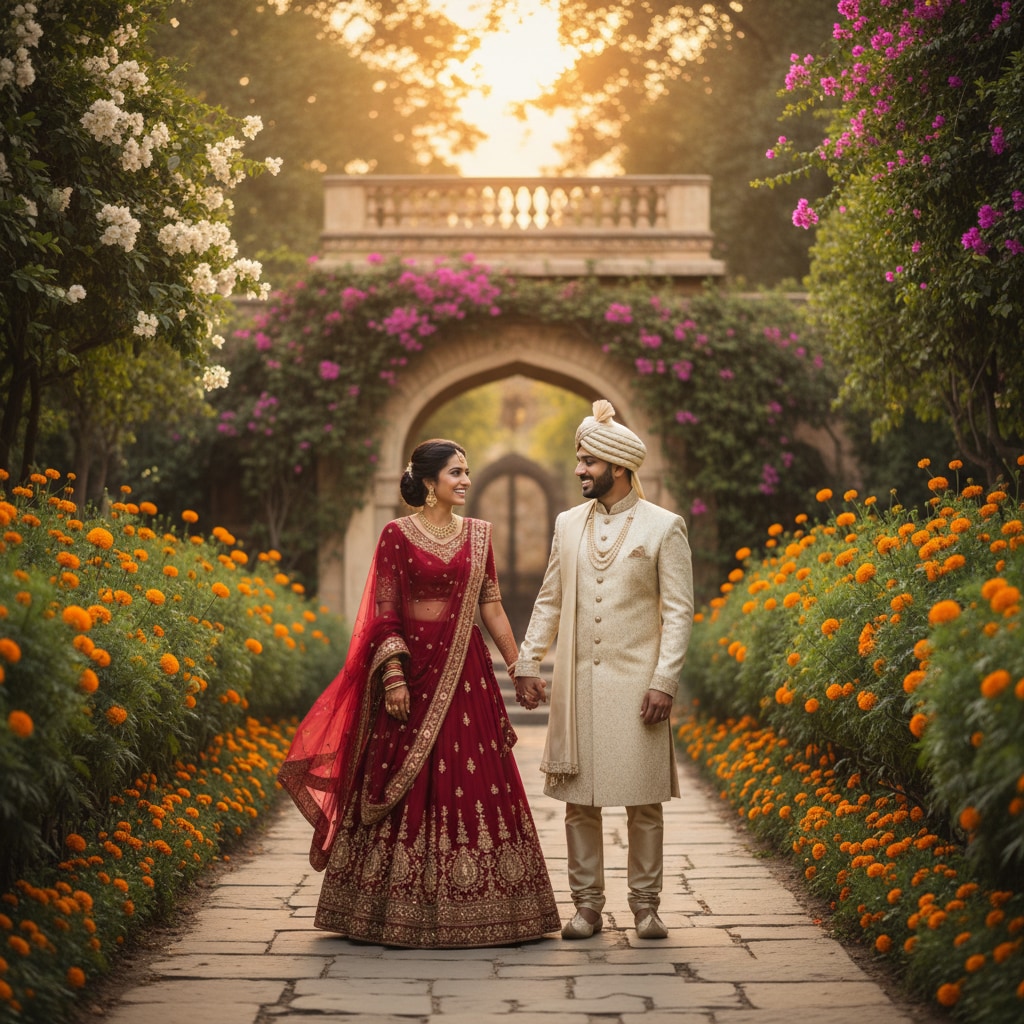
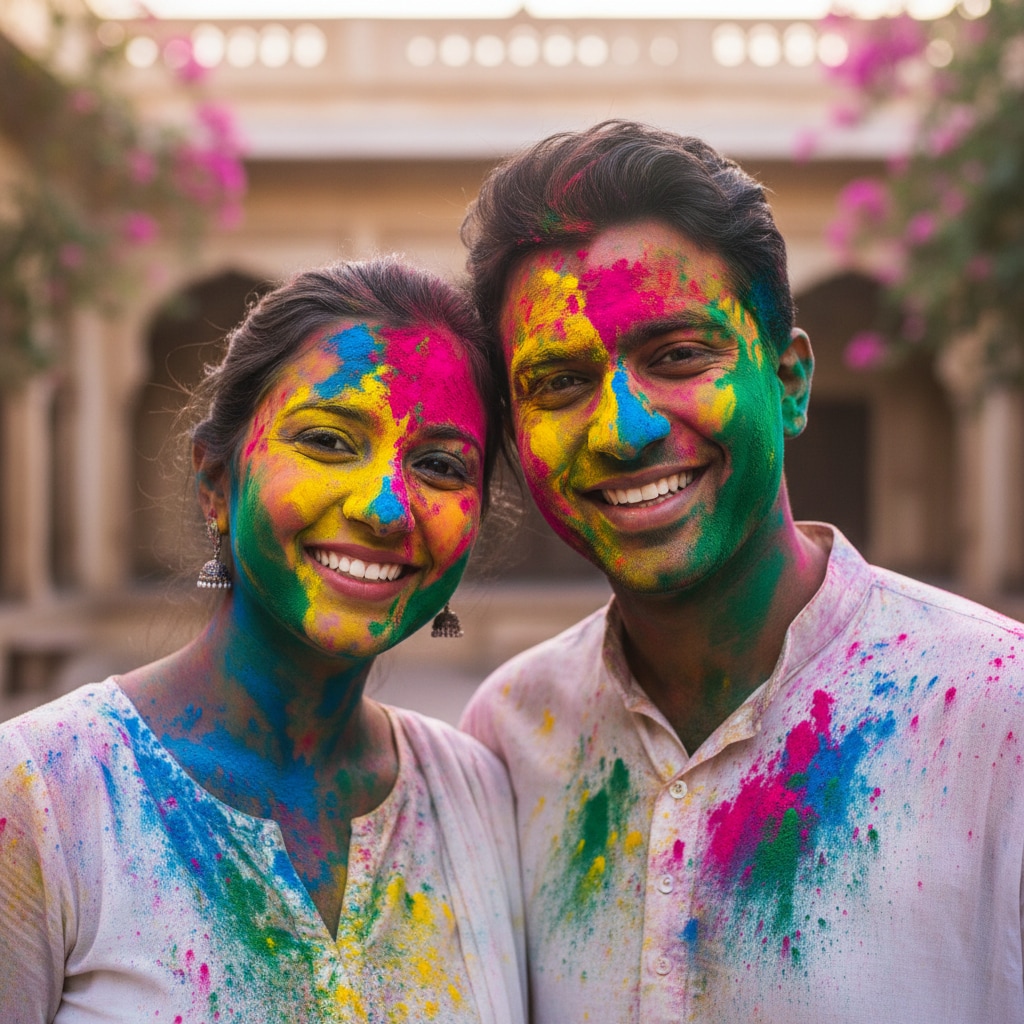
Struggling to write the perfect prompt? These AI templates are engineered based on the most searched viral gemini prompt structures—from cinematic lighting to the popular gemini ghibli prompt style. Simply select a template, paste it into the Nano Banana Pro engine, and generate high-fidelity images that look like professional photography. Perfect for social media engagement, YouTube thumbnails, or creative inspiration.
Loading more templates...
 Category:
 Duration:
 Aspect Ratio:
Create Viral Content with
Nano Banana Pro & Gemini Prompts
A viral post isn’t just about luck—it’s about the visual hook. With Filmora’s new Nano Banana Pro mode, you can interpret complex trending gemini prompts for photos with pixel-perfect accuracy. Whether you want to generate a gemini ghibli prompt scene, animate a static photo into a viral video, or apply AI-powered edits, our tools give you the professional edge to stand out on any feed.
Generate Viral Visuals with Nano Banana Pro Mode
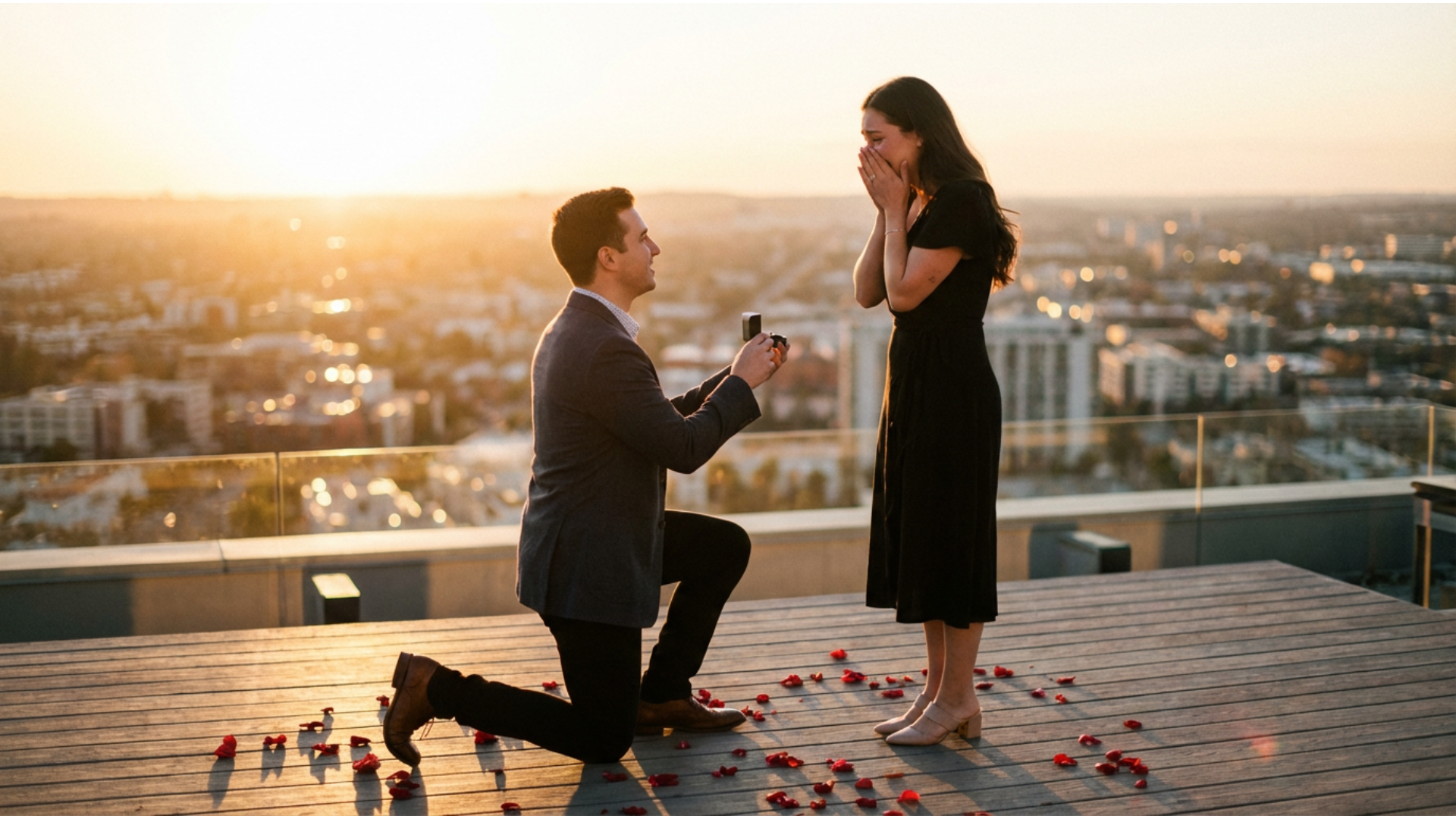
Generate Viral Visuals with Nano Banana Pro Mode
Unlock the full potential of your imagination with the Nano Banana Pro engine, designed to interpret detailed viral gemini ai prompts with stunning realism. Whether you are aiming for a nostalgic gemini ghibli prompt aesthetic or a futuristic cyberpunk look, this mode ensures every pixel pops on social feeds.
- Precision Prompt Rendering – Perfectly executes complex descriptions for maximum engagement.
- Style Versatility – Switch between anime, cinematic, and surreal styles instantly.
- High-Res Output – Generates crystal-clear images ready for Instagram and TikTok trends.
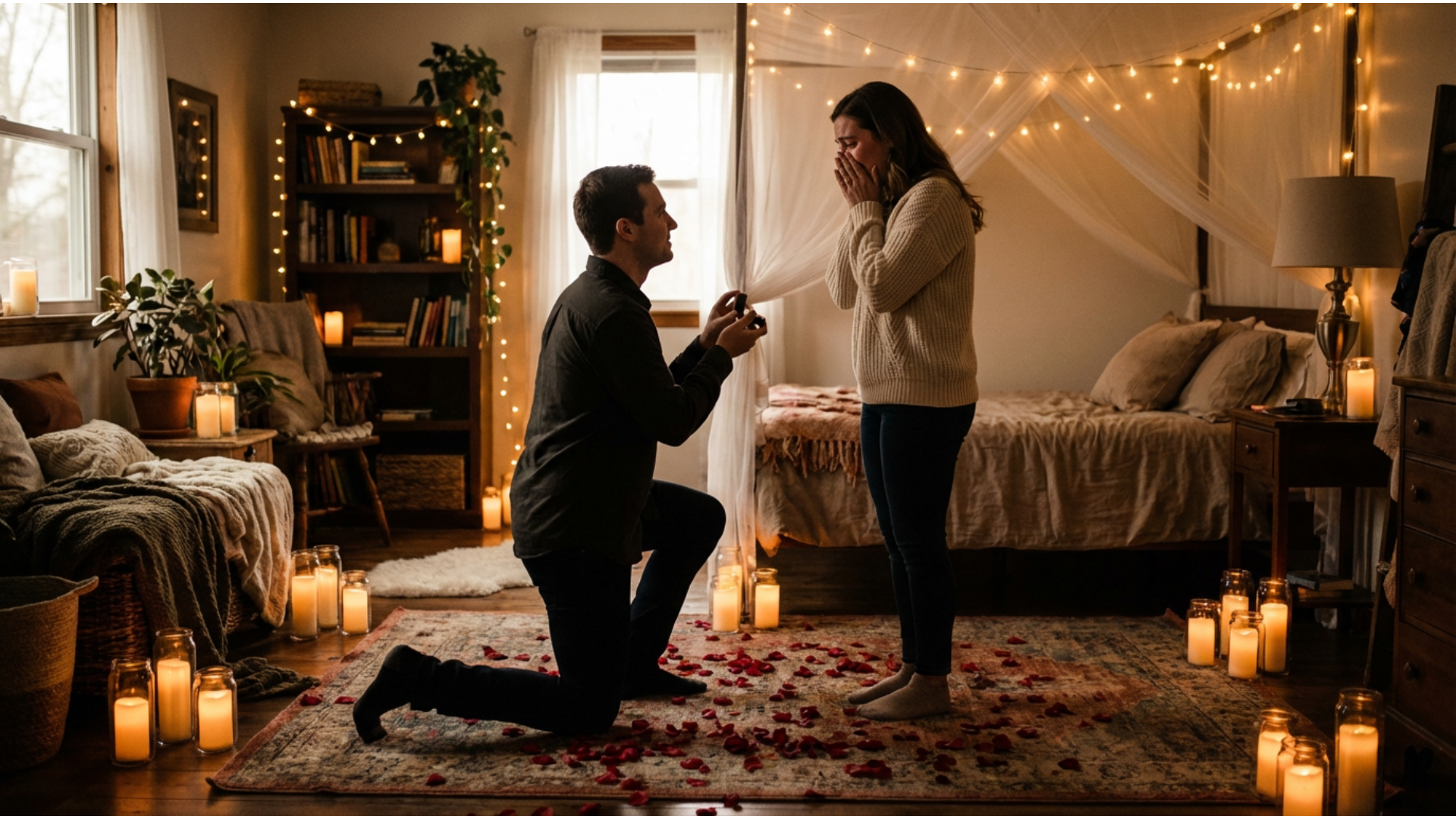
Transform Static Photos into Trending Viral Videos
Transform Static Photos into Trending Viral Videos
Don't just stop at a still image; breathe life into your creations by converting your gemini ai photo prompt results into dynamic motion clips. This feature analyzes the composition of your generated art and adds fluid movement, making it perfect for Reels, Shorts, and TikTok trends.
- One-Click Animation – Instantly turn any Nano Banana Pro image into a mesmerizing video loop.
- Motion Control – Adjust the intensity of movement to match the mood of your viral prompt.
- Social-Ready Formats – Export directly in vertical ratios optimized for mobile viewing.
- Photo-to-Video Magic – Make any static viral prompt image into moving, shareable video magic.
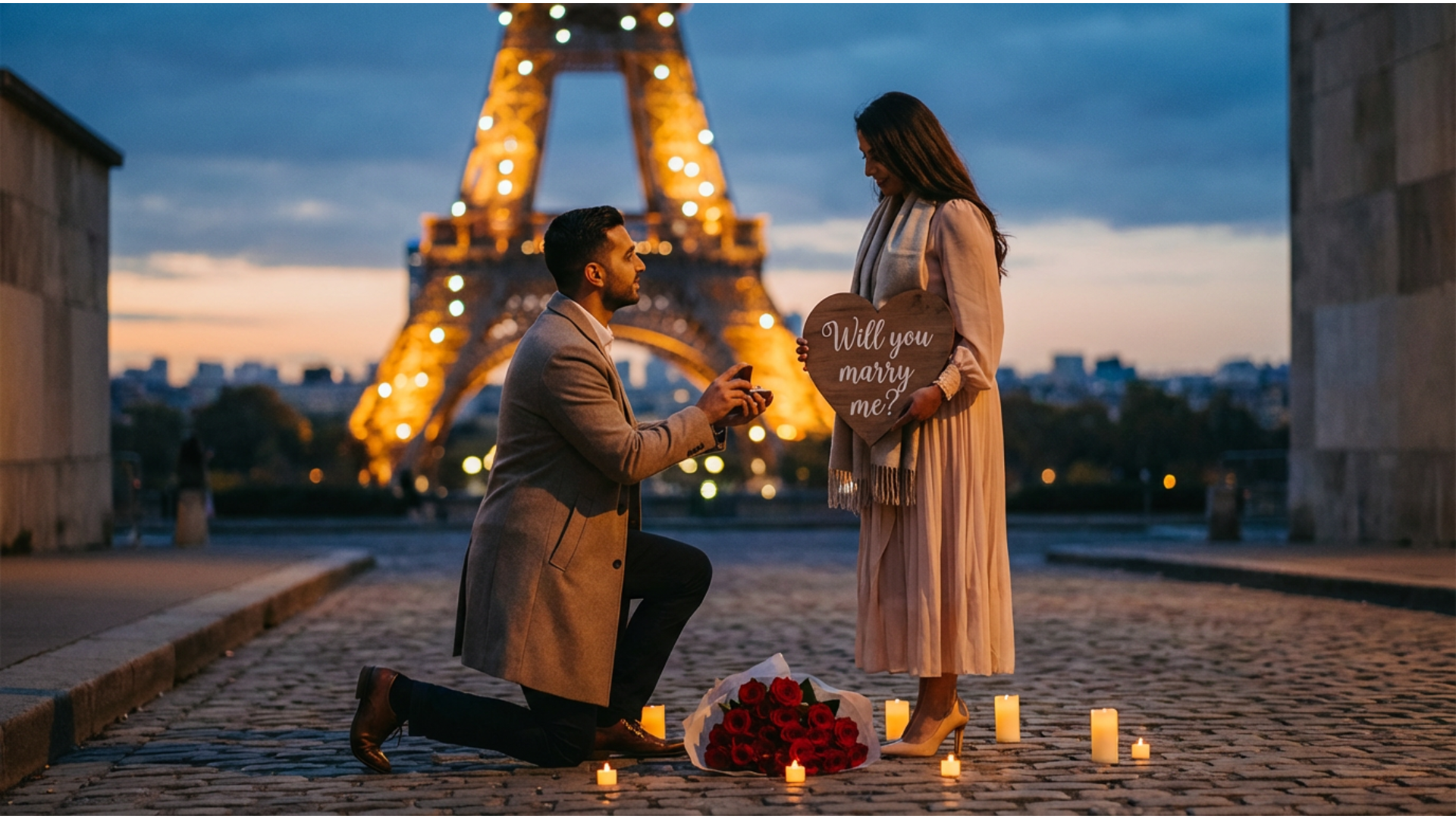
Replicate Success with Nano Banana Pro Templates
Replicate Success with Nano Banana Pro Templates
Why start from scratch? Access a curated library of pre-configured templates based on the most successful google gemini viral prompt trends. These templates allow you to plug in your specific details while maintaining the proven aesthetic structure that algorithms love.
- 🚀 Trending Styles – Instant access to templates mimicking the latest Ghibli and cinematic trends.
- 🎨 Customizable Assets – Easily tweak colors, lighting, and subjects within the template.
- ⚡ Efficiency Booster – Create professional-grade content in seconds, not hours.
Refine Reality with Viral Photo Editing Prompts

Refine Reality with Viral Photo Editing Prompts
Take your existing photos to the next level using AI-driven editing prompts inspired by Gemini's capabilities. Describe the edit you want—like "add a Ghibli sky" or "cyberpunk color grade"—and watch as the gemini photo editing prompt viral feature intelligently transforms specific areas of your image.
- Smart Context Awareness – Understands natural language commands for complex edits.
- Style Transfer – Apply viral art styles to standard smartphone photography instantly.
- Seamless Integration – Blends AI elements naturally with your original footage for a professional finish.
FAQs About Viral Gemini AI Prompts
How to Create Viral Images with Filmora
Popular on TikTok and Instagram, viral gemini ai prompt effects let you make trending photos or videos in seconds. This guide shows beginners how to generate a personalized viral image using AI tools—no design experience required!
Step 1 Open the AI Image Generator

Step 2 Enter Your Viral Gemini Prompt

Step 3 Download and Edit Your Viral Image
-
1:Open the AI Image Generator
Start Filmora, create a new project, go to "Stock Media", and select "AI Image" to get started. -
2:Enter Your Viral Gemini Prompt
Select the Nano Banana Pro model, enter your viral gemini prompt (such as a trending aesthetic), and click "Generate" to instantly create your image. -
3:Download and Edit Your Viral Image
Preview the generated image, click download, drag it into your project for further editing, animation, or export/share it directly.