
Explore Top Backrooms Prompt Templates
Unlock unsettling resources designed to construct liminal nightmares. From endless yellow hallways to flickering fluorescent lights, find the perfect backrooms prompt to generate your next eerie viral masterpiece.
Loading more eerie liminal space prompts...
 Category:
 Duration:
 Aspect Ratio:
Why Generate AI Backrooms Content?
A compelling ai backrooms edit taps into the viral liminal space trend. Whether you're building a chilling lore channel or crafting surreal transitions, a precise backrooms prompt instantly summons that nostalgic, eerie feeling viewers crave 🚪.
Harness Powerful AI Models 🧠
Harness Powerful AI Models 🧠
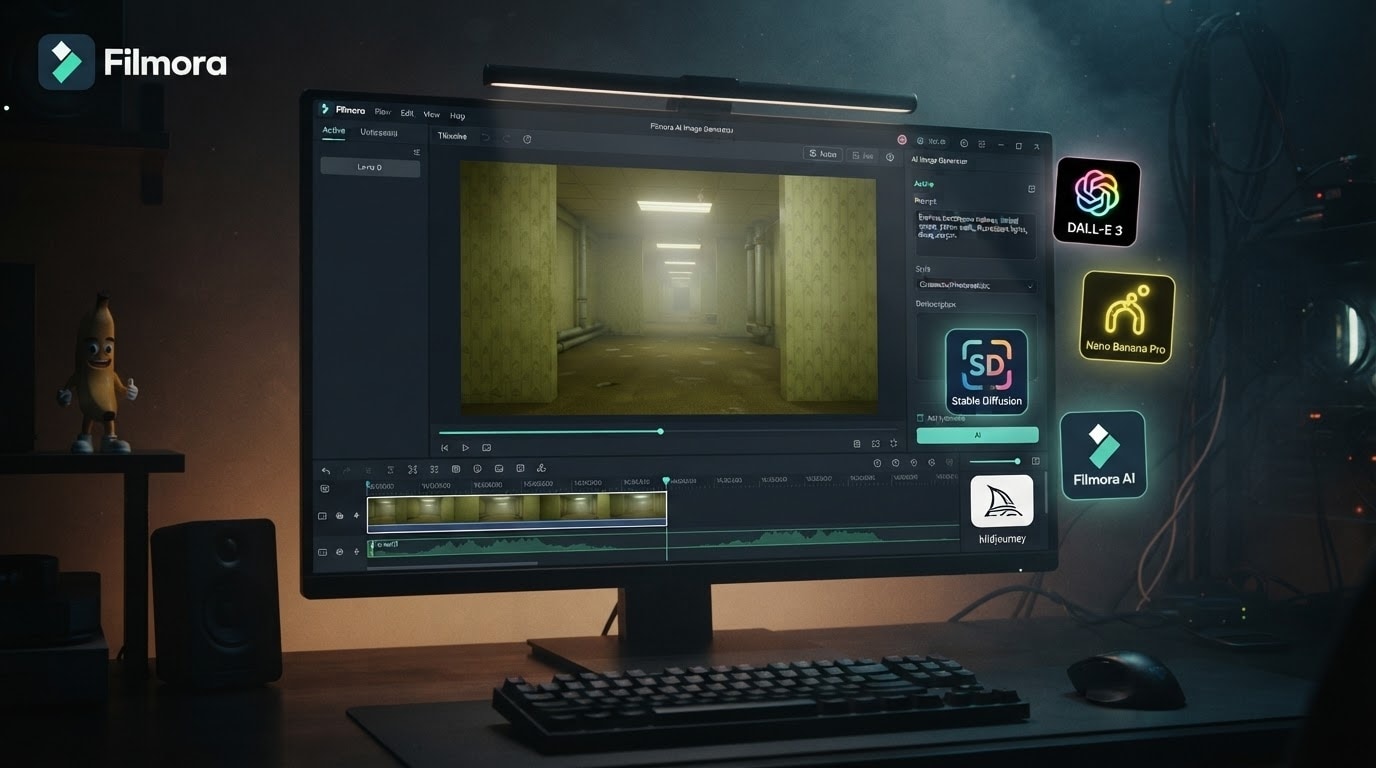
Why struggle with external tools when Filmora has it all? Our integrated Filmora AI Image Generator features top-tier engines like ChatGPT/DALL-E 3, Nano Banana 2, and Nano Banana Pro. Input your backrooms prompt directly on the timeline to spawn infinite, terrifying hallways without ever leaving the editor.
- All-in-One Workflow - Generate an ai backrooms image and edit it in seconds.
- Model Choice - Switch between DALL-E 3 and Nano Banana Pro for varied aesthetics.
- Seamless Integration - Drop your generated liminal space directly into your scary video project.
Perfect the Liminal Aesthetic 💡
Perfect the Liminal Aesthetic 💡
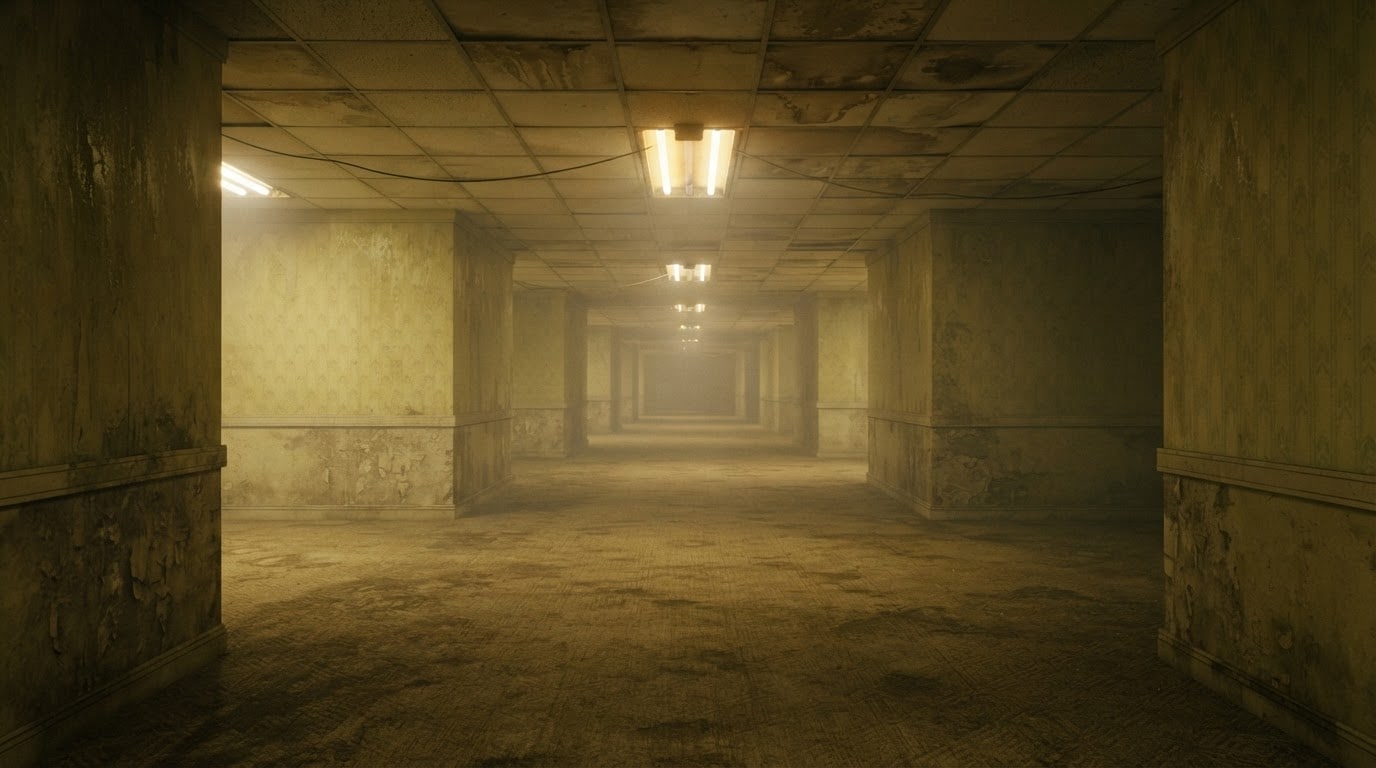
The secret to an authentic backrooms image lies in the details—flickering lights, damp yellow carpets, and endless corridors. Use our AI Copywriting tool to refine your text inputs and generate the most unsettling, accurate backrooms environments imaginable.
- Eerie Lighting - Spawn realistic fluorescent buzz visuals.
- Nostalgic Textures - Generate authentic damp carpets and peeling wallpaper.
- Infinite Maze - Create seamless looping hallways for YouTube Shorts.
Enhance the Horror With AI Assets 👻
Enhance the Horror With AI Assets 👻
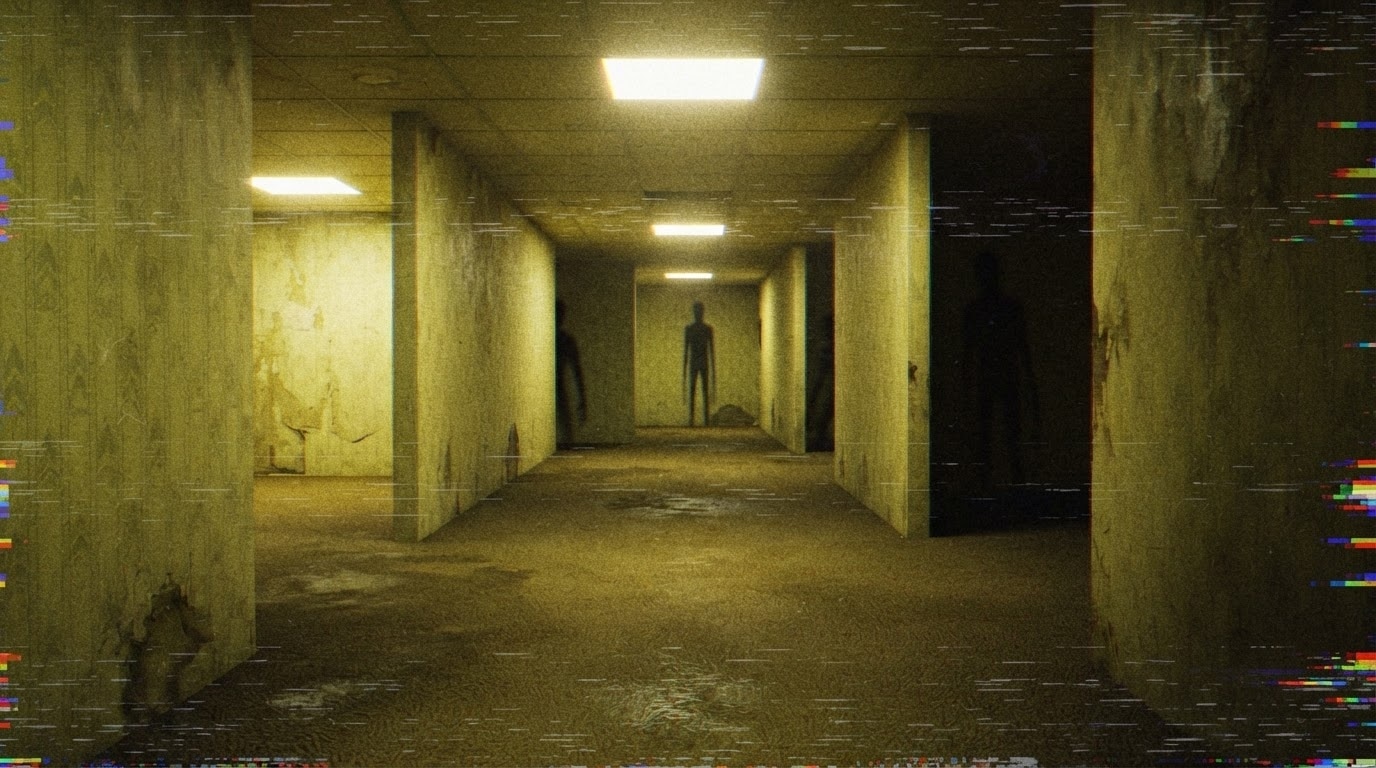
A static image isn't enough. Bring your ai backrooms image to life using Filmora’s AI Stickers and dynamic effects. Add glitch overlays, VHS static, and creepy entity shadows to make your liminal space edits truly terrifying and viral-ready.
- Entity Generation - Use AI Stickers to hide monsters in the background.
- VHS Effects - Apply vintage filters to match found-footage lore.
- Glitch Transitions - Transition between different backrooms levels seamlessly.
Go Viral With Chilling Lore Videos 📈
Go Viral With Chilling Lore Videos 📈
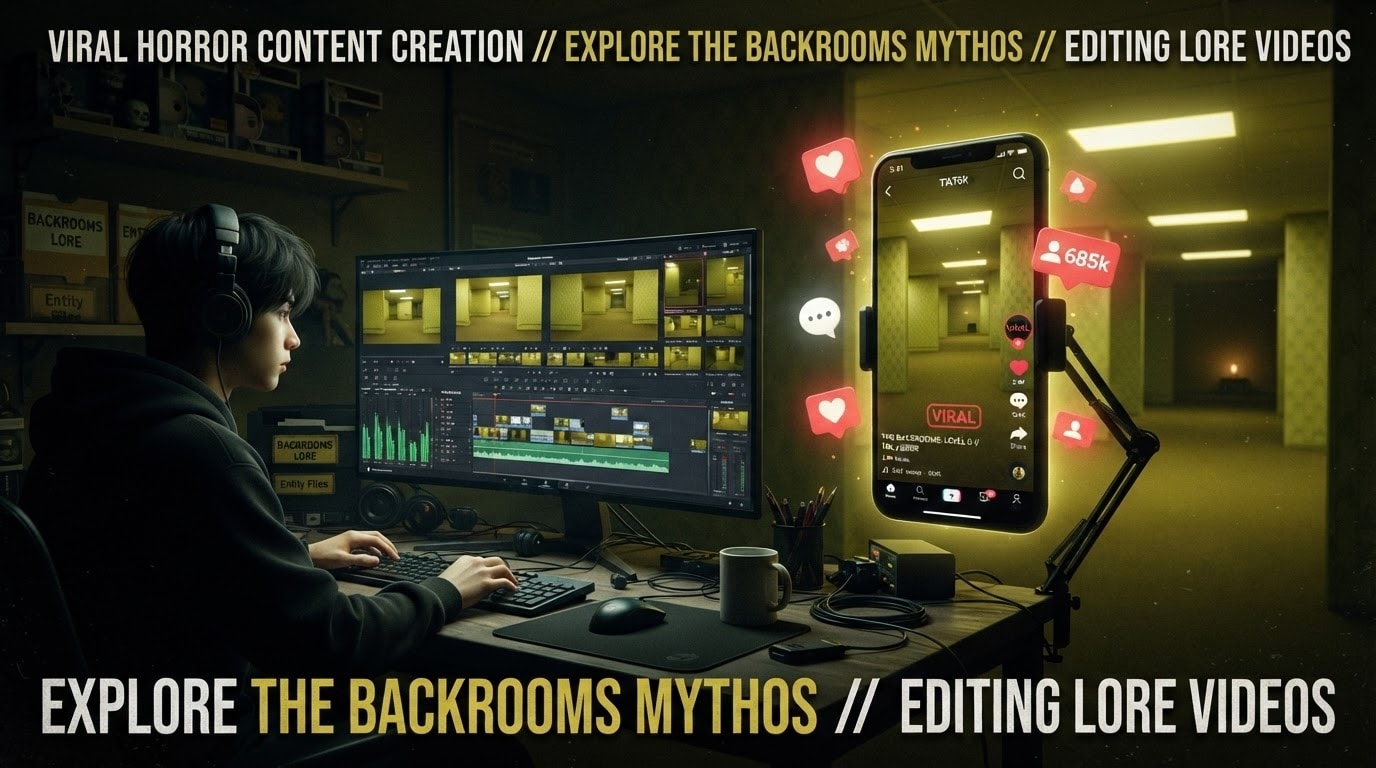
The internet is obsessed with liminal spaces. By mastering the perfect backrooms prompt, you can rapidly produce high-quality lore videos that captivate TikTok and YouTube audiences. Let Filmora’s AI handle the visuals while you tell the terrifying story.
- Rapid Production - Generate assets instantly for daily uploads.
- Engage Viewers - High-retention content perfect for horror fans.
- Professional Polish - Elevate your ai backrooms content with cinematic grading.
Frequently Asked Questions About Backrooms Prompts
How to Generate an Eerie AI Backrooms Image With Prompts
Construct your own infinite, unsettling liminal spaces using Filmora's powerful integrated AI engines and the perfect backrooms prompt.
Step 1 Enter Your Backrooms Prompt

Step 2 Select Your Preferred AI Model

Step 3 Generate and Edit the Nightmare

-
1:Enter Your Backrooms Prompt
Open Filmora's AI Image Generator. Type in a detailed backrooms prompt—describe the yellow wallpaper, damp carpets, and flickering fluorescent lights to set the eerie mood 🚪. -
2:Select Your Preferred AI Model
Choose between Filmora's built-in ChatGPT/DALL-E 3, Nano Banana 2, or Nano Banana Pro models. Each offers a unique interpretation of an ai backrooms setting, giving you total creative control 🧠. -
3:Generate and Edit the Nightmare
Hit generate to conjure your terrifying ai backrooms image. Drag it directly onto your timeline to add VHS effects, creepy soundscapes, and share your lore on TikTok or YouTube 👻.








