
Featured Pet Templates
Discover our most popular pet templates for all your animal content needs.
Loading more pet templates...
 Category:
 Duration:
 Aspect Ratio:
Why Choose Filmora Pet Templates?
Professional quality meets effortless creativity for your pets
Professional Quality Pet Templates
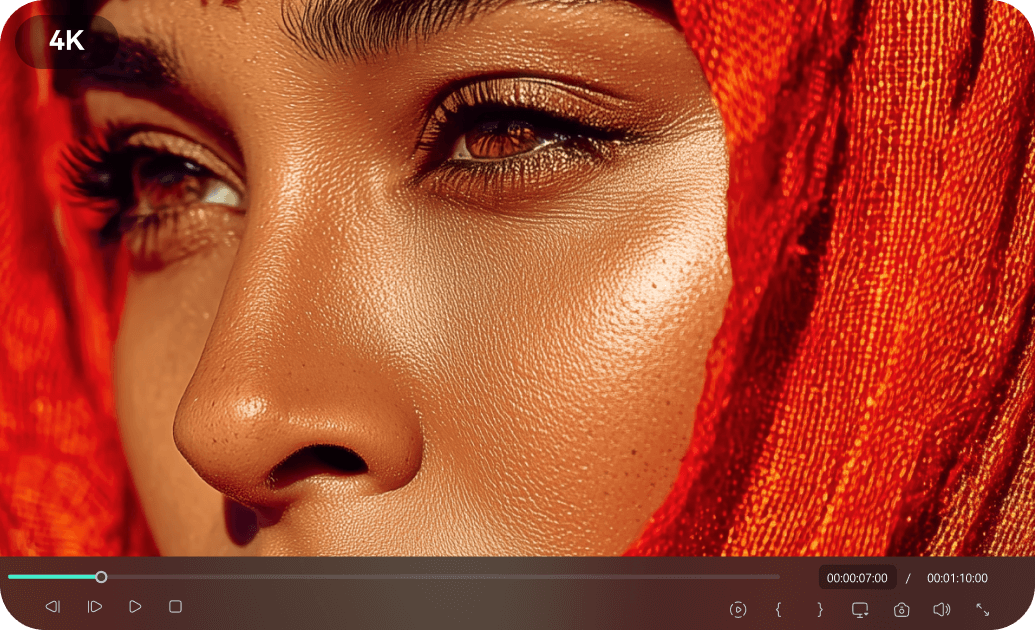
Professional Quality Pet Templates
Studio-grade pet templates crafted by industry professionals with attention to every detail for your furry friends. Each template undergoes rigorous quality control to ensure excellence that makes your pet content shine.
- 4K resolution support with crystal-clear output quality for pets
- Color-graded by professional colorists for adorable looks
- Compatible with industry-standard editing practices for pet content
Easy Customization for Pet Templates
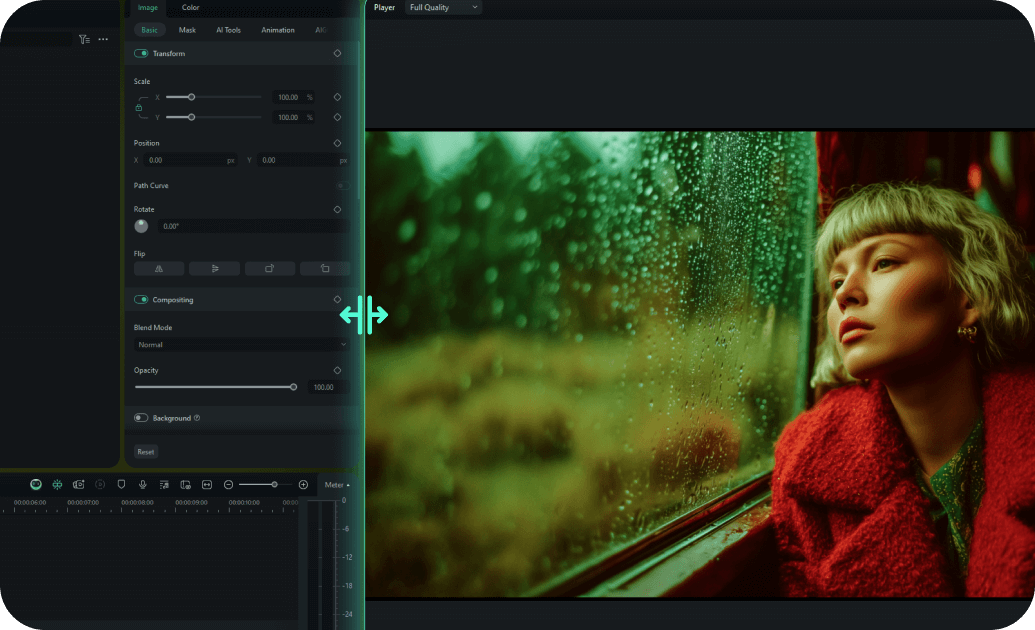
Easy Customization for Pet Templates
Drag-and-drop interface allows you to customize any pet template in minutes, not hours. Our intuitive design system makes professional pet video editing accessible to creators of all skill levels.
- One-click text and media replacement system for pet templates
- Smart color matching that adapts to your pet's aesthetic
- Pre-built animation presets for quick customization of pet videos
- Real-time preview with instant feedback for pet content
Multiple Formats for Pet Templates

Multiple Formats for Pet Templates
Every pet template available in 16:9, 9:16, and 1:1 aspect ratios for all platforms. Create content that looks perfect whether it's for YouTube, Instagram, TikTok, or traditional broadcast for your pets.
- Automatic aspect ratio conversion with smart cropping for pet videos
- Platform-optimized export settings for social media pet content
- Responsive design elements that adapt to any format for pet templates
- Cross-platform compatibility guaranteed for your animal footage
Instant Download of Pet Templates

Instant Download of Pet Templates
Download and start using pet templates immediately with lifetime access and updates. No waiting, no subscriptions - just instant access to premium pet templates whenever you need them for your animal content.
- Immediate download after purchase confirmation for pet templates
- Lifetime access with free template updates for pet content
- Cloud storage backup for easy re-downloading of pet templates
- No recurring fees or subscription requirements for your pet videos
Frequently Asked Questions about Pet Templates
How to Apply Pet Templates in Filmora
Create professional pet videos in just a few simple steps, no advanced technical skills required.
Step 1 Browse & Select Pet Templates
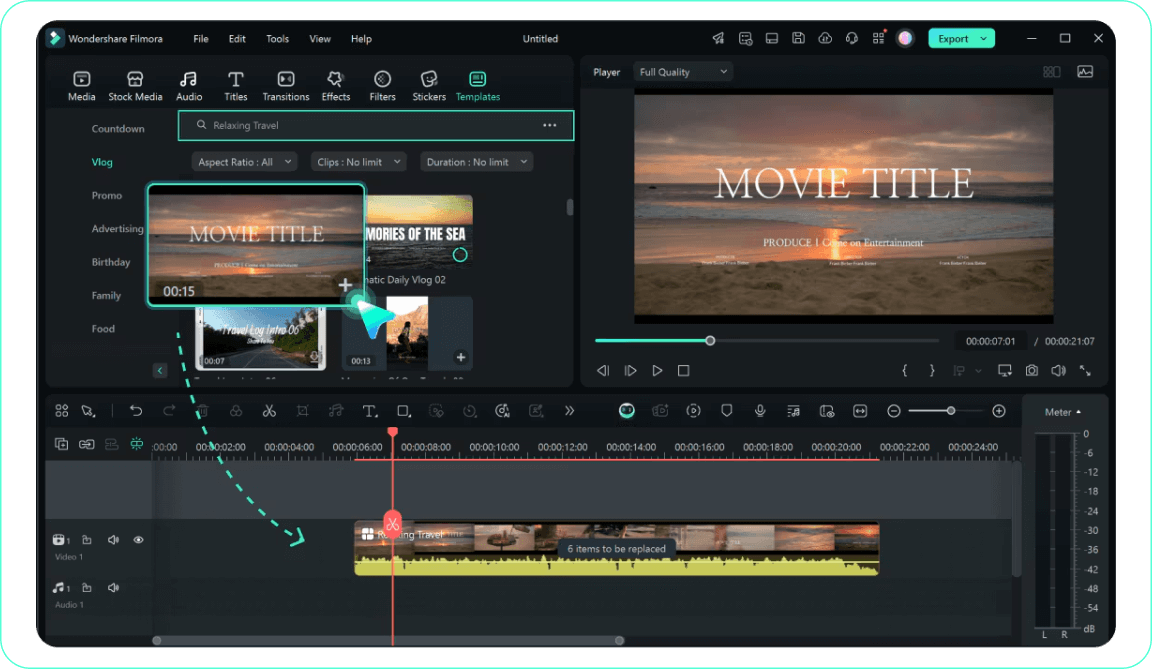
Step 2 Download Pet Template
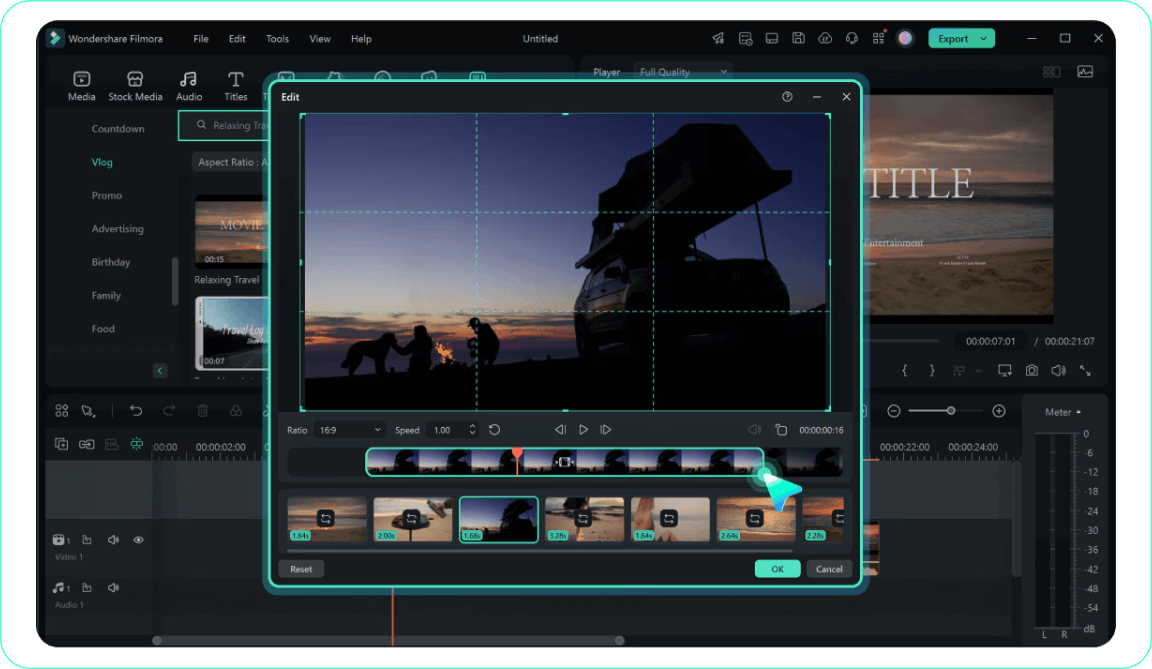
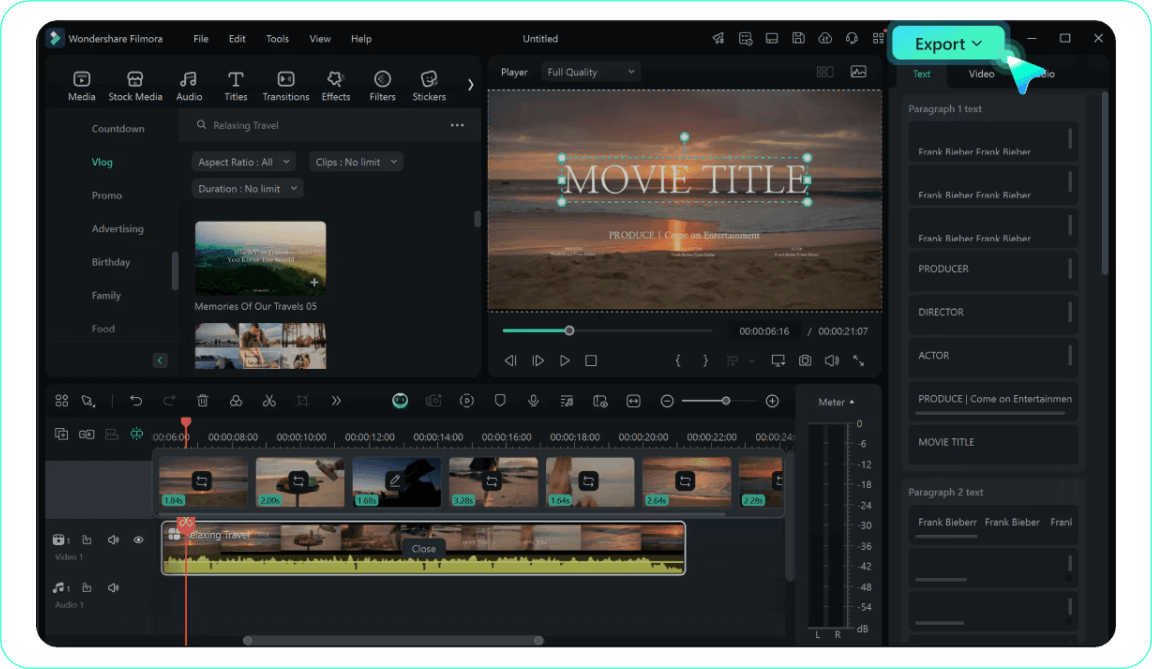
Step 3 Import Pet Template to Filmora
-
1:Browse & Select Pet Templates
Browse our pet template collection and click on any template to preview it. Use filters to find pet templates by category, aspect ratio, or style. -
2:Download Pet Template
Click the download button to get the pet template file. It will be saved to your downloads folder and ready to import into Filmora. -
3:Import Pet Template to Filmora
Open Filmora and import the pet template file. Drag it to your timeline and start customizing the text, colors, and media to match your vision for your pet.
Explore More Video Template Themes
Discover other video template categories for every occasion




