

G2 Crowd
Shorty Awards

GetApp
Why Choose Nano Banana AI Image Editor & Generator
- Native 4K output for sharp, platform-ready visuals.
- Clear, readable text inside posters, covers, and thumbnails.
- One-sentence edits for background, lighting, and objects.
- Consistent characters across a series of images for creators.
Powerful Nano Banana AI Image Generator & Editor Features
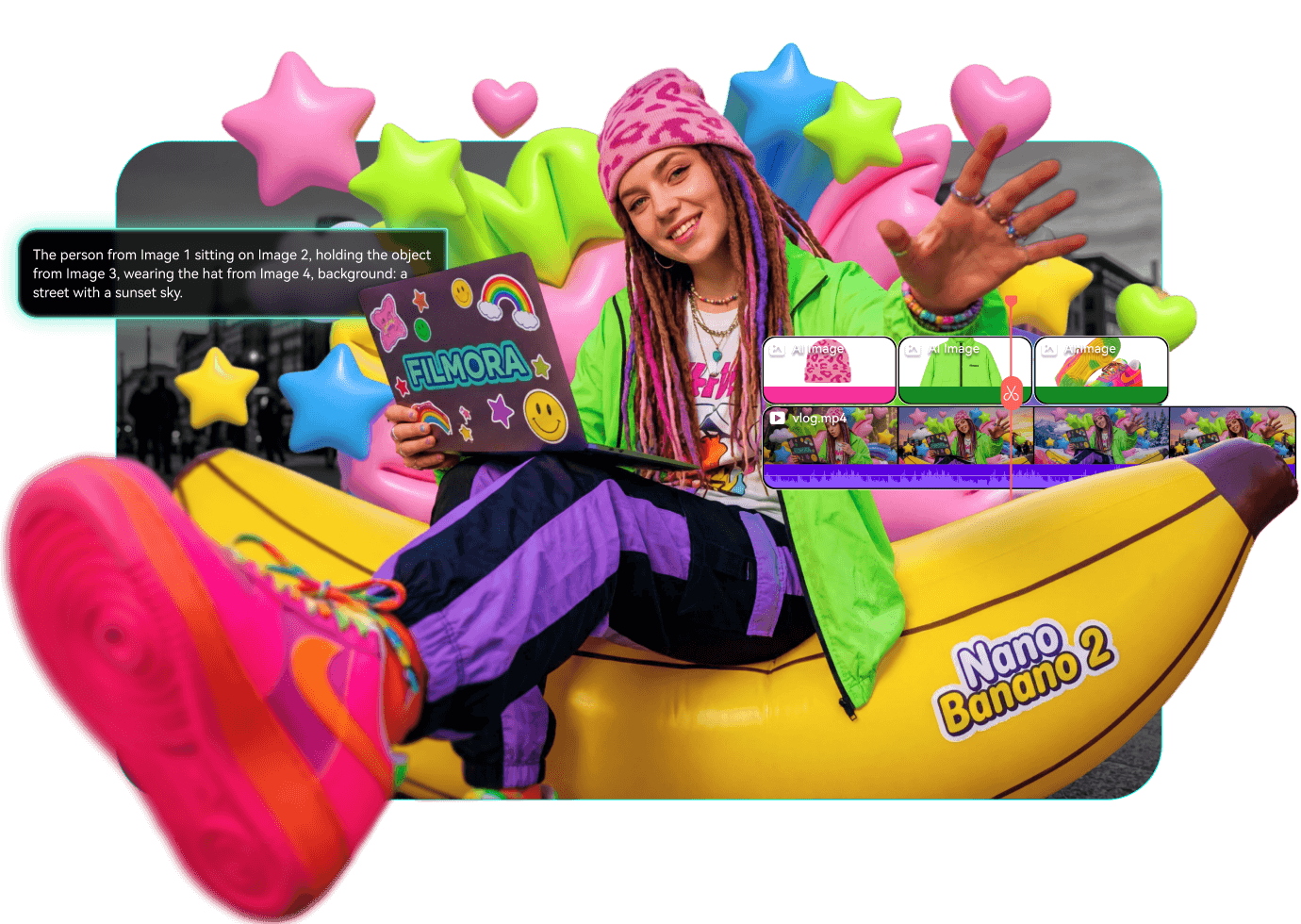
Create stunning visuals faster with Nano Banana inside Filmora. Generate high-quality images, edit visuals with simple prompts, and produce consistent assets for thumbnails, posters, and video projects—all powered by next-generation AI image technology.
Generate Native 4K Images for Professional Visuals
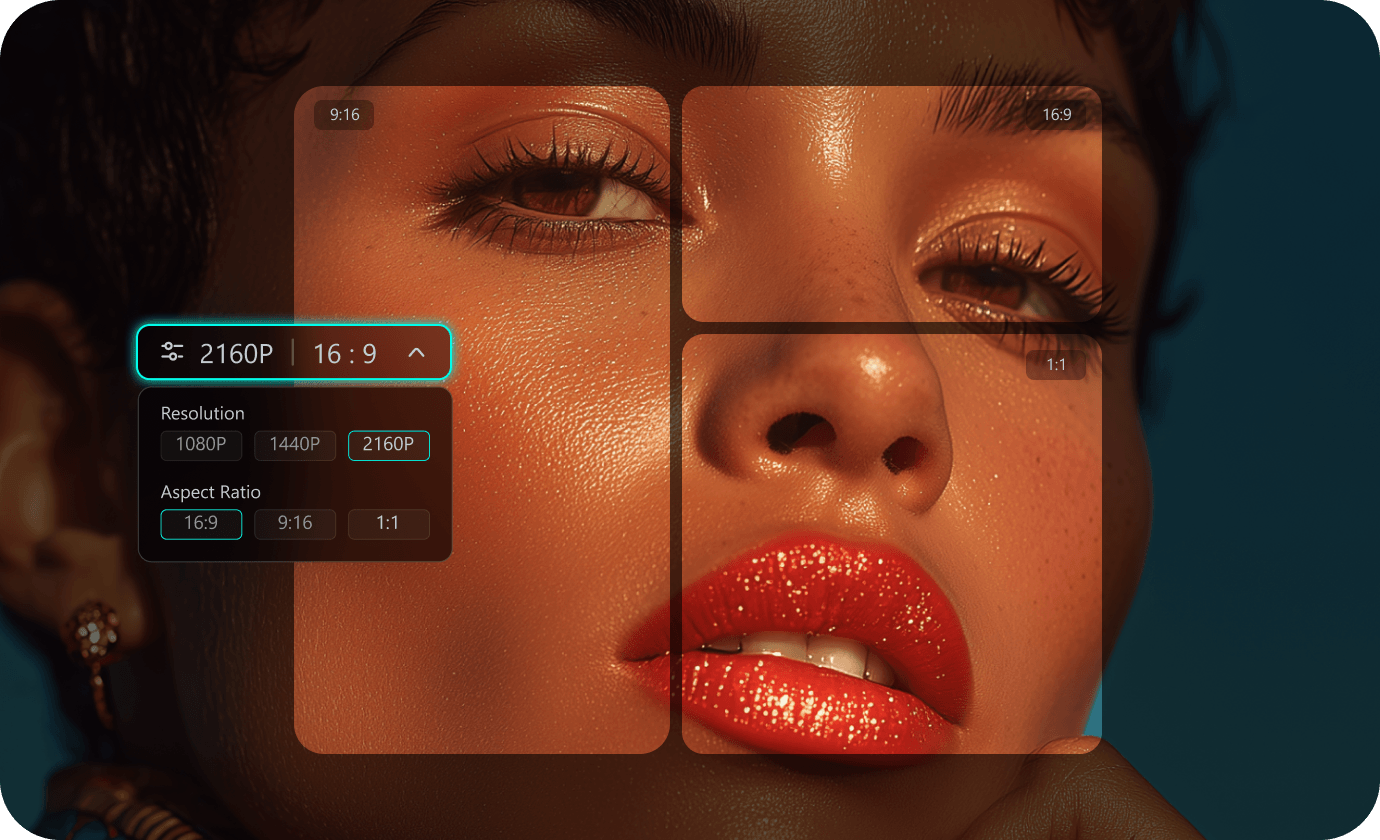
Generate Native 4K Images for Professional Visuals
Create high-resolution AI images ready for real content production. Nano Banana 2 supports native 4K output, making your thumbnails, posters, and social visuals sharp and platform-ready.
- Produce native 4K images with rich details and sharp clarity
- Create visuals optimized for YouTube, social media, and marketing content
- Generate images in multiple aspect ratios like 16:9, 1:1, and 9:16
- Export production-ready assets without quality loss
Create Posters and Thumbnails with Accurate AI Text
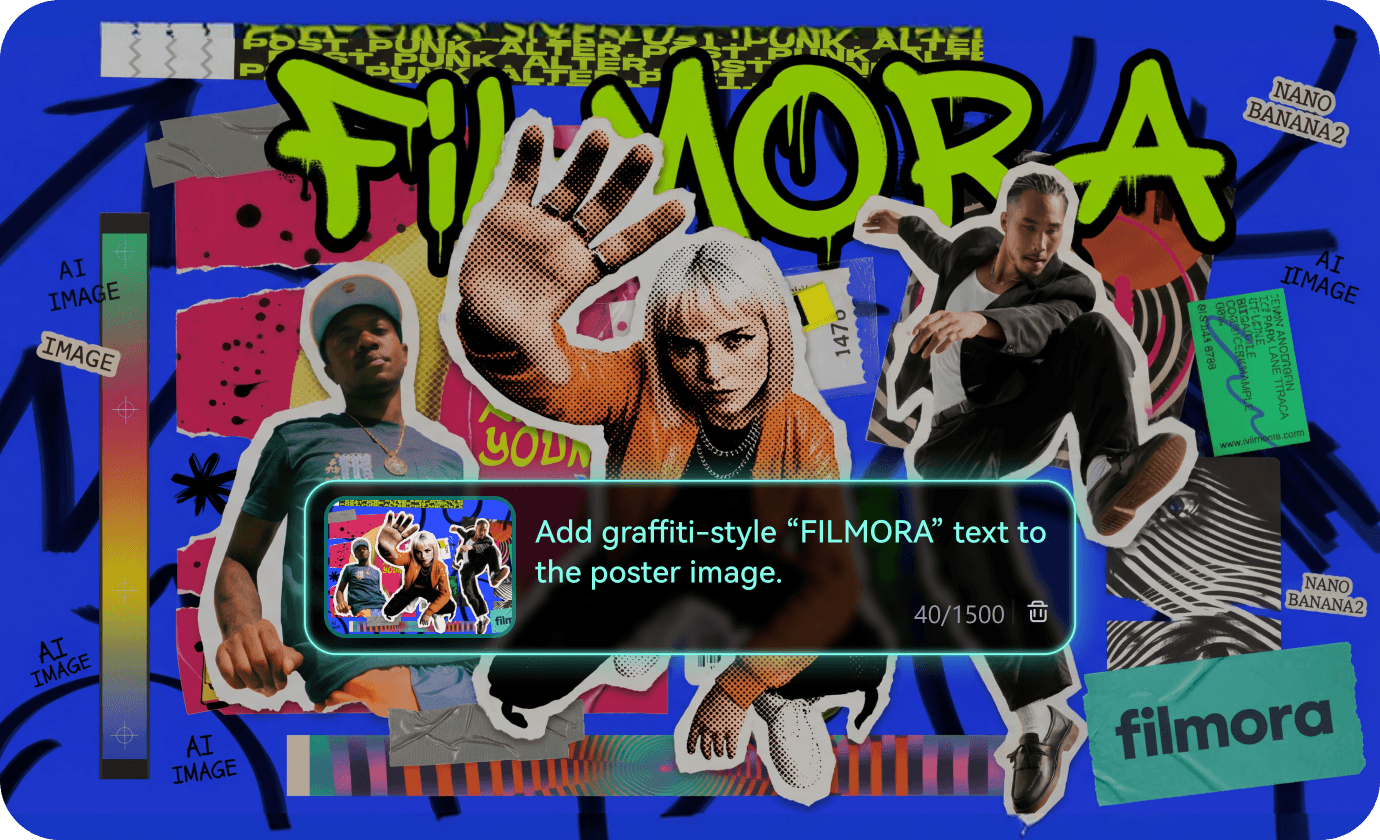
Create Posters and Thumbnails with Accurate AI Text
Design images with clear and readable text directly inside the visual. Nano Banana 2 improves text rendering so titles, captions, and graphic elements appear naturally in posters and covers.
- Generate thumbnails with readable titles and captions
- Design posters and covers with integrated text elements
- Maintain natural font placement and visual balance
- Reduce the need for additional graphic editing tools
Edit Images Instantly with Simple Prompts
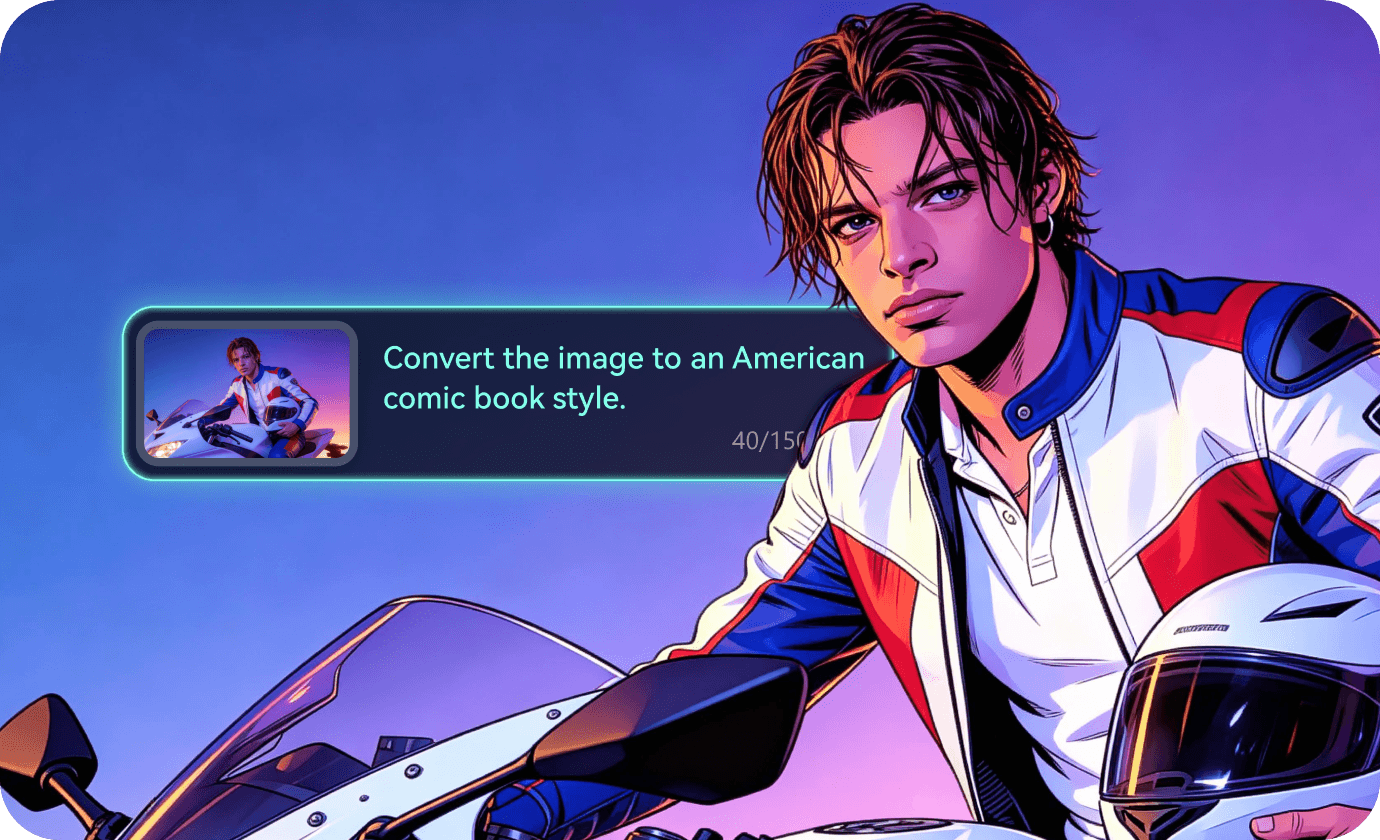
Edit Images Instantly with Simple Prompts
- Replace backgrounds, objects, or environments instantly
- Adjust lighting, colors, and visual mood with prompts
- Transform images into different styles such as cinematic, 3D, or illustration
- Iterate quickly to test multiple creative ideas
Keep Characters and Visual Styles Consistent
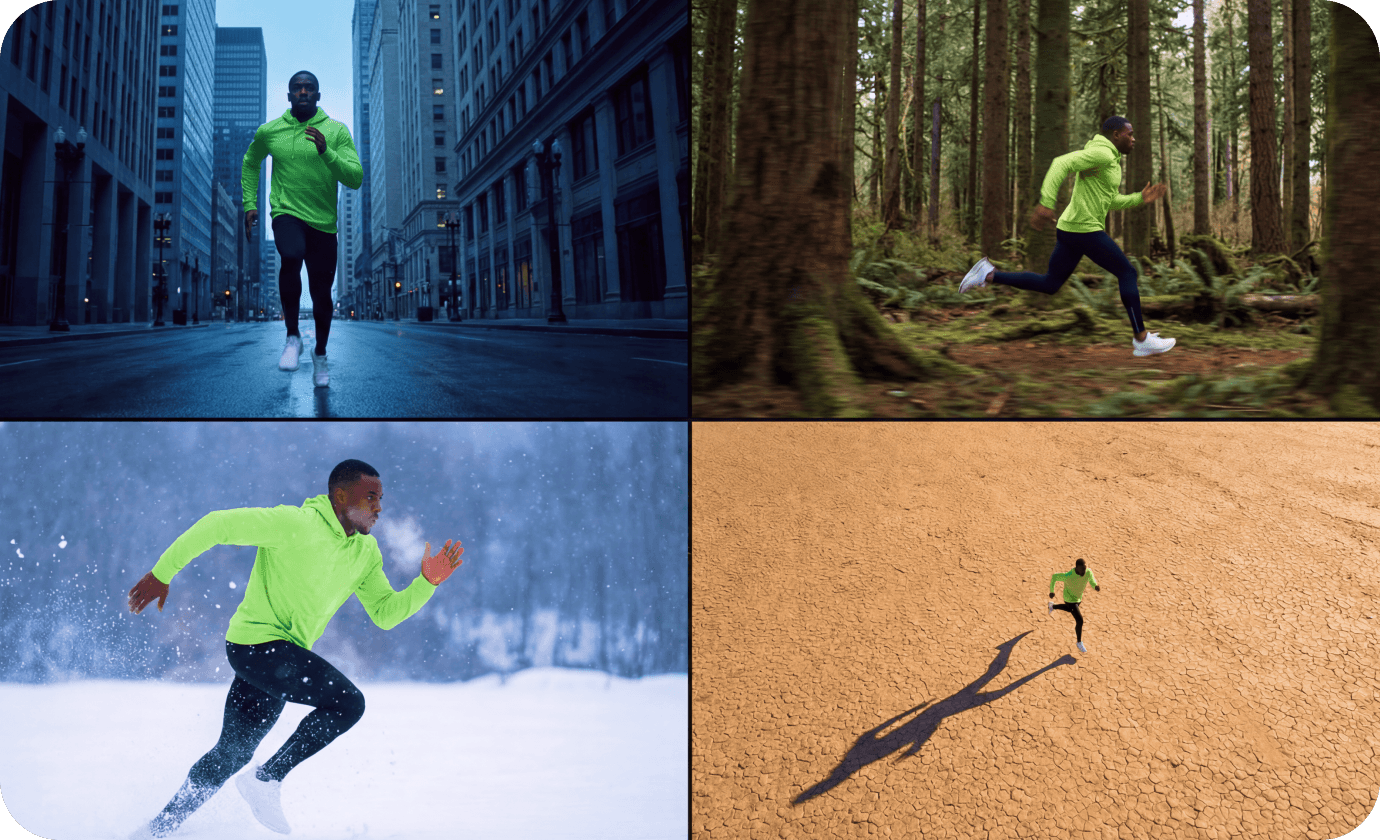
Keep Characters and Visual Styles Consistent
- Generate images with consistent characters and environments
- Keep visual style unified across multiple scenes
- Build story sequences or visual narratives easily
- Create cohesive assets for video storytelling
Turn AI Images into Video Assets in Filmora
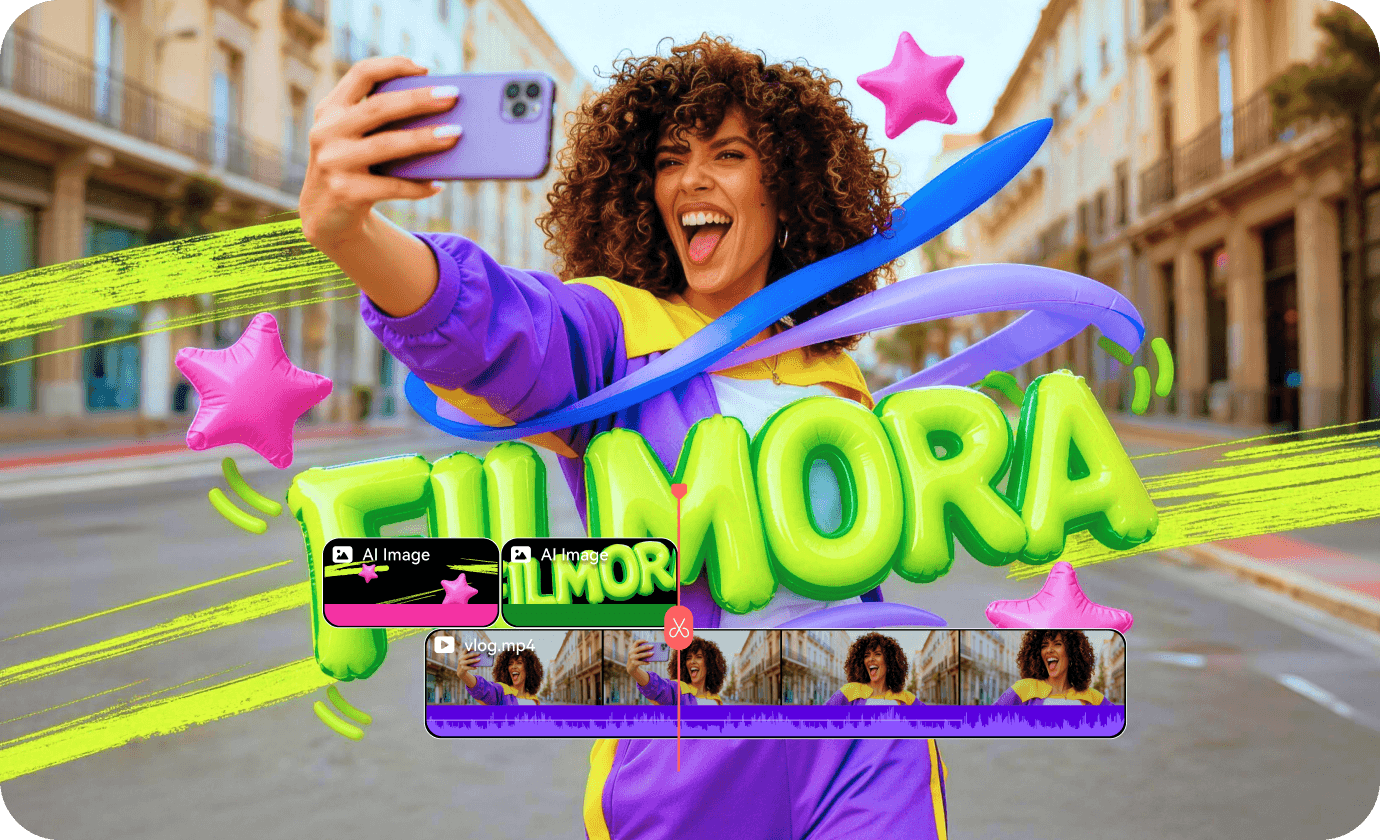
Turn AI Images into Video Assets in Filmora
- Generate thumbnail images directly for video content
- Use AI visuals as scene illustrations or background elements
- Quickly add generated images into Filmora editing projects
- Speed up the entire visual creation to video production workflow
Nano Banana 2 vs Nano Banana Pro
Choose between lightning-fast AI generation or professional studio-grade control for your creative assets.
| Category | Nano Banana 2 | Nano Banana Pro |
|---|---|---|
| Strength | Flash speed with production-ready specs and iteration. | Studio-quality control, advanced composition, strong text rendering. |
| Native 4K | Yes (up to 4K) | Yes (2K/4K options) |
| Text in images | Improved precision text rendering. | Strong for posters, mockups, localization. |
| Best for creators | Thumbnail packs, social covers, fast testing loops. | Brand systems, complex promos, precise layouts. |
How to generate or edit image using Nano Banana
Create high-quality AI images in seconds using Nano Banana models inside Filmora. Simply describe your idea, generate visuals, and use them directly in your video projects.
Step 1 Open AI Image and Choose a Nano Banana Model

Step 2 Generate or edit with a prompt
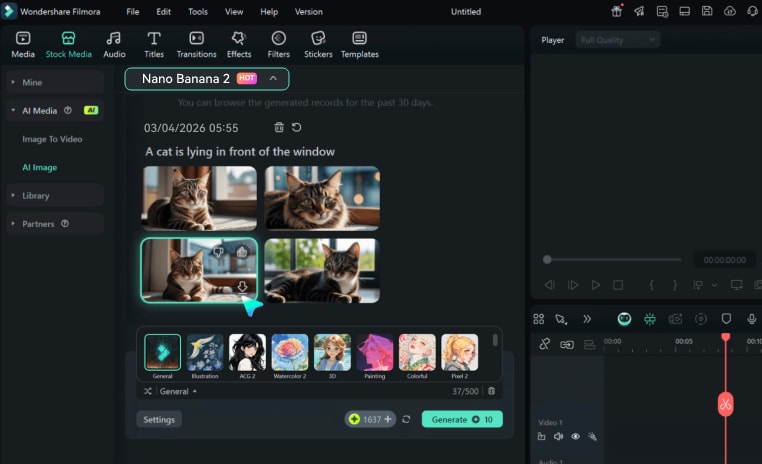
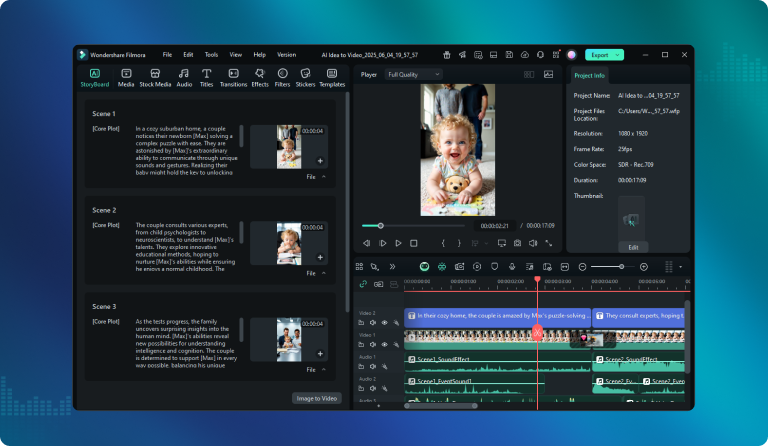
Step 3 Download assets or edit on timeline
-
1:Open AI Image and Choose a Nano Banana Model
Launch Filmora and start a new project. Go to Stock Media → AI Media → AI Image, then choose your preferred model, such as Nano Banana 2 or Nano Banana Pro. -
2:Generate or edit with a prompt
Write a descriptive prompt and choose your preferred style, aspect ratio, and resolution to generate a unique piece of AI art. -
3:Download assets or edit on timeline
Download your custom images or drag them onto the timeline to start professional photo adjustments and video creation.
Master Prompt Engineering with Ready-to-Use
Templates for Your AI Image Generator
Start your creative process with professional templates to define subjects, lighting, and cinematic styles for high-quality marketing assets. Simply copy these refined prompts to generate stunning visuals for your YouTube channel and social media projects instantly.
Add bold headline text: "3 EDITS THAT BOOST CLICKS" at the top, white sans-serif, high contrast.
Style: cinematic lighting, sharp detail, native 4K.
Each image uses a different background color and facial expression, but keeps the same style.
Native 4K, strong contrast, space for text on the left.
Headline text: "CREATOR BOOTCAMP" and subtitle: "One workflow. Faster publishing."
Style: modern, minimal, bright gradient, native 4K.
Keep the subject's face, hair, and clothing unchanged.
Add subtle rim light, keep skin texture natural.
Keep the subject identity consistent and preserve facial expression.
Increase depth of field slightly, native 4K.
Keep the same layout, colors, and font style.
Ensure the translated text is spelled correctly and remains readable.

What Our Users Are Saying
See why creators and brands trust Filmora for their Nano Banana image generation.